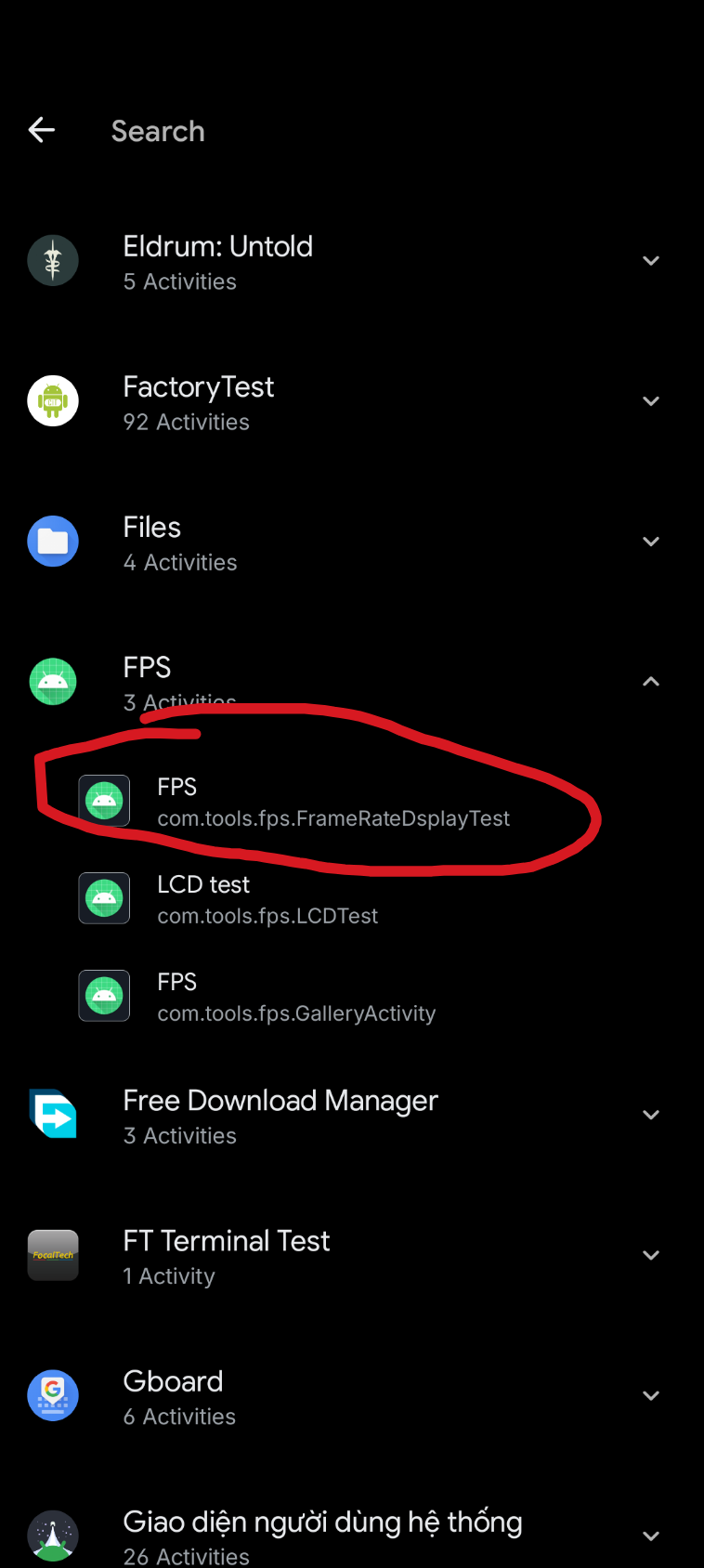
When you set the nothing phone 2a refresh rate to adapted, the screen will only stay at 120hz when at the home screen or in setting (also when you slide the top bar down when in app or use the swipe back gesture). Most other app will be at 90hz, so why not lock it at 90hz anyway?. To do this you will need and app that can lanch app activity (I’m using Shortcut maker). You would want to open Shortcut maker, chose the “activities” tab, find an app name “FPS” and launch the activity with the package name: “com.tools.fps.FrameRateDsplayTest”
After that you will change the timing ID to 2, press ok and that it. The phone now will go up to 90hz and still drop down to 60hz when watching video
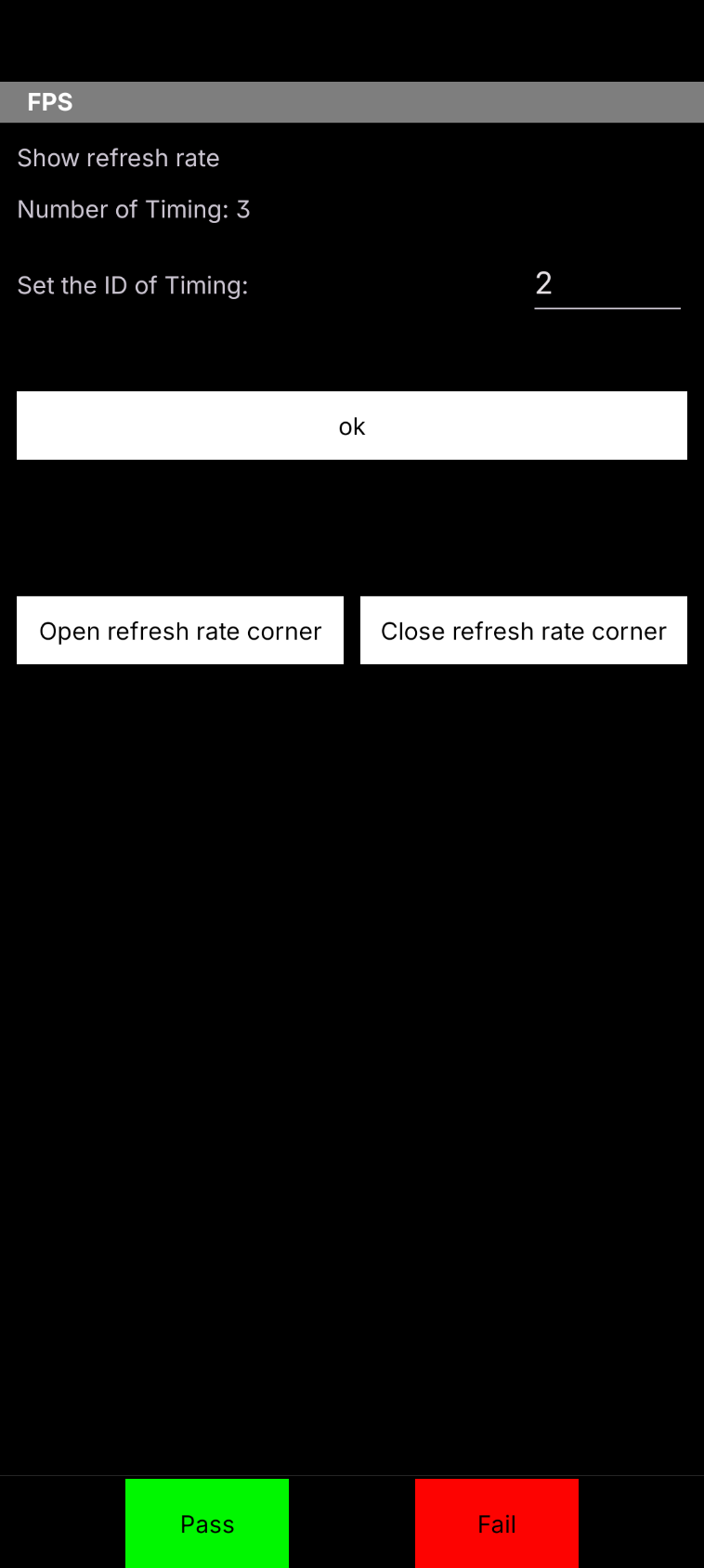
PS: change the id to 1 force the screen at 60hz, and 3 is just how it normal behave, reboot or change the refresh rate in setting reset it to nomal
