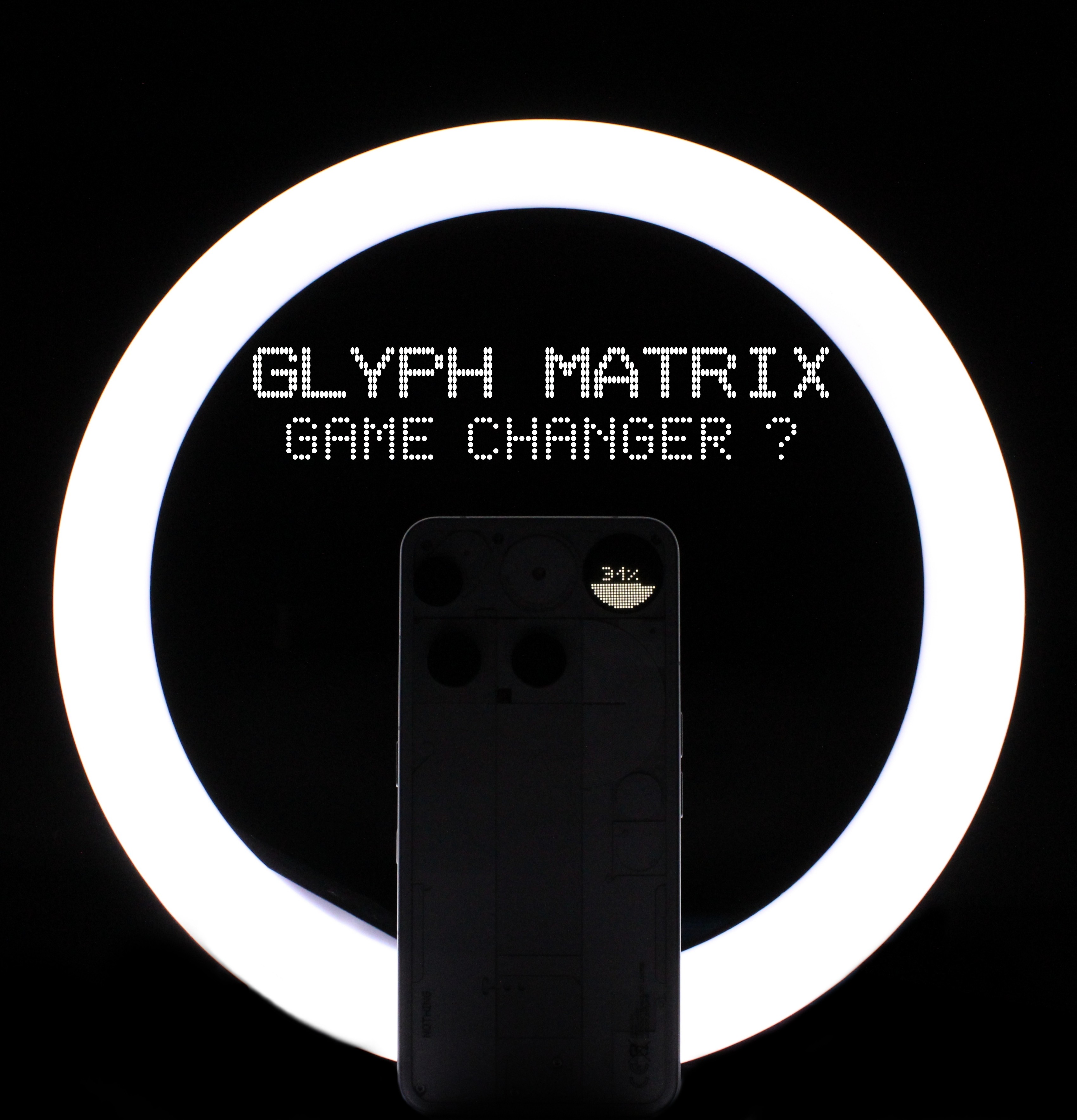
Nothing Phones are known for their iconic ‘Glyph lights’ on the back. It all started with the Phone(1) and continued till the Phone(3a)Pro which had just three LED strips around the camera module. But with the latest Phone (3) it’s been completely redesigned and replaced with a new Glyph Matrix.
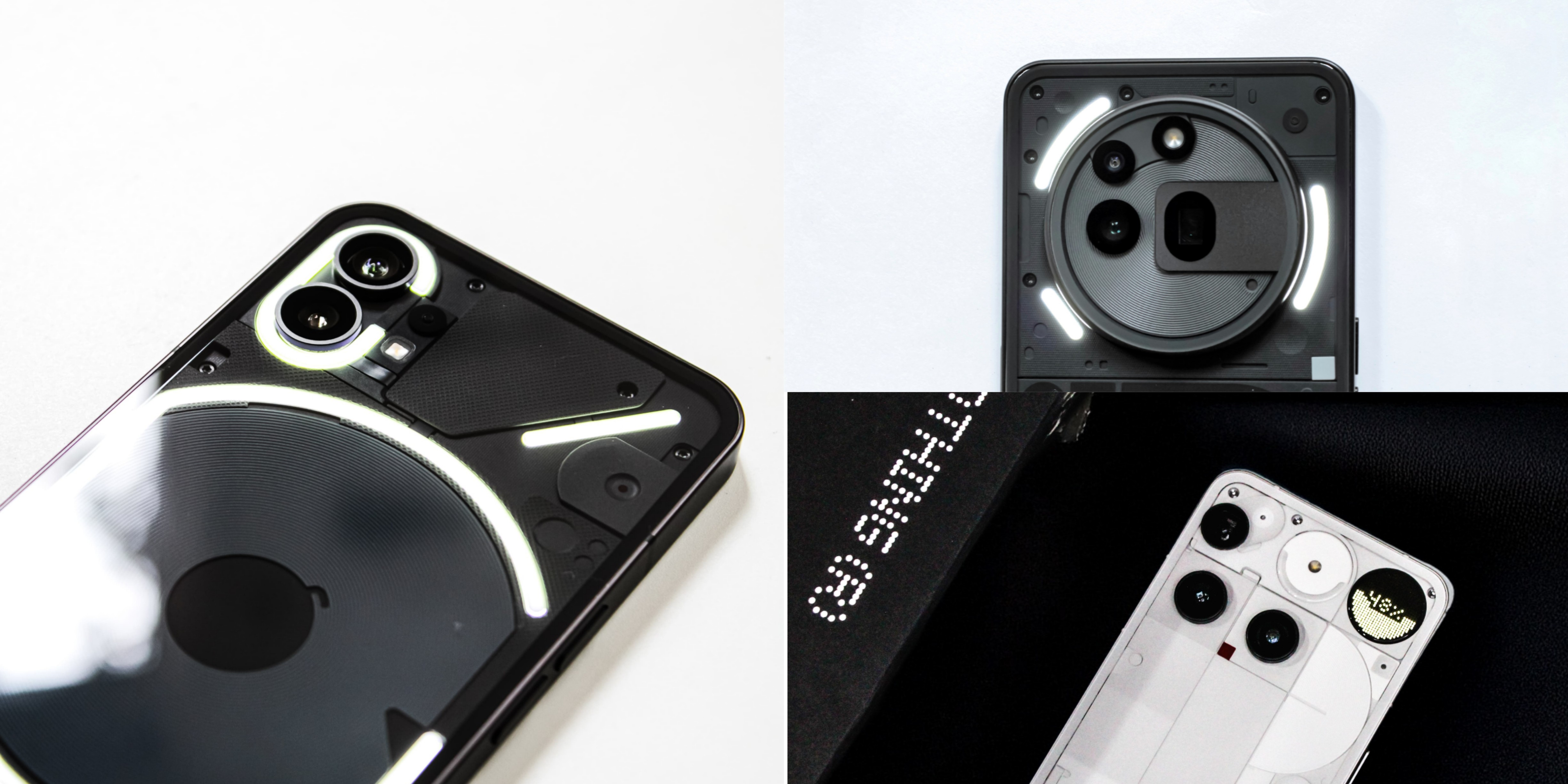
So what’s the Glyph Matrix ?
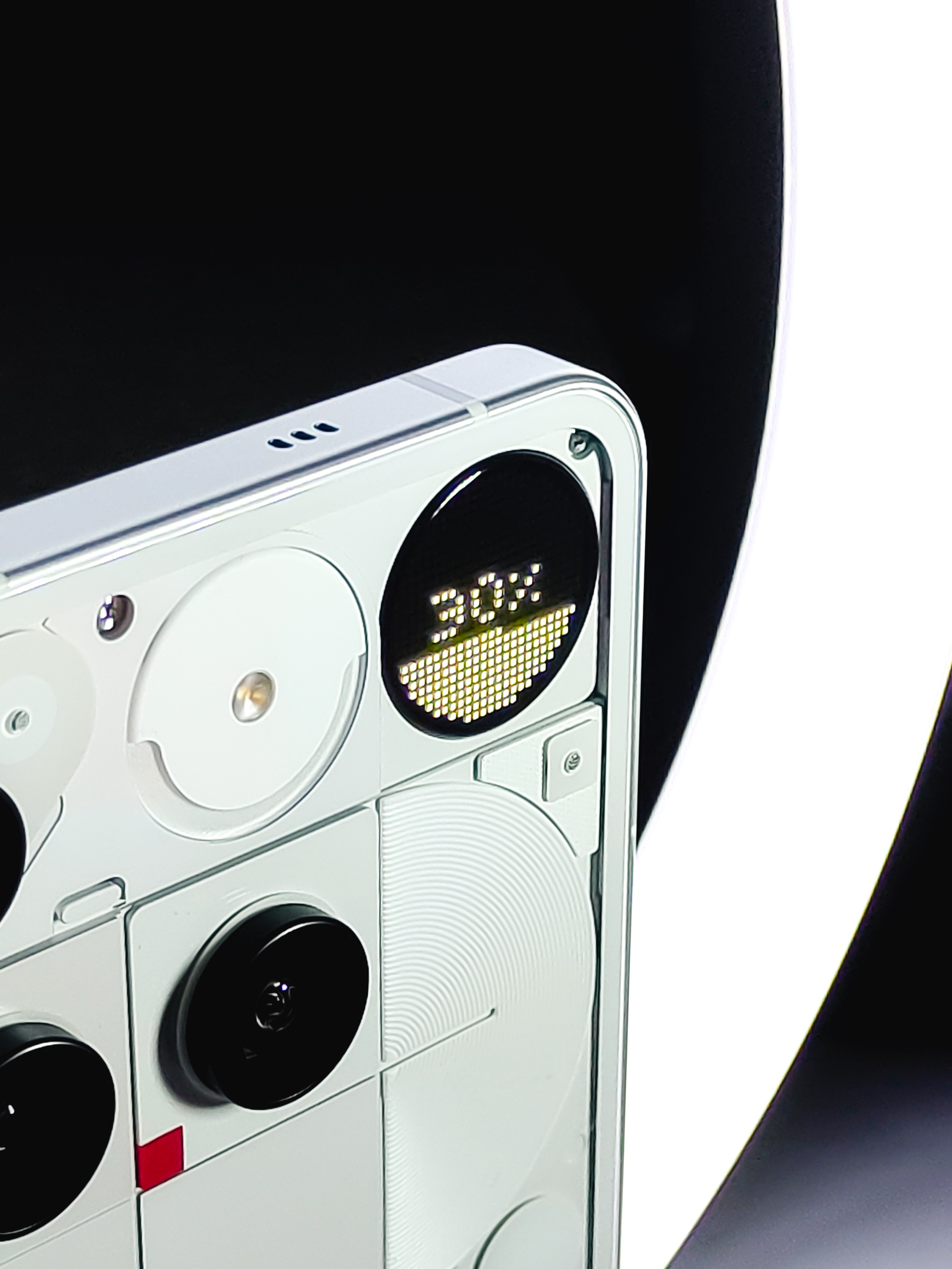
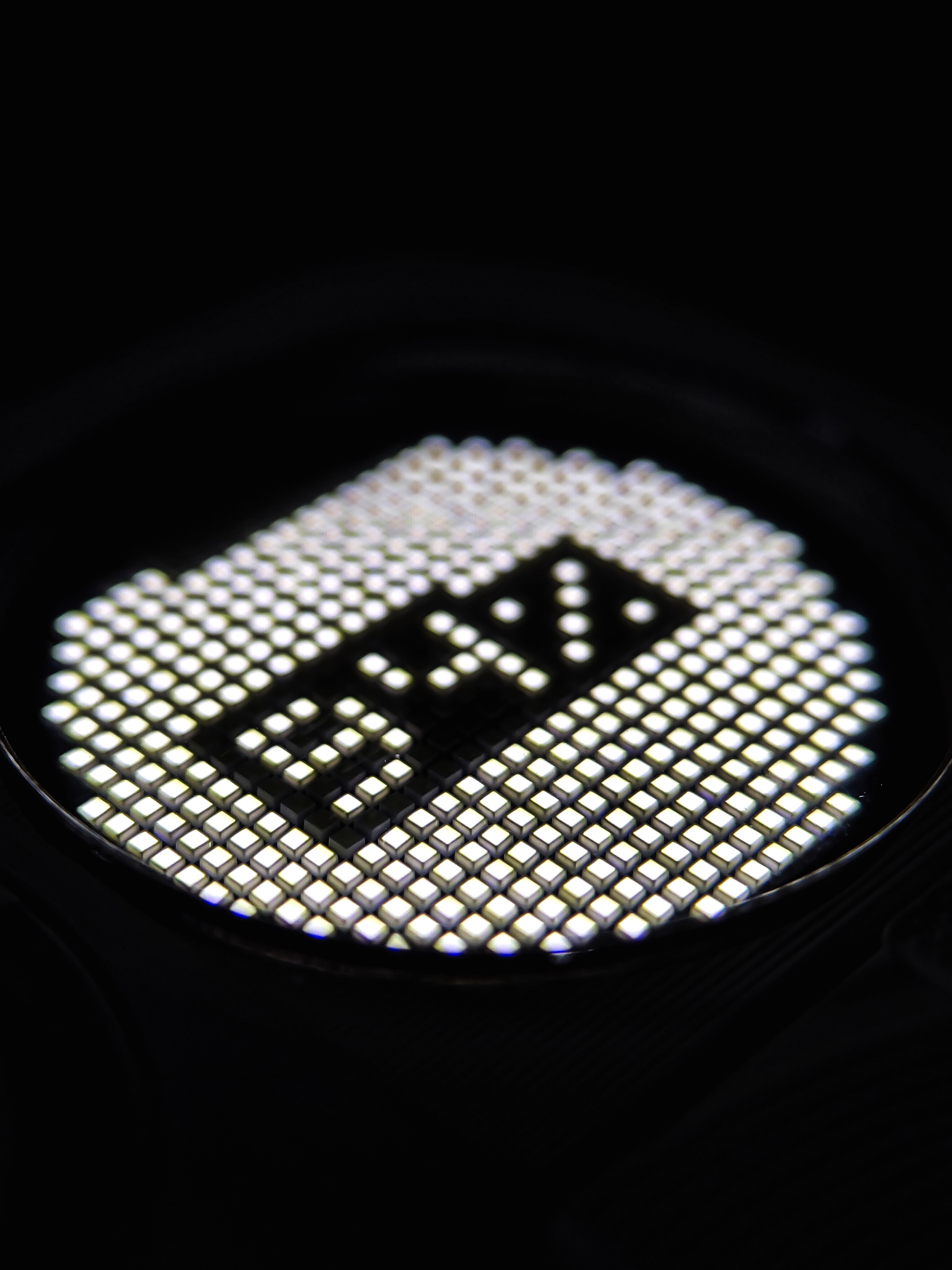
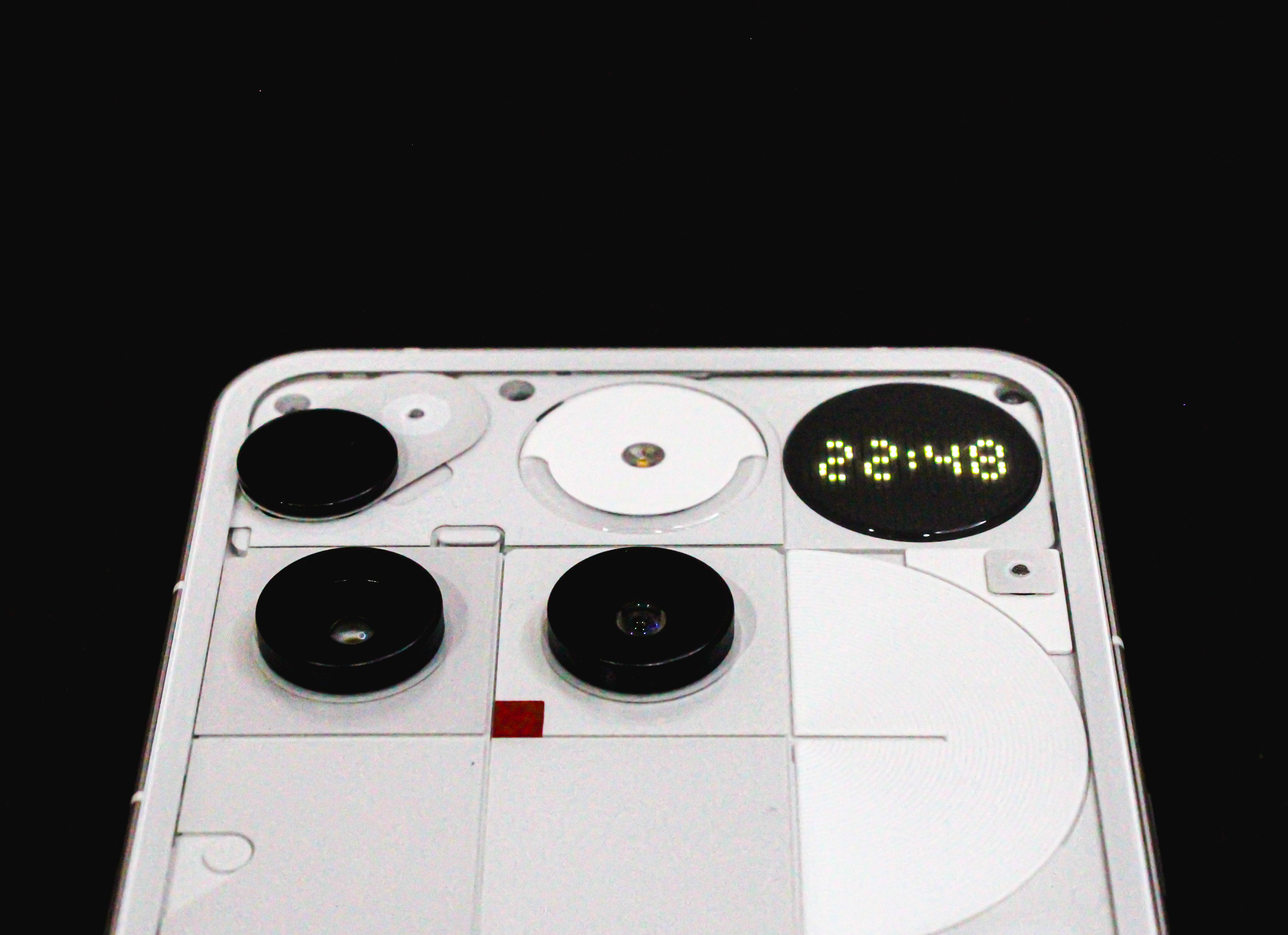
The Glyph Matrix is a small circular LED display on the back of the Phone (3), placed at the top-right corner. It’s made up of ‘489’ tiny led lights that can light up in different ways to show animations and notifications.
So, What does the Glyph Matrix actually do ?
It’s a black and white display that shows important info like during incoming calls, it plays animations synced with the ringtones and even shows essential notifications. The new ‘Essential Notifications’ feature is really super informative. You can set a specific icon to appear in the glyph matrix whenever you get a certain type of notification whether it’s from a app or a particular person.
For example, if my phone is lying face down, but I want to stay alerted whenever ‘Jim’ reaches out. Whether he calls or texts me.I can assign a unique icon or even a picture from my gallery for his notifications. Whenever ‘Jim’ reaches me out, I won’t see the content, but the Glyph Matrix will show that custom icon instantly alerting me it’s from him.
The Glyph Matrix isn’t limited to just calls and notifications. It’s also packed with some fun to use and cool features, you can play games like Rock-Paper-Scissors and Spin the Bottle on it.
Beside that it works as a ‘Volume Indicator’ when you press the volume buttons, a circular animation appears on the Glyph Matrix. The circle grows larger as you increase the volume and shrinks when you decrease it;
A ‘Digital Clock’ that shows you the Time.
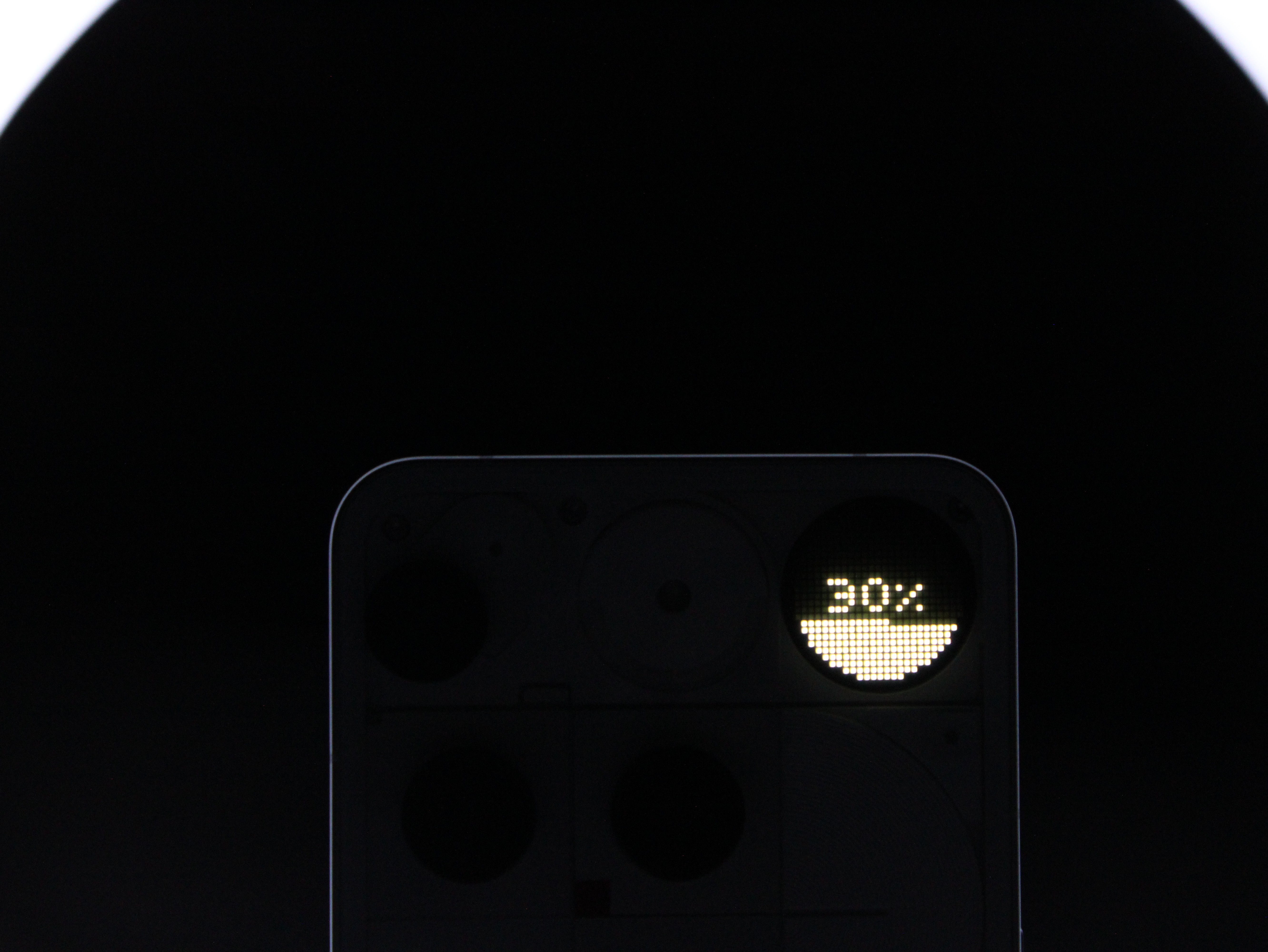
Works as a ‘Battery Indicator’ showing the actual battery percentage.
‘Glyph Mirror’ which works as a viewfinder lets you preview yourself on the back glyph matrix to take selfies with the back main camera.
‘Stopwatch’ or ‘Timer’
‘Solar Clock’, which visually shows the sun’s path throughout the day.
Nothing has introduced all these as ‘Glyph Toys’
There are some more cool features like the ‘Essential Recorder’(Flip to Record). Just place the Phone (3) face down and long-press the Essential Key to instantly start recording, perfect for capturing important conversations or quick voice notes without unlocking the device.
‘Always-On Glyph Toys’,which lets you keep the Glyph Toys active for up to 10 minutes. I have enabled it with the ‘Battery Indicator’, and it gives off a cool, futuristic vibe.
How does the ‘Glyph Matrix’ Works ?
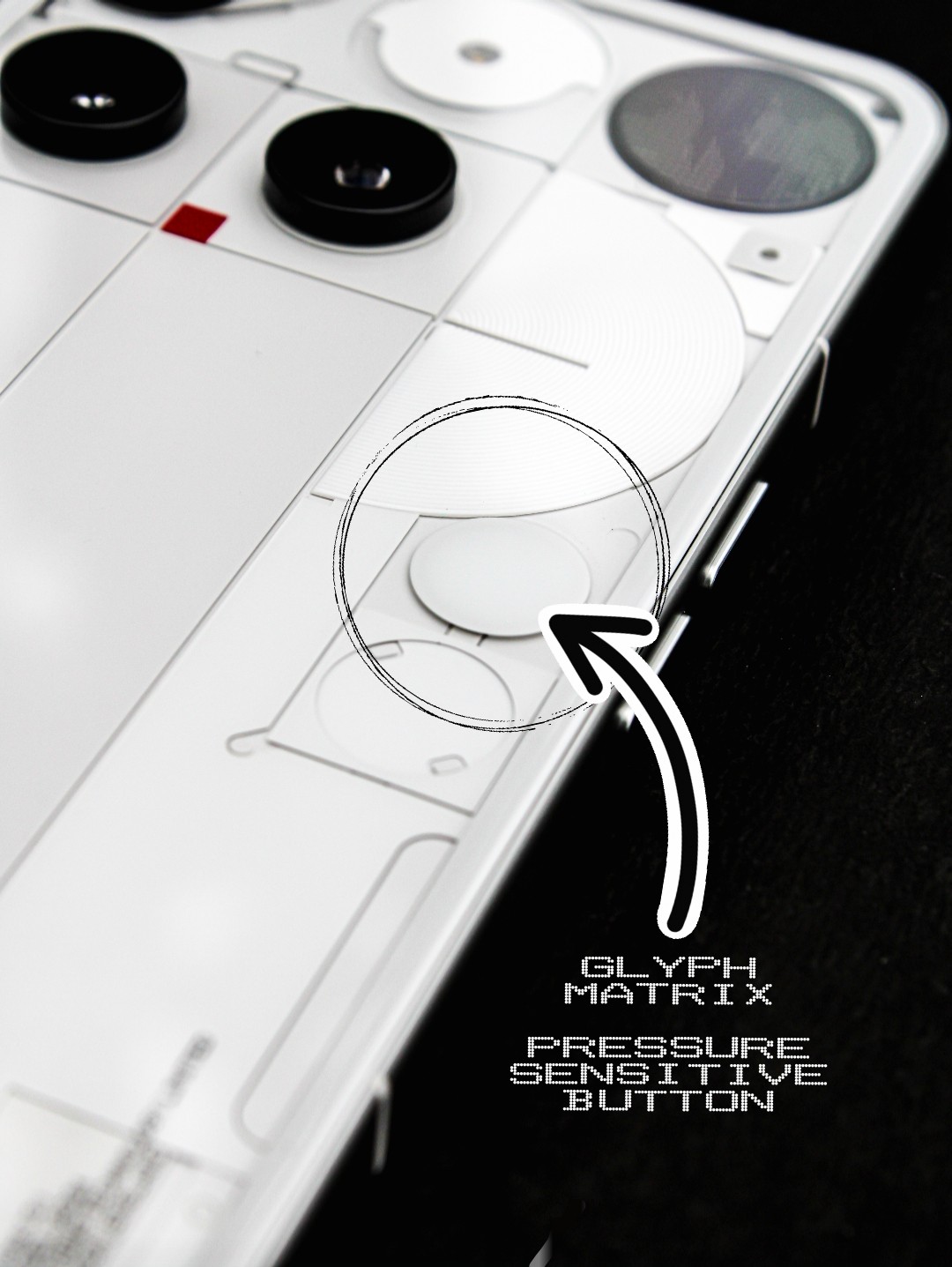
The phone has a pressure sensitive button on the back called the ‘Glyph Button’, located in the top-right corner. It lets you quickly access and switch between different Glyph Matrix features. You can also long-press it to activate ‘Glyph Toys’. What I really liked is the solid haptic feedback you get when pressing the button.
This time Nothing has focused on making the ‘Glyph Interface’ more usable, practical, and interactive. Something that was not fully possible with the older ‘Glyph lights’.But I still have a soft spot for those classic Glyph lights.🤧
I really hope Nothing continues to add more practical and useful features to the Glyph Matrix and I found out that a ‘Caller ID feature’ is on the way, which will display caller info during incoming calls, let’s see how it works in real world use! They have also opened up the Glyph Matrix SDK for developers, allowing them to create and add new, creative features to the Glyph Matrix.
So, that was everything about the all ‘New Glyph Matrix’ on the Phone (3).
