I was fortunate enough to have been provided with a Nothing Phone 3 to review as part of the Community Review program. Thank you so much for the opportunity!
It’s fair to say that when the box popped through my door on Friday, I was excited. Excited, and nervous. Since the leaks and the launch, I’ve swung to and fro on the design of the Nothing Phone 3. Now it’s here and in my hands, I get it. It’s absolutely gorgeous - it’s striking, different, quirky - and the detailing is exquisite.
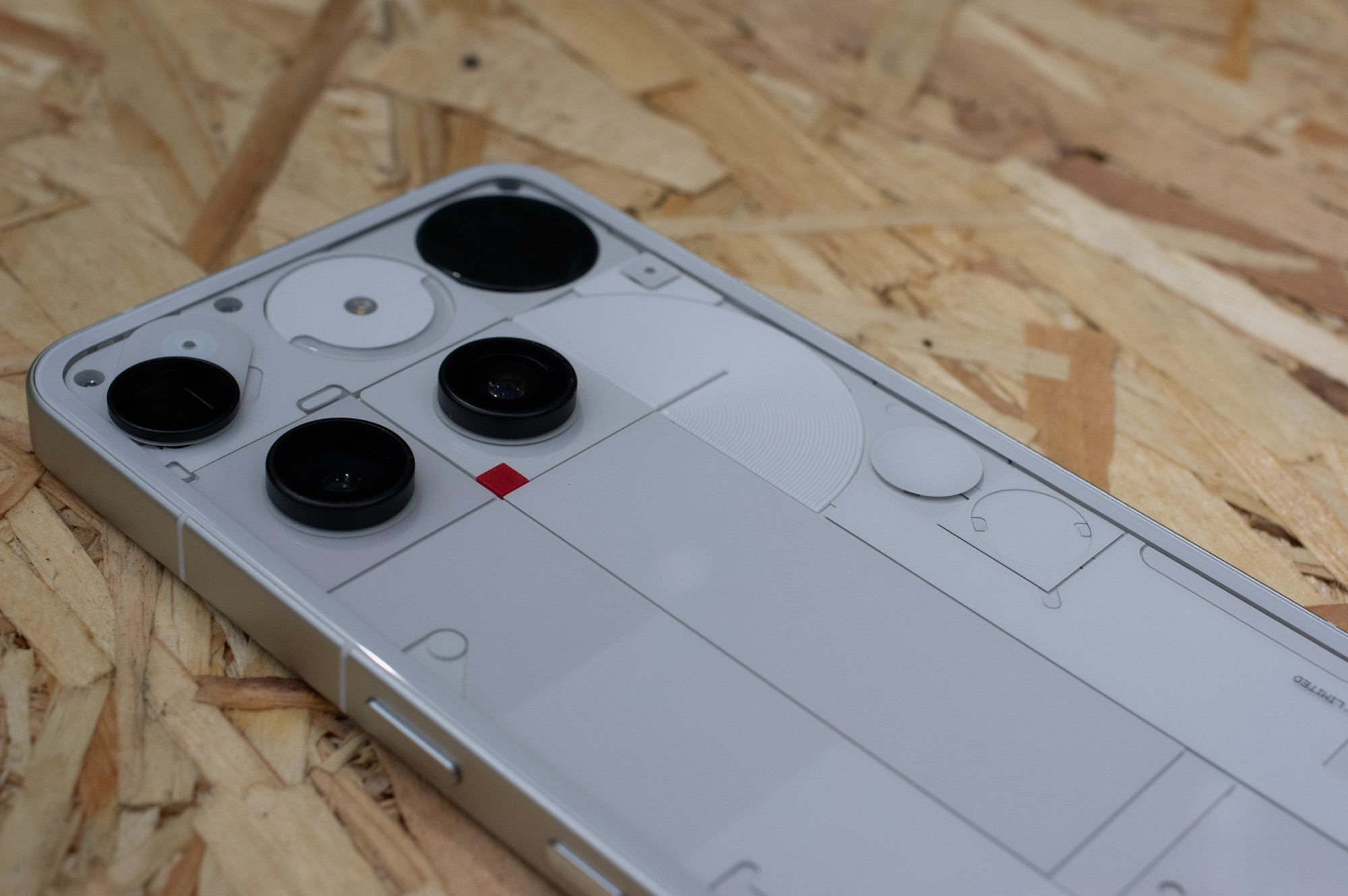
I’ve had a long line of phones that look nothing like this - no pun intended. From Pixels, to Motorola, to Huawei, they’ve all been fairly nondescript black slabs with only small embellishments. I think, like many, I’d started to feel like phones were boring. My old phone is a Pixel 4a 5G, and I’d been waiting for the launch of the Pixel 9a to replace it. But it came, and honestly there was nothing to excite me - Google’s approach to phone design seems to be to make things very characterless.
I’d more or less settled on buying a 3a Pro. It had taken me a while to get used to the idea of something not Google but there was something enticing about the design. And then the rumours started to swirl about the new Nothing Phone 3 that was coming. I’m glad I waited!

My first impressions were - genuinely wow. It’s a big phone, and has a big presence. I’m so glad I went for the white - it stands out in a good way, and is far from a boring slab. I find myself drawn to the glyph matrix - I haven’t got it tamed yet, but I keep playing with it and I’ve got some ideas for some glyph toys that I’d like to develop (skills permitting!)
I’m also working through that thrilling (hah) process of moving apps and bits and pieces over. One of the things that really drew me to Nothing was the Nothing OS ethos of removing distractions and helping to not be completely mastered by your phone. In recent months and years, I’ve fallen into the usual bad habits of crashing at the end of the day and losing hours to scrolling. Some of the Digital Wellbeing tools in Android work really well for helping with this (I can really encourage people to use app timers to help reduce usage of apps that are filling too much of your life!) but I’m really looking forward to screen-down glyph-up approaches to helping not be distracted by incoming notifications. For this reason, I chose not to just sync all my apps over - I want to be in control of what I bring in and what notifications I end up being subjected to. All that to say - I’m not quite driving this as my primary phone yet, but I’m nearly there!
Cameras, cameras, cameras
For me, photography is a big part of my life. I’m a creative person and have been through various phases of engaging with photography but increasingly my smartphone was the best camera I had (from the famous quote - it was the one I had with me) and so it has become increasingly important that the camera is up to scratch. And then the unthinkable started to happen - I dropped my Pixel and cracked the lens cover. It makes some fun lensflares but it also kills the contrast. Also, the video mic had stopped working properly - so I’d stopped taking video. You may relate to that feeling of your tools not working properly for you.
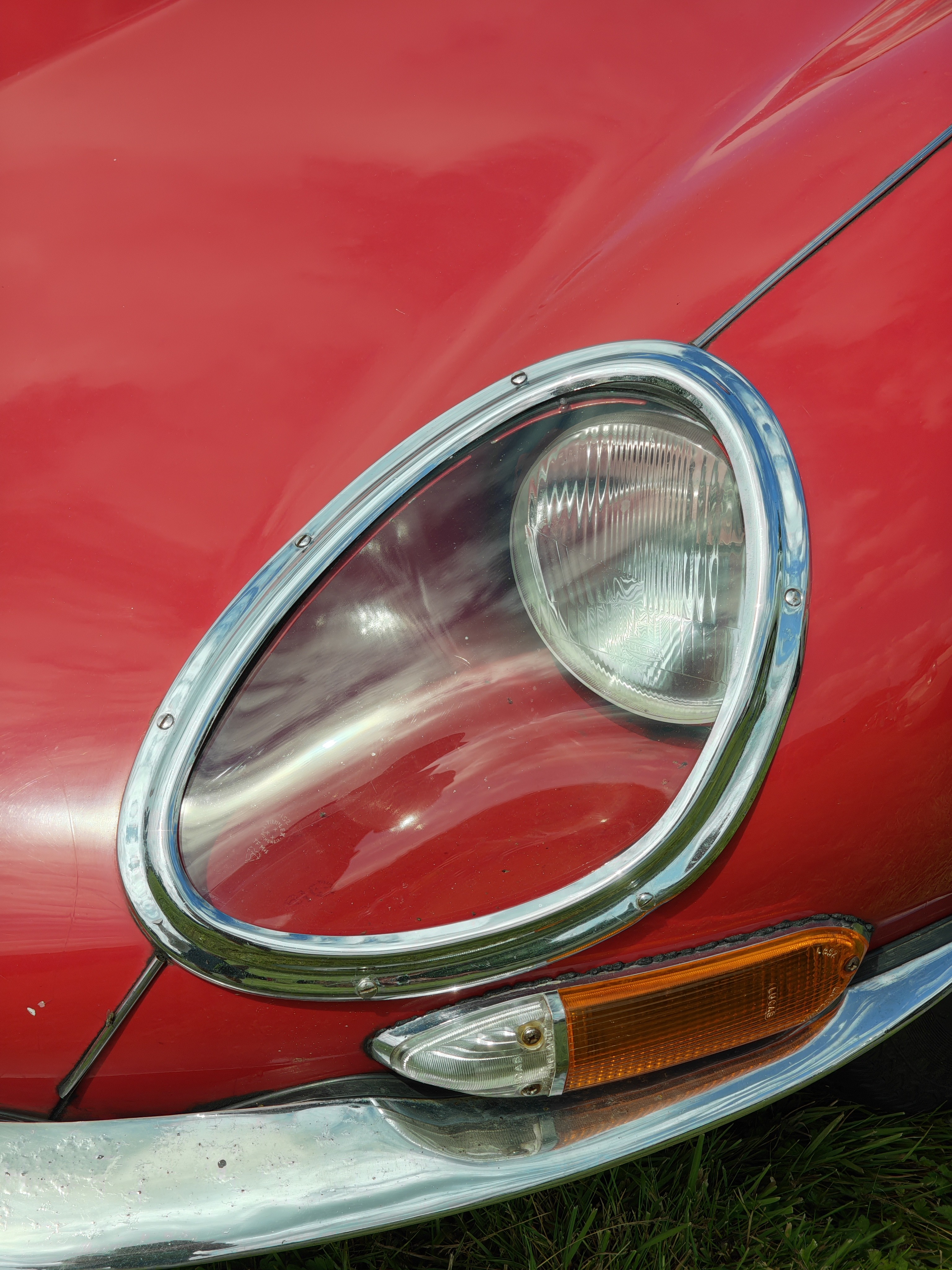
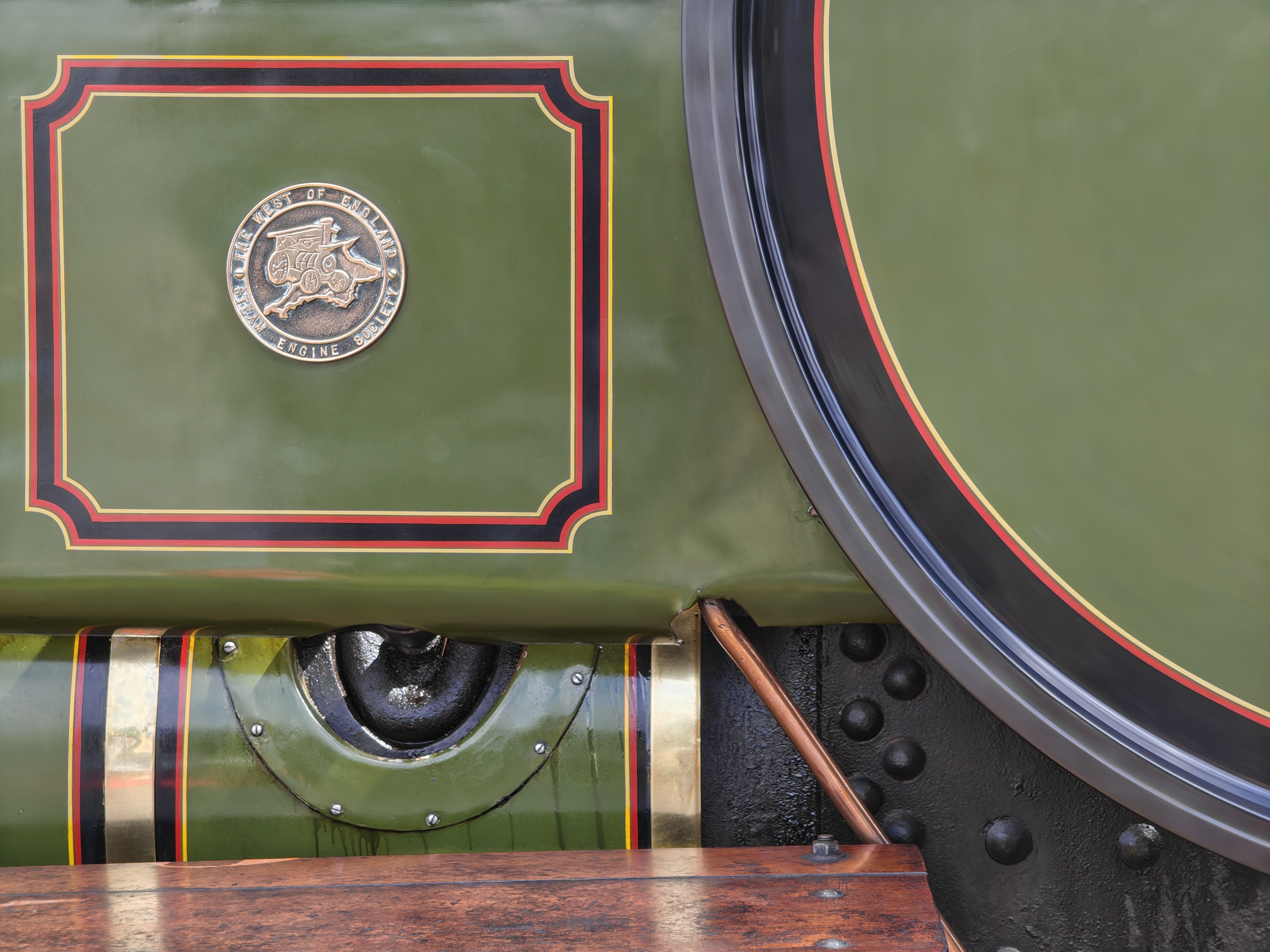
I live in Cornwall, and today is the day of the Stithians show - our local agricultural show. So it was a great opportunity to get out and about with the new Nothing Phone 3 and put the cameras through their paces. These are just some early shots and some early thoughts, but so far - I’m very impressed. The camera app is snappy and lovely to use. I appreciate that I can adjust the EV from one tap (without having to dive into another menu as Google make you do)
Anyway, these are just early playing. I need to learn the app, learn the cameras. But so far I’m very impressed. In the interest of sharing early thoughts, I’m breaking with my own rules and sharing photos that are straight out of the camera!
(You can open these in a new tab to see the full size images.)
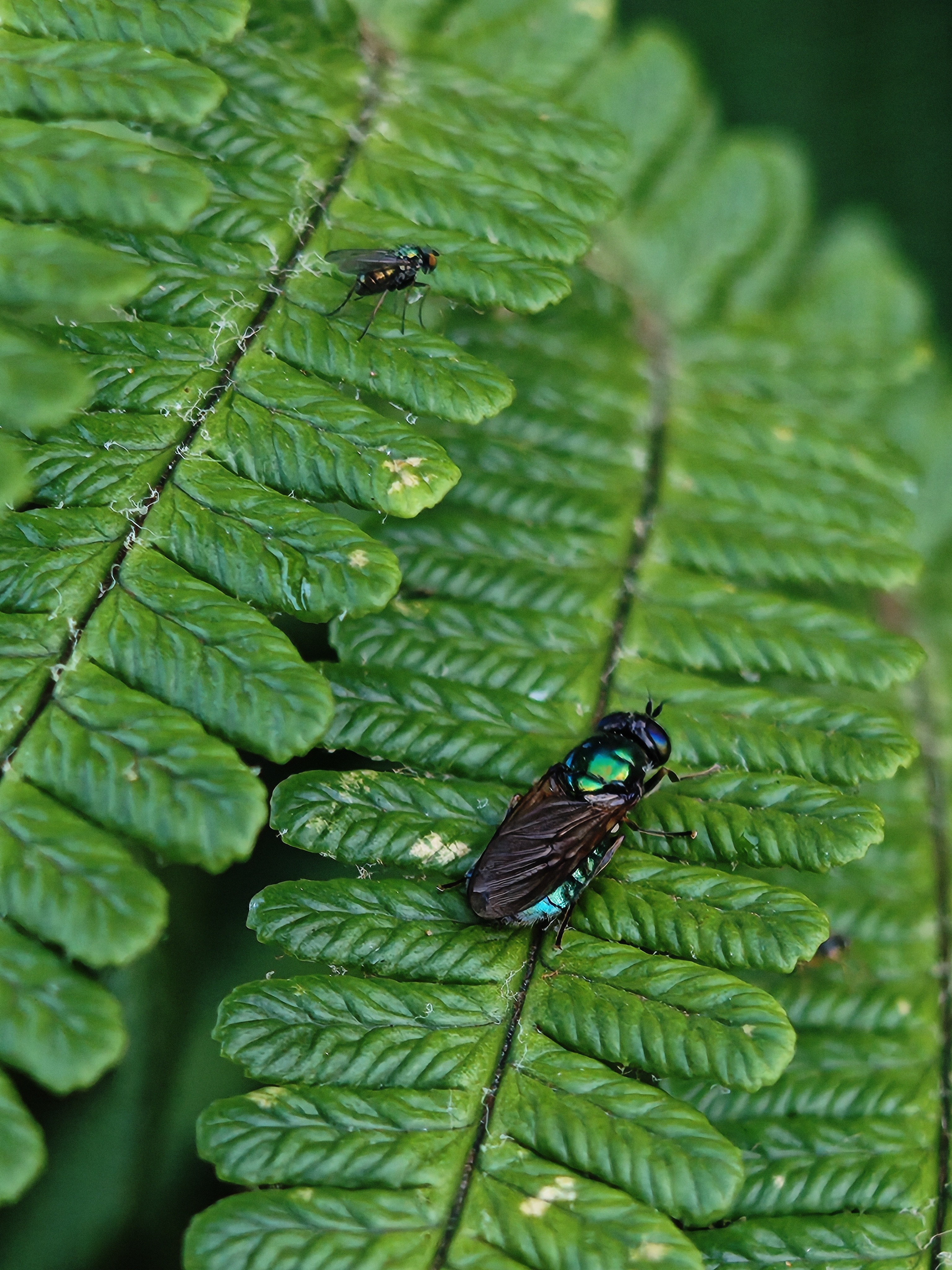

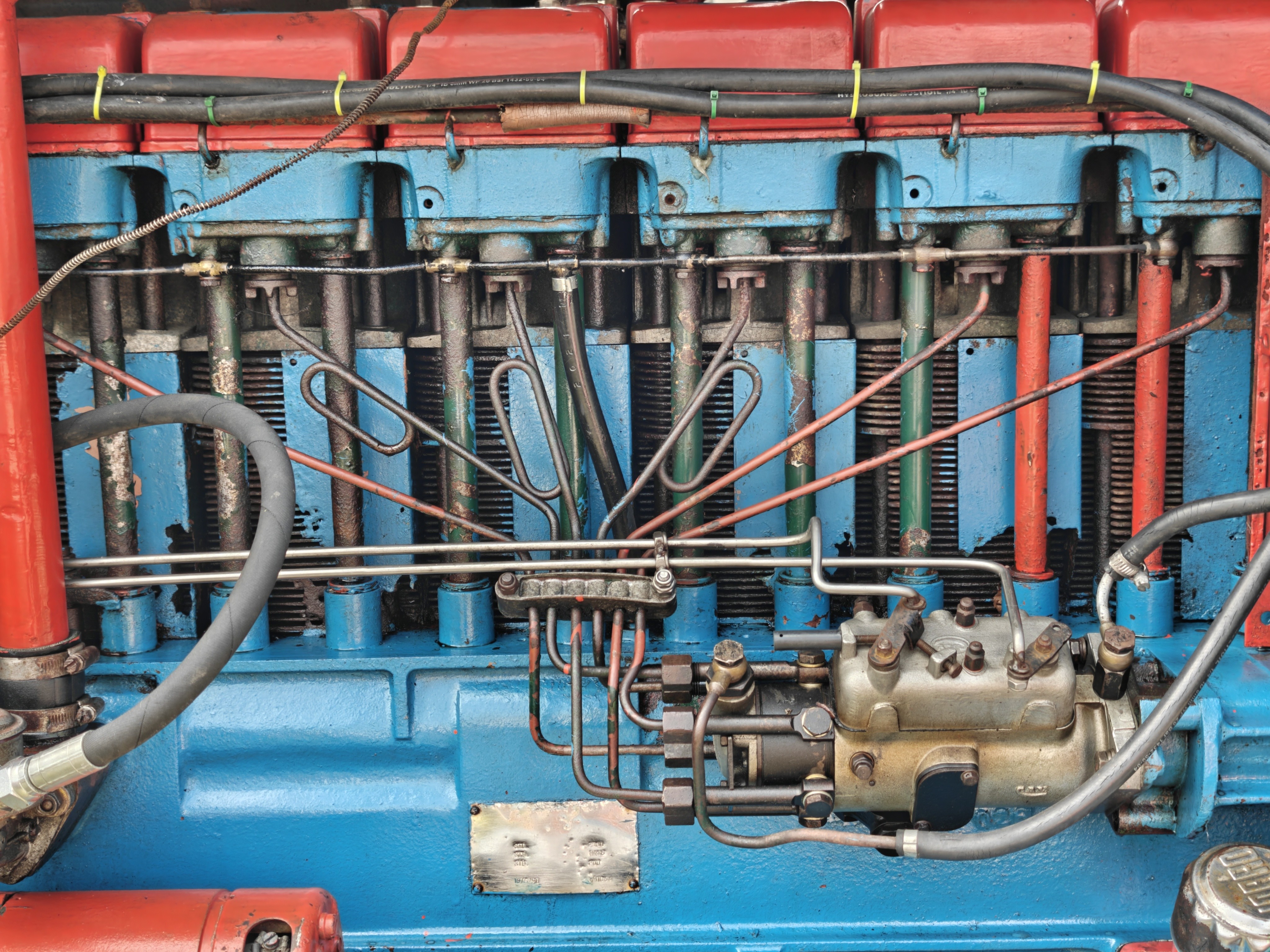

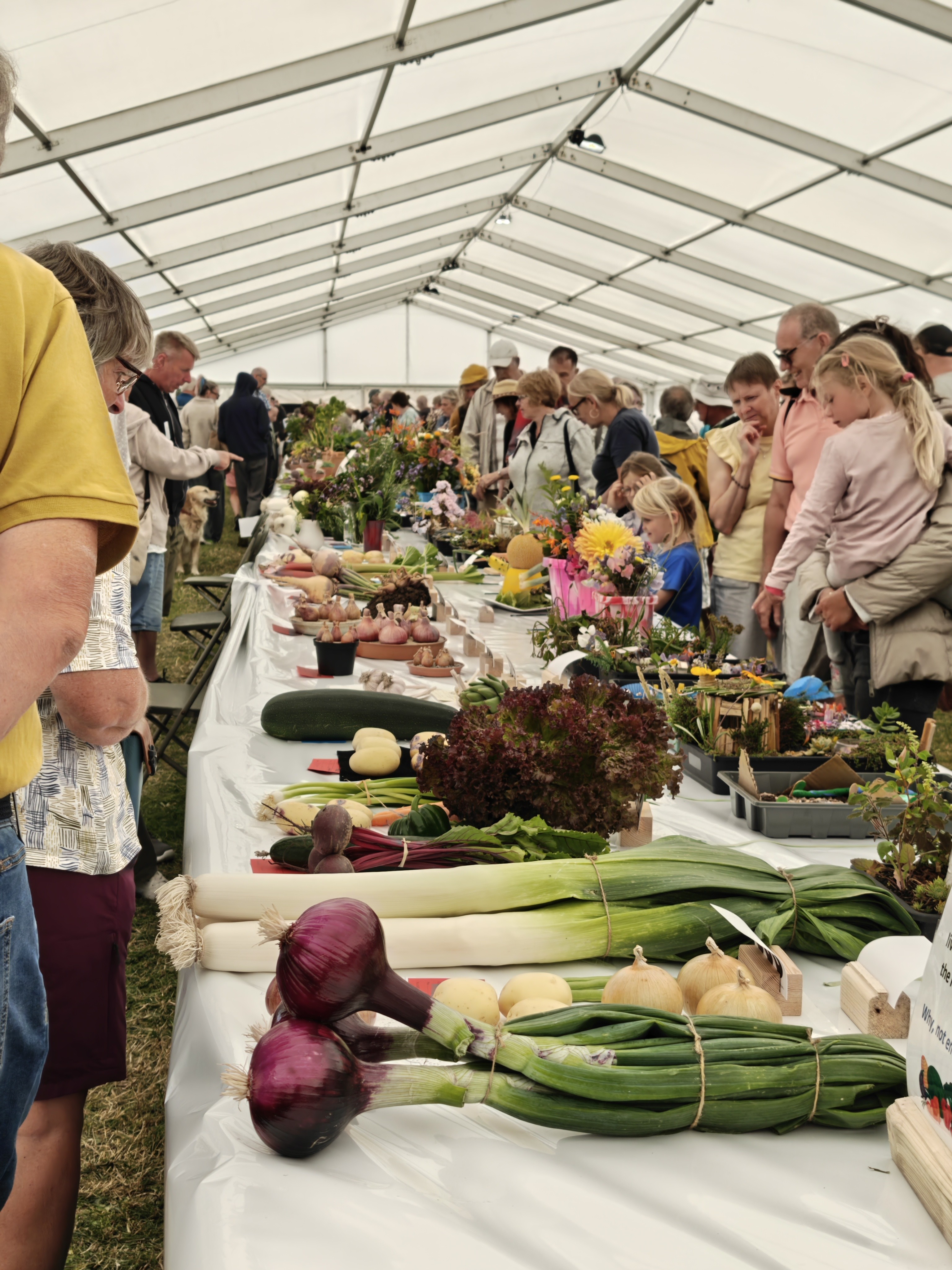
The macro is extremely easy to be impressed by - this was a case of walking up to a fern in the garden and finding an insect - that was it.
And what about the rest of the phone?
So far, the software side feels lovely. It’s snappy, and responsive. I haven’t felt it hesitate or slow down at any point and it’s been extremely easy to find my way around all the Nothing bits that are different from Google’s Pixel phones. The fingerprint reader is fast and accurate, and I really like the various Nothing stylistic choices.
—
If anyone has any top tips for must-have Nothing features, I’d love to hear them! I’m new to the Nothing family and it’s a different feel to Google’s stock approach, so I’m keen to learn.
Also, if anyone has any questions or things they’d like to know - ask, and I’ll see if I can cover them. I’m definitely going to be posting more over the coming days with more experimentation with the cameras, hardware and software and sharing my thoughts. There’s lots to discover!
I hope you enjoyed these early thoughts - watch this space for the next instalment! Thanks again for Nothing for reaching out to include me in the Community Review program. ❤
—
Edit:
Oh! I meant to say -
In the box, you get a lovely clear TPU case which I’m rocking for now (hopefully some toughened glass backs will hit the market at some point, for a slim look) - it’s got a lovely subtle dotted texture that matches the website which is a really nice touch - check it out!
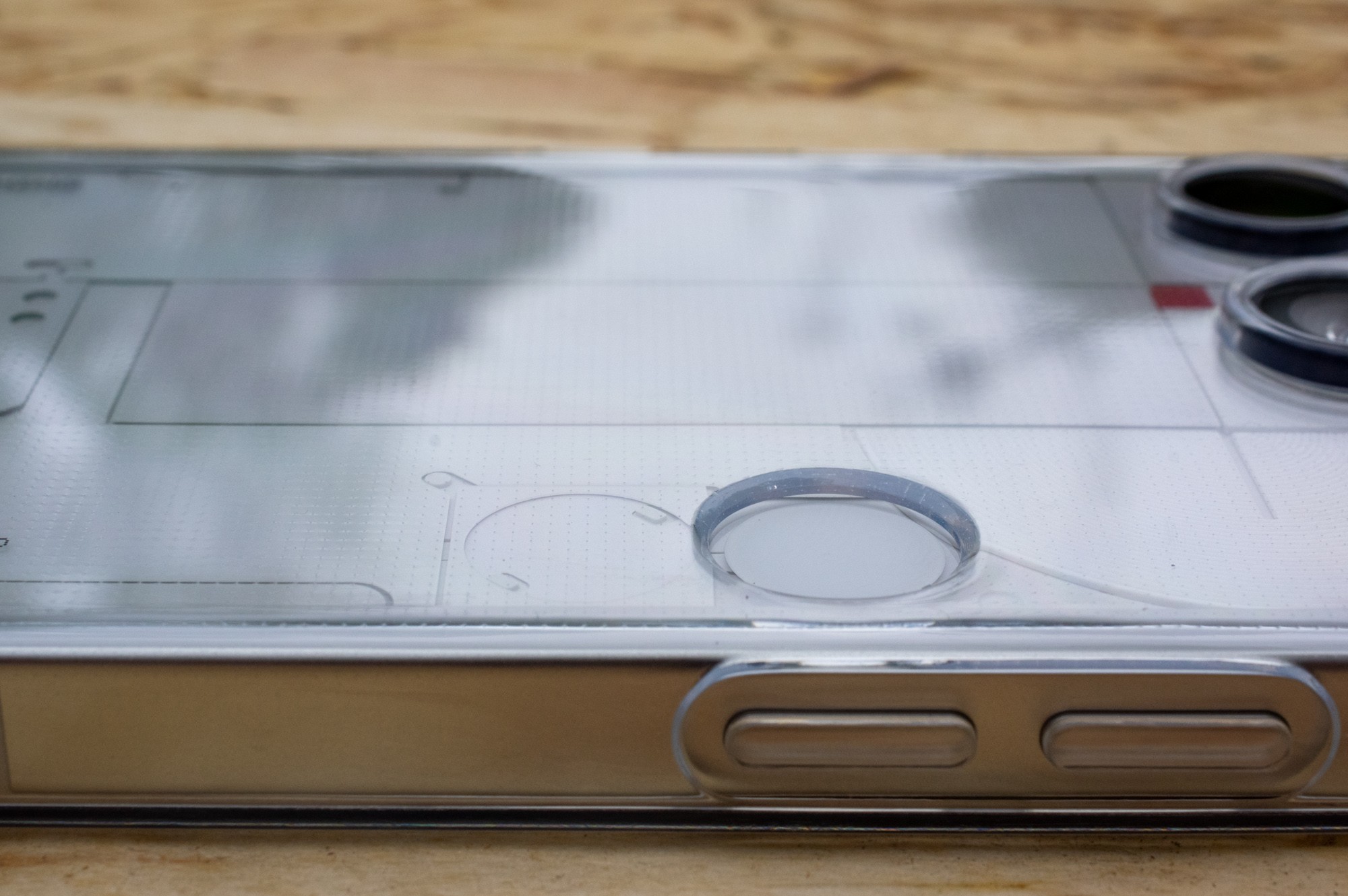
I feel like my experience of the whole design so far can be summed in the same way - the attention to detail is exquisite.
