Subject: Essential Space shows Account Authorization Error (401) on Nothing Phone (3)
Hello Nothing Team,
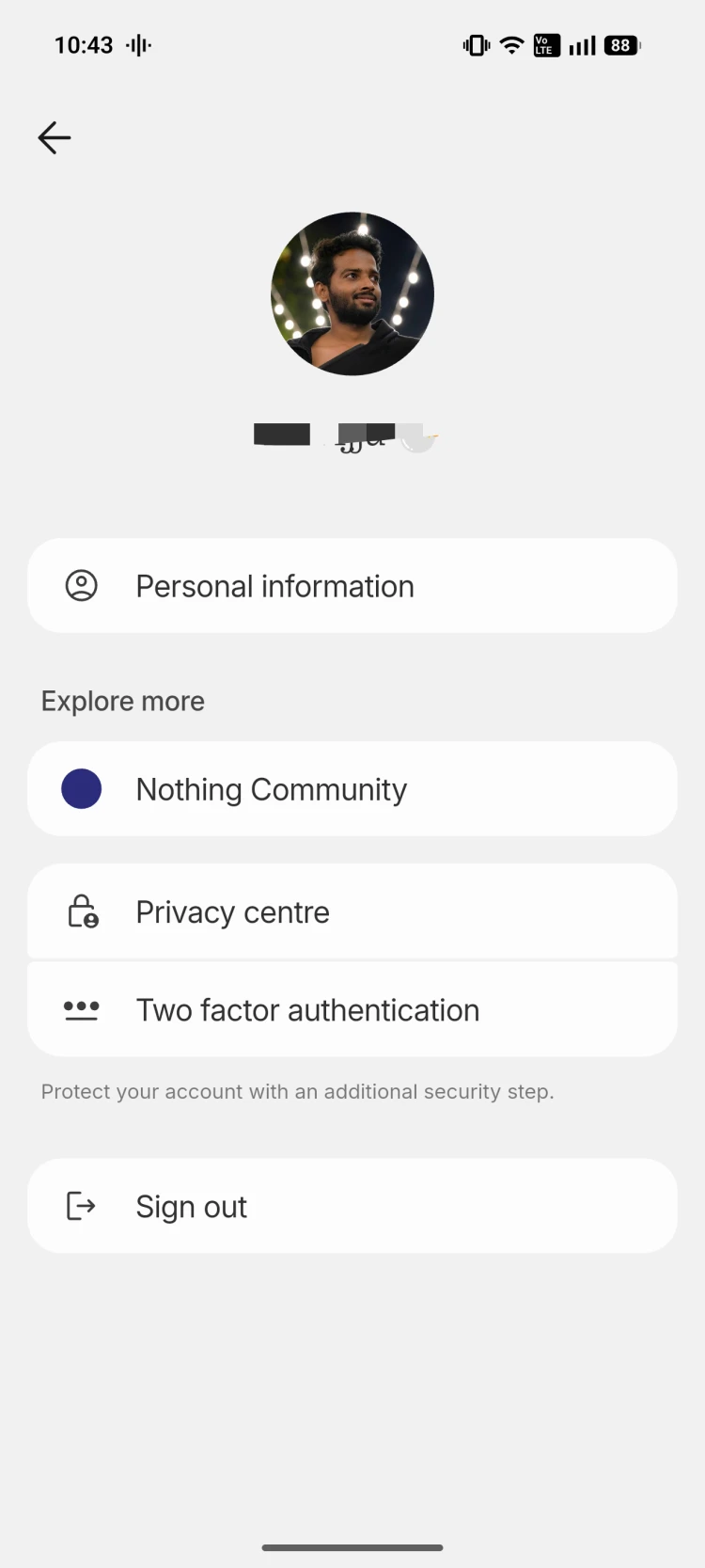
I’m experiencing an issue with Essential Space on my Nothing Phone (3) after signing into my Nothing account.
Device Information
Device: Nothing Phone (3)
Issue: Essential Space account authorization failure
Network: Occurs while signed in (Wi-Fi and/or mobile data)
Issue Description
After signing into my Nothing account, Essential Space does not function properly. Instead, it displays authorization-related errors, preventing me from using cloud features.
Error Messages
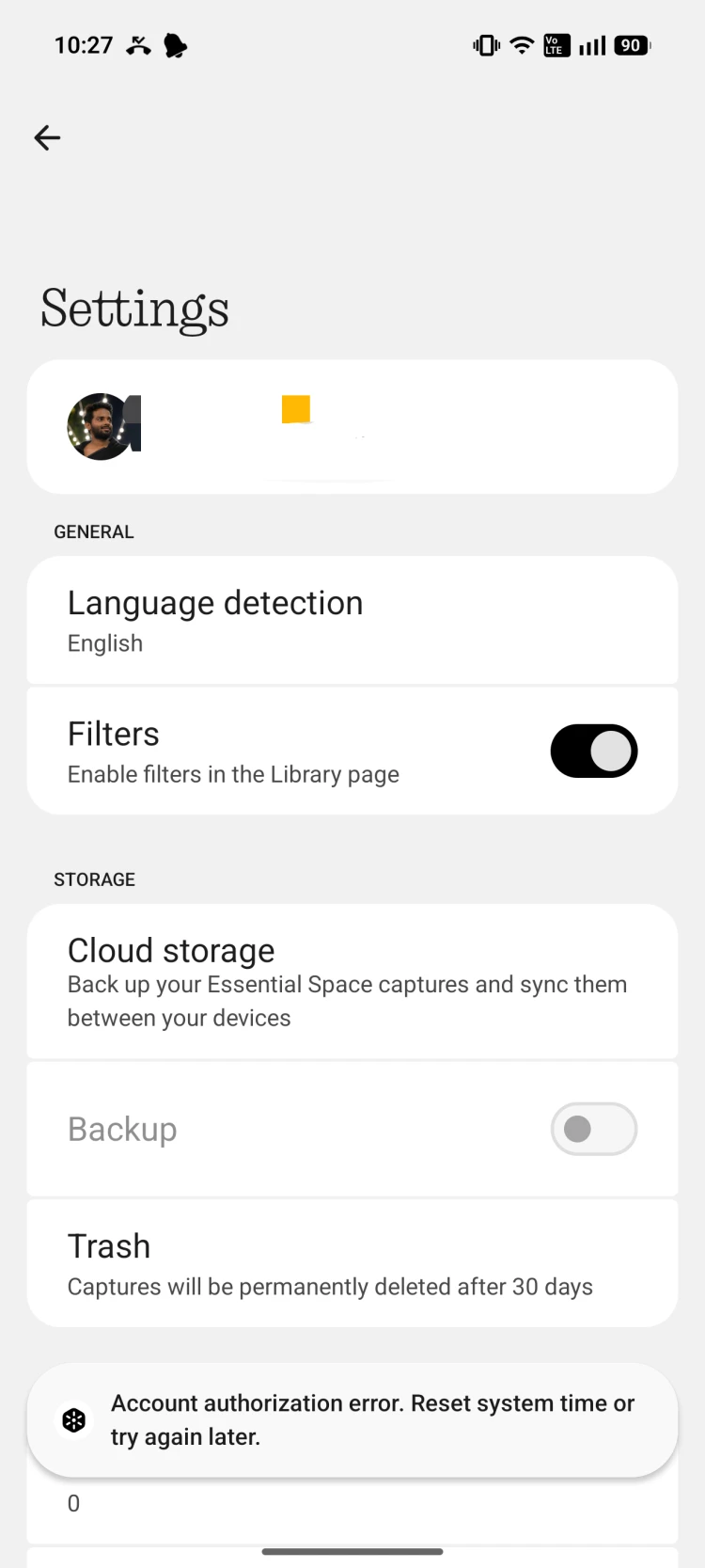
“Account authorization error. Reset system time or try again later.”
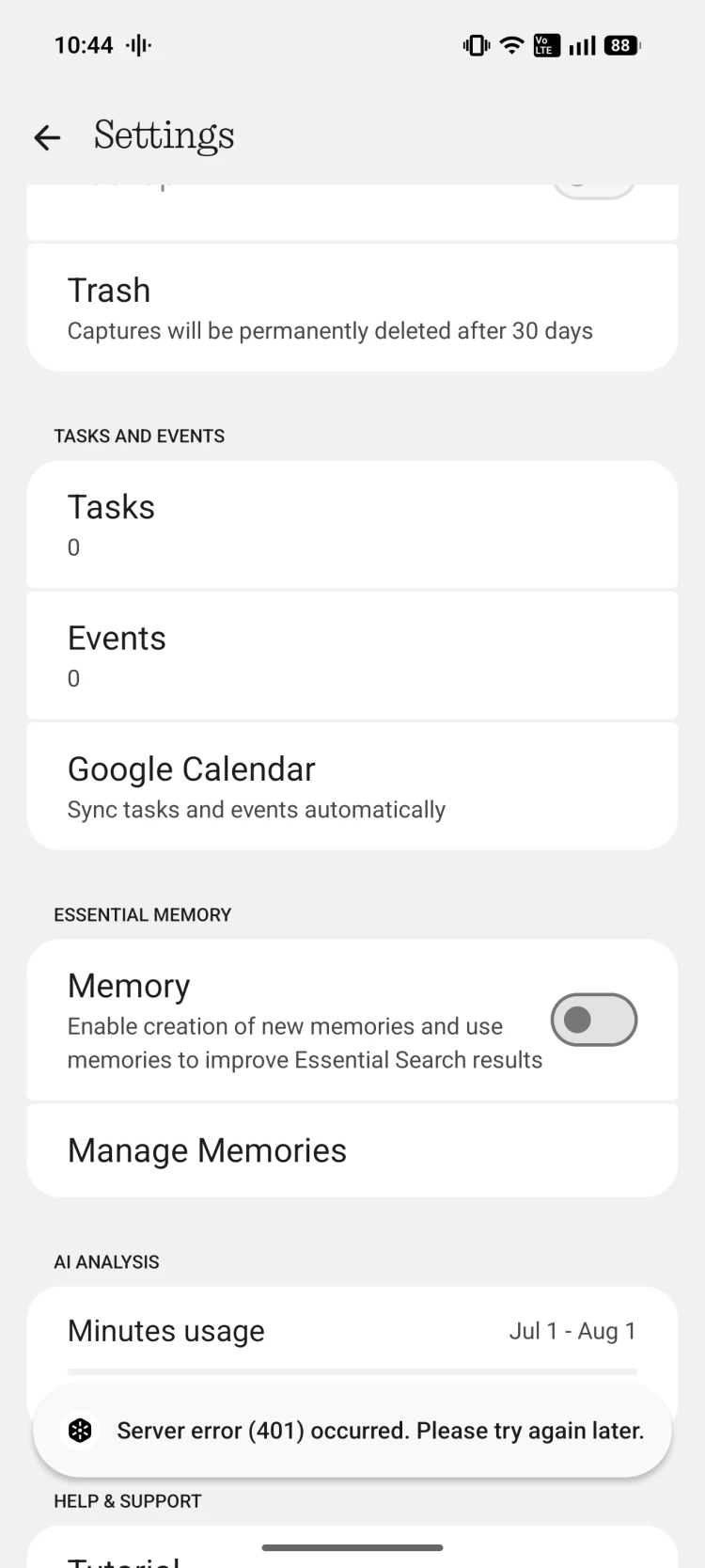
“Server error (401) occurred. Please try again later.”
Steps to Reproduce
Sign in to a Nothing account.
Open Essential Space.
Navigate to Settings.
Try enabling cloud-related features (Backup, Memory, AI Analysis, etc.).
Expected Result
Essential Space should authenticate successfully and allow access to cloud storage, backup, memory, and AI features.
Actual Result
Essential Space fails to authenticate and repeatedly displays 401 authorization/server errors. Cloud features remain unavailable.
Additional Information
I am successfully signed into my Nothing account.
My device date and time are set correctly using automatic network time.
Restarting the app and trying again later did not resolve the issue.
I have attached screenshots showing the errors and the affected settings.
Please investigate this issue. If you need any additional information, logs, or diagnostic data, I’d be happy to provide them.
Thank you.
Whether the issue started after a software update or from the first time you signed in. This will help the Nothing team reproduce the problem more easily.
Working now
now it working after 3times process login and logout.