So I just thought about this, I don’t know how many of you use this; but here we go
So we all know the Google clock widgets are just not cutting it. In the preview, it shows pure black clock, but when we import it to screen, it adapts to the material colour of your phone, in my case it’s dark blue; which is ugly after.
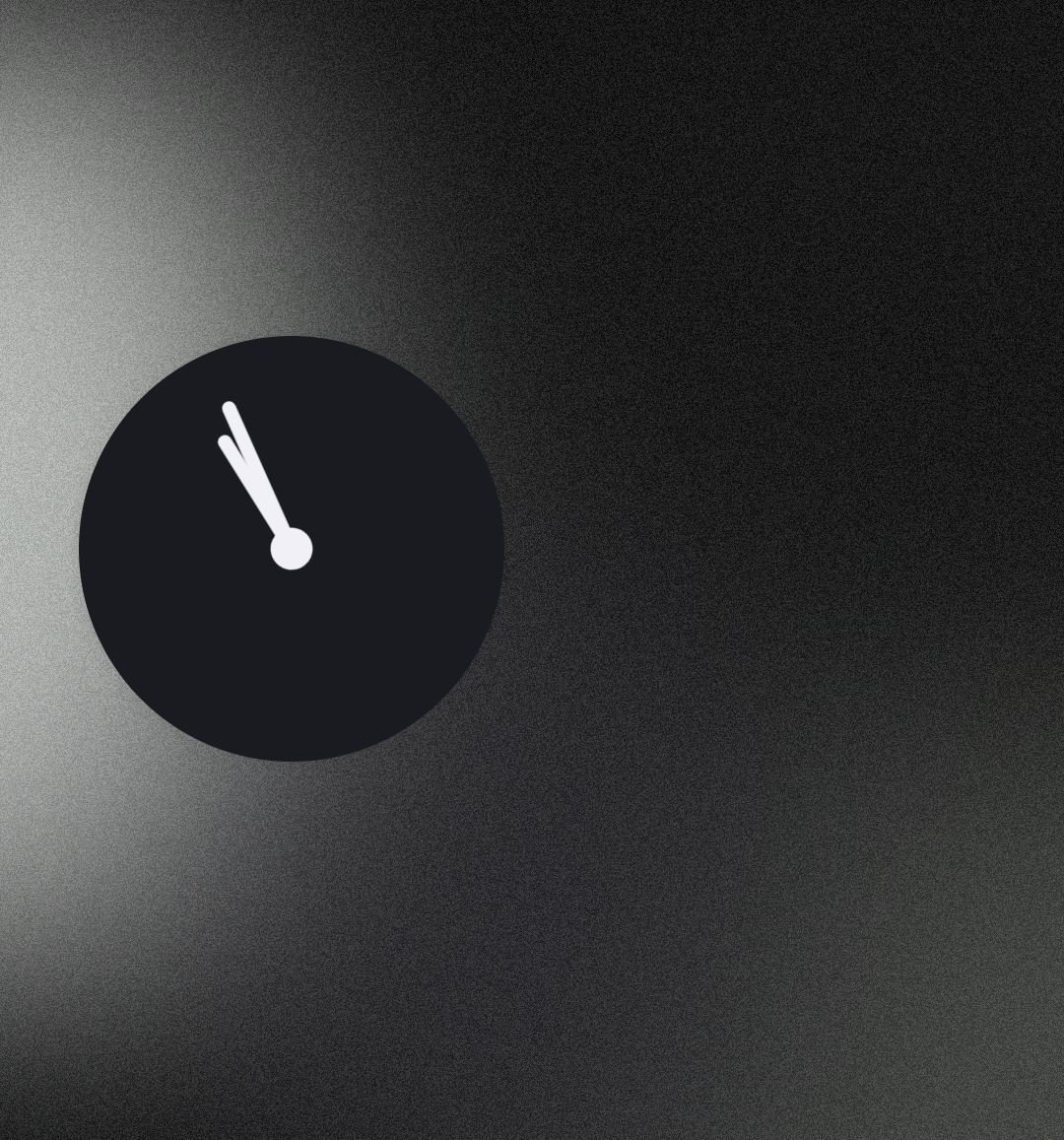
So I dragged the clock app to the home screen and used the enlarge feature to make it a usable clock widget. (As some of you may not know, the app icon of Google clock displays real time.)
And you know what, it actually worked. I got somewhat of a clean clock, comparable to nothing clock widget.
Hope this helps!