1. Essential Space can now read your clipboard
Copy a URL, text, or even an image. Open Essential Space, and you can instantly create a collection. Analyse, save, and summarise without lifting a finger.
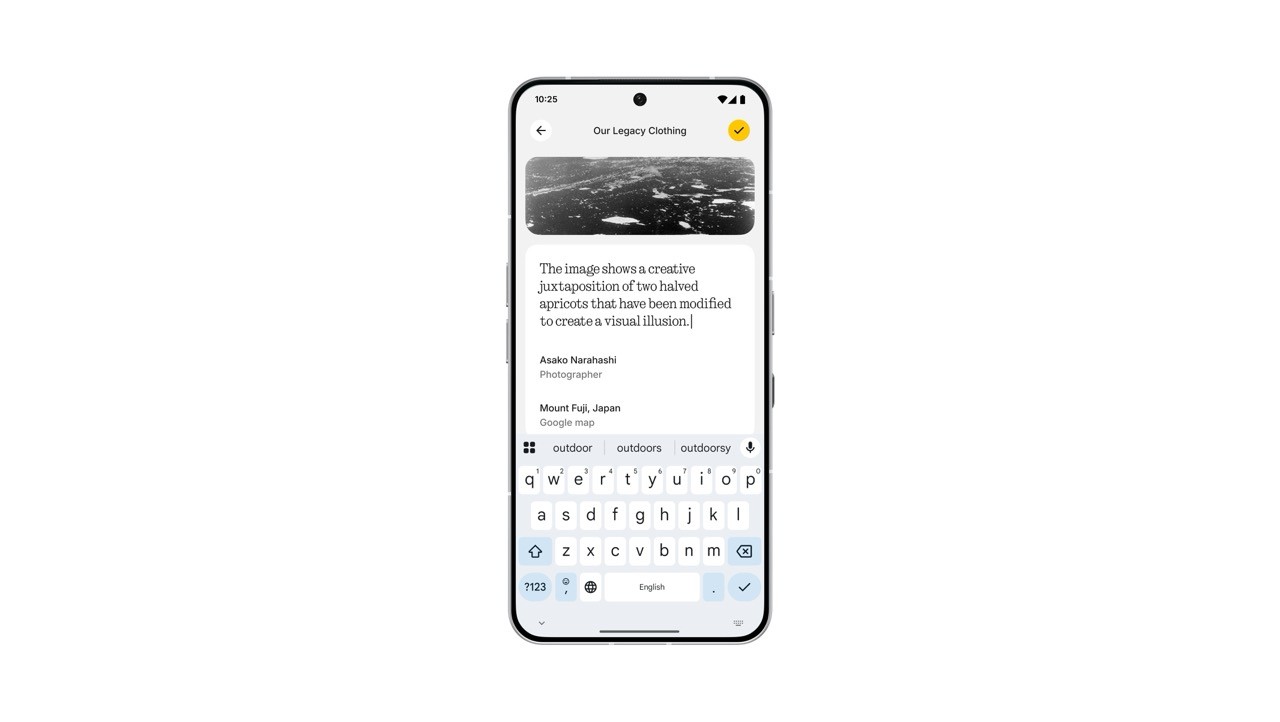
2. Essential Space just got a save button for your edits
Editing text in Essential Space now feels effortless. After editing, a yellow checkmark appears in the top right corner - tap it, and your changes are saved instantly.
How to get these updates:
Rollout will start on 16 September. If auto-update is enabled, no action is needed. Just connect to Wi-Fi and Essential Space will update automatically through the Play Store.
If auto-update is disabled, head over to the Play Store and hit update manually
