Hey everyone, I’m S M A Sithick, a software engineer and content creator. You might’ve seen my posts about smartphones, photography, and Snapdragon-powered devices on X and Instagram. I’ve been using the Nothing Phone (3) for over a month now, and here’s my detailed take, covering everything from the box contents to the real-world experience.
—
Unboxing Experience
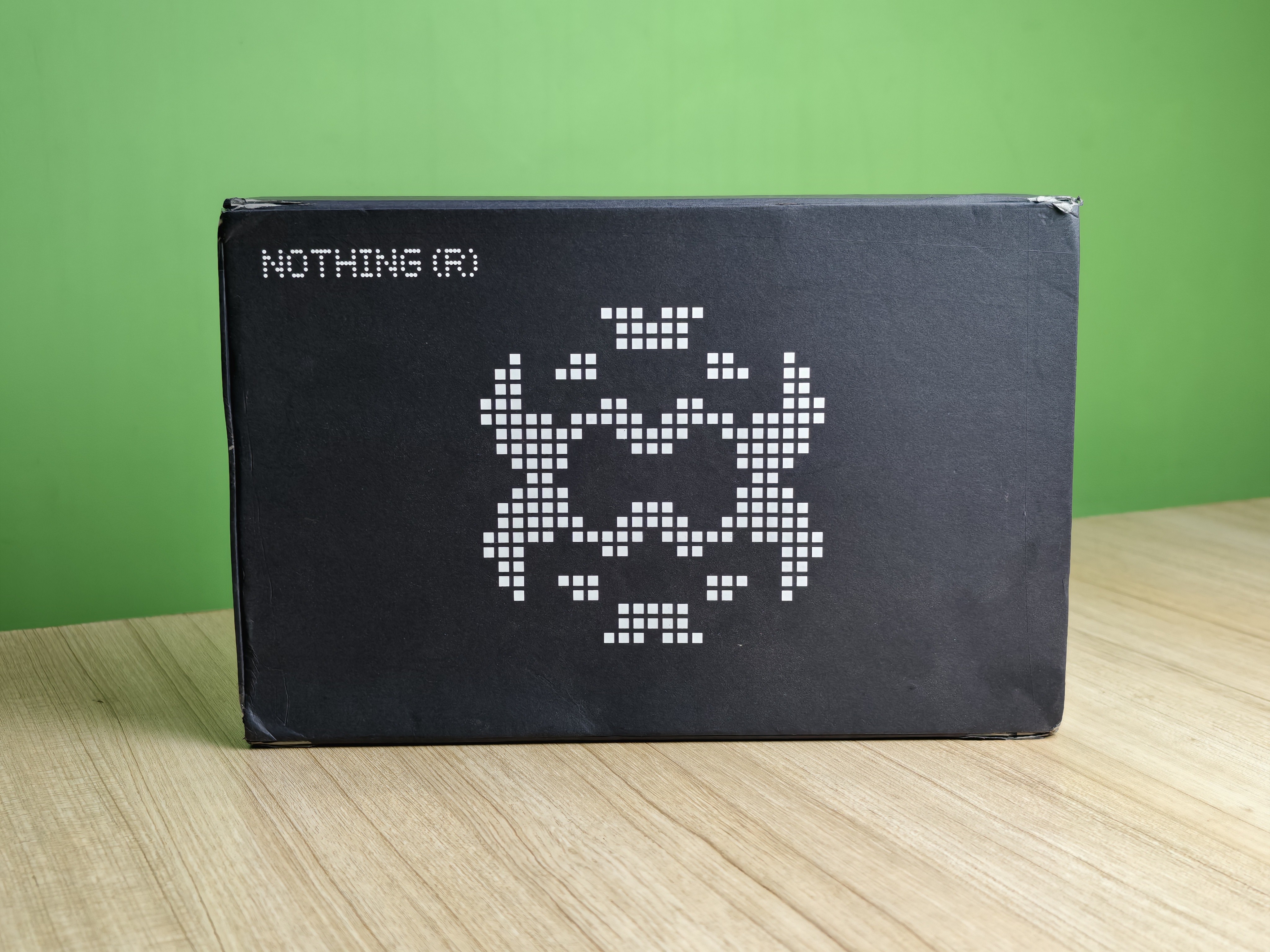
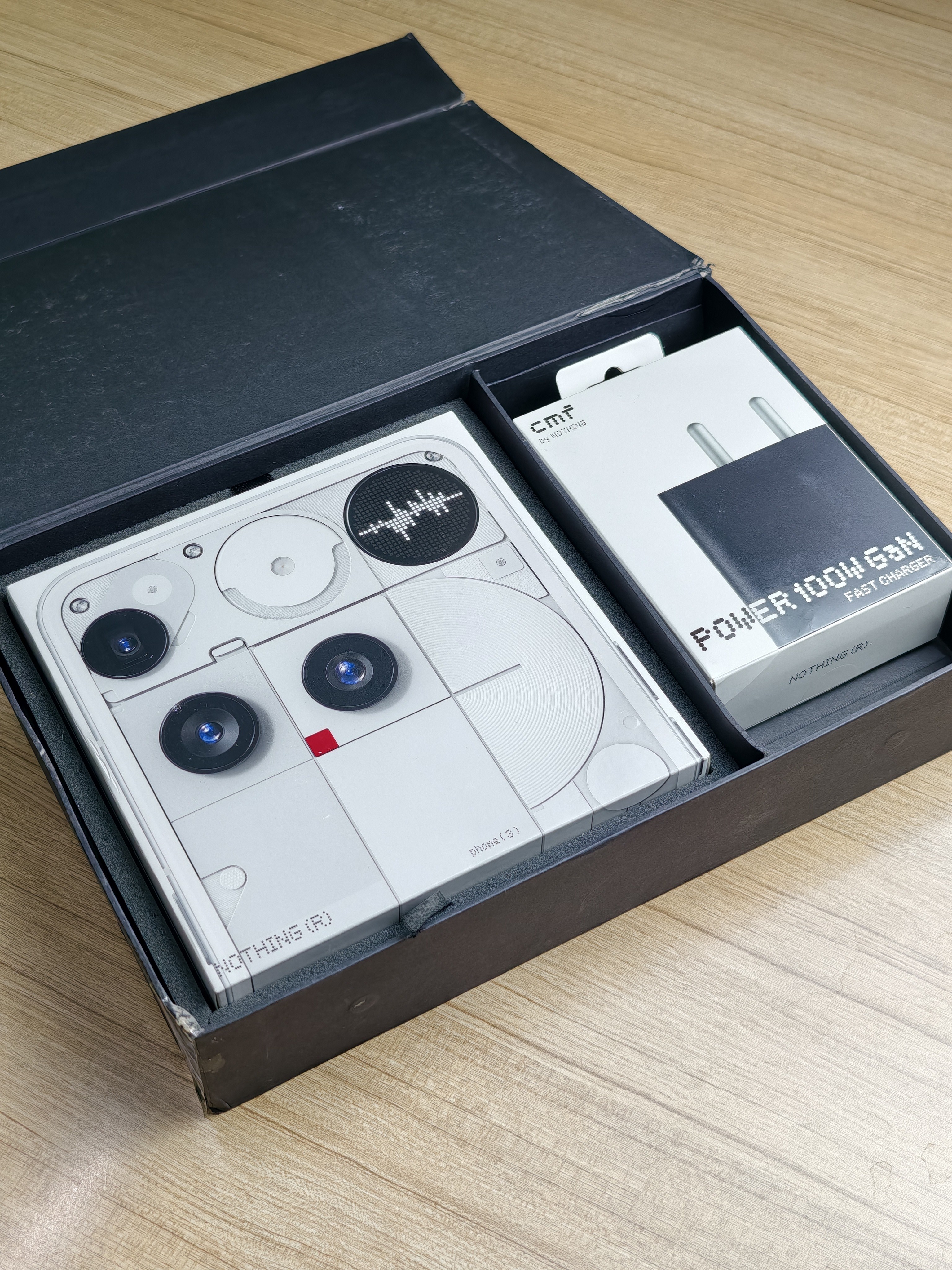
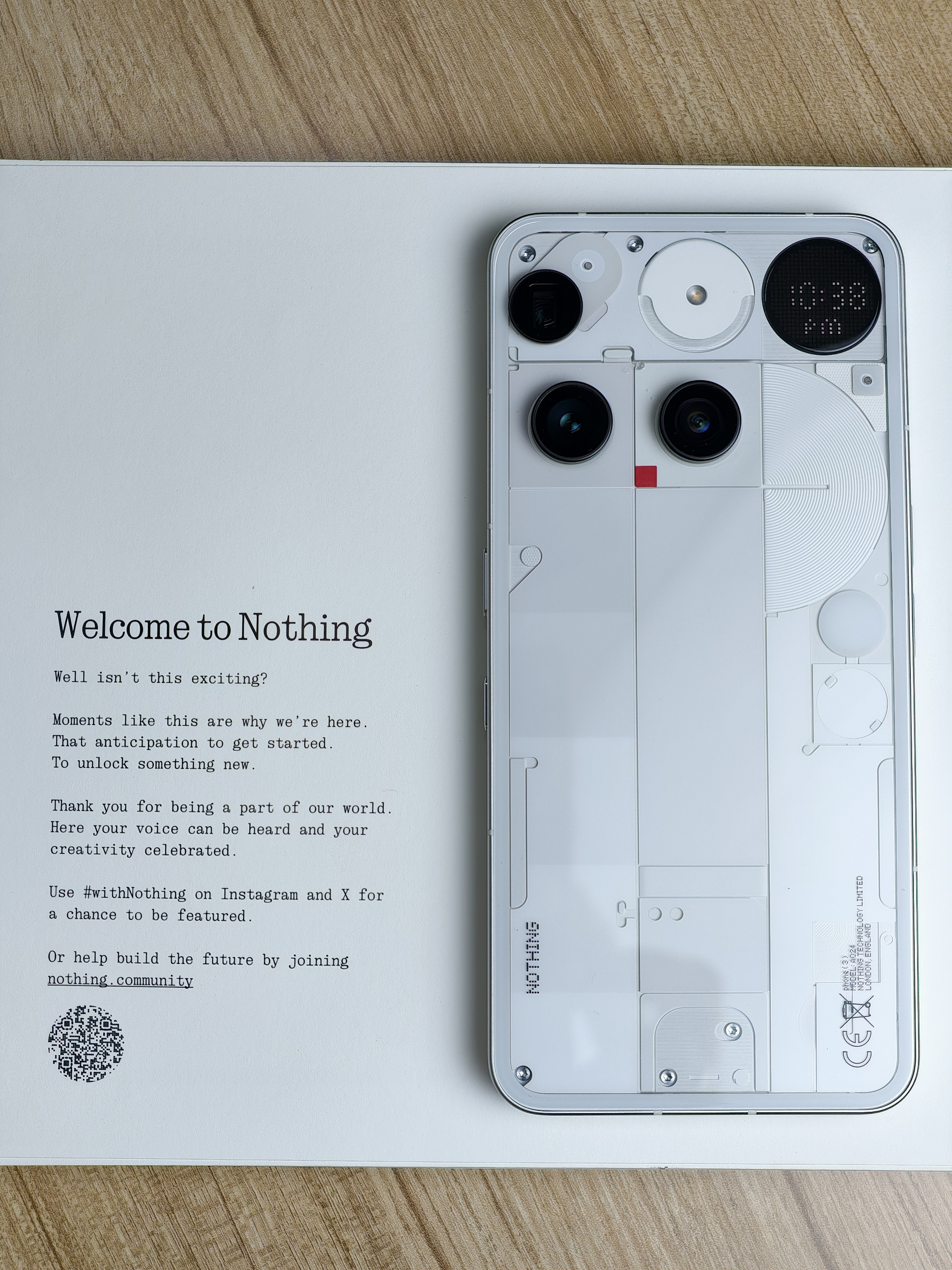
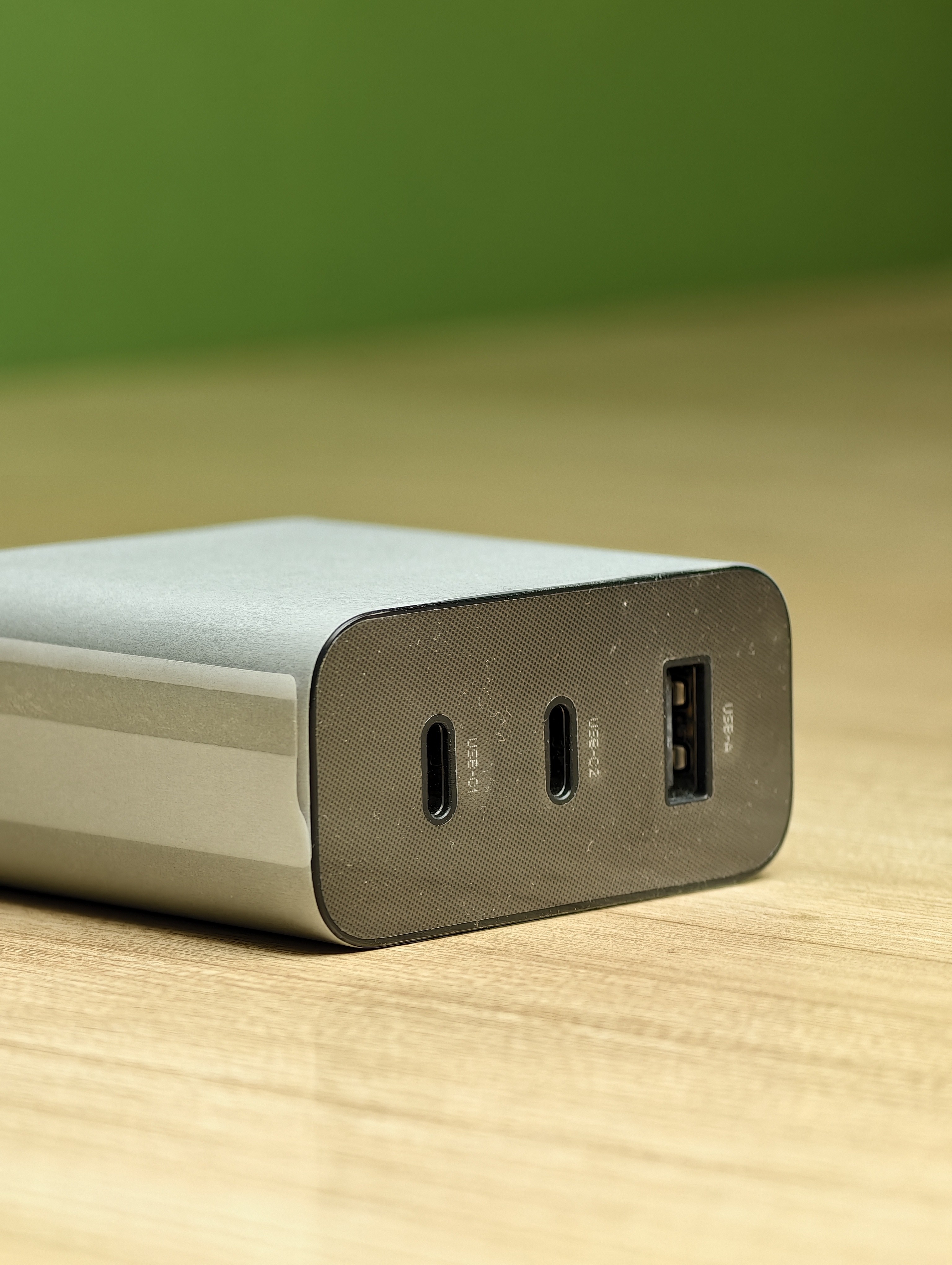
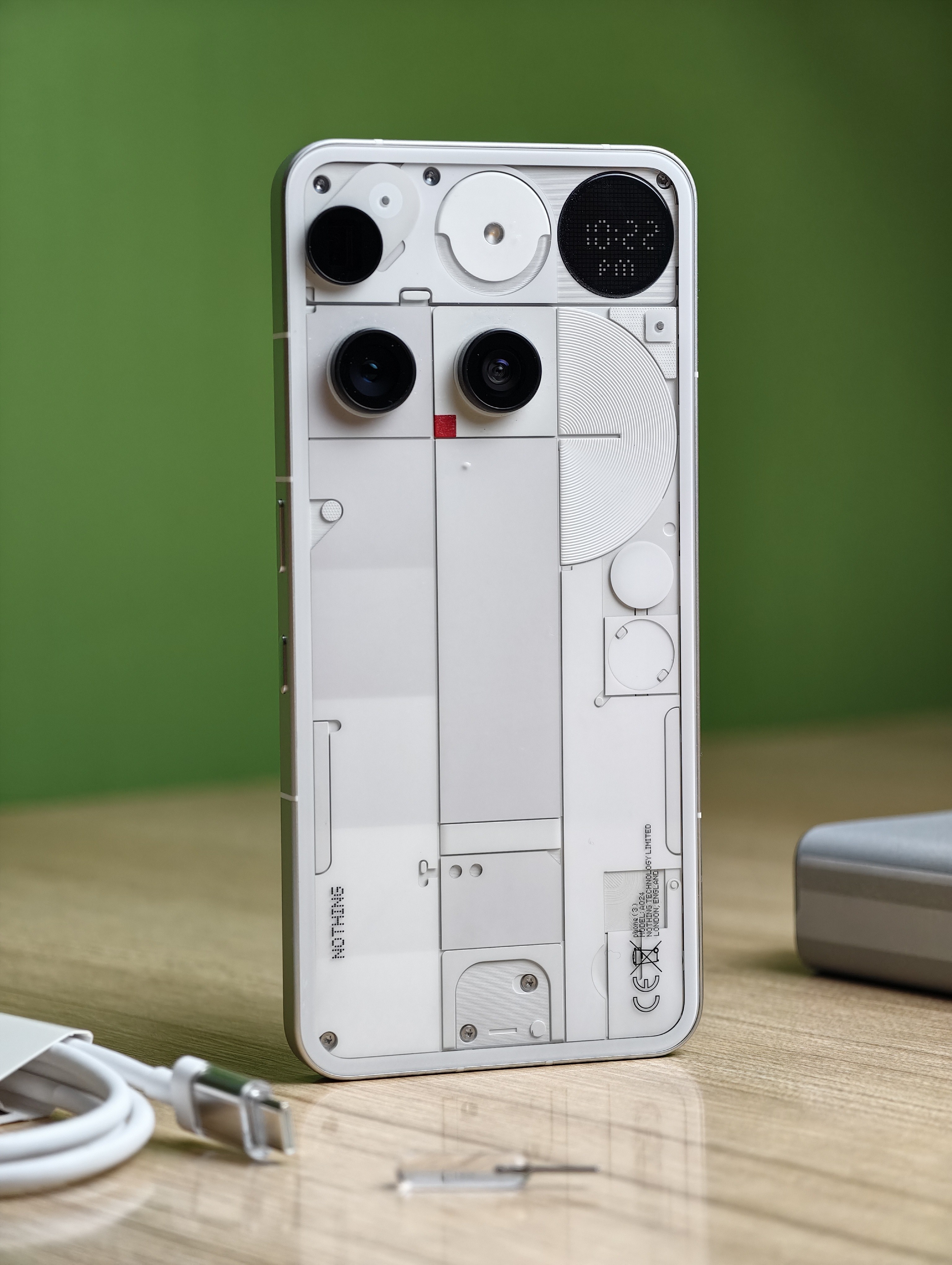
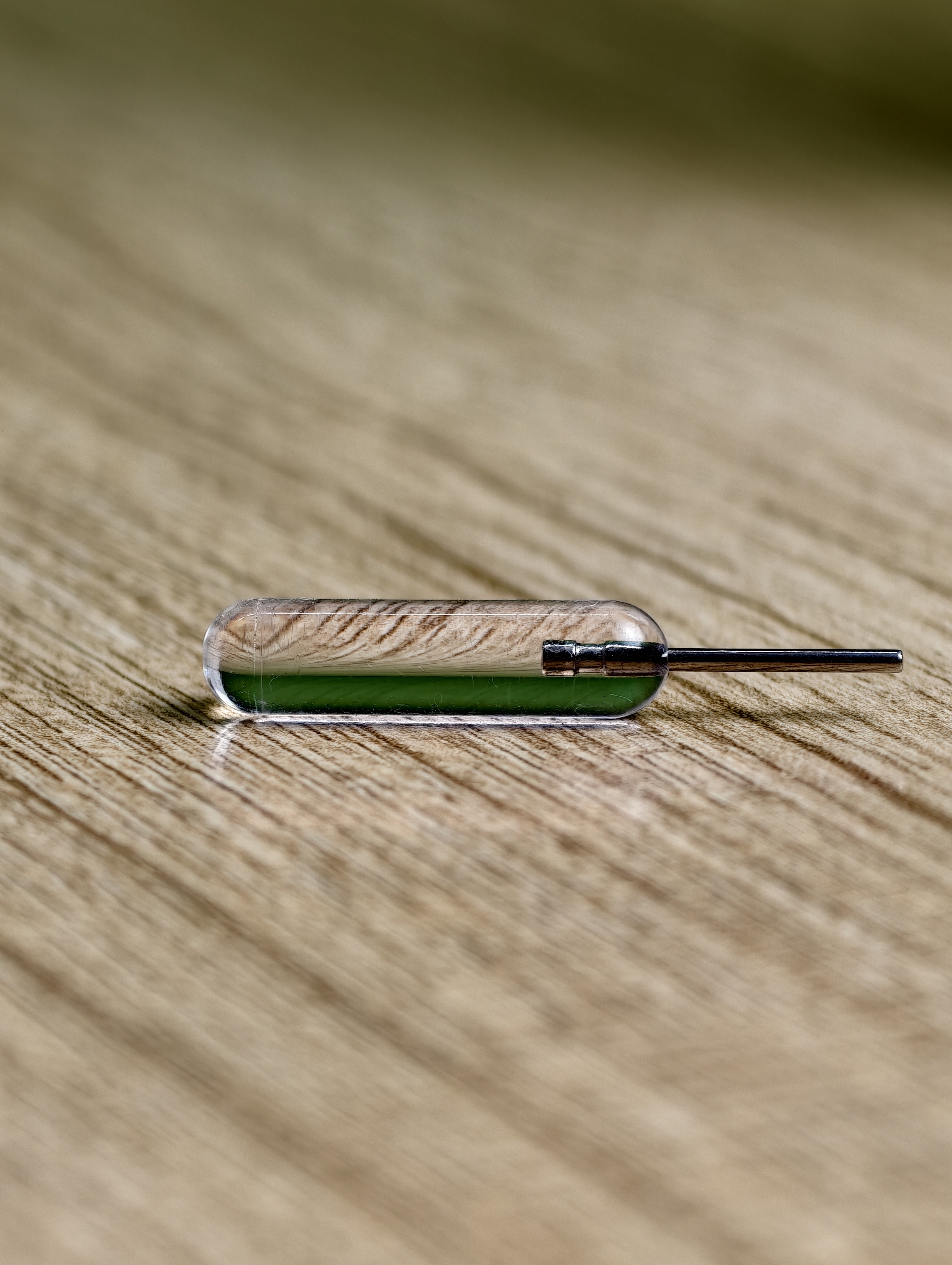
Here’s what you get inside the box:
❌ No charger in the box and honestly, that still feels wrong. iPhone started this trend, and everyone followed, but it doesn’t make it right.
The case is transparent but, like most TPU ones, it’ll start to turn yellow over time.
The SIM ejector tool, though, deserves a shoutout - it’s beautifully designed and transparent, matching the Nothing aesthetic. Never seen such a unique tool before.
—
Build and Design
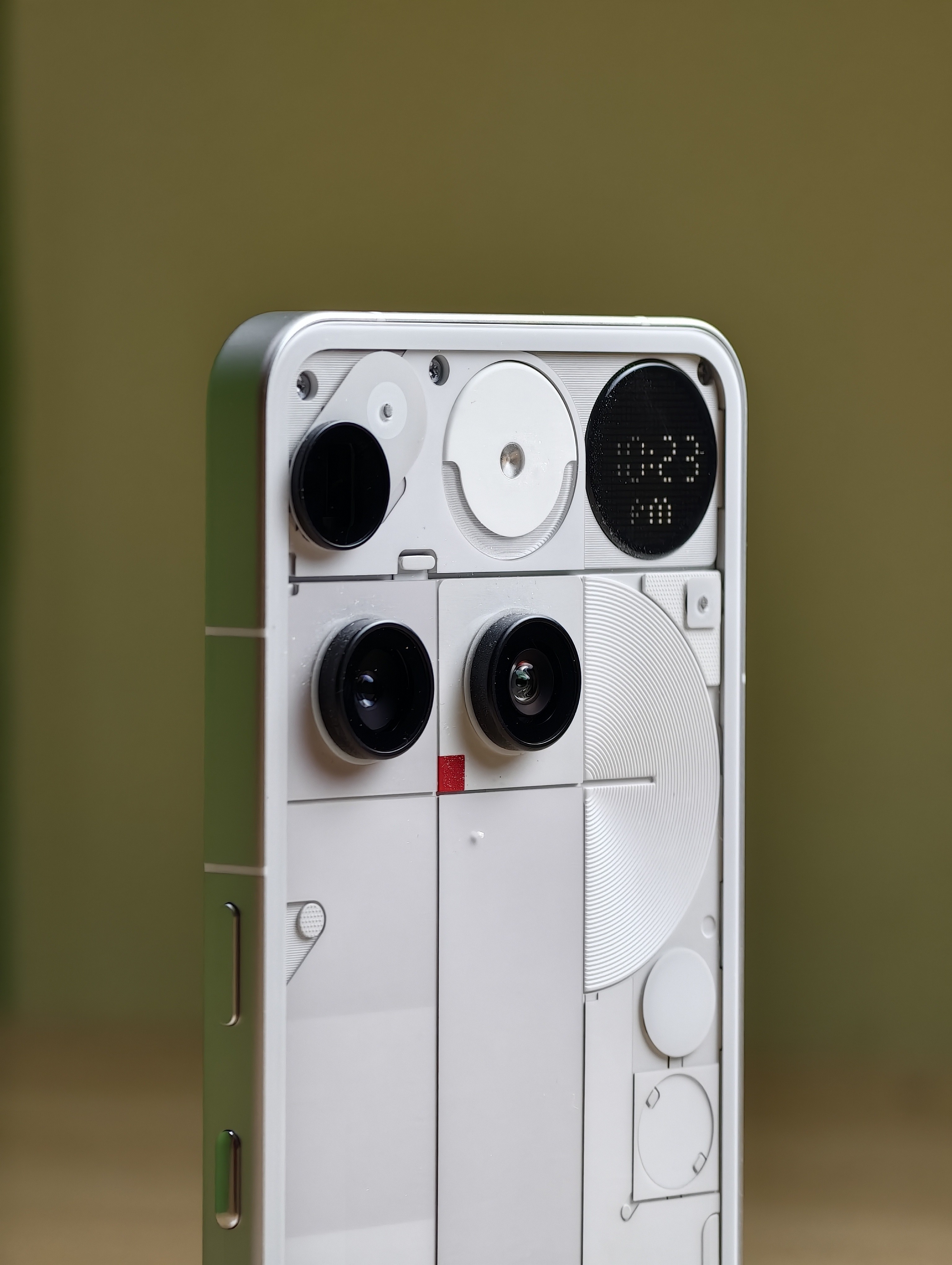
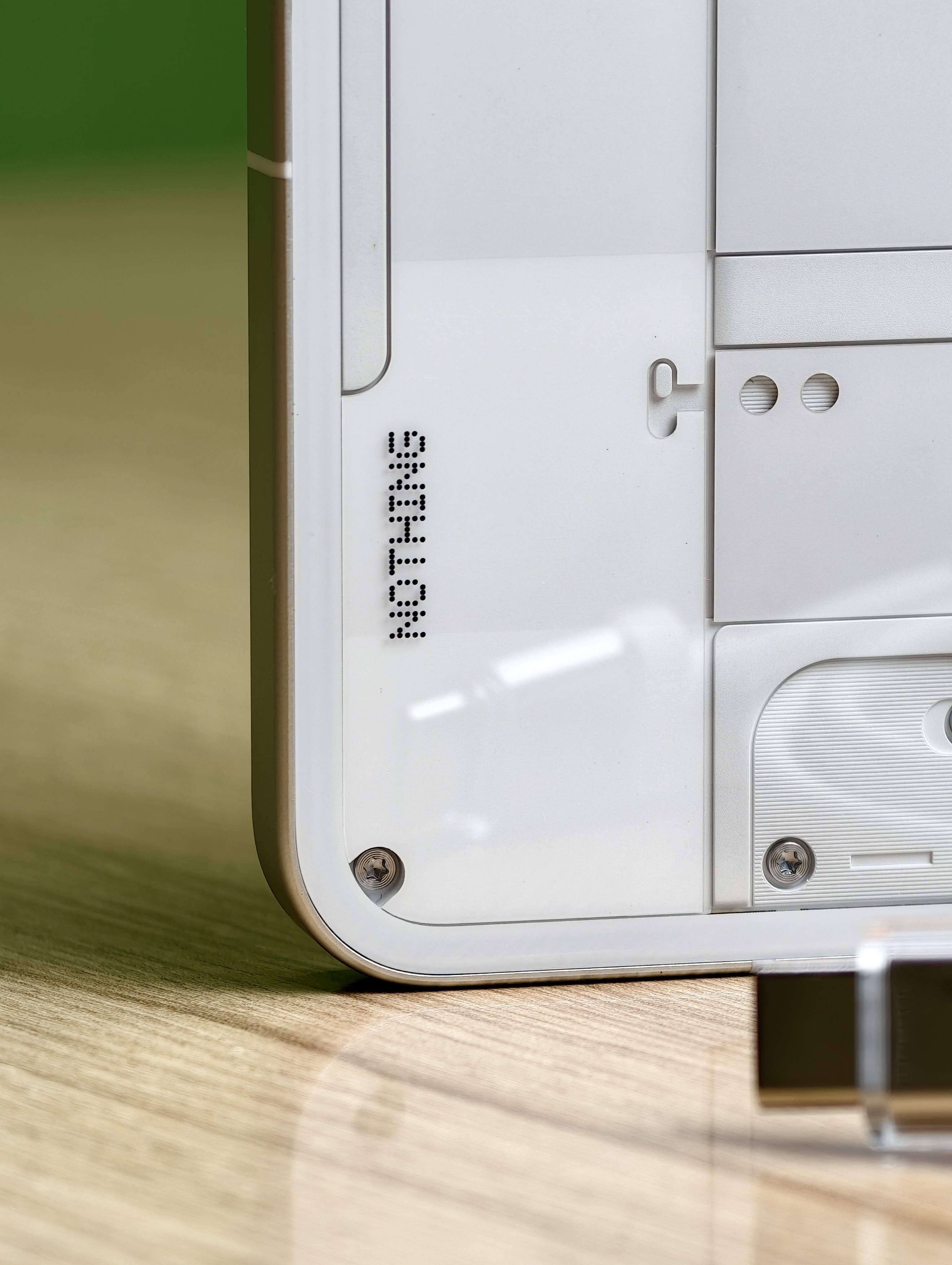
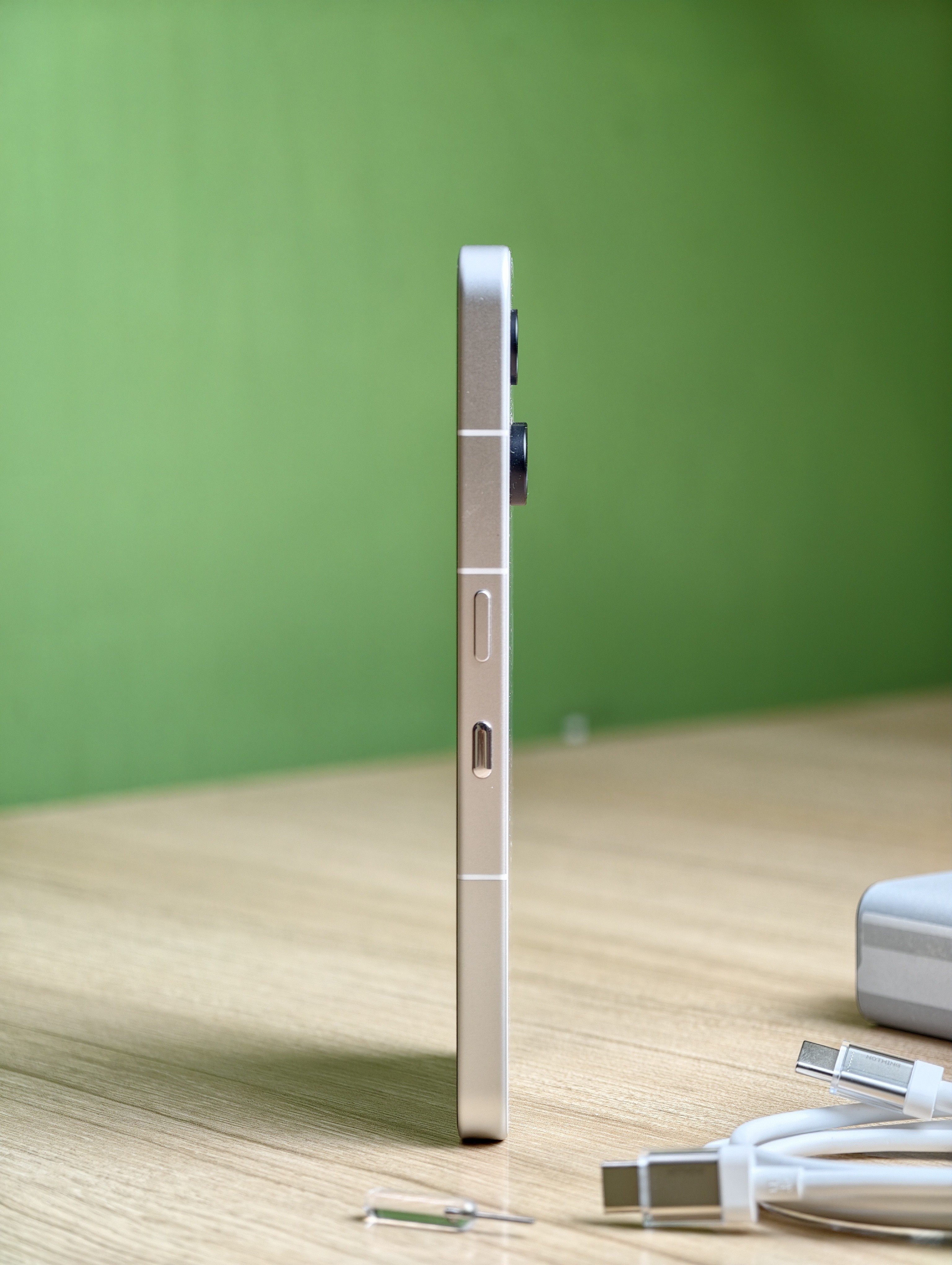
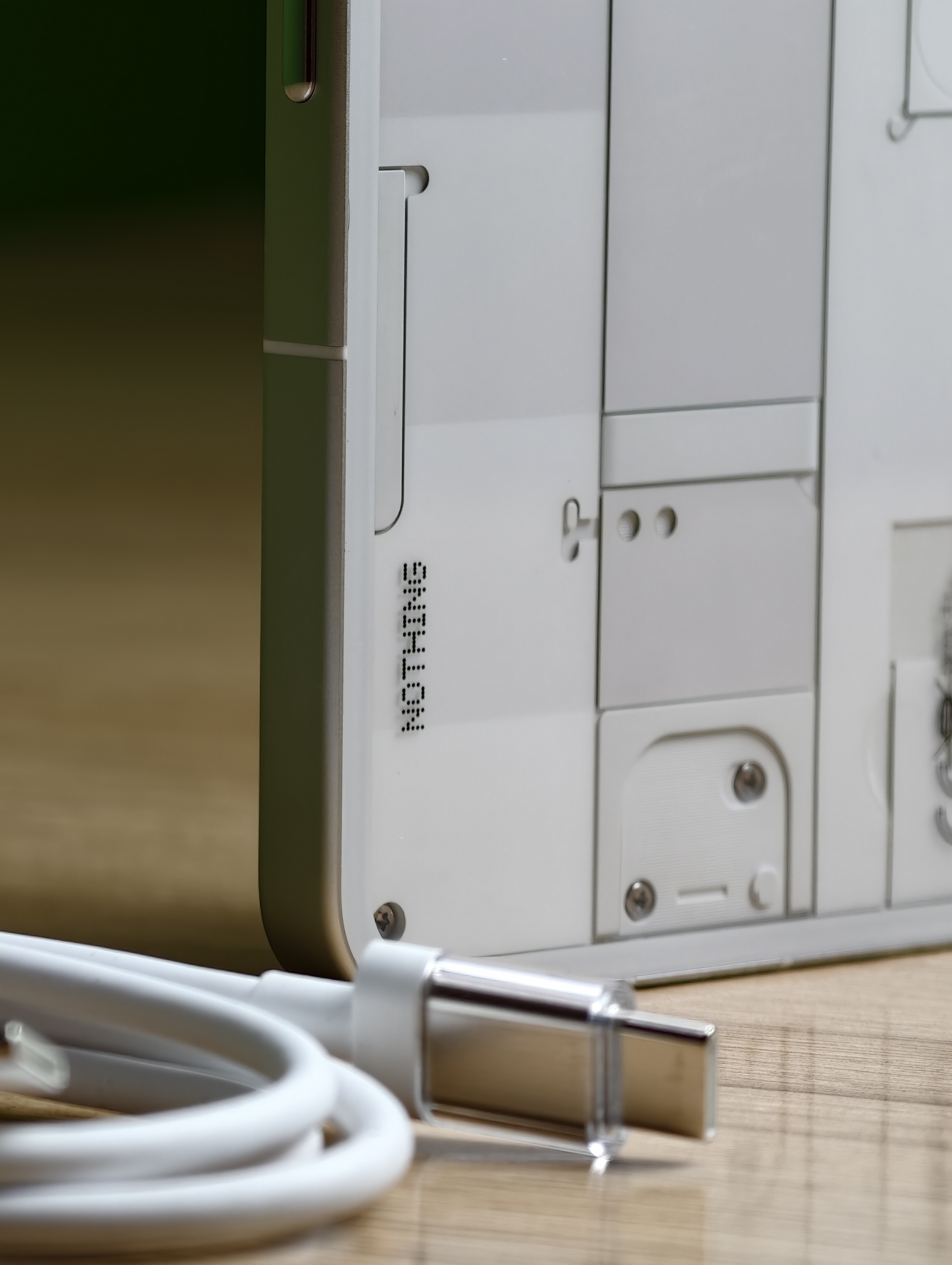
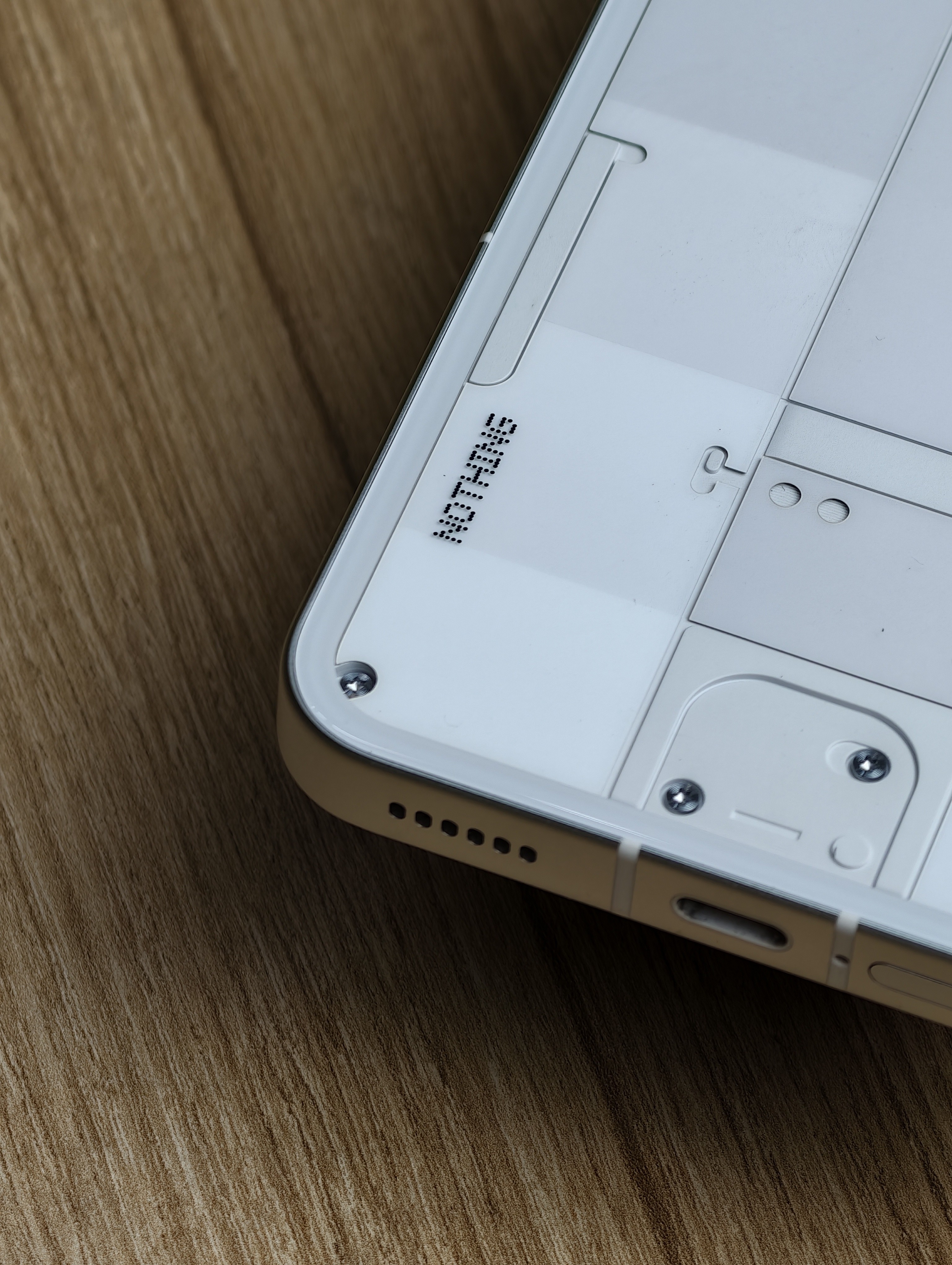
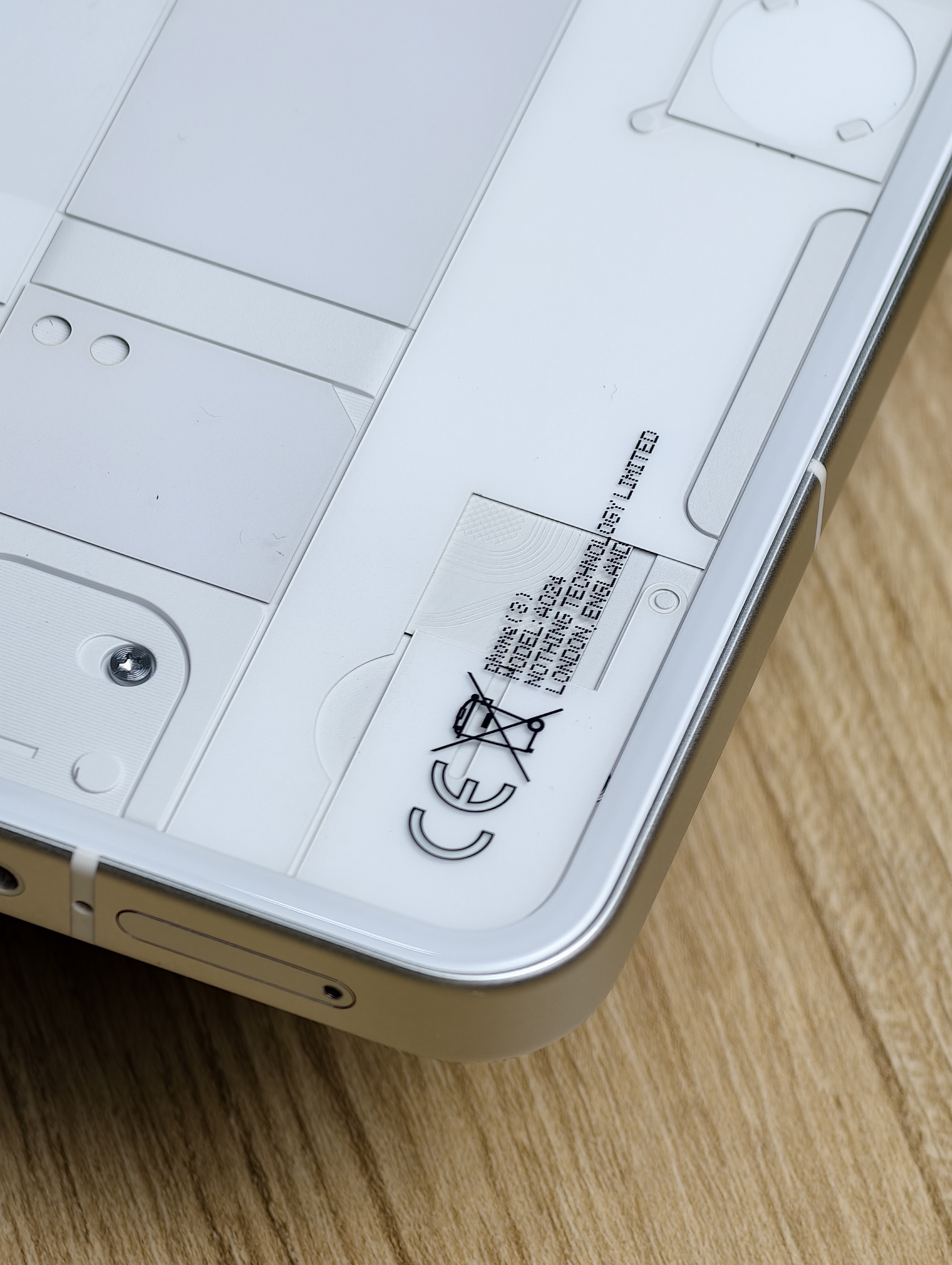
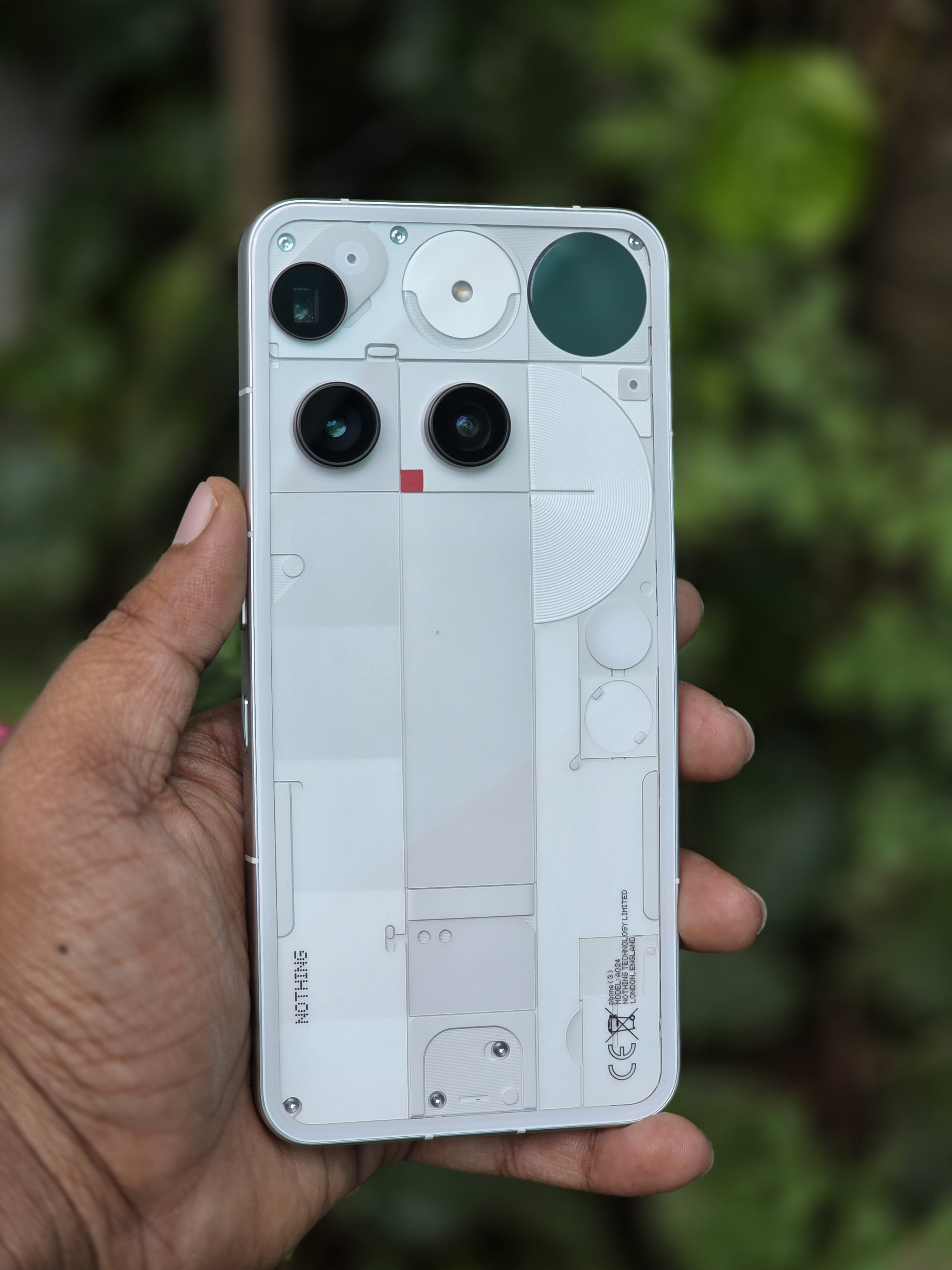
Let’s be real, from the sides and corners, it looks a lot like an iPhone. Many people who saw it in my hand actually asked, “Is that an iPhone?” That’s when I got to tell them the Nothing story. Quite a few weren’t aware of the brand before. I think they are now. 😉
It’s a comfortable device to hold, not too large, and feels premium.
The back camera island design is subjective - some may like it, some may not.
The buttons are solid and tactile.
But since I’m used to right-side volume buttons, I accidentally pressed the Essential Button many times at first. The left-side volume placement was a big change for me, though after about a month, my muscle memory finally adapted.
As for the red recording light - still wondering if that’s really necessary.
—
Display
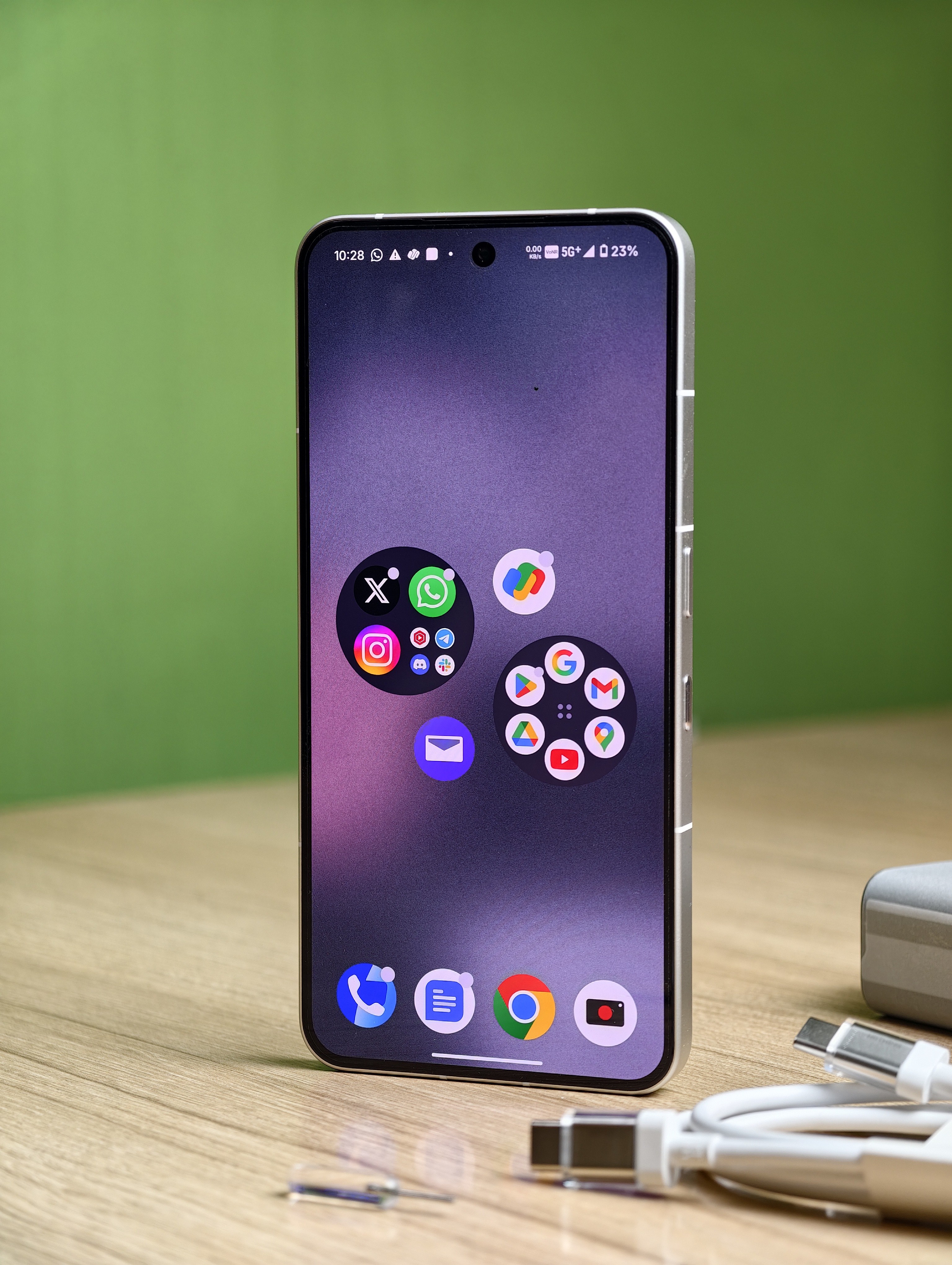
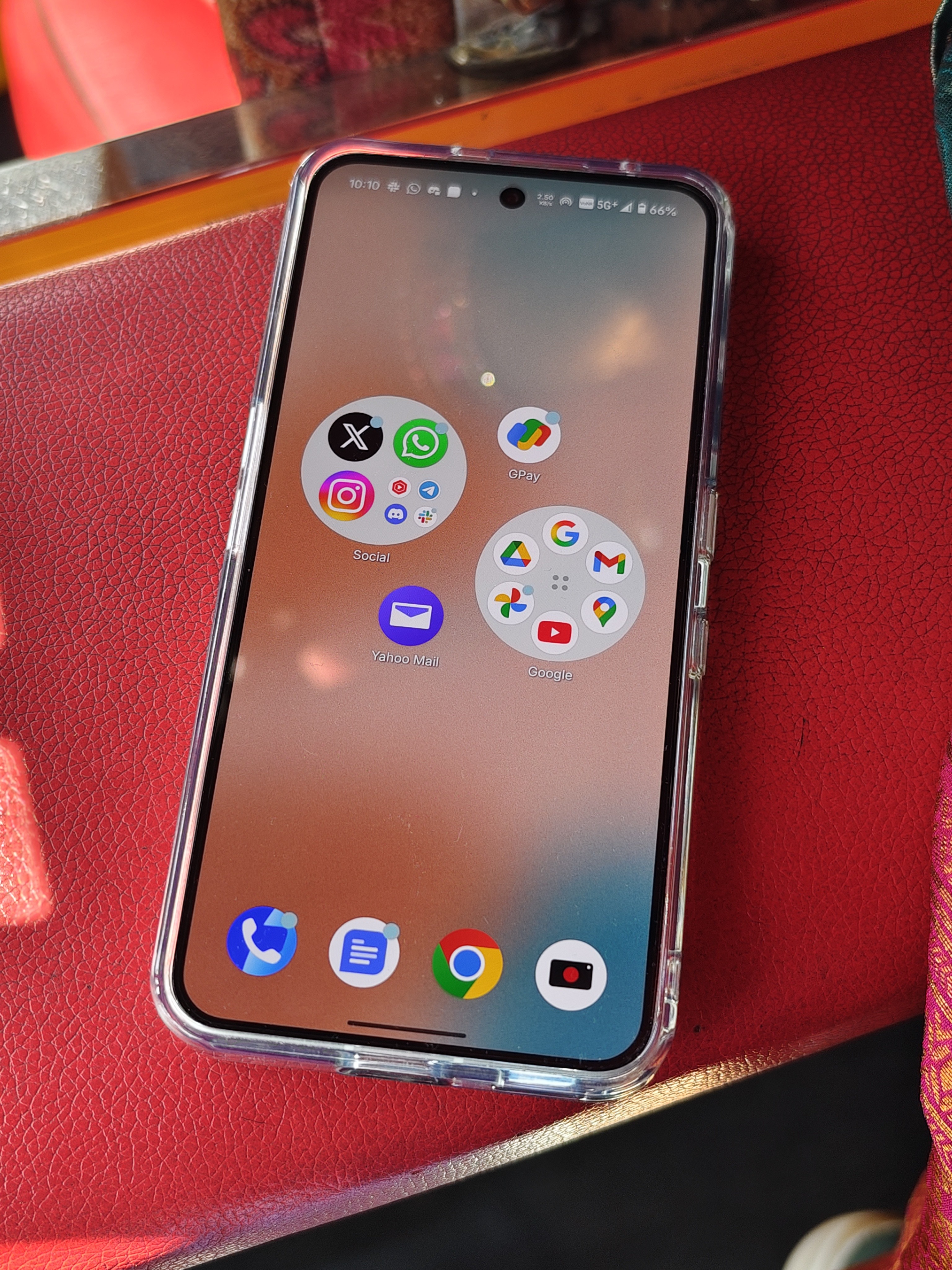
Specs:
📐 6.67” Flexible AMOLED
🪶 Corning® Gorilla® Glass 7i
📏 Resolution: 1260 × 2800 (460 PPI)
🎨 10-bit color depth (1.07 billion colors)
⚡ Adaptive refresh rate: 120 Hz
Outdoor visibility is decent - no readability issues even under sunlight.
Overall, it’s a bright and beautiful display with great viewing angles.
—
Audio & Haptics
🔊 Loud and clear audio.
📳 Strong and crisp haptics.
It also packs three high-definition microphones, which is nice for video recording and calls.
—
Connectivity & Calls
A quick heads-up! The device needs a SIM card inserted to complete the initial setup.
Now, with Jio 5G, I faced several issues. The network and Wi-Fi weren’t stable at times, and the earpiece volume wasn’t that impressive. Even with full signal, the network reception wasn’t reliable. Same goes for GPS performance - it struggled indoors or inside a train, where my Galaxy S25 Ultra could easily detect location.
There were even moments where, despite full signal, I couldn’t complete a GPay UPI transaction instantly - something that works flawlessly on my S25U.
It does support VoNR on Jio, and by default, Wi-Fi hotspot runs on Wi-Fi 7, which I absolutely love. Plus, Bluetooth 6.0 support is there.
And one personal opinion. I still hate the Google Dialer, no matter how many times they redesign it. OEMs should really bring back their own dialers for better control and UI consistency.
Props to Samsung for sticking with their own Phone app while others abandoned theirs (and later brought alternatives after backlash).
USB Type C 2.0 is a major letdown. Used 7Gbps SSD for transferring file, it took 1 min to transfer 1GB file which is pretty slow.
—
Camera System
All 50MP sensors - that’s something to appreciate when even Samsung hasn’t upgraded its 10MP 3x telephoto in years.
Main Camera (50MP)
Aperture: f/1.68
Sensor: 1/1.3″
OIS & EIS
Produces natural photos. I genuinely love its color science. (Stay tuned for my comparison post between Phone (3) and Galaxy S25 Ultra!)
Periscope (50MP)
AI Super Resolution Zoom can be hit or miss - sometimes perfect, sometimes messy.
But up to 10x zoom gives great results.
Ultra Wide (50MP)
Aperture: f/2.2
Sensor: ½.76”
114° Field of View
Front Camera (50MP)
Aperture: f/2.2
Sensor: ½.76”
81.2° Field of View
4K 60FPS is supported across all lenses but the ultrawide video struggles in low light.
Overall, main and periscope cameras deliver solid results.
Ultra Wide and Main

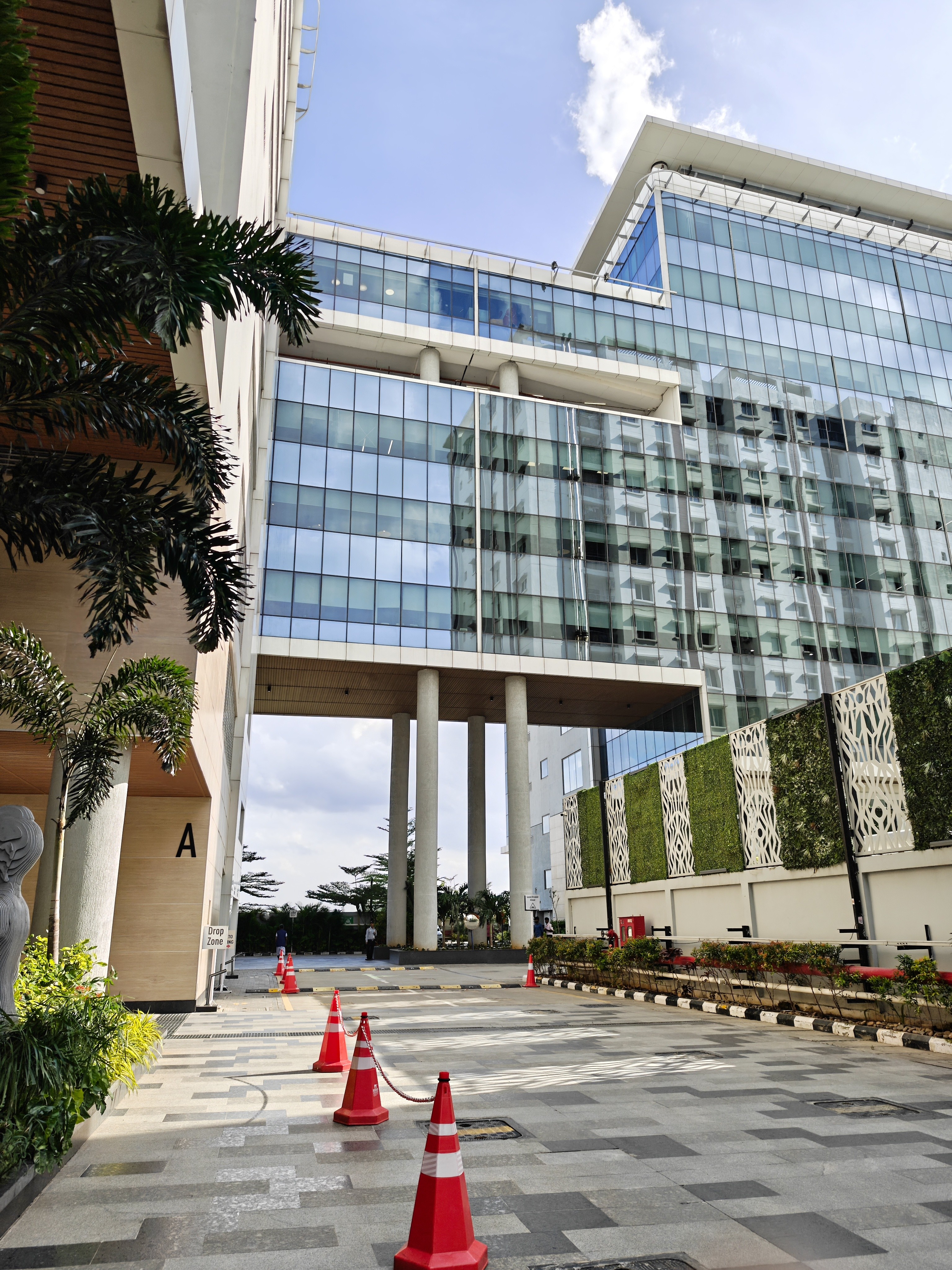
Main and 3x


6x Black and White

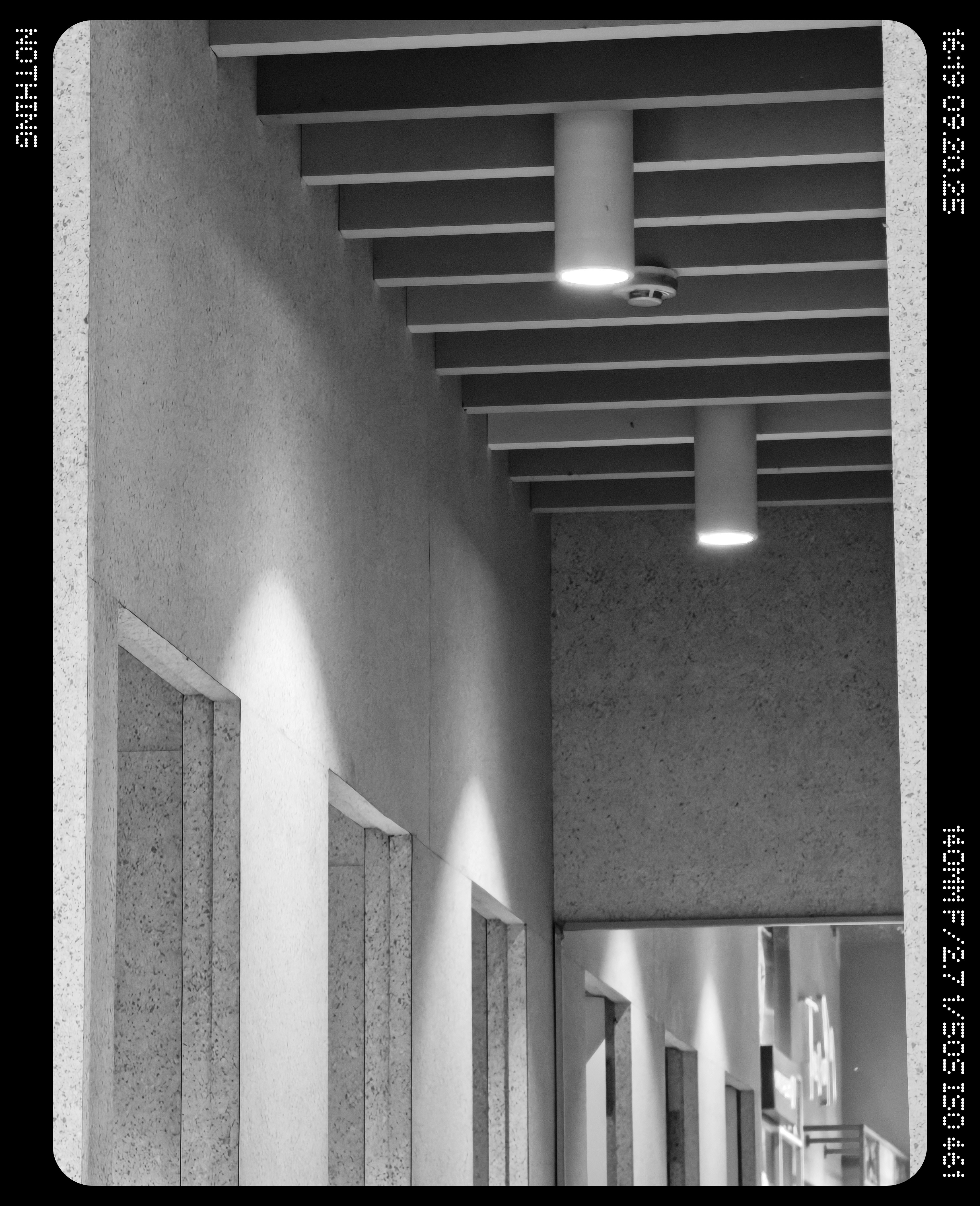
3x and 10x




UW, 3x, 6x, 10x and 30x
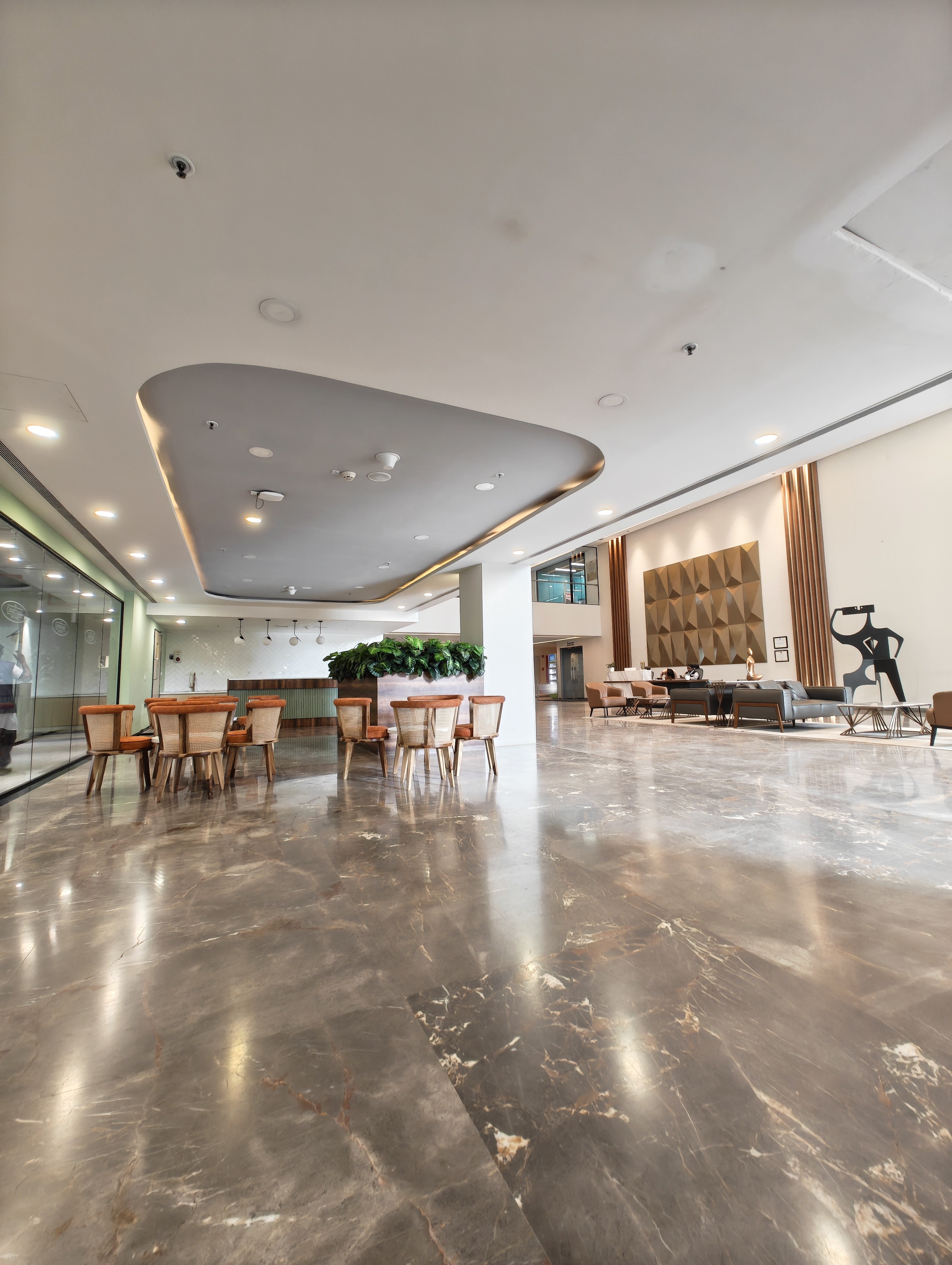

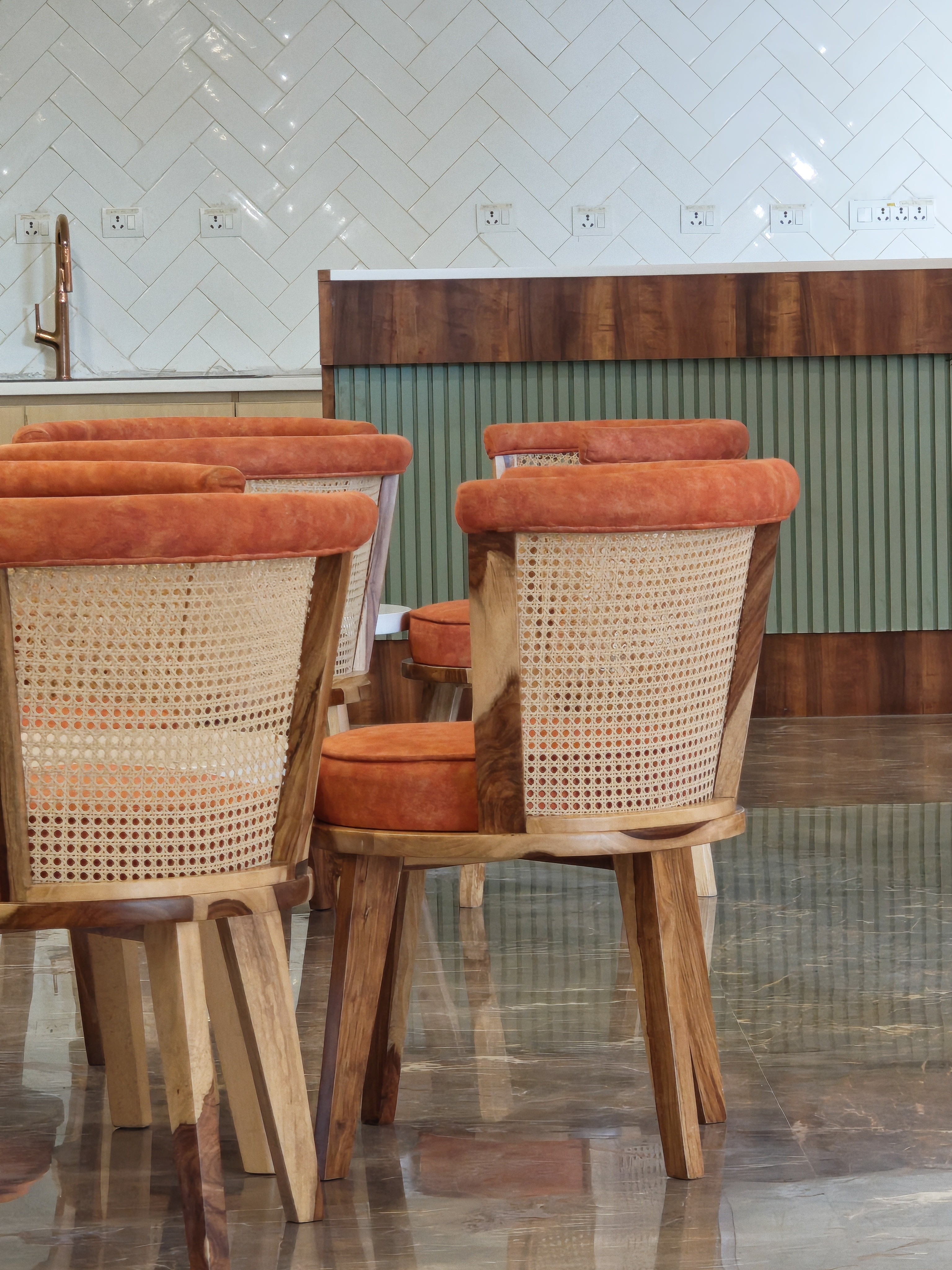
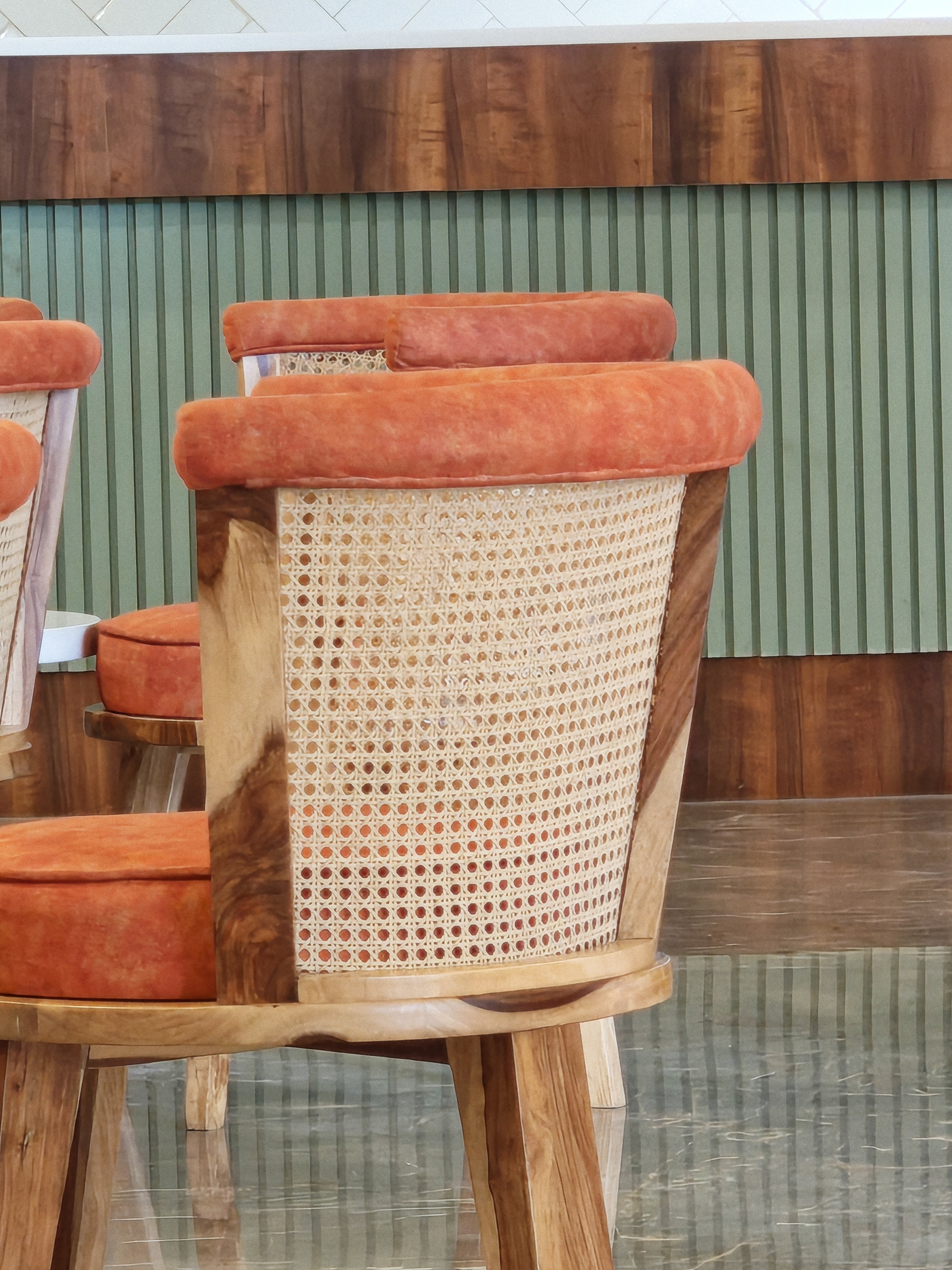
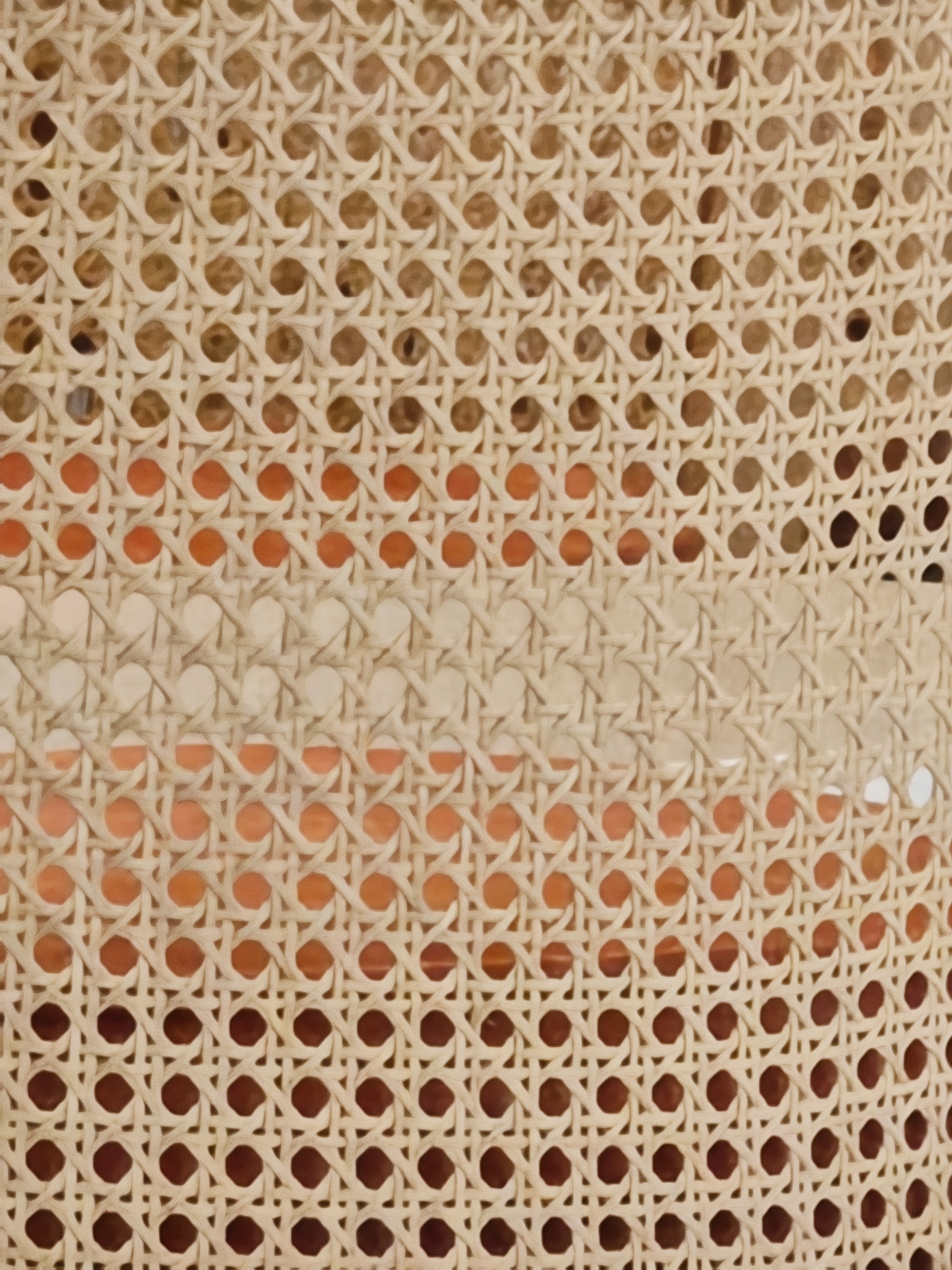
UW, 1x, 3x and 30x. Here you’ll see AI Super Resolution Zoom is inefficient





60x Moon Photo


Macro Shot 3x and 6x




—
Camera Presets
Nothing’s Camera app introduces something new - Presets.
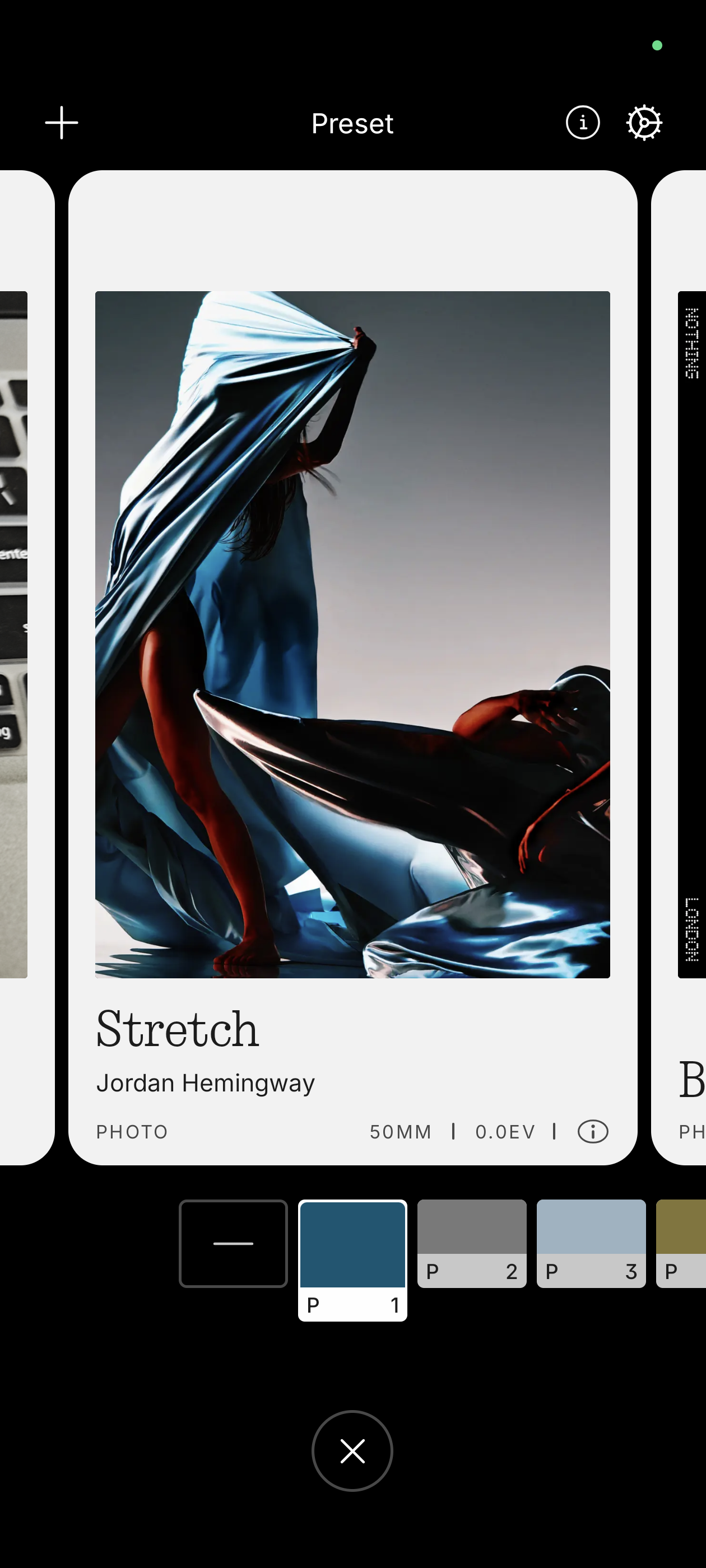
You can create, share, and download camera presets with full control over parameters and even LUTs for color grading.
Quick Access:
Swipe up or tap the button at the bottom of the camera interface to select a preset.
Create or Import:
You can make your own or import others via QR code or gallery.
Share:
Long press a preset or tap More to export and share it with others. They can scan your QR to use it instantly.
Very creative feature. With Nothing Playground, the users can download presets uploaded by creators and share your presets too.
—
Performance
💪Chipset: Snapdragon 8s Gen 4
🎮GPU: Adreno 825
🧠NPU: Hexagon NPU with Qualcomm AI Engine
📸ISP: Spectra 18-bit Triple AI ISP
No heating issues during casual or daily use.
Multitasking feels smooth.
It gets slightly warm during intense editing or prolonged camera sessions, but no thermal warnings and temperature stays under control.
I’m not a gamer, so can’t comment much on gaming performance.
—
Battery & Charging
🔋 5500 mAh
⚡ 65W fast charging
I used the CMF by Nothing 100W charger, and it charges fast.
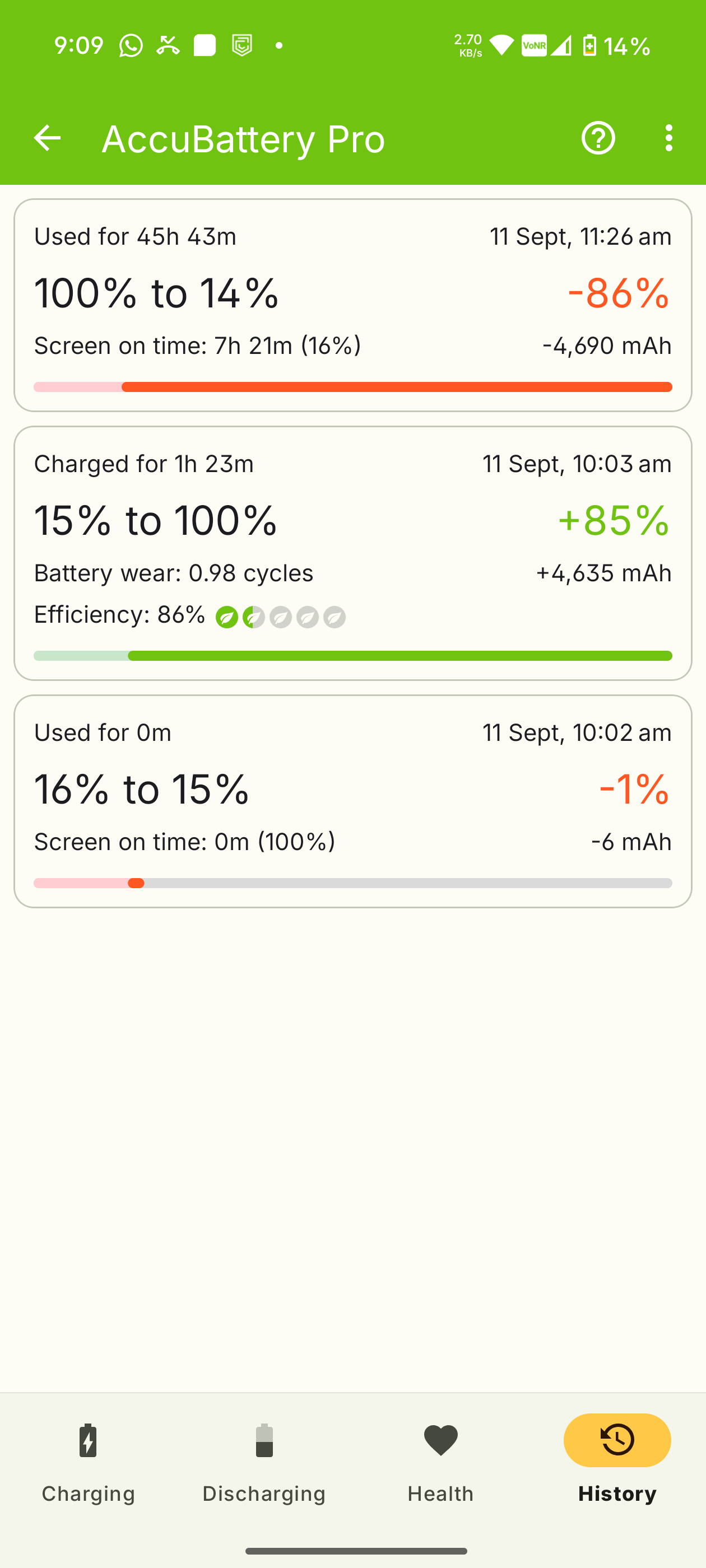
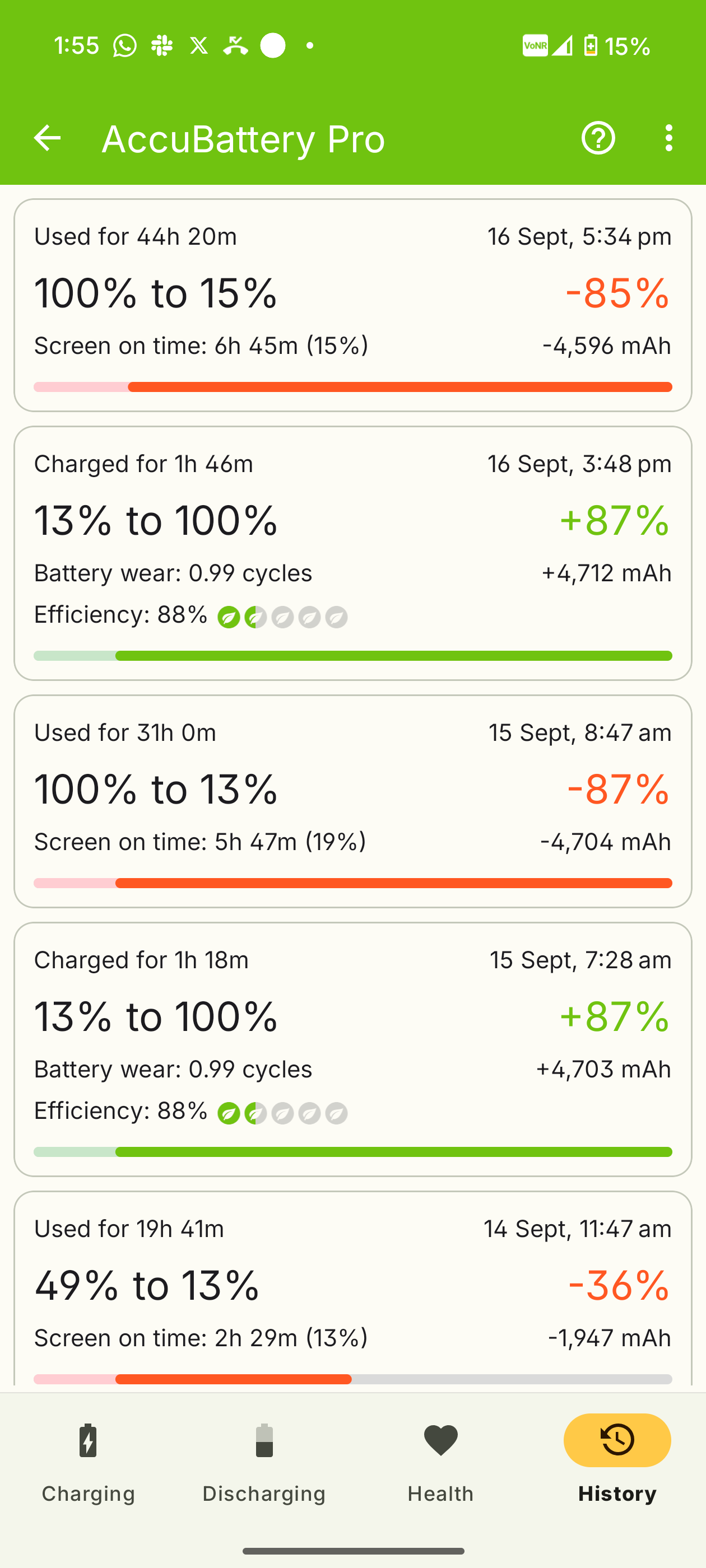
During early usage, I got around 7.5 hours of screen-on time (SOT).
After installing apps and using it normally, it averages 6 to 6.5 hours, which is solid considering:
Mixed 5G & Wi-Fi
Dynamic refresh rate
AOD sometimes ON
GPS mostly ON
The camera isn’t a battery hog either unlike some flagships.
—
Nothing OS Experience
It’s basically Pixel OS with Nothing’s customizations.
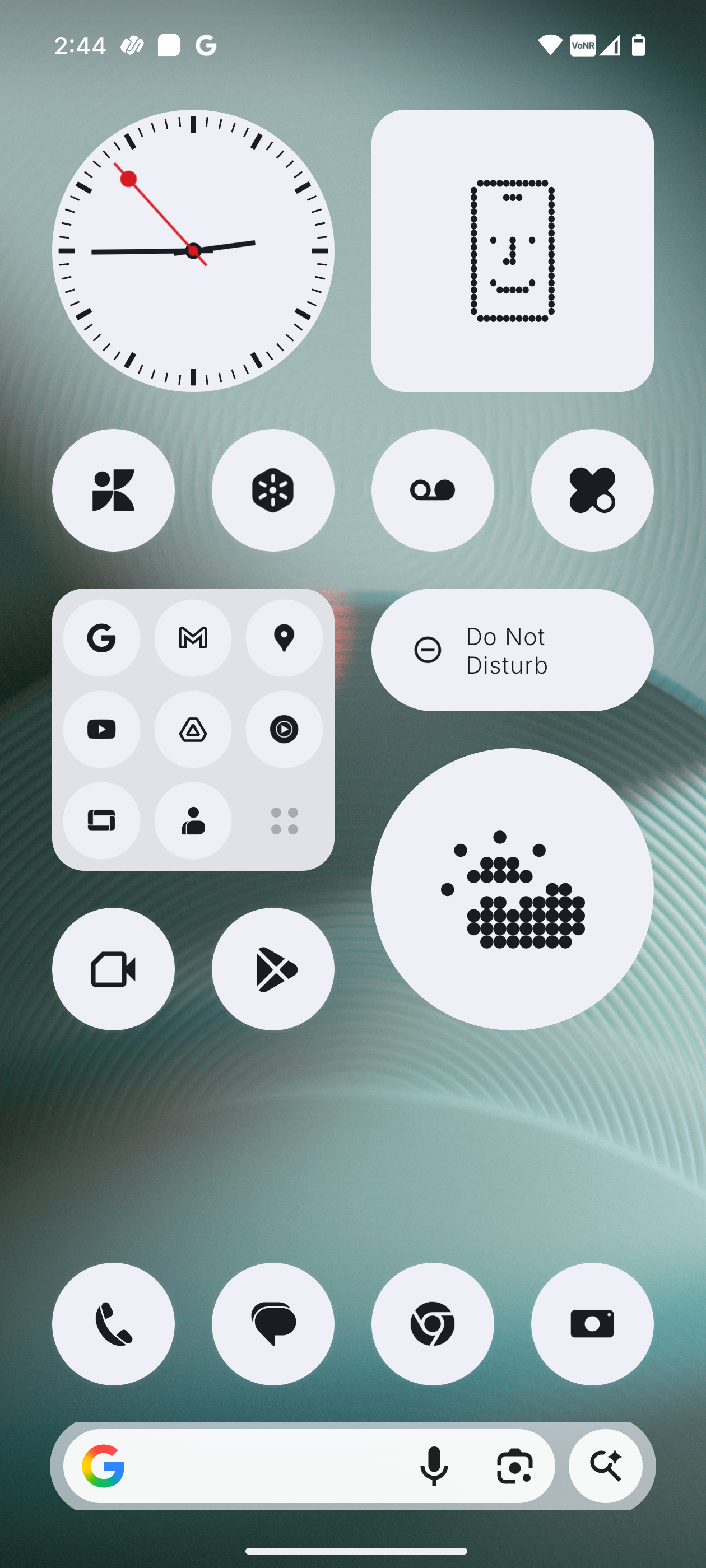
I barely see first-party apps. No native File Manager, minimal Gallery, and of course, the Google Dialer again.
I also find the Nothing icon pack with full black theme confusing. The default icons look cleaner and easier to recognize.
—
Glyph Matrix Display
At the heart of the Glyph Interface, the Glyph Matrix shows notifications, utilities, and even games.
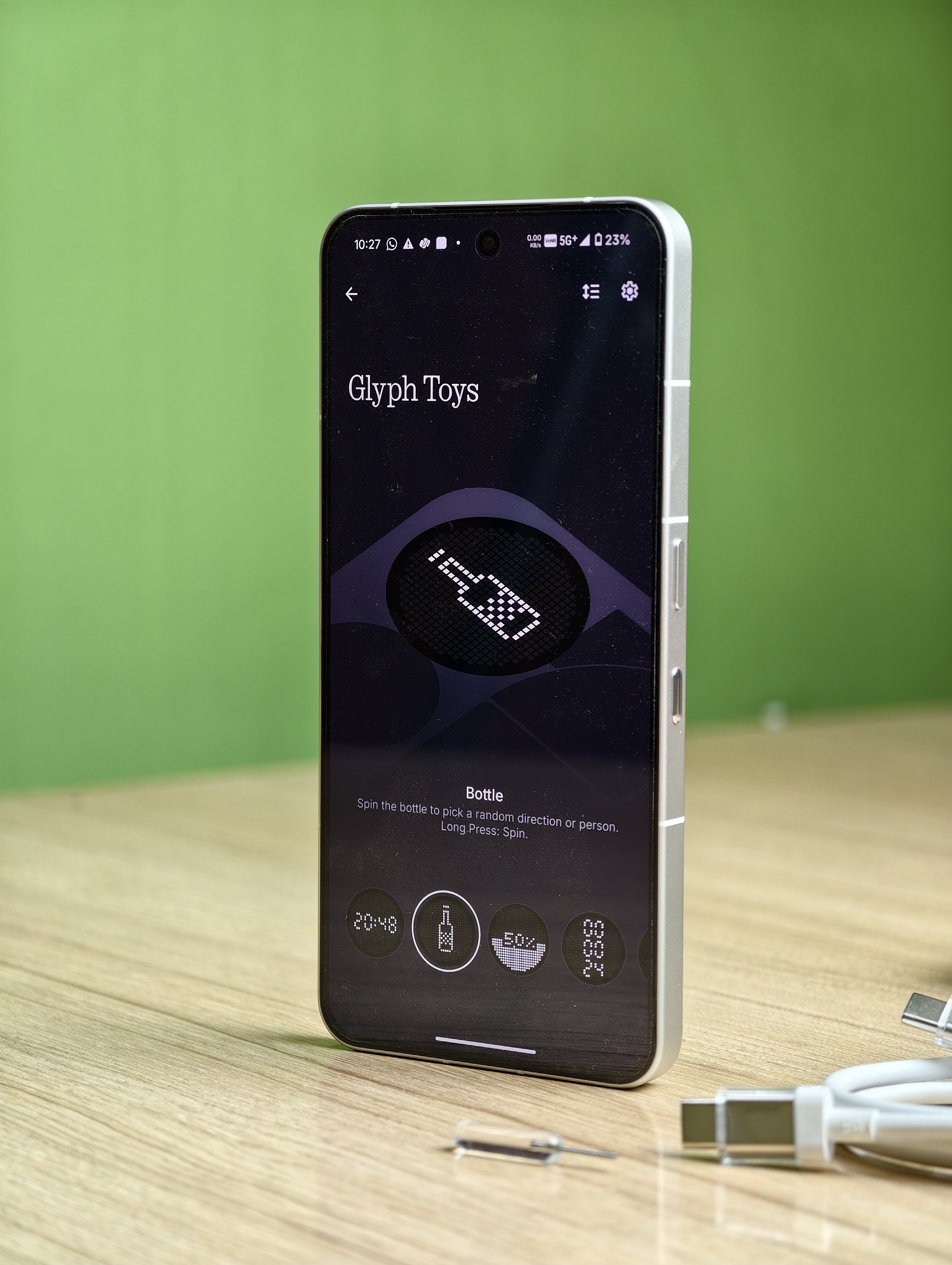
Highlights:
Camera: Visual countdown for timers
Torch: All 489 LEDs light up for maximum brightness
Volume: Displays levels visually
NFC: Fun animation when triggered
You can switch between utilities, ambient interactions, and games with the Glyph Button.
Mini Experiences:
Glyph Mirror: Use the back LEDs to frame selfies
Spin the Bottle / Rock Paper Scissors: Fun, quirky games
Digital Clock: Retro 90s vibe
Developers are building cool Glyph toys and apps, but personally, I don’t find it very useful yet.
—
Essential Space
A thoughtful addition.
It lets you capture ideas, inspirations, and notes using the Essential Key, then automatically organizes them with AI. Great for remembering things or planning content.
—
Other Impressions, Bugs & Suggestions
Love the fingerprint setup animation and the minimal UI.
Nothing Iconography gives a minimal vibe but can feel boring at times. Great for digital detox though.
This is my first “iPhone-like” device after years of using flagships. From the front, it really does resemble one.
Tap-to-open animation feels satisfying, the way it expands from your touch and ends near the power button.
The review unit I got was previously used; the case had already yellowed. OEMs should include anti-yellowing cases.
In Nothing OS, swiping left/right on notifications dismisses them. I prefer to dismiss notification panel with edge swipe gesture.
Google Search Widget UI looks cropped - turned it off.
Notification dots don’t show counts - makes me miss updates.
SwiftKey keyboard looks great here with dynamic color themes.
No persistent charging info on lock screen (unless AOD is on).
Don’t like the notification cards - not intuitive, easy to miss things.
Dark theme feels off; thankfully, Extra Dark mode is available in Nothing OS 4.0.
File Manager is missing - a must-have. Copying folders doesn’t prompt for replace/skip, just adds “(1)” to duplicates.
APK installs sometimes freeze on the progress popup even though the app installs fine.
—
Verdict
At its launch price of ₹80,000 (256GB) - it was hard to recommend.
But now, with discounts bringing it closer to ₹40,000, it’s a different story.
Here’s who it’s great for:
✔️ Casual camera and media users
✔️ Those who want a unique, premium design
✔️ Users who value clean, simple experiences
You’ll love it if you prefer minimalism and aesthetics.
But if you’re someone who loves deep customization - Nothing OS isn’t for you.
