Hey everyone,
We’re excited to share a new update to the Advanced EQ feature in the Nothing X app.
Our EQ system already enables deep customisation, letting you precisely adjust frequency ranges and control the Q Factor parameters to shape your sound exactly how you like it.
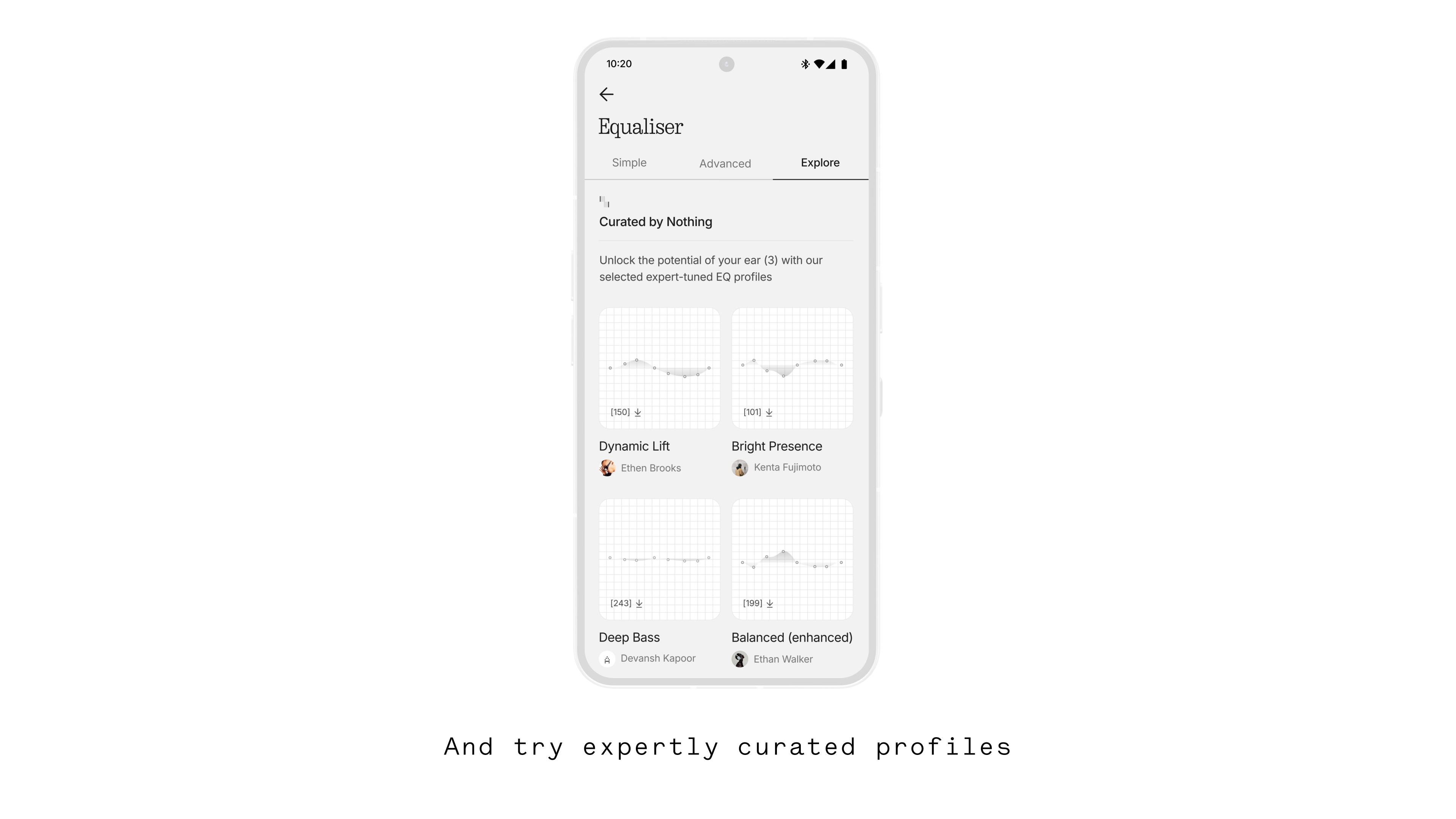
We’re taking it one step further by introducing the EQ Library, found under the new ‘Explore’ tab.
Here, you can discover a growing collection of curated EQ profiles created by artists, audiophiles, creators, and members of our community.
Each profile includes a short description and a detailed breakdown of its frequency, volume, and Q Factor configurations. You can import any profile instantly and it’ll appear under Profiles in the Advanced tab for you to fine-tune or enjoy as is.
If you’d like the chance to be featured in the app, login and upload your custom profile to the Nothing playground website.
Also don’t forget - you can share your profiles with friends and family by creating a QR code directly in the app.
We look forward to seeing more EQ creation from our community.