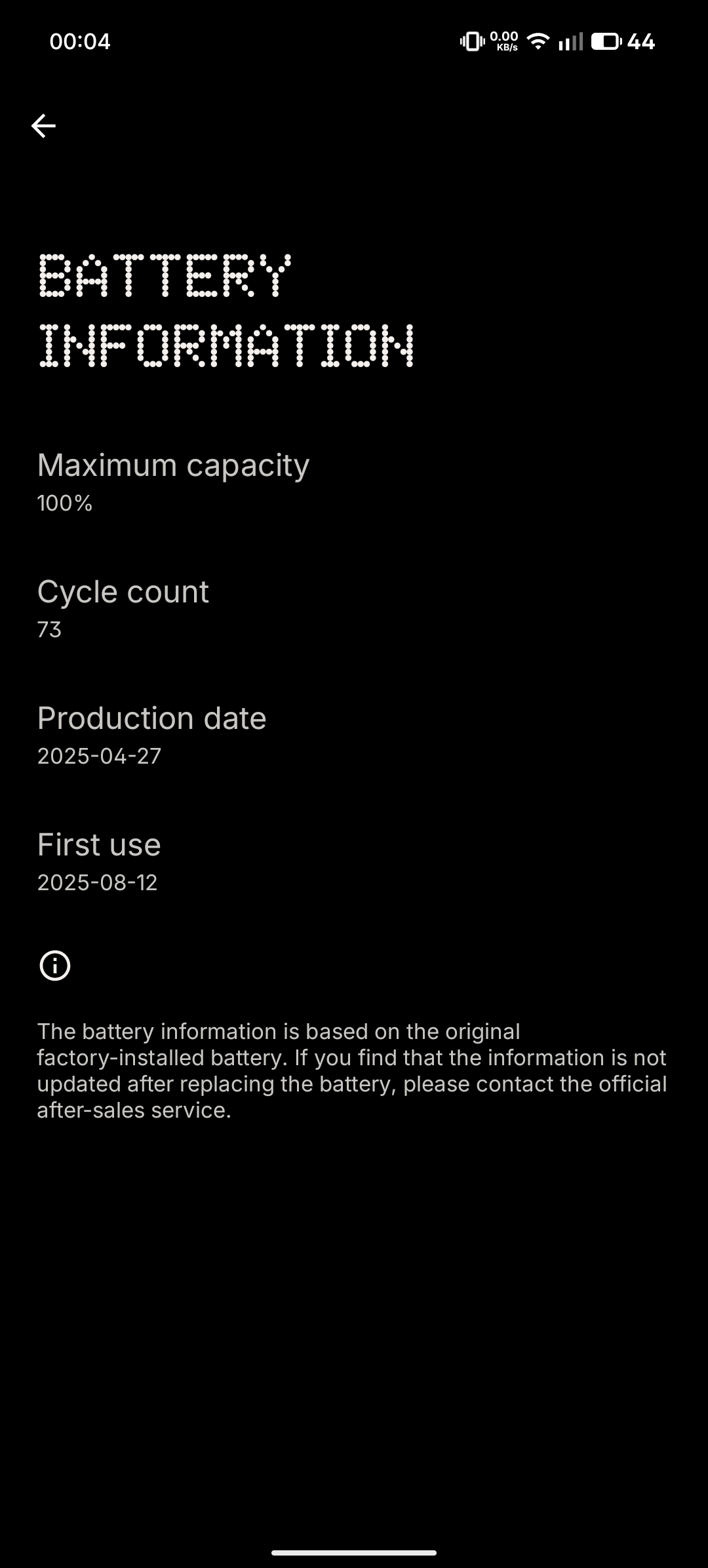
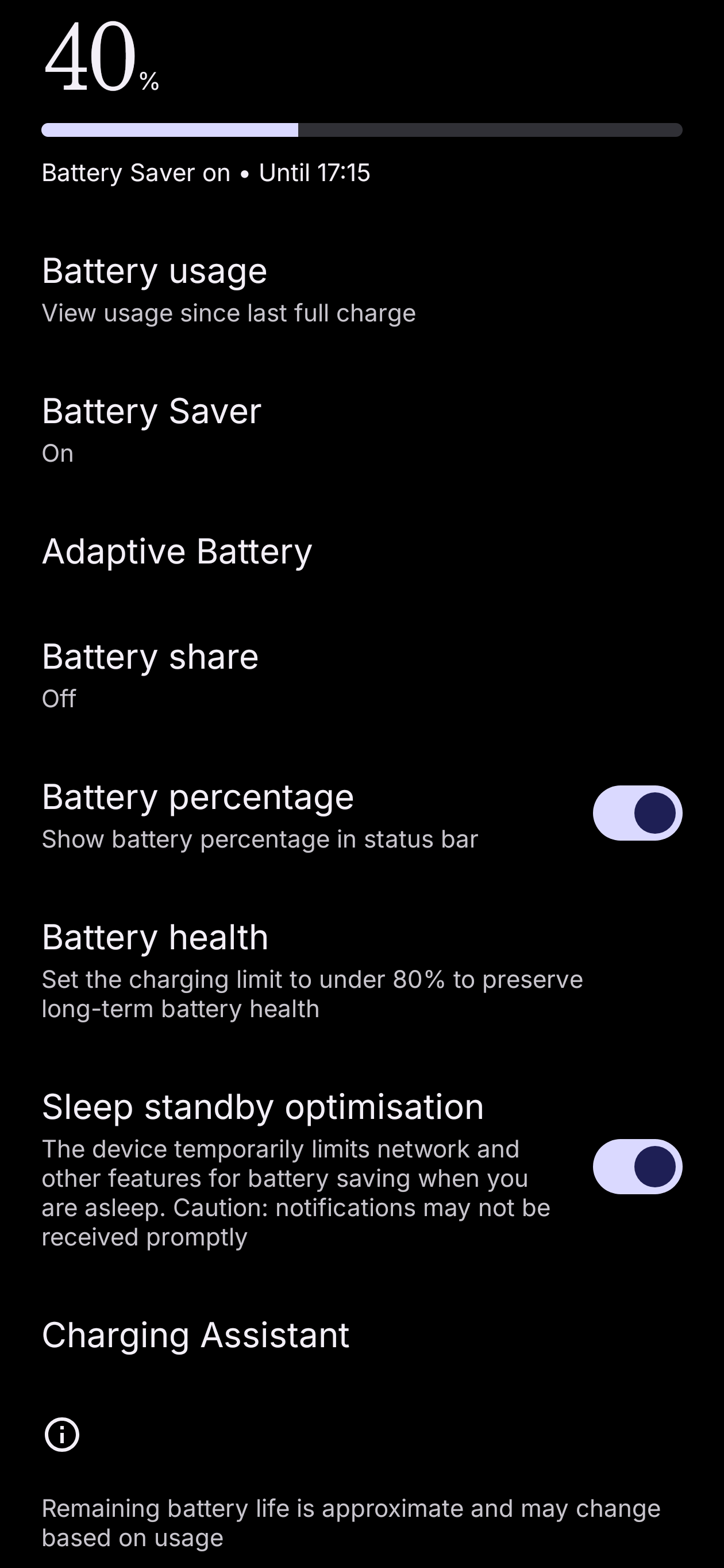
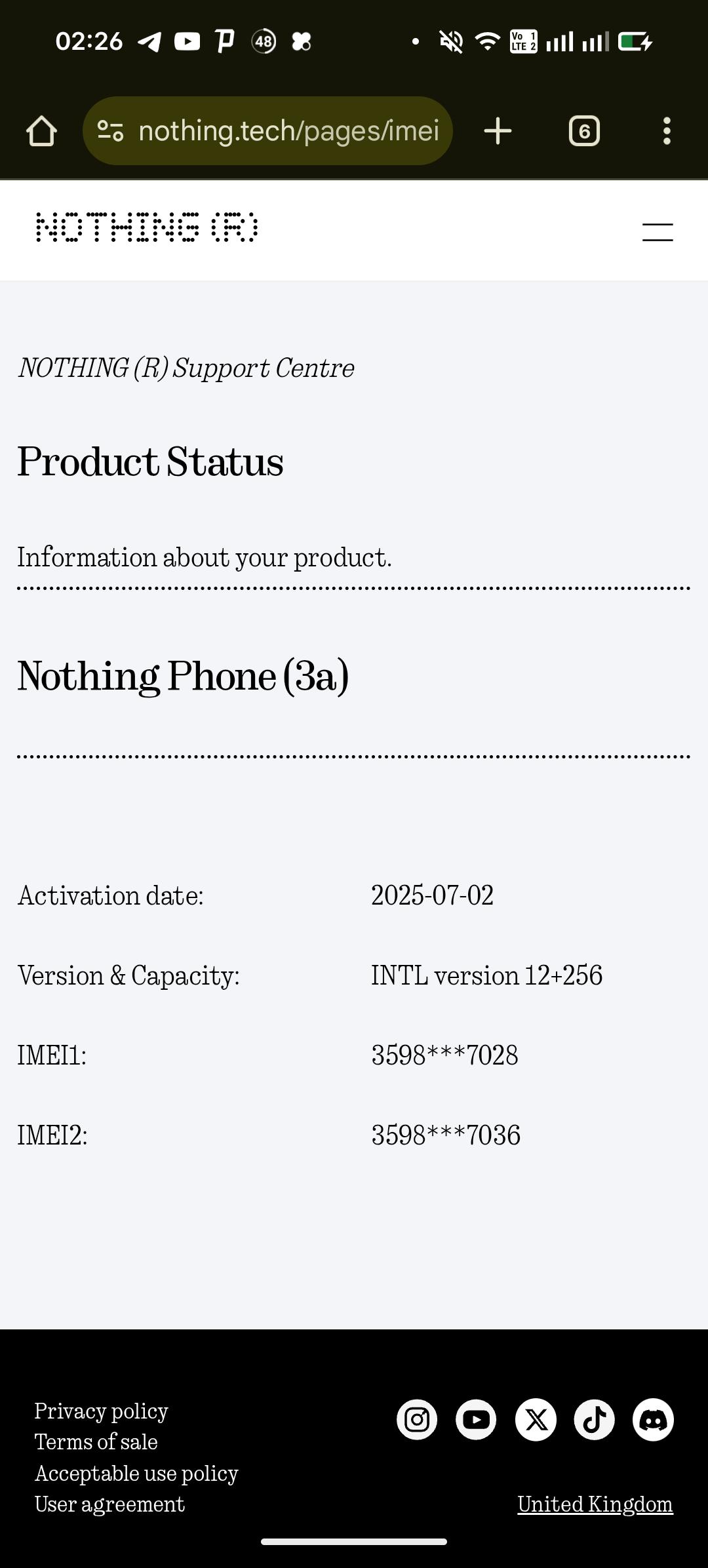
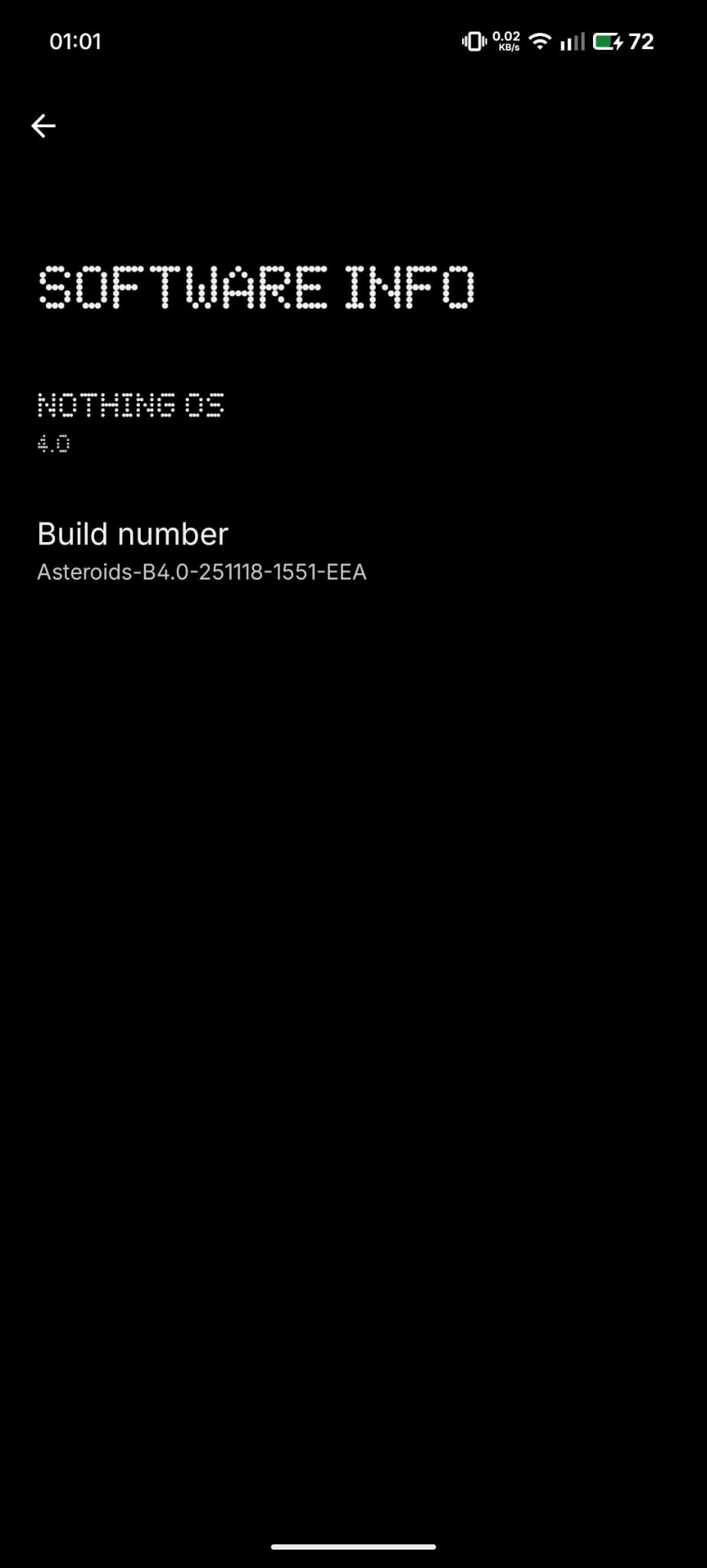
themountofmint Oh yes, this can sound quite complicated at first glance, I’m sorry for rushing😅
Nonetheless, I think the best step for you would be to contact the Nothing support.
Differently from you I have the EU Version so it could be a reason of the difference from your International version. But it’s weird, because @FabioR 🇩🇪 should have the EU Version as well, but he doesn’t have that option either.
But either way, to make it simple for you: ADB basically refers to “Android Debug Bridge”. It’s just like a remote control for your Android phone from your computer. It also let’s you run commands that are usually not directly accessible on your phone.
But first you need to activate the USB Debugging from your Developer Settings. Follow these steps to activate them:
On your phone:
Settings > About Phone;
2. Tap on “Build Number” 7 times. You will see a pop-up saying “You are now a developer”;
3. Go back to your Settings > System > Developer Options;
4. Scroll down and enable “USB Debugging”
On your computer
- Windows: Download Platform Tools (https://developer.android.com/tools/releases/platform-tools) from Google and unzip it;
- Mac/Linux: Install via terminal with
brew install android-platform-tools or your package manager.
Finally, connect. Plug your phone into your computer with USB cable and a popup will appear on your phone asking to allow USB Debugging.
After you allow it, you can open the terminal (Powershell on Windows) and type the command that I wrote earlier:
adb shell dumpsys package com.android.settings | grep -i "BatteryInformation"
If you actually want to go through this adb route, just type that command and send me the result. I know it can seem daunting, so contacting the Nothing support team and installing an app like AccuBattery would be your best bet😅