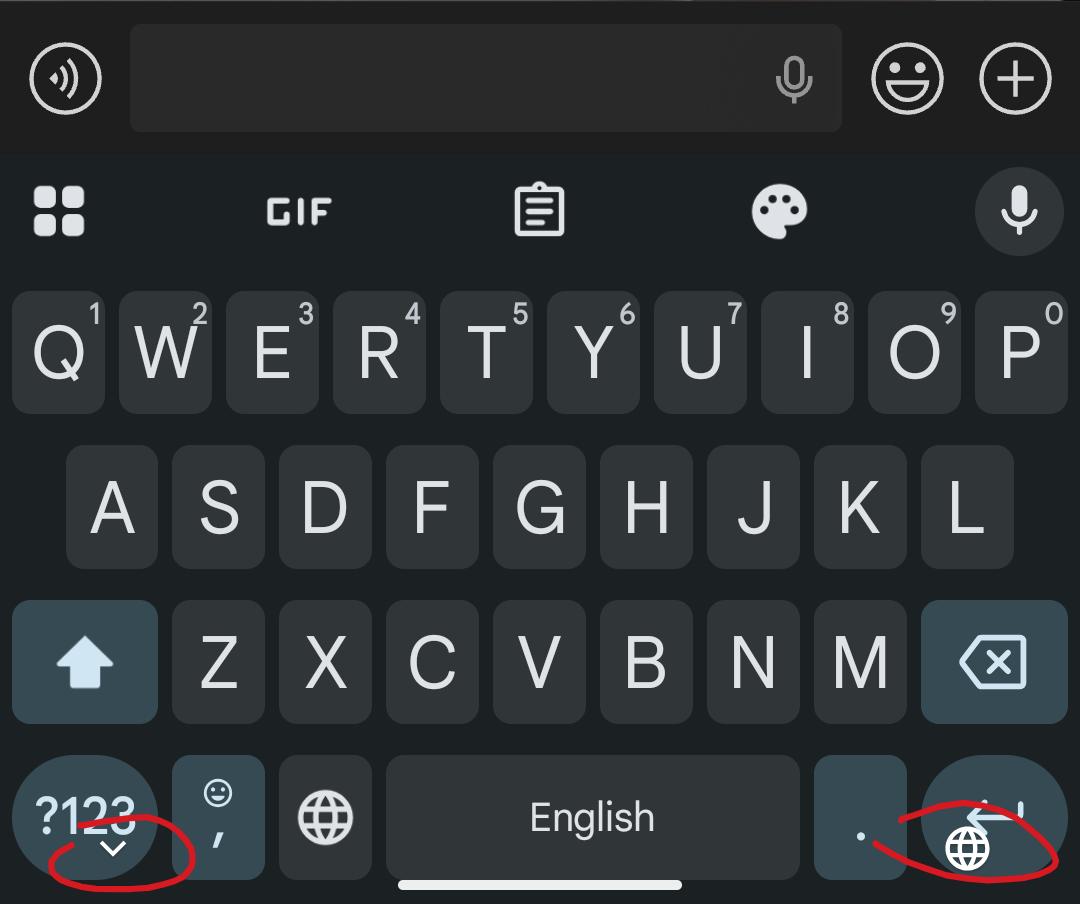
I had a similar problem with the keyboard being under my navigation bar. It seems that the default position data is wrong after the update and you can fix it by going into Resize mode in the grid menu (four squares above ‘Q’) and moving it up then down again. You shouldn’t be able to move it to the bottom of the screen.
Incidentally, hitting ‘Reset’ in Resize mode reverts the keyboard to the bottom of the screen, recreating the problem.