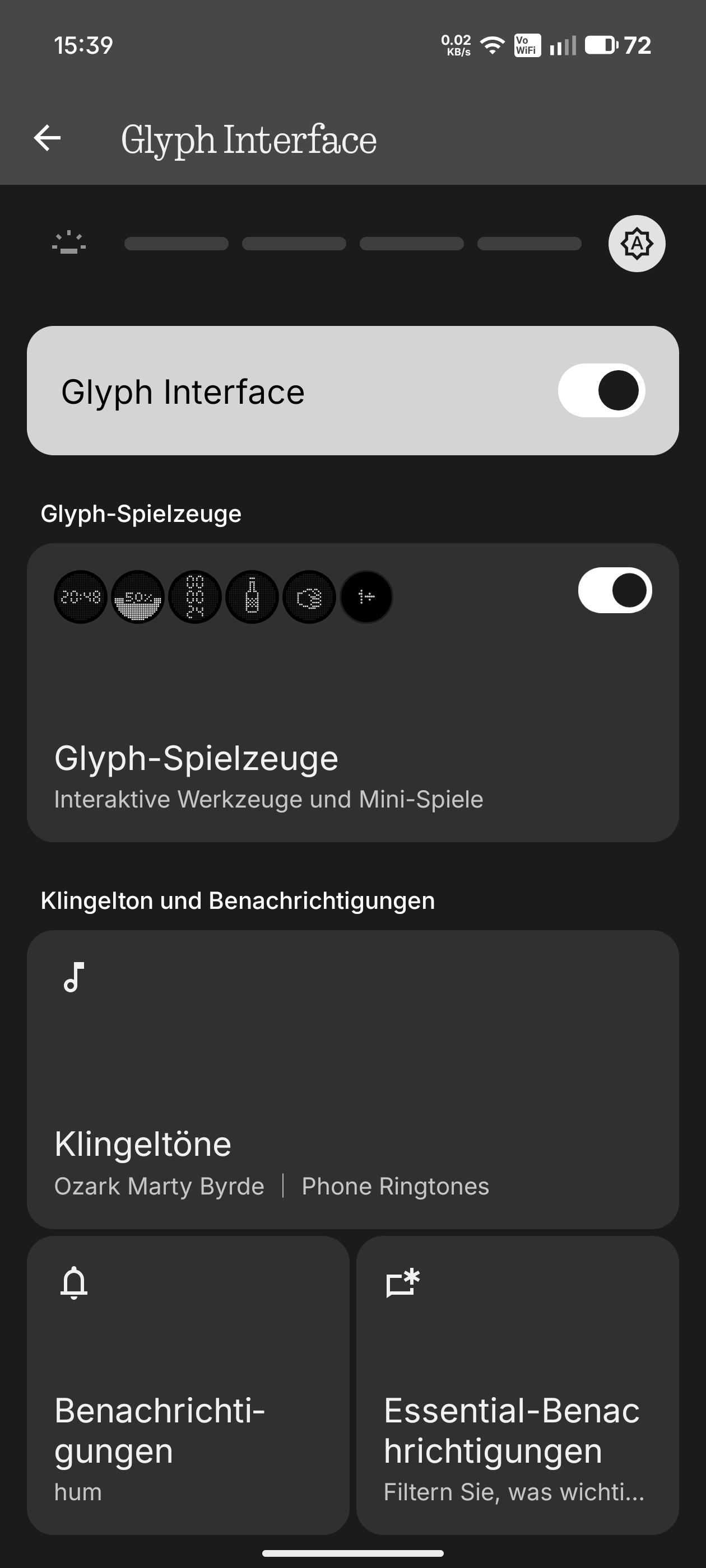
I recently switched from an iPhone and am absolutely amazed by the Nothing Phone 3 – the Glyph feature is one of the reasons why I decided to buy the NP3. It would be a real disappointment if it doesn’t work as advertised.
So here is how I describe my problem now
I am not the first person to describe problems with Essential Notifications. In my case, only ONE rule works (Missed Calls in App Phone). It does not matter whether the rule is displayed at the top or bottom of the list.
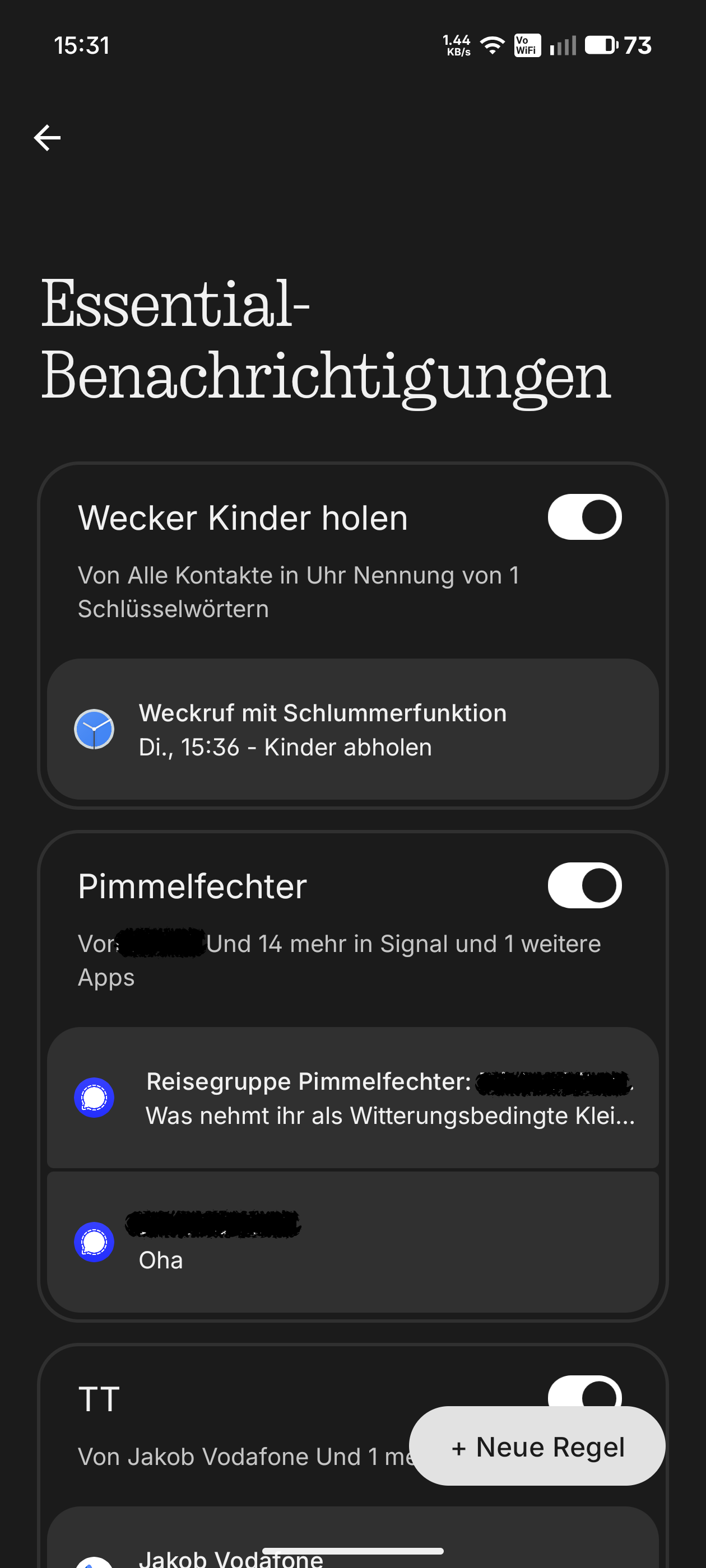
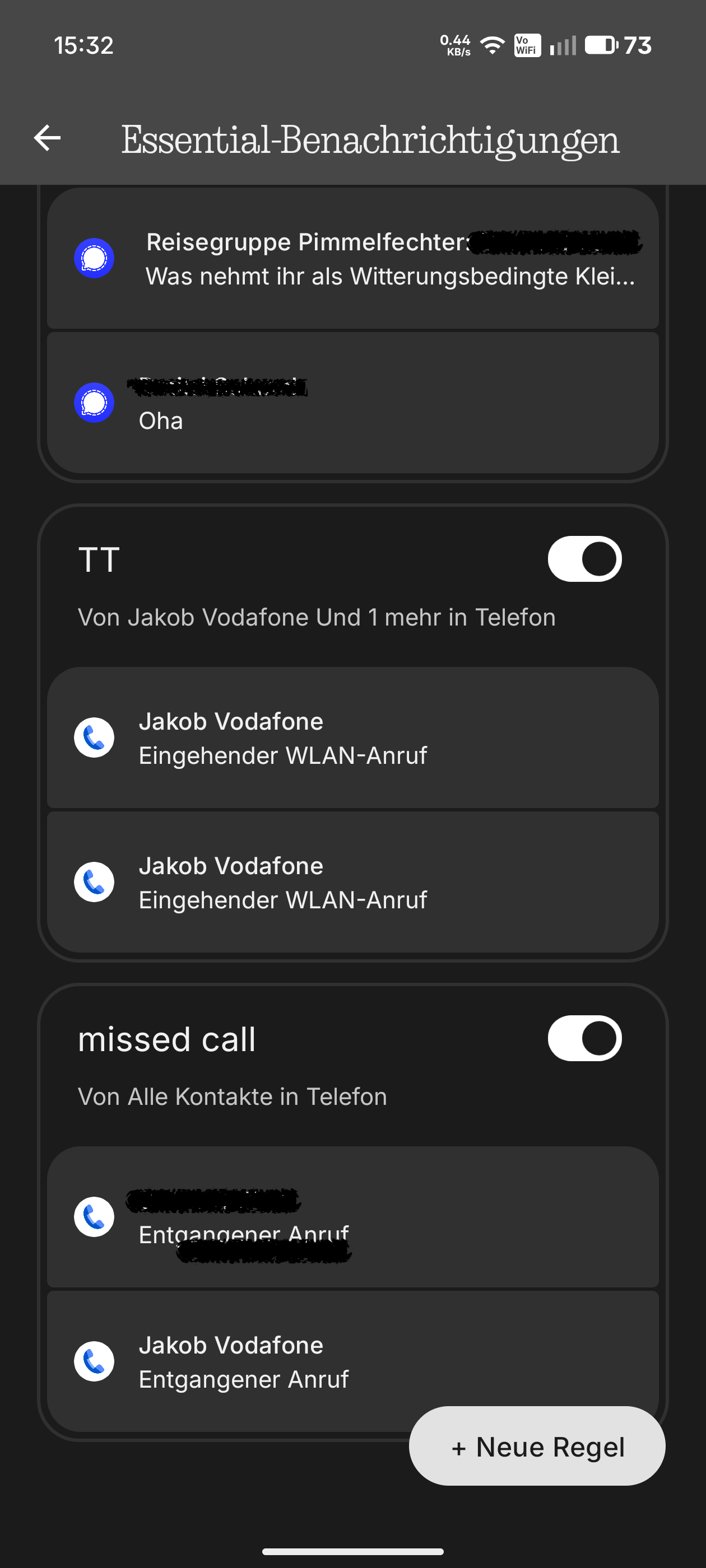
The other rules appear to be set up correctly, as the results of the rule are displayed correctly in the overview, as can be seen in the screenshots. E.g. Incoming calls from XY or Incoming signal message from XY. So I have apparently set everything up correctly.
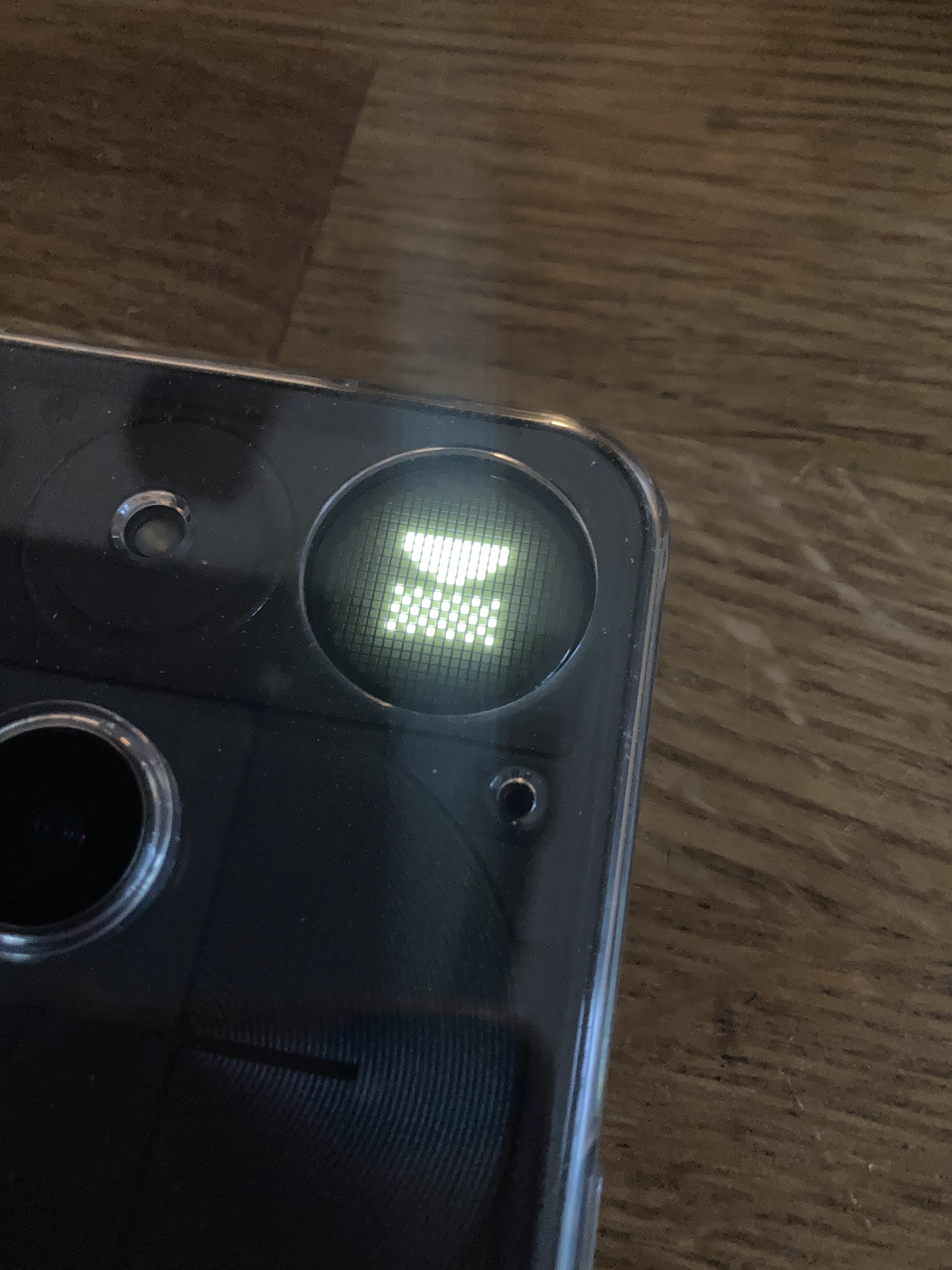
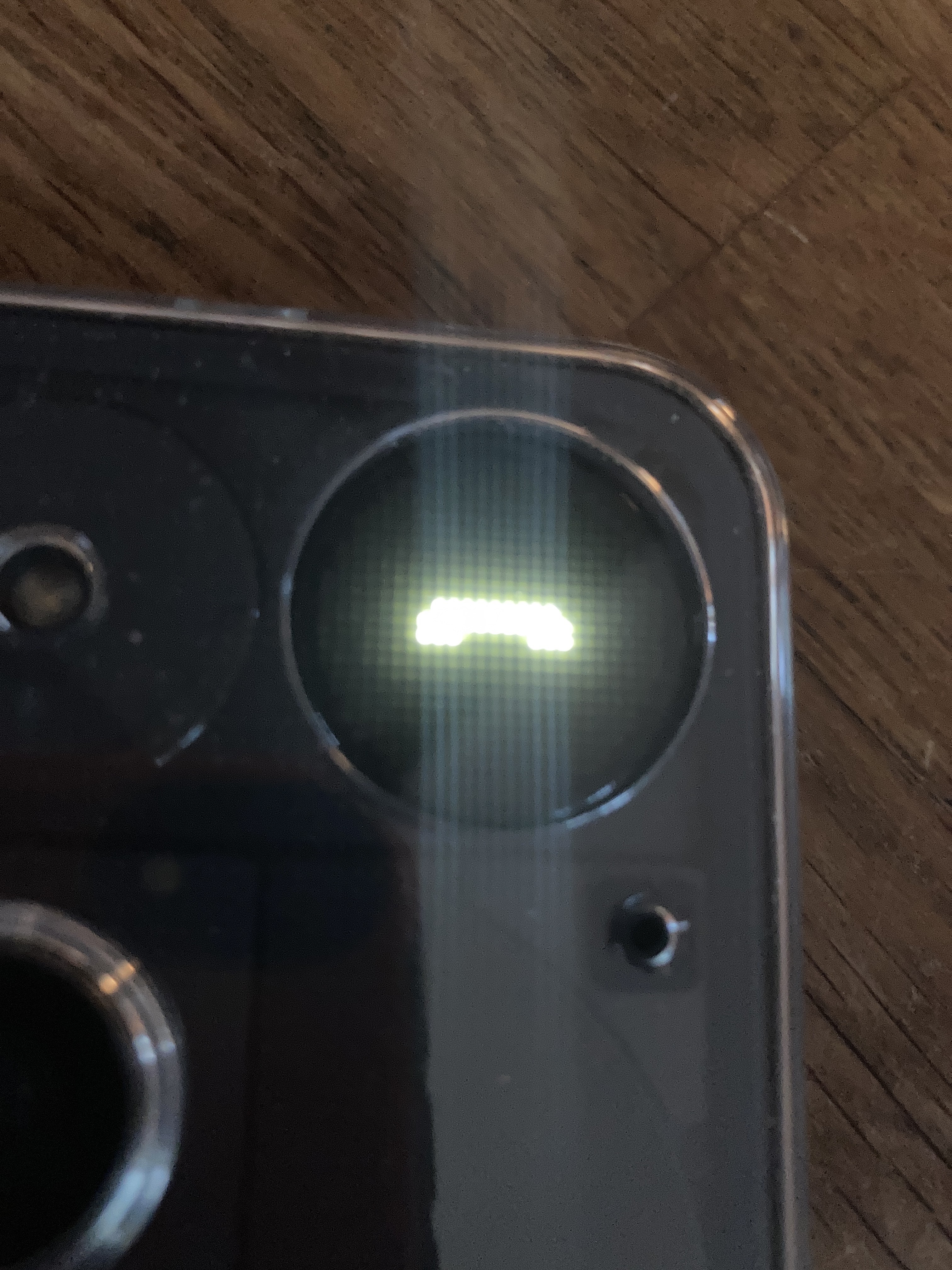
For incoming calls, only the wiggling telephone handset is displayed in the glyph matrix. However, specific glyphs should be displayed for selected contacts. For missed calls, the envelope I’ve set is displayed correctly.
The rule does not seem to be implemented for calls, alarms and text messages.
Changing the Flip to Glyph settings does not change anything. Switching ringtones to Generative works, but it also ignores my essential rules.
Is there another setting I need to adjust to make it work, or is it really a bug?
Thanks for your help.
Jakob