As part of the community review program, I had the Phone 3 as my main driver for almost a month. I also had the pleasure of testing OS 4 before its release.~
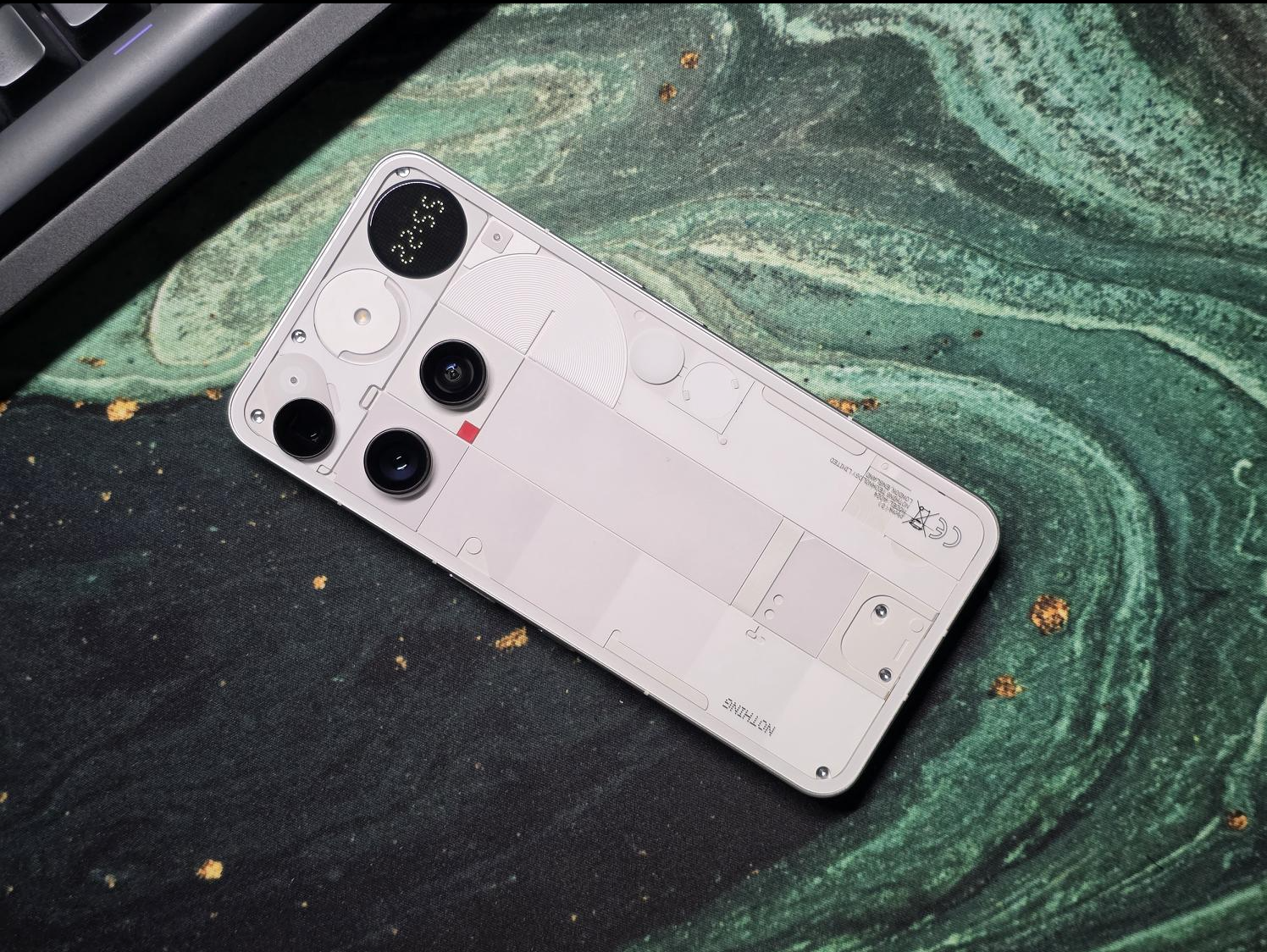
Before I start expressing my opinion, I want to mention something. Since this is a phase II community review of the Phone 3, I feel like it would be pointless to start talking about specs and Nothing’s release strategy. Let’s be honest — the forum is already full of that, and I don’t want to be “another” voice saying the same thing again.
So instead, I’ve decided to talk about using the phone as a day-to-day driver, and how the camera, AI, Glyphs, and the OS itself impacted my days — in both good and bad ways. And obviously, I’ll talk about OS 4.0, since it’s a big part of the whole experience.
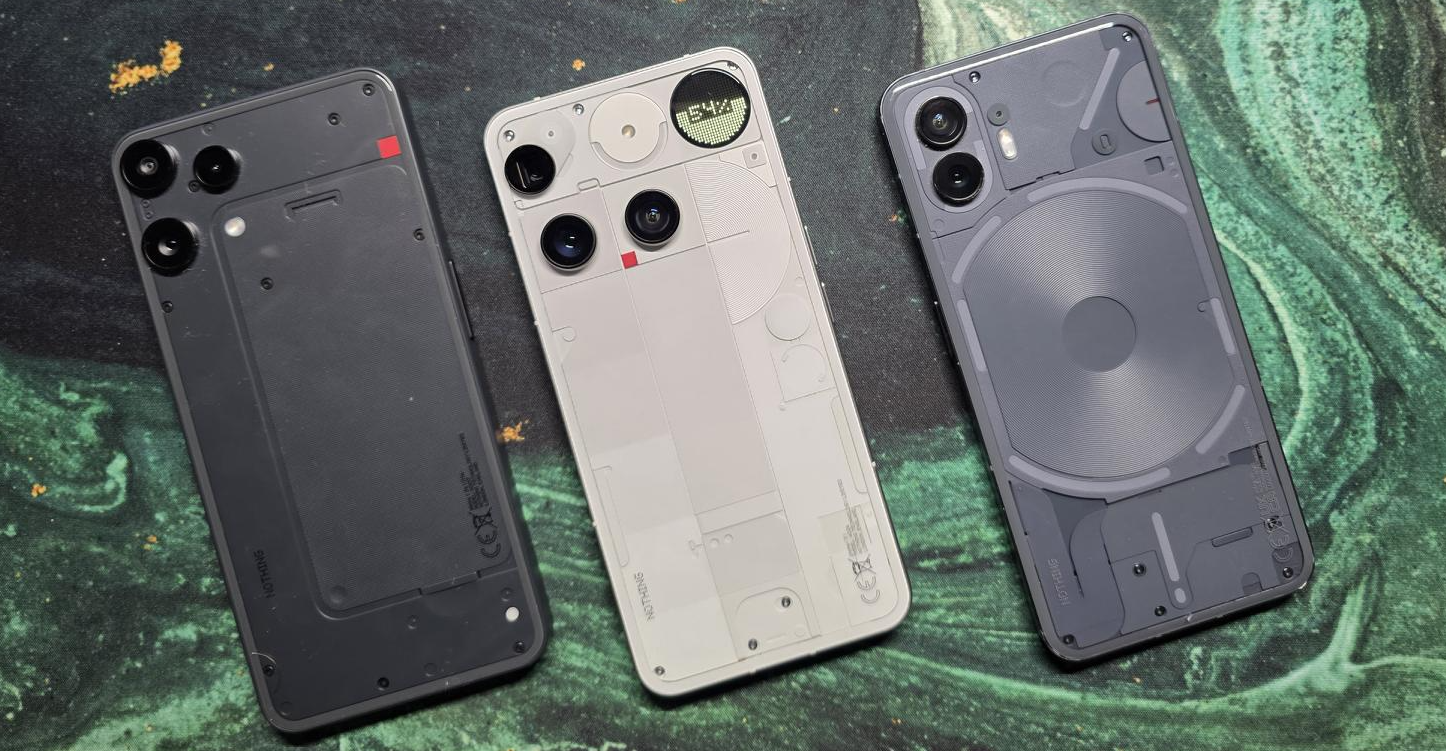
Let me start by painting a picture of who I am and what I expect from a device that becomes my main tool.(you can skip this part if you like)
I’m a commissioning engineer who builds, fixes and services laser machines — the ones that look like CNC machines but use lasers for different processes. I’m on the field dealing with customers, but from time to time, I also have a boring office job with lots of meetings, so I need a phone that just works. I need a tool I can rely on and not think too much about, so I can focus on my job.
That means I need a device that can take good photos when I just point and shoot, a good way to take notes and interact with electrical drawings and documents, and if I can use AI to help me with some tasks, that’s wonderful.
Essential Space
To clarify: in my job, I’m allowed to use AIs like ChatGPT, but I can’t rely on them to fix machines. The stakes are way too high for me to trust unverified information (I’m sure you know what I mean).
In my opinion, AI should be used as an assistant — someone who can help with boring tasks, sort pictures, process notes, and do quick searches in huge files. We should not rely on AI to do our jobs blindly
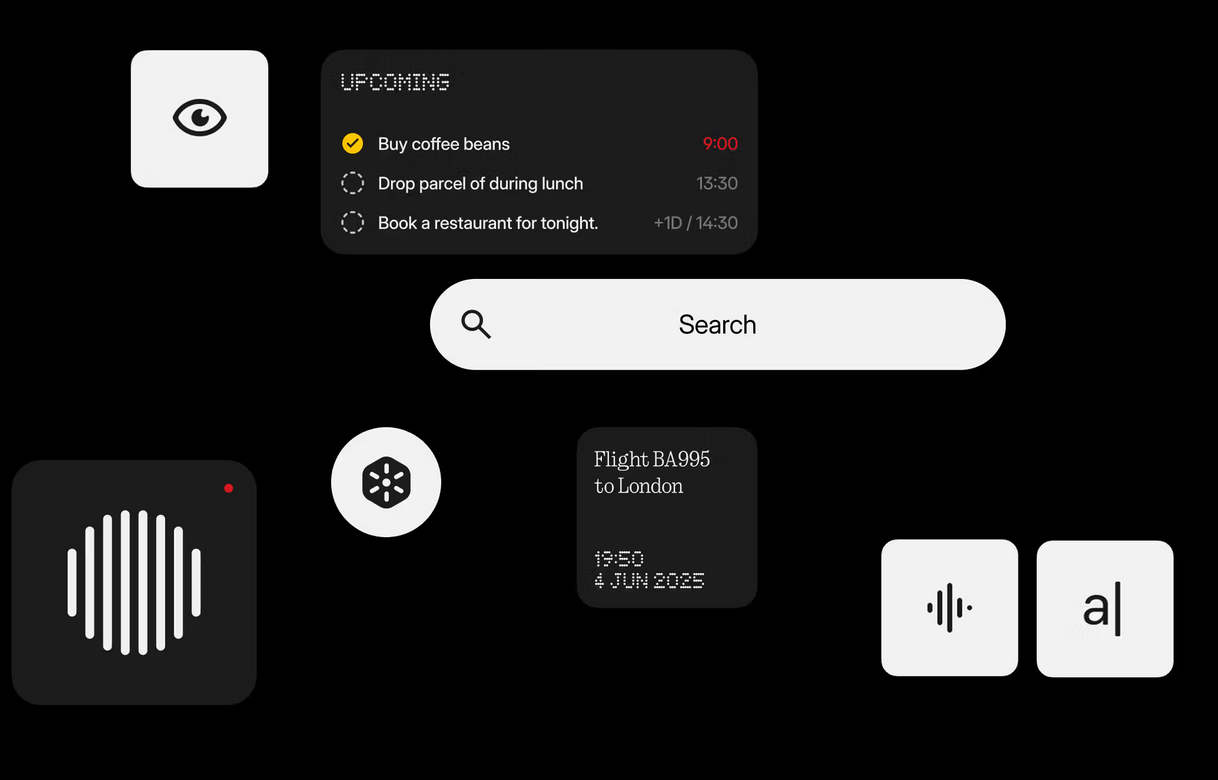
Essential Space is honestly the feature that surprised me the most. It feels like the first step toward a proper productivity hub built directly into the phone rather than an extra app you forget about after a week.
This is exactly what I wanted: an assistant that can convert photos to text and help set up tasks. I can take a photo, record a call, save meeting notes, and everything is automatically organised, summarised and turned into actual, usable information.
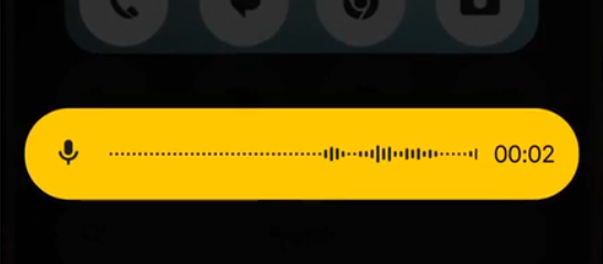
I genuinely believe the Essential app is on a very good path, and I can’t wait for the team to push it further. It’s also one of the reasons why I want a Nothing phone in the first place.
Another nice function was the picture-to-text, as I like to say it:
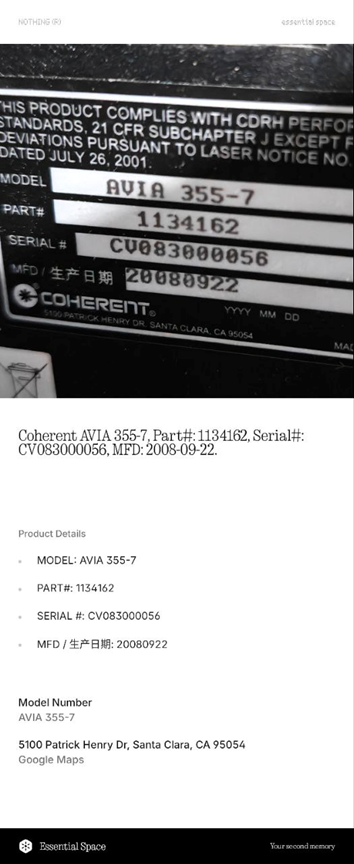
It makes my life so much easier when I have to send all the info about a product to a customer or just find information about a supplier or manufacturer.
The call recorder summary feature is so good. I had a discussion with a colleague (instructions on how to fix something), recorded it, and Essential created a summary together with an action list.
This is exactly what AI should be — our assistant, making life easier.
And because this feature actually works, it pains me that there is no official web version or a way to sync data across devices — even between other Nothing devices I own that use the same account.
The recorder, I love it. It managed to do exactly what Copilot should do, but it integrated with my calendar and automatically created tasks.
The only downside was that my meetings are usually long, and I only had 300 minutes of AI analysis.
I also love the Glyph recording indicator with the red LED — such a nice touch.
Like I said earlier, having a web version that I could access from my laptop would make this ten times better. But I’m patient — Rome wasn’t built in a day. All I can do is give feedback and wait for the next update of Essential Space.
But I have to say it again… I NEED a way to access the same space from multiple devices. Not even between my own Nothing devices, with the same account, can I sync them.
Camera
My usage is a bit peculiar, but the phone kept up with it.
The most useful (maybe not the most used) feature was Macro mode. Because I often investigate very small parts and mirrors where even a speck of dust can deflect a laser beam, I need close-up inspections. And my pictures are often used as before/after or for documentation.
Here’s an example — a picture of a scanner mirror:
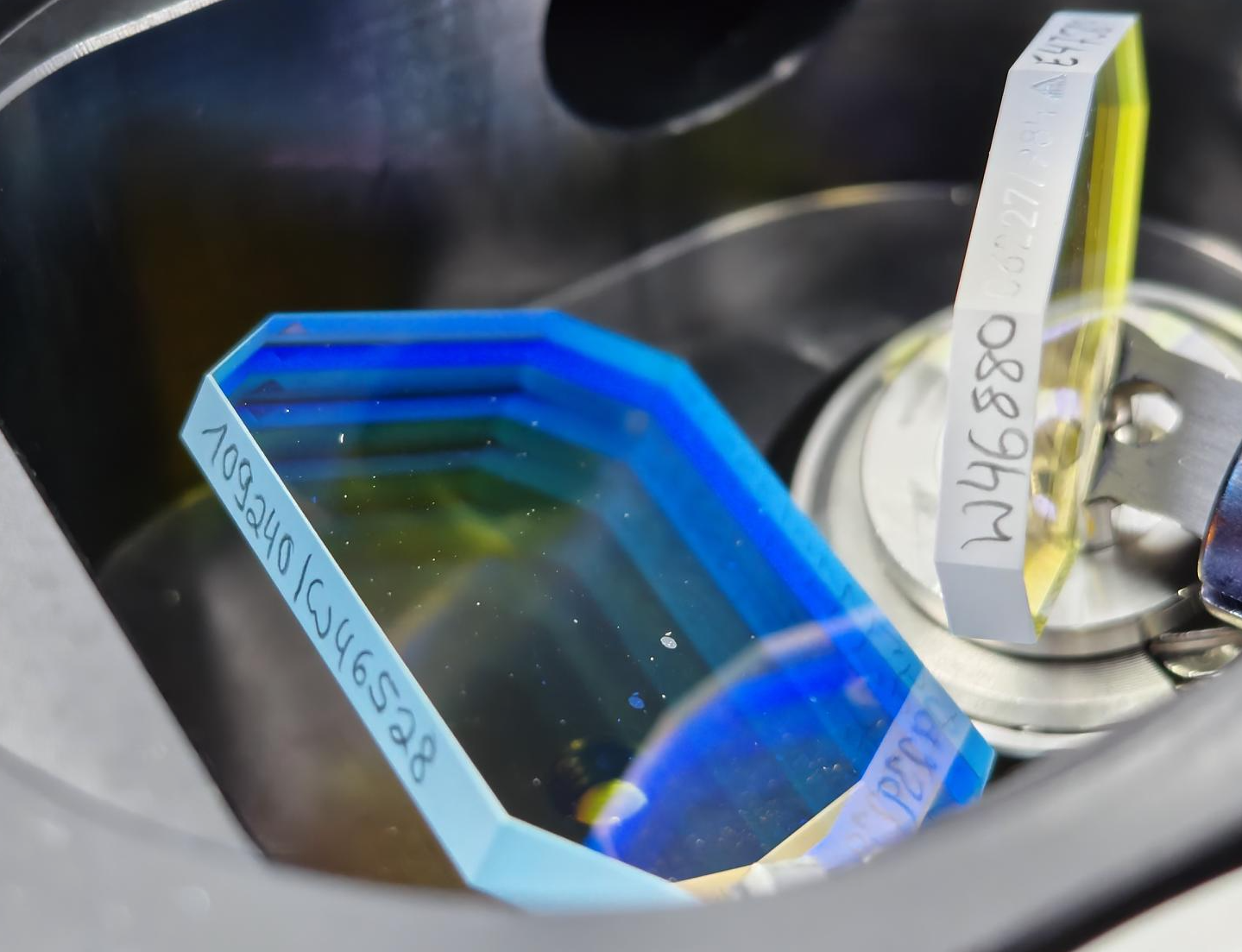
The fact that Macro uses the periscopic camera and has optical 3x and 6x zoom is fantastic.
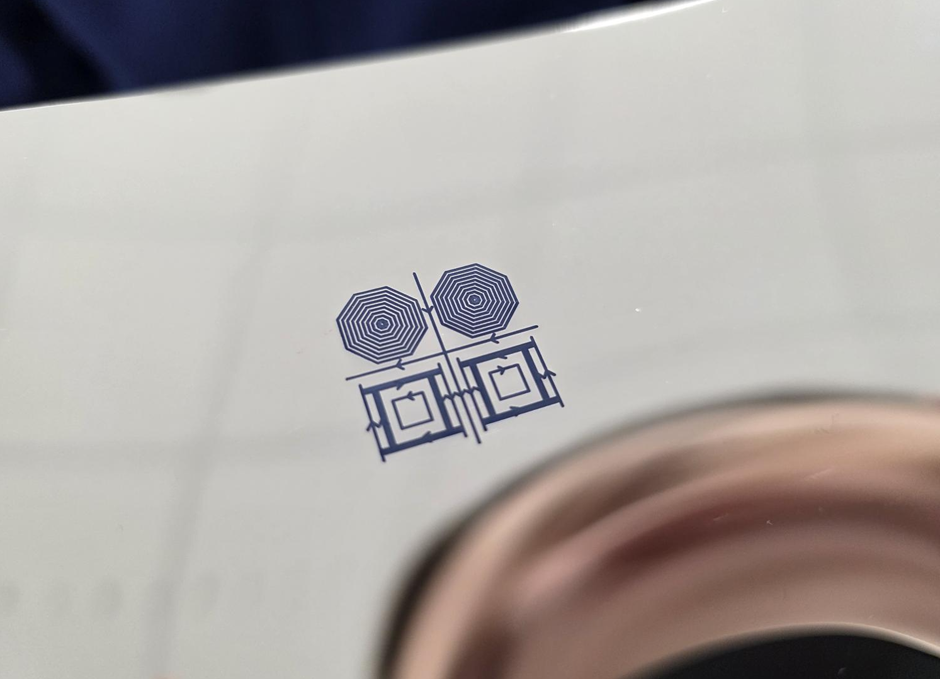
Here’s another example, a subject I can’t talk too much about, but I can compare it with the macro from the S25 Ultra.
Full size S25 Ultra:
Full size P3:
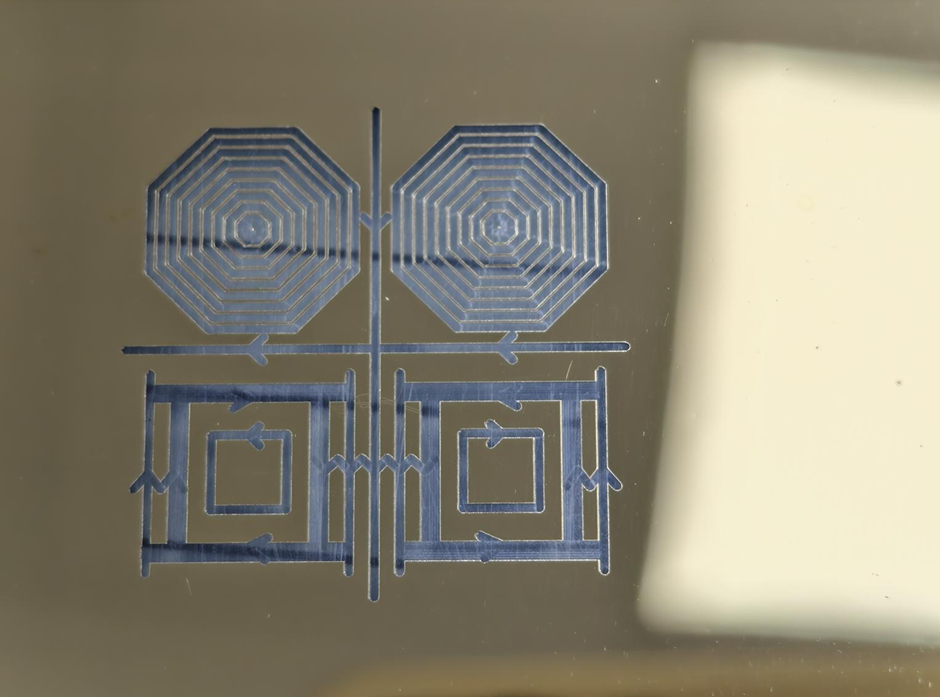
At first glance, the Samsung macro looks smaller but with better quality — sharper lines and stronger contrast. Keep in mind this is highly reflective material and it was a pain to get proper focus.
But if we zoom in digitally, the difference in line thickness becomes obvious.
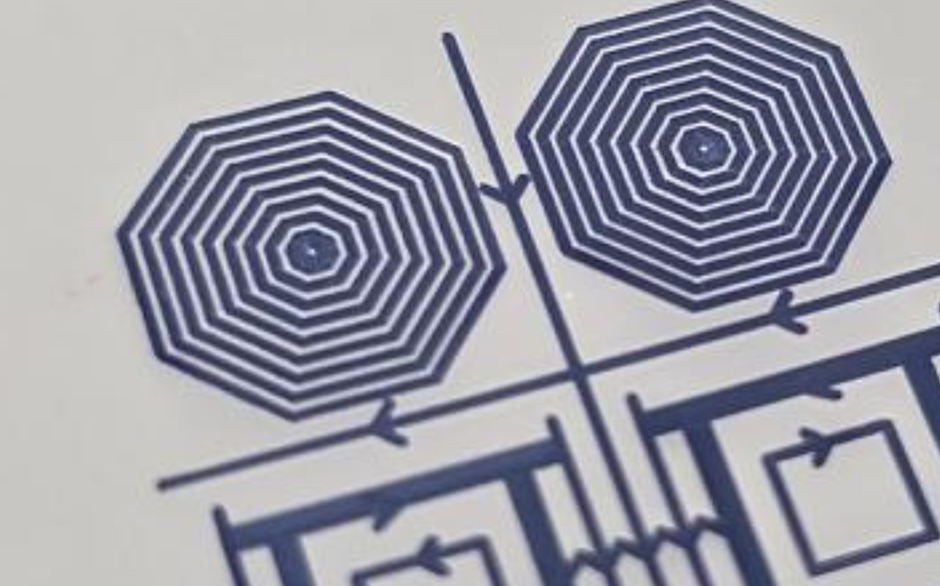
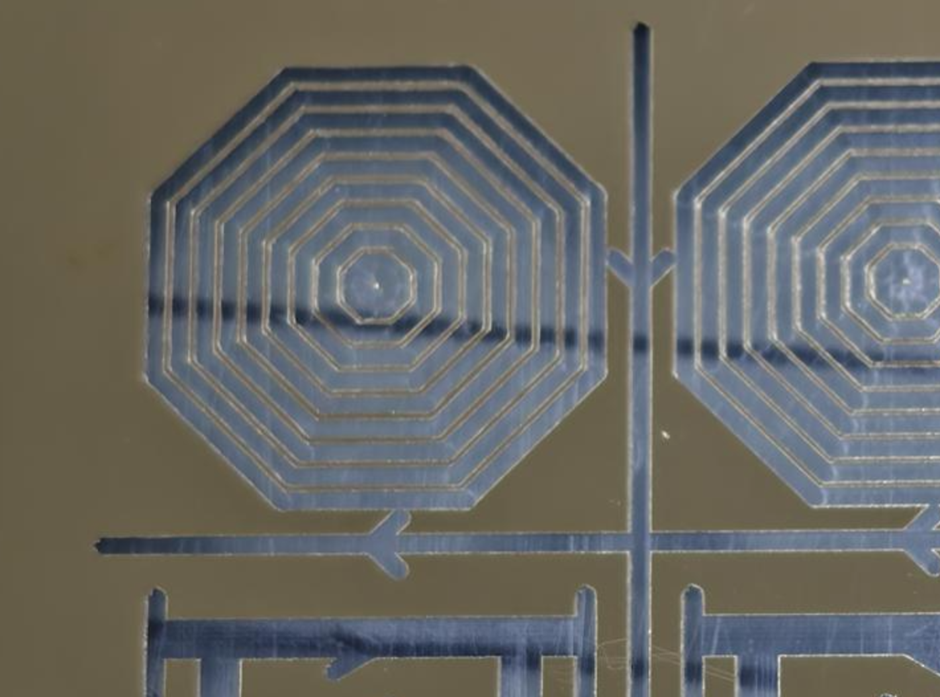
Since I saw the sample in real life, I can confirm that the P3 version is much closer to reality. I believe the Samsung “AI” kicked in and modified the final result.
While that might be fine in many cases, for my work it isn’t. I appreciate the optical 6x macro of the P3 over the “better” but AI-altered image from Samsung.
On the day-to-day performance side, the phone simply works. No lags, no weird app behaviour, no crashes — not even a single bug during the whole month. Keep in mind my daily driver before this was the S25 Ultra, and honestly, the only thing I genuinely missed was the S Pen, which I use a lot for drawing on electrical diagrams.
One thing that really stood out, though, was the battery life. The Nothing Phone 3 consistently lasted around 30–40% longer than my S25 Ultra, which is a massive difference when you’re out in the field all day. Between calls, files, camera use, and all the small tasks in between, it never gave me battery anxiety once.
Final Thoughts
After almost a month with the Nothing Phone 3 and my time testing OS 4.0, I can say this: the phone didn’t just keep up with my work — it actually made some parts of it easier. The hardware is solid, the camera (especially the macro) fits perfectly into the kind of inspections I do, and Essential Space showed me glimpses of what a genuinely useful AI assistant can be. It’s not perfect, and there are still features I’m waiting for, but the foundation is there.
I hope this type of review is helpful for some of you guys. I know it’s a bit different from the usual spec-heavy posts, but I wanted to share how the phone performs in real day-to-day use, especially in a job like mine. If you have any questions, please ask — I’m more than happy to help or test something for you.
If Nothing keeps building on Essential Space, improves device syncing and unlocks its full potential, this could become one of the most practical tools I’ve used in years. For now, the Phone 3 did its job well, and I’m genuinely looking forward to seeing where the next updates take it.
