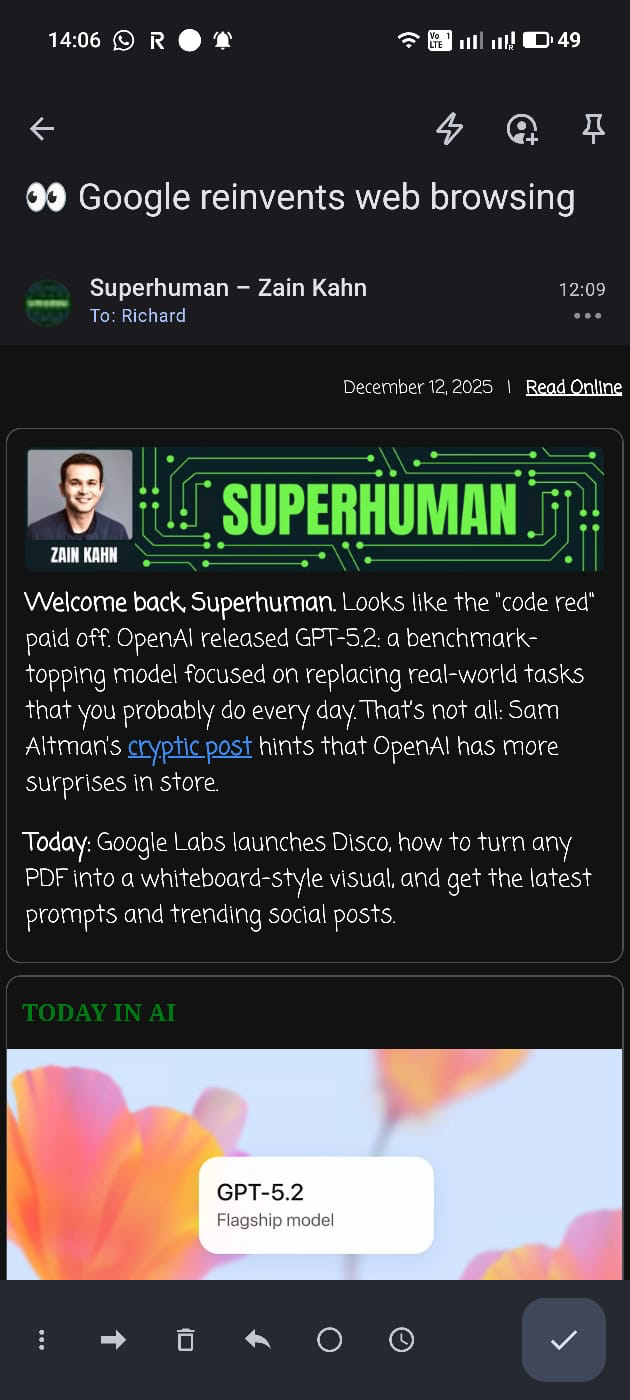
RichardMulholland You are not the first one I’ve seen with a similar font rendering but.
You could try the following fixes:
- Clear the apps cache by long pressing and clicking on “App Info”;
- Force Android to use the default font: go into Settings > Display > Font and display size. Select again the default font;
- Reboot your device;
- Check for any updates for your apps.
If none of these work, report the bug through Settings > System Feedback
Let me know if anything helped!