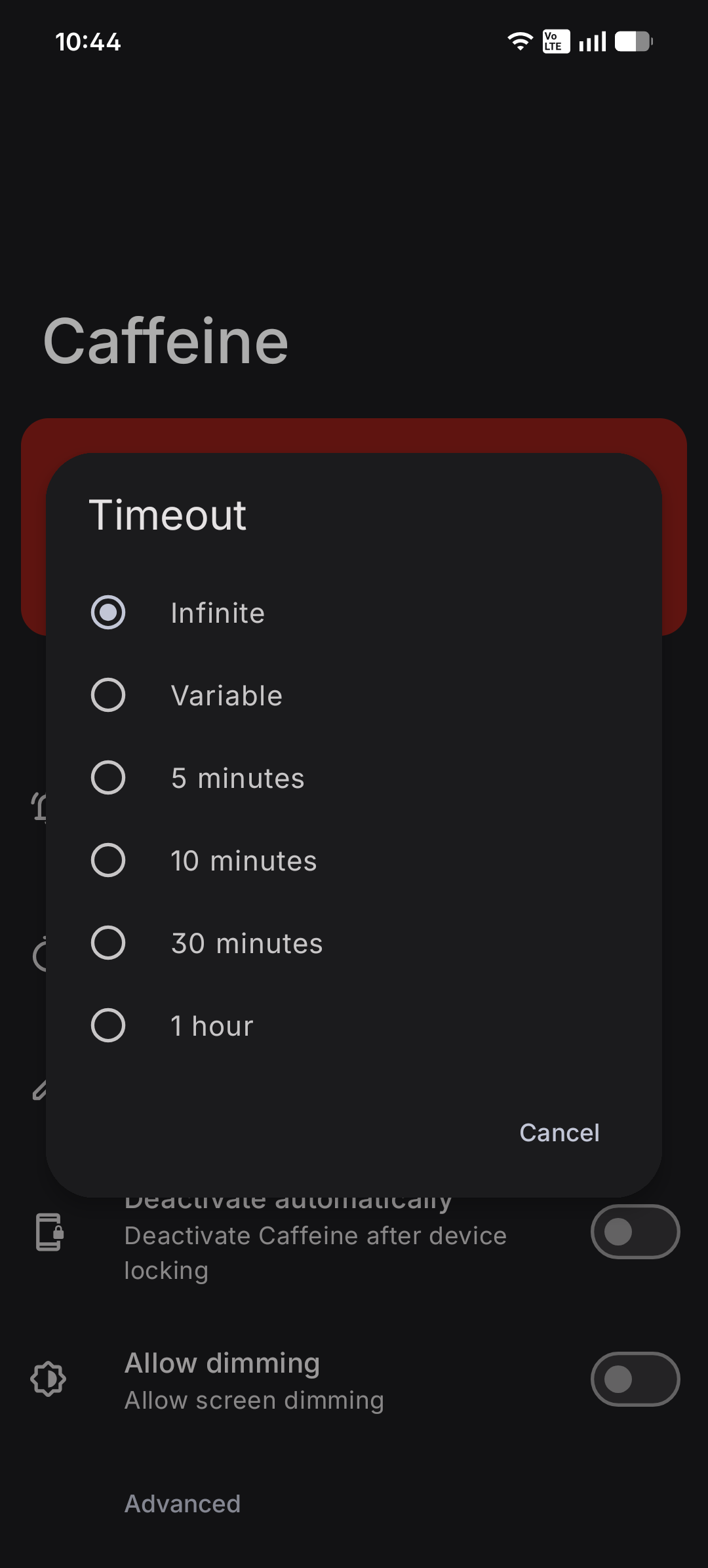
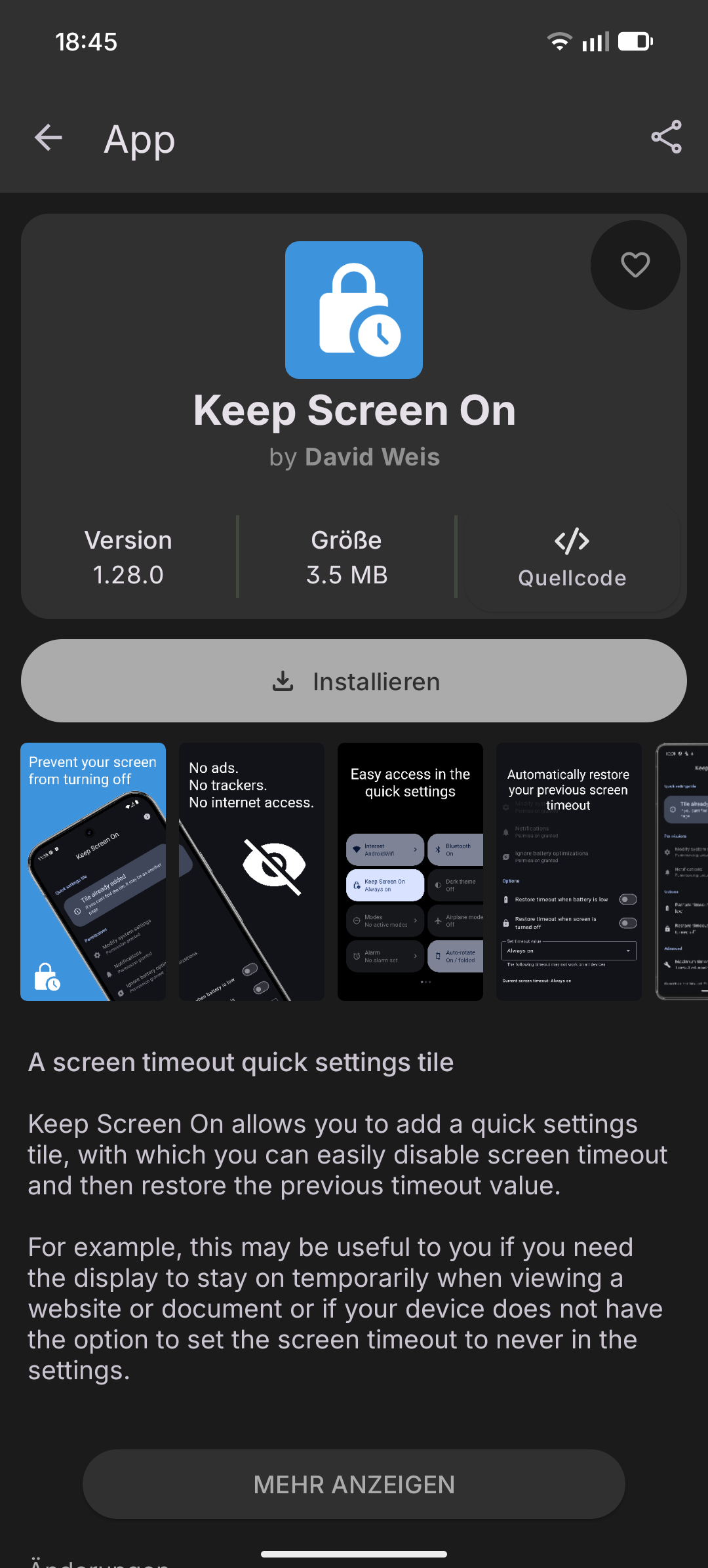
There’s also a free, ad-free app called “Caffeine” (app’s not mine) in the Play Store, in case you prefer not to download an app from another app store.
https://play.google.com/store/apps/details?id=moe.zhs.caffeine
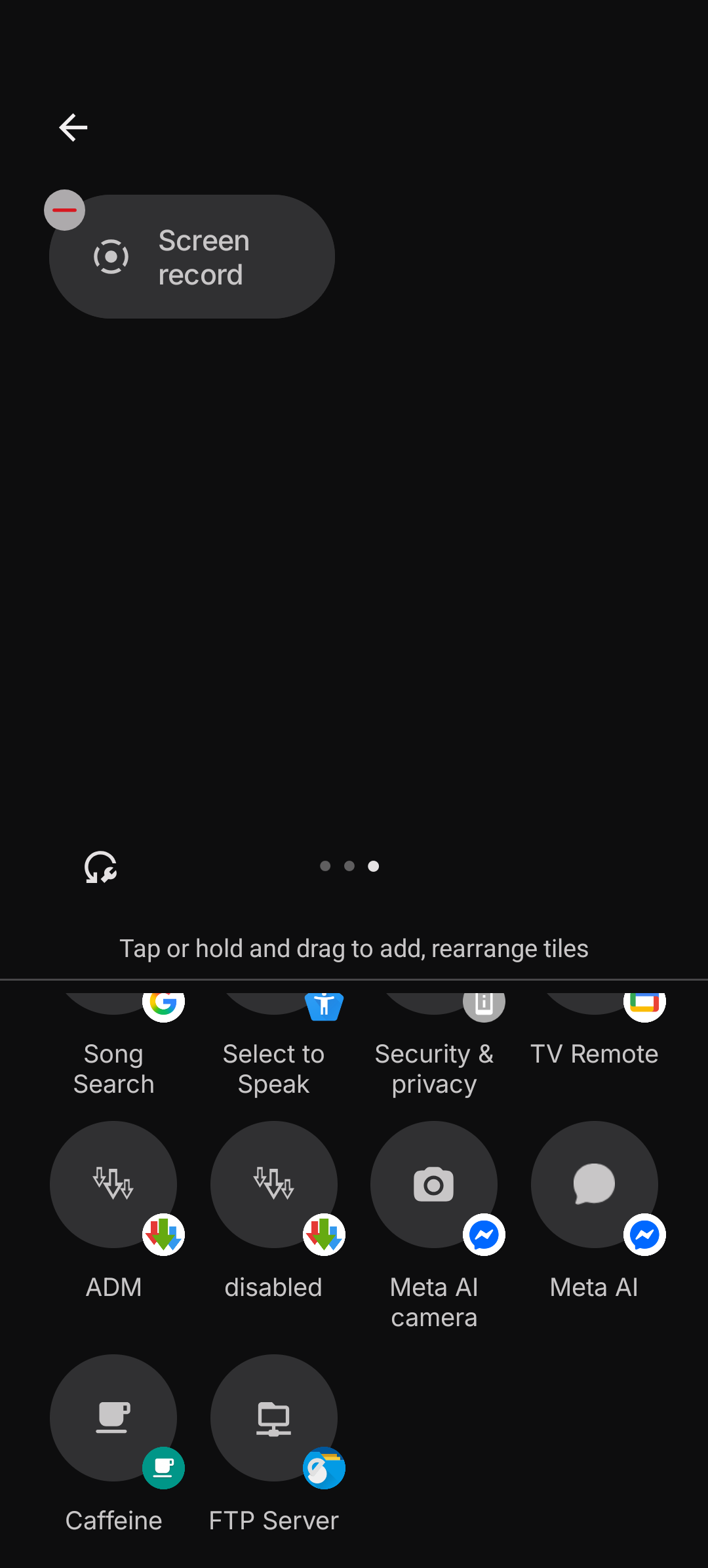
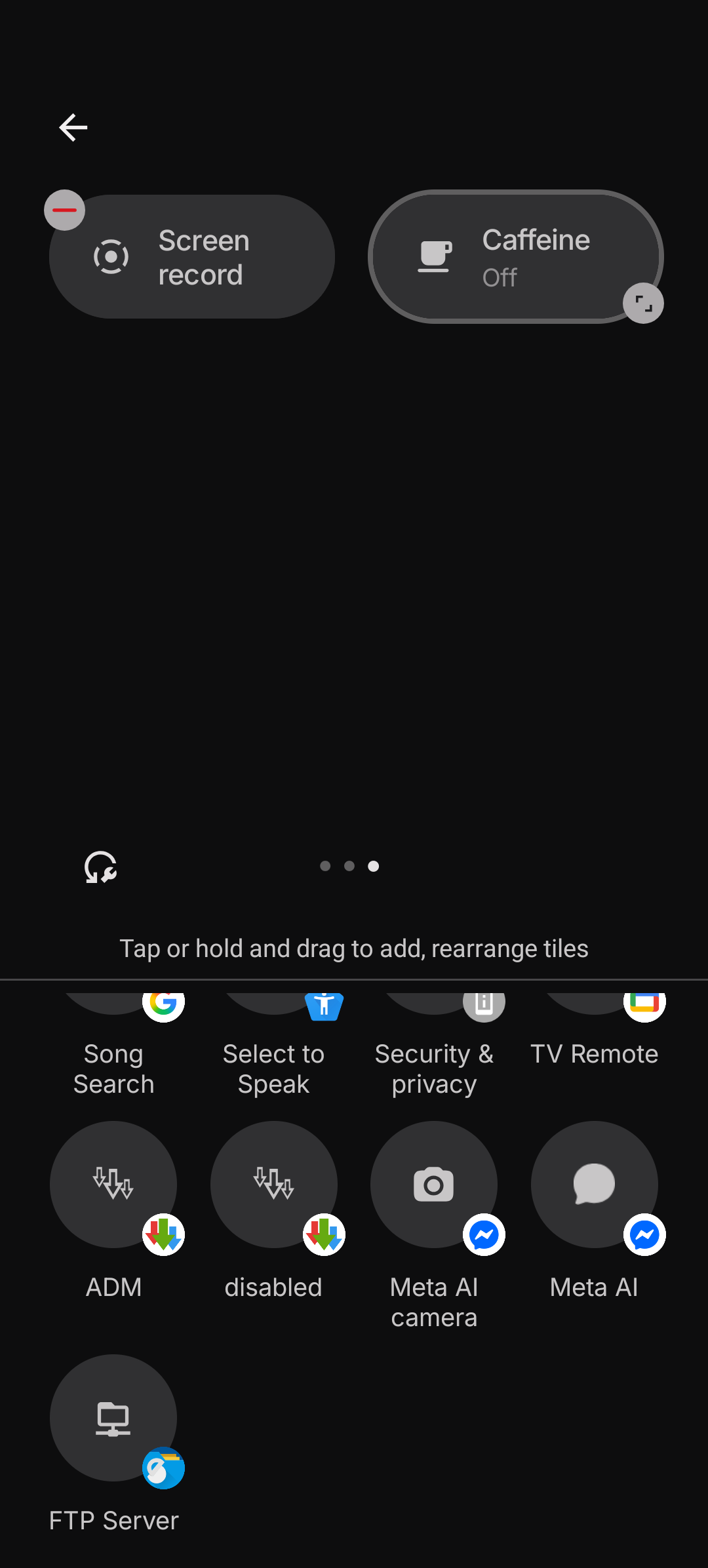
Once installed, you’ll need to add its quick setting tile on your quick settings panel. Then, you can just start using it by simply tapping the tile.
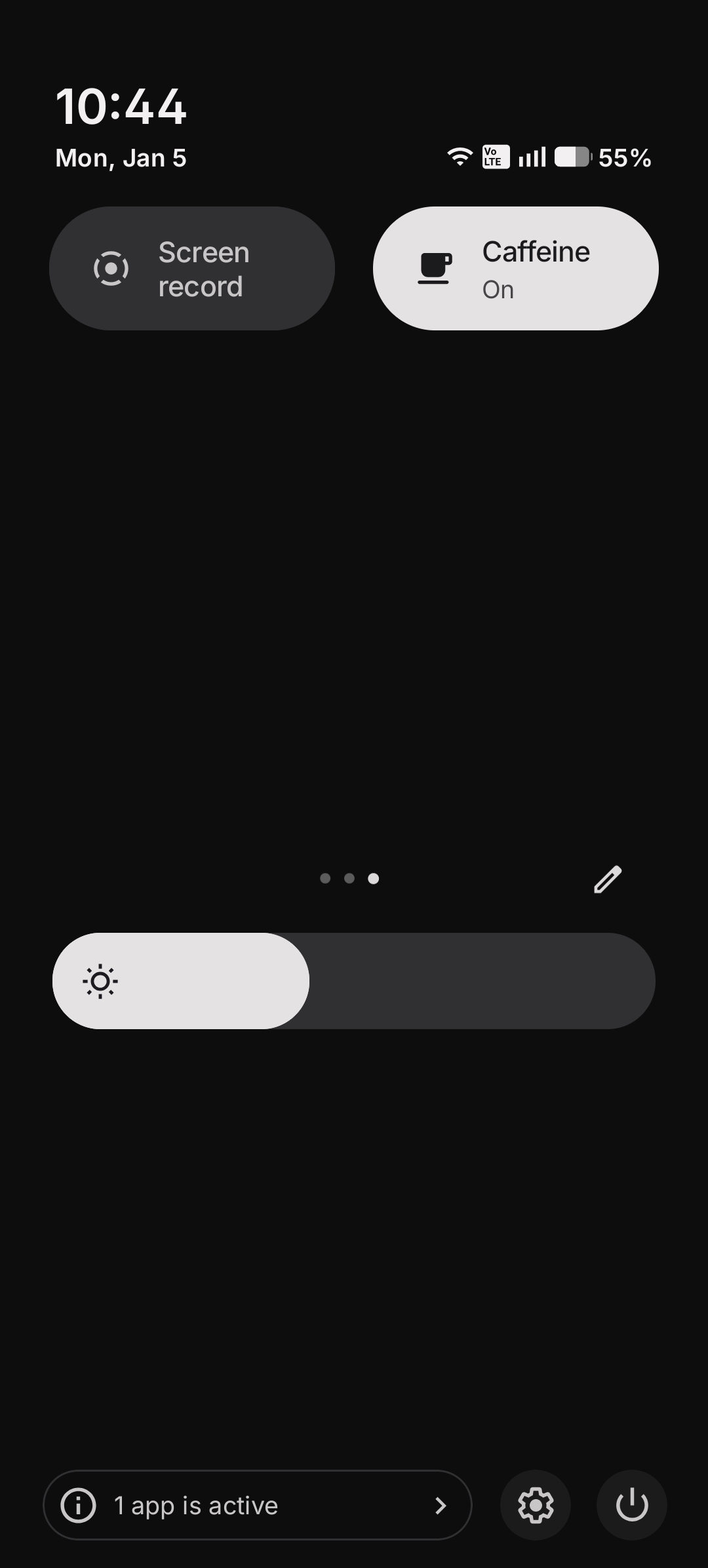
The timeout can also be configured within the app’s settings too if needed.