Concept
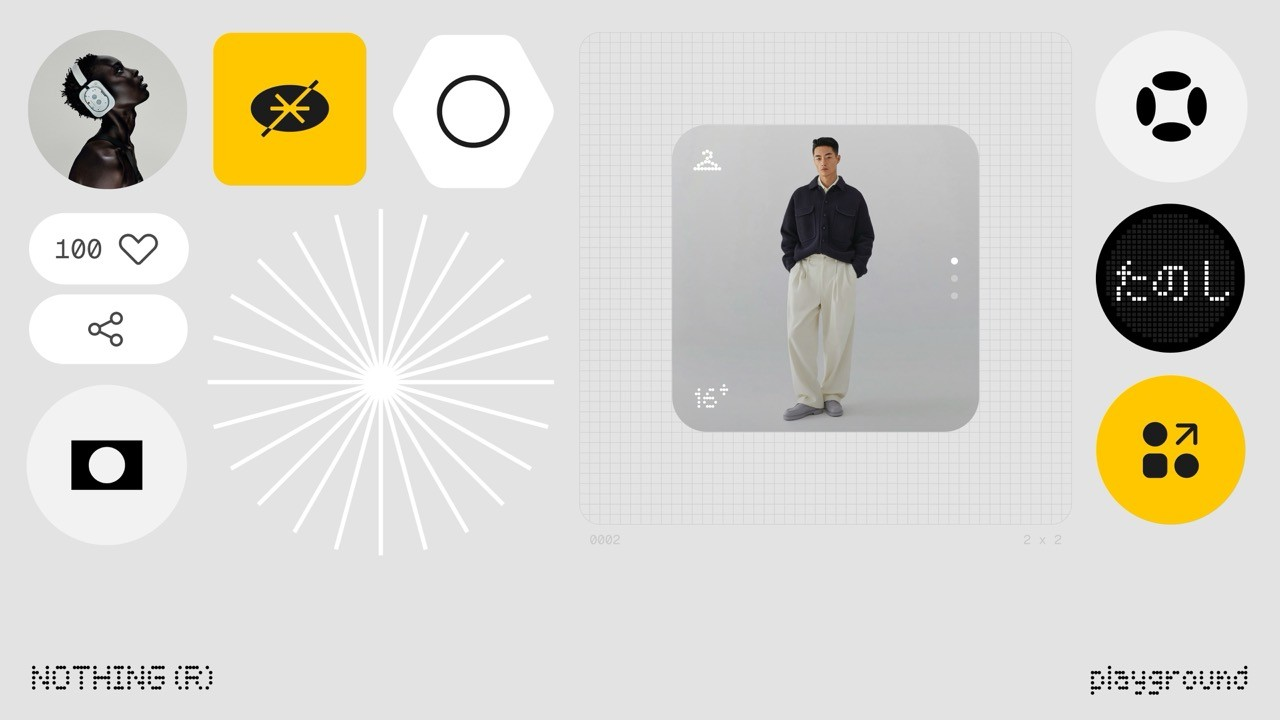
When I think about Nothing Playground, I feel that it exists to solve a quiet but important problem. Even though we have thousands of apps available on the Play Store, most of them never truly feel personal. We choose from what already exists, but we rarely feel that an app understands our individual needs or preferences.
Nothing Playground changes the way I look at this. The concept is not about creating more apps, but about giving users the freedom to shape apps in their own way. It allows people to move beyond fixed designs and experiences and create something that fits them personally. This shift feels meaningful because it puts the user back at the center of technology.
To me, the idea behind Nothing Playground is thoughtful and human. It recognizes that everyone uses technology differently and that one experience cannot suit everyone. By making personalization the core idea, Nothing Playground turns apps from generic tools into something more personal and expressive.
—
Purpose
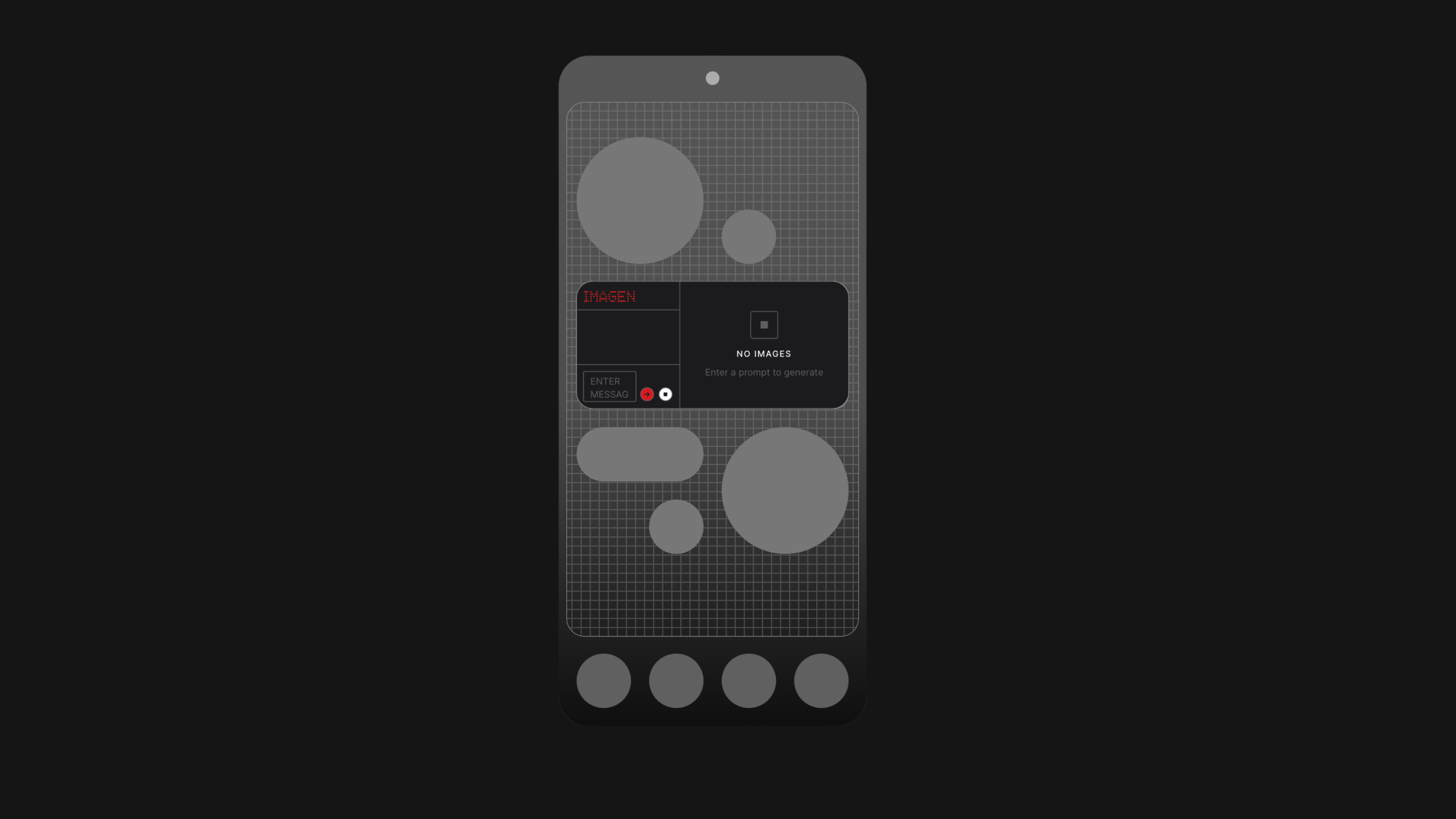
The purpose of Nothing Playground, as I see it, is to give users a sense of ownership over the apps they use every day. Instead of relying only on premade applications that are designed for everyone, it encourages people to create experiences that suit their own needs, habits, and preferences. This makes technology feel less distant and more personal.
Nothing Playground exists to bridge the gap between what users want and what apps usually offer. It allows individuals to customize and shape functionality in a way that feels natural to them. To me, this purpose feels empowering because it shifts control away from rigid app designs and places it back in the hands of the user. In doing so, Nothing Playground supports creativity, individuality, and a more meaningful relationship with technology.
—
Problem-Solving
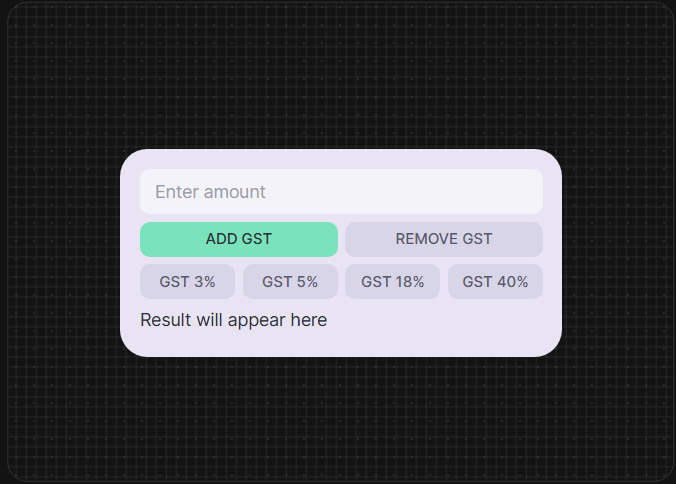
I was repeatedly facing the same issue of calculating GST during my daily work. It was a small task but doing it again and again took time and attention, especially during busy hours. Over time, I realized how much these small interruptions affected my routine. When Nothing announced Playground, I immediately knew what I wanted to create once I got access to it.
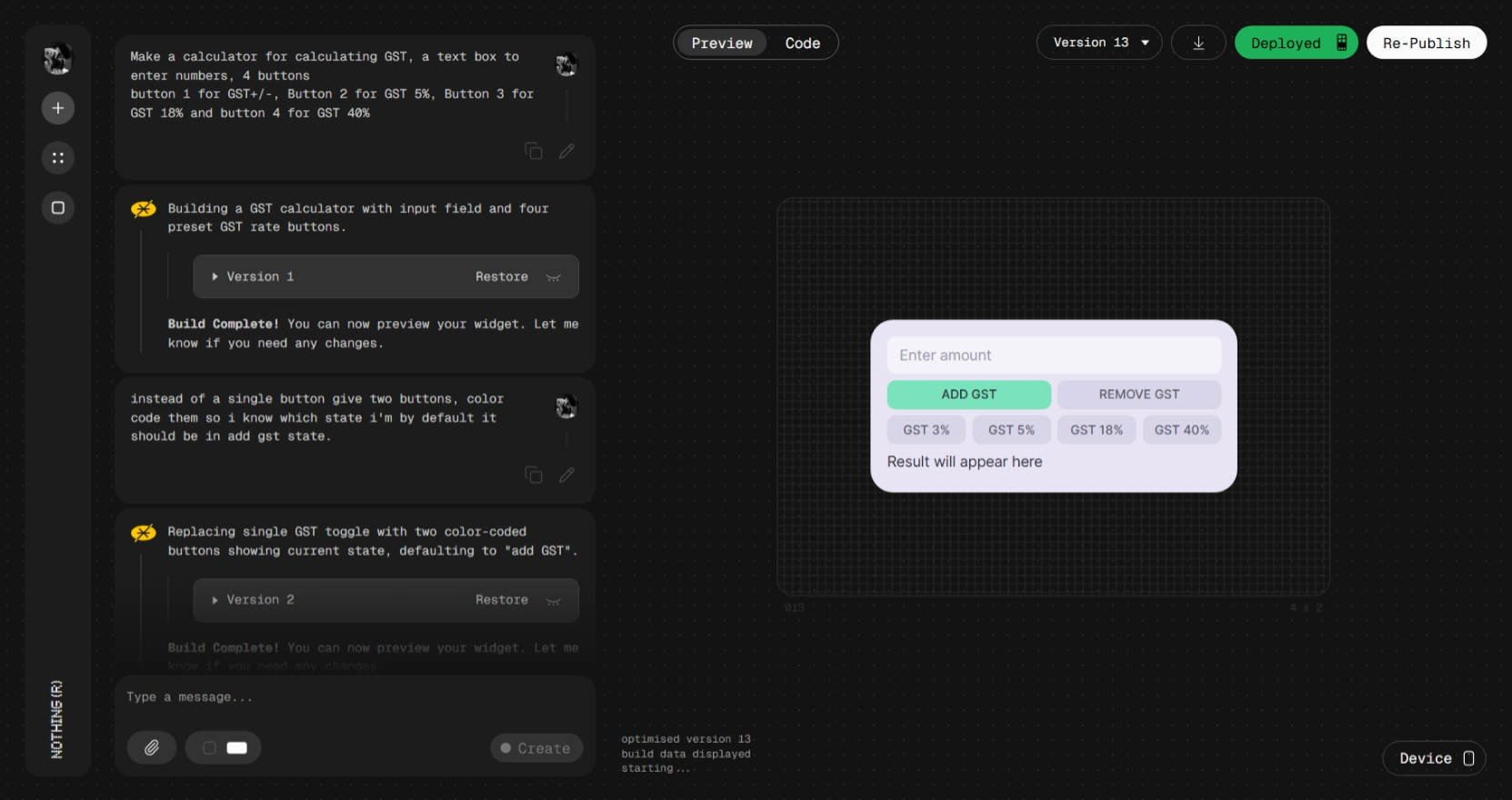
Once I got the access, I rushed to my laptop, gave the prompts and it took me less than an hour to build this app, this simple tool will save a lot of my time during work. After building the app, my work became noticeably easier, no searching for calculators and fiddling with it to give out final prices. Something that earlier took time and repeated effort was now quick and simple. It helped me stay focused on my work instead of stopping again and again for calculations. You can download my GST Calculator from here.
This experience made me realize how many small problems people deal with every day without thinking about solving them. If a simple app could make my routine easier, it can do the same for many others. Nothing Playground gives people the chance to build tools for their own problems and save time in their daily work.
—
What can you build with it?
From what I understand, Essential Apps currently allow access to a few key system permissions such as location, calendar data in read only form, and contacts with more permissions coming soon. Even with these limited permissions, it is possible to build apps that are genuinely useful in daily life. Things like reminders based on where you are, simple agenda views, countdowns for meetings, or quick access to important contacts can be created without needing complex system access.
Some Project Examples:
Location based reminders for tasks like buying items or visiting a client
Automatic notes that trigger when you reach a specific place
Work hour tracking based on arrival and departure locations
A simple app that shows nearby saved locations with quick actions
Calendar (Read Only)
A daily agenda app that shows only today’s important events
Meeting countdown app showing time left for the next meeting
Automatic reminders before scheduled events
A focus mode app that adjusts based on calendar availability
Contacts
One tap call or message widgets for frequent contacts
Client follow up reminder app linked to contact details
Quick access contact list for work related communication
Emergency contact shortcut app.
—
My Picks for useful and Fun Apps
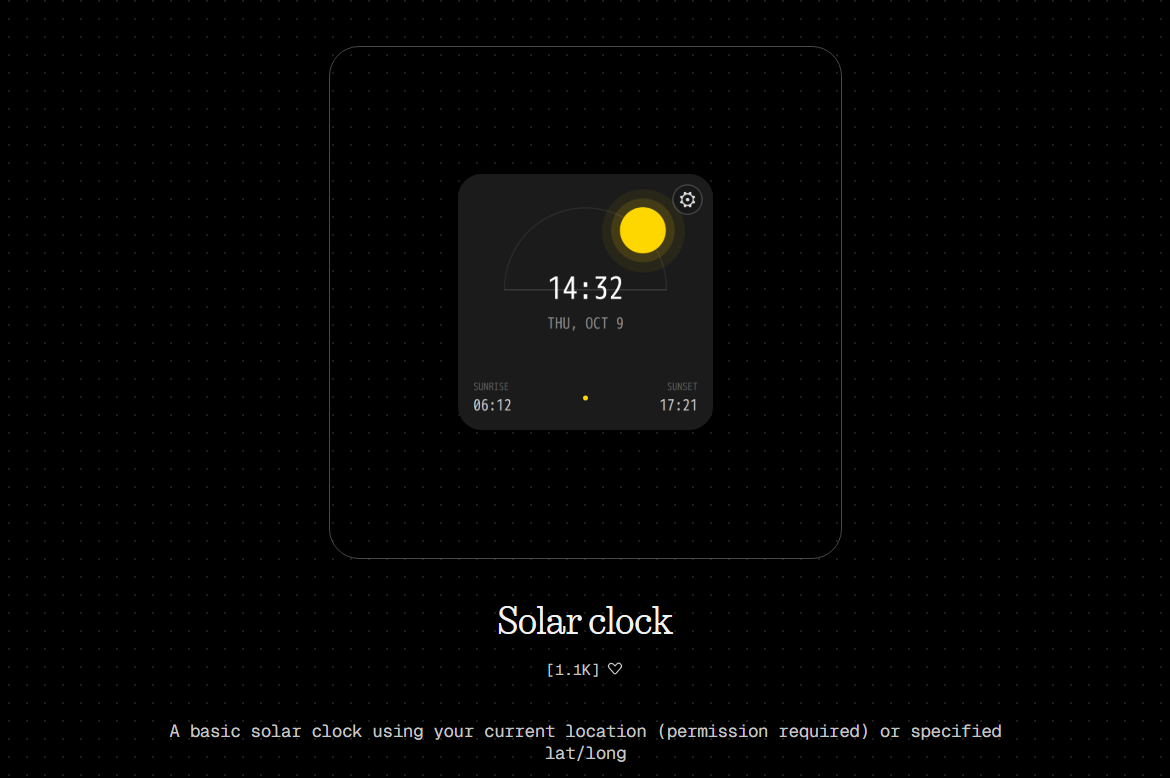
1. Solar Clock -
made by @adbo is my most favorite clock in the Playground. Looks good works great, also I like how the sun moves around the graph as the day progress. Shows me the Sunrise and Sunset time on the glance.
Download here.
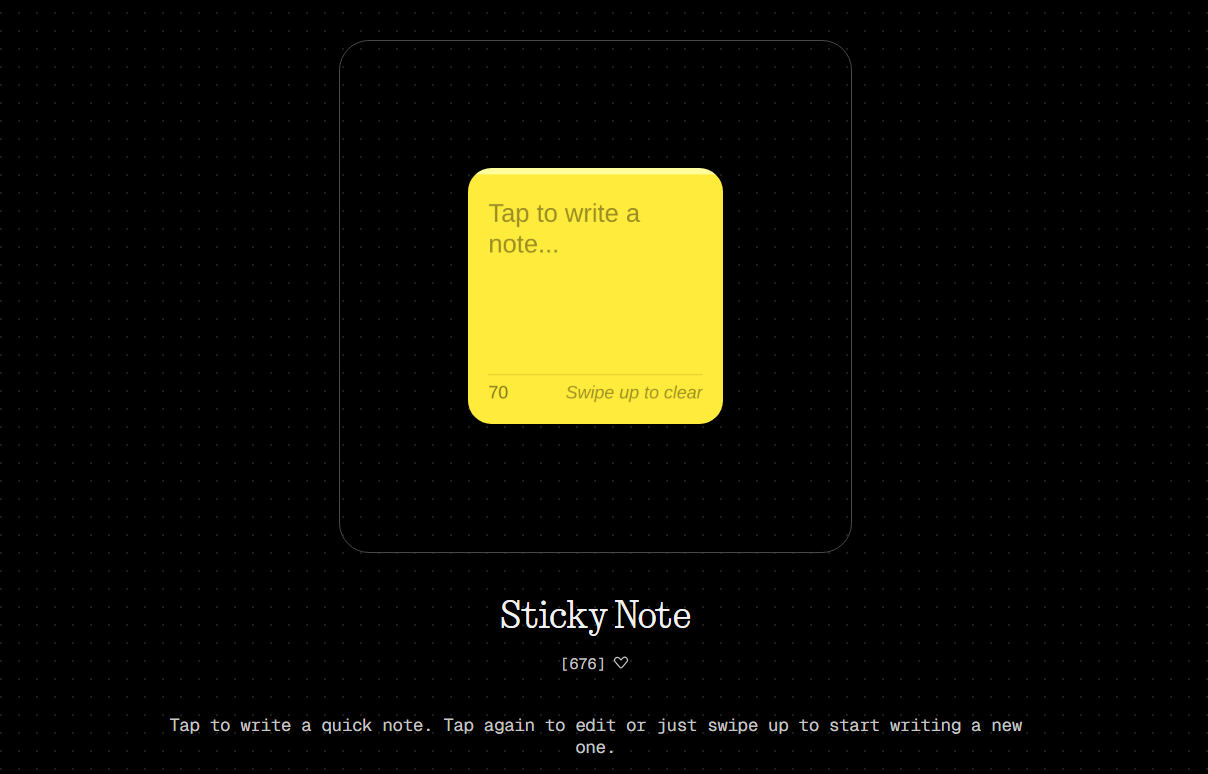
2. Sticky Note -
A simple Sticky Note tool that will make sure you don’t forget important task, supports 70 characters right now and lets you swipe up to clear the task once done made by Rahil and you can download it from here.
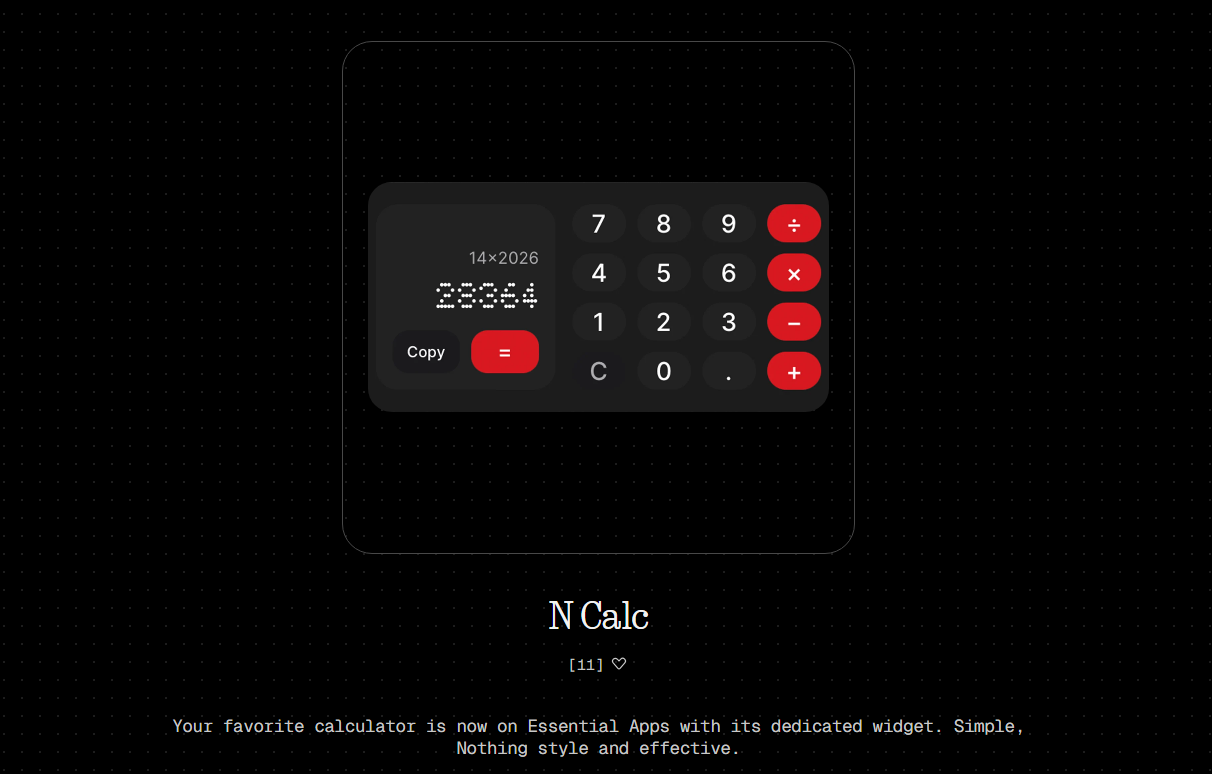
3. N Calc -
A simple Calculator tool with Nothing OS Design Language right on your home screen made by @Ali Fakhruddin Download here.
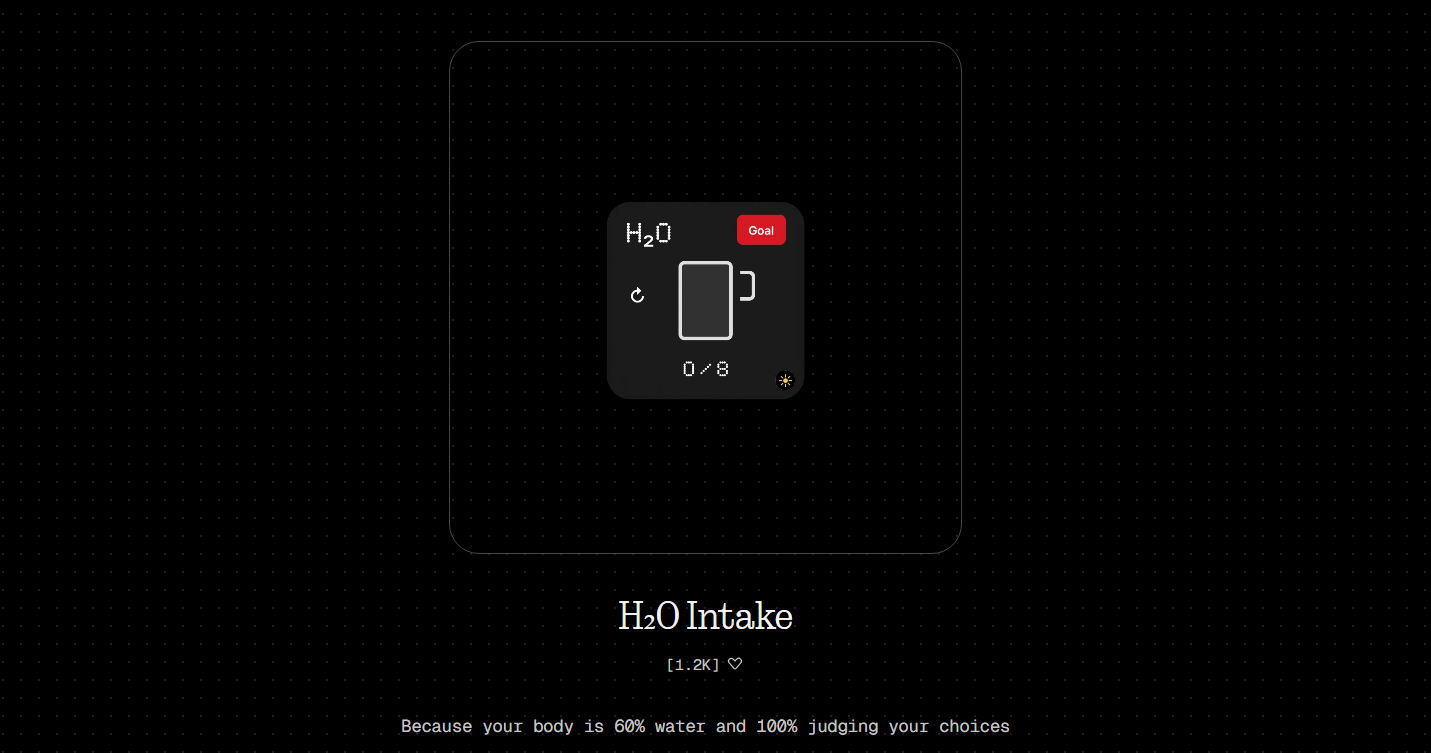
4. H₂O Intake -
Make sure you meet your hydration goals with this simple widget; it gives you an option to set goals too. Made by @Abhishek L.
Download here.
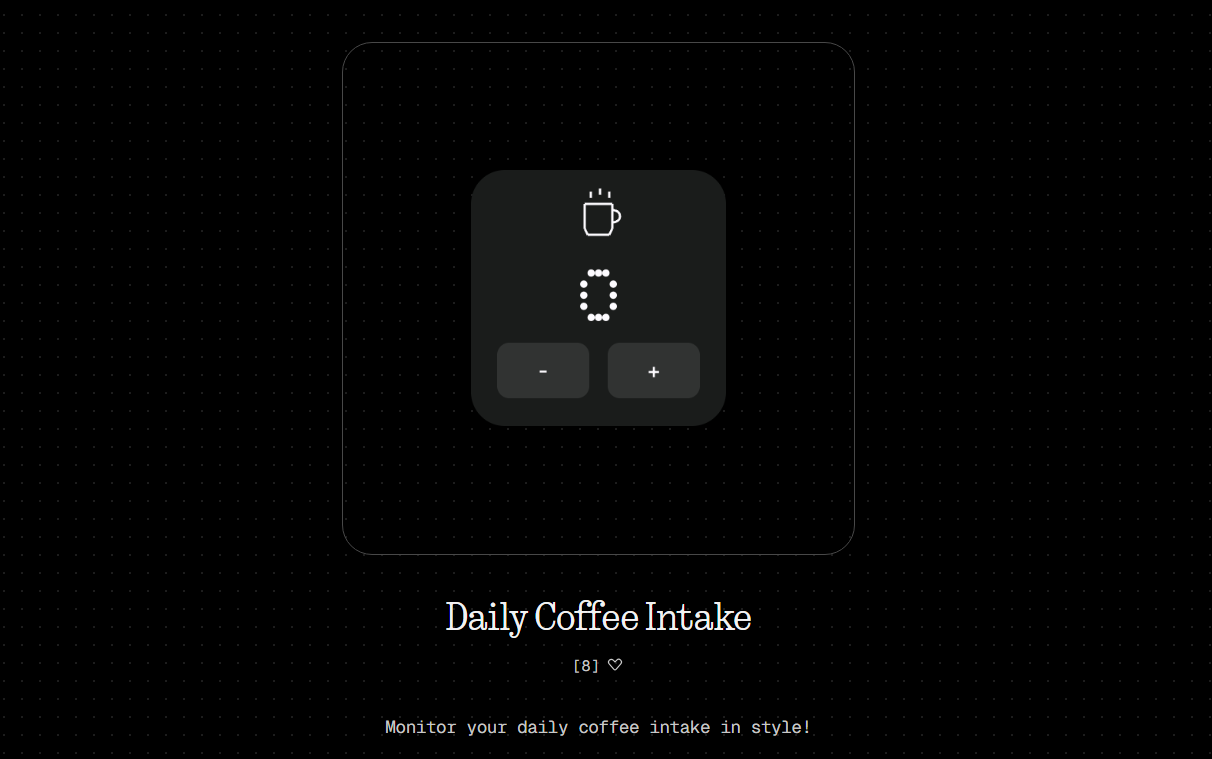
5. Daily Coffee Intake -
Caffeine Addict? Record your Daily Coffee Intake with this widget made by @Daniel. Download from here
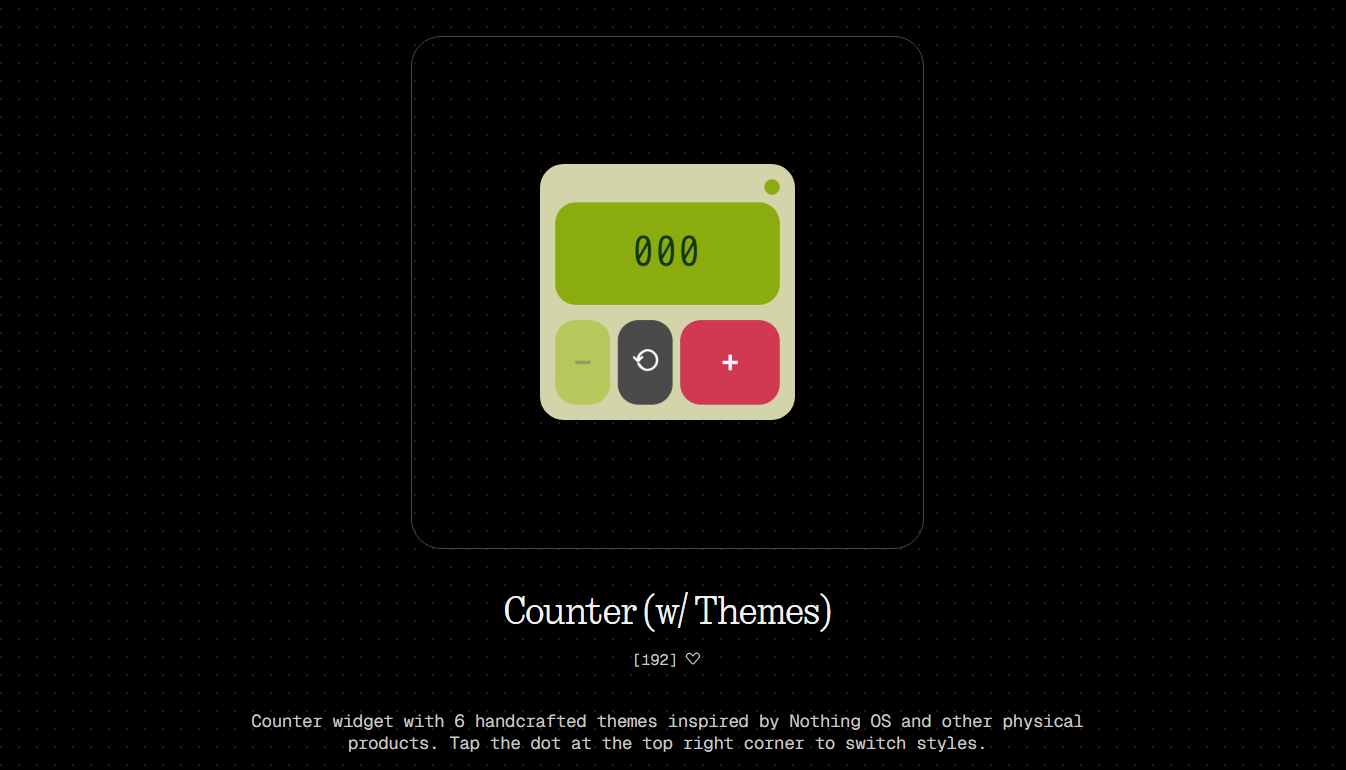
6. Counter (w/ Themes) -
Coolest Counter widget out there, unique design and colors, can be helpful if you want to track walk in customers in your store or similar things made by Rahil. Count here.
That’s it from my side; there are a lot of interesting widgets you can find for yourself by visiting this link
Many improvements and feature additions are on the way. You can try to make your own app which can be useful to you and publish it, so that others can use it too. looking forward to more widgets from the community, if you have made a widget, leave a link in the comments and I will try them out.
Hope you all enjoyed this thread, leave a ❤ if you did.
Until next time 😌
