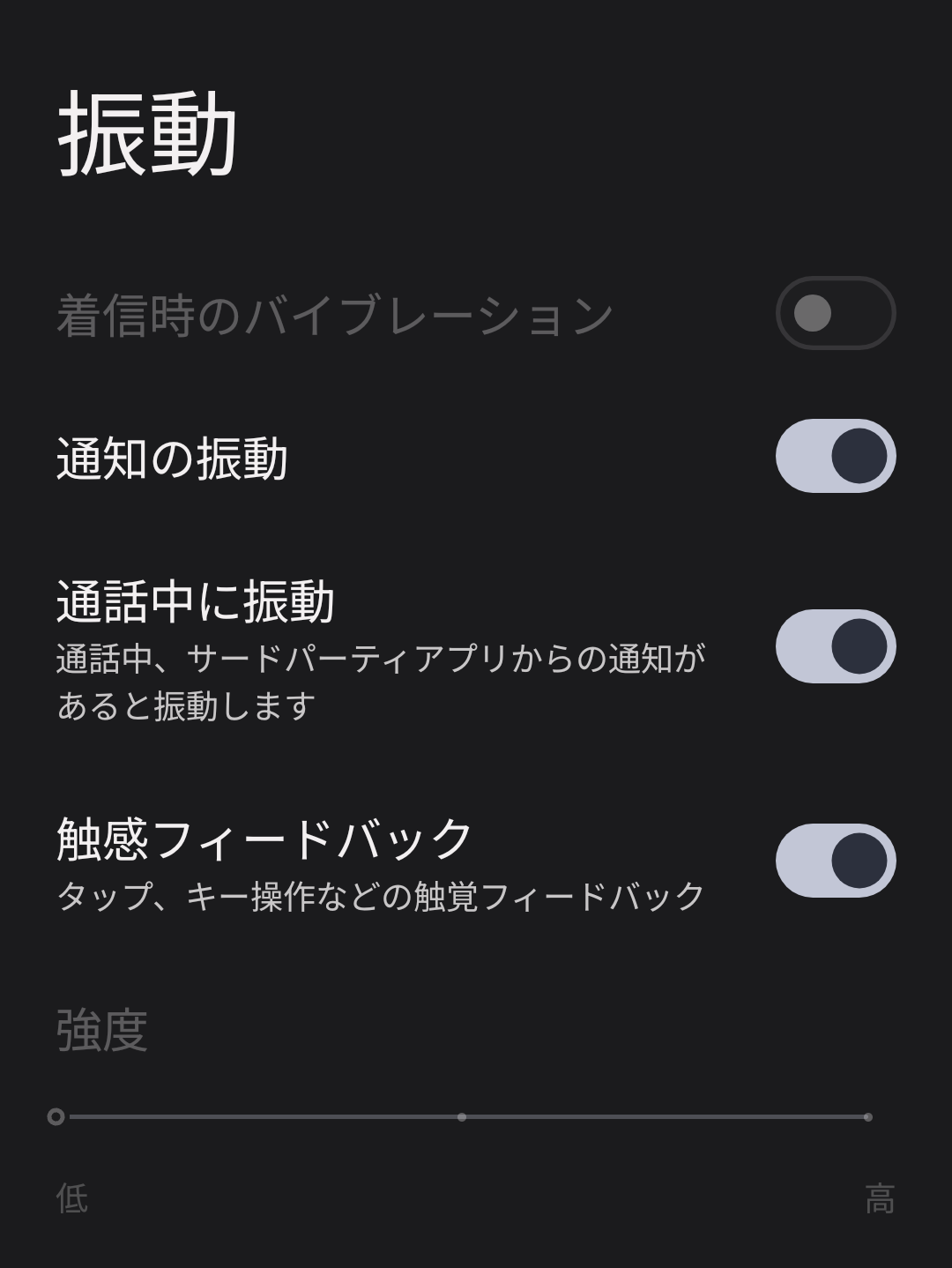
Hi @YoohBooh
I had the same issue, but I found a way to fix it, so I’d like to share the solution.
It appears that this problem is caused by MacroDroid modifying certain system settings.
Here are the steps to restore the vibration function:
1.If MacroDroid is not installed, please install it first.
2.Go to Settings >> Apps >> MacroDroid >> Allow modifying system settings = ON
3.Launch MacroDroid (Steps 4–6 are performed inside MacroDroid)
4.Add a macro >> Action >> Volume >> Silent (Vibration OFF)
5.Set Option = Disabled (If you set it to Enabled, the “Vibrate for incoming calls” toggle becomes grayed out.)
6.Tap the three dots in the top-right corner >> Test Macro (This will restore the grayed-out vibration toggle.)
-
Conclusion(MacroDroid settings)
Silent (Vibration OFF) = Enabled -> No vibration
Silent (Vibration OFF) = Disabled -> Vibration works normally