Feedback? On your device: Go to Settings -> System -> Feedback.
Firmware rollouts are usually staggered, meaning not all users will receive the update simultaneously. This approach allows us to monitor for any issues and ensure a smooth and stable deployment.
Welcome to Nothing Phone (4a) Pro
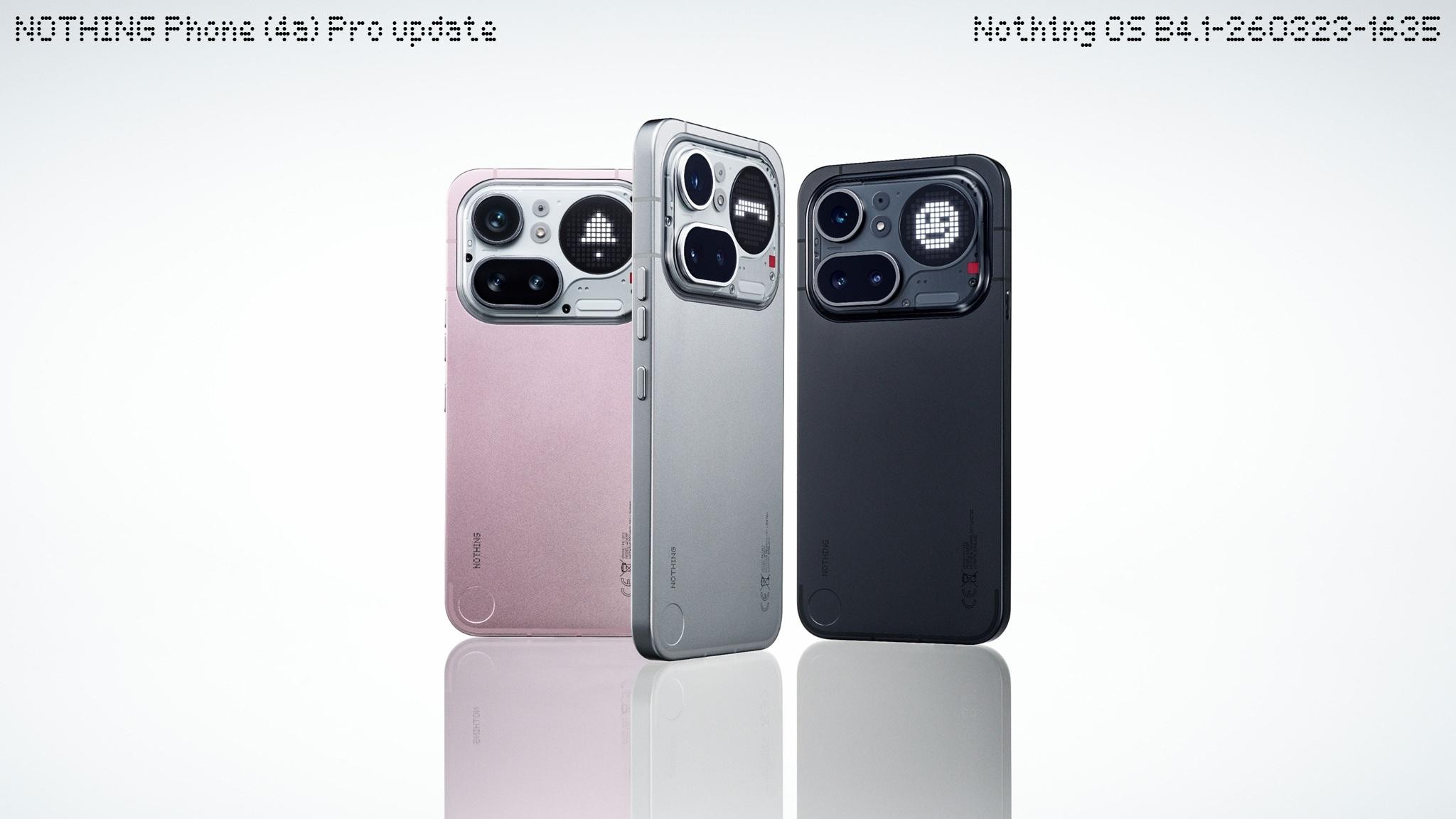
Hi there. We’re glad to finally introduce the Nothing Phone (4a) Pro.
From the design to the operating system, this model has creatively taken in some traditions from the flagship series while introducing new inspirations, bringing it closer to a flagship experience and unique at the same time. We’ve tried to blend familiar reliability with fresh breakthroughs to create something both playful and refined.
We hope you enjoy using it. Here is what’s new in NOS 4.1:
Glyph Interface
💬 Essential Notifications settings UI has been reworked with a cleaner look and descriptions for easier use.
🫧 Notifications that are frequently interacted with may be suggested to be set as Essential Notification.
🔔 Generative ringtone is now available, offering more unique sounds and Glyph patterns for Ringtones and Notifications.
💡 Caller and charging progress can now be shown on the Glyph Matrix by shaking your phone. To enable this, go to Settings > Glyph Interface > Flip to Glyph and turn on the toggles.
New Features
🧘♀️ Breathing Break widgets are now available in the widget drawer, offering guided exercises to help you follow a breathing pace and relax, supporting screen-free practices via the Glyph Matrix.
📡 Live Updates now work across various scenes, such as the lock screen, notification panel, and Glyph Interface, tracking real-time progress from apps, like Google Maps, just at a glance.
🎧 The status bar now displays the dedicated icon of Nothing headphones when connected.
🪀 Essential Apps now features a recommendation section in the widget drawer, providing quicker access to the Nothing Playground to discover AI-powered community creations.
Notes:
Live Updates compatibility with apps depends on local availability and specific app integration.
Visual Enhancements
⏲️ Introduced the lock screen clock face from Phone (3a) Community Edition, co-created with the community member Jad Zock, featuring an exclusive typeface style and unique waking-up effect.
🪄 Lock screen customisation now supports Depth effect (Beta) and adjustable clock face sizes and alignments.
🎴 Updated the lock screen password page with wallpaper blur effect.
📶 Dual network signals are now integrated into a single status bar icon for a cleaner look.
🔋 Refined the spacing of status bar icons for a more consistent and coordinated layout.
Camera Enhancements
🛝 Playground Sync: One-tap import of presets from Playground directly into the Camera app.
🎨 New Preset: Added ‘Amber’ portrait preset, featuring subtle amber tones and fine grain for a cinematic portrait look.
🔋 Power saving recording: Screen auto-dims during idle video recording to save battery life, toggleable in Camera settings.
🌈 Image Quality: Enhanced exposure, colour accuracy, and HDR processing.
General Improvements and Bug Fixes
📳 Optimised haptic feedback in the Recorder app for a more tactile experience.
📖 Optimised dual-SIM instructions for better clarity and ease of use.
🛜 Optimised the searching speed for nearby available Wi-Fi networks.
⚙️ Enhanced overall system stability and smoothness.
📱 Fixed some abnormal display issues in Quick Settings and the status bar.
🛡️ Updated to March 2026 security patch.
Notes:
Your device may use more power and feel warmer during installation. Performance will return to normal after the update is complete.
