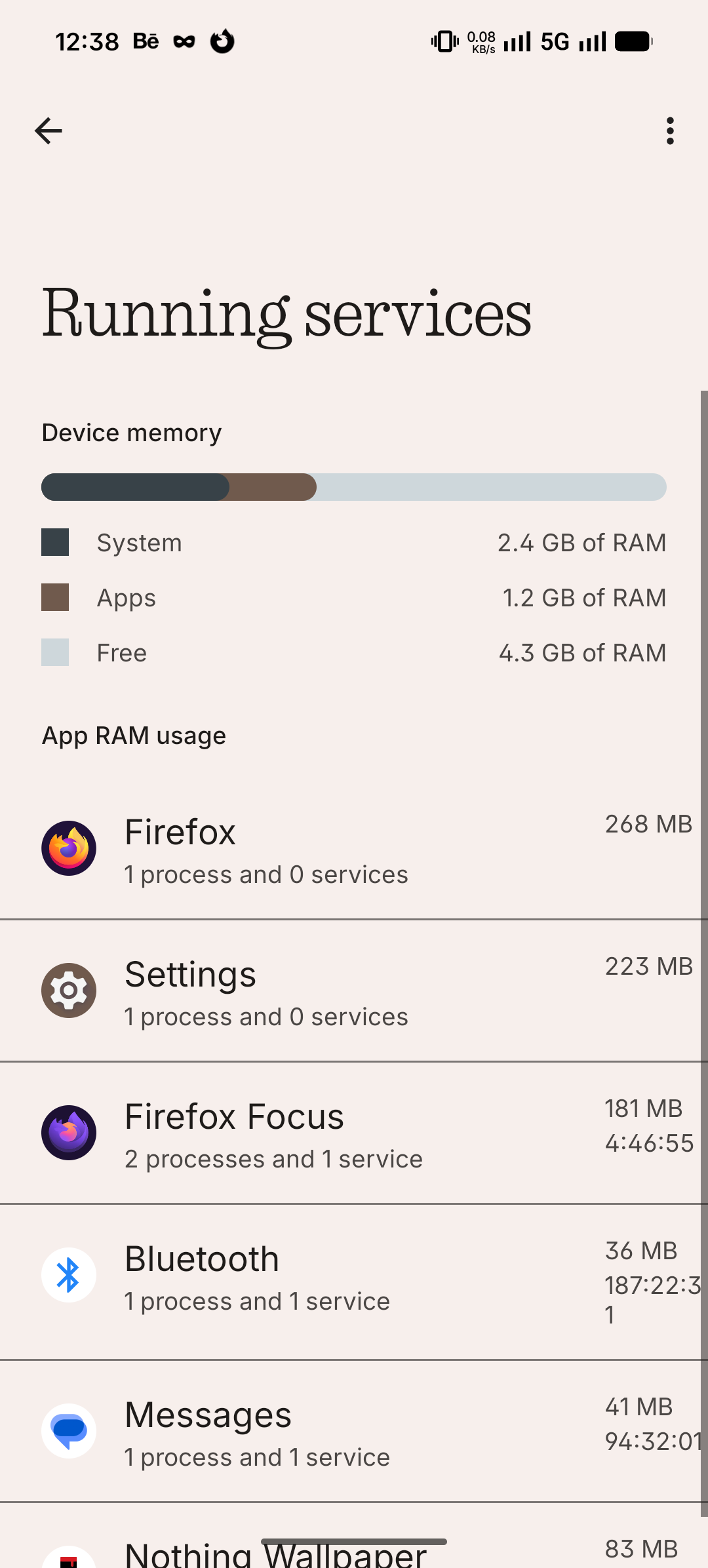
That app is wild. Check “Running services” in Developer options, this is for me (nothing at all is crashing, 8 GB (3a), all runs well, browser tabs stay open in the background for days):
Running (not that important):
Cached (important, you want to have your usual apps to be here on the list):
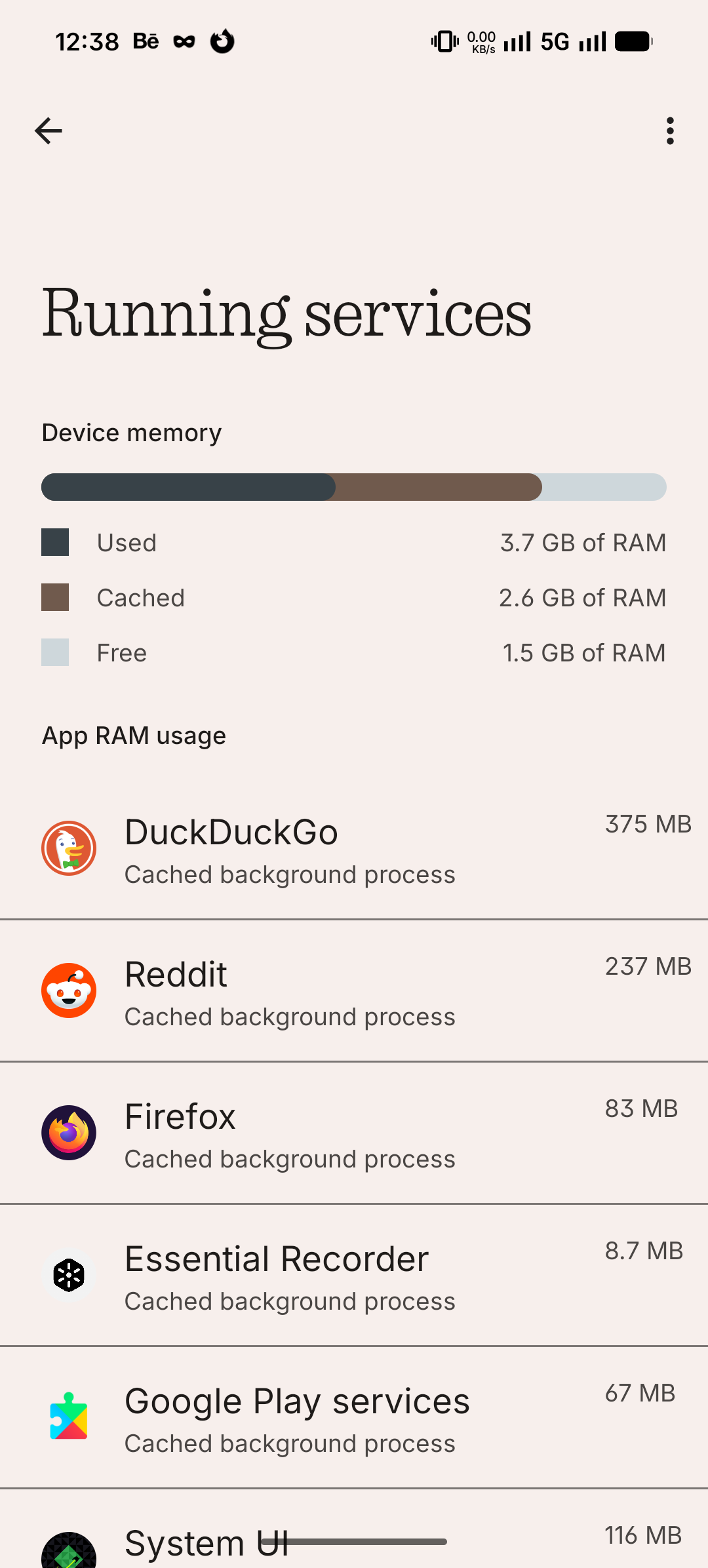
Edit to add: Apps in cached = look at it like they reserved their place in RAM, so while they’re not active (using CPU cycles), they are just sleeping there and waiting you to come back to them and continue where you left.


