Note: The concept visuals in this post were created with AI to illustrate the ideas and possible UI direction. The concepts and descriptions are based on my own observations and product ideas.
Hi Nothing team and community.
My name is Adam. Smartphones have been my main technology interest for many years. Over this time, I’ve used practically every major ecosystem and brand — Nexus, Samsung, Pixel, OnePlus, Sony, iPhone, LG, Xiaomi, Huawei and Nothing devices, from mid-range phones to flagships.
After years of switching between iOS and Android, I started noticing that what makes an operating system feel truly premium is not only the big features, but also the small system-level details that create a feeling of one cohesive product.
iOS has many of these details that make the entire experience feel connected and consistent. At the same time, when returning to Android, I often felt that some of this system-wide cohesion was missing.
Below are four observations where I think Nothing OS has an opportunity to become even more polished and create an even stronger unified experience.
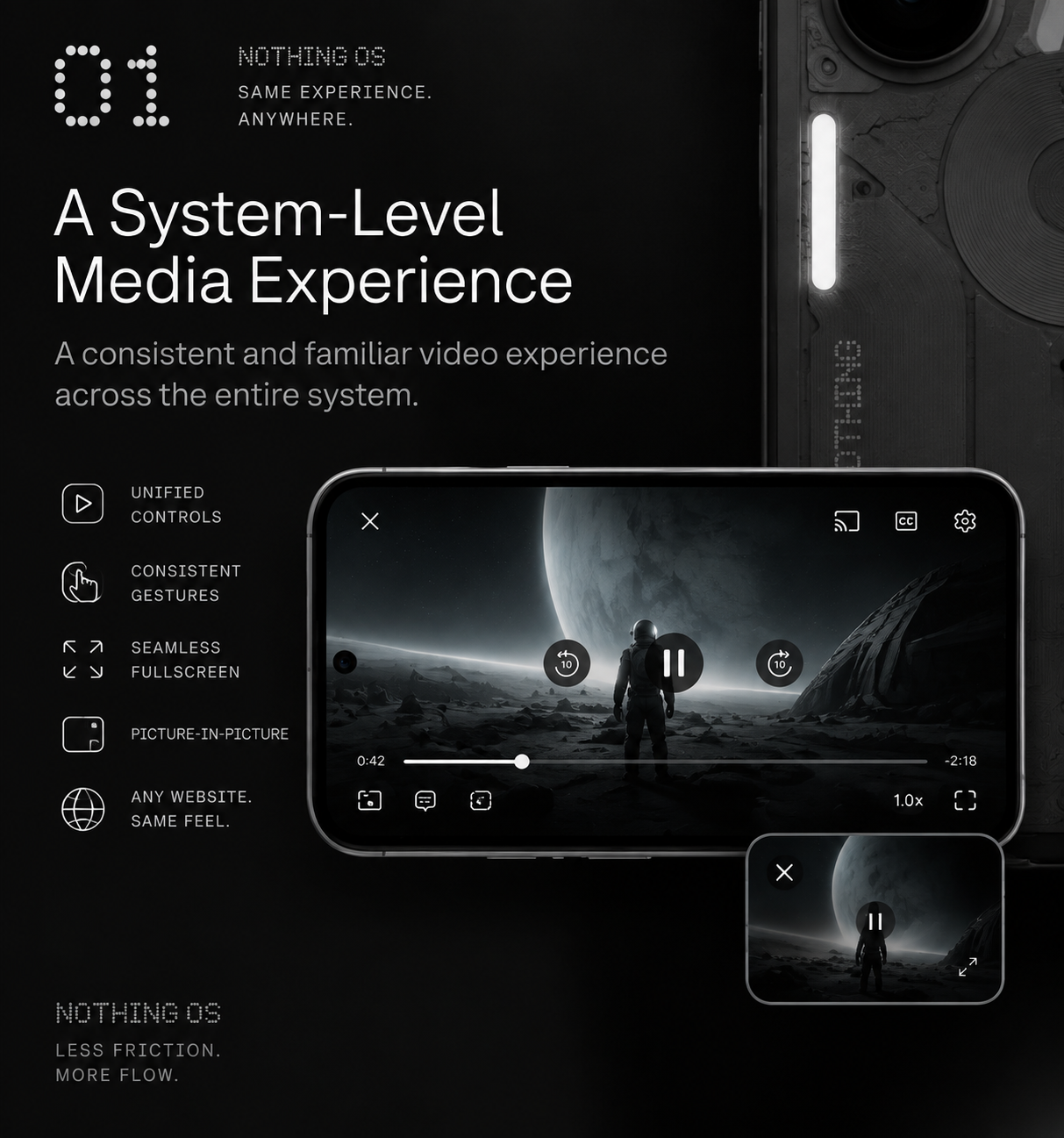
1. A System-Level Media Experience
Web video on Android still depends heavily on each website’s own player. Because of this, controls, gestures, fullscreen behaviour, seeking, orientation and Picture-in-Picture can feel different from one website to another.
A more unified system-level media experience could make video interaction feel familiar regardless of where the content is played.
The goal is not to replace every website’s own player, but to create a more predictable and consistent experience across the system.
2. System-Level Document Handling
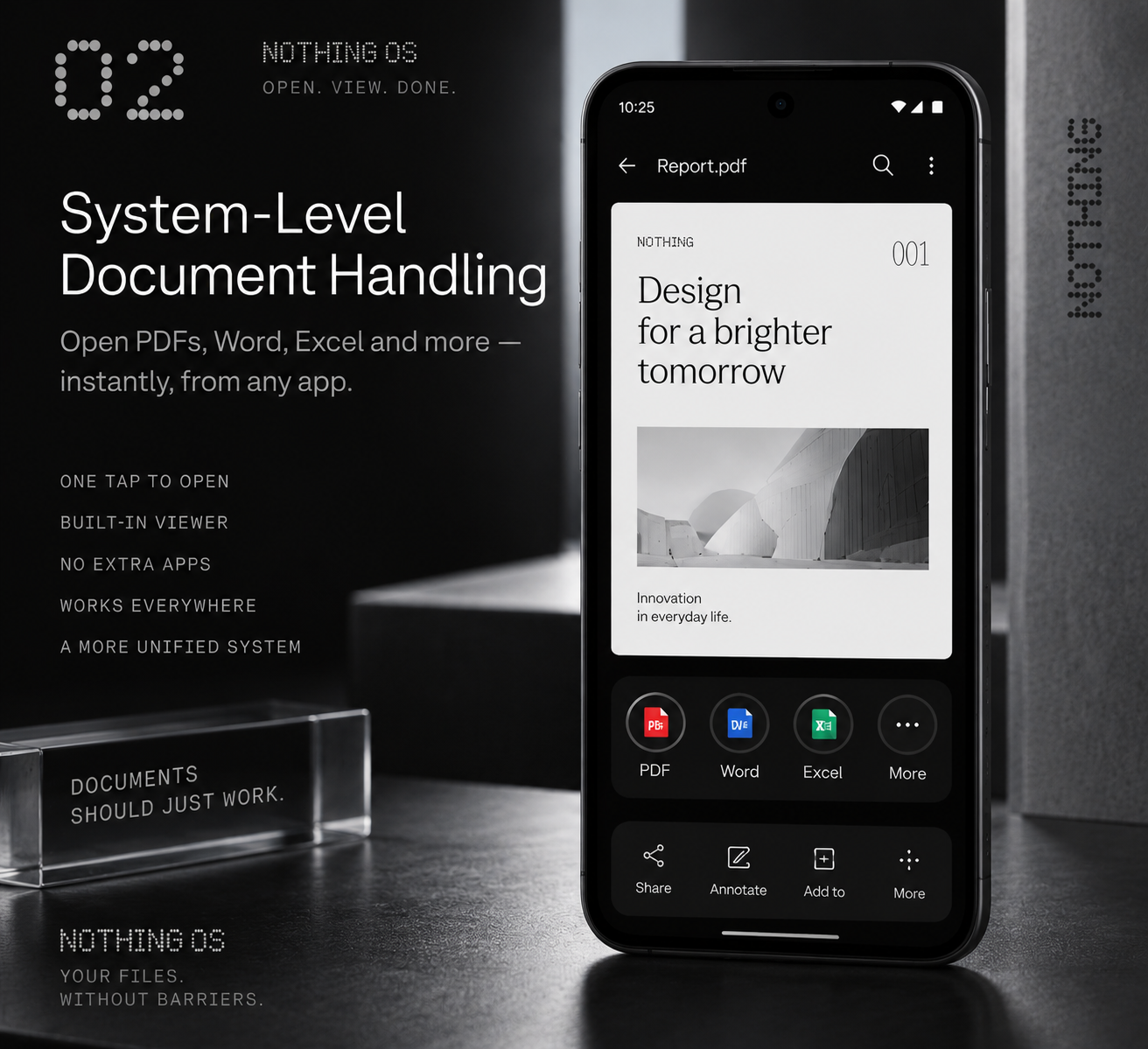
Opening documents on Android often still feels fragmented.
A PDF, Word or Excel file received through Telegram, WhatsApp, email, browser or another application can lead to repeated “Choose an app” prompts and inconsistent experiences.
A better system-level document layer could make the process simple:
Receive a document → tap it → it opens.
Nothing OS could provide a consistent built-in viewing experience for common file formats without requiring users to install additional applications just for basic tasks.
3. Nothing Notes as a Unified Workspace
This idea goes beyond simply opening documents.
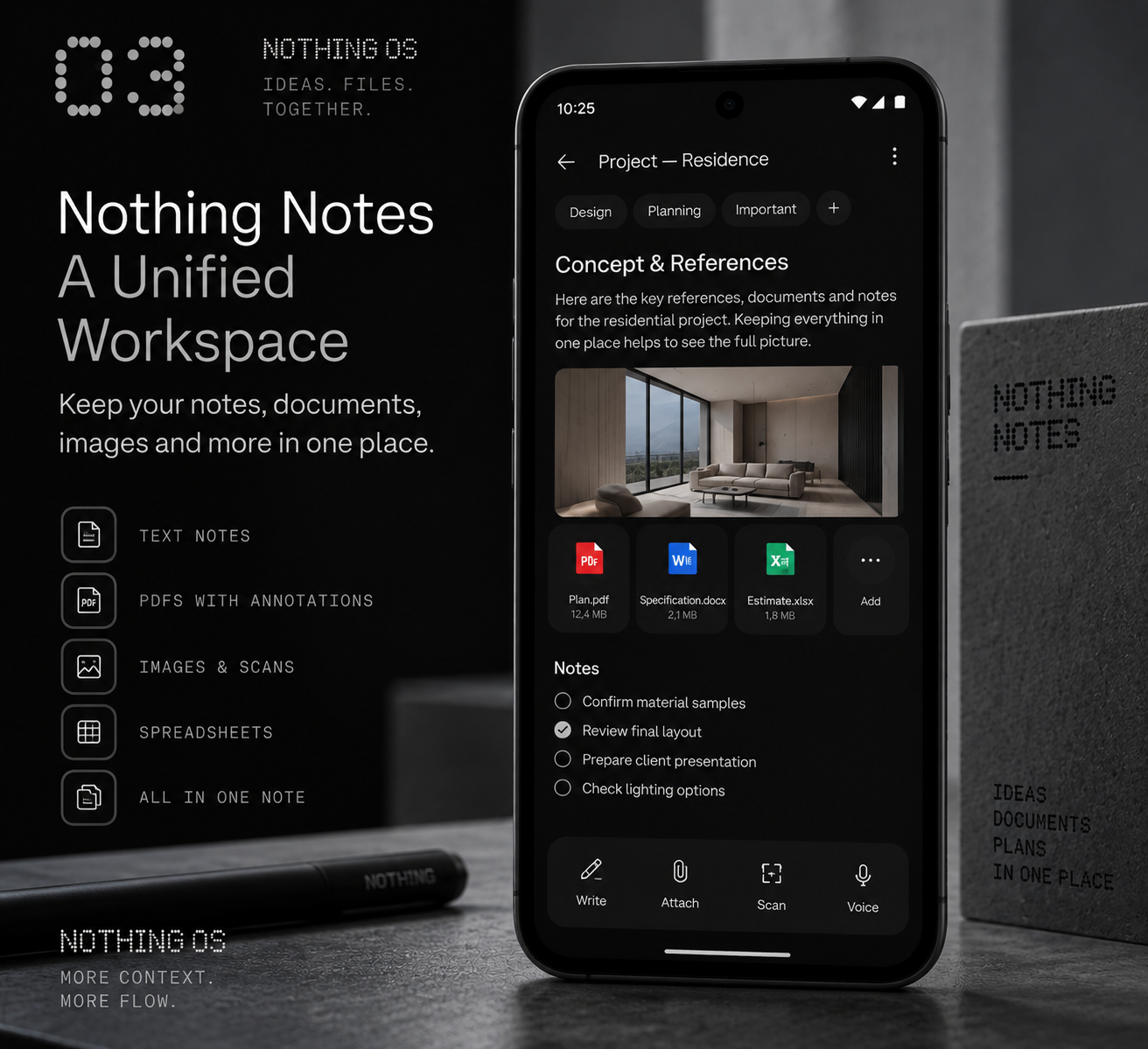
Nothing Notes has the potential to become a complete workspace where different types of information related to the same subject can exist together.
For example, one note could contain:
- text notes;
- PDF documents;
- Word files;
- spreadsheets;
- images;
- scanned documents.
Instead of separating information between multiple applications, users could keep the full context of a project, task or idea in one place.
Useful built-in tools could include:
- PDF annotations;
- filling forms;
- adding information to documents;
- combining or splitting PDF pages;
- basic editing of documents and spreadsheets.
It does not need to replace Microsoft Office. The goal is to provide the essential everyday tools while keeping everything connected in one workspace.
4 A True Do Not Disturb Mode
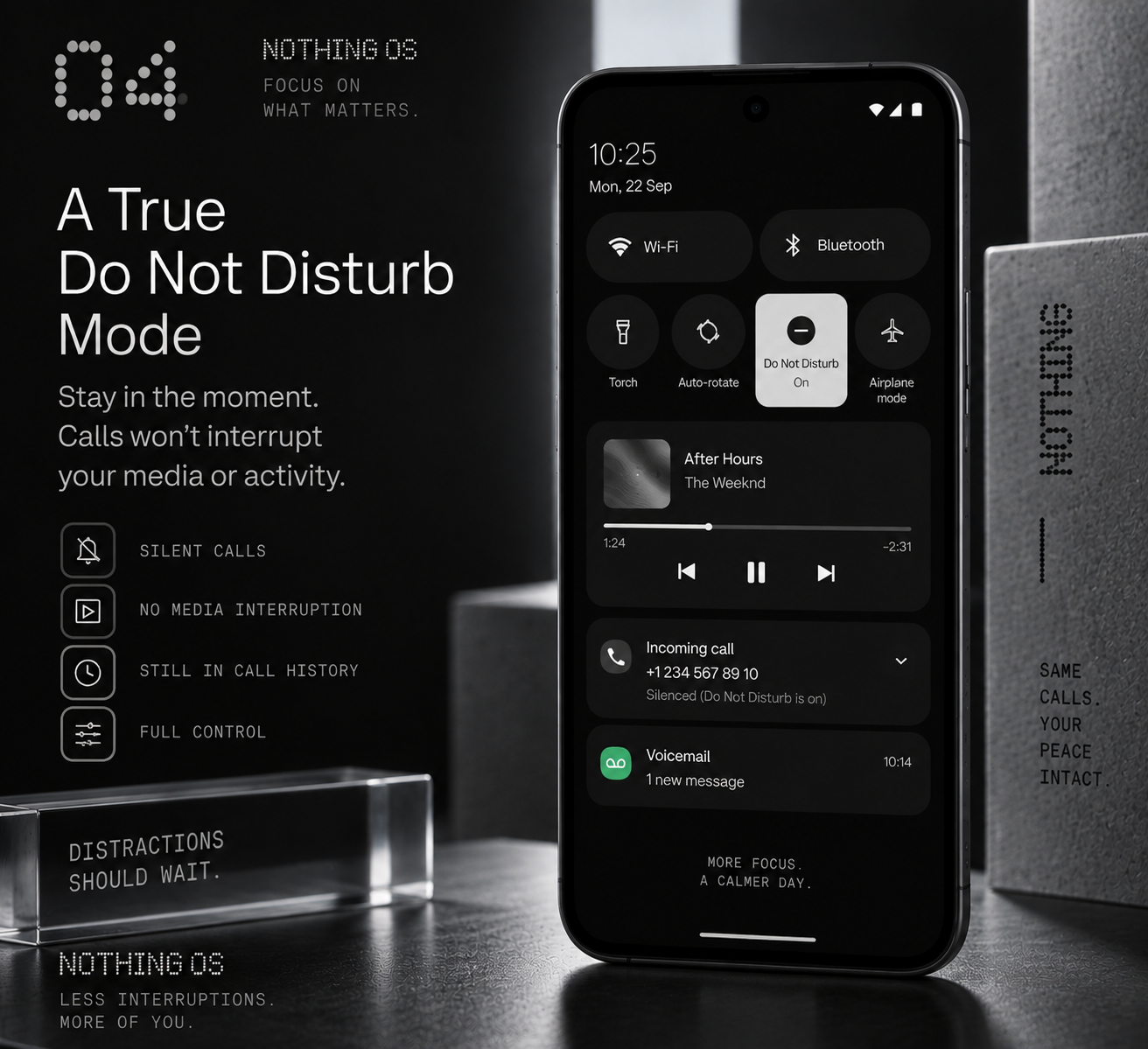
When a user enables Do Not Disturb, the expectation is that the current activity should not be interrupted.
However, on Android, incoming calls can still take audio focus and pause media playback even when DND is enabled.
A more consistent approach would allow calls to appear silently in the background and remain in call history, while not interrupting the user’s current activity
Final thoughts
None of these ideas is revolutionary by itself.
But after years of using different ecosystems, I believe these small system-level details are what make the difference between a phone that feels like a collection of separate applications and a device that feels like one complete product.
Nothing has already shown that it cares about creating a unique and consistent experience with Nothing OS. These are simply observations from a long-term user who believes there is still a lot of potential in this direction.
These are only four of my observations. I have more ideas and thoughts about system experience, and I would be happy to share them and discuss them further if they are useful for the community or the team.
