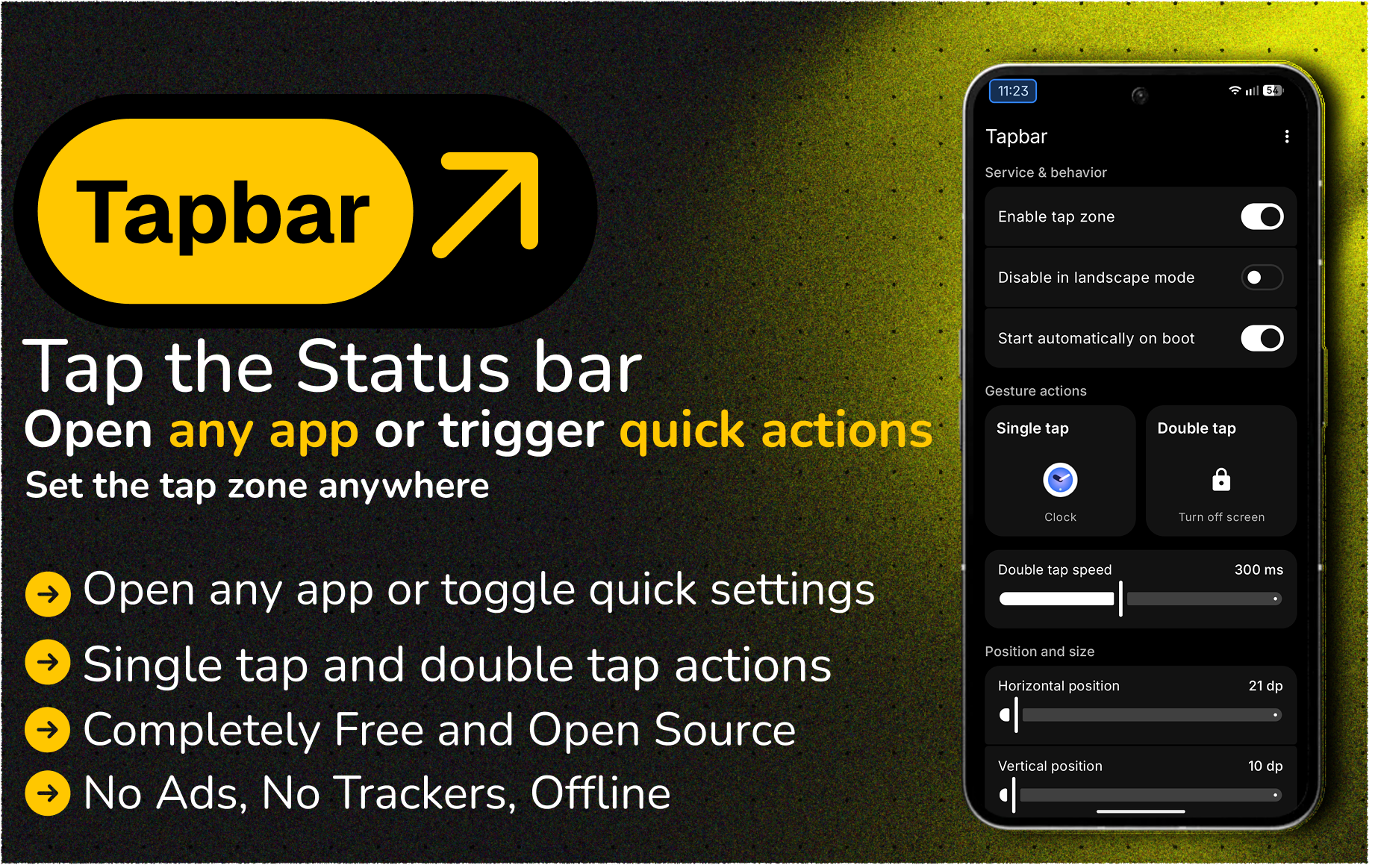
Tapbar is growing, and there’s a lot to share 🎉
We’re closing in on 100 downloads and honestly, that means a lot for a small indie project that started from a single feature request. Thank you to everyone who installed it, starred the repo, or just spread the word. This app exists because of that support.
What’s new
Tapbar now supports double tap, not just a single tap zone anymore. You can assign a different app or action to a single tap vs. a double tap, so one zone now does two things.
Along with that, Tapbar can trigger quick actions directly, no need to dig through Settings:
- Flashlight
- Do Not Disturb
- Wi-Fi, Bluetooth, mobile data, volume
- Airplane mode, hotspot, NFC, night light, battery saver
- Lock screen, screenshot, power menu, back, home, recents, and more
The one feature people keep asking about:single swipe for brightness slider
Nothing OS 5.0 introduced a split Quick Settings panel, and if you switch to that layout you get brightness and volume sliders. But a lot of people don’t want to switch their whole QS layout just for that, they just want quick access to brightness without changing anything else.
Turns out Tapbar can already do this. There’s an action to expand the Quick Settings panel, and if you assign it to a single tap on your zone, you get instant access to brightness (and everything else in Quick Settings) with one tap. No swipe gesture needed.
If you wanted quick brightness access and know you’re not getting NOS 5.0, this might be helpful for you.
If you find it useful
Tapbar is free, open source, has no ads, no trackers, and doesn’t need an internet connection. It stays that way because it’s a passion project, not a business.
If it’s been useful to you, a star on the repo genu inely helps other people discover it, and sharing it with someone who’d like it helps even more.
Download the latest release here
Virustotal Scan
Thanks again for being part of this.
