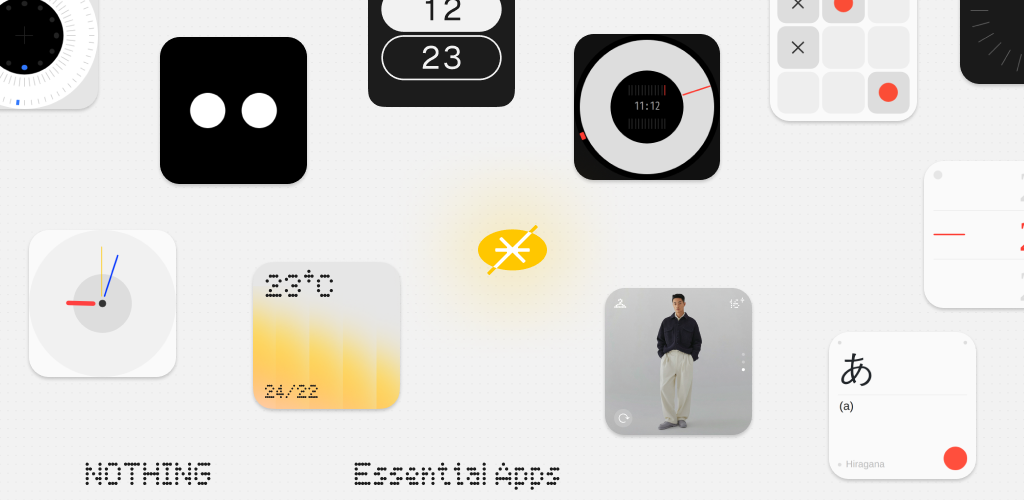
Hello - Thomas here! I joined the Nothing Software Product team last year in London to work on the Essential Apps product. In Dan’s recent update on software at Nothing, he said that we would be more transparent with the community about what we are working on. In that spirit, I want to give you an update on the Essential Apps experience, the progress we have made, our next steps, maybe most importantly, how you can help!
🟡 What is Essential Apps?
At Nothing, we believe that software should be striking and unique. And, we believe that anyone should have the power to make their software beautiful and highly personalised.
By using AI, Essential Apps lets Nothing phone users create customised, personalised widgets which sit on your Nothing homescreen, with no coding experience required!
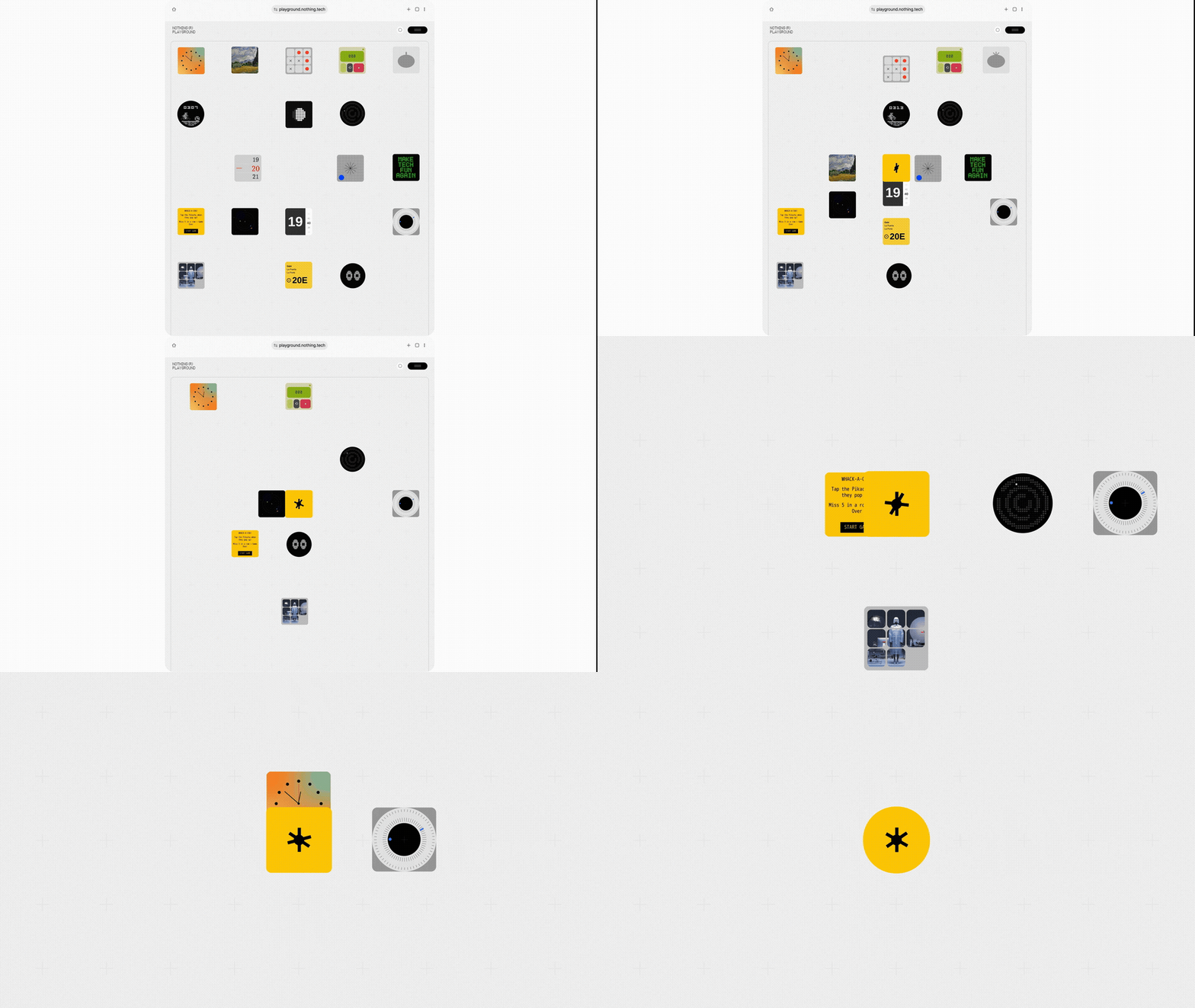
🛠️ What is a widget?
A widget is a small mini-app which sits directly on your homescreen or lockscreen. They differ from standard apps in size and purpose. You could say they are like small window displays on your homescreen or lockscreen, which can serve three purposes:
- Display information in a glanceable way - for example as a Casio clock, or an F1 schedule
- Perform a single function - like a tic-tac-toe game or record a thought on a sticky note
- Customise your home screen - maybe you just want see Big Eyes or a Nintendo style graphic when you unlock your device
⚙️ How does Essential Apps work?
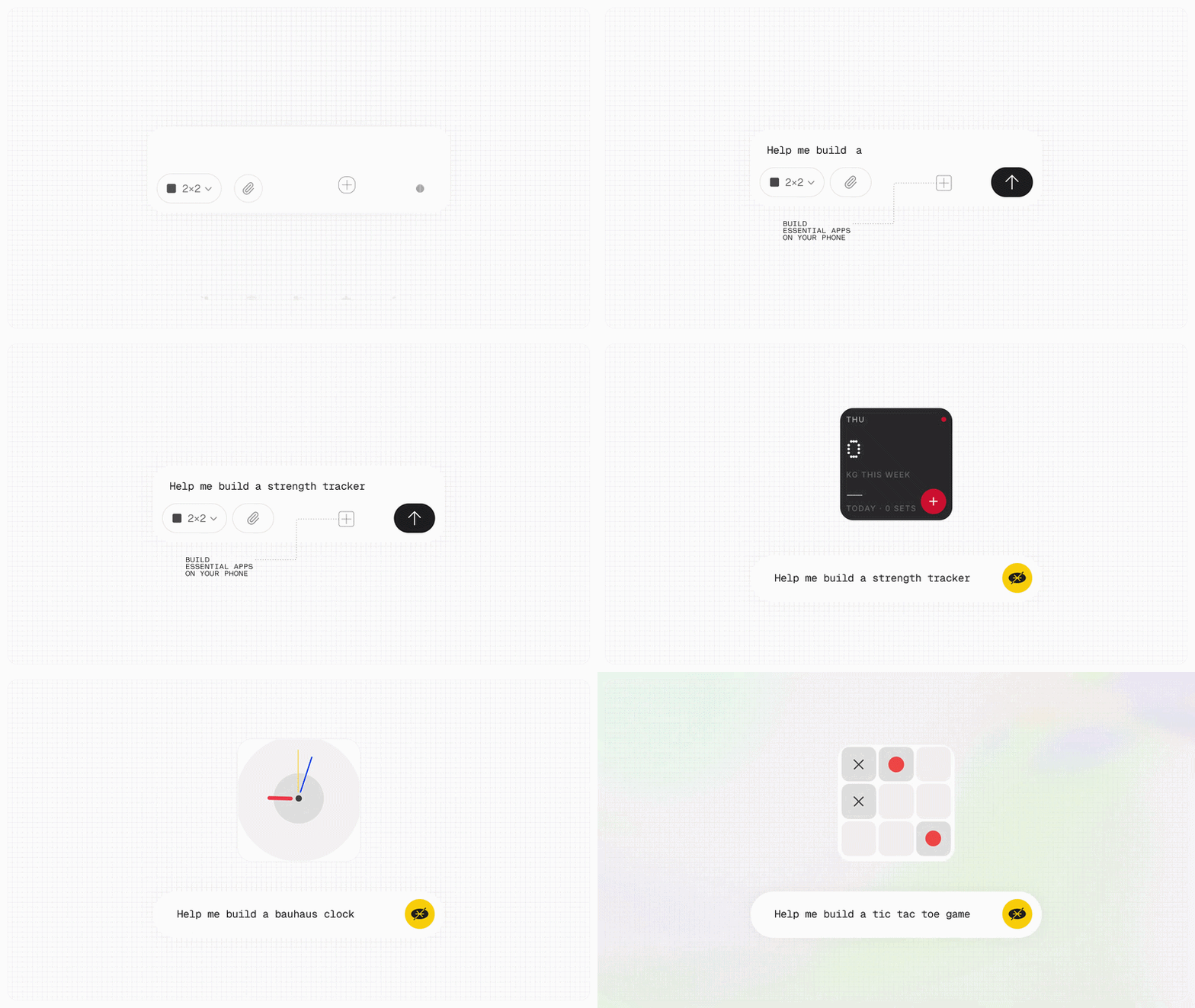
With Essential Apps, you start a project by typing (or speaking) a description of the widget you want to create. Reference images that inspired you can be attached to your description. The app will then generate a widget preview, which you can see within the app.
Current widget formats are 2×2 (square), 2×4 or 2×5 (rectangles), and the widgets can integrate with a host of native Nothing applications, such as calendar, contacts, or the gallery. Widgets can also pull data from the web to display information like sports scores, or travel updates.
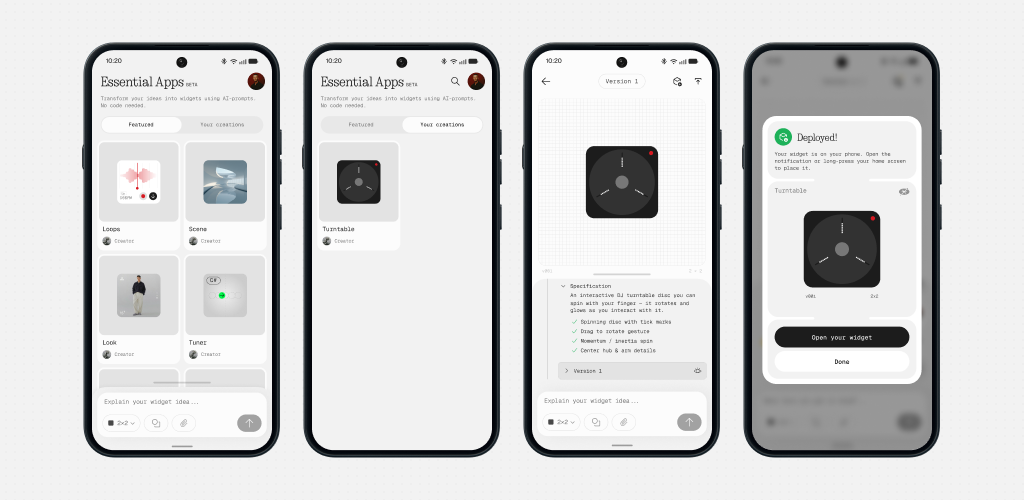
You can keep building the widget preview until you are happy with the end result, and then, in one click, send the widget immediately to your home screen.
📆 What have we been doing for the last year?
In January, we handed an early prototype to our first alpha testers, and you didn’t let us down. We saw hundreds of widgets, observed many users building them and uncovered improvements we wanted to make to the experience. In February 2026, we ran a student competition, and Kuber Mehta blew us away with his Hacker News Digest Widget, proof of what’s possible when you give creative people the right tools.
Then we went back to the drawing board, and we re-built Essential Apps, turning a validated prototype into a product which can support all of Nothing’s community.
Here’s the topline of our progress after the feedback:
- Built a mobile app. No more navigating between web and mobile, you can build, deploy and enjoy your widget all directly from your Nothing device.
- The agent got a lot smarter. We’ve spent months teaching it to understand what you actually mean and to design widgets that look like they belong on a Nothing phone.
- We got deep into Android, meaning your widgets now connect reliably to your native apps like calendar, camera and gallery, so the widget you build is one that’s really useful.

🎟️ When will you get access?
The Essential Apps builder app will arrive as part of NOS 5.0, but will remain in a closed beta. Over the coming weeks, we will continue to add users to this, so keep an eye out for a welcome email in your inbox if you have signed up.
All going well, we plan to open Essential Apps to all Nothing phone users with NOS5.0 in the first quarter of 2027. We’re really excited about that!
I want to thank those of you who are still on the waiting list for their patience, I know it may feel like you’ve been waiting for a long time, but hopefully when you get access you will see it’s been worth the wait.
🤝 Can I share widgets?
Playground by Nothing (in beta) allows users to discover community created widgets, glyph toys, camera presets and EQ profiles. When we ran the Essential Apps alpha, users could publish widgets on the Playground, meaning other Nothing phone owners could use these community built widgets.
One of the biggest learnings from the alpha programme was that a marketplace makes most sense once the widget builder experience is right, so that the quality of community created widgets is high. As a result, we decided to pause new widgets publishing and to, instead, focus on improving the tools for widget building on the Essential App builder.
We are aiming to relaunch Playground publishing in 2027.
However, before the end of the year we will be publishing a handful of widgets which you have built - watch this space for details!
🔜 What’s coming next?
Between now and opening Essential Apps to everyone, here’s what we’re working on:
- A builder that can do more - We’re giving the agent new tools, so more of the widgets you dream up actually work the way you imagined.
- More shapes and sizes - Squares and rectangles are just the start. We’re adding new formats so your widgets can fit your homescreen, not the other way round.
- Better-looking graphics - If you ask for a pixel-art clock or a hand-drawn weather icon, it should look like one. We’re putting a lot of work into the quality of the images and graphics the builder creates.
- New ways to build - Describing your widget is just one way to make it. We’re experimenting with new build experiences to make the whole thing more fun and intuitive.
Underneath all of that, we’ll keep teaching the agent to make widgets that look and feel like they belong on a Nothing phone.
🗣️ I’d love to hear from you about your view of Essential Apps! In particular:
- What excites you about Essential Apps and the Playground?
- What’s the first widget you will build when you get access to Essential Apps?

