arunpalanivel Head to this link https://in.nothing.tech/nothing-os then scroll down till you see this 👇🏻
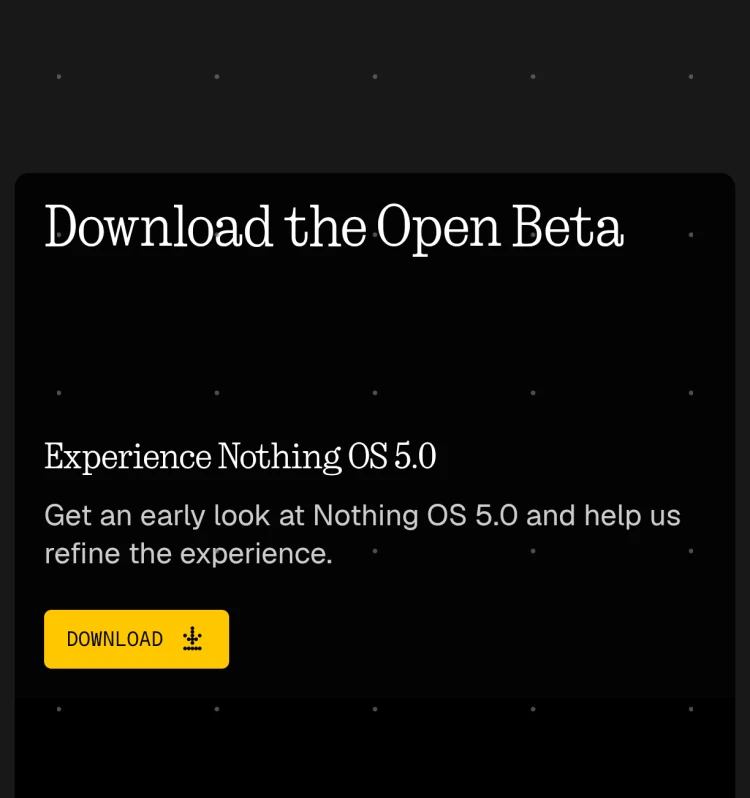
Then install this by going to the location where you downloaded it and clicking on it…
After this head to your settings then to system there you will find “Nothing Beta Hub”
Click on it then click check version then on the same page click join beta then update the phone normally like you do….
Also search on YouTube how to download Nothing beta update there you can find video which will help you….


