Smartphones are one of the most revolutionary inventions of the modern era, seamlessly blending communication, entertainment, and productivity into one compact device. On the positive side, they’ve made the world more connected, allowing instant communication through calls, messages, video chats, and social media. They’ve also opened up a wealth of information and services at our fingertips, from navigation to banking and shopping.
However, like most innovations, smartphones come with their downsides. They can foster addiction, as constant notifications and the pull of social media keep people glued to their screens. This issue only becomes more prevalent with each new generation, as children are exposed to technology at increasingly younger ages.
Nothing has always placed a focus on improving user productivity through intentional interaction design. This philosophy is evident in features such as the monochrome theme, which eradicates the psychological impact of colourful app icons and in the extraction of core functionalities within apps into home screen and lock screen widgets. By surfacing fundamental actions outside of traditional app interfaces, users are able to reduce, or in some cases, completely avoid opening apps for trivial tasks.
My Nothing Phone (3) Concept introduces three unique features, which all help to improve the user’s experience on a daily basis.
[ ➁ | Active Lattice ] – A Portal to the Unseen
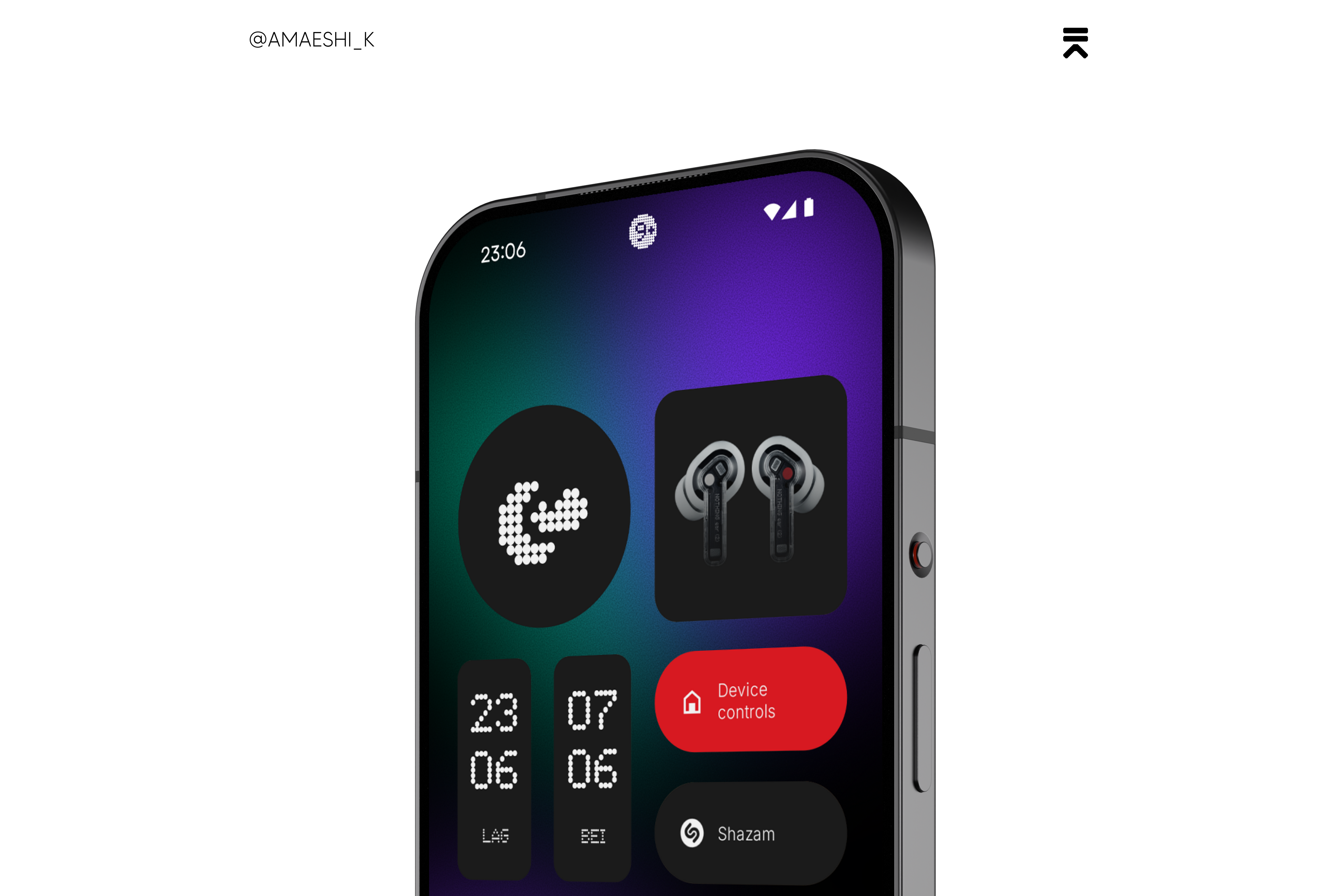
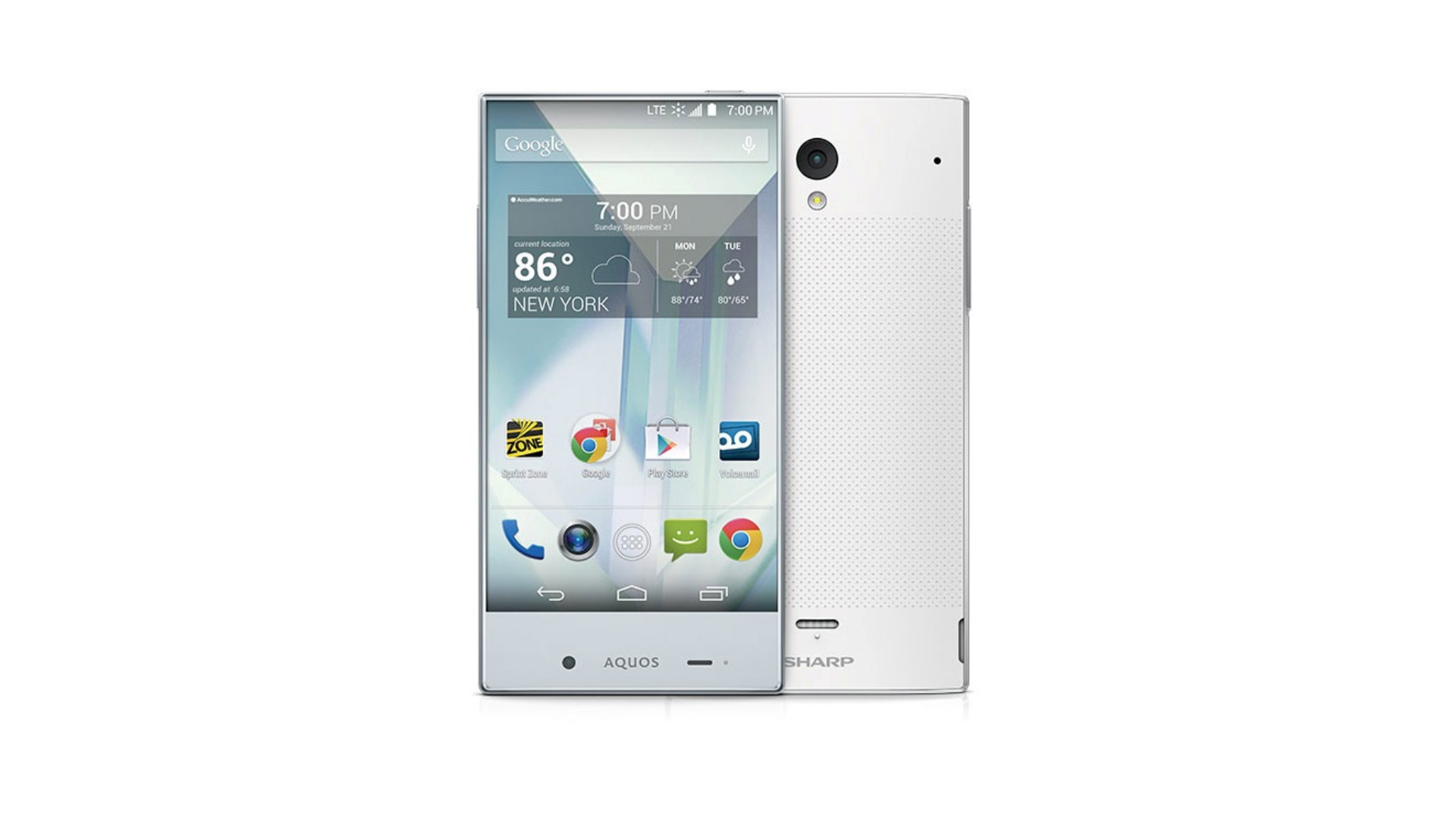
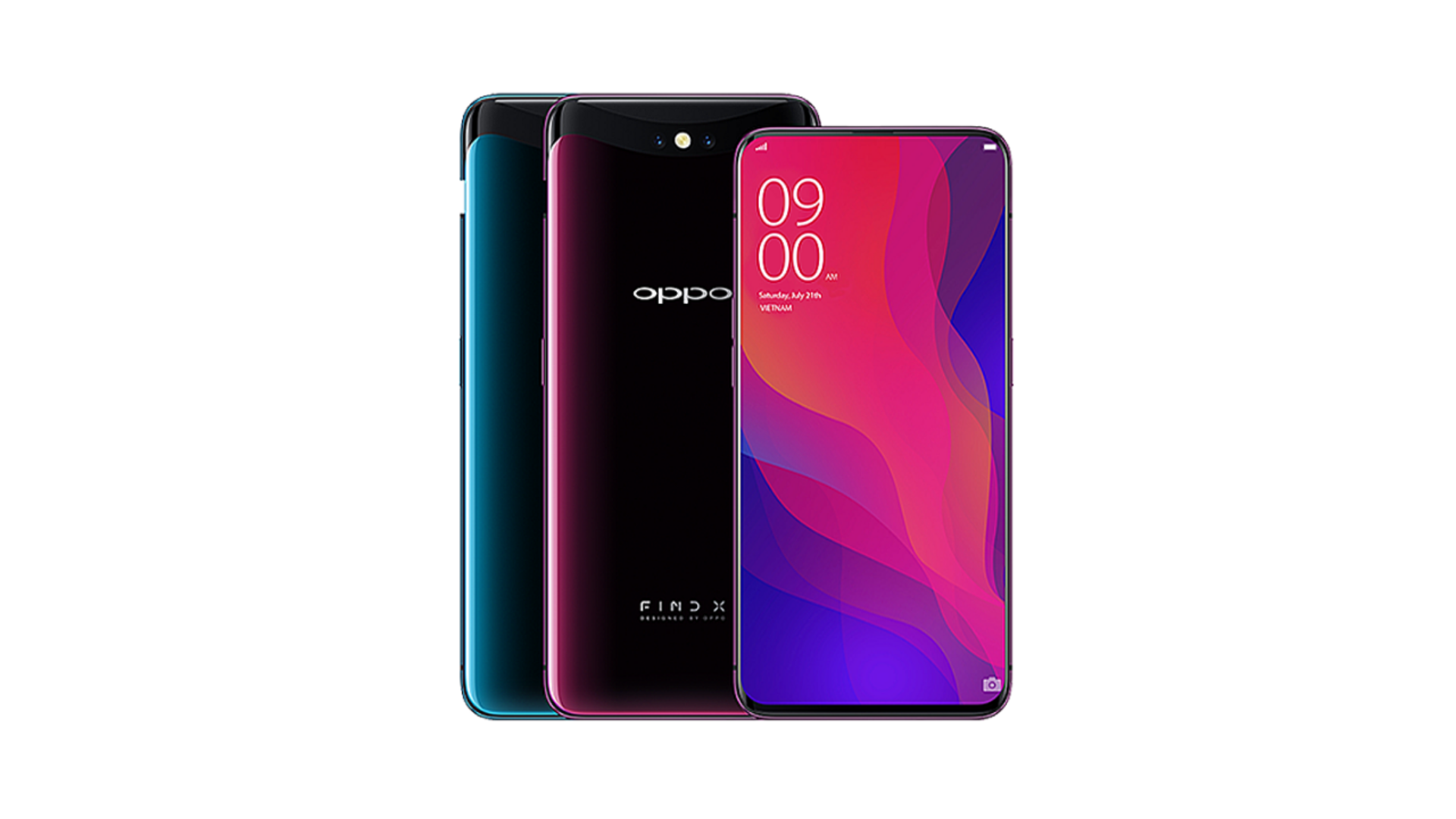
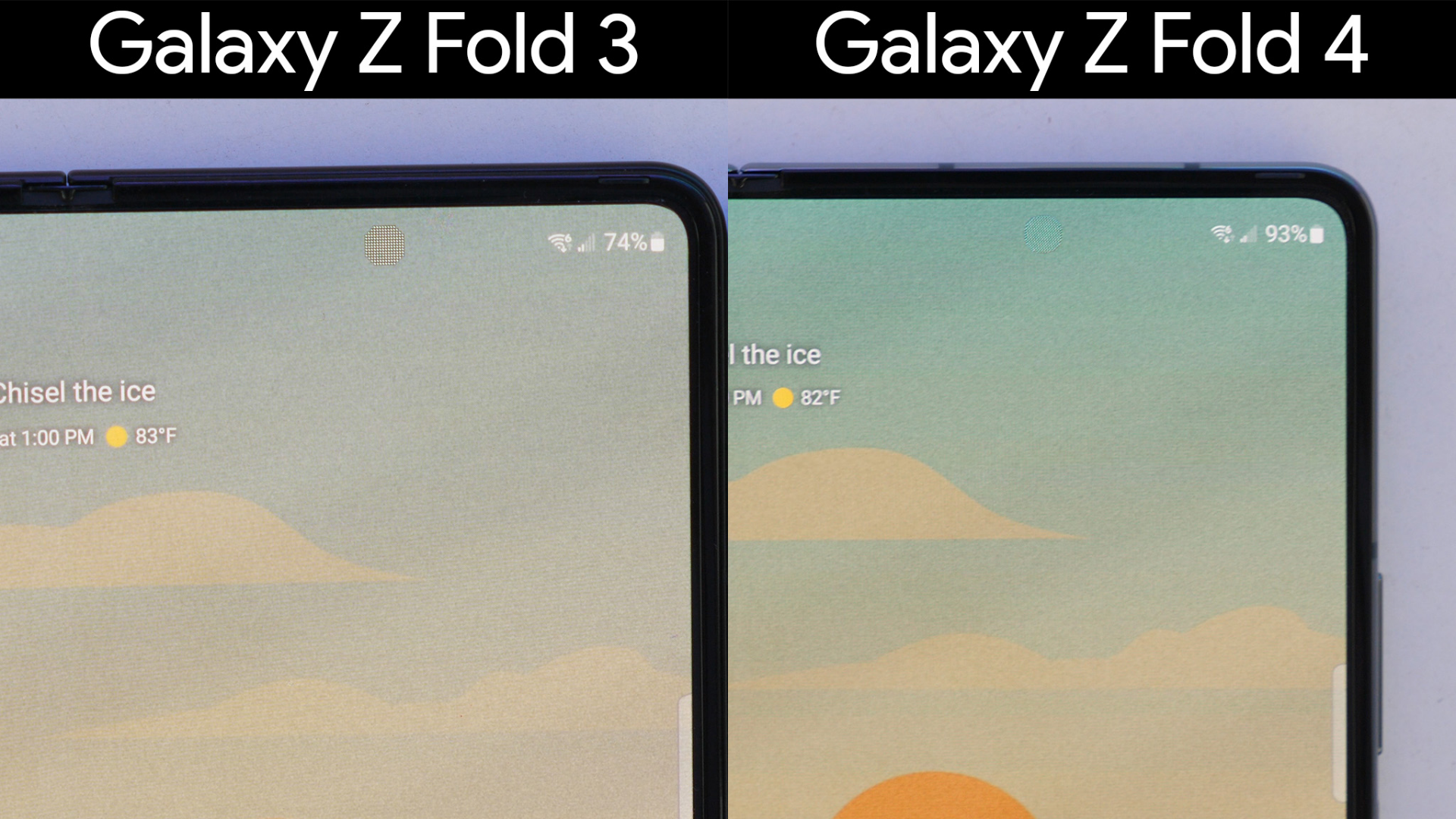
Ever since Sharp launched the Aquos Crystal back in 2014, the idea of using a smartphone that feels like simply holding a screen has felt more like a matter of time than possibility. As technology has advanced, different ideas have come and gone. From motorised pop-up cameras like in Oppo’s Find X, to notches, and now the ubiquitous hole punch camera. The next evolution is clear: making the final visual obstacle, the selfie camera, effectively unseen.
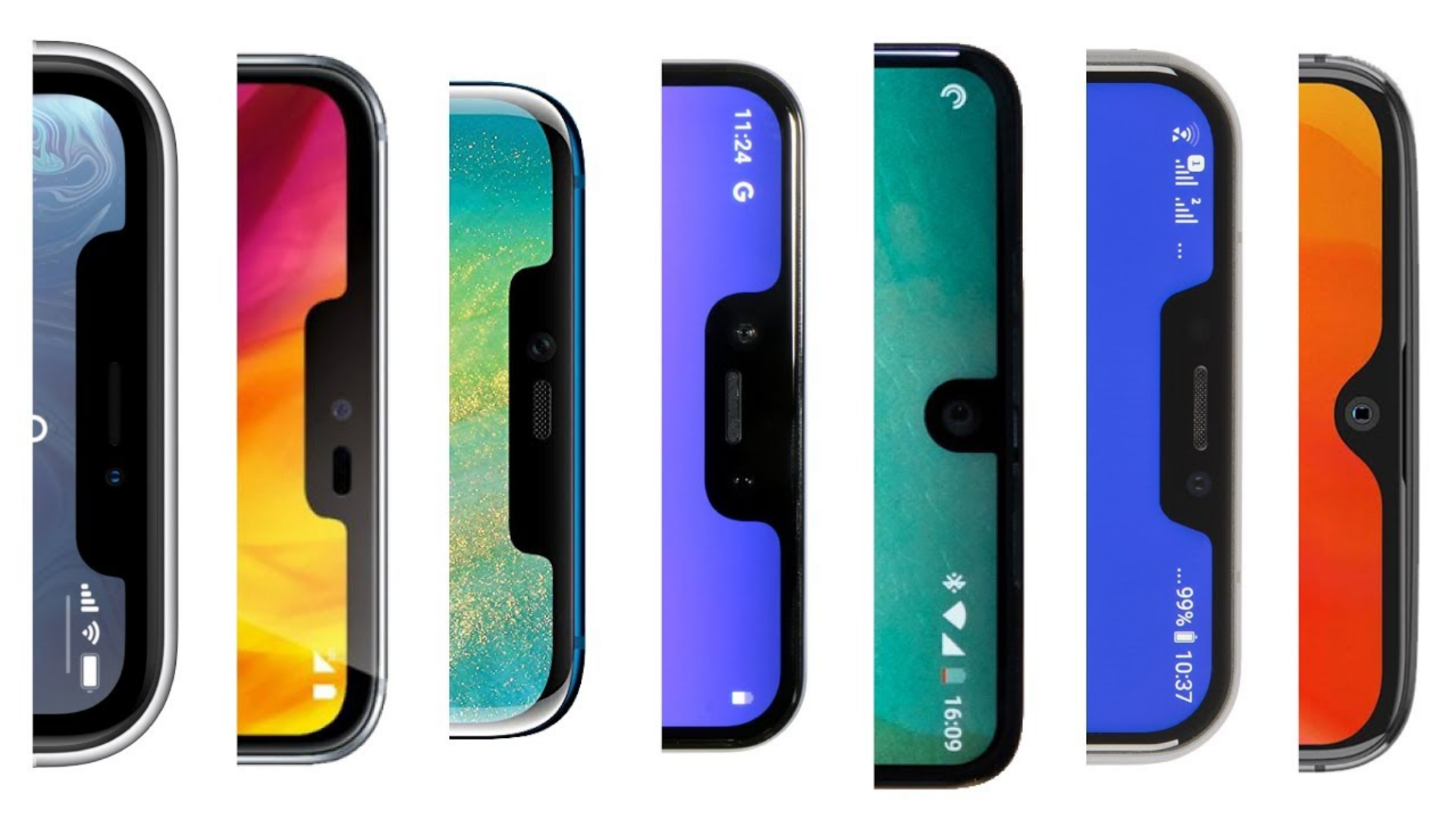
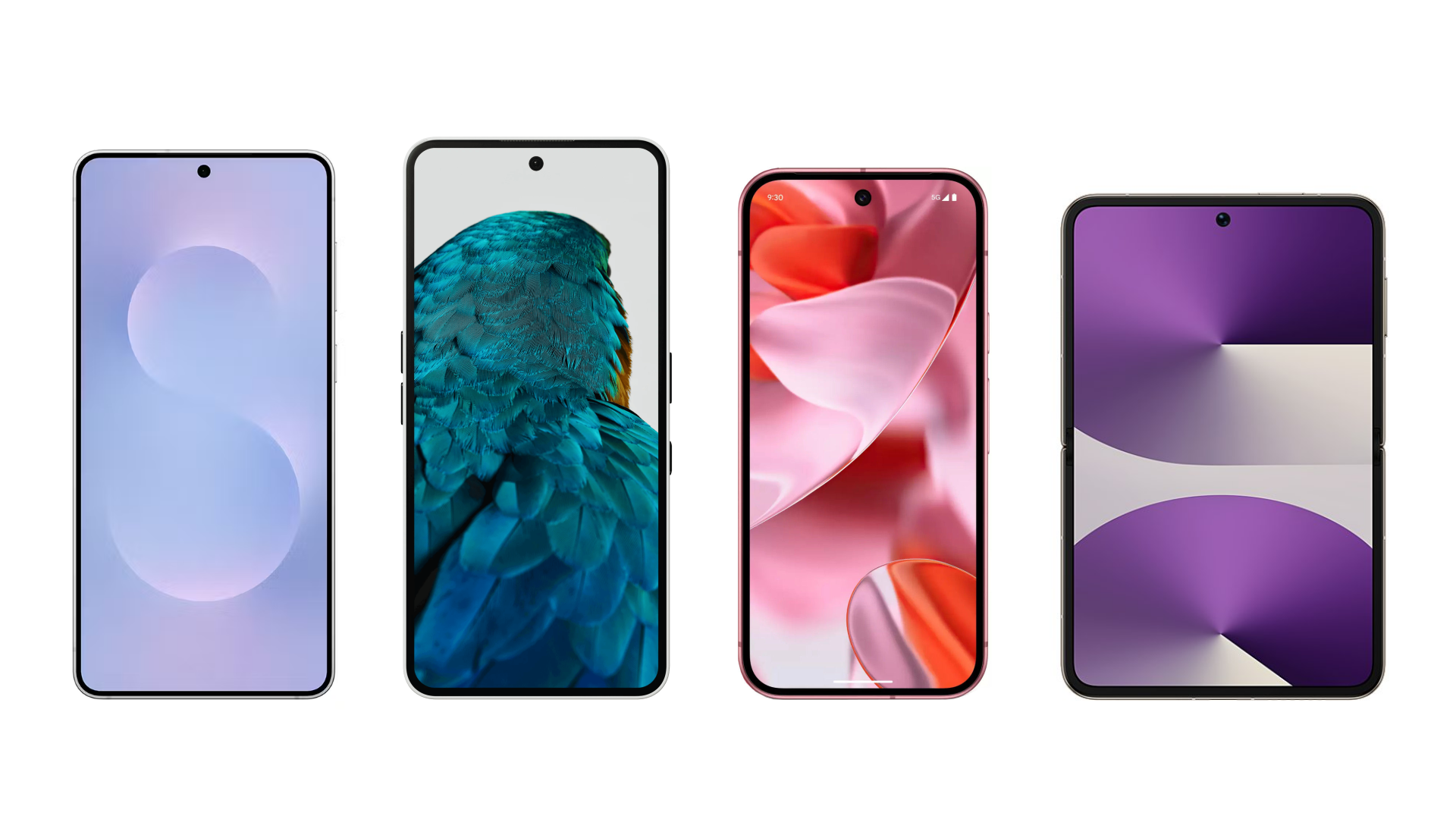
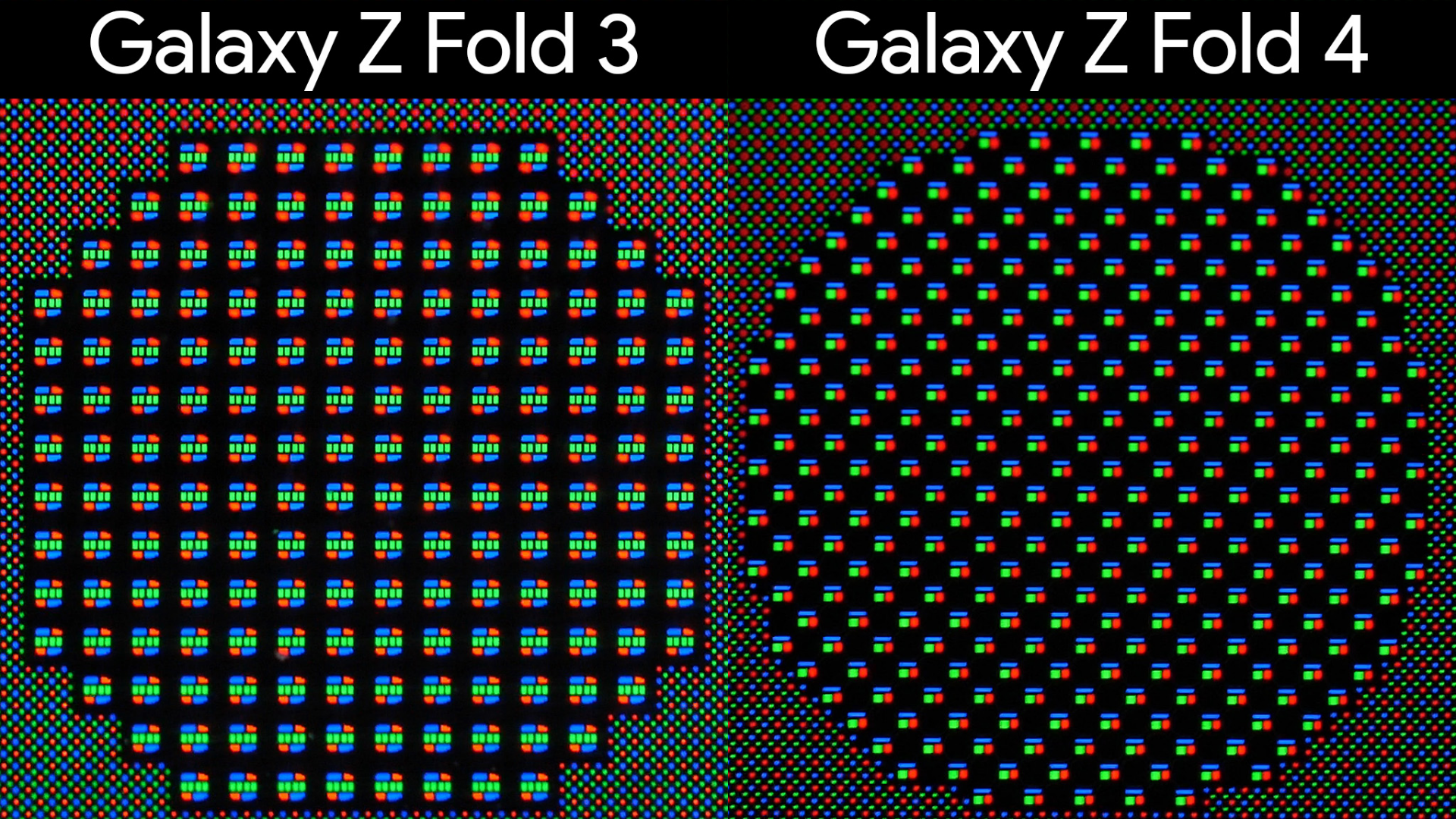
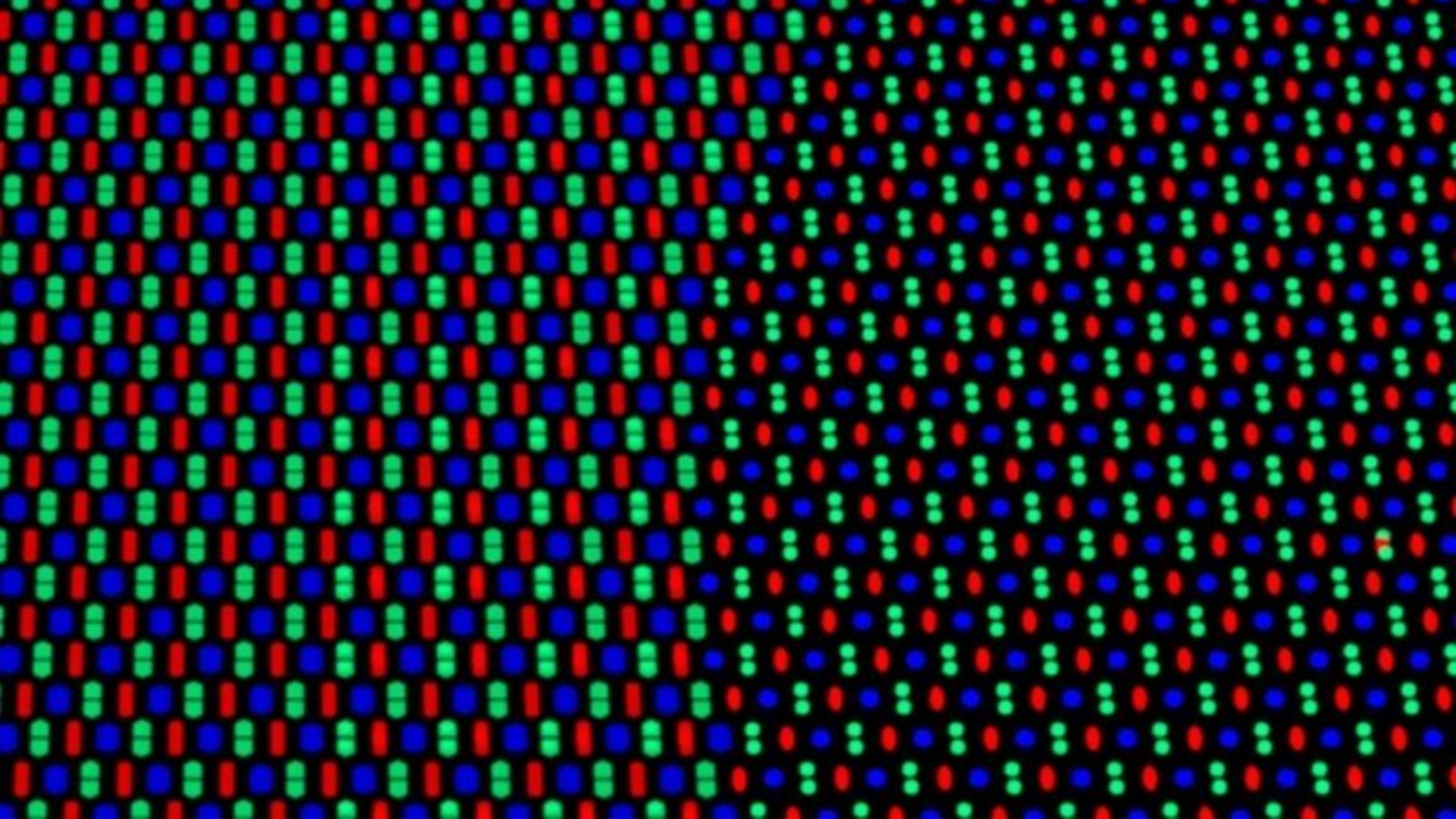
Under-display cameras have undergone continuous development in recent years, with notable improvements in both hardware and image processing. Rather than leaving a visible hole in the screen, manufacturers position a very small display directly above the front facing camera. This miniature screen contains fewer or smaller pixels, arranged with wider spacing to allow more light to reach the sensor beneath. Current efforts are aimed at increasing the pixel density of this small display and enhancing the camera’s sensors and algorithms to compensate, with the REDMAGIC 10 Series representing a milestone – managing to make the transition between the main display and the under-display section virtually imperceptible.
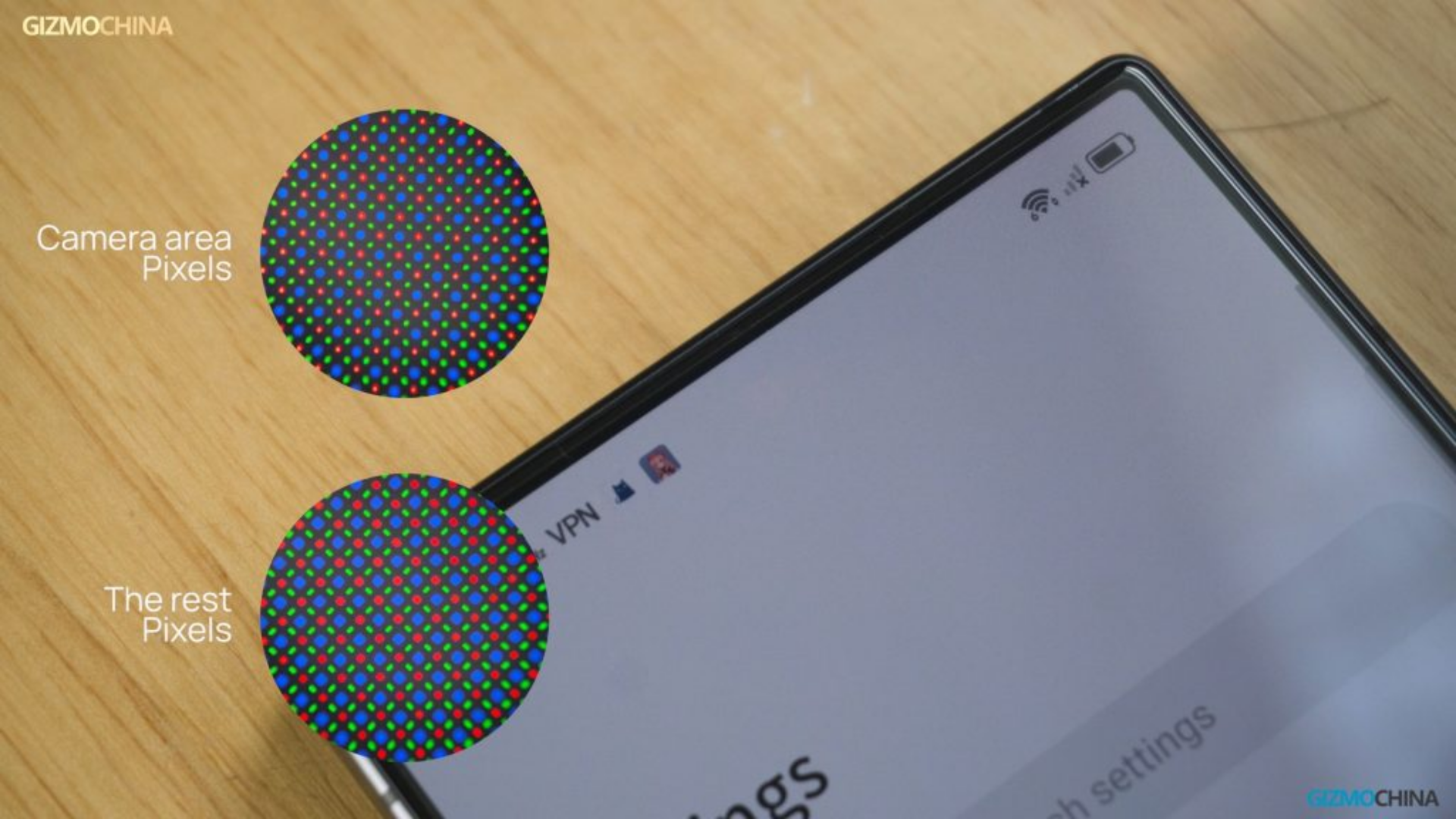
How about a different approach?
Take the latest advanced algorithms and sensors, which can now capture usable images from behind a high-density display, and combine them with a small display that has a lower pixel density (similar to older generation UDCs) and you get an optimal setup for producing the highest-quality shots. Rather than forcing this smaller display to constantly mimic a higher-resolution screen in an attempt to blend in, it can instead become its own entity.
Introducing: Active Lattice
[ YouTube Video ]
A shapeshifting matrix that provides helpful contextual information to the user, as and when needed – that is the essence of Active Lattice. By default, the notification count is displayed on the Lattice, decluttering the often-oversaturated status bar and leaving space for what truly matters. The left side of the status bar, now reserved for Essential notifications, only calls for your attention when you want it to.
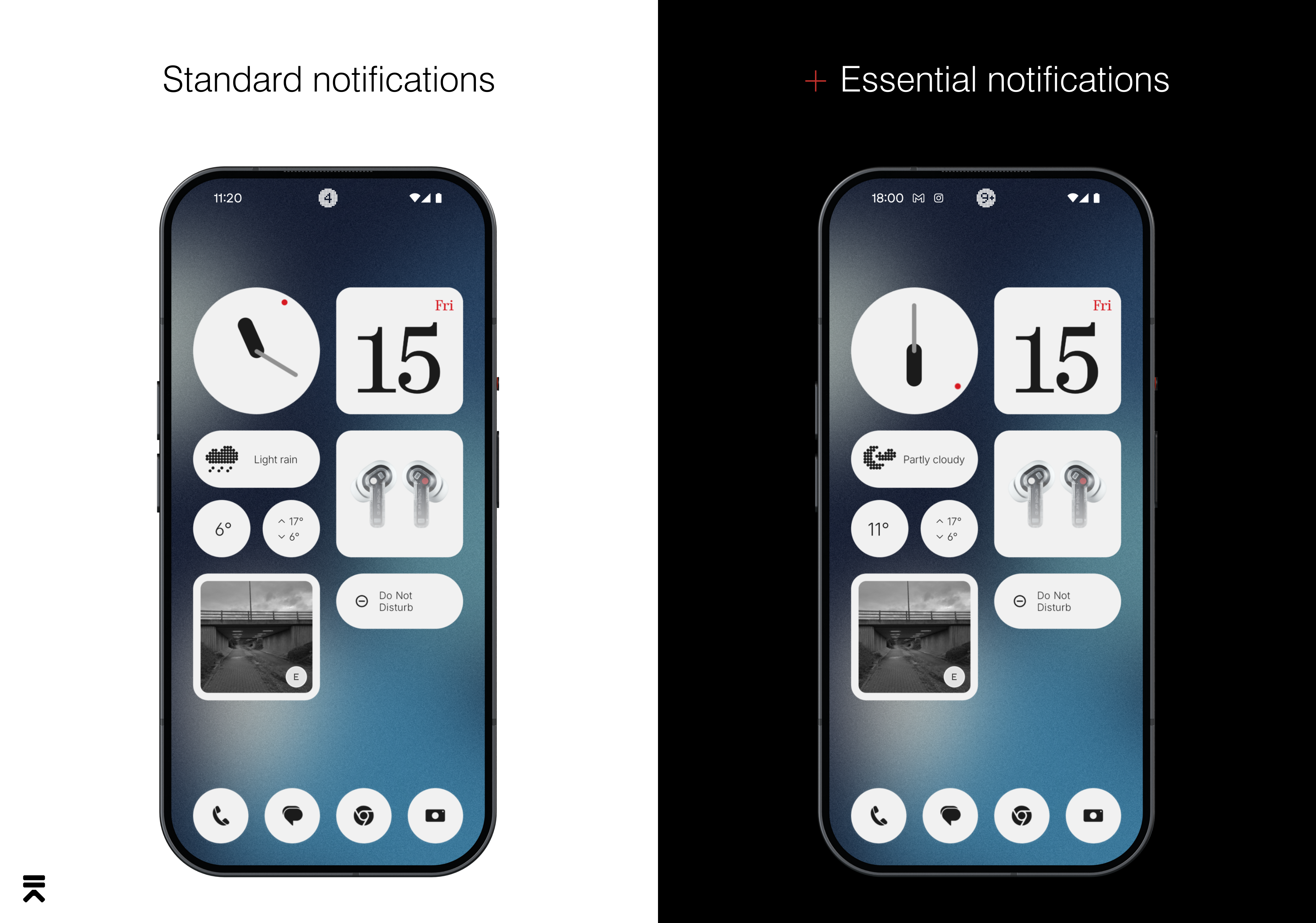
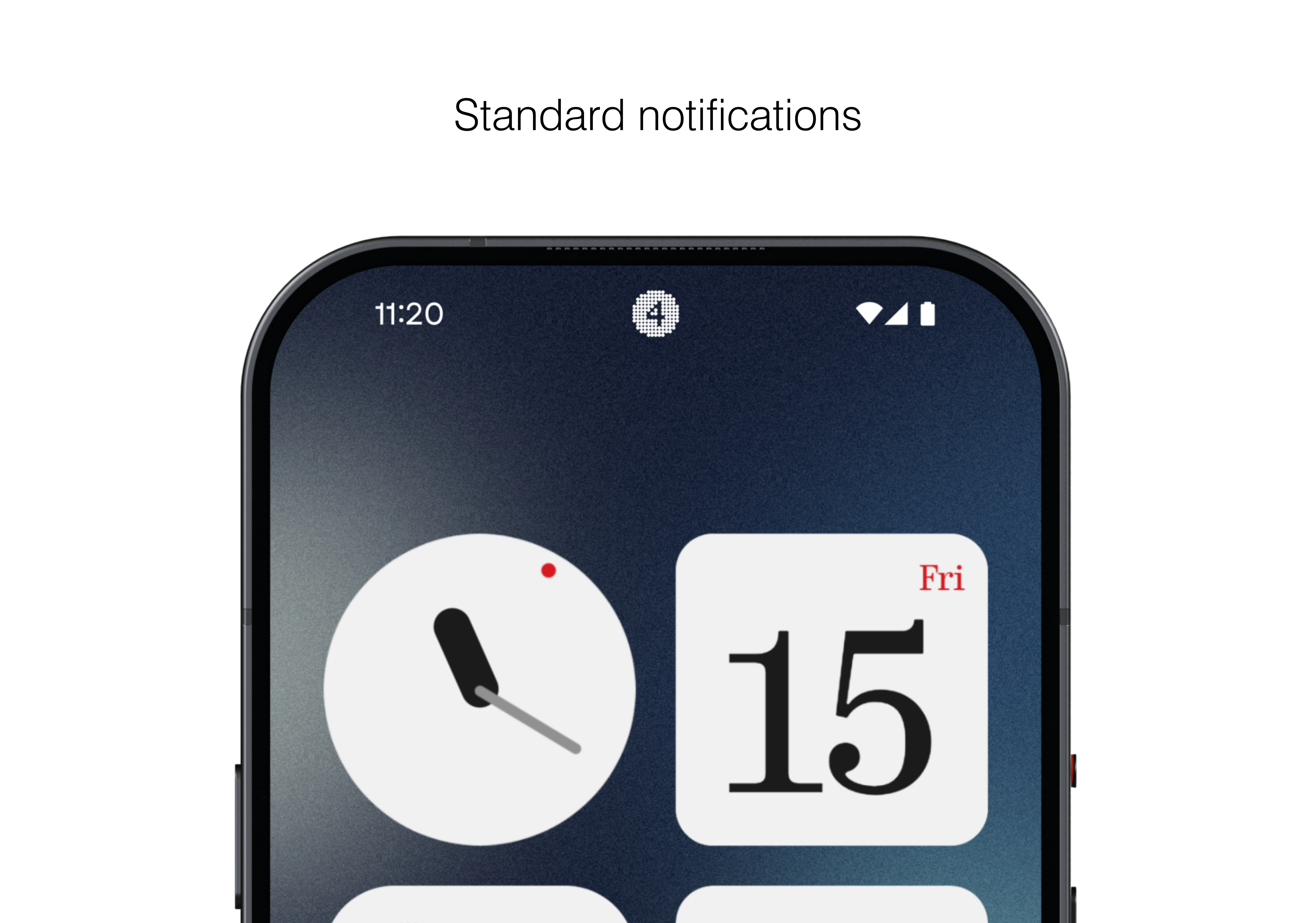
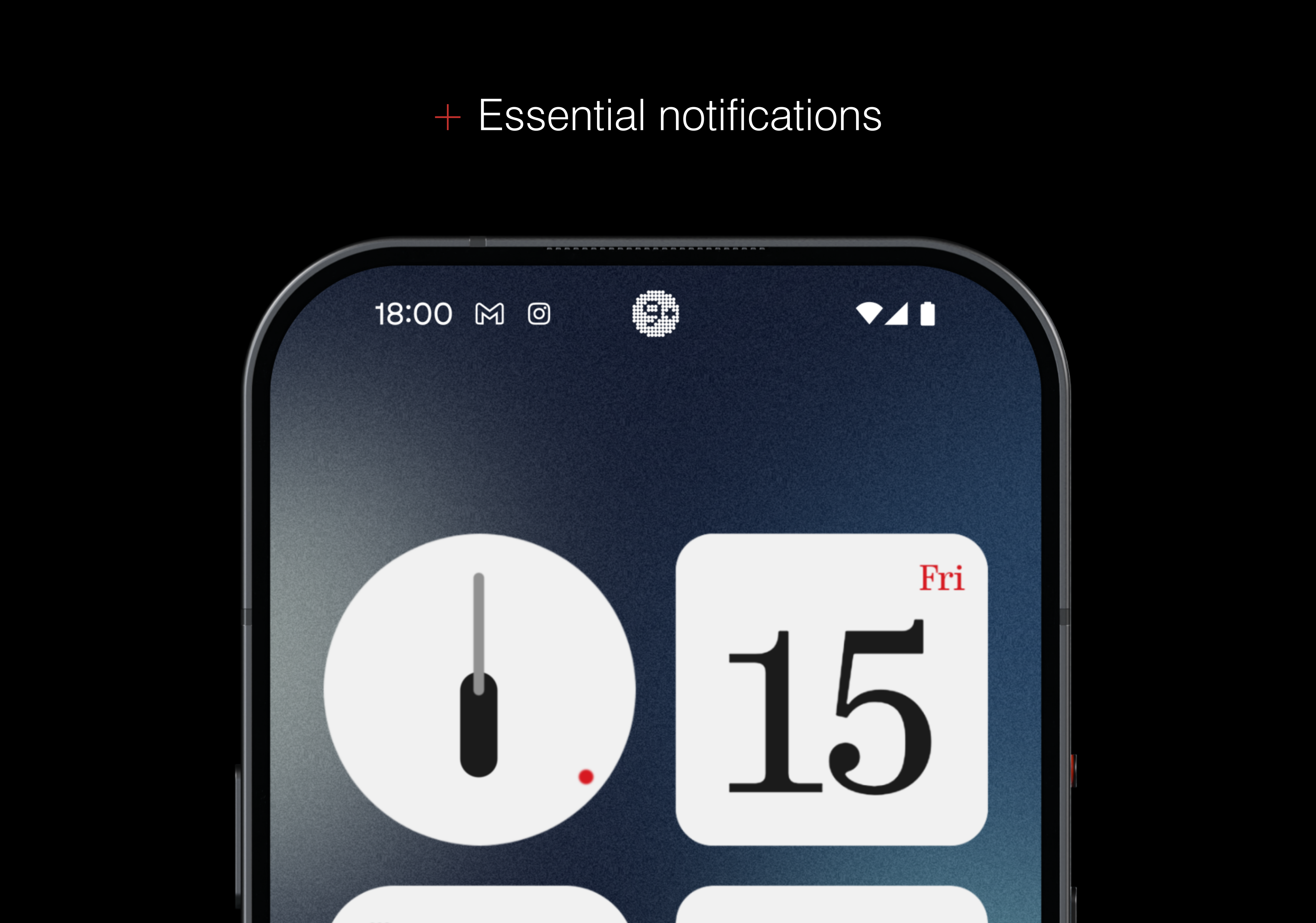
Whenever contextual information can be provided for ongoing processes, Active Lattice will update to provide this information.
🔊 Media playing
⌛️ Timer
🎶 Shazam active
🎙 Microphone active
🌦 Weather change
🛜 NFC
🔦 Torch active
➕ and many more…
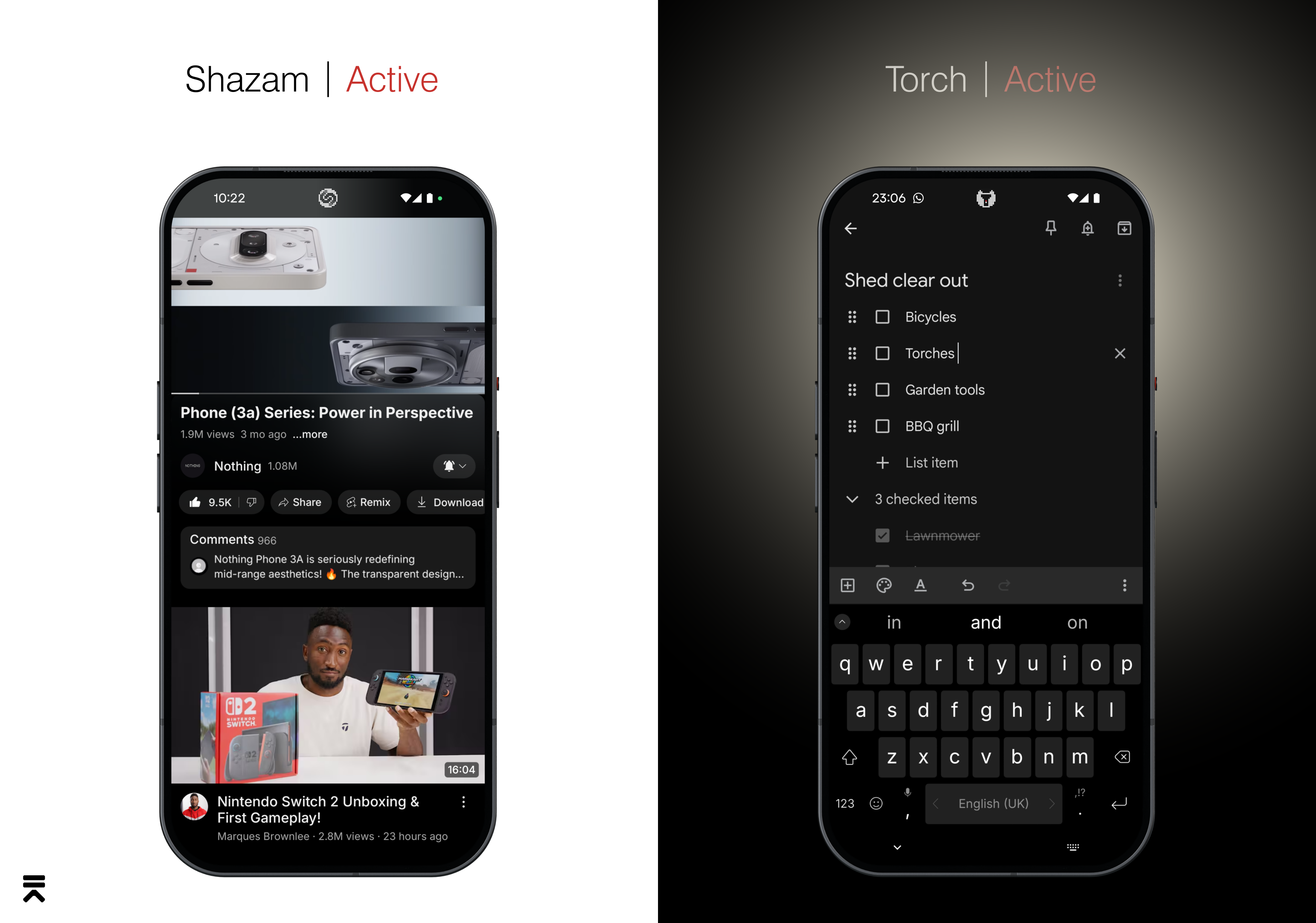
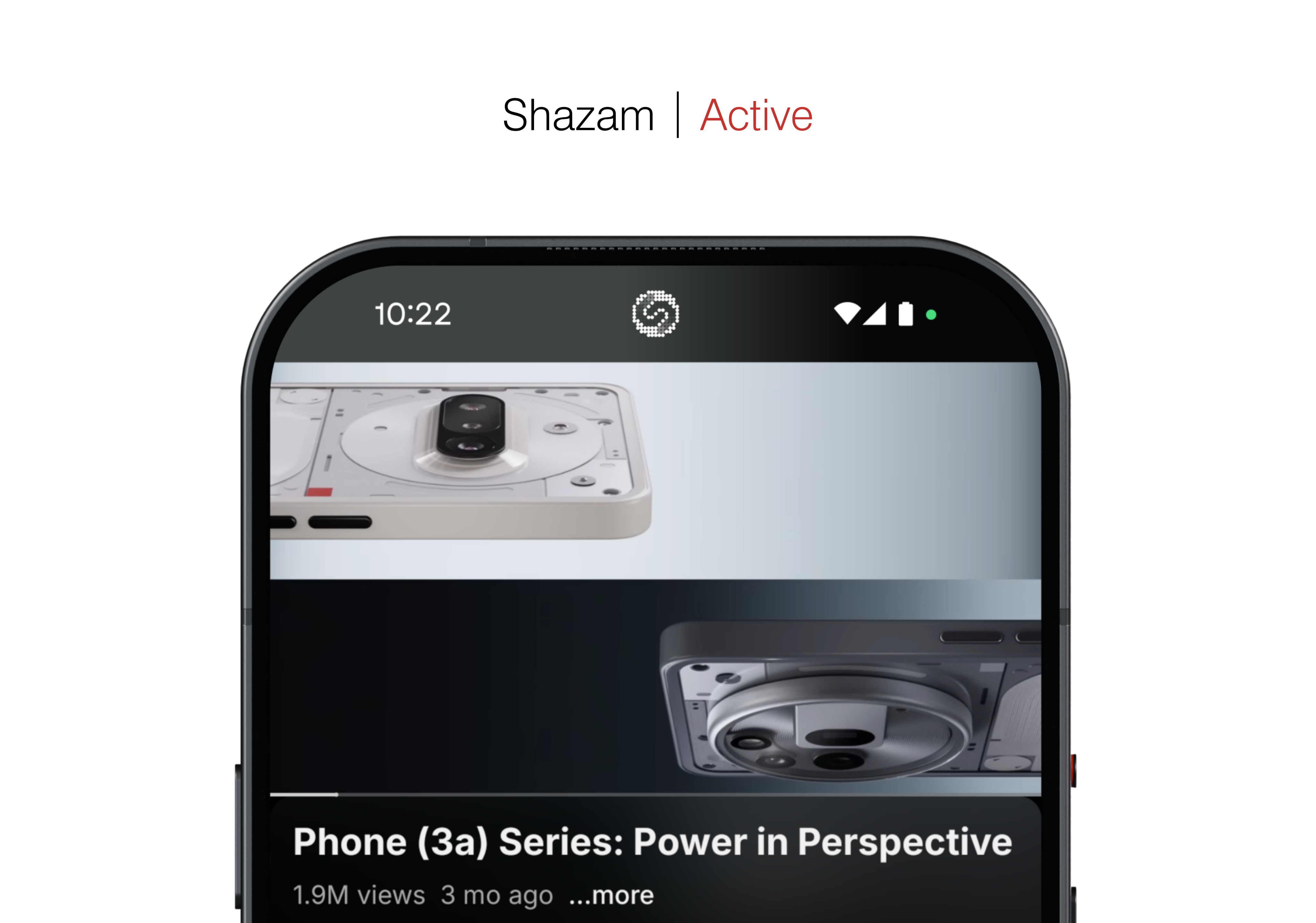
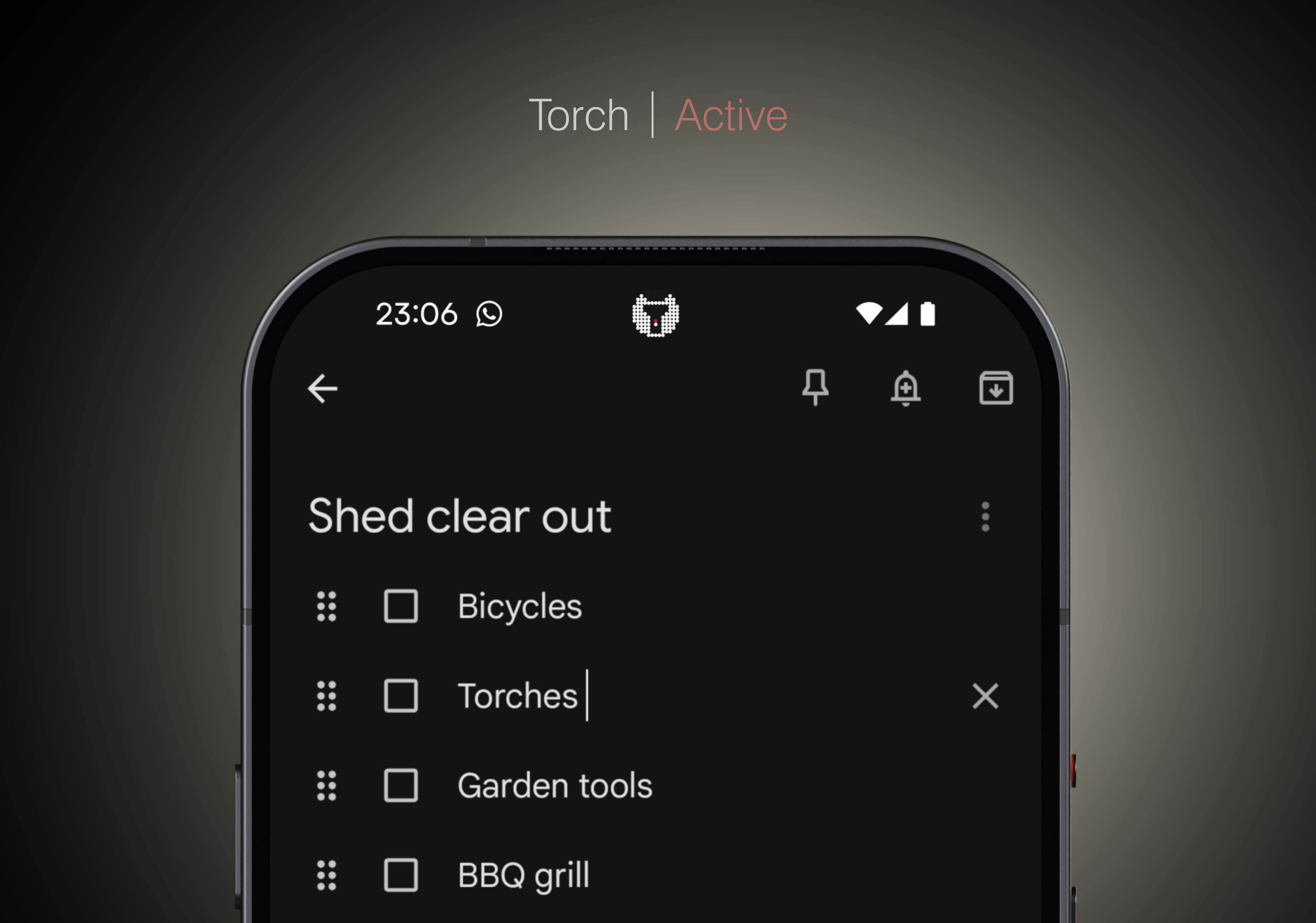
When appropriate, Active Lattice will camouflage itself for an enhanced full screen experience or give way for the selfie camera to shine.
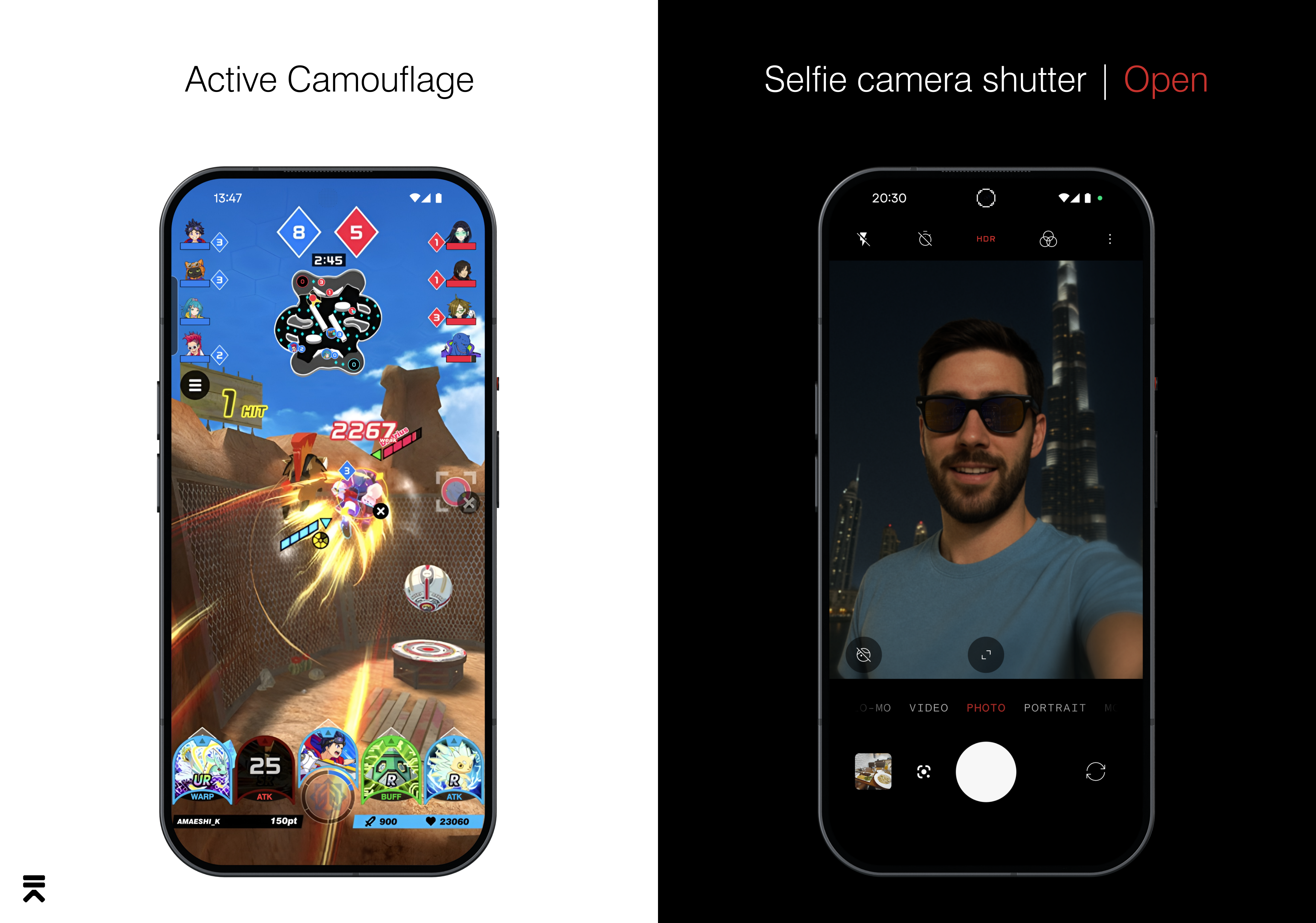
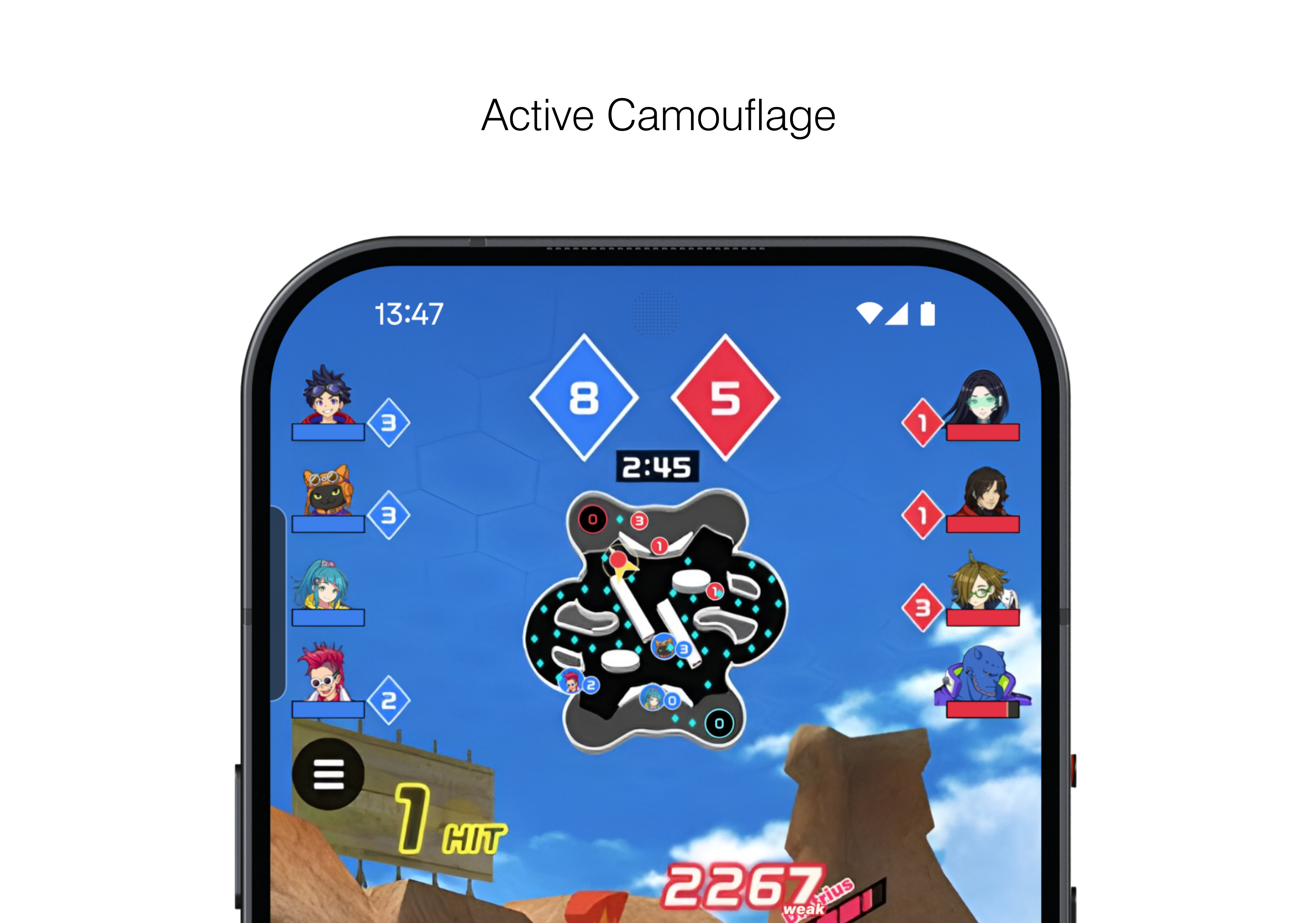
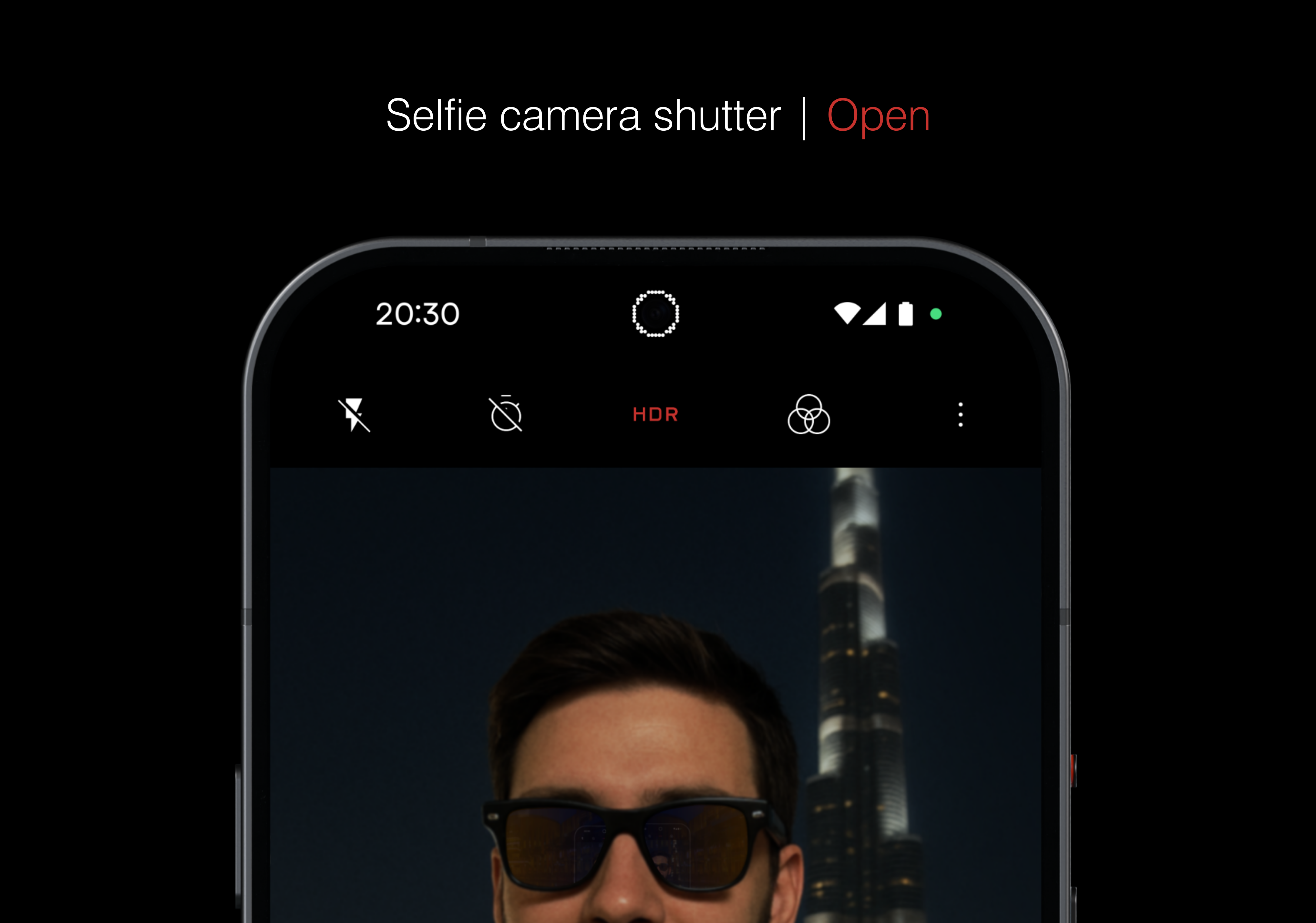
Active Lattice not only streamlines the status bar for a cleaner, more intentional everyday experience, but also serves as a beacon that reveals useful contextual information which would otherwise stay hidden.
Feel free to leave any opinions below.
New Feature 1: Quick Trigger
—
This project took much longer than I'd hoped, leaving me with less time to showcase the final new feature of my concept…but I'll try to get it out before Phone (3)'s release/full reveal.
Stay tuned!
