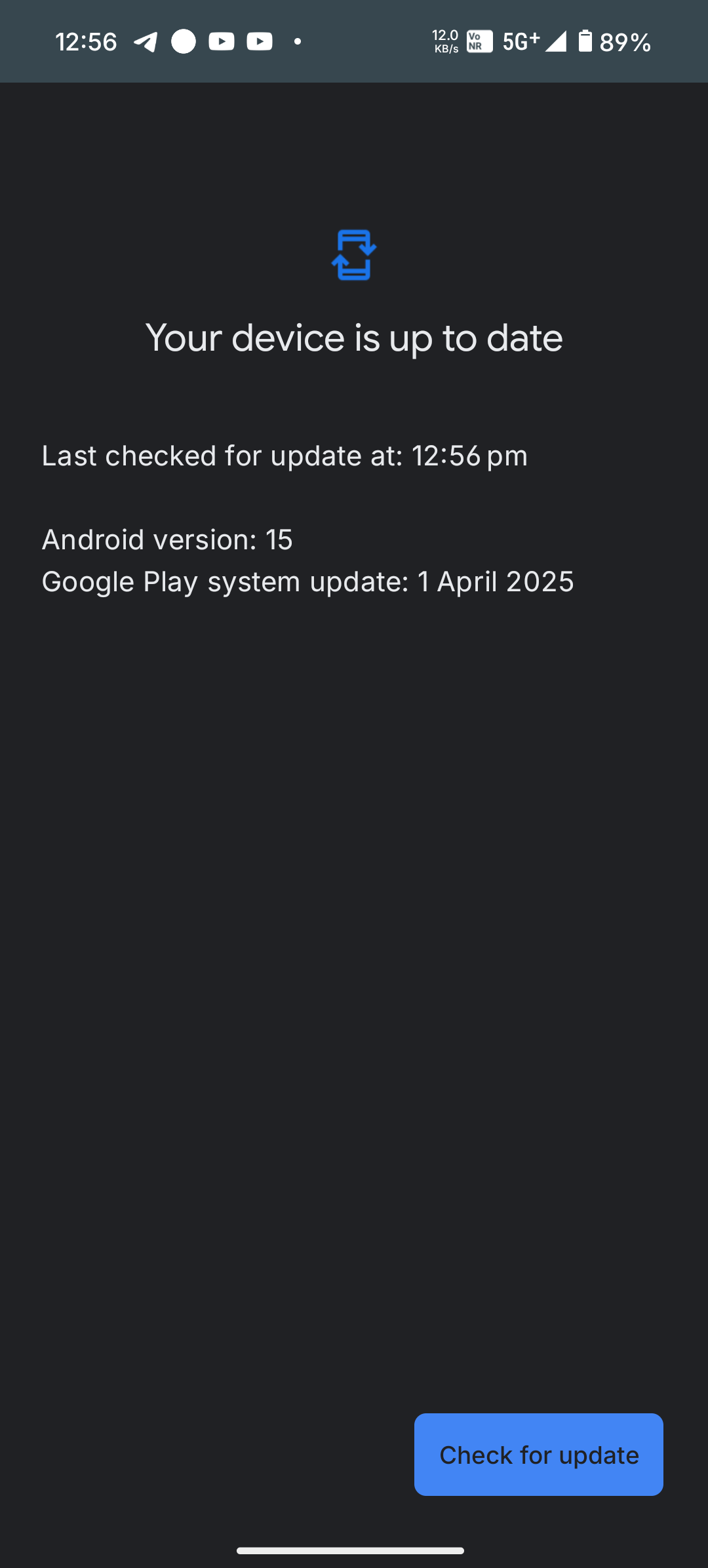
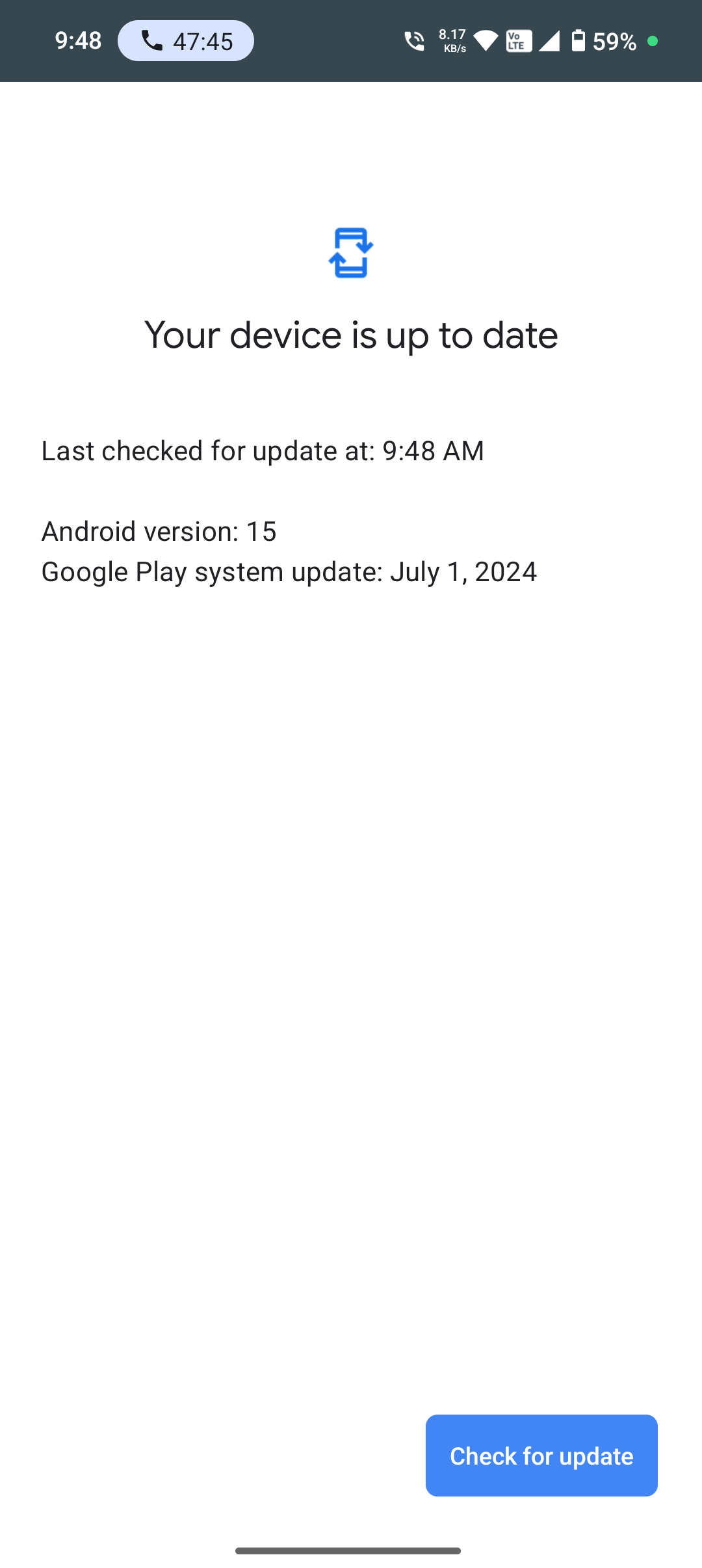
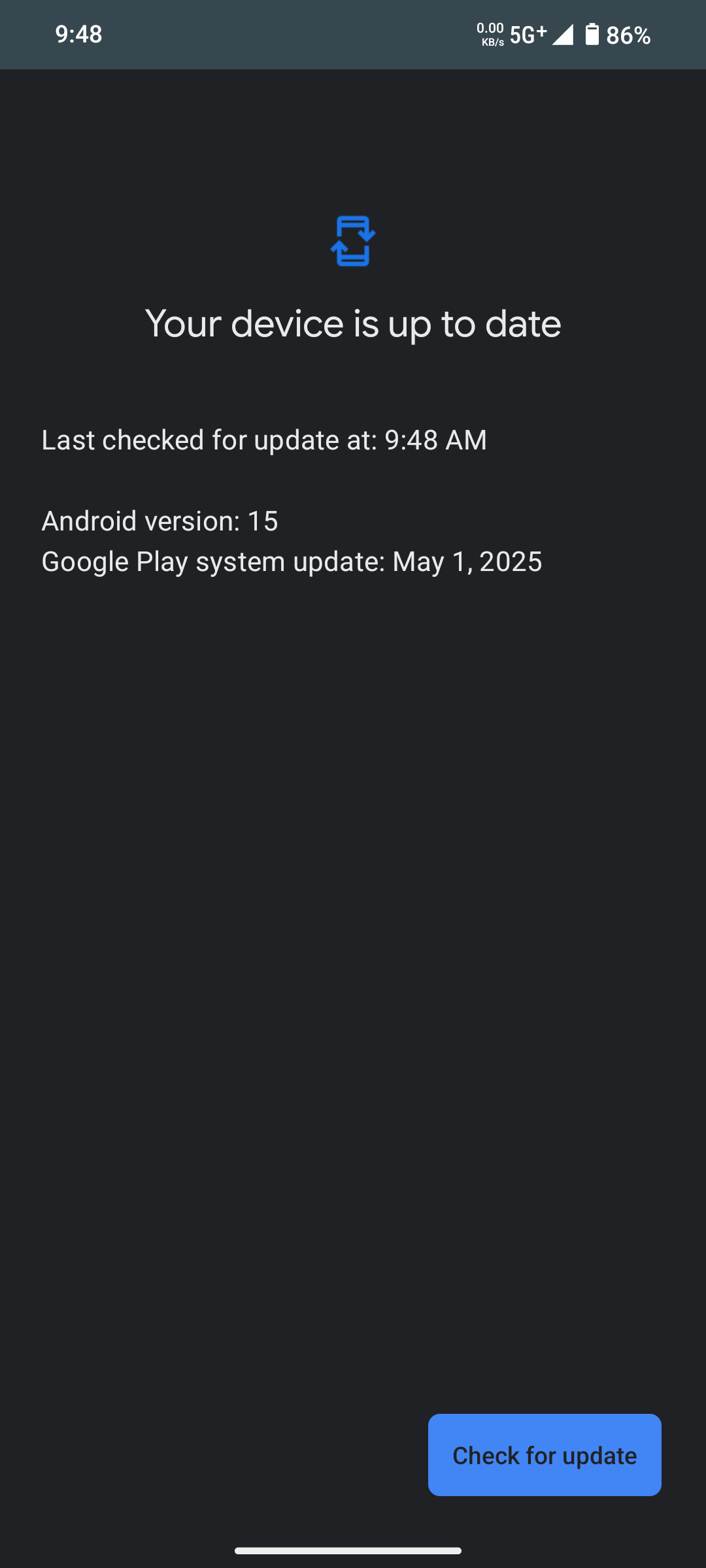
Til21 🇩🇪 would recommend. please do a complete back up of your phone, including files that you may have saved
For back up - settings - account - backup
Double check your data before you reset
and then your phone will be to a default screen like you would have done on the day 1 set up
This whole process will take some time Ensure that you have adequate battery %
connect to a wifi not on mobile data ( there is a huge difference)
Or else go to the Nothing service center and get a software flash ( never go to a local nearby shop)
Get this done for once and then sit and restore all your data
Once again this is a one time activity and its time consuming but the advantage is on the brighter side.