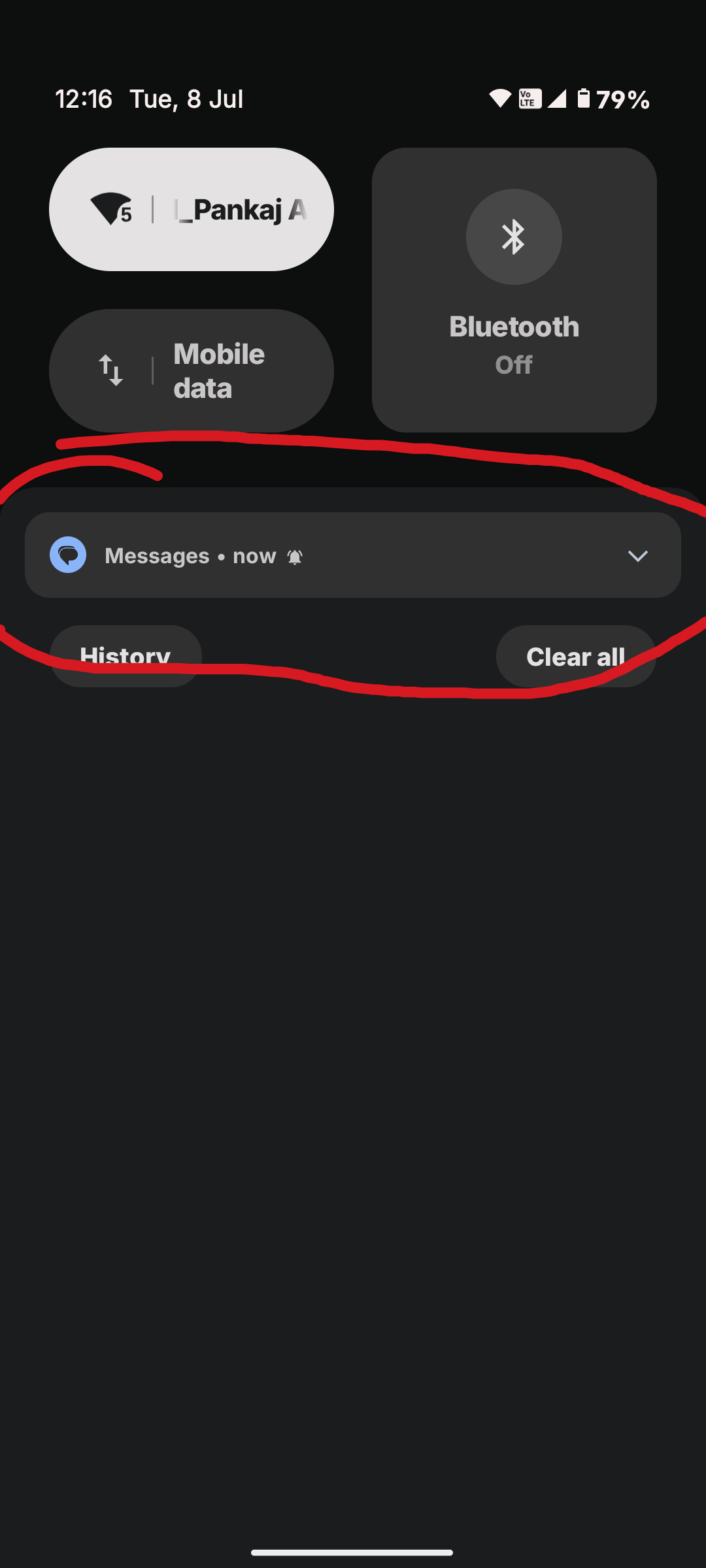
If you want to see the full content of your notifications, just head to Settings, then tap on Notifications. From there, look for the option to toggle sensitive notifications. Turning this on will let you view everything right on your lock screen. If you prefer to keep notifications hidden, you can still see the details by tapping the small down arrow on the right side of each notification to expand it.