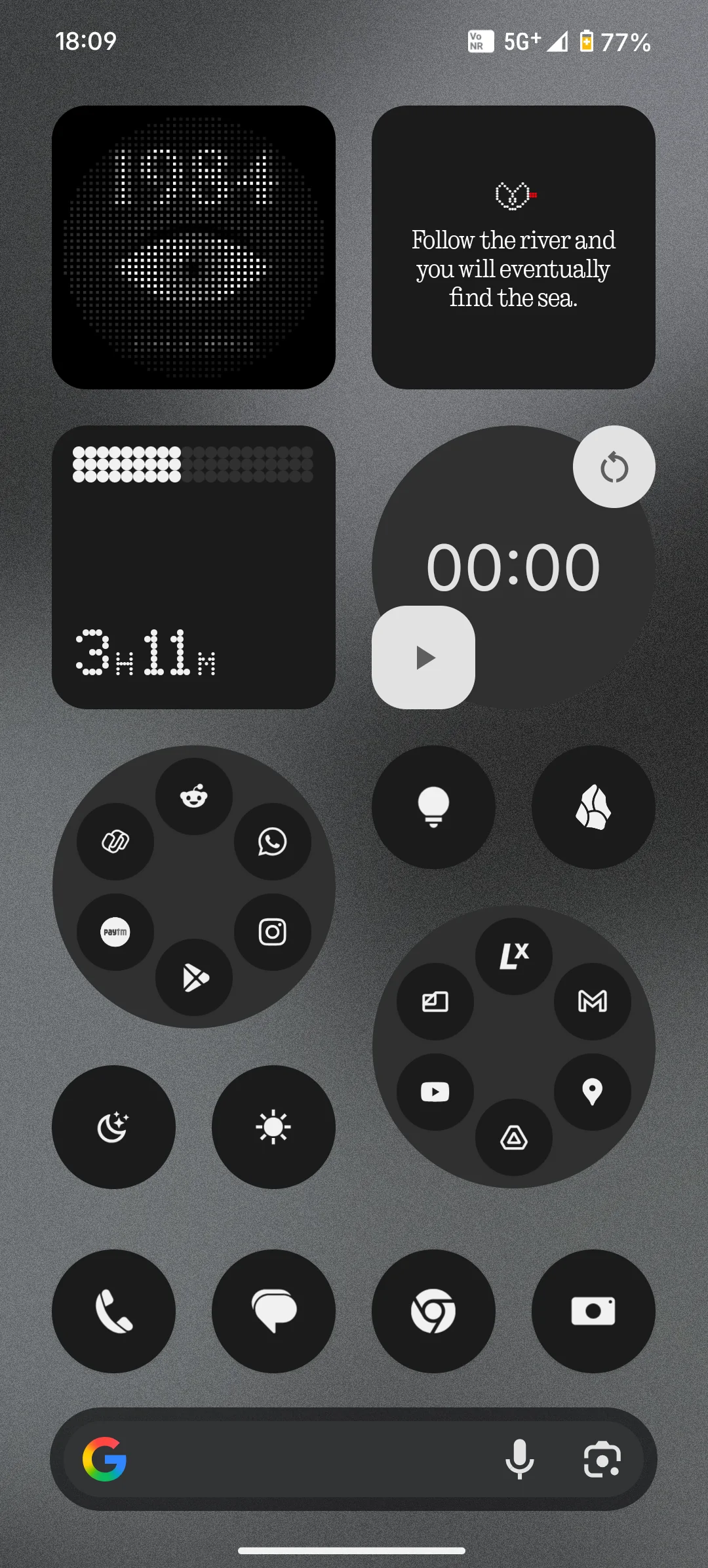
Hey Community,
I am super proud to introduce Matrices—a handy utility for Nothing fans and the community to create matrix-styled imagery. This is a much more polished version of what started as a simple web app that created glyph mirror profile pictures ahead of the Phone (3) launch.
(All image processing is done in-browser only. Your images are never uploaded to any server.)
—
🔽v5.0

Glass Dots:
OS4.0 started rolling out, and to add to the freshness of the Nothing OS experience, Introducing Glass Dots. This is probably the most versatile feature that is out on Matrices yet. Although the trigger was this particular visual from the “Welcome to Essential” commercial, the whole feature set for Glass Dots is inspired by a combination of things from Nothing — the Atmosphere effect, the wallpapers that got shipped with Phone (3a) series, the Lenticular Glass effect, etc. Pick up any wallpaper-worthy image, and chances are, Glass Dots would instantly add that ‘Nothing’ vibe to it.

Presets:
And because this feature is very versatile, it is also more complex as compared to the other features. So I am pleased to introduce a new, much faster way of creating — Presets. As you open Glass Dots, you’ll see T9 keypad style numbers. Each number corresponds to a preset (a set of values of the sliders and toggles that is curated to work well). Once a preset provides a good starting point, you can always switch to the “Full Control” mode to fine-tune your creation. “0” corresponds to a special “Randomize” logic that assigns random values to each slider and toggle. This is a quick way to explore a much wider range of styles!
Performance:
Glass Dots is very performance hungry due to the blur, grain, IOR, some intense computations, and extra canvases in the background, all working together to make it work. So it is recommended to use a Firefox-based browser when on a desktop, and a Chromium-based browser when on a mobile.
Full Release Notes:
- New Feature: Glass Dots
- T9-keypad style presets make creation much easier, especially for mobile users
- Updated layout on desktop shows a much larger preview, taking advantage of the extra space
- Subtle changes in the UI to improve the experience on mobile.

On a final note, please share what you create with Glass Dots. I will be working hard to make it as performant as possible. Look out for yet another exciting release in December 👀
—
🔽v4.5
PWA 📲:
Matrices is now a Progressive Web App (PWA) 🎉
This means you can install Matrices from your browser. It will take shelter in your app drawer just like any other native app, with full offline functionality. To install, find out the install button next to that theme toggle at the top right. On desktop, you’ll see an install button within the address bar. This approach gives an almost native feel to a lightweight web-app like Matrices, among many other advantages!

Easter Egg 🥚:
Another exciting announcement: an Easter egg for a special theme was planted into the Value Aliasing tab at the time of release of v4.0. I had hoped someone would find this cheeky little cue in the footer but I am mildly disappointed that no one did 😂

Anyways, here’s how you unlock the special theme. After uploading an image to the Value Aliasing tab, follow these instructions:

This will unlock a special theme permanently!


Inspired by the special theme in the Phone (2a) Special Edition, the three colors celebrate the three core aspects of Nothing:
🔴 = Radicalism in Design and Technology (Nothing)
🟡 = Ambition and Innovation (Essential)
🔵 = Co-Creation (Community)
The special theme outputs some awesome print material for your walls.
—
🔽v4.0
🔊 Value Aliasing for Matrices is out now with v4.0!
✨ Shiny new feature: Introducing Value Aliasing—inspired by the flipping discs display in Nothing’s London Soho Store, Value Aliasing constructs your image in dots of variable sizes in two methods (Light and Dark). Go check it out and play around with the sliders and toggles to create your artwork!
🖨️ For the first time ever, Matrices is designed to create print material with Value Aliasing, so that your physical spaces are blessed with Nothing’s matrix style, as much as your digital spaces. Matrices now generates 300dpi print-quality equivalents in the “Print” mode in value aliasing 🎉

Release Notes:
- New feature: Value Aliasing 🎉🎉
- High quality print outputs, PDF format coming later 👀
- Subtle prompts added in Glyph Mirror to stay true to style.
- It’s easier than ever to share Matrices creations, with improved sharing features added in relevant places.
- UI changes in Photo Widget and Wallpaper tabs to make creating more efficient and true-to-style.
- UX writing improvements.
- “Clear Image” button added alongside “Reset Controls”.
- Major UI improvements and bug fixes.
- Improved defaults for phone wallpaper (fyi, 50, 64 resolution work well).
- Updated favicon.
- Added keyboard shortcuts for undo/redo.
- A surprise awaits within if you carefully look around 🔐👀
Another good news is that Matrices hit 1K+ downloads in the past month! 🥳🎉
Keep exploring the tool and keep sharing your creations and valuable feedback, much love!
—
🔽v3.1

The all new Glow Effect for Glyph Mirror intelligently adds a bloomy glow proportional to the brightness of a given pixel, to help sell the effect of a glowing LED glyph matrix. Here’s the full release notes:
Release Notes:
- New ‘Glow Effect’ for Glyph Mirror
- Drag to Crop is now supported in Glyph Mirror
- Added prompts to share creations in specific scenarios
- Performance improvements in wallpaper fullscreen preview mode
- Better controls in fullscreen preview mode
—
🔽v3.0


Get those Pokémon and car png’s ready! There are a set of slight quality of life improvements that need to be done, and the product is pretty much complete—unless someone comes up with a really good feedback worth implementing. So, encouraging a good discussion!
Release Notes:
- Introducing Photo Widget - upload a PNG and get it in the matrix style
- “Drag to Crop” for wallpapers
- Full-screen preview for wallpapers
- Simplified, more organized controls
- New “Transparent Output” for Glyph Mirror
- Major improvements to core functionality in chromium-based browsers
- Improved profile picture preview for Glyph Matrix
- The new favicon works better for homescreen shortcuts
- UI scaled to work great for the average Joe
- Improved touch interactions on mobile
- Phone Wallpaper resolution increased
- Re-calibrated default values to work well for each purpose
- More refinements
- More bug fixes
- Still “works like a charm” with all the new functionality
—
🔽v2.5


I love the fact that you can turn those low-resolution wallpapers that you like into more intentional, high-quality assets. On a personal note, I am super proud of how the UI turned out 🥰


Overall features:
- top-class intuitive UI with community site themes
- easy-to-use—undo/redo, reset, replace image options for smooth UX
- defaults set for best results
Glyph Mirror features:
- resolution, pixel gap controls
- anti-aliasing
- squared/circular pixels
- profile picture preview
Wallpaper features:
- phone/desktop wallpapers
- resolution, pixel gap controls
- squared/circular pixels
- background color options
A clear roadmap is set for more things that Matrices could do apart from wallpapers and profile pictures and this tool will be actively developed and refined. So all feedback, feature requests and discussions are welcome. Keep an eye out on this post for updated versions and new functionality.
Try it out for yourself and share any cool wallpapers or homescreen setups you manage to create with it! Here are some from my side:


Enjoy and share what you think.
Until the next update,
Bye! ✌️