Feedback? On your device: Go to Settings -> System -> Feedback.
Firmware rollouts are usually staggered, meaning not all users will receive the update simultaneously. This approach allows us to monitor for any issues and ensure a smooth and stable deployment.
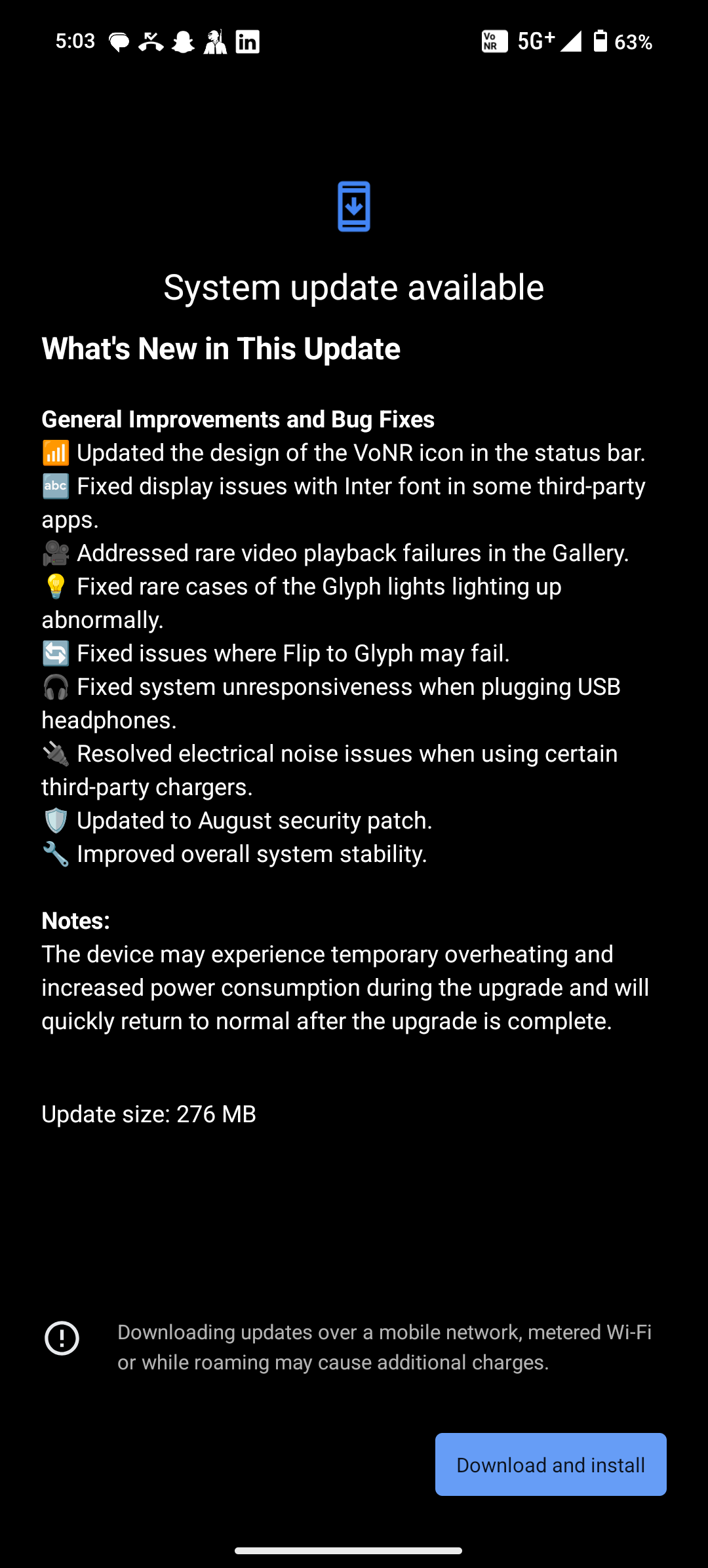
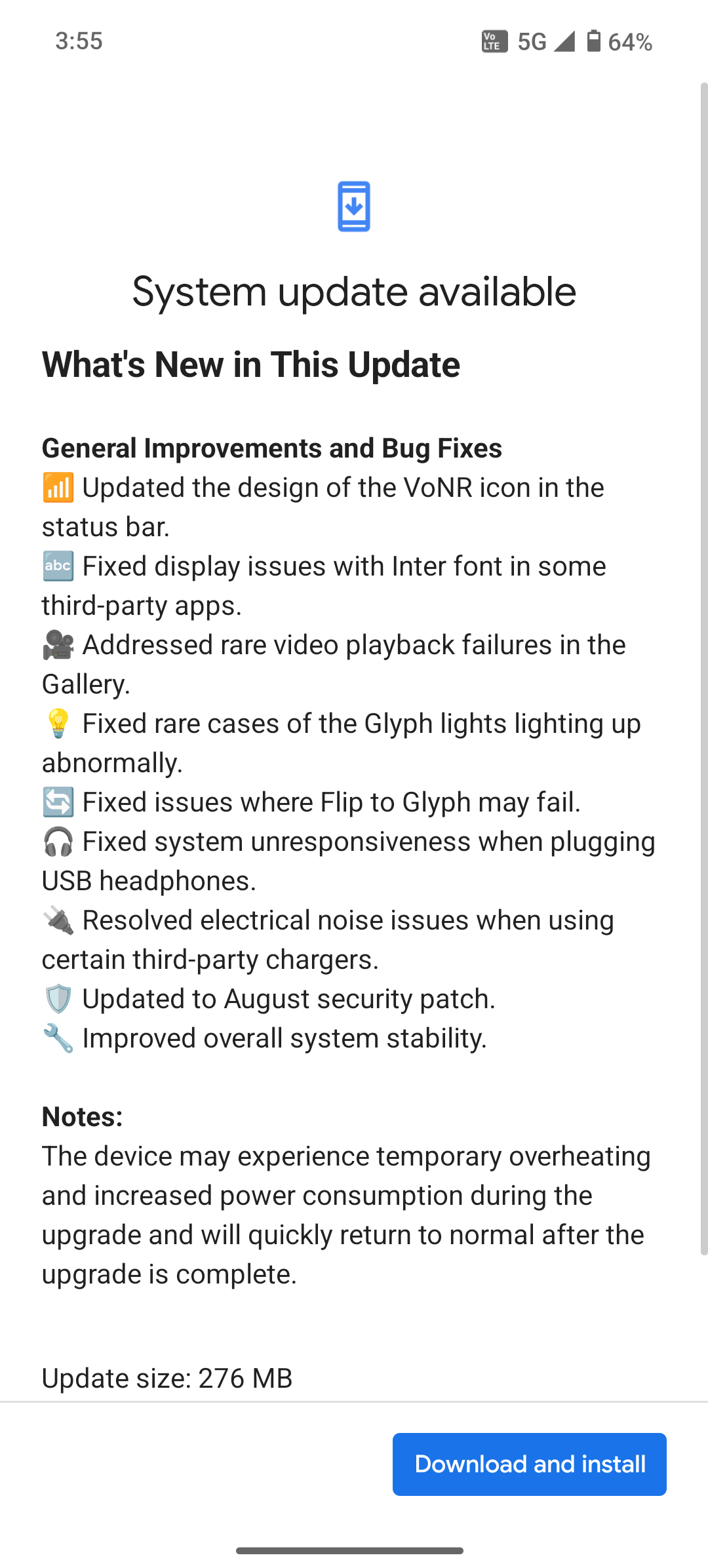
What’s New in This Update
General Improvements and Bug Fixes
📶 Updated the design of the VoNR icon in the status bar.
🔤 Fixed display issues with Inter font in some third-party apps.
🎥 Addressed rare video playback failures in the Gallery.
💡 Fixed rare cases of the Glyph lights lighting up abnormally.
🔄 Fixed issues where Flip to Glyph may fail.
🎧 Fixed system unresponsiveness when plugging USB headphones.
🔌 Resolved electrical noise issues when using certain third-party chargers.
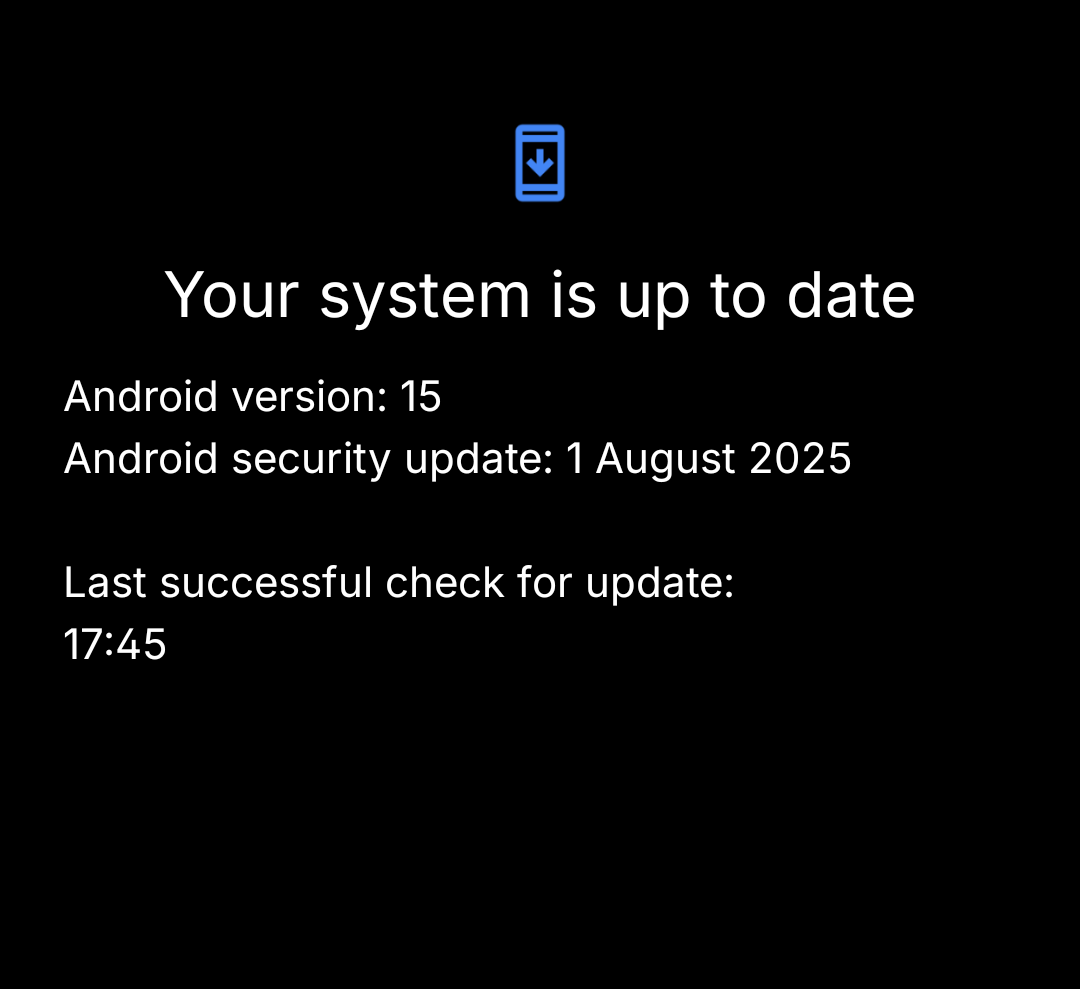
🛡️ Updated to August security patch.
🔧 Improved overall system stability.
Notes:
The device may experience temporary overheating and increased power consumption during the upgrade and will quickly return to normal after the upgrade is complete.