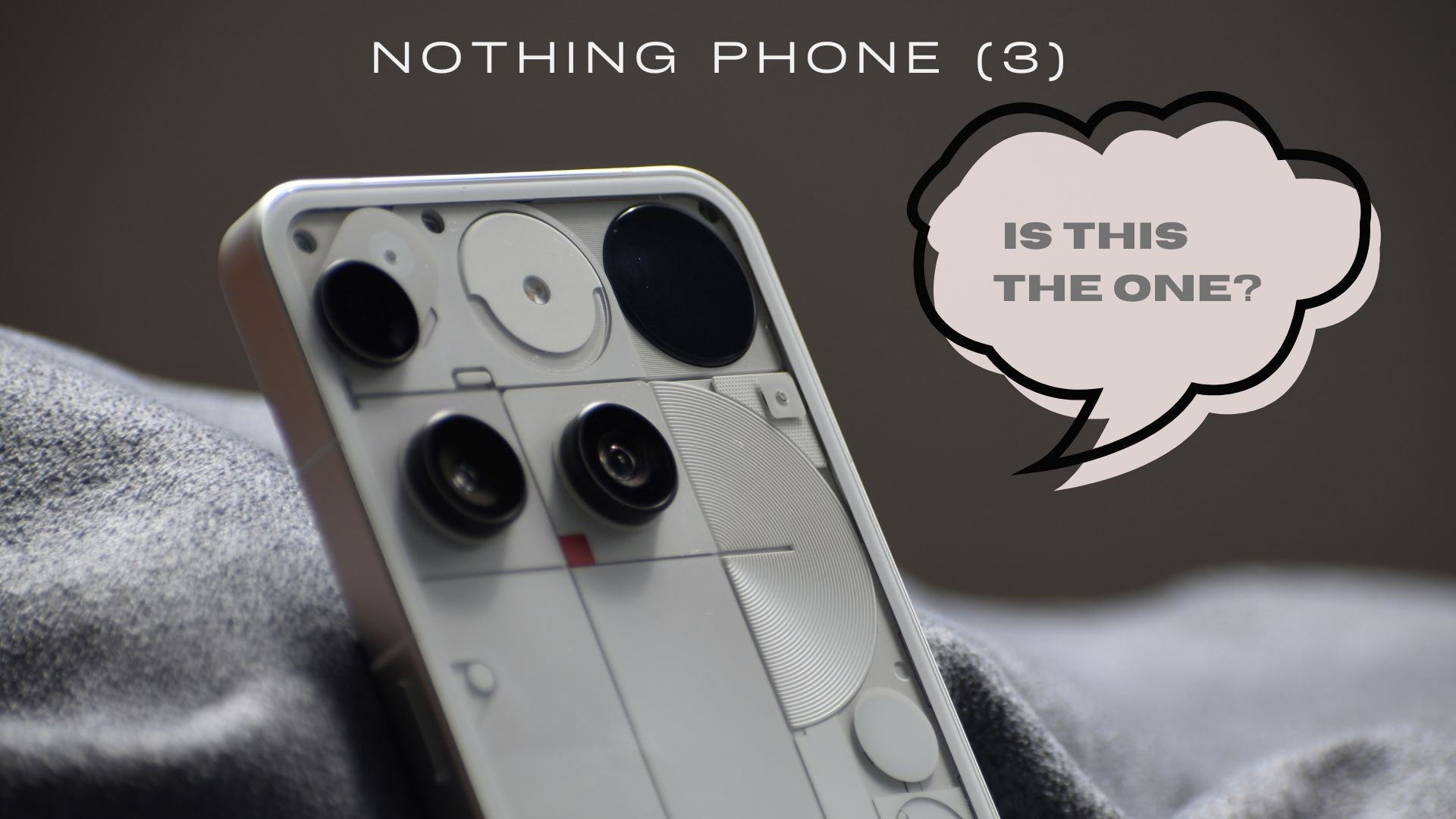
Hello fellow Community Members, I’m Khushal Jain, and I was fortunate enough to experience the Nothing Phone (3) for over a month through the Nothing’s Community Review Program. In this thread I will be sharing my experience with the Phone. So, without wasting any time, let’s Dive in 🏊🏻
—
UNBOXING 📦
- Nothing Phone (3) 🤳🏻
- C-C Cable 🔌
- Paperwork 📃
- Sim-Ejector Tool 📍
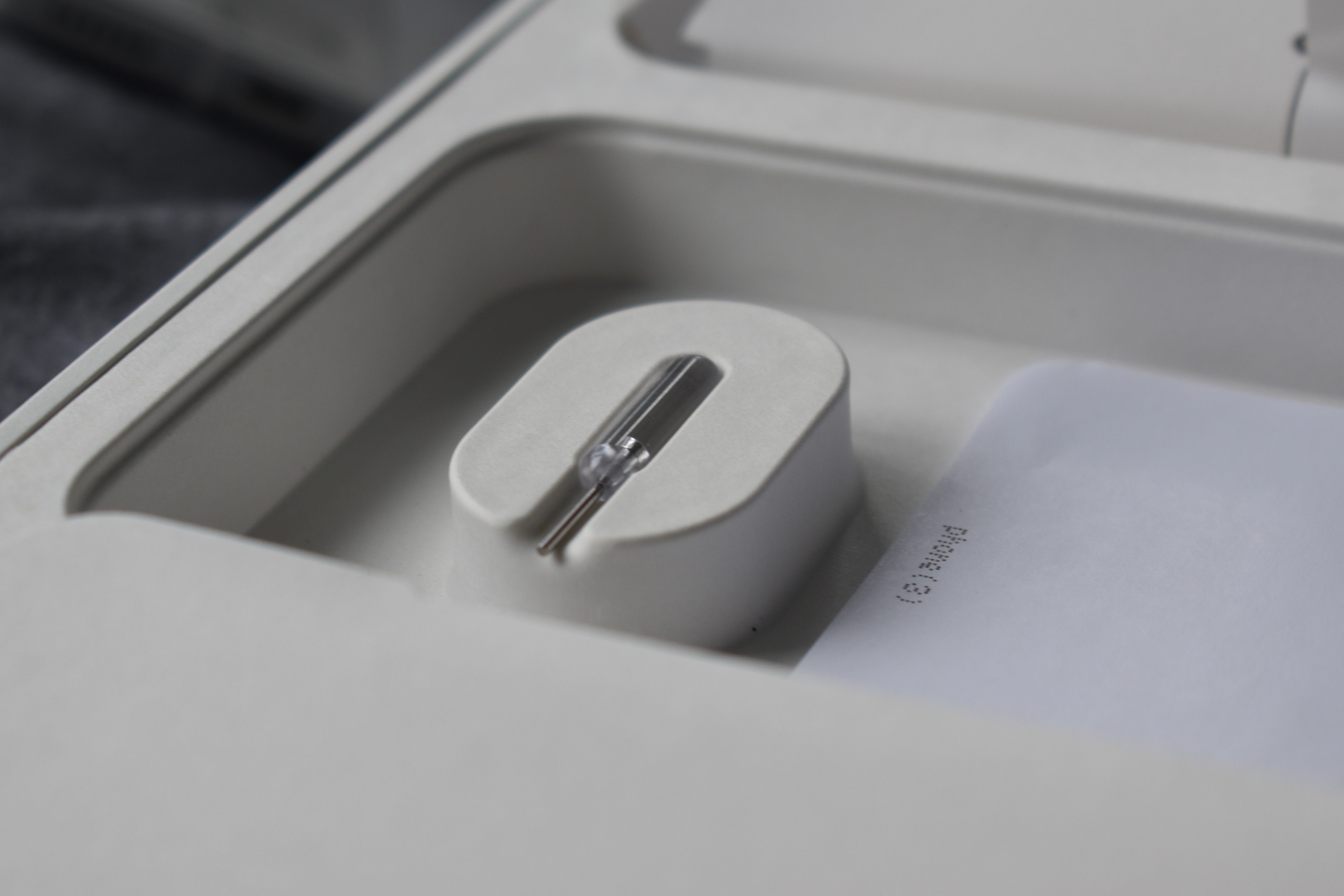
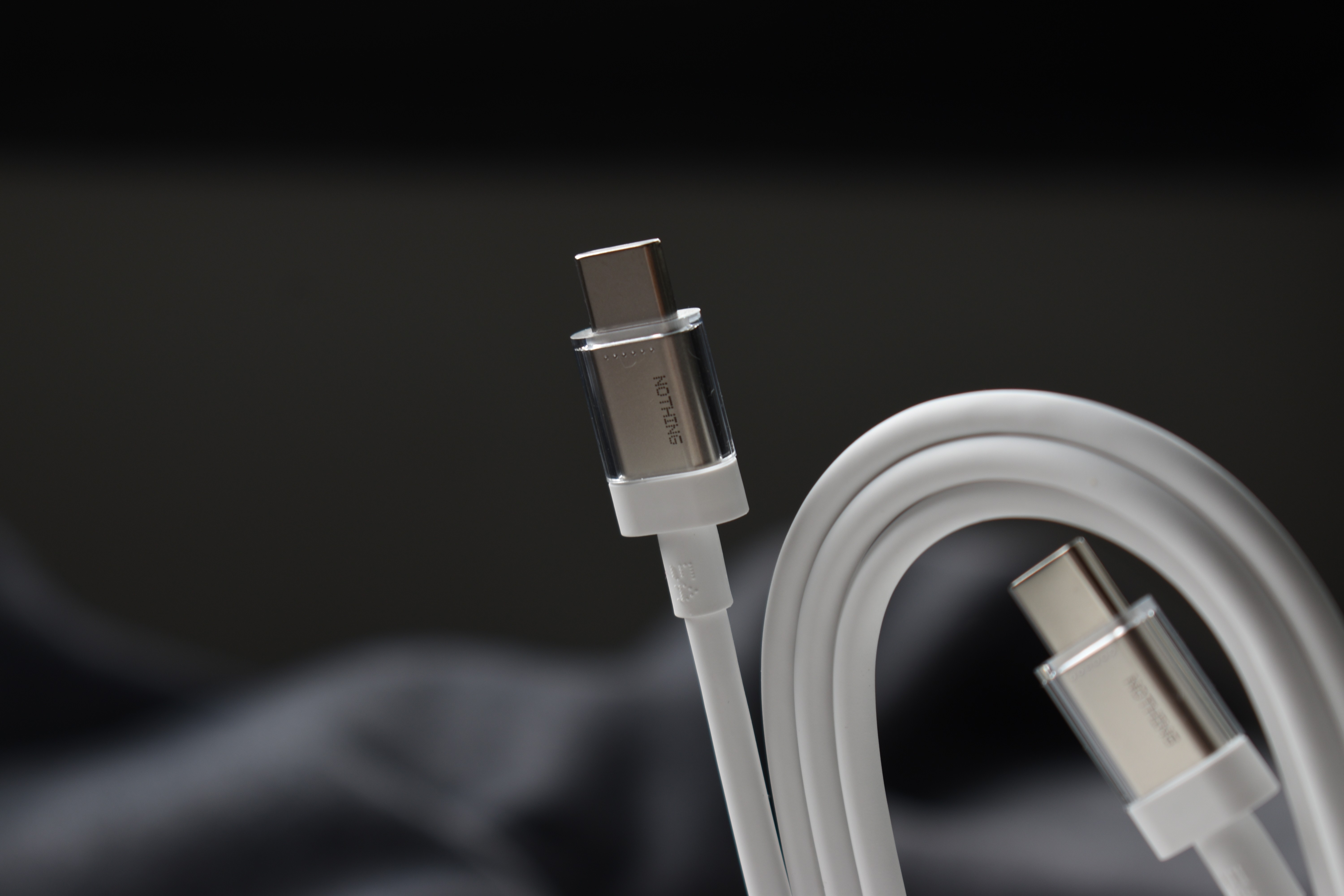
The Unboxing Experience was great, the box, is still usable after removing the seal. it comes with transparent Sim-Ejector Tool and C-C Cable, the Phone (3a) and (3a) Pro missed on. This was my first time checking it out in real life and I got to say, it is really cool. However, I feel like they should have included a Power Adaptor in the box.
—
DESIGN ✨
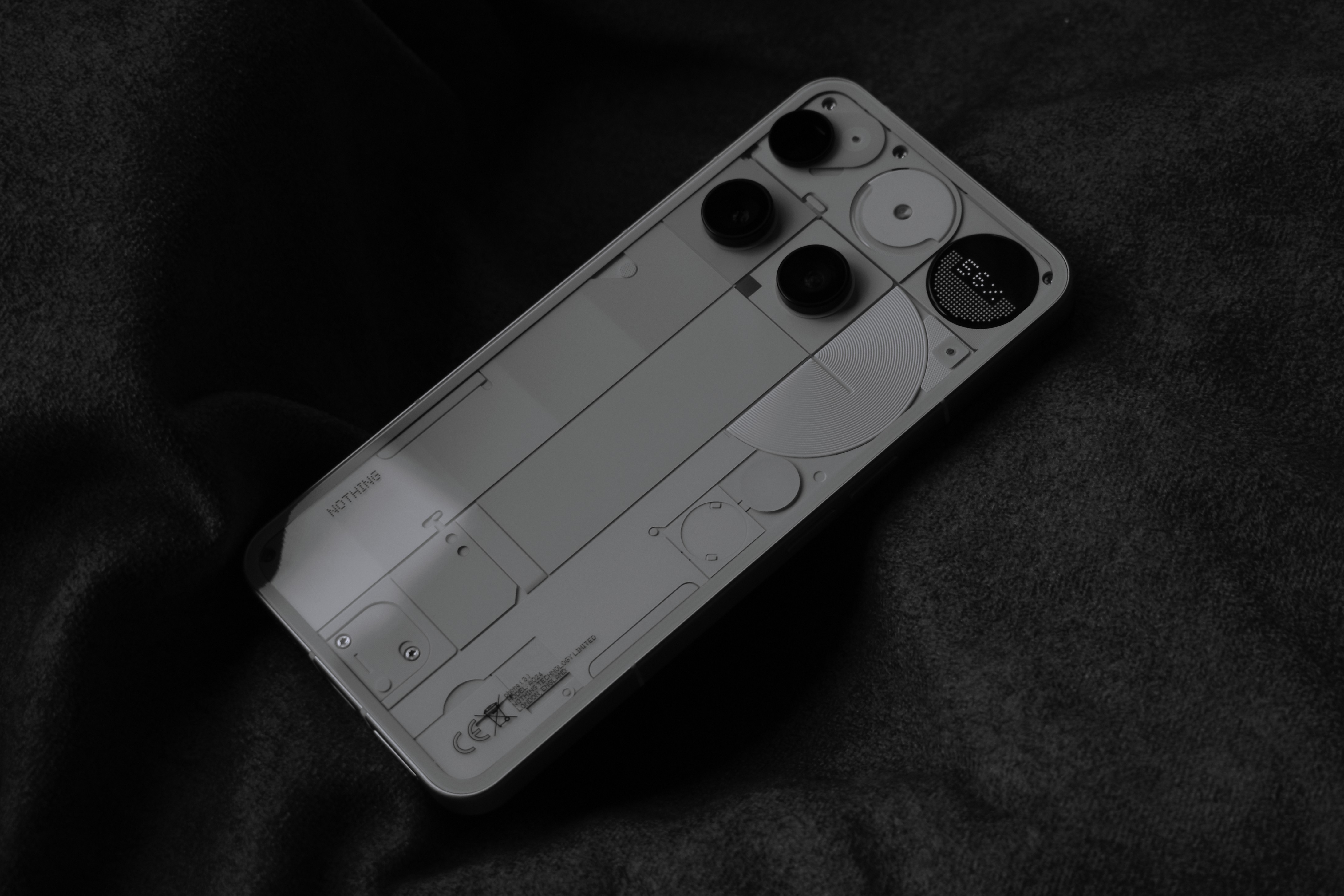
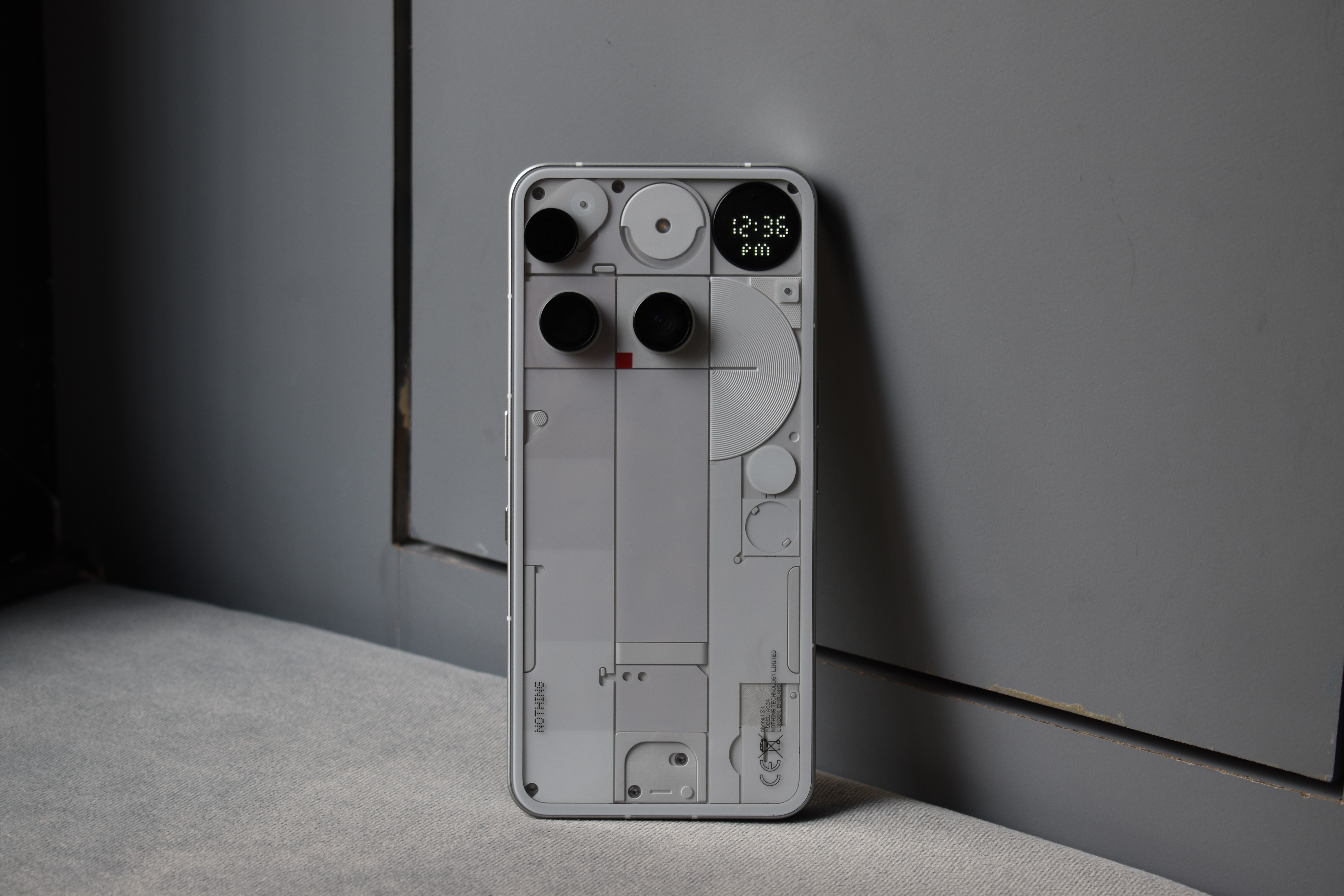
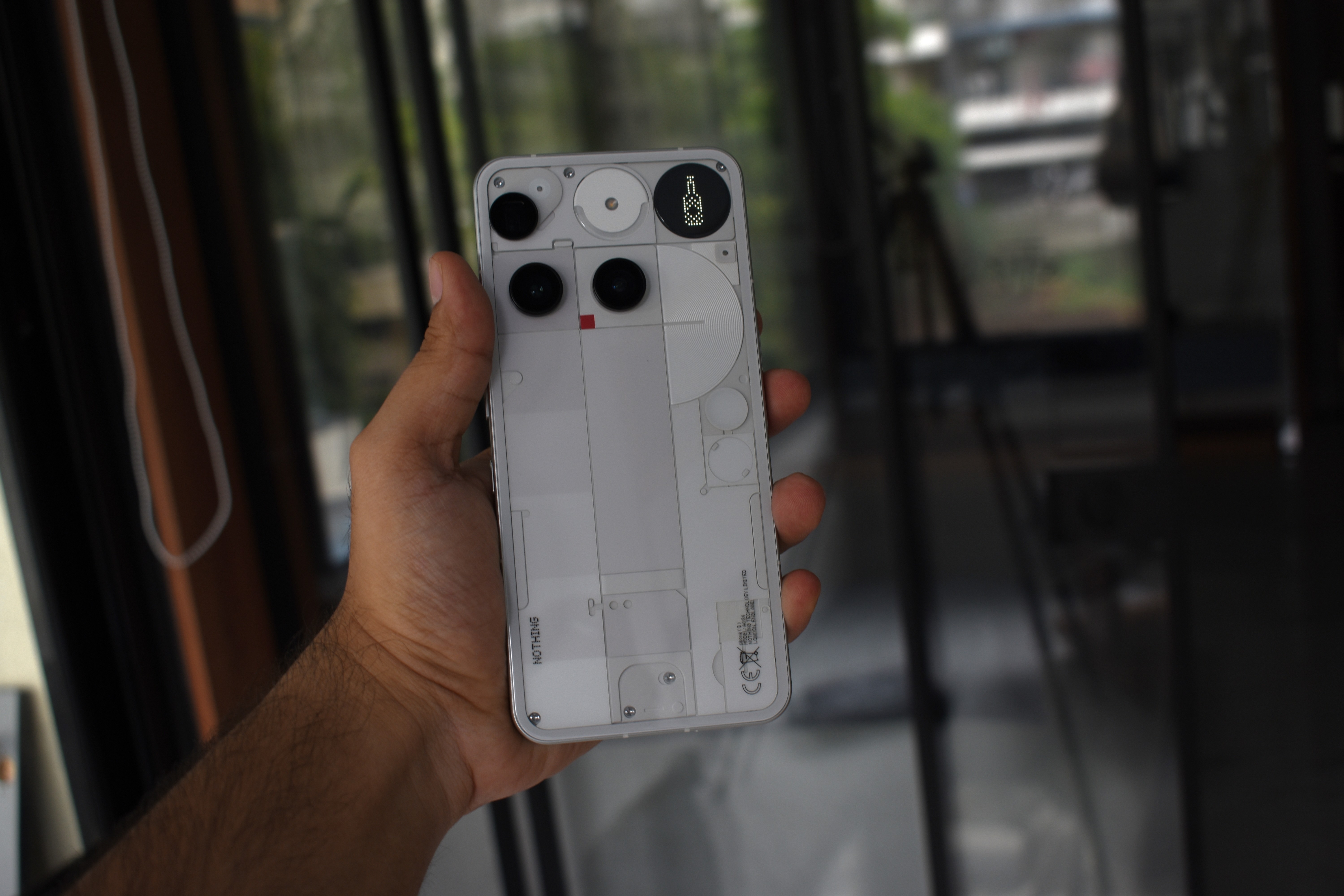
Different. Unique and Playful
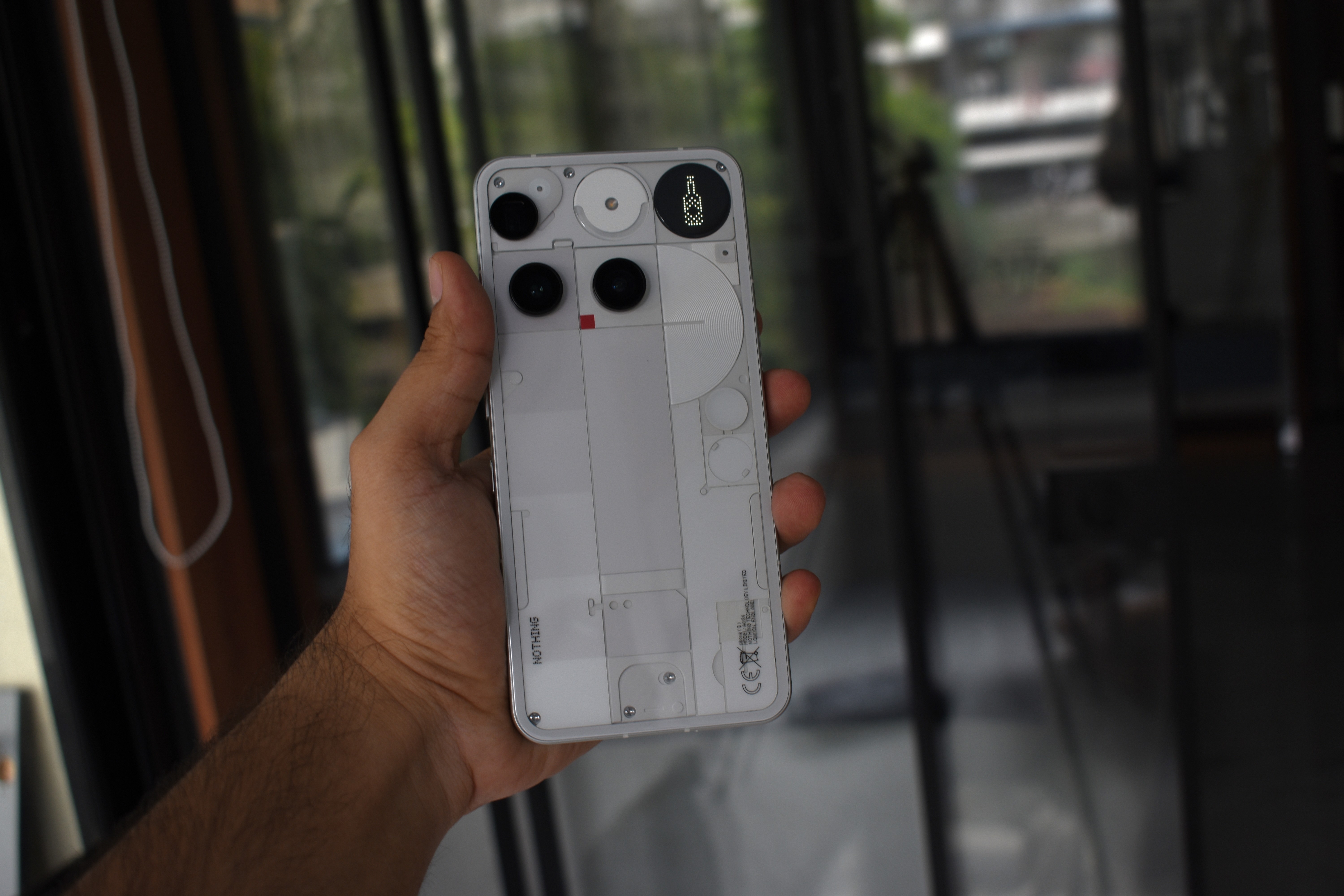
Now TBH, when I first saw the design during the launch, I didn’t know what I felt about it in the beginning. But when I unboxed the phone and held it for the first time and looked at it, I absolutely loved it. Similar chaotic back panel covered with glass; Glyphs were missing but what was new was a Dot-Matrix Display at the back. The Phone definitely feels Premium in hand and is quite comfortable to hold.
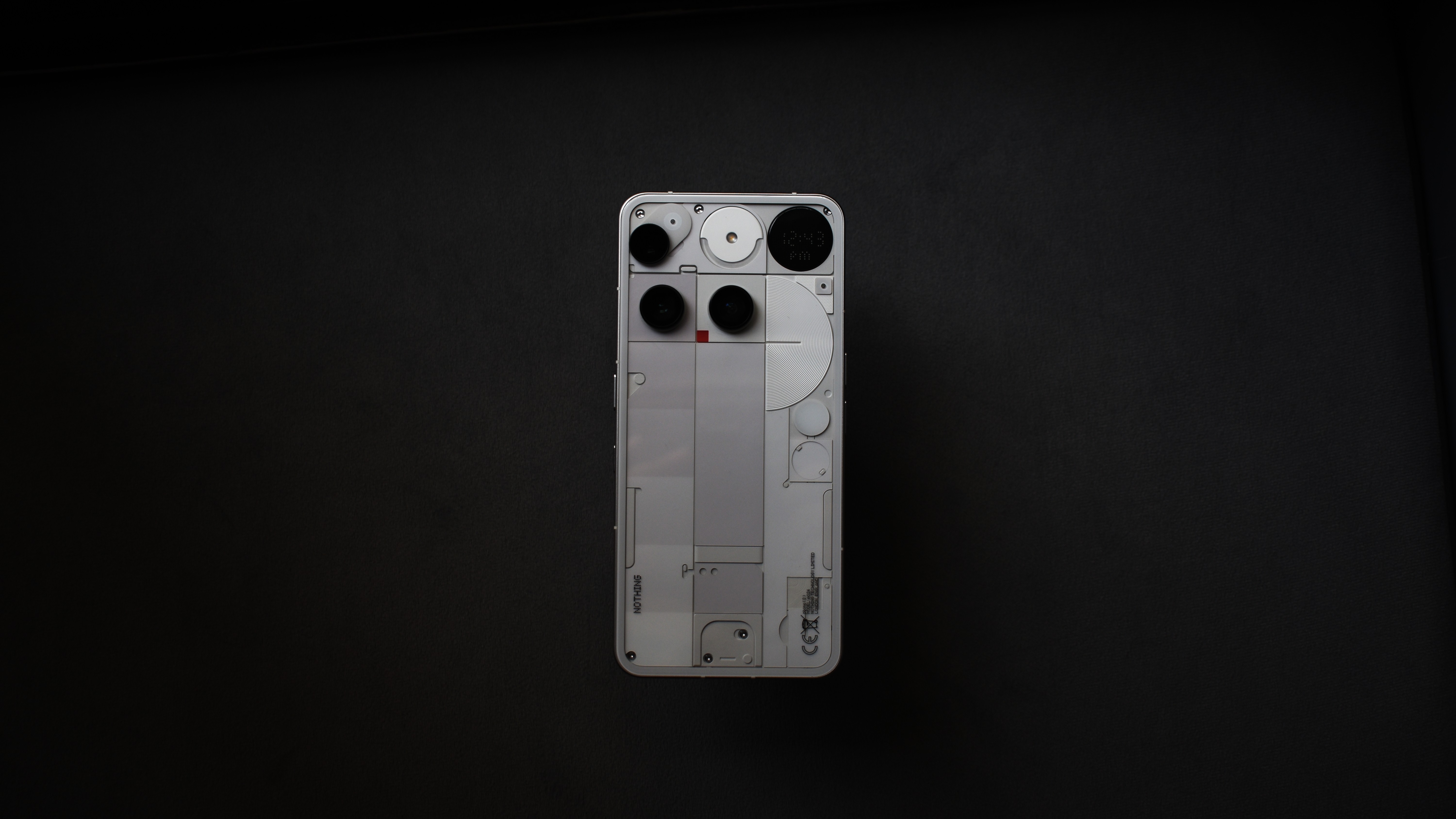
I know there have been a lot of talk regarding the back side design of the Phone. The camera layout is not very symmetrical, especially the Periscope lens, it had something to do with the placement of the flicker sensor, the Glyph Matrix PCB and other factors that led to the placement of Periscope lens in that way. Honestly speaking it didn’t bother me much.
This phone definitely is a great conversation starter; it has one of those design that will never leave you bored looking at it. Only if I had a Nickle for every time someone asked me which phone I was using 😶🌫️
—
Battery Life and Charging Time🔋
The Phone supports 65W of Fast Charging, I didn’t have a fast-charging Power Brick, thanks to Nothing they had provided us with their CMF 100W adaptor. The time it took to charge the device from 0-100 was a bit inconsistent, for instance there were times where it would only take 55 mins to charge it completely and sometimes it would take me around 72 mins to charge the Phone. But yes, for my use it was fast enough to charge the Phone to full by the time I had to leave for my work.
Battery-Life ⚡
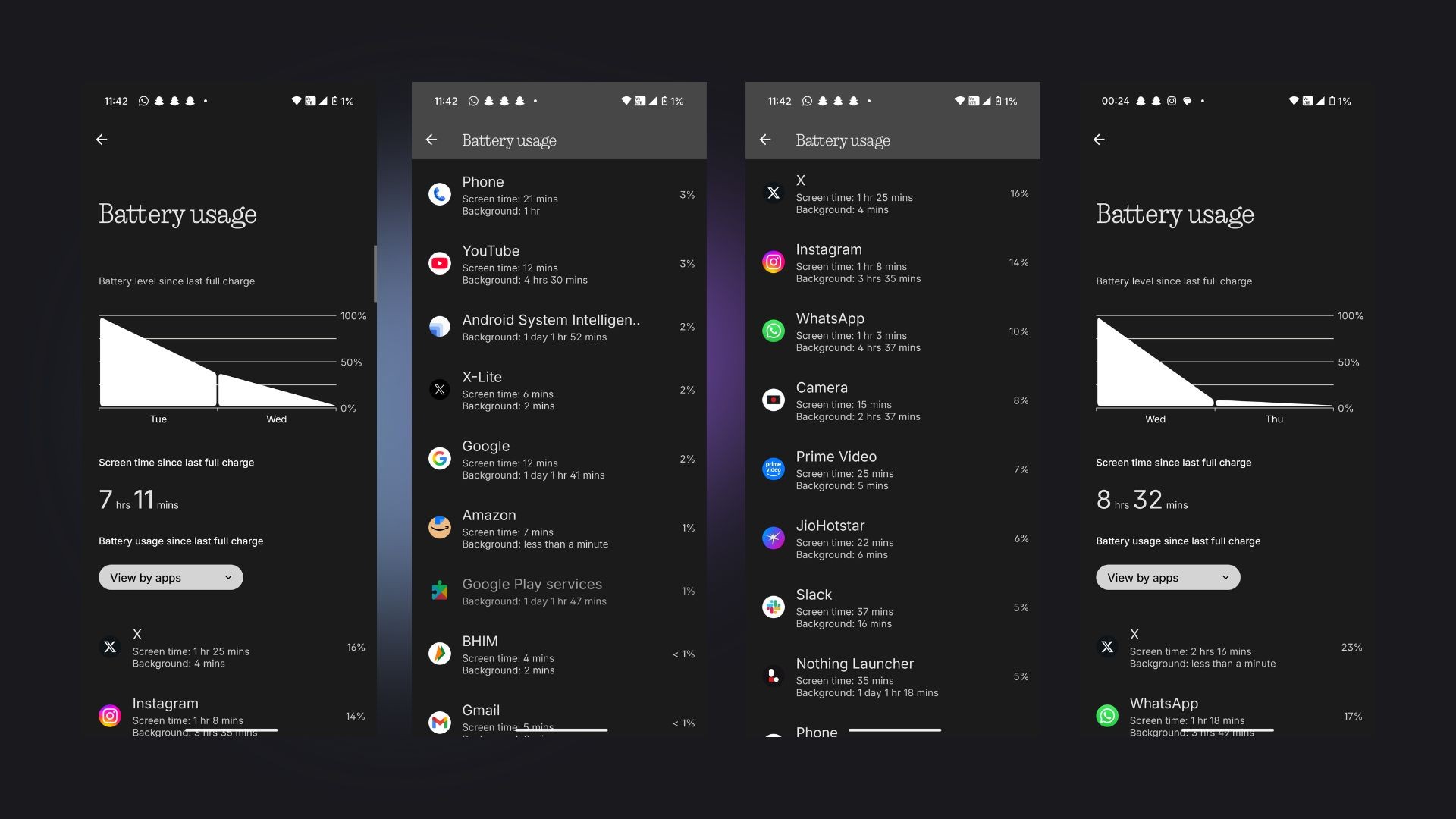
So, here’s how I use my Phone ~ Jumping from one Social Media app to another, chatting, scrolling, WhatsApp and Slack for Business and some camera usage when I find something interesting to shoot.
and it has fared well for me. The Phone packs a battery of 5500 Mah, and I end my day with 20-30% still left in my Phone, unless I’m not trying to do something too aggressive to the phone to Kill of the battery.
It’s not the best battery Backup but it is also not bad. It’s average. I used my Phone with AOD and Glyph Matrix set to Show Always and it would give me an average screen on time of about 7.5-8.5 Hours.
—
Cameras ~ Periscope and Macros 🪷
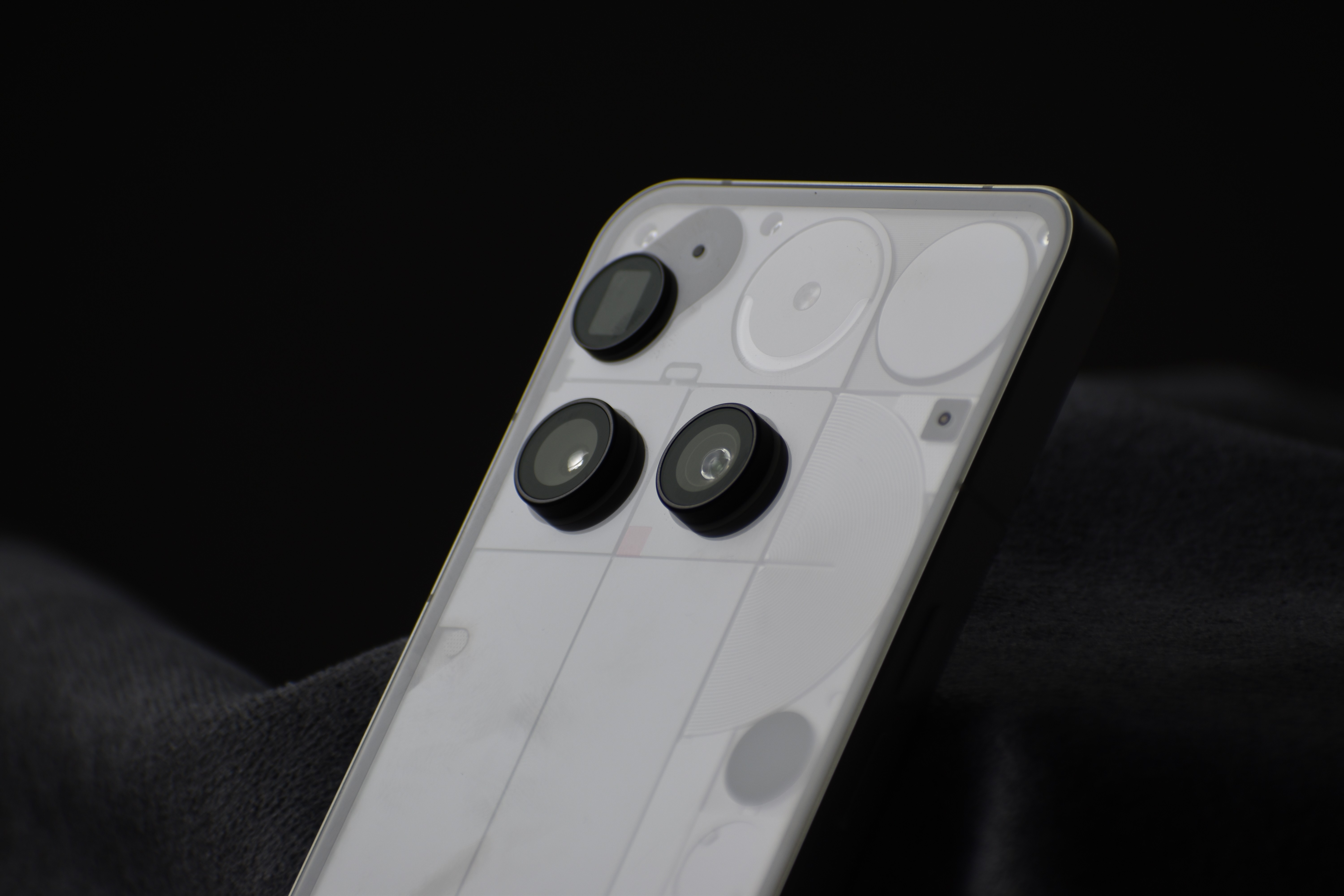
The Phone Features a 50MP of Main Camera, A periscope lens of 50MP and an Ultra-Wide lens of the same MP. The Phone leverages the 3x Optical Zoom to take super close-up Macros with the minimum focusing distance of 10cms. The camera app is quite simple to use and is an overall package. Nothing Really upped their game with the Introduction of Presets in their Phones with the launch of Phone (3a) series and it adds up tons of flexibility and opens gate for creativity. During my review period I enjoyed taking pictures using the presets, made by me and fellow community members, a lot.



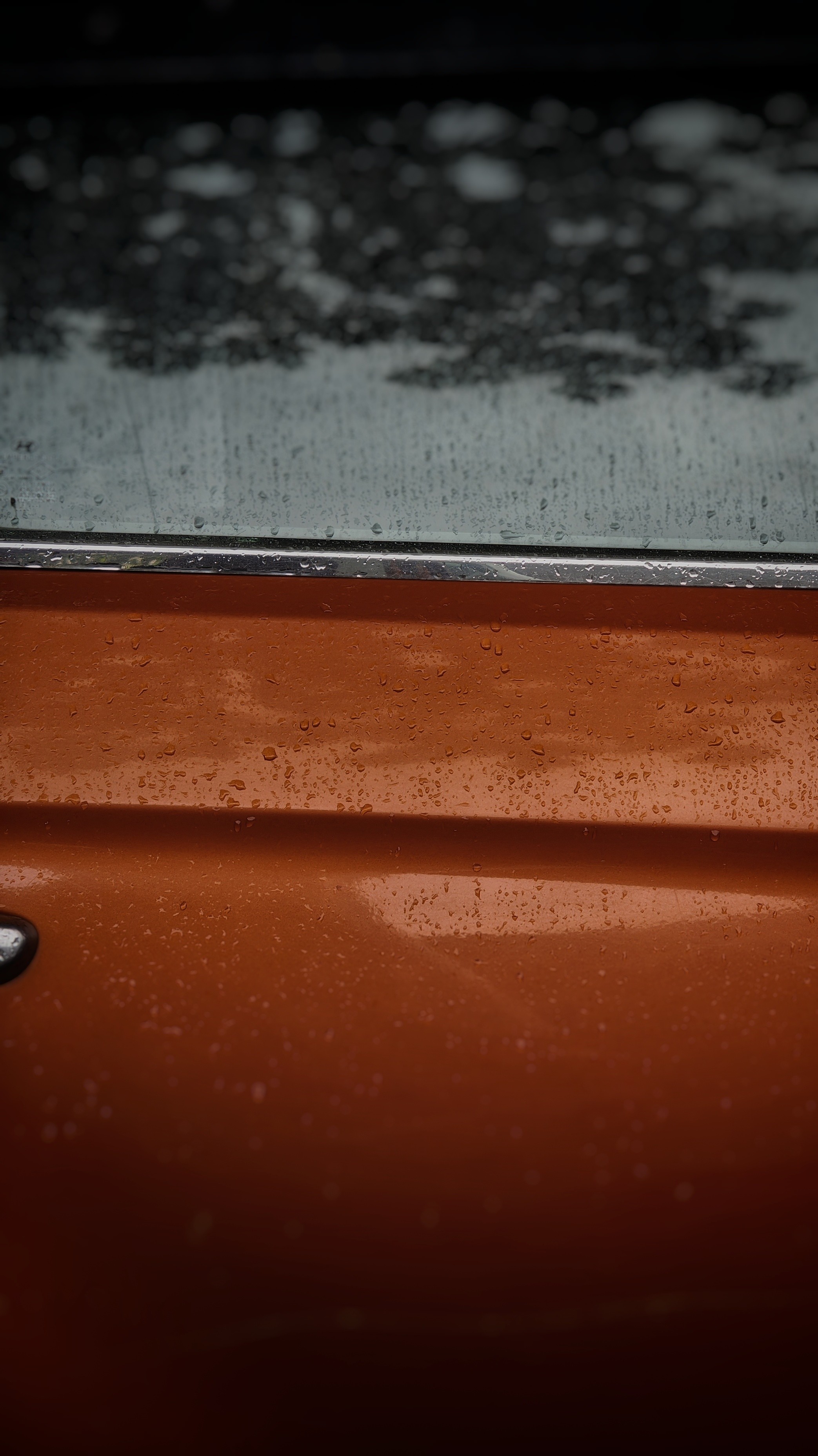

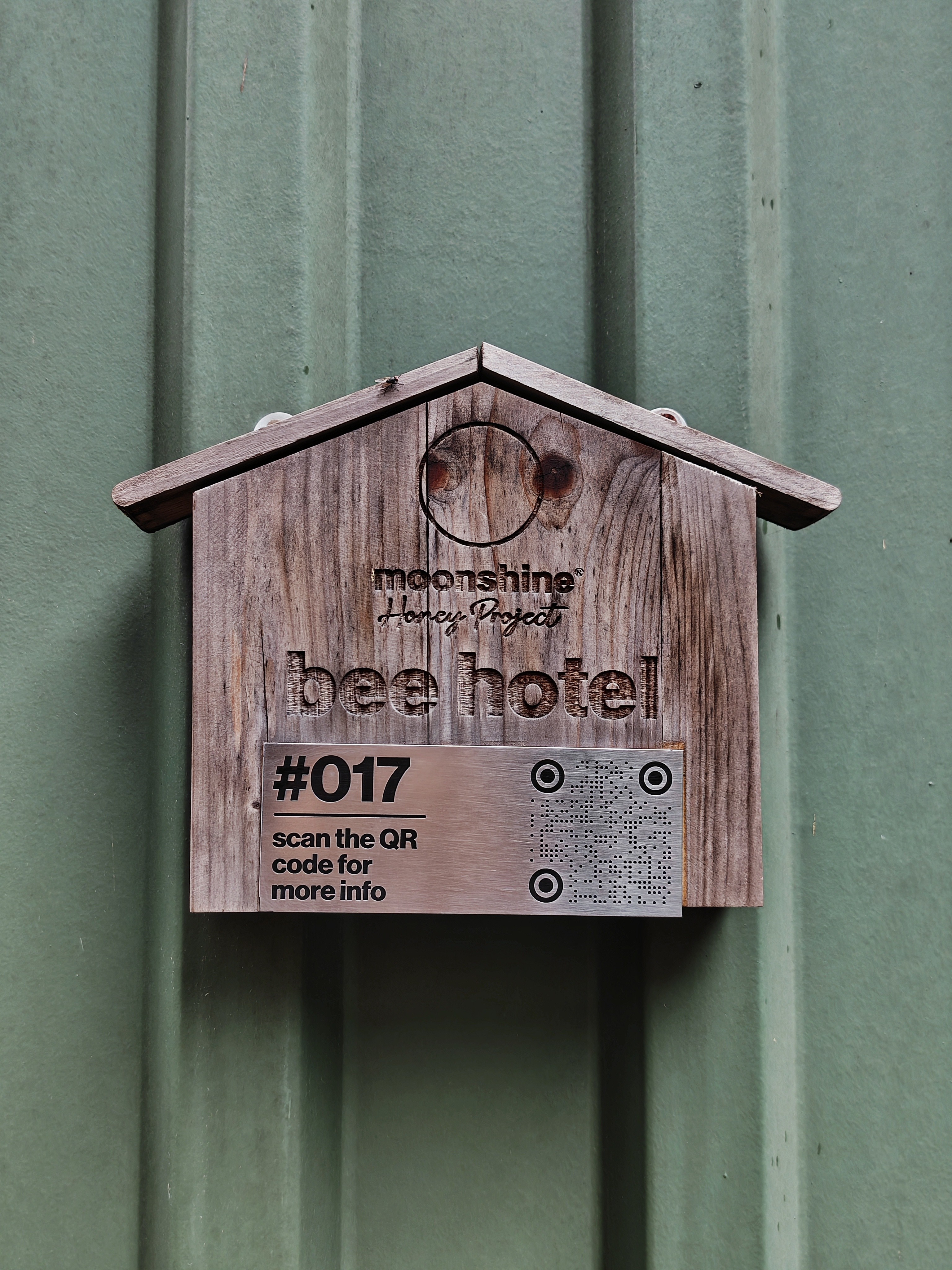


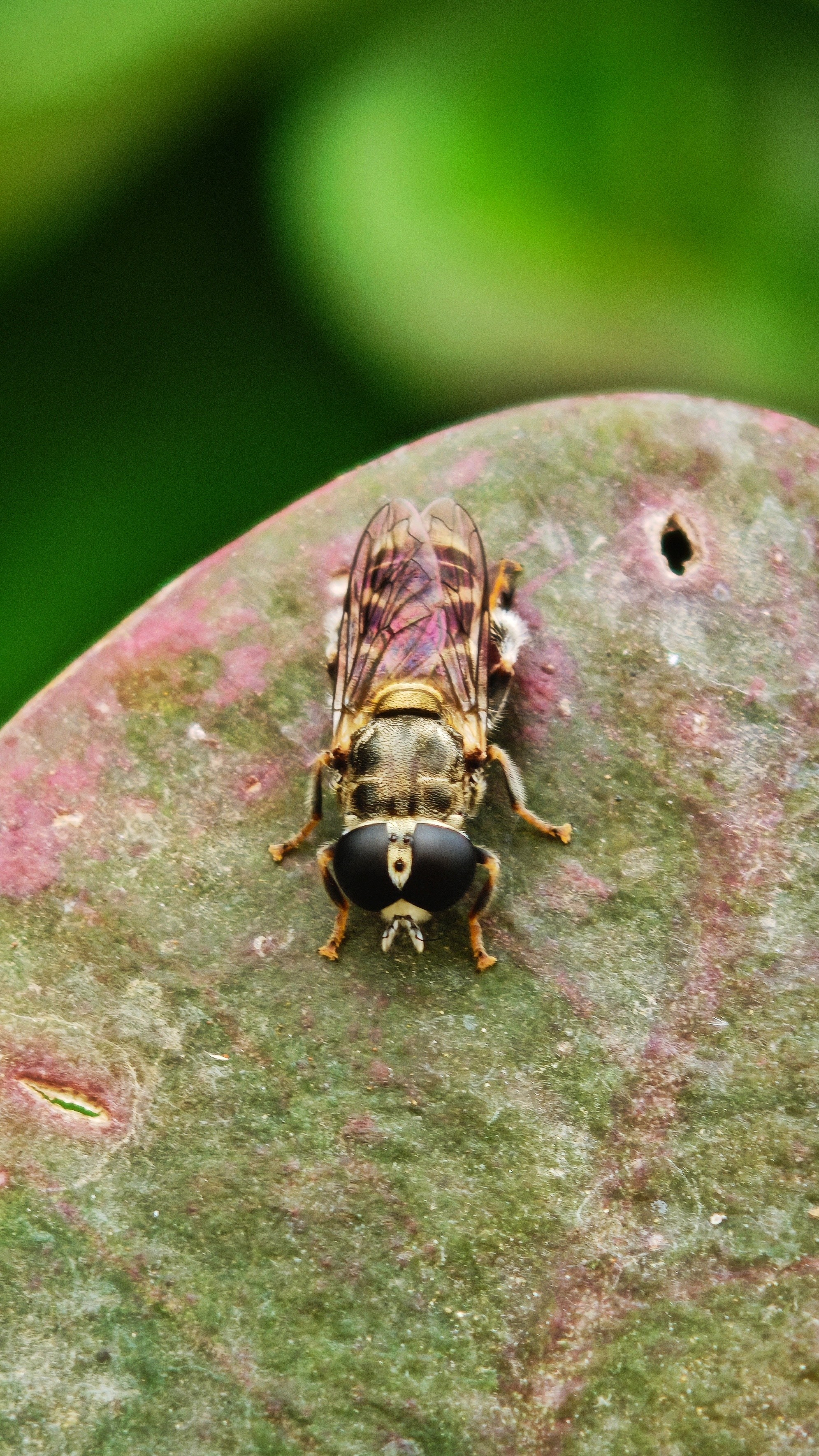
Macros
Here are some Macro Samples, the Periscope lens with its 3x Optical Zoom and in sensor zoom of 6x with the minimum focusing distance of 10cms really helps to bring the macro world to life. However, you will need a steady hand to shoot Macro Focus as even little movement can result in Blurry/ Slightly out of focus photos.







Video Samples 🎥
This was shot at 4K 60 FPS. (I had to compress the file to be able to post in the forum)
This was shot at 1080P at 30 FPS (A Gimbal was used to shoot this video, as I was testing my newly bought Gimbal)
All in all, the camera performance was quite adequate, the hardware is very capable, and I hope nothing Fine Tune the Software with future updates. What makes the entire Photo Taking Experience great is the addition of Presets in the Camera APP. I have my own set of presets that I use based on the mood in the frame, and it saves lot of my time that I would put on editing.
On regular use the Camera fares well, it’s the edge cases when I notice it to struggle a bit. Nothing alarming. The over-all Camera experience can be made better with updates. So, fingers crossed 🤞🏻
—
The all-New Glyph Matrix 🚨
One thing that set apart Nothing from other brands was the Glyph Lights, the way how the Phone communicated to the user with the help of a bunch of lights was very interesting and it was implemented quite cleverly. While it was useful it had its own problems. For E.g., getting an essential notification, but to have no idea from whom, or the lights lighting up for a call, but to have no idea who was calling.
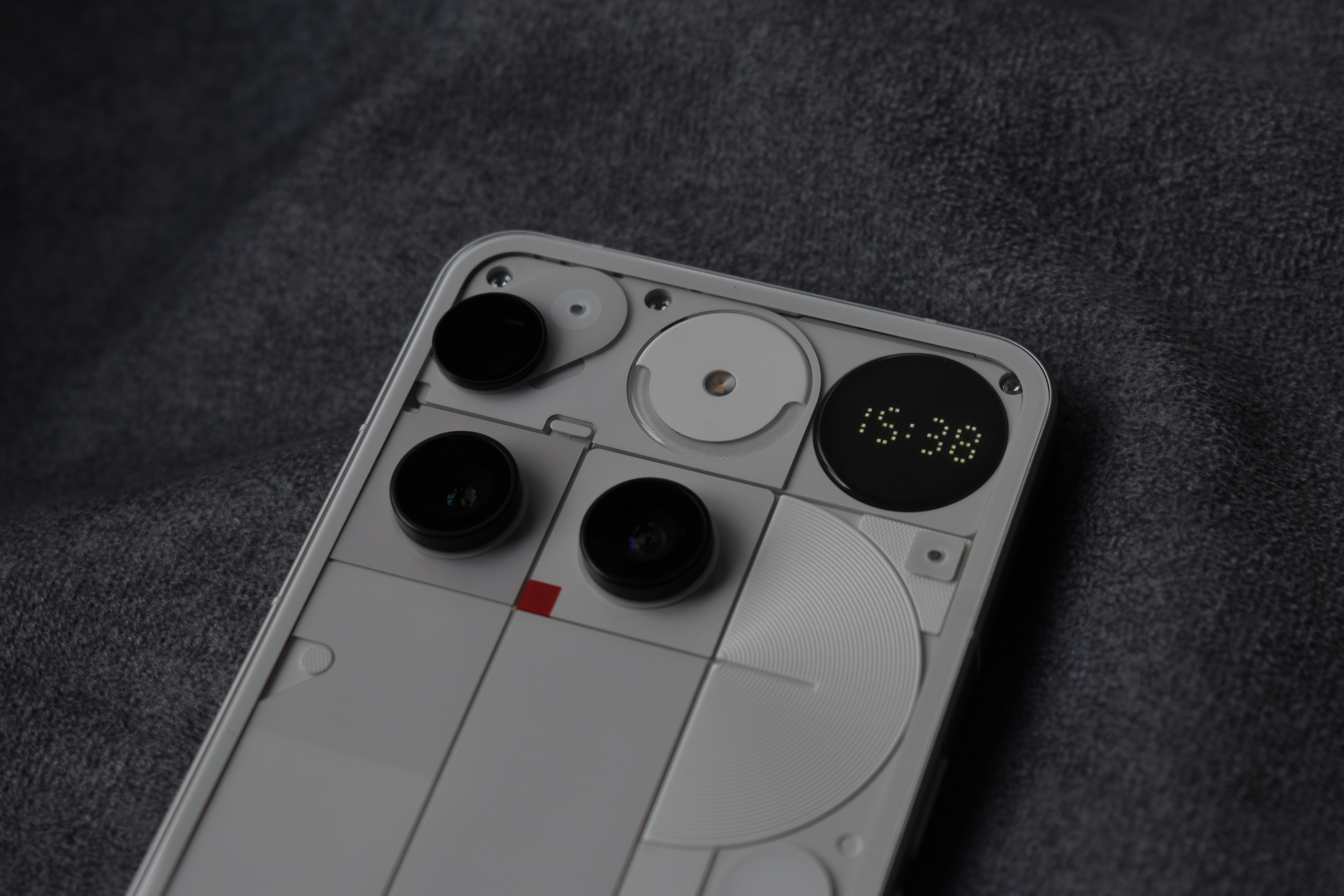
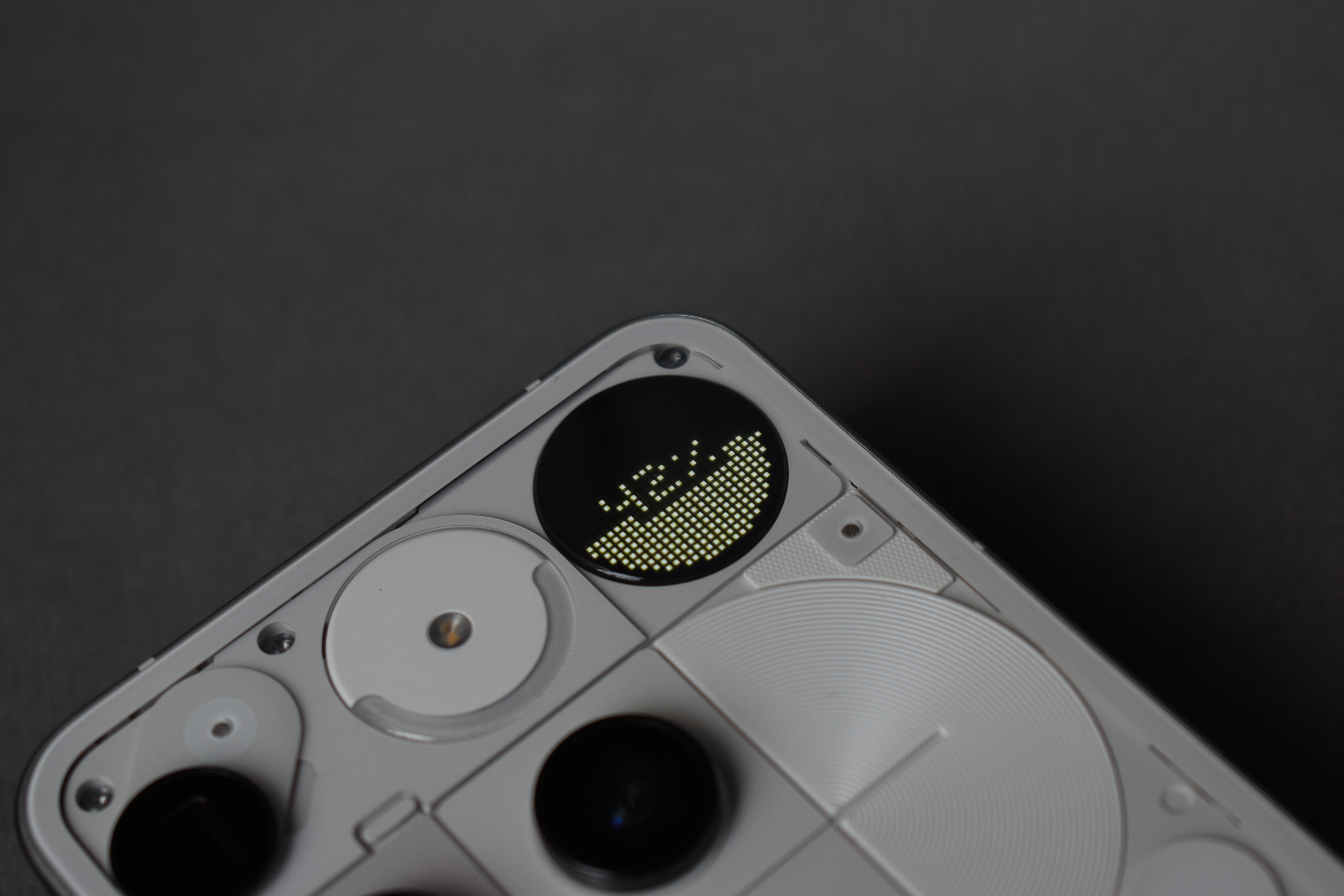
Nothing with their Phone (3) took a different approach with the Phone (3). The glyph lights are completely taken out and what replaces them, is a set of Tiny LED bulbs grouped together to form a Dot-Matrix Display.
The New display can do a lot of things, show time, Battery Percentage, Notifications, and more, there is a whole group of enthusiasts in the community who are working on different apps and small games for the Glyph Matrix adding more functions to it.
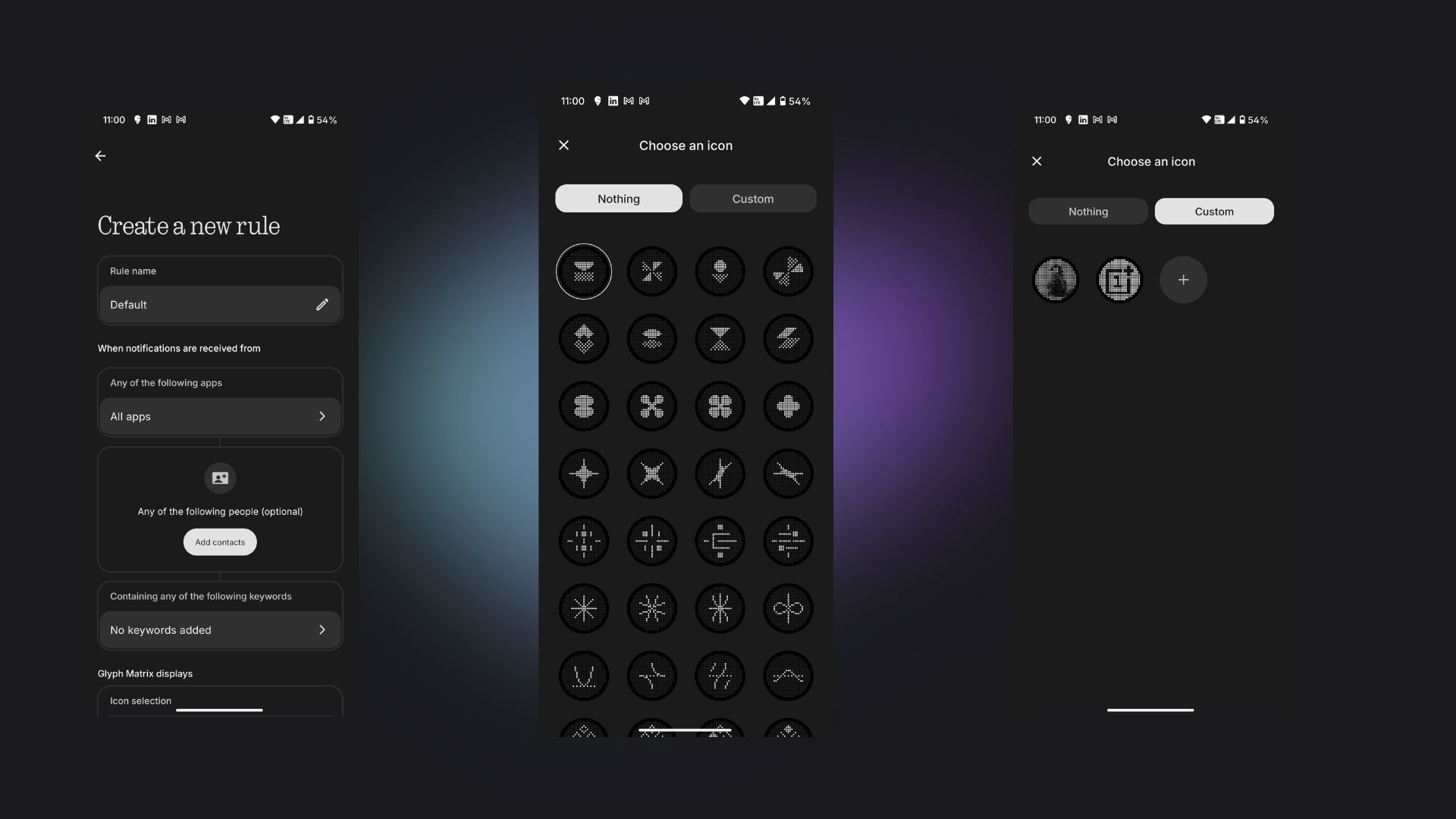
They have also greatly changed the logic to set Essential Notifications. Unlike earlier, now we can set Essential Notifications based on the Keywords and app assigned and we can also set custom Icons for each rule. The process is not simple; there is definitely a kind of leering curve here.
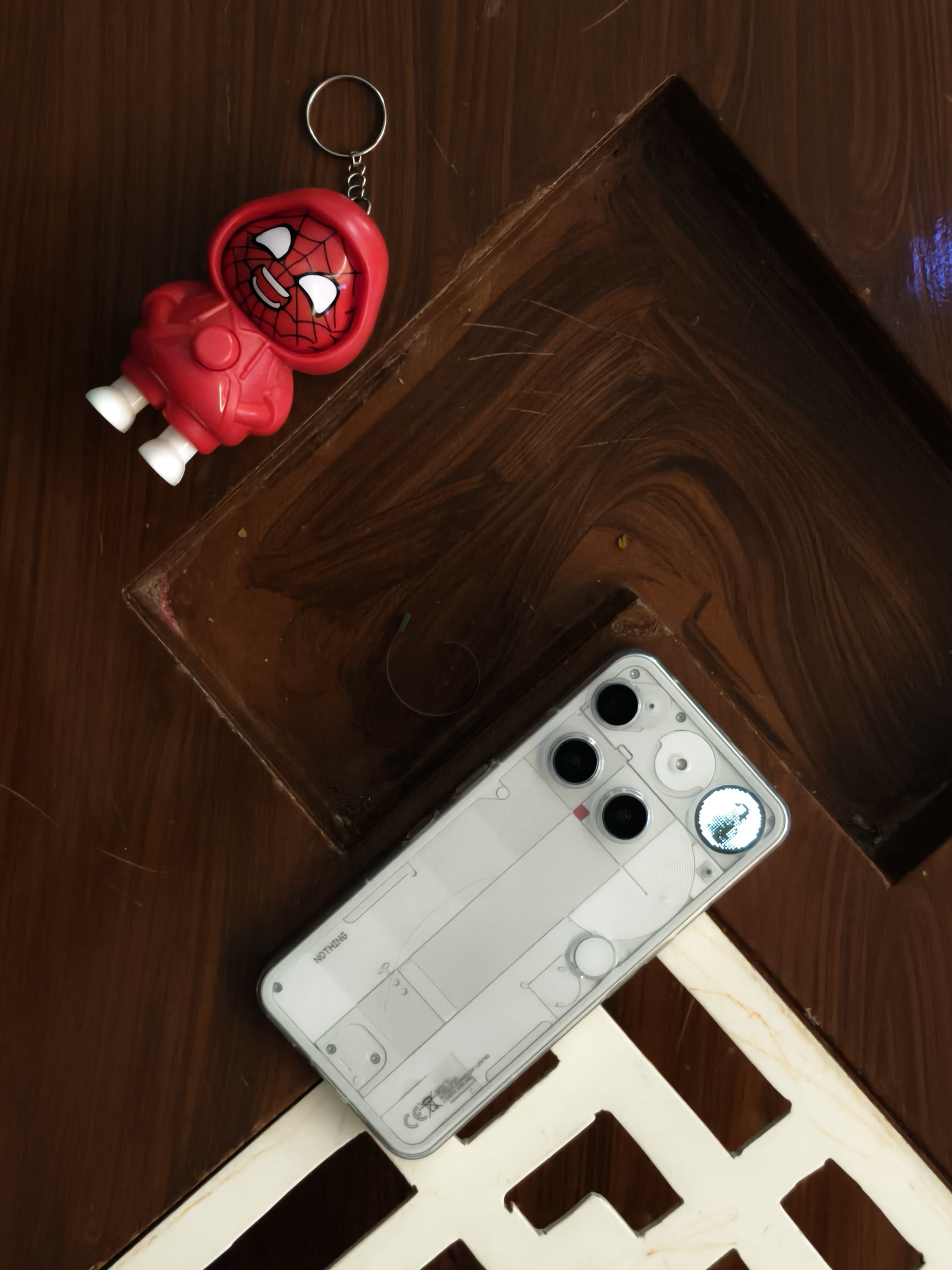
It was very helpful when I used to work and had to keep distractions away, but also not miss a notification from someone Important.
Now, when I think of the usability and if it really does make a difference, umm… well majority of the useful things can be handled by Always-On-Display like time and Battery Percentage, however it can’t show you only priority notifications based on set-rules. With android 16 we can see a lot of integration happening with the Glyph Matrix which will elevate its usability for sure. Having said that, as much as Glyph Matrix is cool and packed with features. I really do miss the Old Glyph Lights; they were something iconic 💫
—
AI 🤖
Nothing really did something here, where all brands are making sure that the user gets the best of AI, Nothing did it but very tastefully. They now have this suite of AI tools like Essential Search, Essential Space, ChatGPT Integration and widgets. I have previously talked about the working of Essential Space in my review of Nothing Phone (3a). In this review I will be talking about the new stuff which is the Essential Search.
The Essential Search can scan through apps, Quick Settings, Contacts, Messages to provide Results.
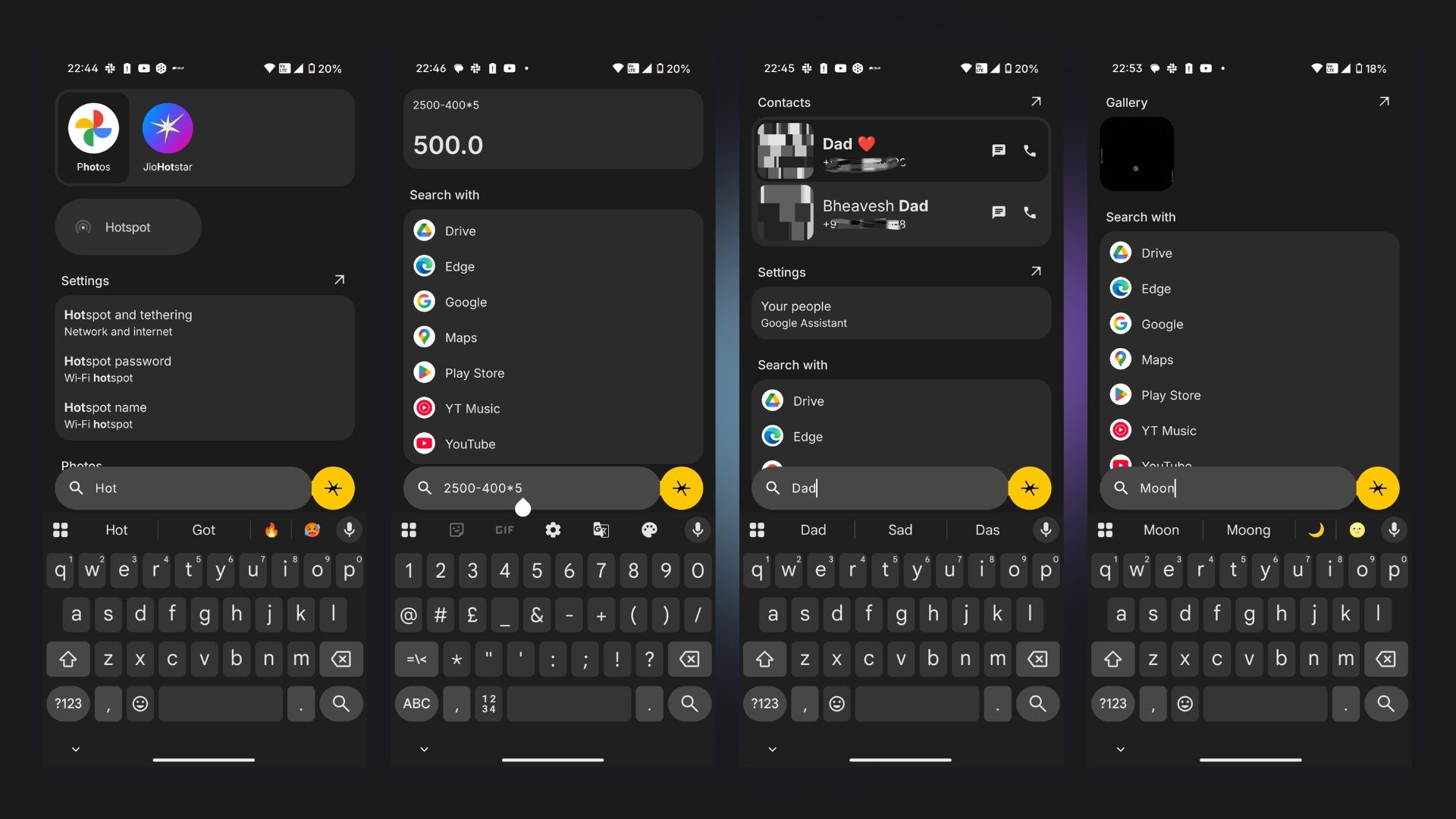
What it can also do is perform Simple calculations on the go, and it has been very helpful for me in the day-to-day usage. I think this is one of the best implementations any Phone Brand has done for their Global Search.
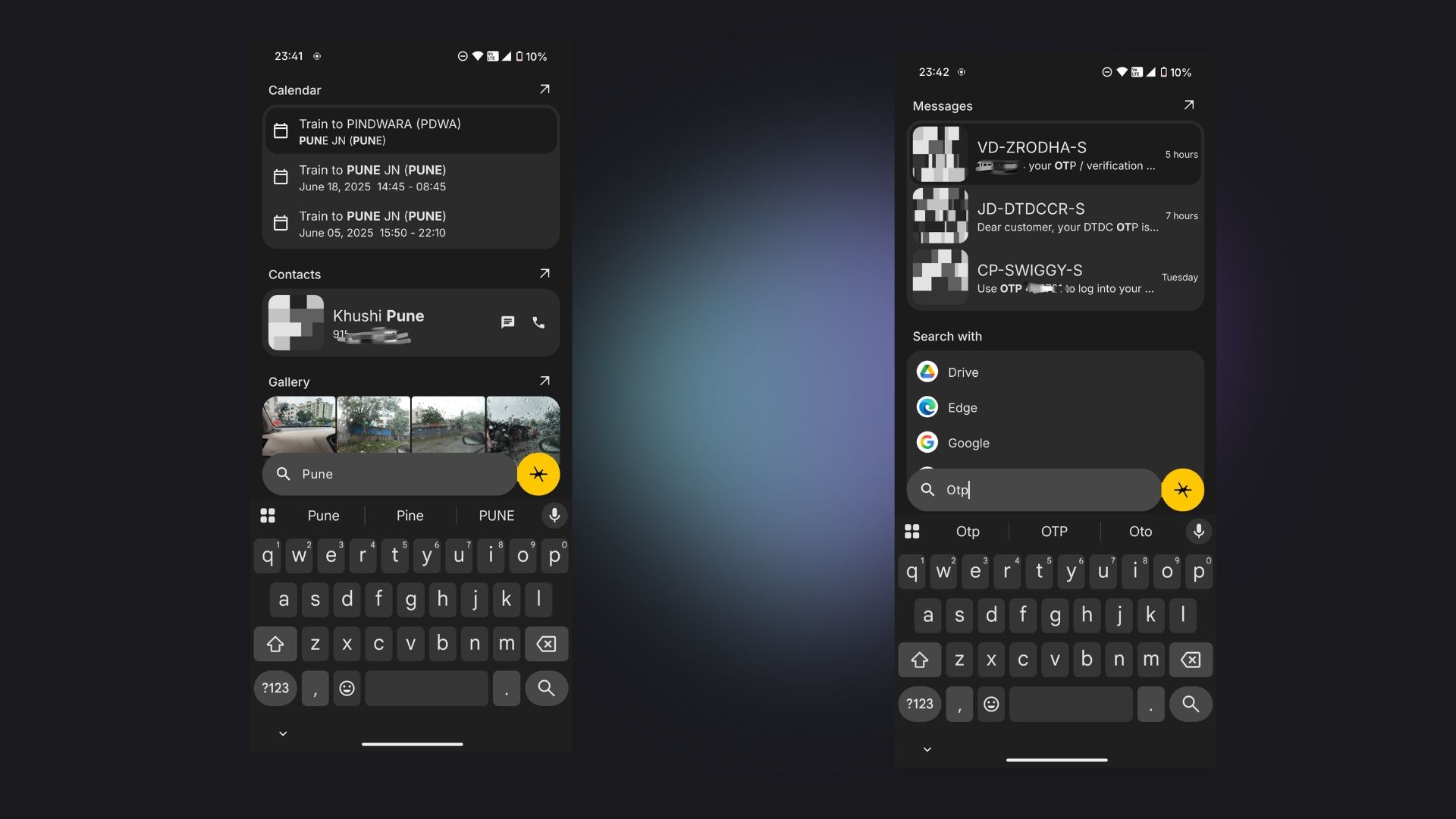
Not to mention it can also scan through your calendar, the possibilities are endless here.
—
Performance ⚡
The Phone is Powered by Qualcomm Snapdragon’s 8s Gen 4, I was using the 16+512 GB Variant, and no matter how hard I pushed it, it kept on going, fast and smooth, the well Optimized OS also played a vital Role here, Ram Management is excellent, Multitasking, Jumping among multiple apps be it shopping, Social Media, Image Editing, Canva. The transition from one app to another felt fast. No complains in this department. It handled everything very well.
—
Software Magic 👾
It’s been almost 3 Years since I have been using Nothing OS, and I love it. It’s minimal, unique, purposeful.
It is the best-looking android skin out there. It’s also fluid and smooth. Nothing Promises 5 Years of Android Updates and 7 Years of Security Updates for the Phone (3).
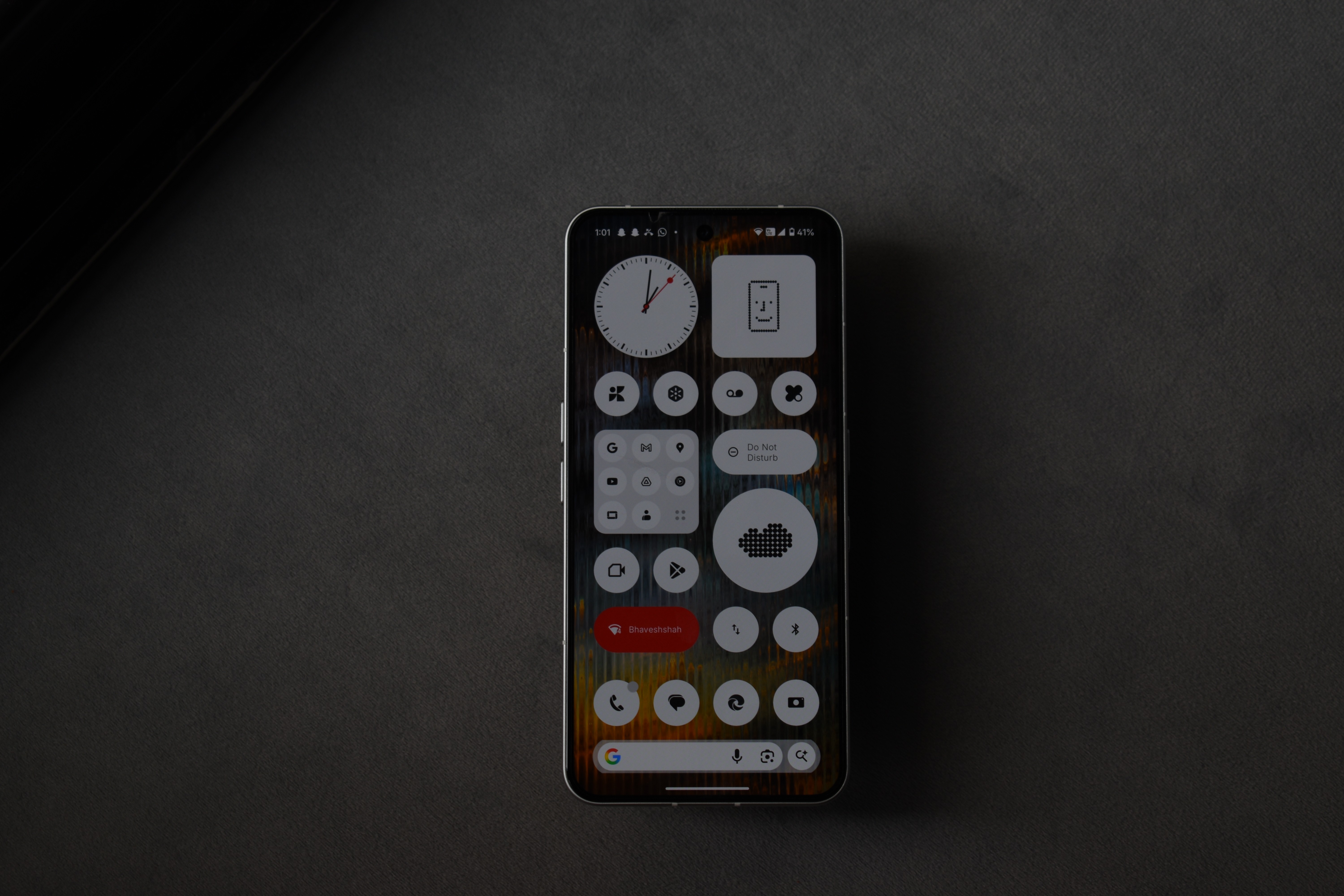
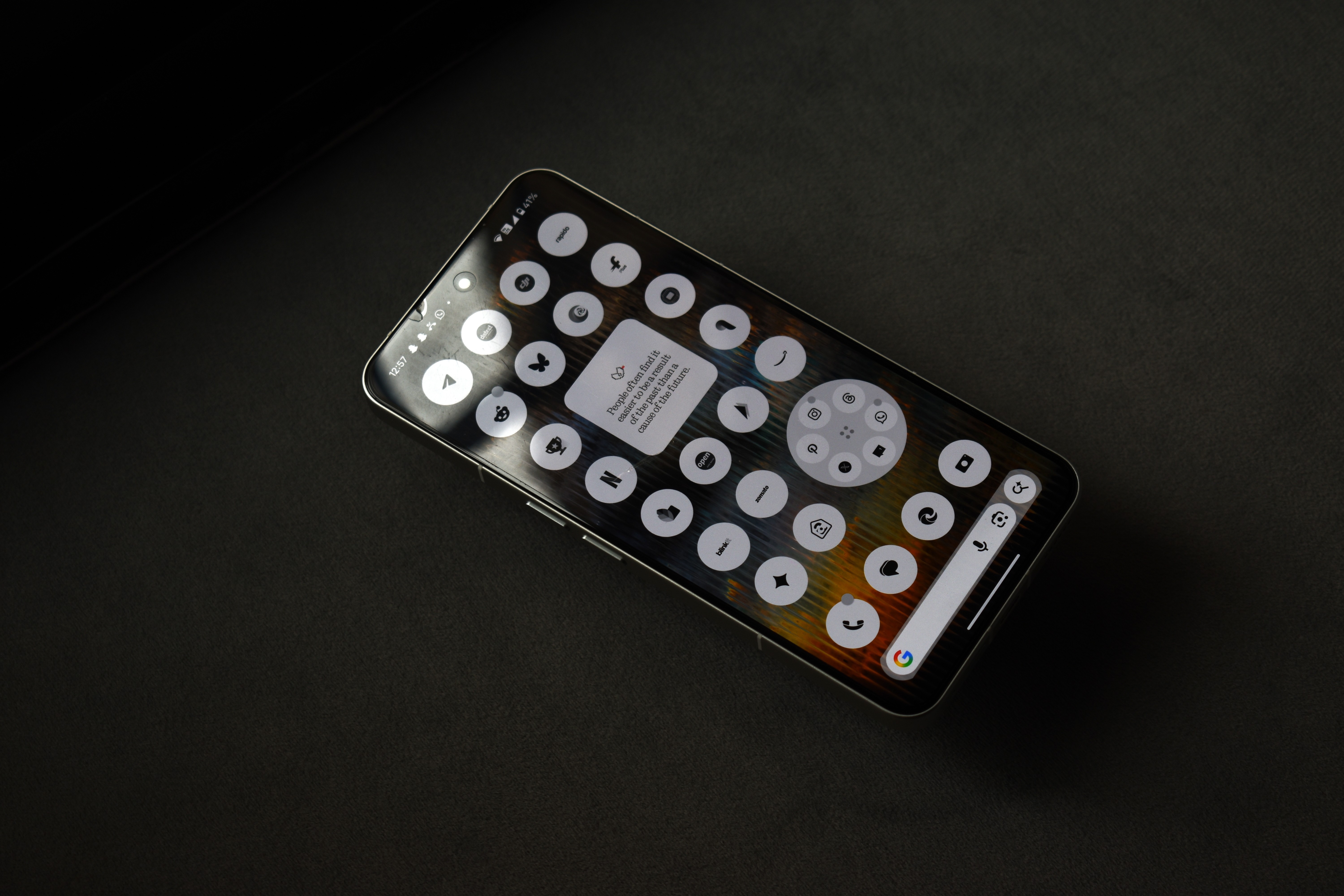
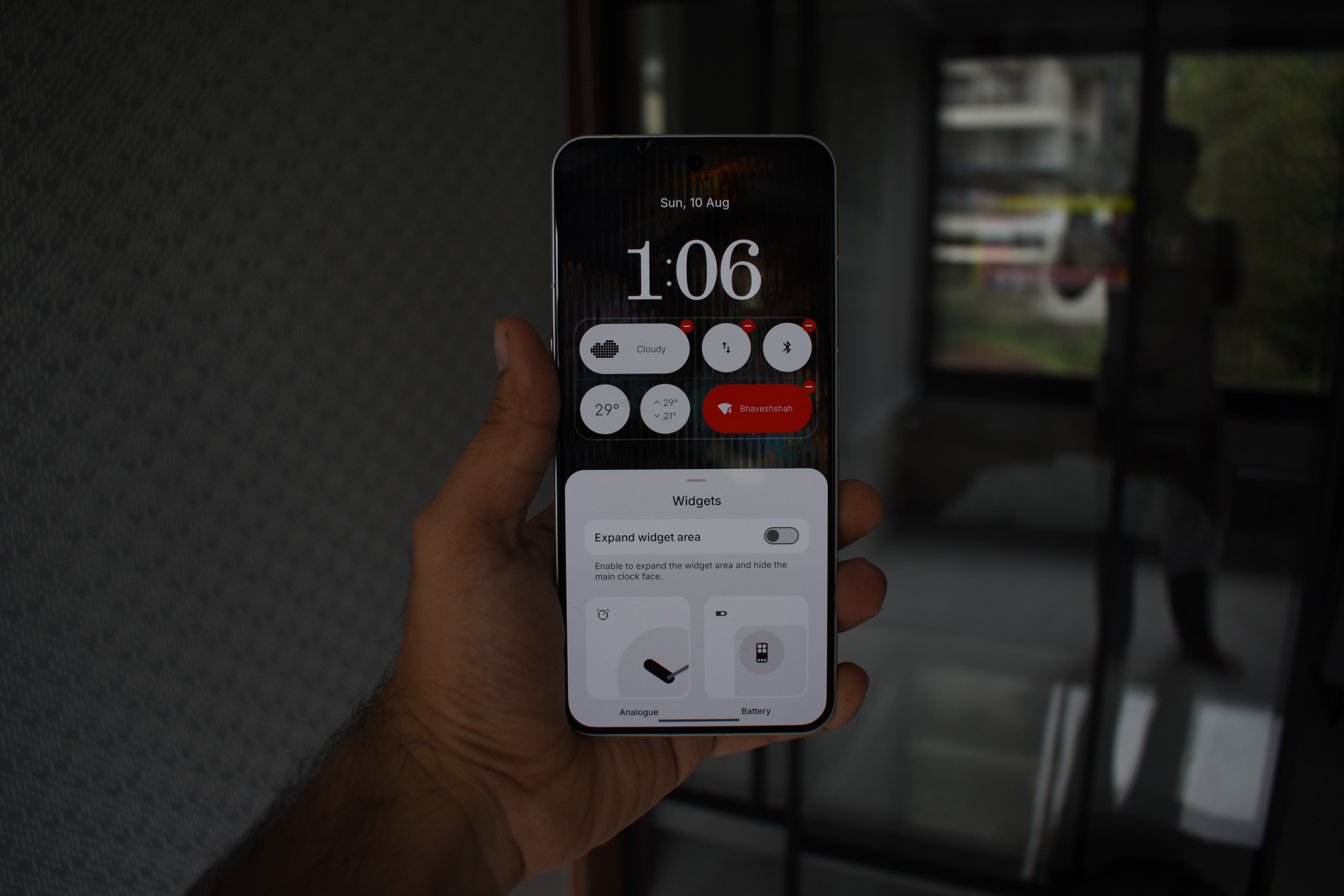
What I wish Nothing focuses on this time, is the Lock-Screen Customization, we need the ability to display the clock based on the Wallpaper Colors, and give us ability to resize the clocks.
—
Conclusion
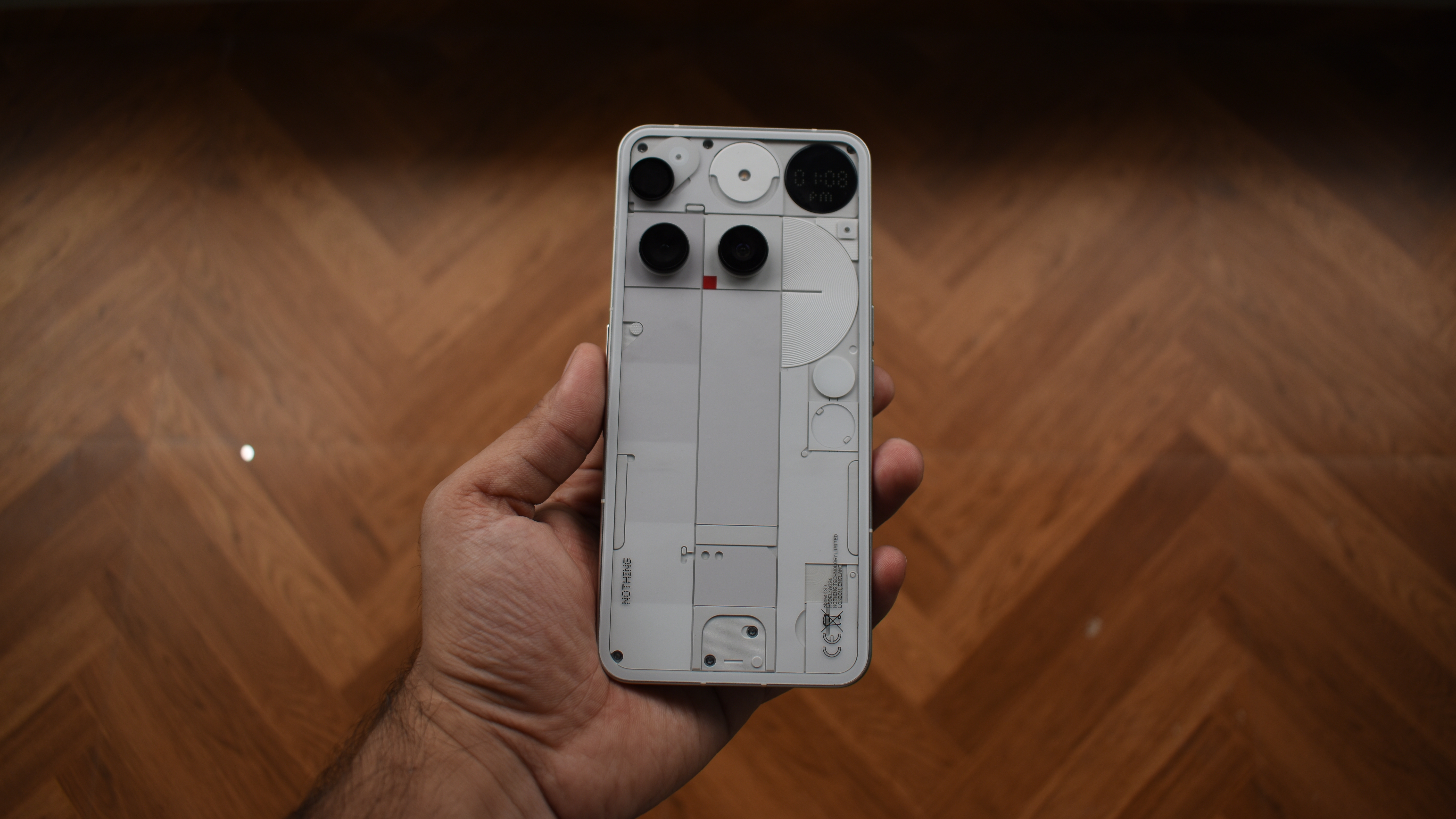
Nothing Phone (3) is something very unique, and I’m glad there are brands like Nothing willing to take that risk to make Tech Fun Again, the performance is great, the battery life is Okay, Camera system is great however it could use some fine-tuning, the Glyph Matrix is a fun toy and can be quite useful depending on how you use it. Oh! and one thing I missed on mentioning in the review is that the haptics are great in this Phone.
For the asking price of 89k, I really wish the Phone came with Snapdragon 8 Elite, In day to day usage one would not feel any difference, but there are other factors in edge cases, like gaming and also for longevity the 8 Elite would have been great.
