AppannagariKaushik Use “Expert” mode, then Ultra XDR (or HDR) plays no major role in taking a photo. Just use the default “Photo”, then immediately switch to “Expert” and snap a photo again, you will see how much better “Expert” is. That default “Photo” is plain terrible no matter what you do, even if you turn it all (HDR, Ultra XDR etc.) off it will still be comically bad. I wrote a couple of times about it already in that big Camera feedback thread, but almost three months later and still no fix:
Anonymous931 I mean yeah, those photos look great but they are definitely not natural at all, and by far the most annoying issue is with skin colour because it gets to be basically orange. Then again, some other times it’s all perfectly good so… 🤷♂️ Toggling “HDR” on or off in camera settings makes no difference, same with “Auto tone”. Just take a look at my arm here and you’ll know what I mean:
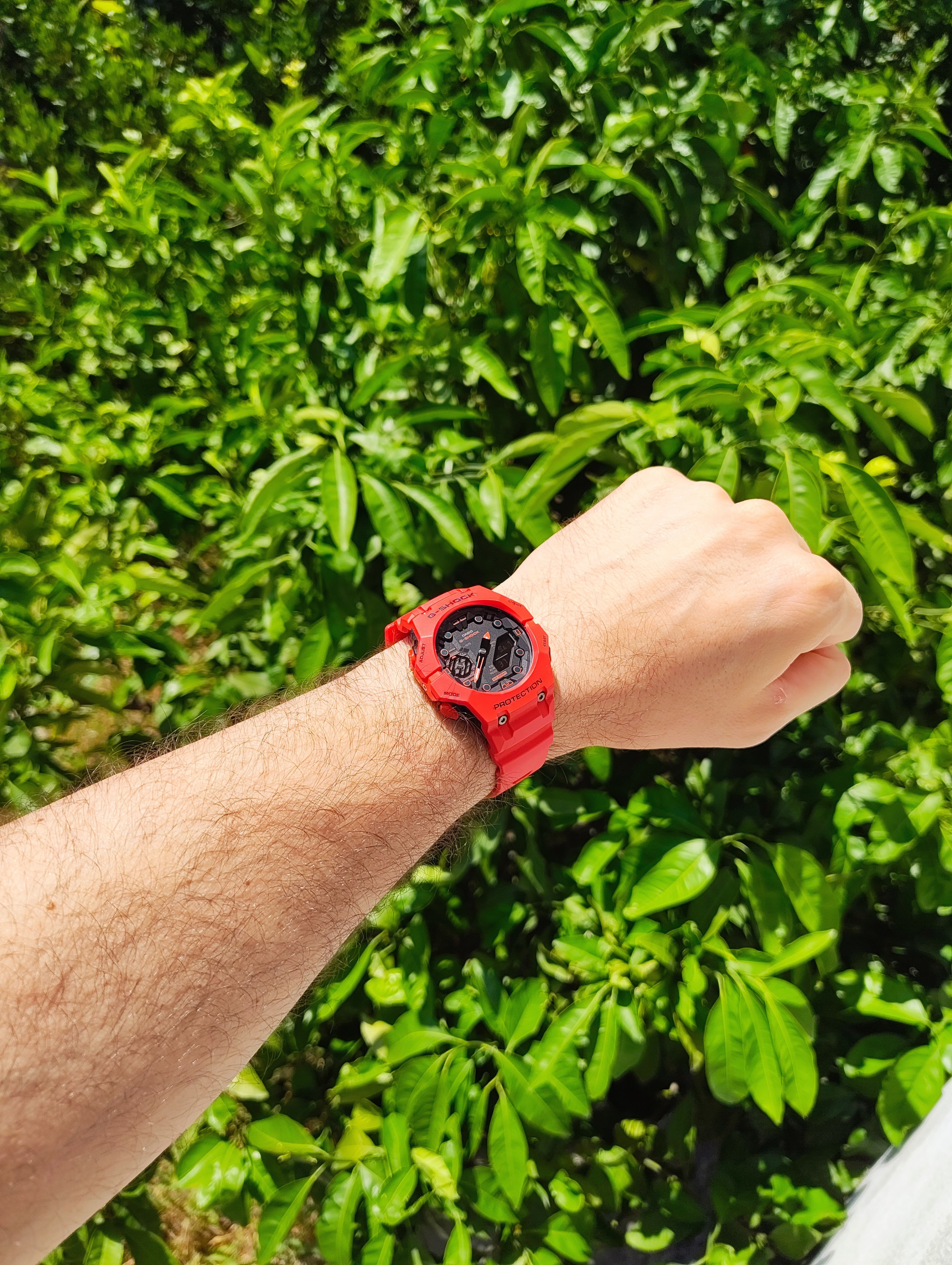
That is most definitely not how my arm and skin look like, the tree in the background is certainly not viper-green either, nor my watch is THAT red, lol. HDR off, Auto tone off.
For comparison, when I use my cheap and old entry level Redmi 10C I get this, which is almost 100% accurate to how I see it all with my own eyes:
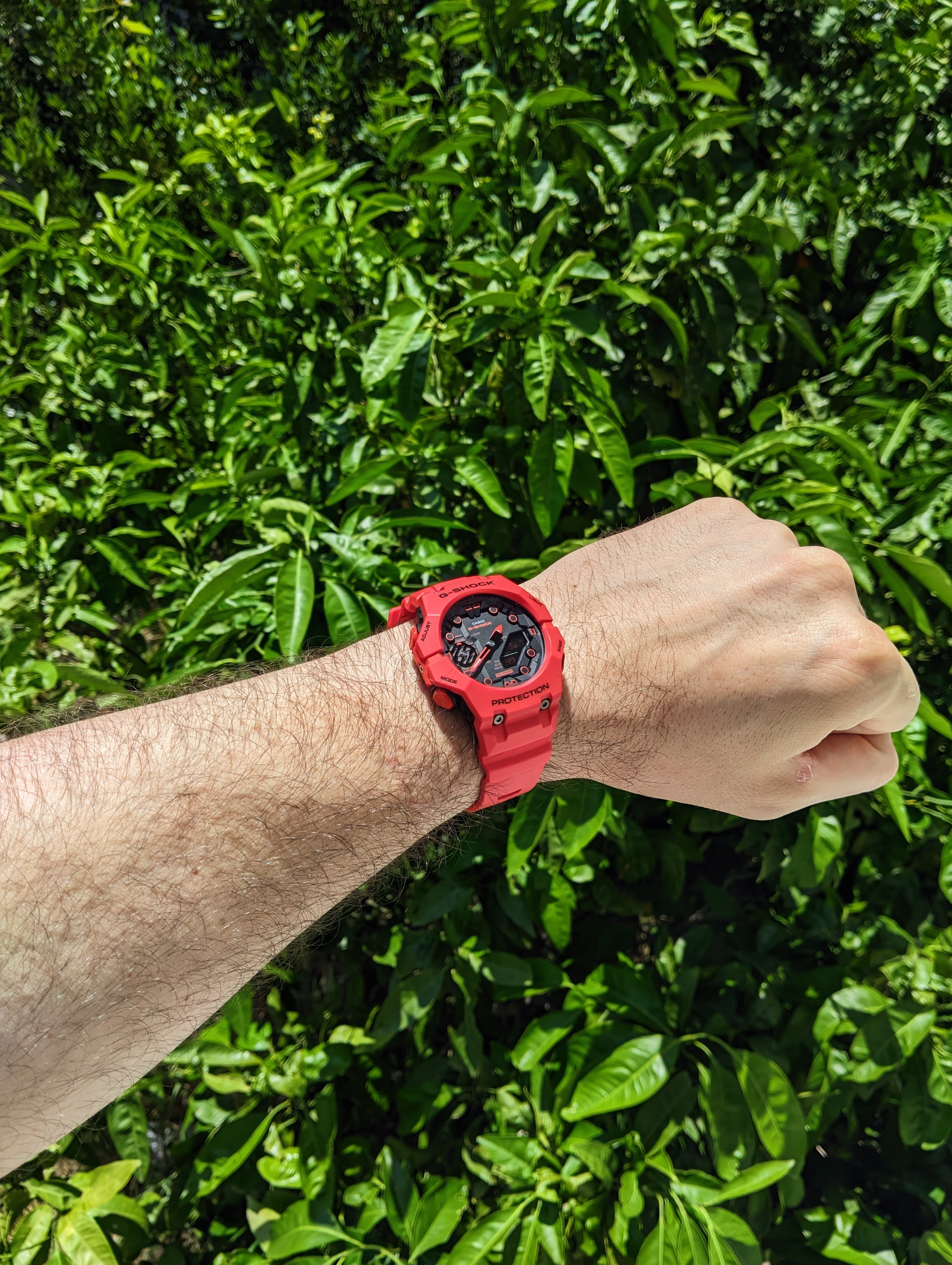
Almost 3x cheaper phone [when it was new, obviously] from 2022 snaps better photos both in sharpness and colour accuracy than the new and realistically far better 3a with NOS 3.1 🙃
So that [all the problems with the 3a camera] is all with “PHOTO” being used to snap photos. However (!), when I pick “EXPERT” all, and I mean it literally all, those problems with image post-processing are gone and photos are near damn perfect (and they look more-less identical as the second photo in this comment). Meaning that the issue is fixable if it happens with the same camera app in one case but not in the other case.
KelvinEdimeh Google Photos is not editing anything on its own, without user’s input.
Edit: Also one recommendation - create your own preset (.cube, then import in the camera app), set it exactly as you want and like, then make exposure -0.3 and that’s basically it. 99% of all default-Photo-mode issues will be gone just like that, with or without Ultra XDR (and HDR) (i like Ultra XDR though, and I keep it on with my own preset, photos are excellent that way) 🤠


