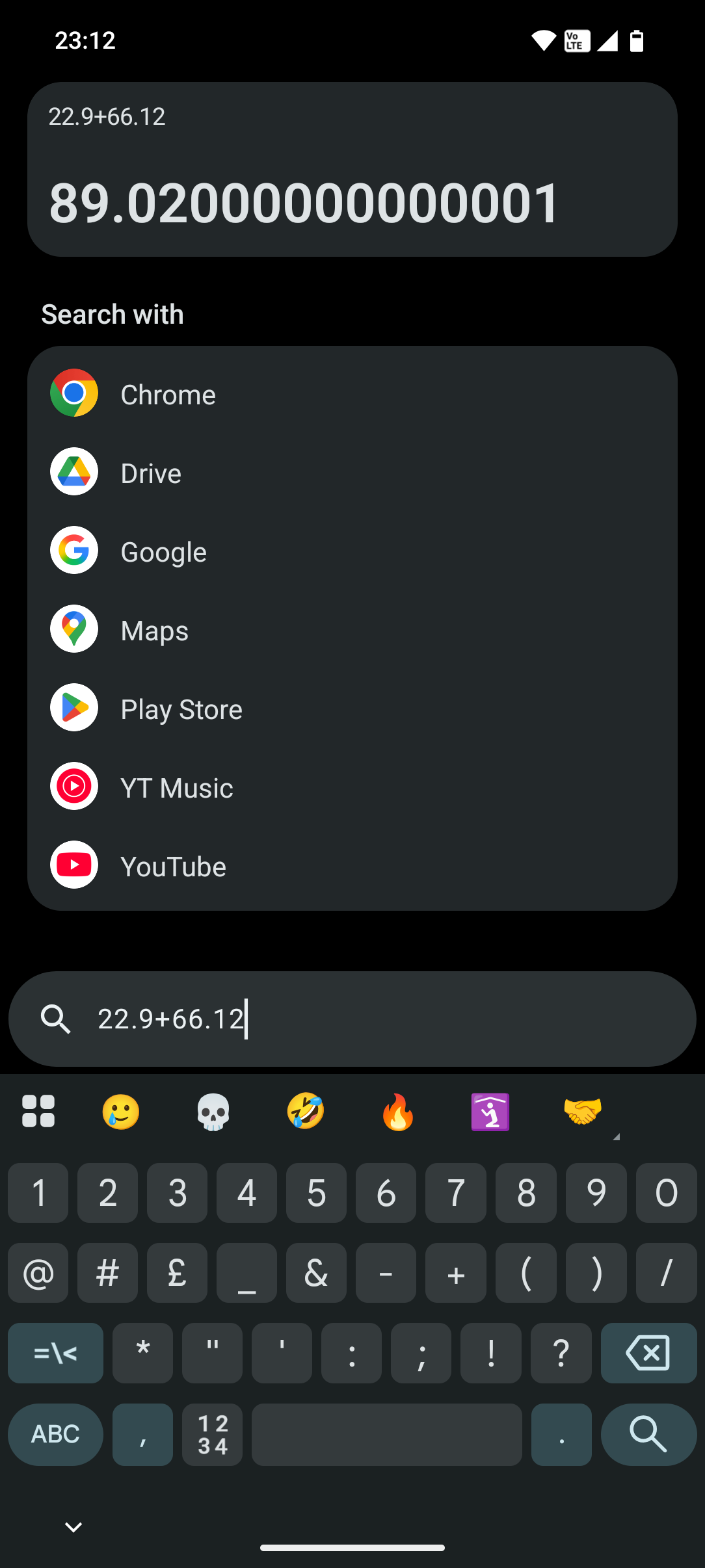
The Essential Search is the best feature that came with Nothing OS 4.0, and I want to use it for literally everything, such as searching contacts, making calls, or even conducting a Google search. But one thing which must be improved here is that whenever I search for a contact, the contact appears up in the search perfectly and instantly and there are two options there one for the messages and the other for the call, but when I click on the call icon it open the Phone application with the number dialed in the keypad and then I have to click on the call button in the Phone application to actually make the call. I mean these are so many steps and this totally blow off my user experience and this is the reason I don’t feel like using the essential search because clearly it is much more convinient to do this thing by putting the Phone application in the home screen and then open it, search for the contact and click on the call icon to make the call rather than going through so much of steps to call through essential search. The message icon works properly; it directly opens the messages application in that contact chat. I don’t know if it is a bug or a natural flow designed, but I really want it to be fixed so that whenever I click on the call icon, it should directly call to that contact instead of taking me through so many steps