I started this project because I couldn’t find an easy and powerful way to change my Nothing Phone (2a) glyph lights to match music or ringtones. There’s the famous Glyphify app, but I wanted something that runs on a PC and is totally free. So, I made Glyph DJ!
I learned how glyph lights work on Nothing phones with help from this awesome documentation by SebiAi, and built this simple web app.
I suggest you get the code from my Git repo and build it yourself: GlyphDJ
I’ve also put a version online here: glyphdj.onrender.com
Please be mindful while using the hosted site since it’s on a free Render account with limited bandwidth.
It currently only supports the Phone (2a) and (2a) plus series. I plan on adding support for other Nothing phones soon. Any support on this is appreciated 🙂
User Guide
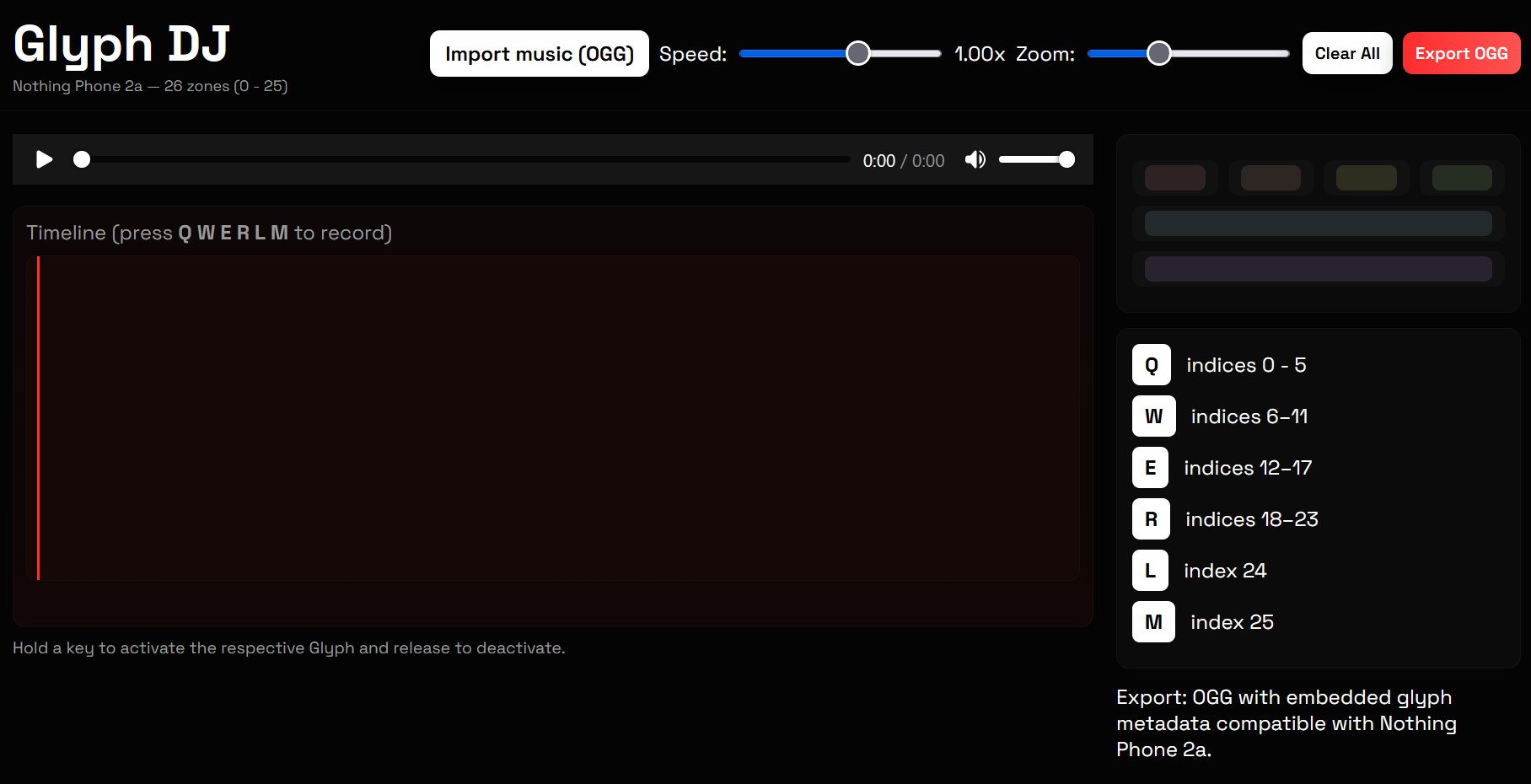
The frontend looks like a basic video editing tool. You add glyph light segments to certain audio segments using key bindings from your keyboard.
Basic technicalities
Nothing Phones’ Glyph LEDs (until 3a pro) are indexed from 0 to n-1 where n is the total number of addressable LED segments.
In case of the Phone (2a) series, the bottom LED of the top left Glyph is the first index [0].
And since this is an addressable Glyph, the top of this Glyph ends with LED [23]. So there are 24 addressable LED segments here.
In this web app, we divide this Glyph into 4 segments instead of 24 to make it easier to control.
The Middle right vertical Glyph is indexed [24]
The little bottom left Glyph is indexed [25]
Start composing
Hit the Import music (OGG) button and pick an OGG file.
Use the built-in audio controls to play, pause, or scrub through the track.
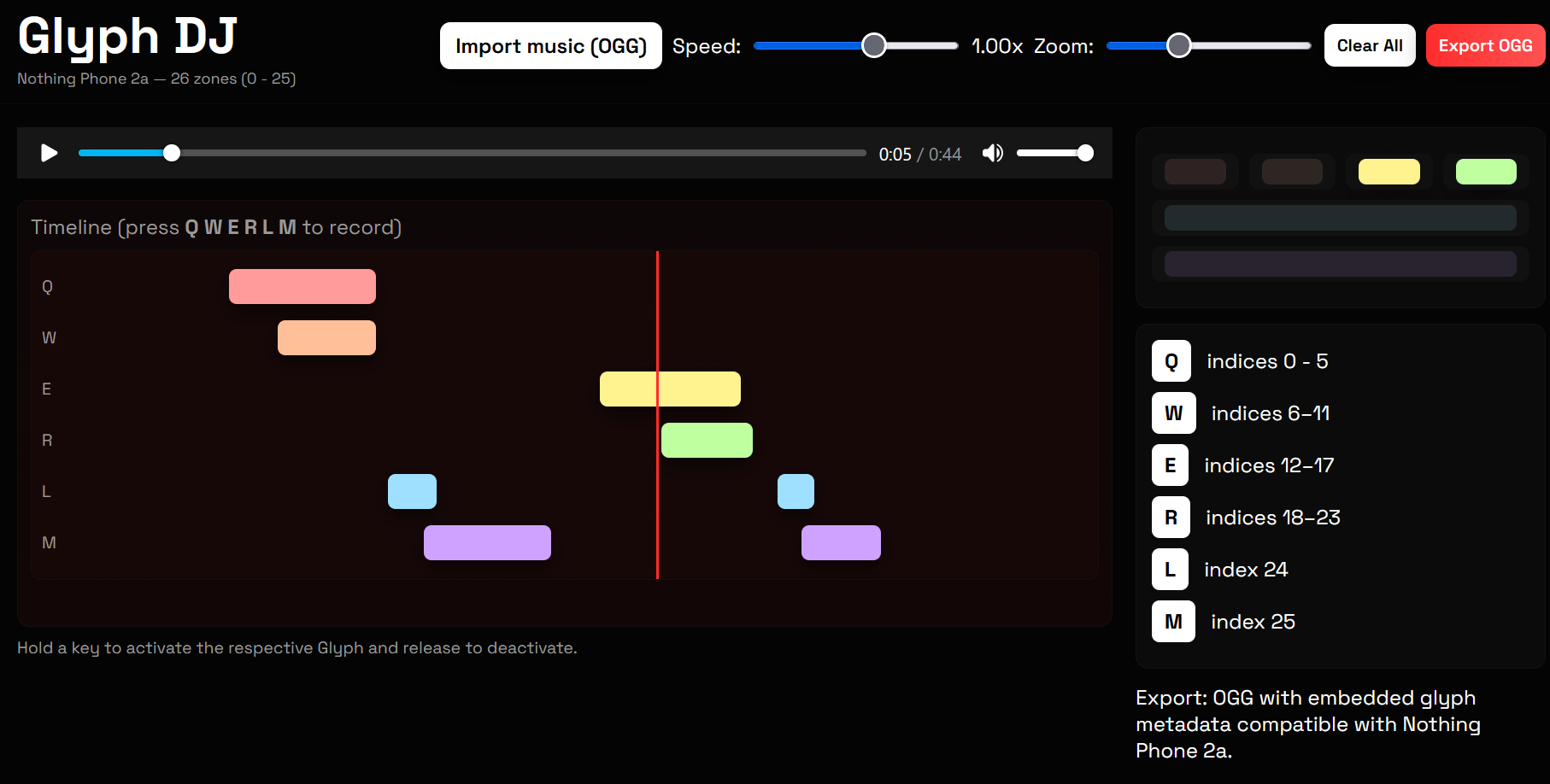
Start recording by holding down a key on your keyboard while the audio plays:
Q controls the top-left area (LEDs 0 through 5).
W hits the next top section (LEDs 6 to 11).
E for the following top row (LEDs 12 to 17).
R covers the last top LEDs (18 to 23).
L lights up the middle-right vertical Glyph (LED 24).
M turns on the bottom-left Glyph (LED 25).
Once recorded, you can adjust the segments by clicking and dragging them around on the timeline.
When you’re happy, click Export OGG to grab your modified file, named something like yourfile_glyphed.ogg.
Transfer it to your Nothing Phone 2a and load it into the Glyph Composer app.
Example composition:
Edit: I just came across this Glyph Composer by KrishnaGopal. Honestly, it is amazing! But GlyphDJ has a secret feature, and something cool is coming soon 🥁💡
