Hey everyone,
I wanted to share something important I noticed while reviewing my Nothing Phone’s network activity. It could help other users concerned about privacy and data collection.
I recently used NextDNS to monitor my phone’s background connections. While most domains matched my installed apps (like Google, Amazon, Flipkart, Myntra, Firefox, Norton), a few kept showing up that clearly don’t belong to anything I use.
Here’s what I found after filtering out legitimate traffic:
Suspicious recurring domains:
analytics.avcdn.net → linked to Avast/AVG analytics (I don’t have any of their apps installed)
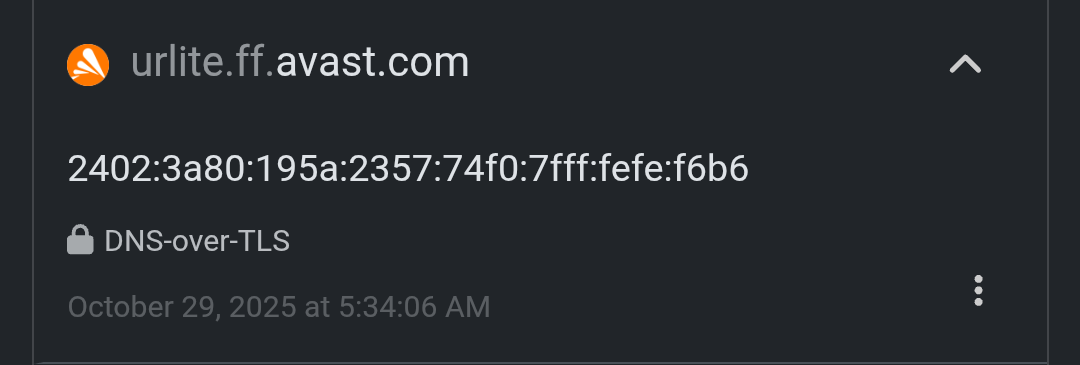
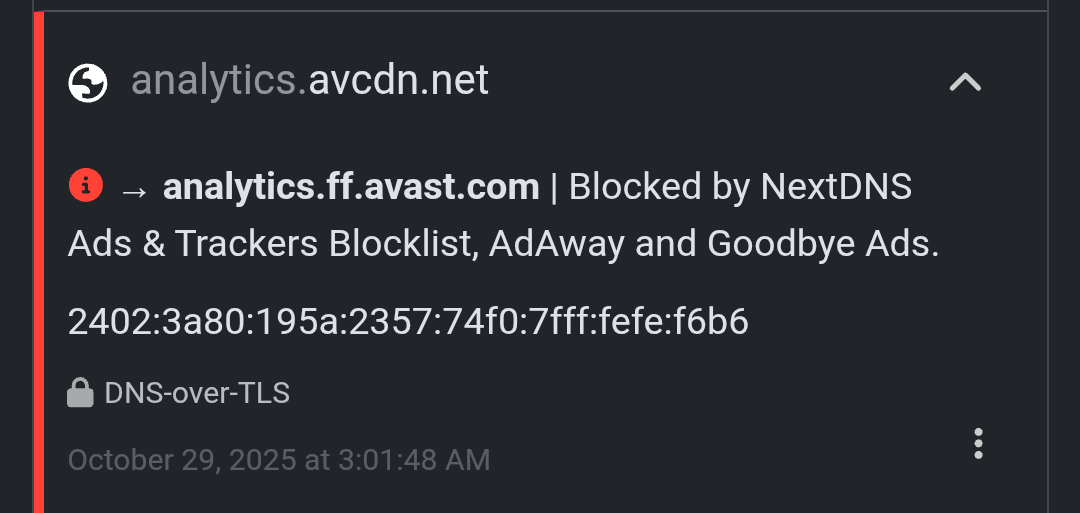
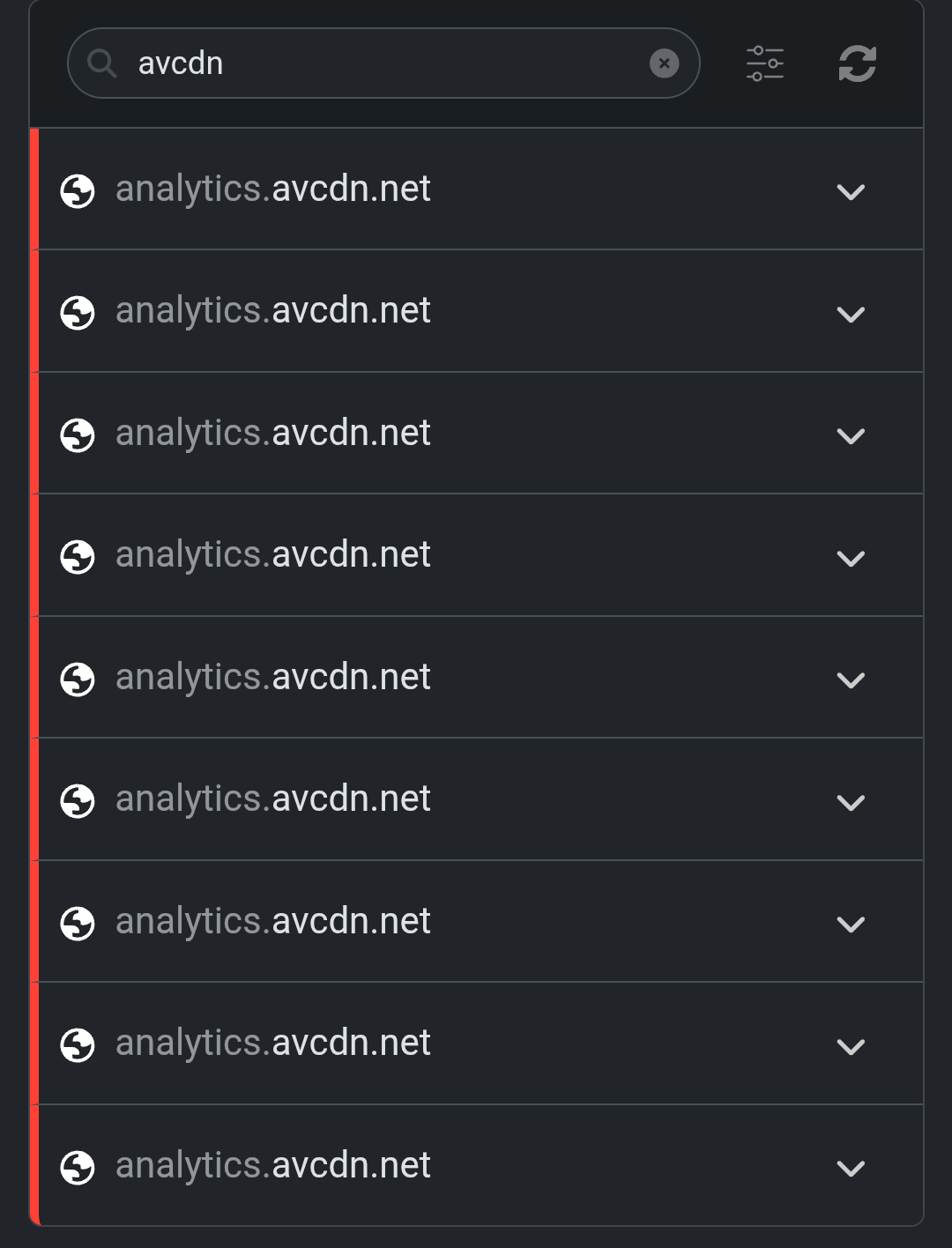
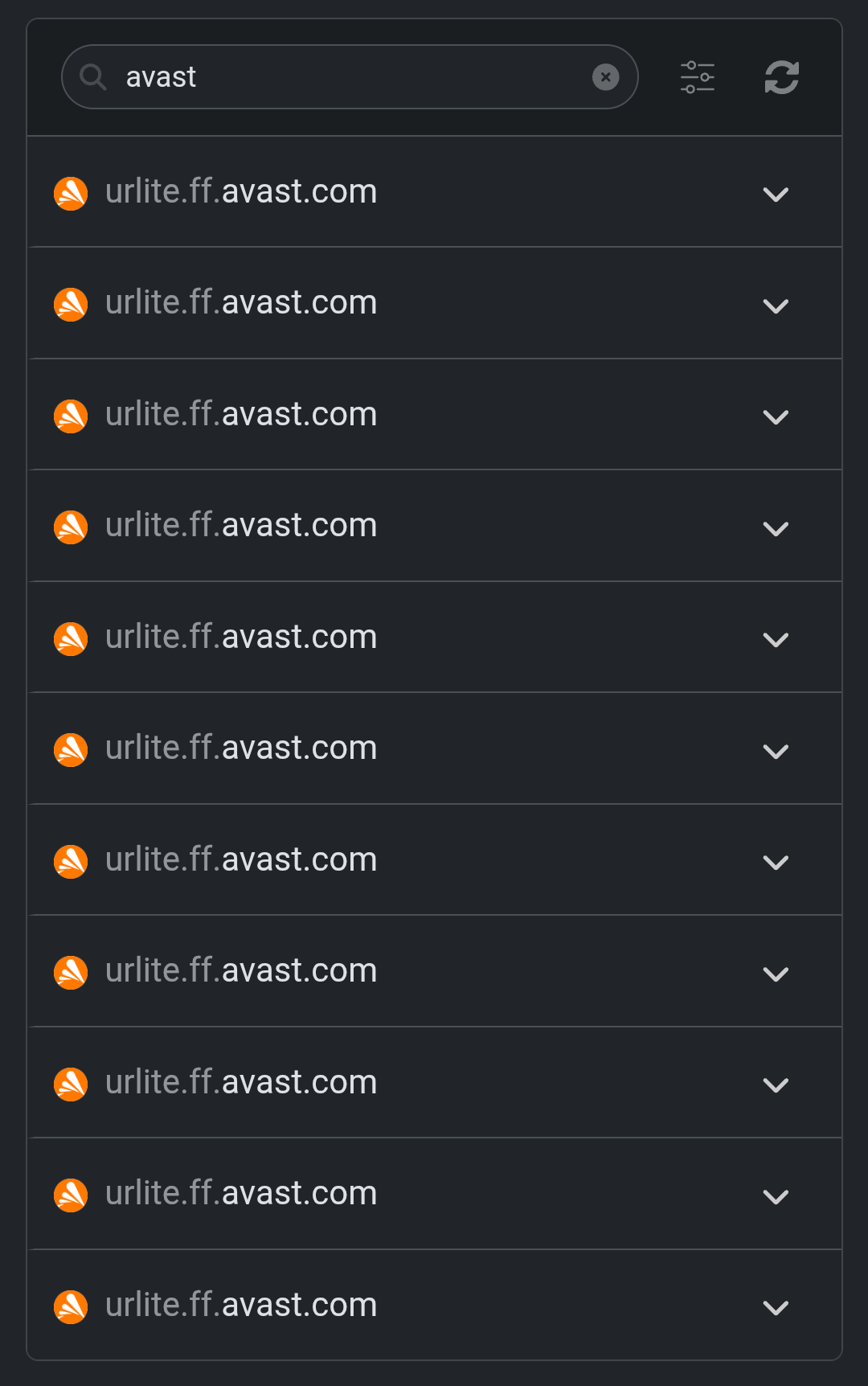
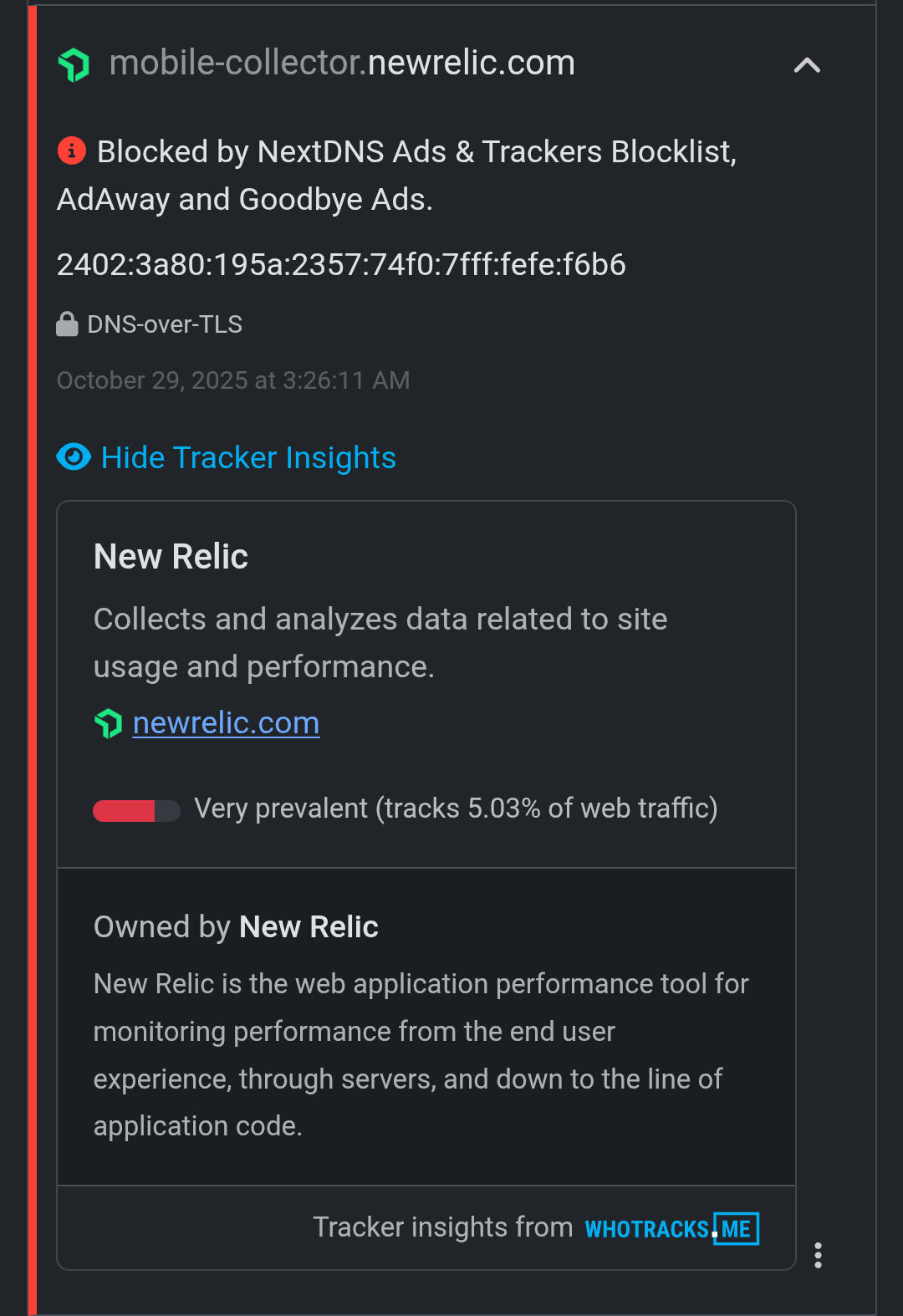
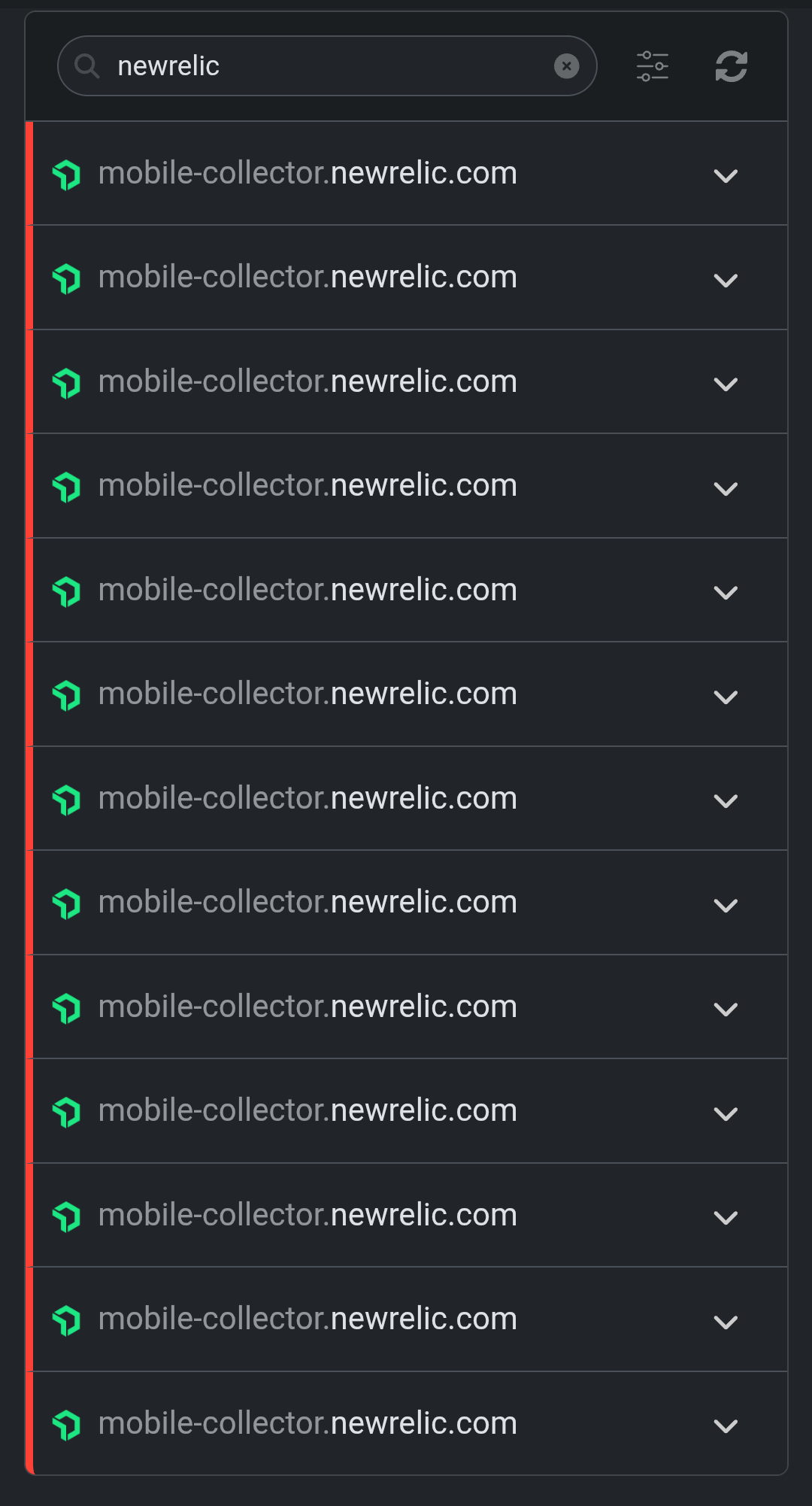
mobile-collector.newrelic.com → New Relic telemetry (often built into OEM or ad SDKs)
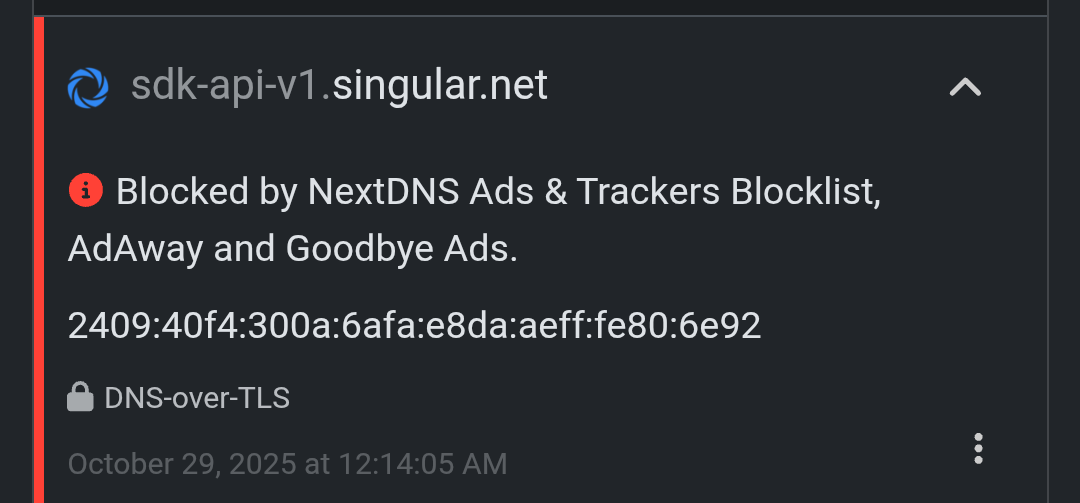
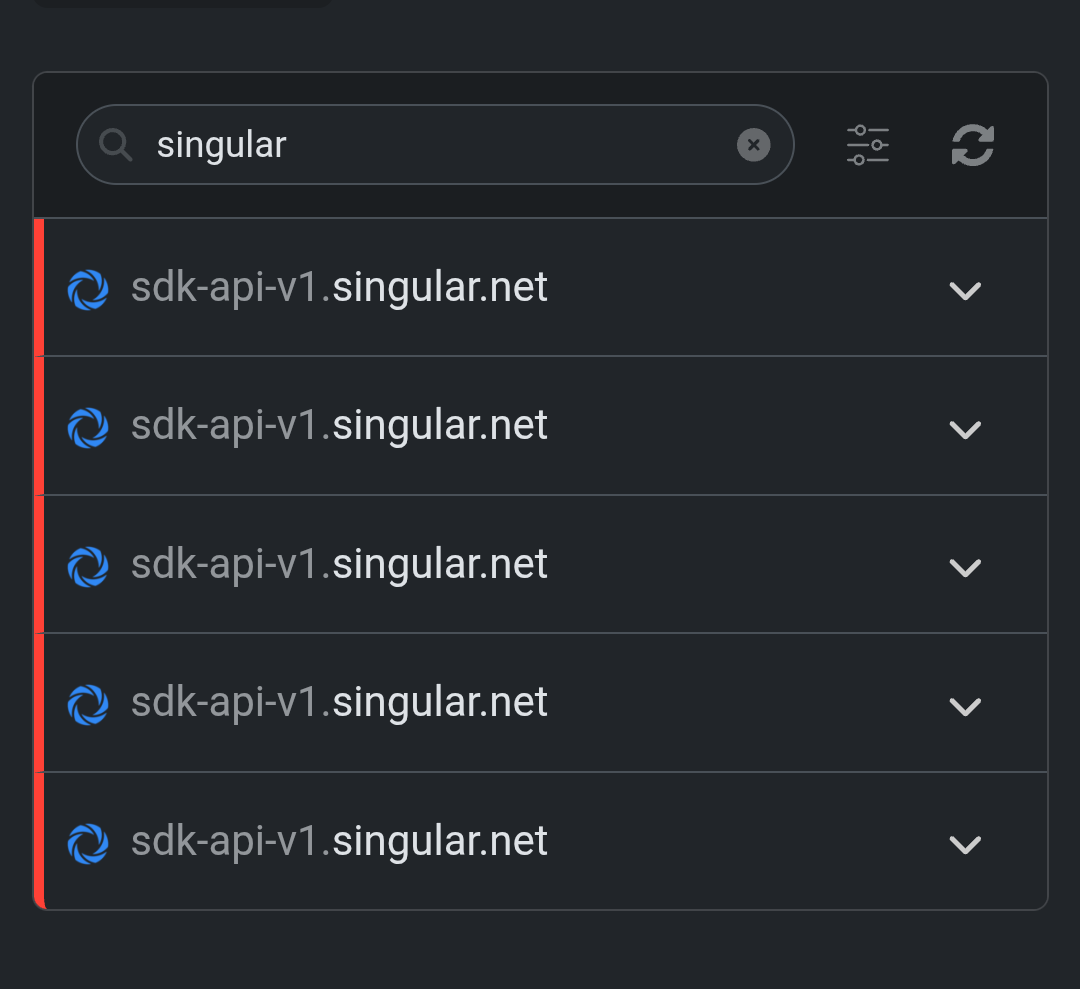
sdk-api-v1.singular.net → Singular Analytics, commonly used for marketing attribution and ad tracking
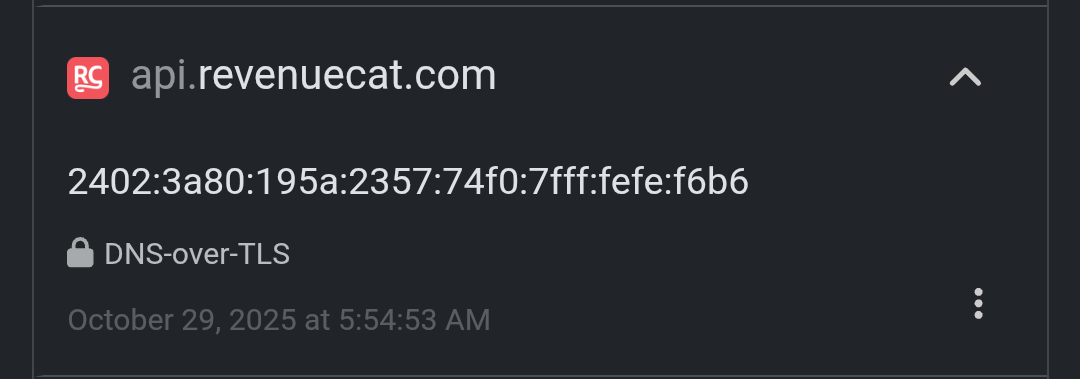
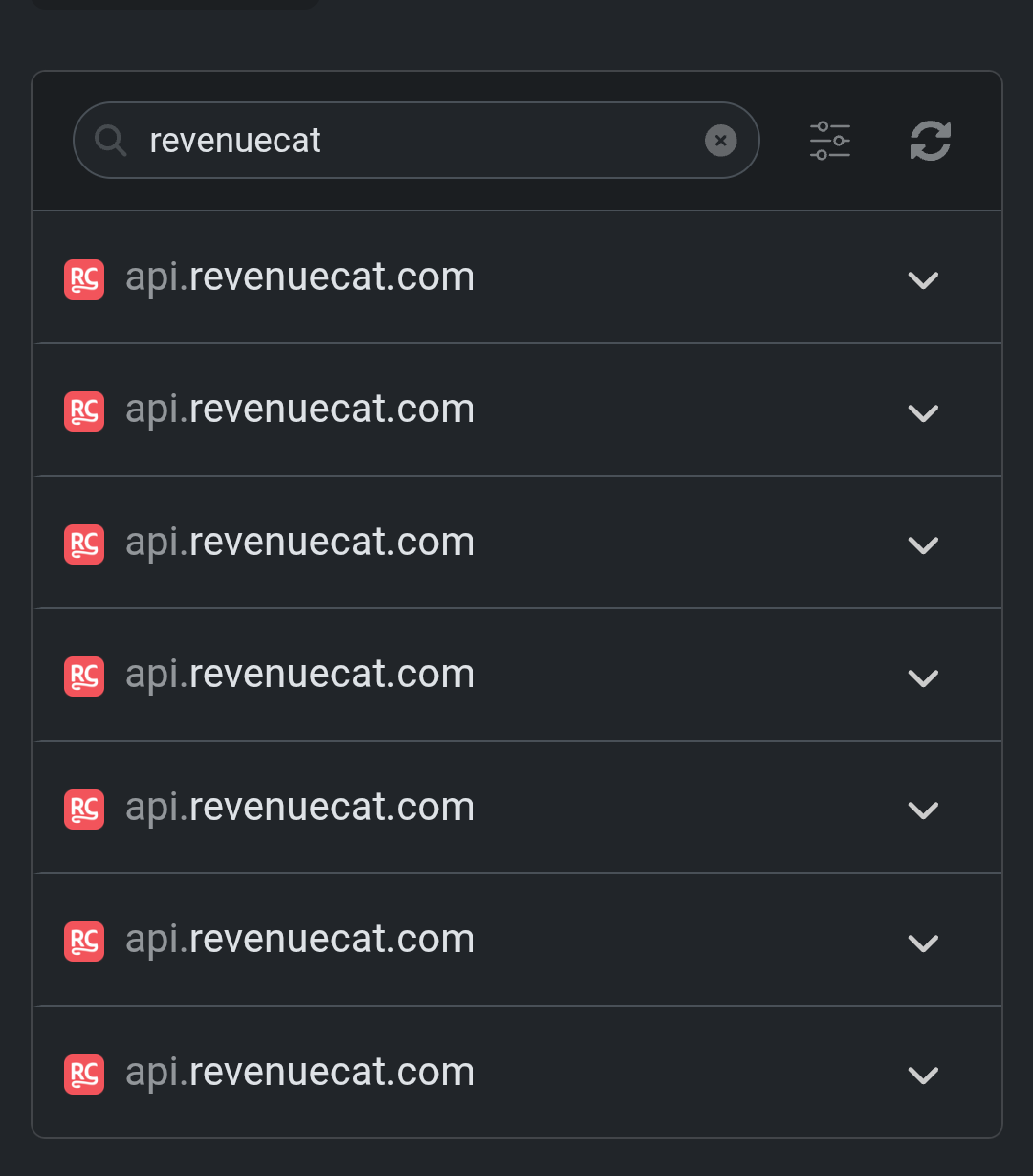
api.revenuecat.com → seen even though I don’t use any subscription-based apps
cdn.shopify.com - I’m from India and I don’t even use Shopify here, neither I see any Shopify related ads on social media platforms.
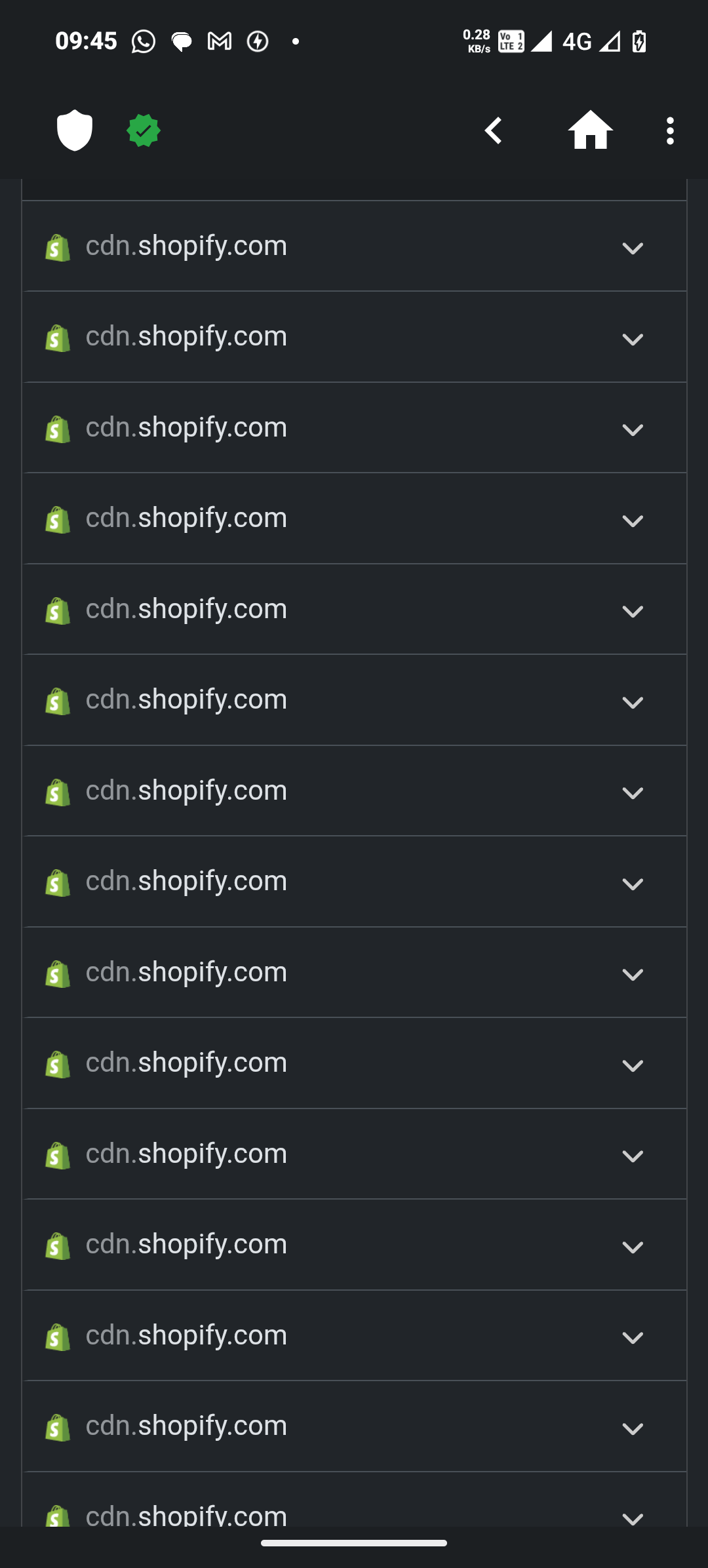
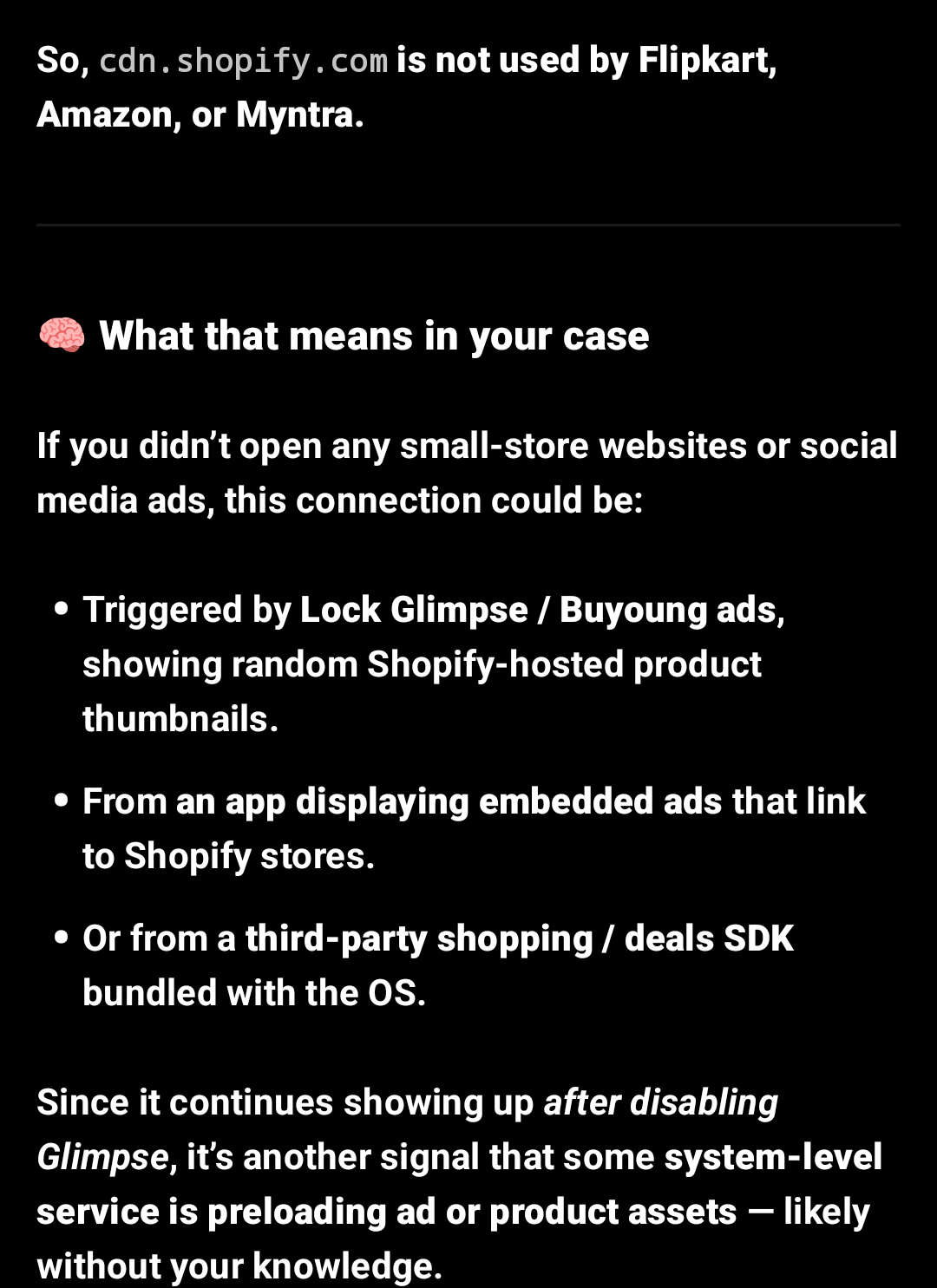
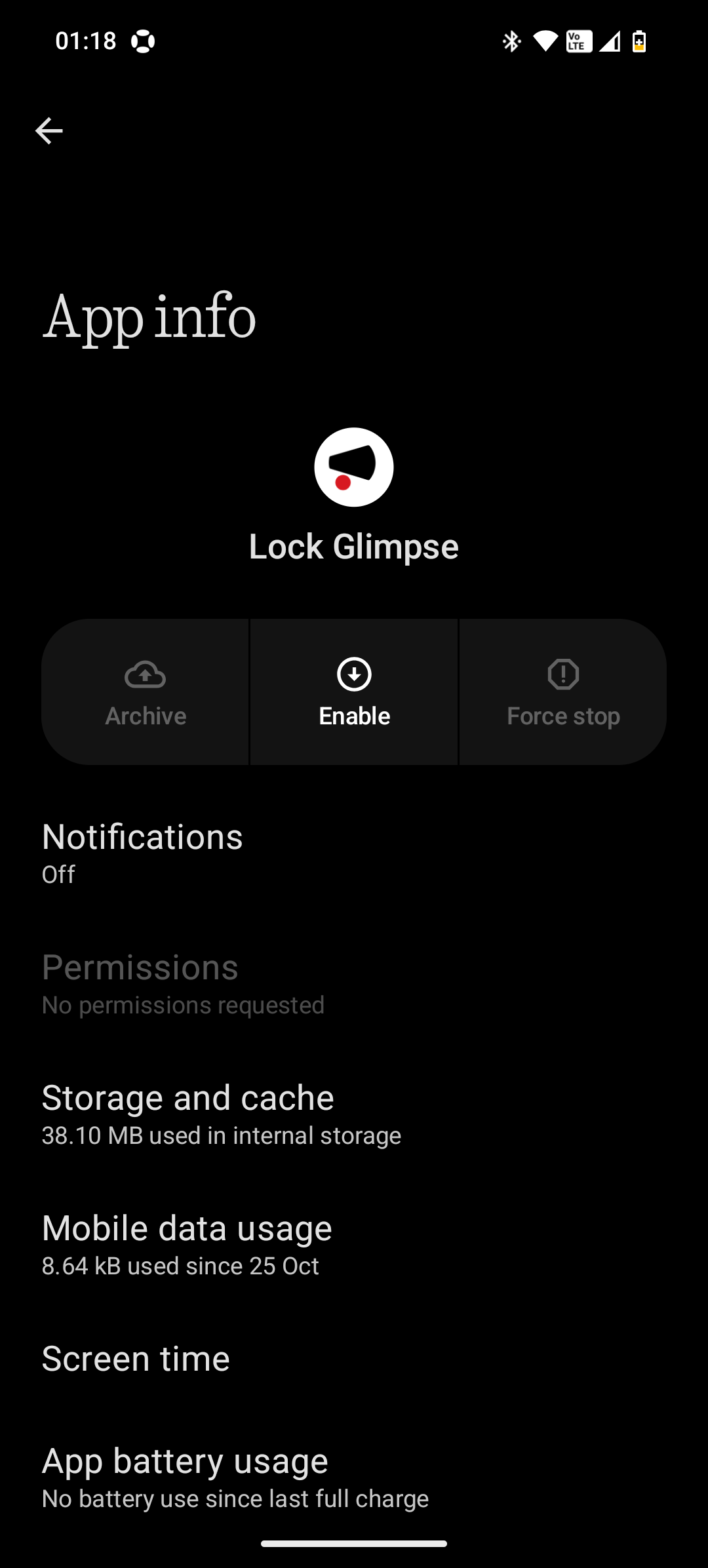
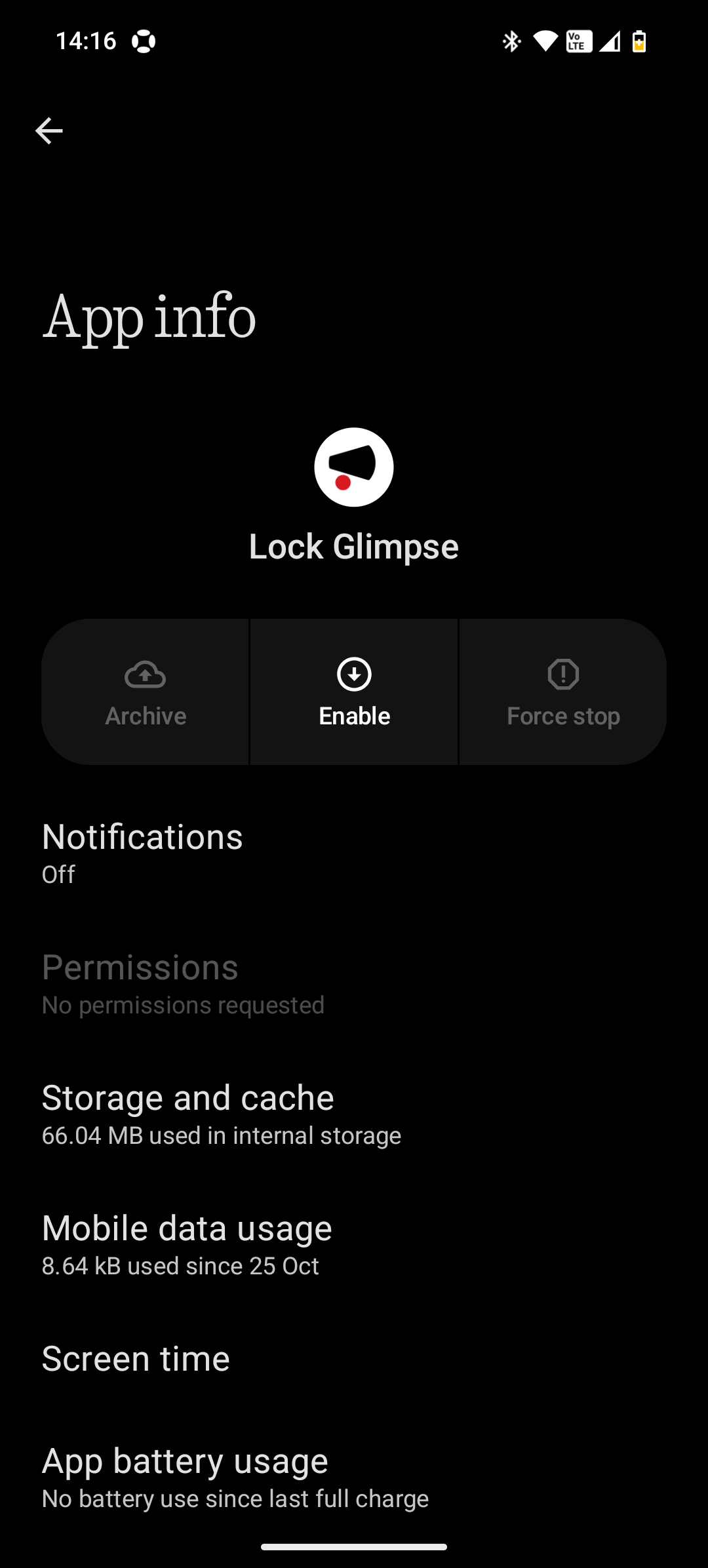
What’s more concerning is that even after disabling the Lock Glimpse (Buyoung) component completely, these connections kept appearing in my logs.
This strongly suggests that the background data collection continues despite the feature being turned off, and that user consent might not actually stop it.
Why this matters
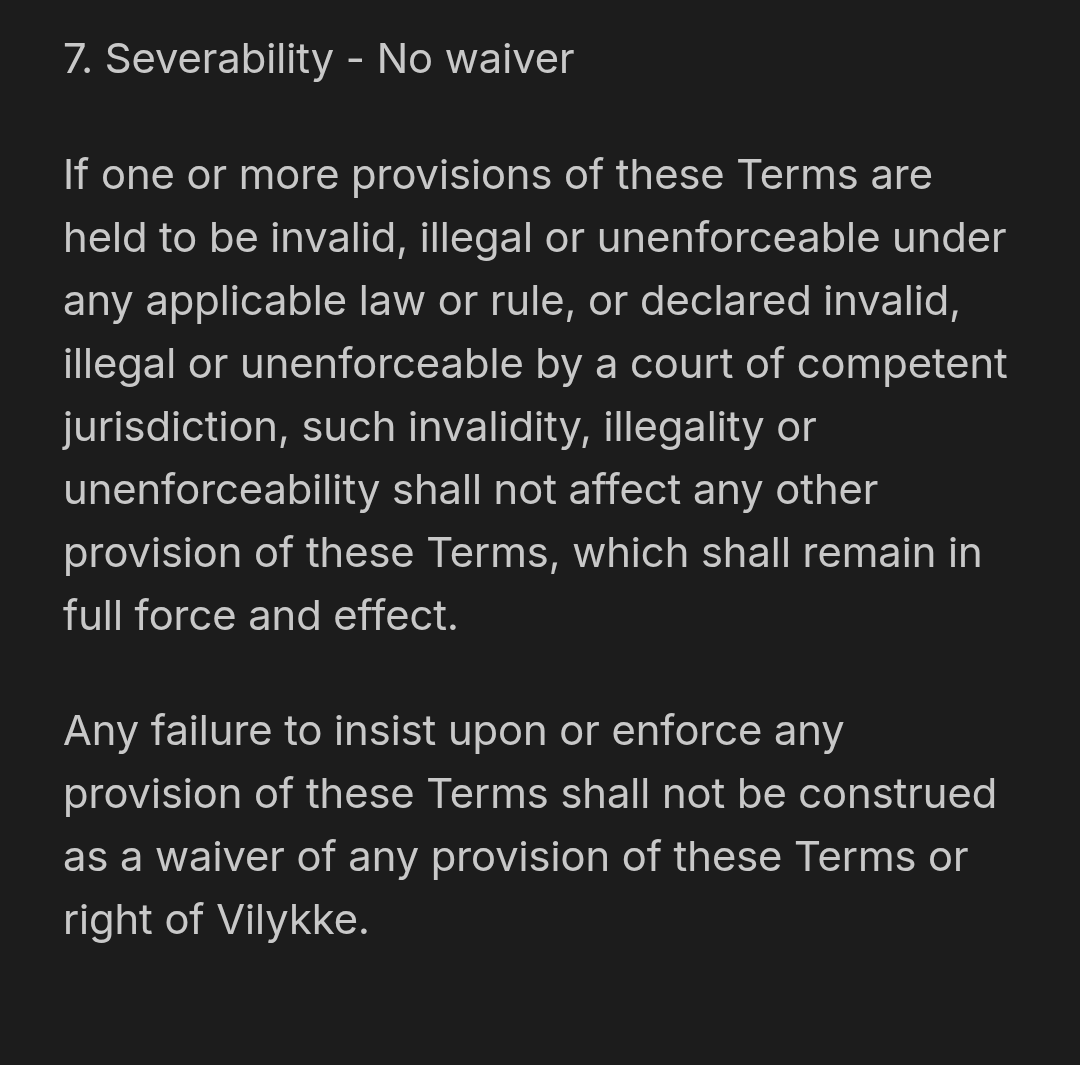
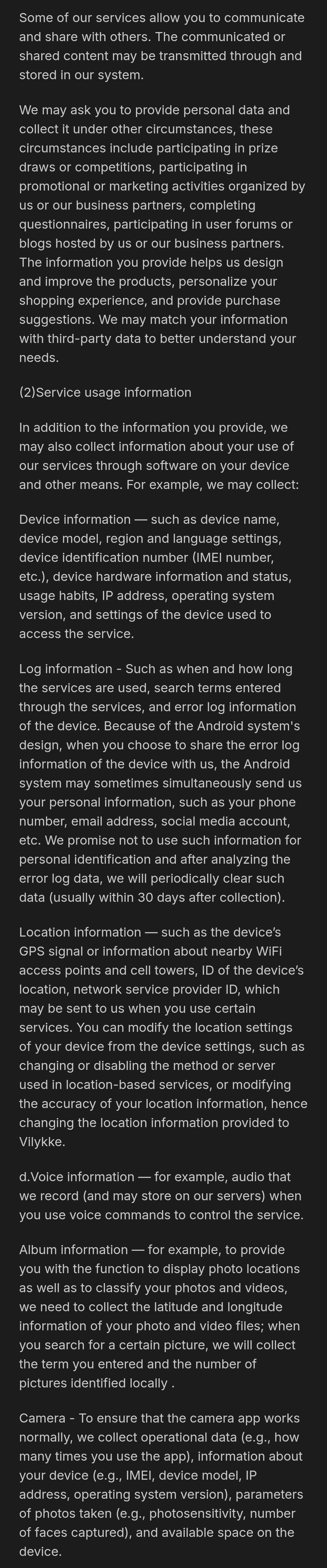
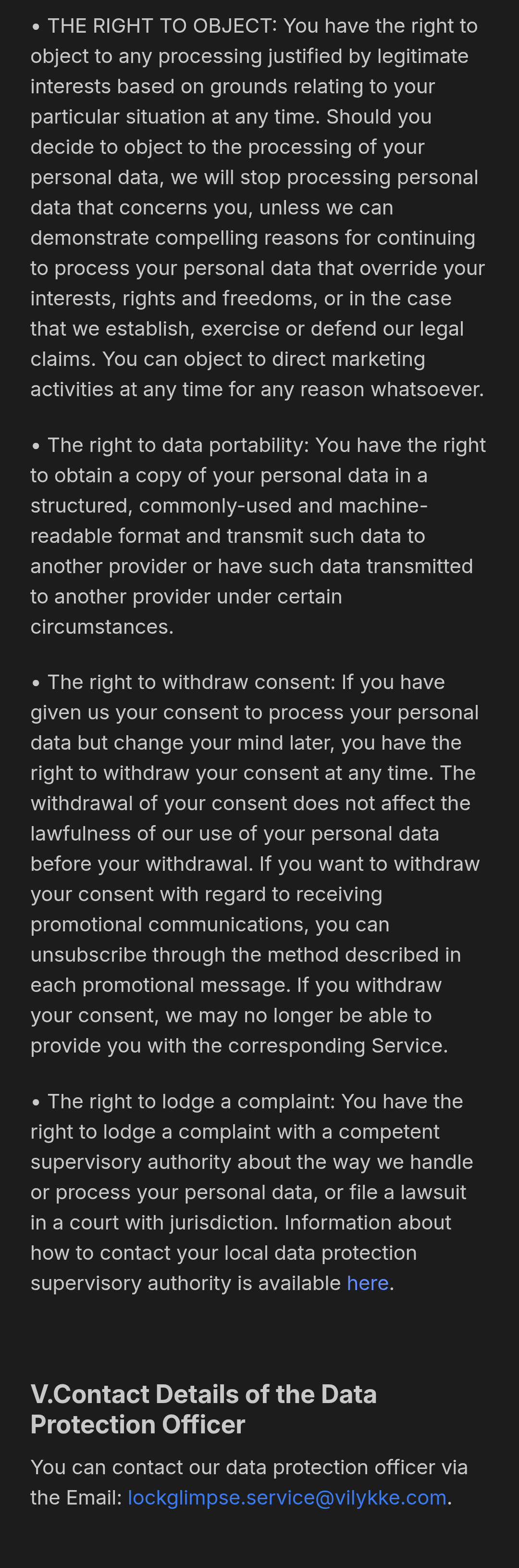
Lock Glimpse (developed by Buyoung, a Chinese partner company) is integrated deeply into Nothing OS 4.0, especially on the (3a) series.
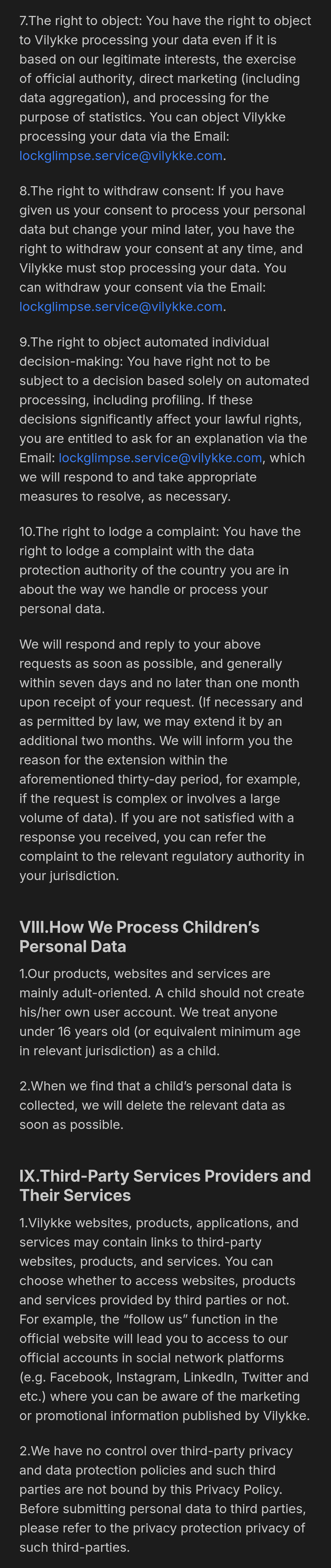
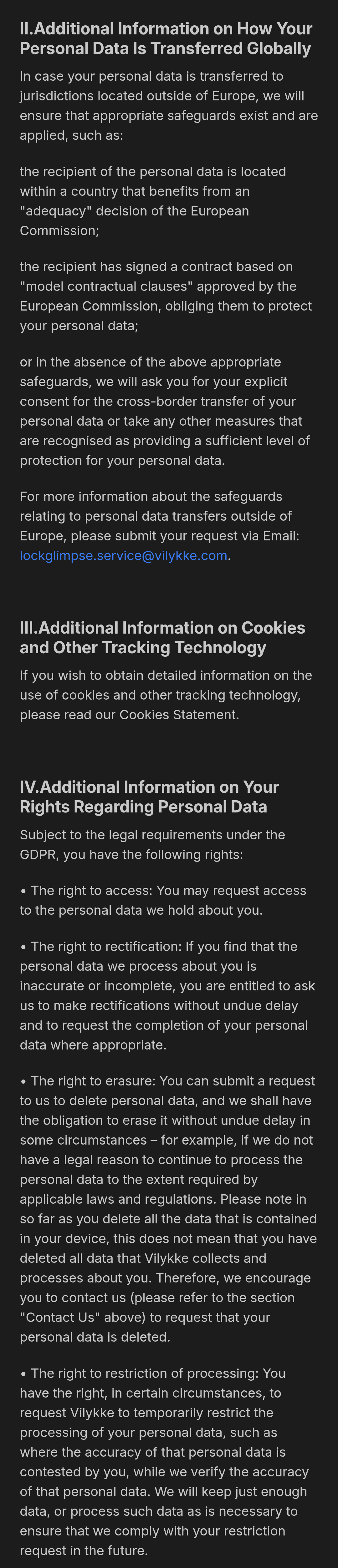
If it continues sending data after users disable it… and without consent… it could potentially violate data protection principles, including GDPR requirements for users in Europe.
Even if the data is labeled as “anonymous,” users have a right to:
- Know what data is being collected,
- Know who it’s sent to, and
- Have a working opt-out.
How to check your own phone
You can verify this easily:
1. Install NextDNS or NetGuard (both free).
2. Let it run for a few hours with Lock Glimpse disabled.
3. Open the logs and check for any of the domains above or unknown ones sending data in the background.
What you can do
- Keep using NextDNS — it’s safe and effective for system-level blocking.
- Disable or force-stop Buyoung / Glimpse components.
- Revoke their internet permissions (via ADB or NetGuard if possible).
- Reset your Advertising ID under Settings → Privacy → Ads.
- EU users can report privacy violations to their national data protection authority if consent isn’t respected.
Final thoughts
I’m sharing this not to stir panic, but to encourage transparency. Nothing promotes itself as a privacy-conscious, user-first company — so users deserve clarity about what runs in the background.
If other users can check their own DNS logs and confirm similar traffic, we can collectively raise it to Nothing for an official explanation or a “Clean OS” option.
Let’s keep this thread factual and evidence-based screenshots or DNS logs (with personal data redacted) would really help strengthen the case.
Edit:
As per the moderator’s testing and feedback, it seems these domains are not related to Lock Glimpse (Buyoung).
Since I don’t have a secondary device, I can’t factory reset and test on a clean setup myself, so I can’t fully confirm either way.
I’ll keep this post up for transparency — if anyone with a fresh Nothing OS setup can check using NextDNS or NetGuard, please share your findings here.
That’ll help verify whether these connections come from system components or third-party apps.