Unboxing and First Impressions
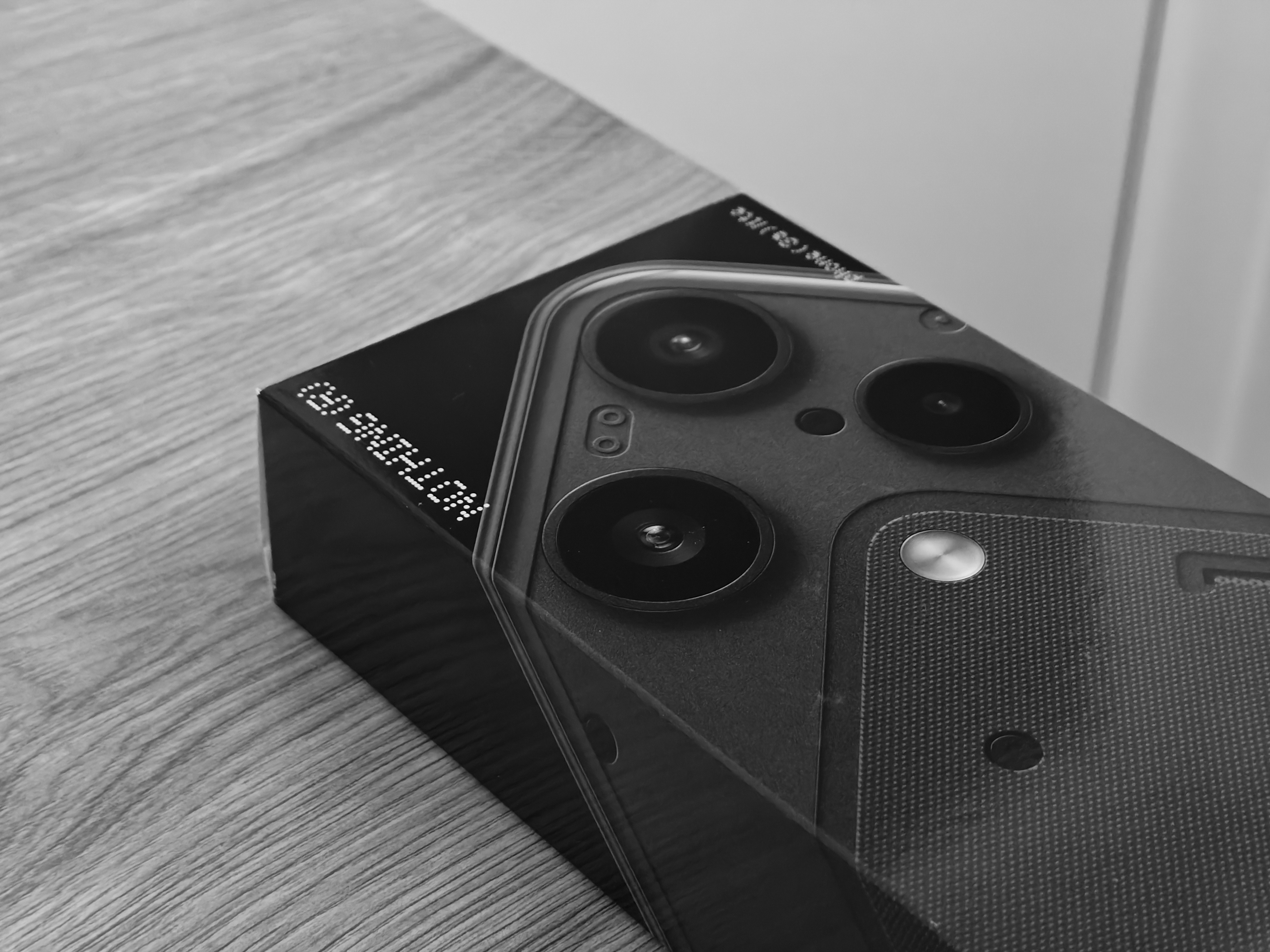
Immediately when I opened the shipping box, I was met with a very peculiar yet intriguing inner box. In usual Nothing style, the phone’s box offers a glimpse of the Phone (3a) Lite, showcasing the camera module and a few design elements. The box itself is a familiar cardboard box, with some minimal branding in the corners. The main difference is that it seems a bit thicker than the boxes previous devices came in. Turning it over reveals the phone’s specifications, manufacturer details, and certification and trademark information.
To open the box, Nothing has yet again included a very satisfying rip tab that doesn’t require tearing the box apart. Once this pull tab is ripped, it ‘unlocks’ the main folded tab, allowing the inner contents to be slid out. I do wonder if the box tolerances have changed slightly, as it seems much harder to open the main folding tab, increasing the risk of ripping the box. Sadly, the inner white box is not embossed with the phone’s design like those before it - likely one of many cost-cutting measures.
The contents of the box include: a welcome message, the Phone (3a) Lite, a generic white USB-C to C cable with no visible branding, some paperwork, a transparent SIM removal tool, and, lastly, a case! I think we’ve found the reason the box was a little thicker. Since most phones no longer come with any extras - some even omitting the cable itself - it’s nice to see additions like this. While the case is probably adequate for most people, offering at least some out-of-the-box protection, it is a little on the cheaper side. It’s also incredibly reflective, meaning those with the black version specifically will have most of the design hidden in almost all lighting conditions. Spending even an extra £10 will go a long way here, getting you a case that is substantially better in quality and much less likely to yellow over time.
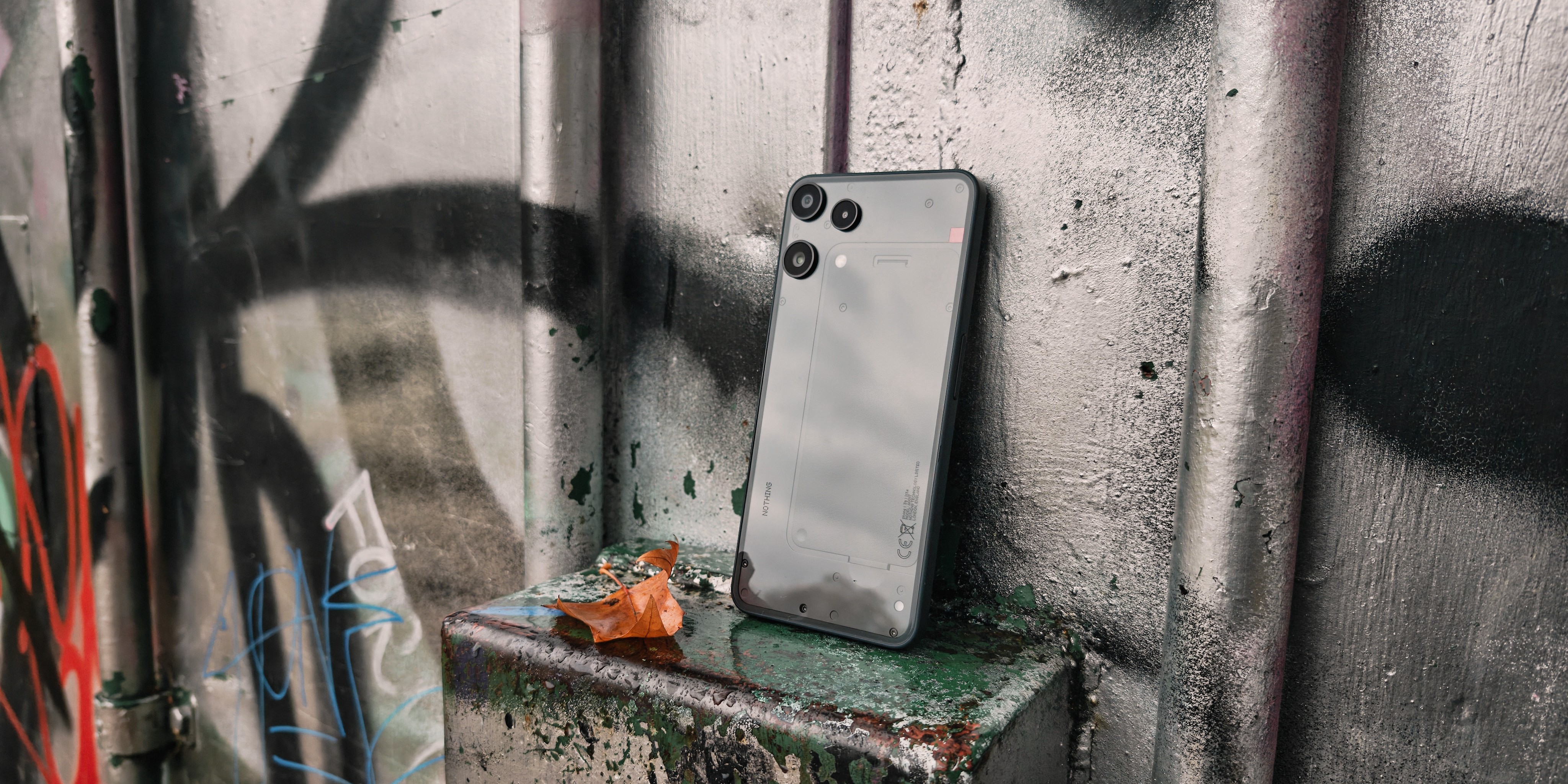
Now that we’ve covered the unboxing, let’s talk about the actual phone. Upon seeing the phone for the first time, it becomes immediately apparent that the design is borrowed from its cousin, the CMF Phone 2 Pro. We’re getting the same size, camera and flash arrangement, button arrangement, plastic mid-frame, and the same speaker, mic, and SIM card tray placement. The only differentiating factor is the glass back, showcasing a Nothing-style transparent design. The design elements on the back are very simplistic and toned down compared to the bold, often controversial designs that have come before it.
This is also where we get our first look at the Glyph Light, which I admittedly almost missed. It's now a very small spot on the bottom right of the device - a huge departure from the Glyph Matrix, and arguably a downgrade from other Nothing Phone configurations. It’s bright when in use, and still delivers some basic functionality such as Essential Notifications (filter what's important) and Flip to Glyph (silence on demand). It just doesn’t offer enough for me, especially after becoming accustomed to the more intricate Glyph Light setups and the newest addition, the Glyph Matrix. Therefore, I've found myself not using it, and wouldn’t have been too offended had it just been omitted altogether.
While I’m a little underwhelmed by the design elements this time around, it will serve well for those who want a taste of the Nothing design but don’t want something too striking.
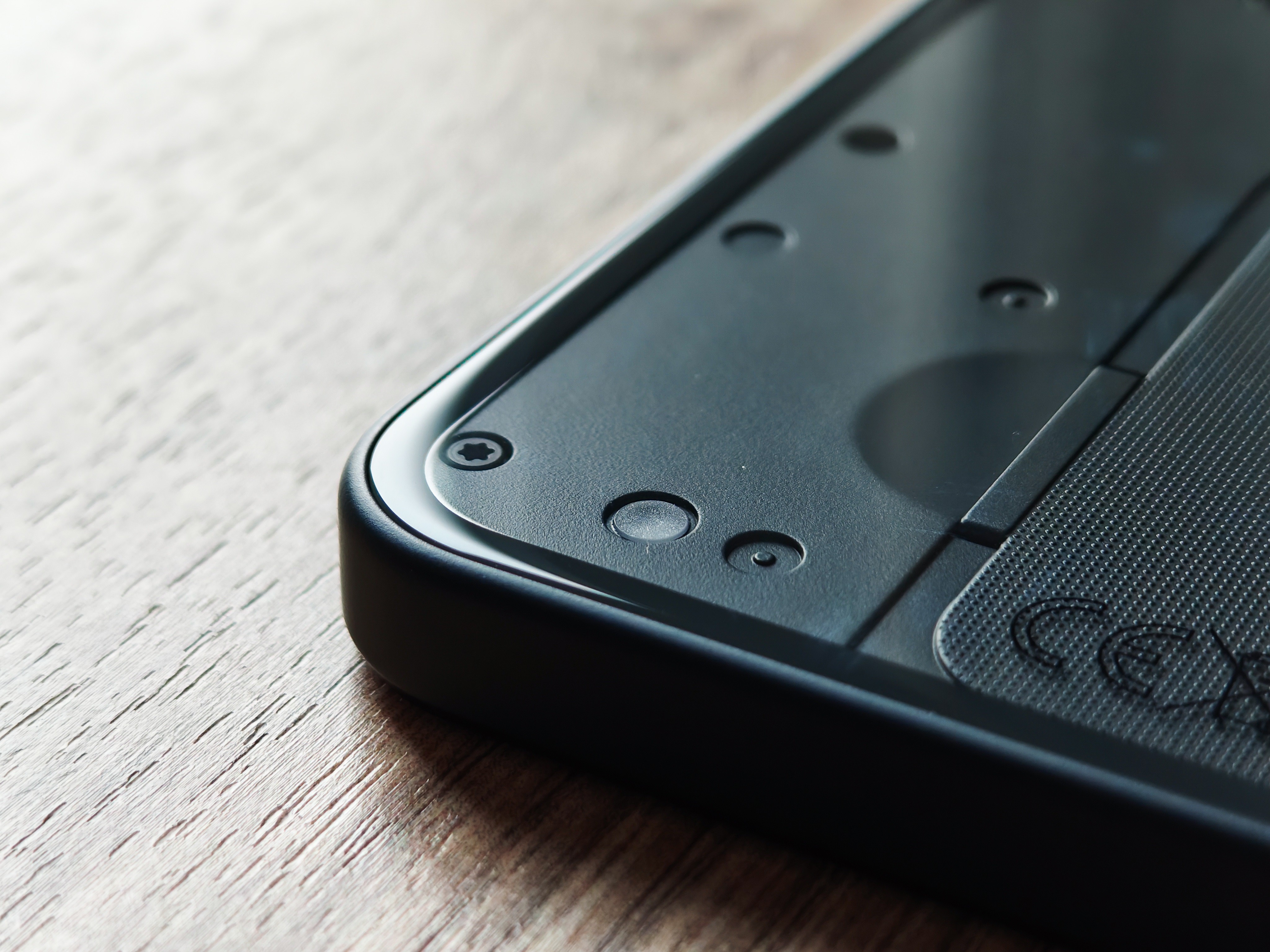
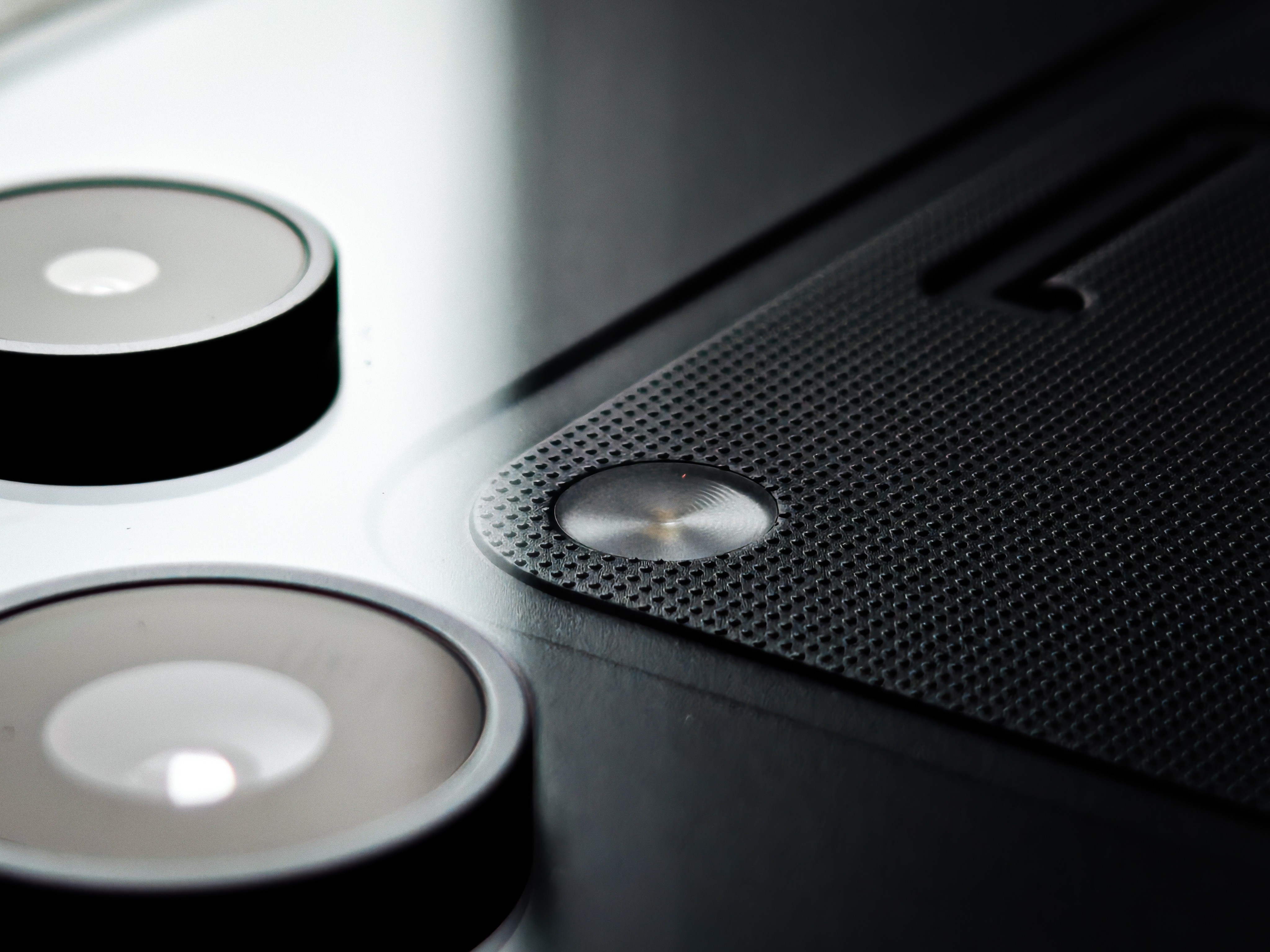
The Phone (3a) Lite is incredibly, well, light and thin. Due to the cheaper materials used, it is incredibly easy to hold and manoeuvre. It doesn’t feel premium because of this, but there are benefits to having a lighter device. The buttons, on the other hand, although metal, feel mushy and deliver a rather unsatisfying click when pressed. It's worth noting that the Phone (3a) Lite only has an IP54 rating, meaning it offers basic protection against dust and splashing water, but not full submersion.
Overall, even with these points to consider, you’re still getting a perfectly adequate look and feel in the hand, especially for a device at this price point.
Specs and Performance
So, for £249 (base model), what are we getting under the hood?
This is another area where the Phone (3a) Lite shares more similarities with its cousin, the CMF Phone 2 Pro. It features the same MediaTek Dimensity 7300 Pro 4nm chip, same core count, clock speed, architecture, NPU, and GPU.
For those interested in the specifics, here is a comparison chart:
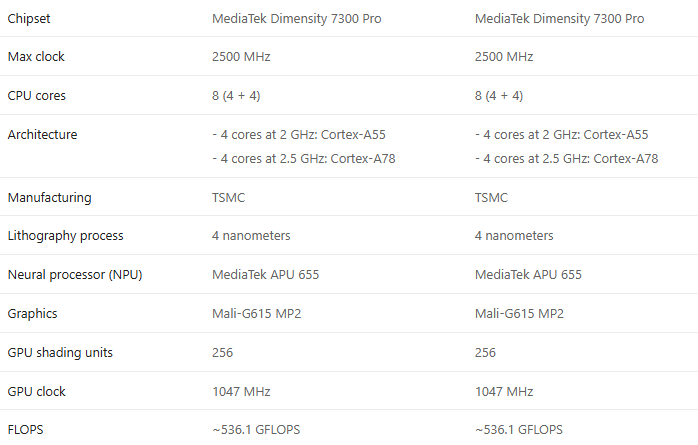
Both also come in RAM and storage options of either 8+128 or 8+256, with the ability to add extra storage via an SD card that takes up one of the SIM slots.
The specs here are very respectable for a budget-focused phone. The Phone (3a) Lite is a very capable device, managing daily tasks and light multitasking with ease. While it might not feel quite as snappy as a premium offering, it occasionally experiences a slight delay and the odd stutter during general use. However, this is few and far between and doesn’t feel burdensome. For someone who needs a phone for emails, texts, social media, and a bit of YouTube, you really wouldn’t need much more power than the Phone (3a) Lite offers. These kinds of daily tasks are exactly what I’ve thrown at the Phone (3a) Lite over the past few weeks, and I haven't experienced any excess heating either.
For those wanting more - such as rendering videos, heavy file transfers, or intensive gaming - you’re likely to notice you’re reaching the limits of this phone’s capabilities. It will still do those tasks, but you’ll just need to keep your expectations realistic.
An increasing number of people are gaming on their phones now, and I have no doubt that buyers will be picking up the Phone (3a) Lite hoping to do the same. While this phone is capable of gaming, and in some titles performs quite well (in part thanks to its ‘advanced liquid cooling system’), it’s best to keep expectations realistic, as those wanting to play very demanding titles at extremely high frame rates with sustained performance might not get that here.
Battery Life and Charging
The Phone (3a) Lite has a 5000 mAh battery, which Nothing claims is rated for up to 55 hours of music playback, 47 hours of voice calls, 22 hours of YouTube playback, and 9.5 hours of gaming. When judging battery life, it’s always best to take these claims with a grain of salt. These claims are measured under strict conditions and only reflect one specific use case, which isn’t representative of an average user’s experience.
Based on my experience over a couple of weeks, mainly focusing on common daily tasks and usage, I was averaging around 6–7 hours of screen-on time. This meant that I was confidently able to get through the day and, more often than not, had enough battery to see me through the night and the very start of the morning. Experience will differ depending on your use case: lighter usage will probably see some users reach a day and a half, but heavy usage could see others struggling to make it through to the evening.
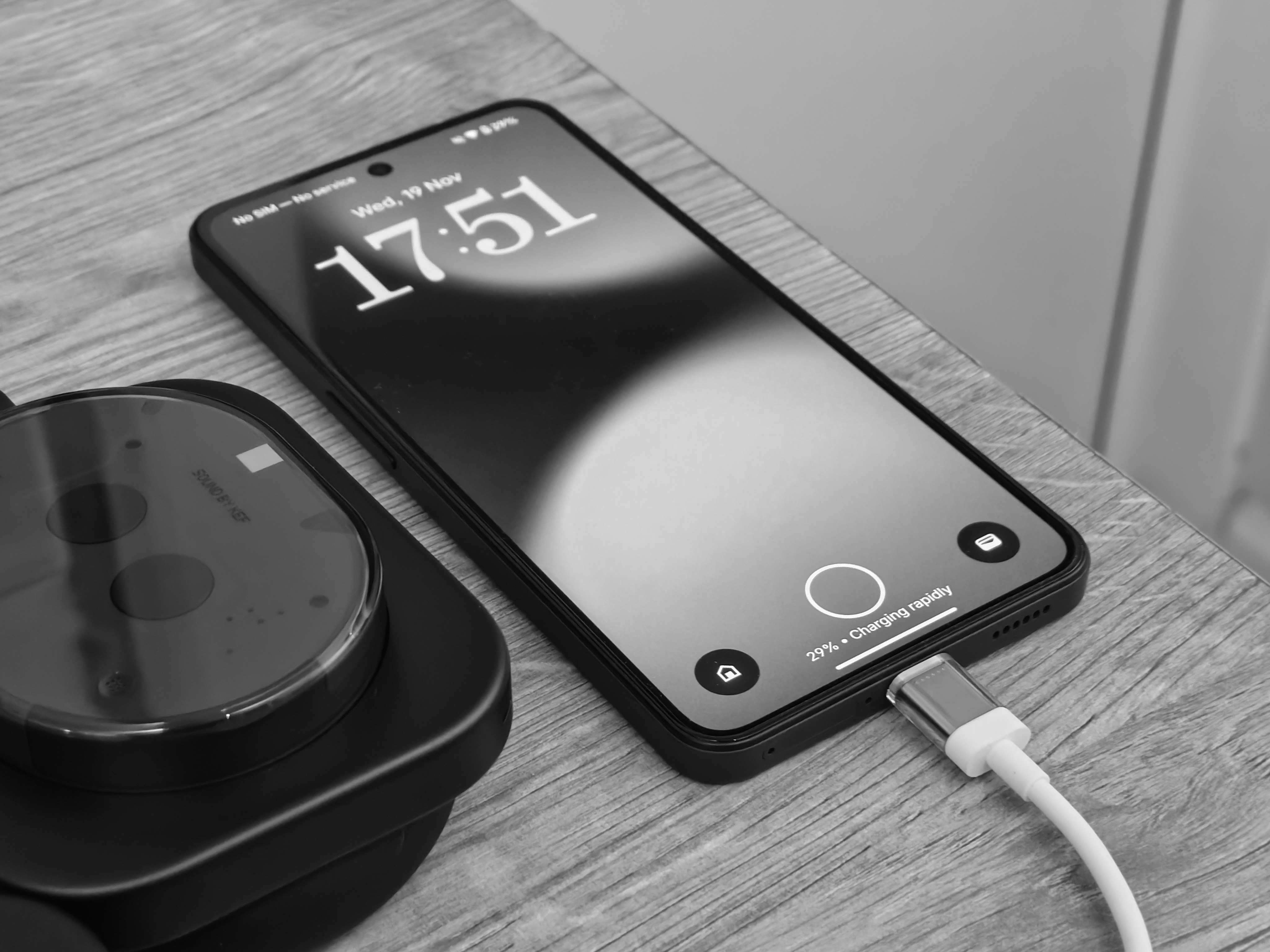
The Phone (3a) Lite features 33W fast charging and 5W reverse charging (using a cable). I’m unsure whether I’ve been spoilt by premium devices with 50W charging and beyond, but charging the Phone (3a) Lite often felt very slow to get to a full or near-full charge. The initial 20 minutes of charging should get you anywhere up to about 50%.
Please note that the Phone (3a) Lite does not include a charger in the box, and you will need to own or purchase a compatible one that delivers at least 33W.
Cameras
The Phone (3a) Lite features four cameras in total (including the selfie camera). The primary lens is a 50MP 1/1.57-inch Samsung sensor, paired with an 8MP ultra-wide lens, a 2MP macro lens, and a 16MP front camera. The system is capable of RAW capture and uses the TrueLens Engine 4.0 and Ultra XDR. For video, the Phone (3a) Lite supports up to 4K30 and 1080p120 in slow-motion mode.
If we continue our comparison with the CMF Phone 2 Pro, this is where one of the biggest differences becomes apparent: the removal of the 50MP telephoto lens and the inclusion of the 2MP macro lens in its place. Of course, macro photography is a different discipline altogether, but some will inevitably consider this a downgrade. Performance from the macro lens, at least in my experience, has been poor. Most photos lack any real detail, suffer from smoothing, present clear artifacting, and have a rather unusual hue in the centre portion of the image. That 2MP just isn’t sufficient.
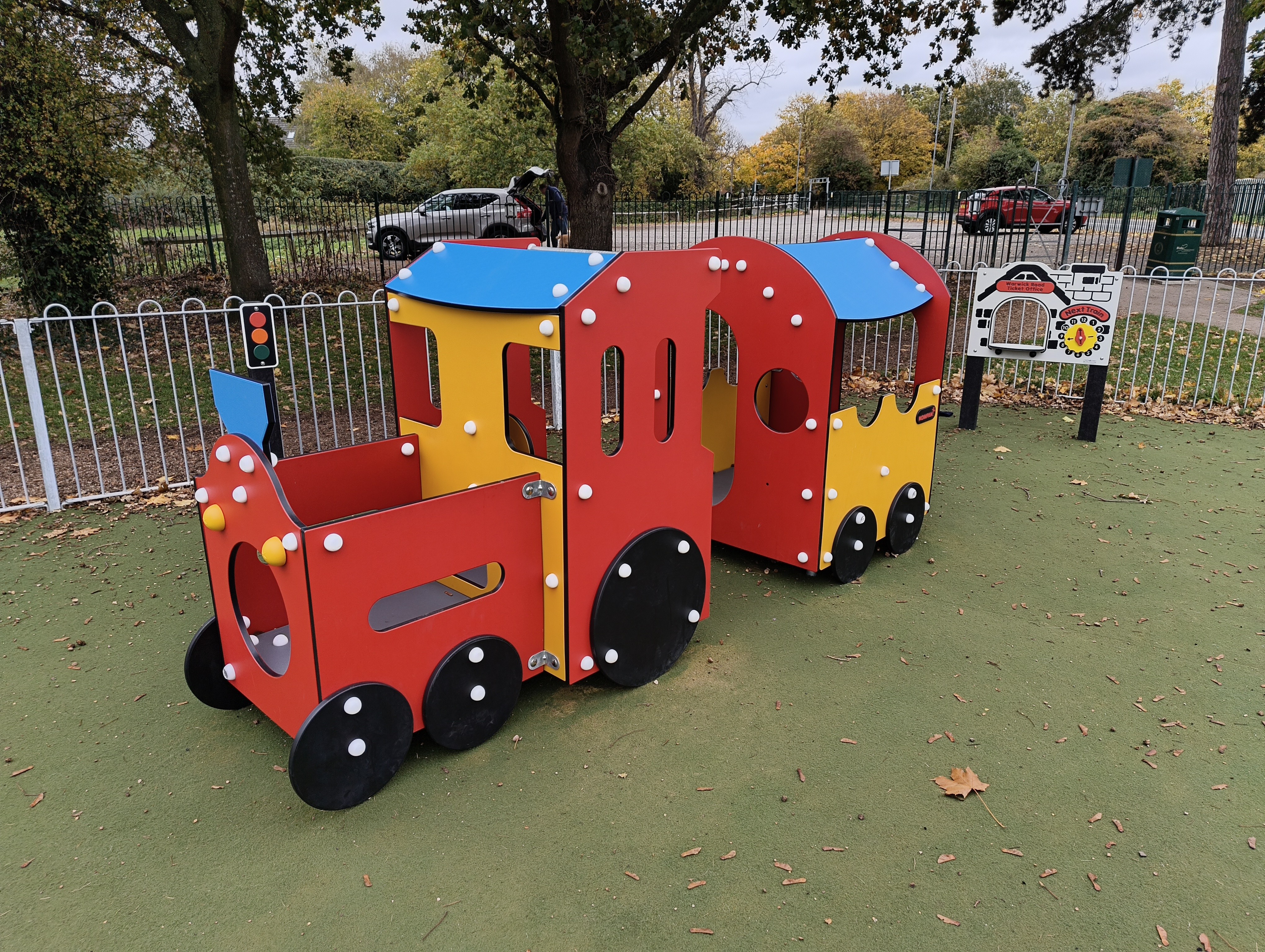
Here are some macro lens samples:

Regarding the main 50MP Samsung lens, my experience has been mixed, but the results are generally serviceable - especially if, like me, you don’t tend to take photos often. When I need to take a really good photo, I ensure I’ve always got a separate device for that anyway - something I know I can rely on.
Here are some main lens samples. While some images present quite well - especially those in great lighting conditions - some have obvious over-sharpening, are quite contrasty, and quickly lose detail when zooming. I’m hoping a lot of this, including colour accuracy, can be fixed over time with software updates.



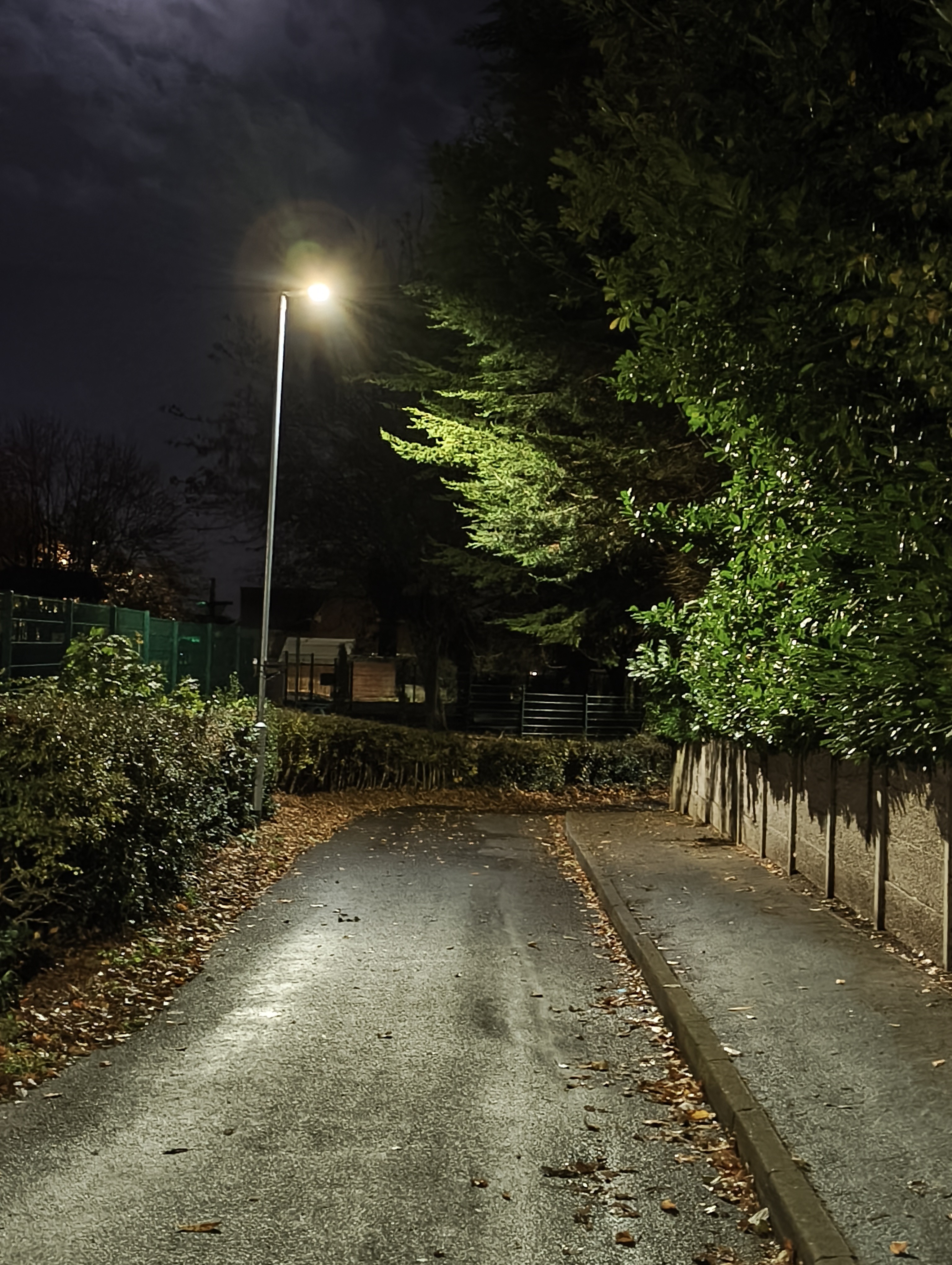
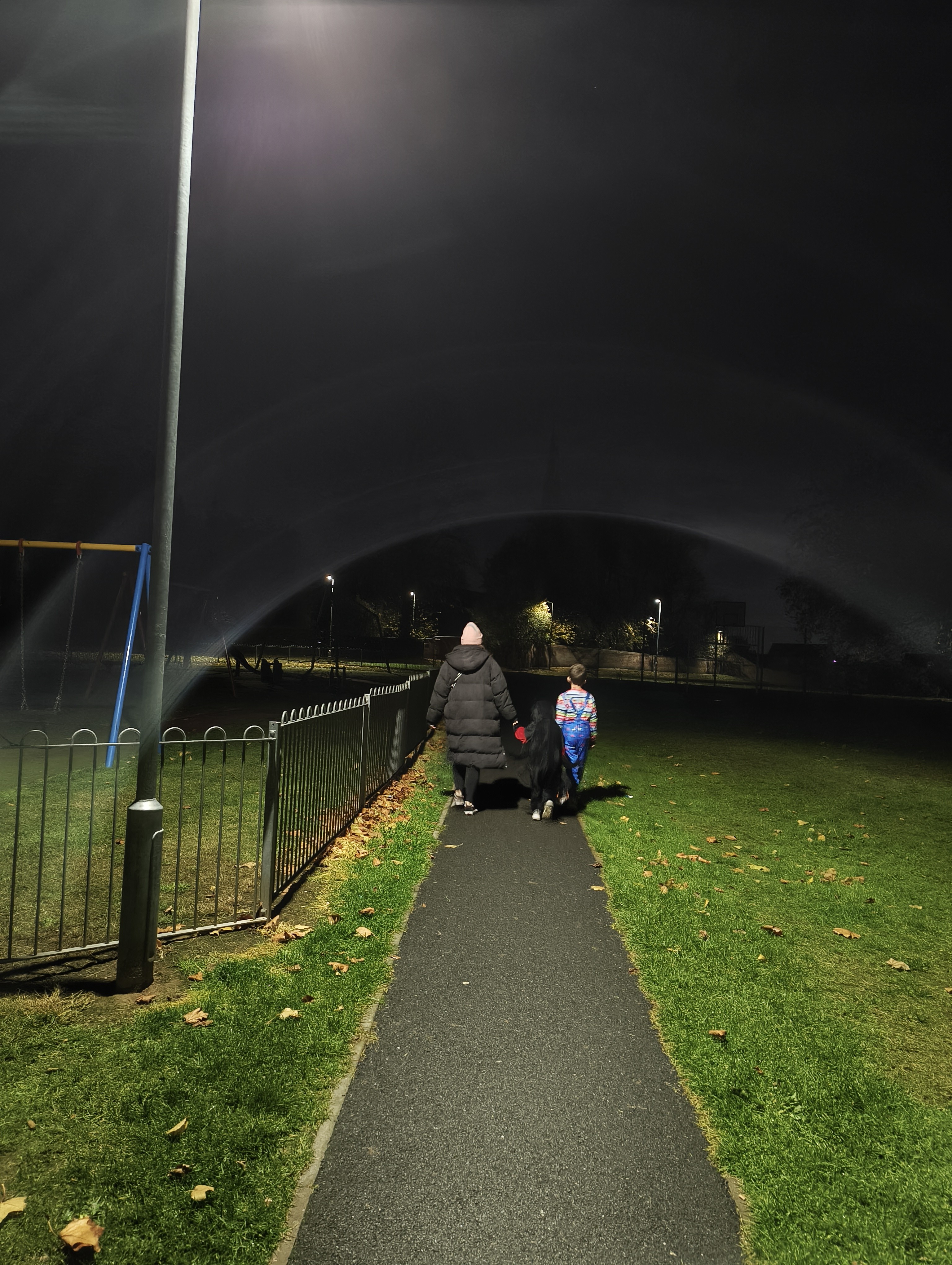
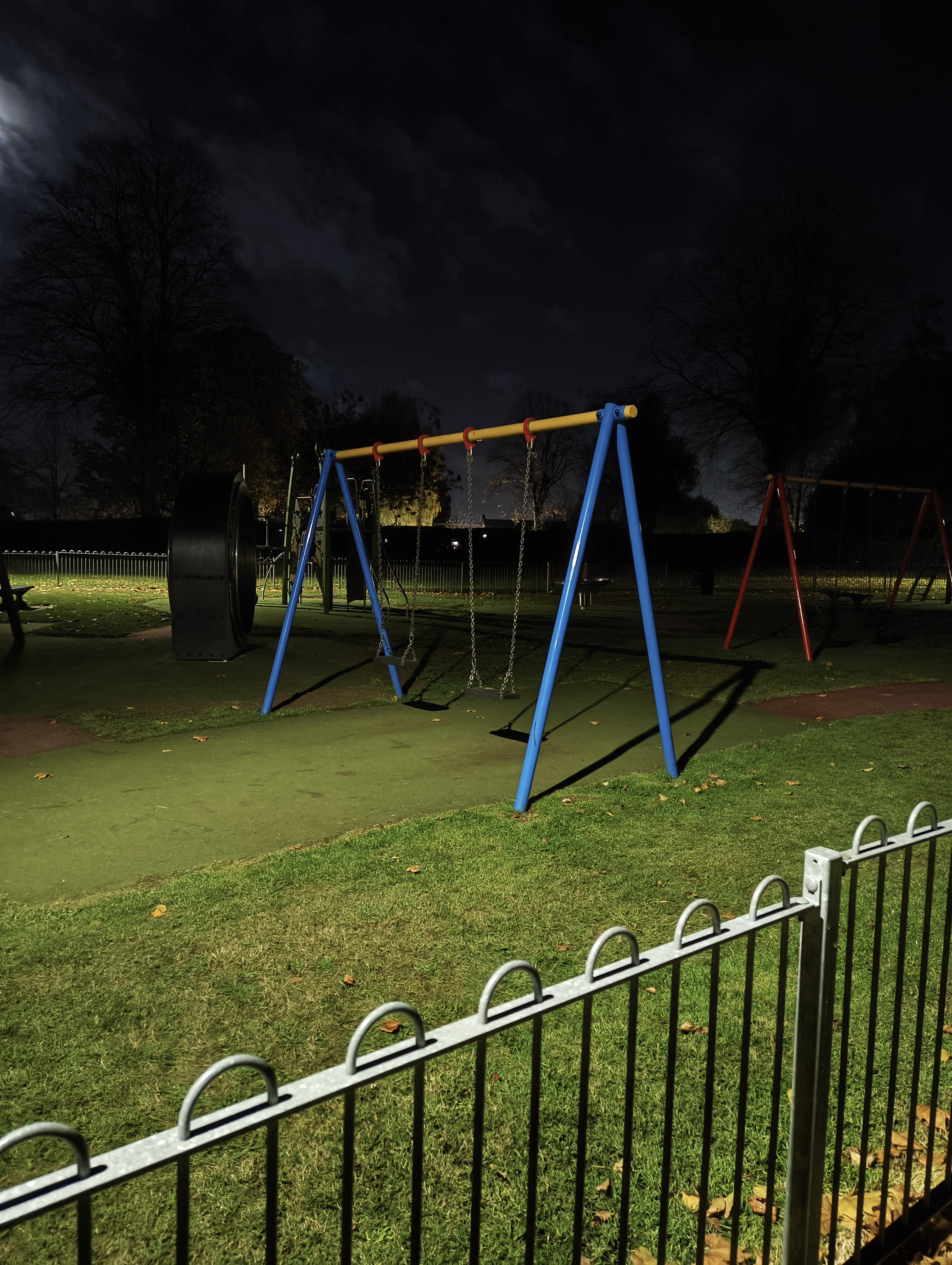
I also tested the Phone (3a) Lite's performance in night photography. Here are some night samples, including a few I took on Halloween night when conditions were almost pitch black and cloudy. With those challenging conditions in mind, it’s impressive that the camera was able to capture anything at all. There are some clear issues with detail and strange ghosting around subjects, but the results are certainly serviceable if you find yourself needing a photo in the evening.

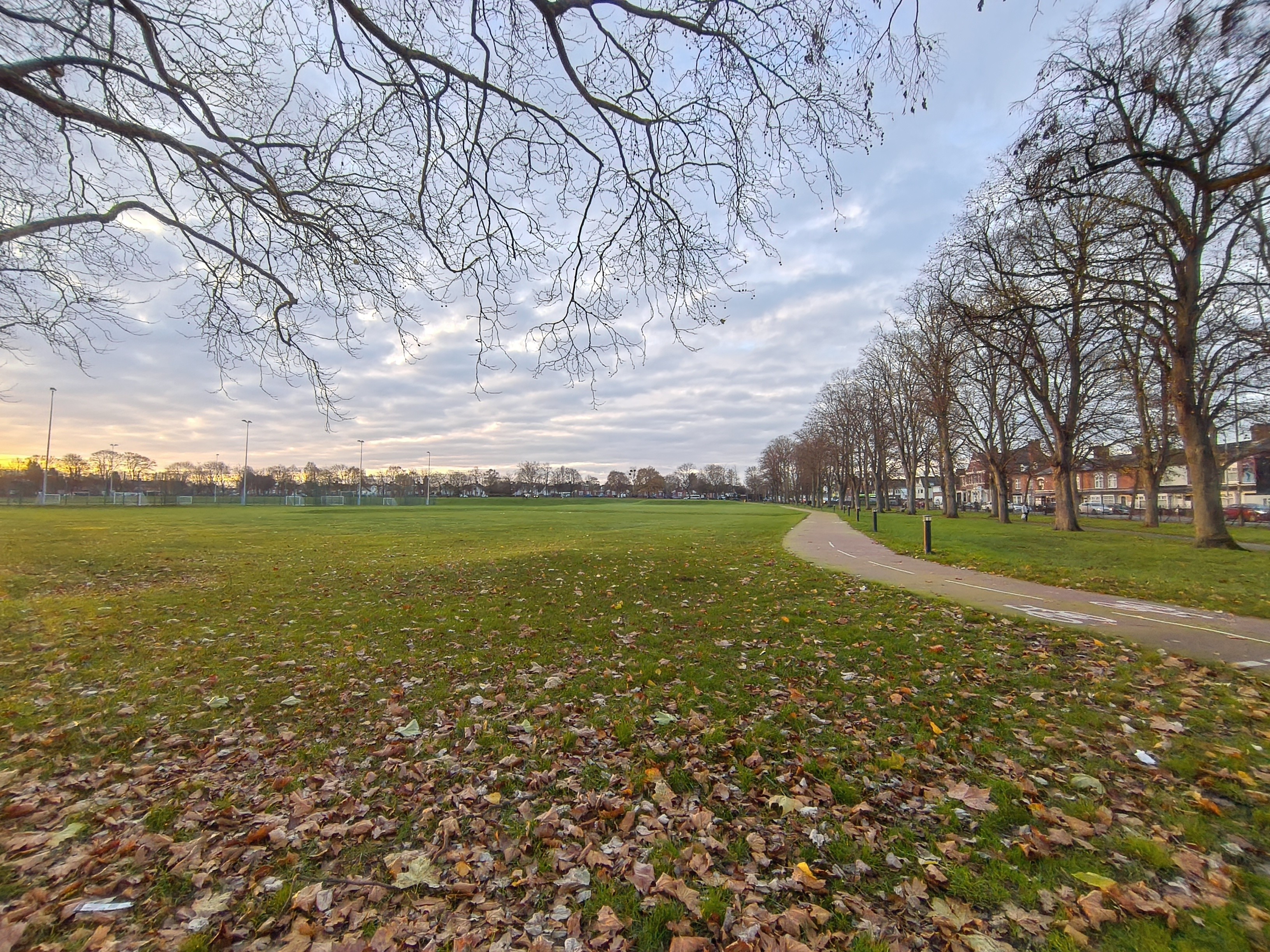
The ultra-wide lens is not one I use often, and even when I do, results tend to be mixed, even on some of the best phones out there. Ultra-wide lenses tend to work at their best in very specific lighting conditions and really struggle when light begins to dim. As the samples show, this is very much the same story with the Phone (3a) Lite. The 8MP sensor will struggle to pick up fine detail, especially as we head into the dark and gloomy months of the year. You'll even notice a clear colour shift when comparing photo's with their main lens counterpart. I have included photos of the same subjects from the main lens samples, but using the ultra-wide, so you can compare between the two.

Lastly, there’s the selfie camera. While I don't take selfies often - perhaps only on a family outing - I tested it out for the sake of this review. Based on the few selfies I’ve taken, the results are very mixed. Often there is clear smoothing and skin tone issues, causing the subject to look fake and lose fine details like skin imperfections, stubble, and hair texture. It very much feels like a filter is being applied due to the sheer amount of processing going on. This over-processed look will also be the case when using the selfie camera for video calls.
It’s also worth noting that, regardless of the feedback above, some apps are not optimised to use this camera array, so you may find that experiences differ further there. This is not exclusive to Nothing and is the case with many other Android phones.
Display
Next, let’s discuss the display. This is a real standout feature for the Phone (3a) Lite, borrowed from its bigger sibling, the Phone (3a). The Phone (3a) Lite boasts a 6.77-inch FHD+ AMOLED display, rated up to 3000 nits peak HDR brightness. Users also benefit from the 120 Hz adaptive refresh rate, 1000 Hz touch sampling, and 2160 Hz PWM dimming. I also think it’s important to mention that the bezels are even all around the display - something that shouldn’t be taken for granted, as it’s not a feature of all phones, especially at this budget price point.
While I can’t accurately measure peak brightness, I can say that the screen is certainly bright and vibrant. Simply put, watching content is enjoyable, and scrolling through apps—especially social media—is a super smooth experience thanks to that 120 Hz refresh rate. Overall, the display is very impressive for a device of this price point. After all, this is what the user will spend all their time looking at, so it’s crucial to get this experience right.
Audio and Haptics
While a short inclusion, this section is important to cover: the audio and haptics. The Phone (3a) Lite is limited to a single bottom speaker, meaning there is no earpiece amplification for stereo audio. This results in a less than ideal experience, although usable. If you are particular about sound quality and watch a lot of online content or movies, then I recommend connecting headphones.
The haptics, on the other hand, are surprisingly great, delivering very satisfying feedback. This is an area that is often neglected, especially in the budget range.
Software and User Experience
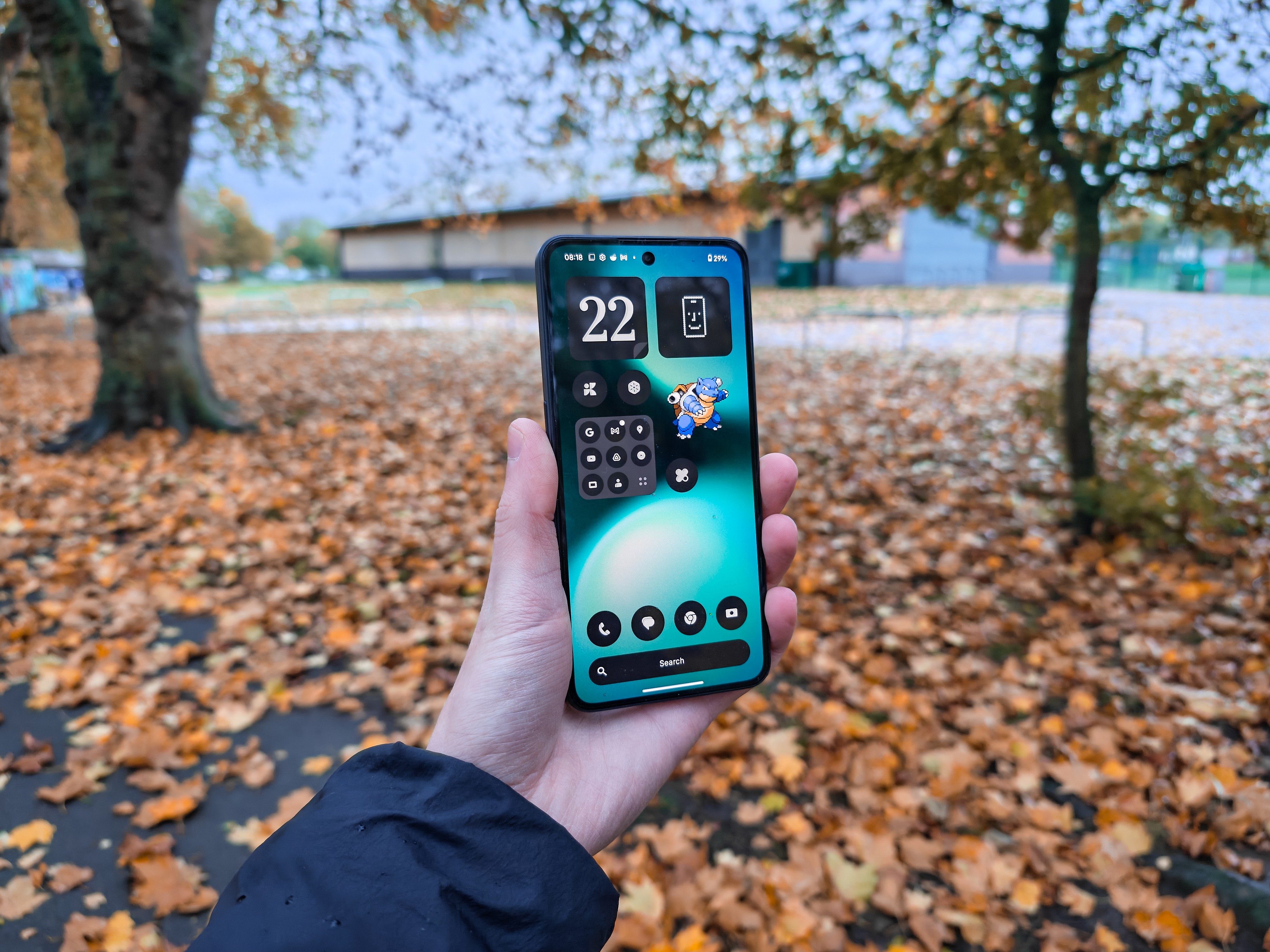
Software and user experience is an area I knew I was going to enjoy before even getting my hands on the Phone (3a) Lite. Nothing OS is by far Nothing’s best asset, and those of you who have used or currently own a Nothing phone may share that opinion.
Nothing OS has always been a very clean and elegant UI. It stays very close to stock Android but adds a unique and minimalist skin. Nothing OS mostly adopts a monochrome colour palette, with the occasional splash of colour for accents or key information. It is the polar opposite of many other UIs, which are often bold, bright, visually heavy, and distracting. Nothing OS also has a variety of unique widgets, which can be enabled on the lock screen as well.
Nothing OS also includes some incredible features, such as Smart Drawer (for automatic app organization), Private Space (which keeps your personal files and apps secure), App Locker (to lock individual apps with unique passwords), and Power Off Verify (for added security in case your device is stolen). There is also a native gallery app which continues to add new features - most recently, editing tools - and, crucially, Essential Tools, Nothing’s AI platform.
Using the Essential Key - a dedicated extra hardware button for AI - you can capture various types of information, which is then stored in your Essential Space. Whether you want to organize notes, ideas, thoughts, or set a reminder, Essential Space is the hub. It can transcribe text, describe what it sees in an image or screenshot, and will catalogue all of your entries.
Whether or not you’re a fan of AI and its ever-increasing presence in our devices, Nothing’s Essential Tools can be incredibly helpful, and I’ve begun to use them more and more. With the upcoming release of OS 4.0, that feature list is expected to grow even further. It’s great to see this platform included with the Phone (3a) Lite, especially considering its price point.
There is, however, a big ‘but’. Nothing OS has always been known for its clean, minimal, bloat-free experience, but that reputation may be changing. As has been widely covered already, the Phone (3a) Lite comes with some pre-installed apps: TikTok (in some regions), Instagram, and Facebook. It’s important to note the team’s response: these apps can be uninstalled, and their addition is claimed to bring performance improvements and optimizations. While it’s true these apps will be installed by most users anyway, and that is a silver lining, it is by no means my acceptance of their inclusion.
Then there’s Lock Glimpse, which has also been widely criticized. While the wallpaper service might seem like a great feature, it is actually serving ads in the form of links every time the user wakes the phone. Clicking one of these links takes the user to an ad-littered website. Like the pre-installed apps, Lock Glimpse can be disabled, but because it appears during the initial setup, a large majority of users will probably enable it completely unaware of its nature. The team has responded to these concerns, stating that Lock Glimpse will soon allow the use of custom images from the user's library.
The Phone (3a) Lite will receive 3 years of Android software updates and 6 years of security updates.
So Who is this Phone for?
So, we come to the rather challenging part of the review - something I’ve been trying to wrap my head around for a while: Where exactly does this phone sit in the existing lineup, and who is it for?
The Phone (3a) Lite is difficult to recommend, not because it’s a bad phone, but because it’s a confusing one. It delivers respectable performance, a great display, all-day battery life, and the benefits of Nothing OS, making it a perfectly competent device for its £249 price. However, there are many options available at this price point and its value proposition is even undermined by its own siblings.
Even within Nothing's own lineup, it is not the wisest choice. Why buy the Lite model when the CMF Phone 2 Pro, which shares near identical specs and build, can often be found cheaper, offers a superior camera array, and lacks the initial bloatware? (for now) Furthermore, discounted Nothing Phone (2a) models, and even the (3a) and (3a) Pro models available on the second-hand or sale markets, represent far better value, with the latter two being better devices in almost every way.
However, if you are looking for the absolute lowest barrier to entry into the Nothing ecosystem - perhaps intrigued by the OS or the iconic hardware design - and you are happy with a phone that meets all the basic needs well without breaking the bank, then perhaps the Phone (3a) Lite is fine for you. However, for the vast majority of buyers, there are simply smarter ways to spend your money. The Phone (3a) Lite feels like an answer to a question most people weren't asking.