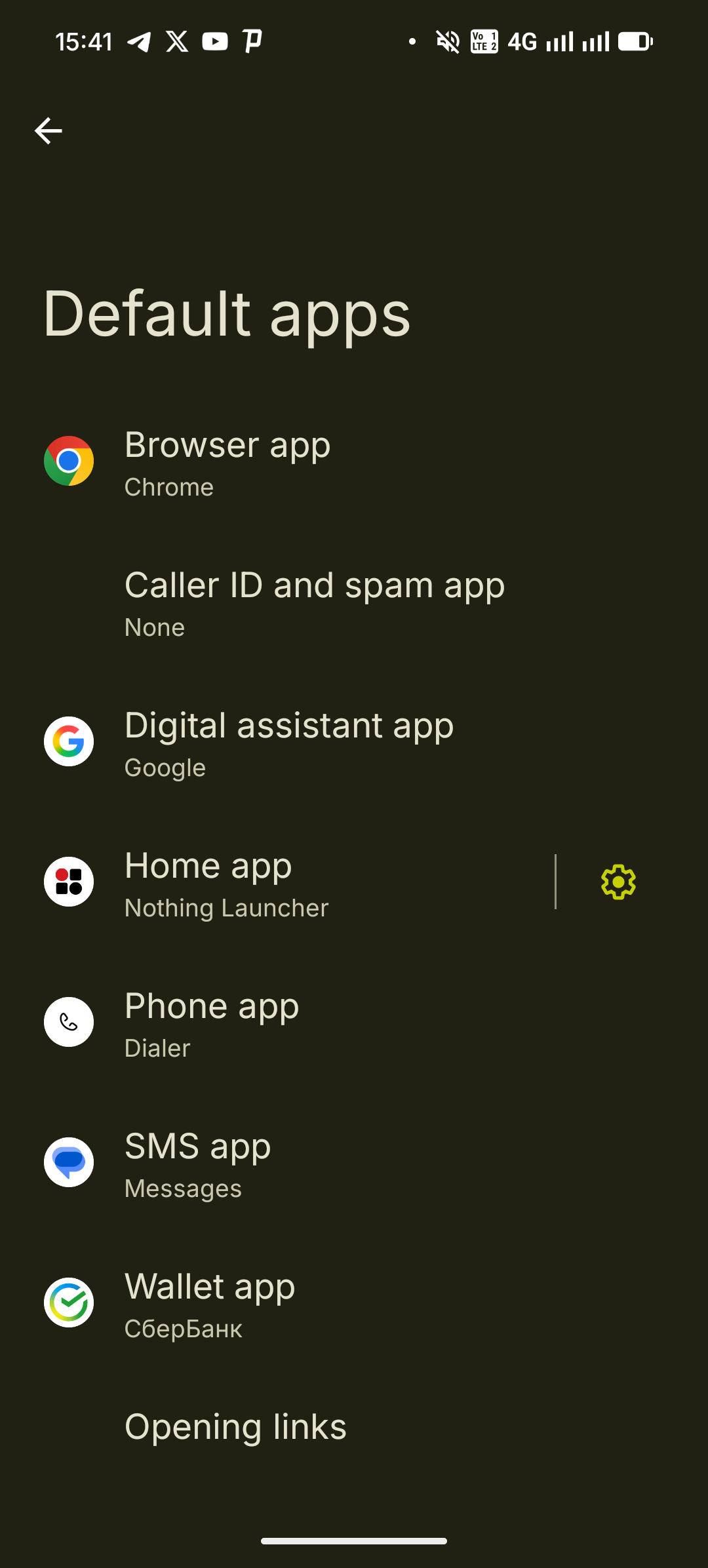
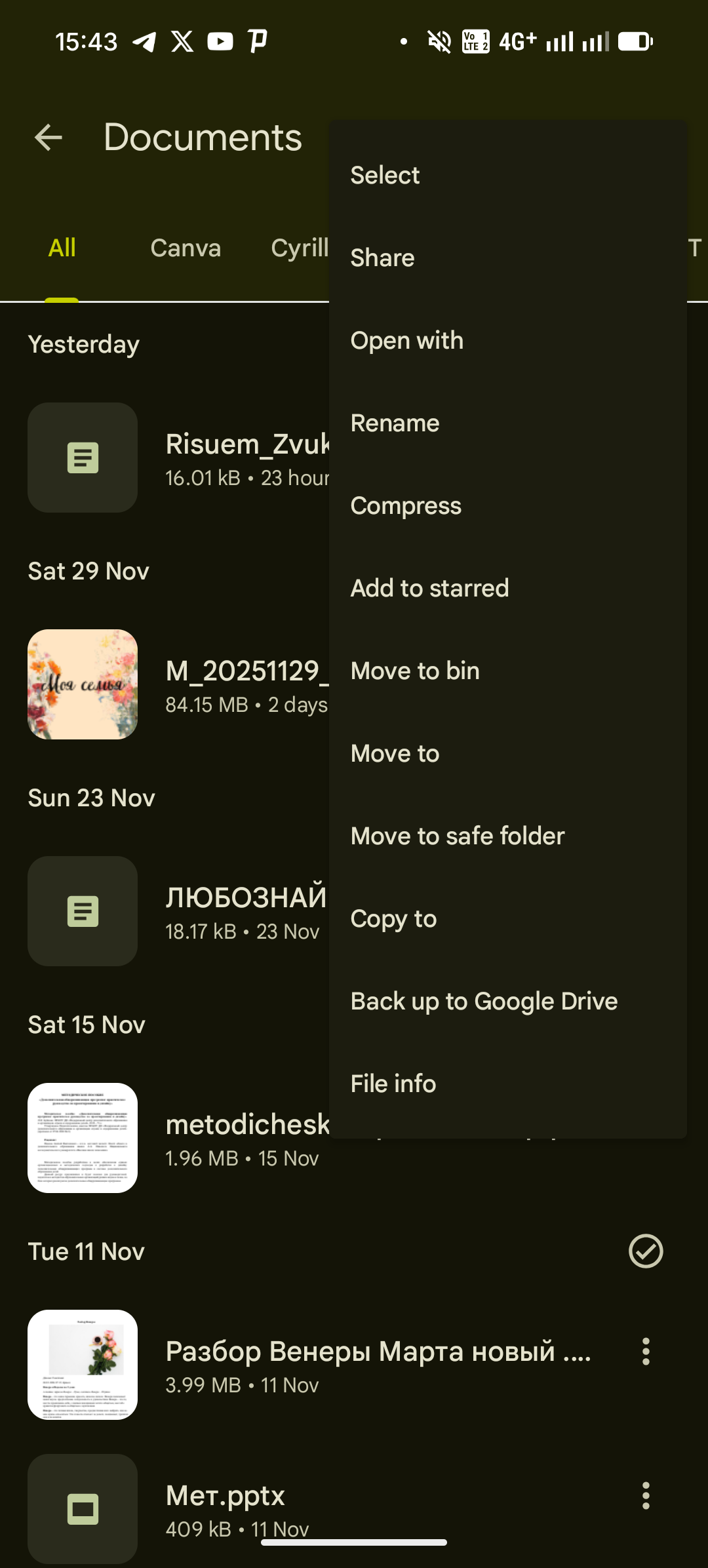
I tried both ways, and here’s what I observed:
- Through Apps - Default apps I can’t find something like “PDF viewer app” and set Google Drive as the default one.
- In the Files app, I can choose which app to use for open a PDF file, and seems like it stays sort of memorized, and the next time I open the PDF file it actually opens with that app.
The issue comes when I open a PDF file from, for example, the Outlook mail app. In that case, the PDF will automatically opens using Word (which is the app I accidentaly set as the default PDF viewer app). If I try to use the function “Open with”, the only options I get are “M365 Copilot” or “Device PDF viewer”; if I use the “Device PDF viewer”, the file automatically opes using Word.
It’s not a big deal, but I’m just wondering if there’s a way to change the default PDF viewer app regardless of the app I’m trying to open the PDF file from.
Anyway, thank you very much for the answer, it was very helpful.