cinnamon_s do a google storage backup from WhatsApp>settings>chats>backup and add your email id and press backup…it will first do a local backup then it will do a google storage backup…
You can select “include video” option… this will backup chats and media…
When it’s done…you can open WhatsApp on new phone and start set-up… it will prompt you to restore chats from google storage…accept that and it will download all data to your new phone WhatsApp…
If you have too many photos or videos recieved ok WhatsApp…backup size will be high.. sometimes in GBs…so make sure you’ve good internet connection
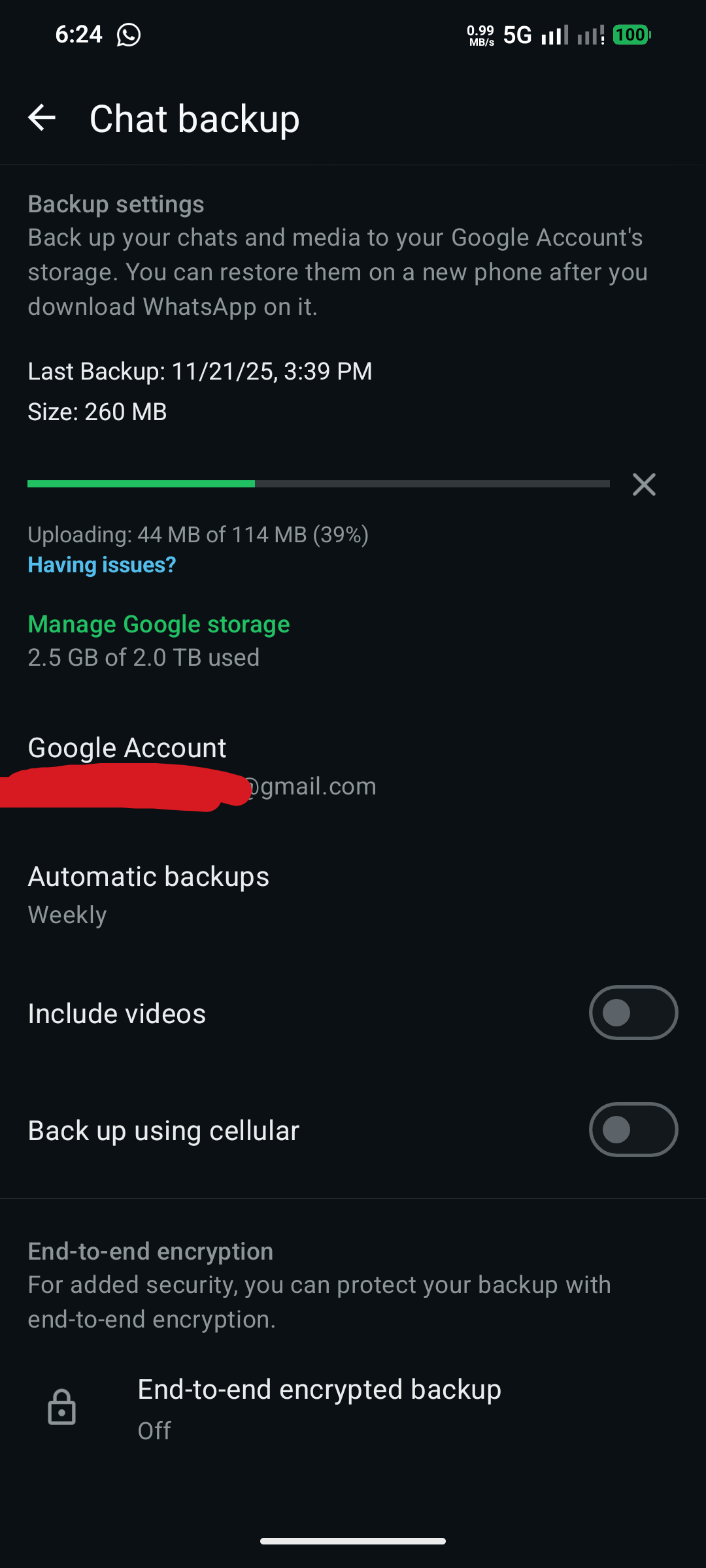
Settings will look like this .
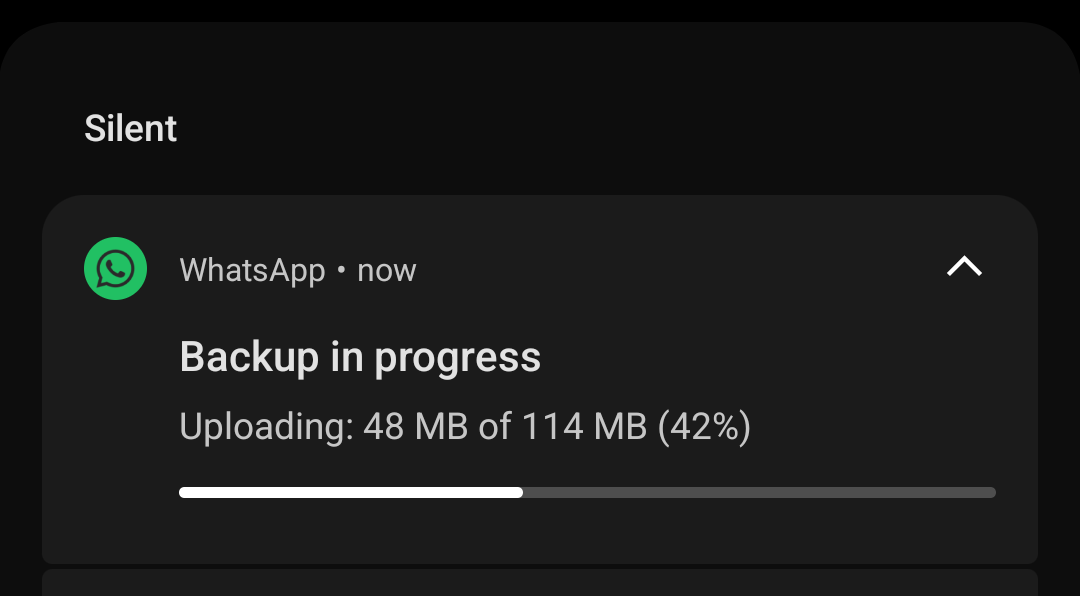
And backup notification will look like this…