Feedback? On your device: Go to Settings -> System -> Feedback.
Firmware rollouts are usually staggered, meaning not all users will receive the update simultaneously. This approach allows us to monitor for any issues and ensure a smooth and stable deployment.
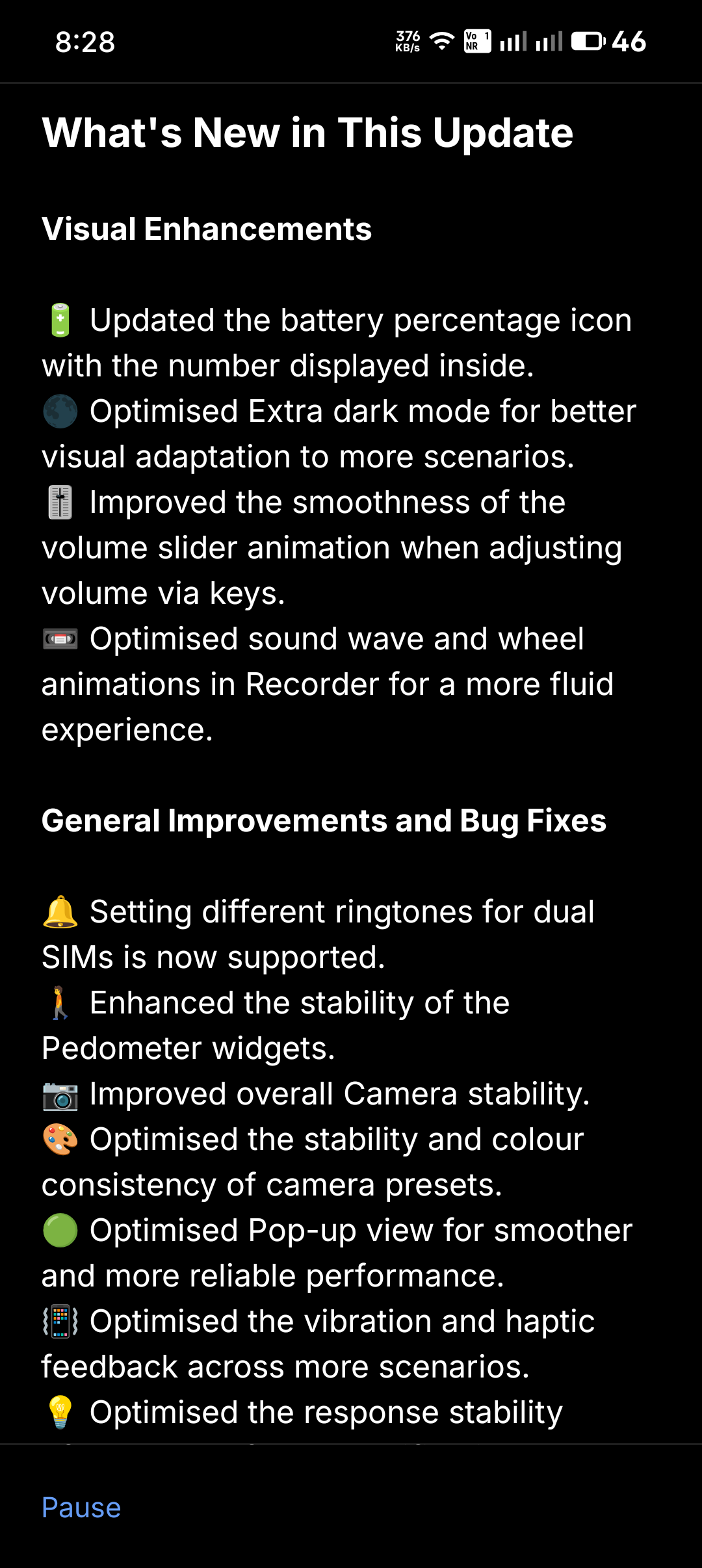
What’s New in This Update
Visual Enhancements
🔋 Updated the battery percentage icon with the number displayed inside.
🌑 Optimised Extra dark mode for better visual adaptation to more scenarios.
🎚️ Improved the smoothness of the volume slider animation when adjusting volume via keys.
📼 Optimised sound wave and wheel animations in Recorder for a more fluid experience.
General Improvements and Bug Fixes
🔔 Setting different ringtones for dual SIMs is now supported.
🚶 Enhanced the stability of the Pedometer widgets.
📷 Improved overall Camera stability.
🎨 Optimised the stability and colour consistency of camera presets.
🟢 Optimised Pop-up view for smoother and more reliable performance.
📳 Optimised the vibration and haptic feedback across more scenarios.
💡 Optimised the response stability of Glyph Interface to notifications and incoming calls in certain scenarios.
🔒 Enhanced the stability of lock screen, AOD, and unlocking for a more fluid experience.
👥 Improved multi-user mode to prevent changes in the main user from affecting other users.
📱 Fixed display issues in the status bar, Quick Settings, and notifications for improved visual consistency.
🎧 Fixed an issue where the Battery widget did not show the AirPods icon when AirPods support was enabled.
🛜 Optimised automatic reconnection speed for saved Wi-Fi networks.
⚙️ Enhanced overall system stability and smoothness.
🌐 Updated Google Mobile Services (GMS) to the December 2025 version.
🛡️ Updated to December security patch.
Notes:
Your device may use more power and feel warmer during installation. Performance will return to normal after the update is complete.