🩷 HIII GUYS! I’m so hyped to show y’all this because this app tackles an issue I’ve faced since my childhood and I assume a lot of my ADHD and forgetful folk go through too. Regardless of how my entry does (I hope it does well tho, knock on wood), this will be a widget I’m gonna use and I can see some of y’all using it too.
❓ The issue? You know those tiny little items you have but can’t remember where you last kept them or if you still even have them? Like, tape for a project - you think you have it but where exactly? ¯\(ツ)/¯ do you still even have it in stock? Who knows lol. And you end up spending extra to get new things or stress around trying to find things.
✅ That’s what I want to tackle. So I made “Where’d I keep that?”
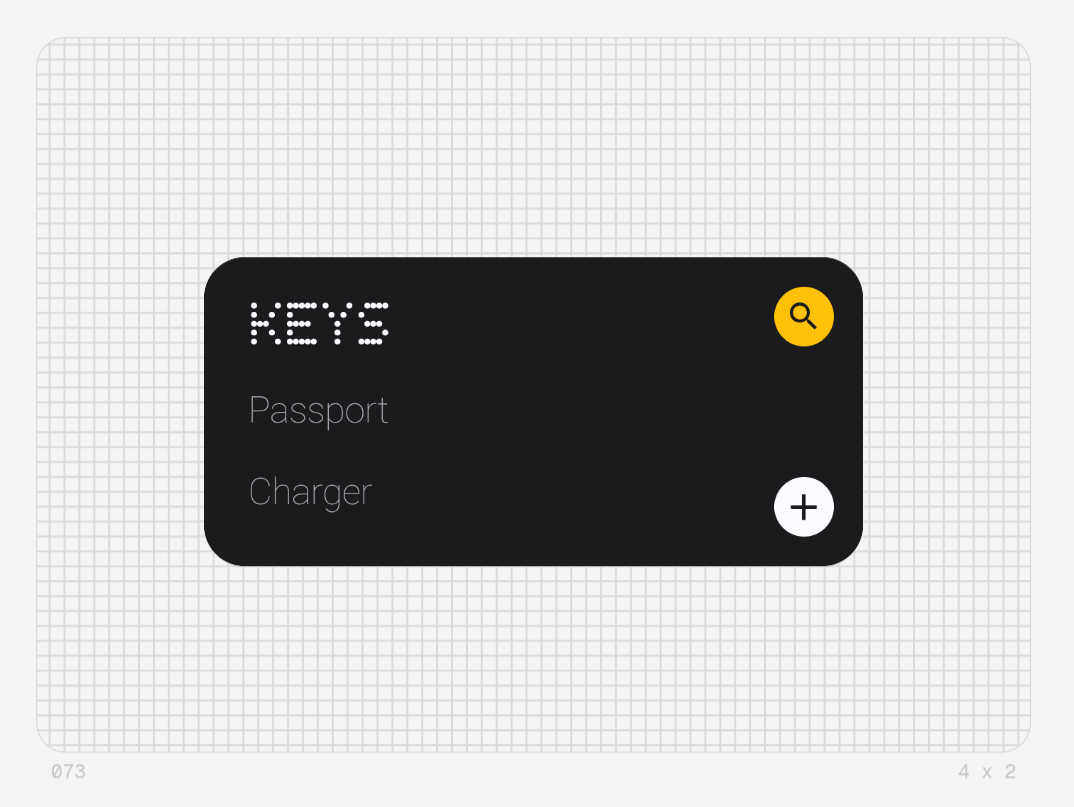
📝 The app has a list of items you’ve added on the left. You can scroll through the list and as you do, the top entry changes font to NDot to beautifully match the style. A hint of Nothing with a sense of clarity.
⬅️ Once you have an entry found, just click on it or swipe left on the app to access its details.
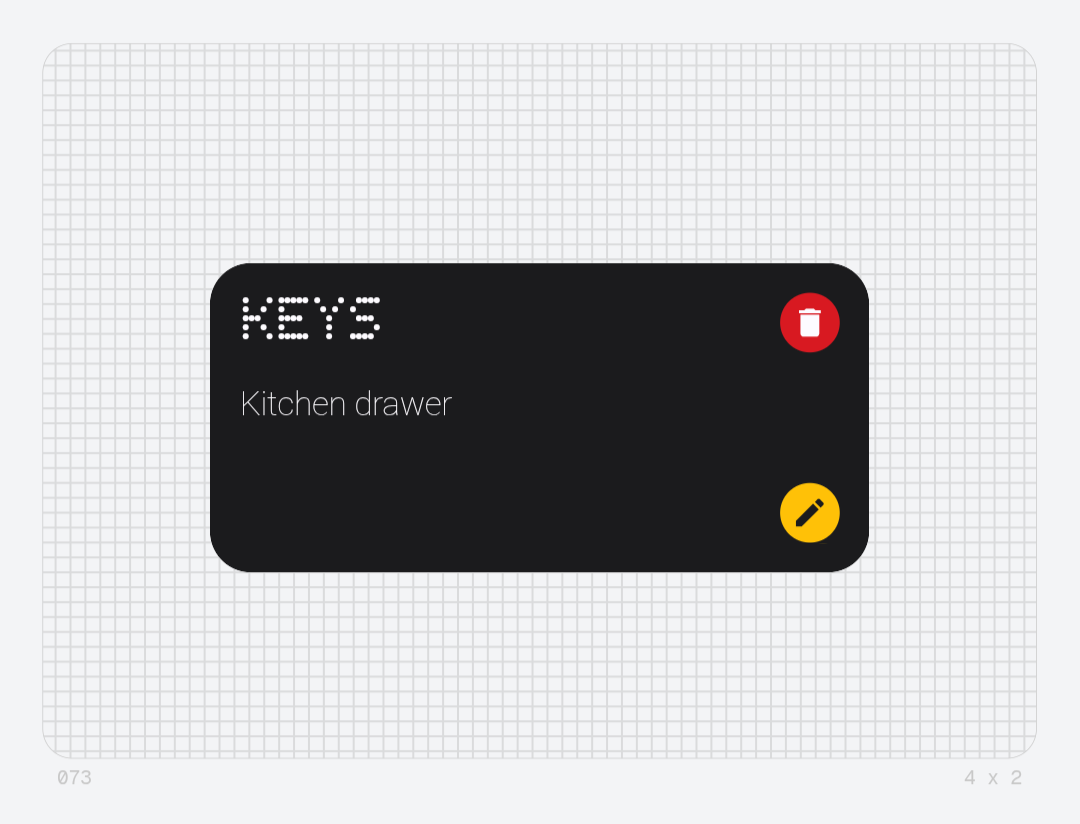
Here, you’ll find the details you’ve saved for the item, it’s description and the location where you kept it.
➕ Making an entry is very easy! You just hit the plus icon on the home page and enter the name of the item with its description. You can even hit a button with a location pin icon to save the current device location for that entry. That’s it, hit save and your item is added.
✍️ Want to edit the item’s details? Just find the entry, go to its description page and hit the edit icon and change the details. Or you can delete the entry if it’s no longer relevant.
🔍 But you have 35 entries by now and don’t want to scroll every time? I’ve got a smart search bar for you!
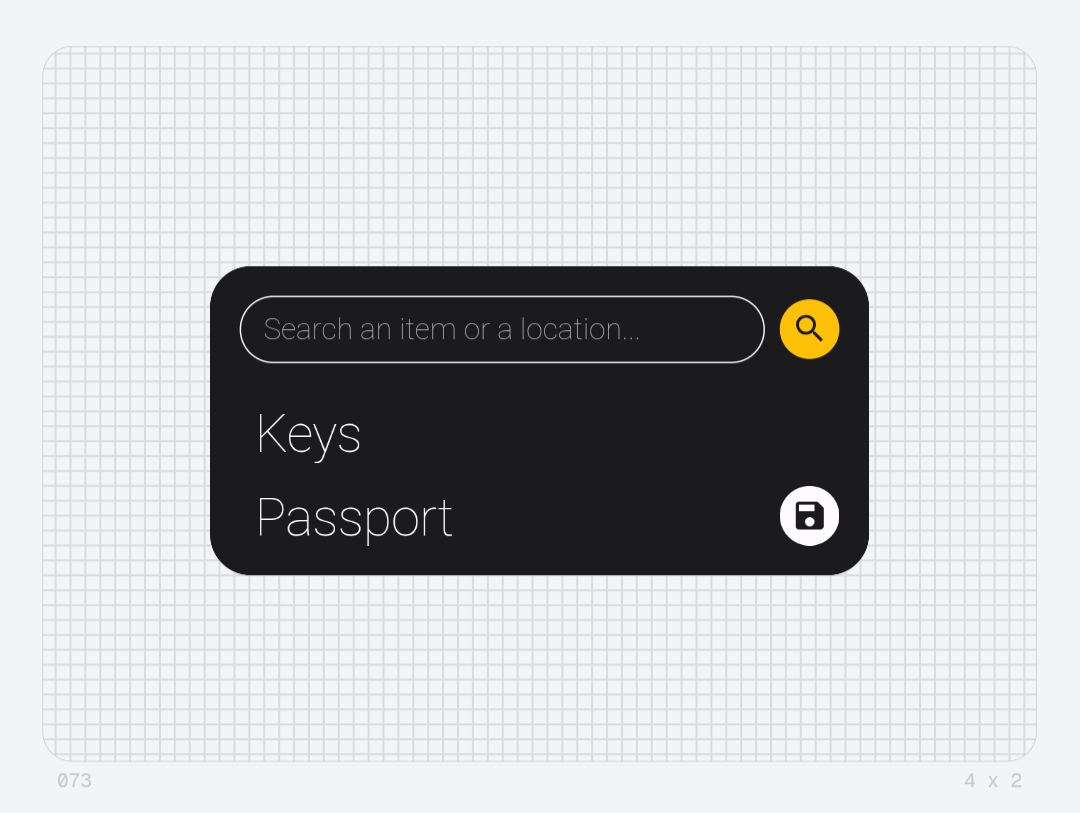
Just hit the search icon on the home page or swipe right to access the search page.
Here, as you type an entry’s name, items refresh in real time to show you the relevant entry. Hit enter on your keyboard and you’re automatically taken to it’s detailed page.
🧠 But the search is smarter than that. Say you remember you kept something in the drawer but not exactly what. Just type “drawer” and it’ll pull all relevant entries with drawer in their description. It’s thoughtful and it’s easy to use.
💾 Don’t trust the widget to hold your precious data for long? I understand. I have anxiety of that too. That’s why I added a save icon to the search page. Hit it and it’ll copy all the entries in an organised list with the names, discription and even the GPS coordinates of entries that have them. You can paste them wherever you like and have a backup.
📍 If you decide to save an item with a location attached, on the description page of the entry, you’ll see a little location icon. Click it and it’ll directly open your default Maps app and show you the location of the item.
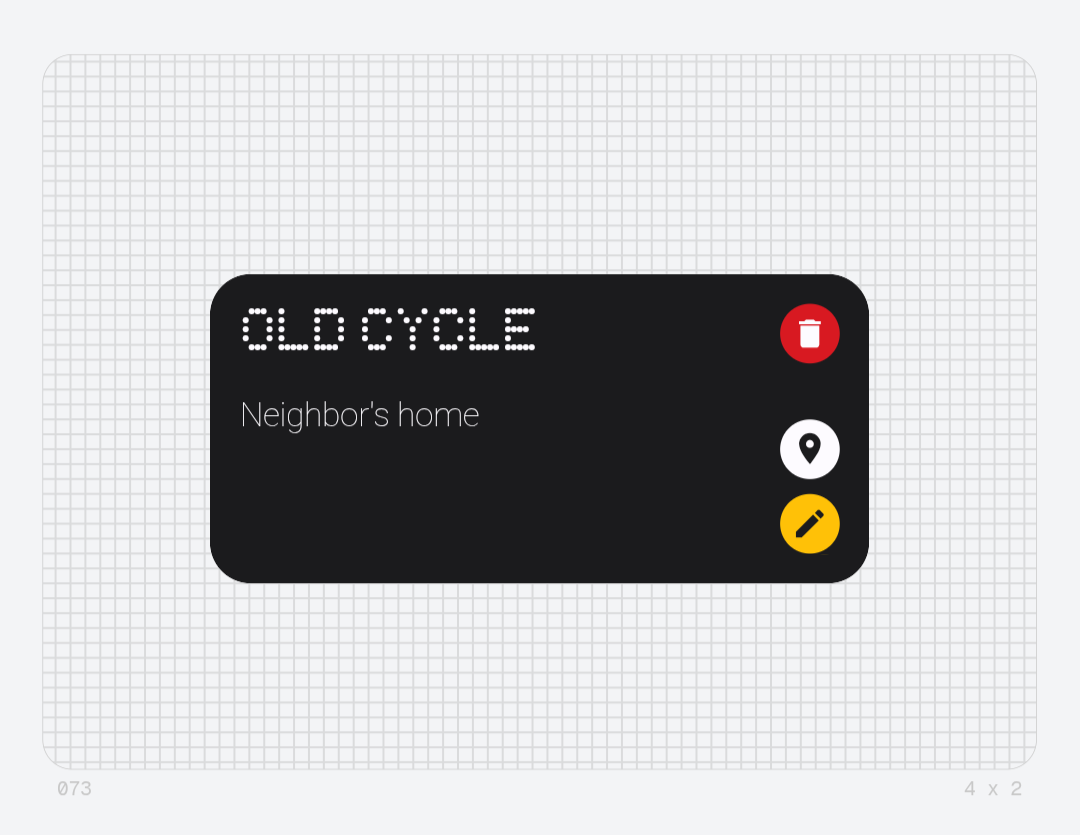
I wish I took screenshots of the entry adding page and other things too but I forgot lol. So this is all I have to show.
🙋🏿 Some thoughts I have. I really like what I’ve come up with and my friends who struggle through the same thing all adore the idea. It’s a niche little problem that you can’t really have a proper dedicated app for.
🤔 You might think a notes app works or you can just tell Google Assistant to remember it, which, sure but ask anyone with ADHD and they’ll let you know that doesn’t work. You will never remember that exist when you’re actually looking for an item. They’re forgetful, they aren’t specialised for this. THIS sits on your homescreen, in front of your eyes. It’s thoughtful and it’s meant for you, from one forgetful person to another.
✨ The issues: this isn’t perfect, I wanted to do SO MUCH MORE.
- I added a button to take a picture to add to the entry so you can save the exact memory of where the item is but that did not end up working perfectly.
- I also wanted to add an upload feature where the app could take a locally saved list and import it into the app to make a list, would be great if you lose the list for some reason and want it back on the app.
- I also want to make the swipe gestures smoother, feel even better.
⚪⚫🔴 I think the design language is good enough as is, I tried to keep it as Nothing like as I could. Not heavily relying on the NDot but using it tastefully instead. I used other fonts, a mix of color, warm yellow tones for normal things and red for important things as much as I could. The primary Nothing colors.
💖 That’s it. If you read through all that or checked my idea out or appreciate it, I thank you so much! I’m very open to your thoughts, opinions and critisism on this. 🙂
Love you 🩷
