Since the start of March I have had the pleasure of testing Nothing’s latest device, the Nothing Phone (4a). What are my thoughts? What have I found? Let’s dive in!
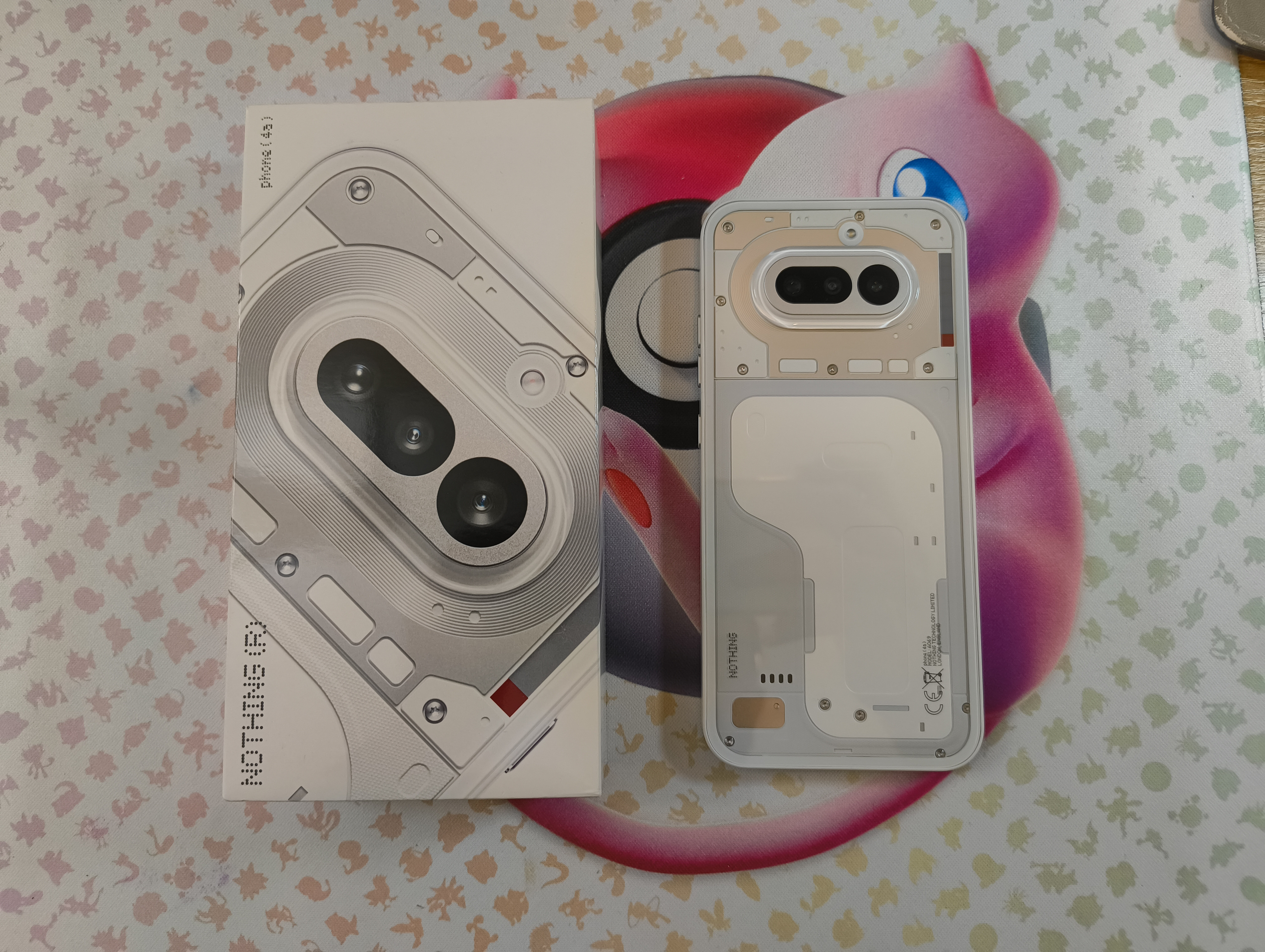
Disclaimer, this Phone (4a) was sent to me as part of the Nothing Community Review Programme. I had been using my Phone (2a) Plus - Community Edition as my daily driver before this device and my comparisons are mainly geared toward the improvements from Phone (2a) Plus to Phone (4a).
Design - An Instant Nothing Classic 🔥
Firstly, the phone is clearly “Nothing”. I have reviewed the White variant, but this (4a) also comes in Black, Blue and the new “Unsaturated Red”, aka Pink!
The design this time round feels matured, elegant and as striking as the original Nothing Phone (1) did. A glass sandwich with plastic rails around, the Phone (4a) boasts a 34% boost in bend resistance, in comparison to Phone (3a) Pro. Whilst I won’t ever put a phone in my back pocket, stats like this help calm the nerves where durability is concerned.
Speaking of durability, I had the Phone (4a) in my pocket, without a case and just the pre-applied plastic screen protector, for one of the most labour intensive tasks I can think of. A load-out in London’s West End. Various flight cases, loose metal safety bonds swinging and hitting my pockets, working at height and far too much dust and dirt are all part of the job, but the phone stayed in my pocket, and came out completely unscathed. No marks, no damage, just a bit of pocket lint to wipe away, top marks here!
My favourite part of the design of Phone (4a) is the clear plastic element that is above the 4600 mm² vapour chamber, such a stand-out part of the design and it catches my eye every time. The flashes of metal under the glass back not only feel mature and grown-up, but hark to the new design language showcased by Headphone (1), Ear (3) and of course the (4a) Pro itself. The Phone (4a) is certainly my favourite Nothing smartphone design so far.
As it has been noted by others, the button lay-out on the side rails has changed for this (4a) Series of devices. Looking at the front of the device (screen), on the left rail we have the Essential Key, up near the top third of the device, all on its own. On the opposite side, the right rail now has the volume keys, which are two separate keys, close together and the power key below that. One gripe I have is that the size of the volume keys and the power key are exactly the same…whilst I haven’t misclicked yet I would have liked for there to be some difference between the keys, maybe make the power key larger like on previous devices?
Coming from Phone (2a) Plus, this certainly feels like the same family of device, it looks like an (a) series device, but it has grown up, it feels ready to take on the world.
Hardware Specs - Bigger, Better, Faster! 📱
Going to keep this section short, as all of the specs are readily available on nothing.tech, viewable here.
The Phone (4a) is powered by the Snapdragon 7s Gen 4, which is a step up from last year’s (3a) Series which ran the 7s Gen 3 SoC.
Another big leap from last year’s (a) series is in the storage specs, now running UFS3.1, the (4a) Series has 147% faster storage read and 380% faster storage write speeds than last year’s (3a) Series.
RAM comes in 8GB or 12GB with Nothing’s RAM Booster (extra 8GB) being present again, this is LPDDR4X RAM.
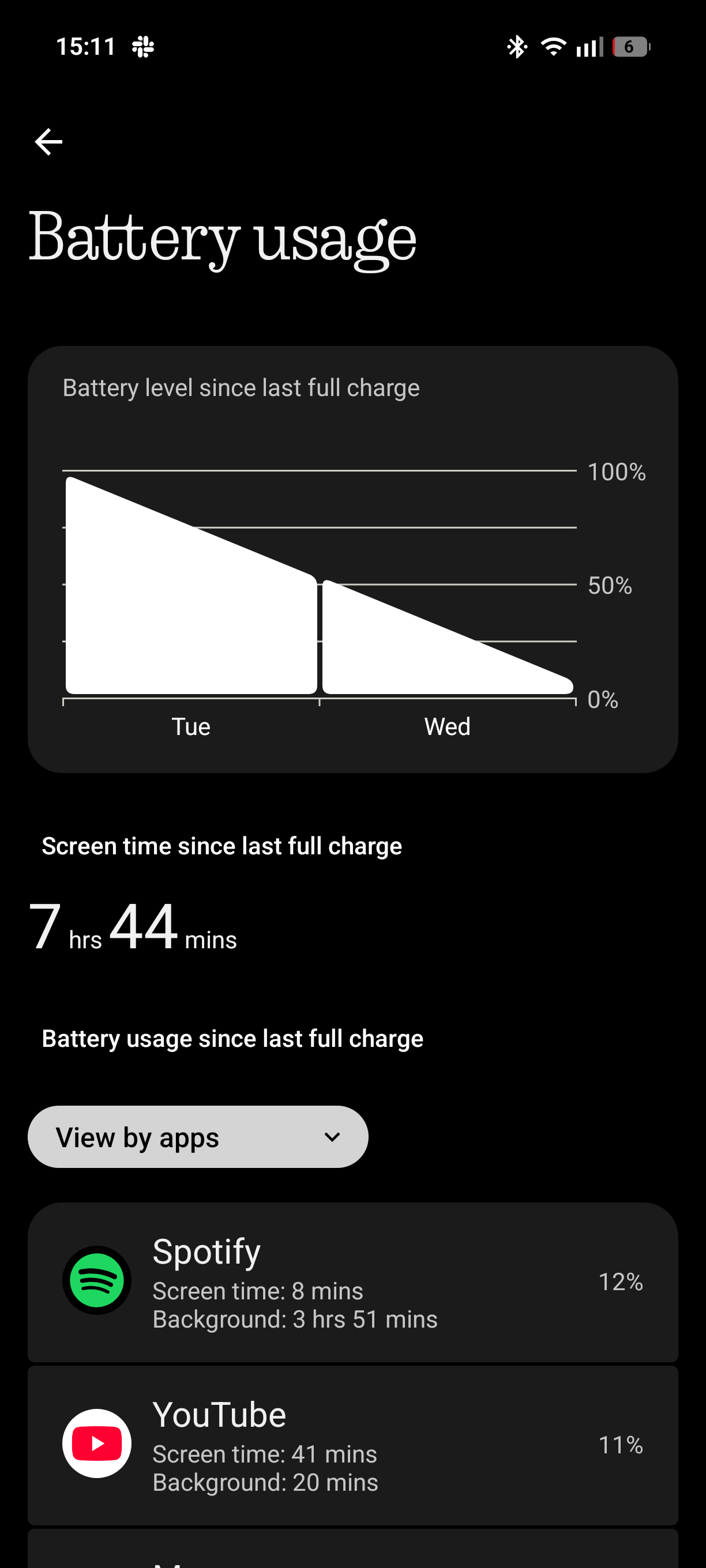
The battery is a whopping 5080mAh cell for the global market and even larger at 5400mAh for India! This can be charged up at 50W for wired charging, going from 1% to 100% in just over an hour! In my usage, which I would describe as medium to heavy usage, I was easily getting a day and a half out of the battery and almost 8 hours of Screen on Time.
NFC - Another point to note about the differences between the global units and the Indian units is that the Rest of the World gets the NFC chip with Phone (4a) and Indian does not. Those units with NFC allow you to use Google Pay for your contactless payments.
eSIM - Again, some differences here. eSIM is only supported in Japan for Phone (4a), everywhere else it is a standard Dual nano-SIM tray.
The Phone (4a) is IP64 rated, so it can withstand the maximum dust protection IP ratings can offer, and a few splashes. But Nothing themselves have done additional testing that means it can withstand full submersion in up to 25cm of water for up to 20 minutes, however this isn’t an “official” part of the IP rating.
Cameras - 2 Hits and a Meh 📸
This section’s title refers to the 2 wonderful 50MP shooters in the Wide Lens and the Telephoto Lens. The 8MP Ultrawide Lens in the cost-saver across the (4a) Series this time.
I am not a photographer, nor am I a videographer. But I had a lot of fun with this 3-lens camera system! Let me run down the specs very quickly:
Wide Lens (1x / 24mm) - Samsung GN9 50MP shooter with Optical Image Stabilisation (OIS).
Telephoto Lens - (3.5x / 80mm) - Samsung JN5 50MP shooter (same as Phone (3)!) again with OIS.
Ultrawide Lens (0.6x / 15mm) - Sony IMX355 8MP shooter with a 120 degree Field of View.
Selfie Lens (1/1.2x / 22/26mm) - Samsung KD1 32MP shooter.
The Nothing Phone (4a) Camera System is powered by the TrueLens Engine 4.0, which includes Ultra XDR shots, which can toggle on or off, this is on by default and really brings images alive and they look great on the (4a) Display, more on that display later.
I don’t tend to use Ultrawide Lenses all that often, and with this Phone (4a) that was very much the case. It is the weak point with the camera set-up, but as a lens and focal length I don’t tend to use, I did not feel too affected by it. I captured a few images, mainly to really showcase the impressive zoom capabilities of the telephoto lens and did some short 1080p Video recording. It is fine, but details are lacking and the background noise is apparent if you zoom into images taken with this ultrawide lens.
The main Wide Lens is snappy and easy to use, and can record video in up to 1080p 60fps, and 4K 30fps, however can only do HDR video recording at 1080p 30fps. I have seen some discourse online about there being an omission of 4K 60fps, to which I question, why? - I record and consume content at 30fps, unless I want Slow Motion, which this phone can do at 1080p 120fps (4x Slower than realtime at 30fps).
The Telephoto Lens also has video recording at the above settings, whilst the Ultrawide Lens is capped at 1080p 30fps, but does offer HDR toggle.
One thing to note, and it is something that caught me out during my testing, is that whilst you can switch between all three rear lenses in 1080p 30fps perfectly fine, beware when recording at 4K 30fps, switching between the Main and Telephoto Lenses is not supported. Yet the UI gives you the option when starting your record on the Wide Lens to crop into 3.5x, which I assumed would be switching from the Wide to the Telephoto, but it isn’t, it is just a digital crop in. I have fed this back to the team as a suggestion to change the UI from 3.5x to maybe 3x, so that it is obvious you aren’t trying to use the natural optical zoom of the Telephoto when recording in 4K. Especially as lens switching is supported at 1080p.
The selfie camera is fine…coming from the Phone (2a) Plus and its 50MP selfie camera I can see the drop off in perceived quality and not having the option to record in 4K is also a shame here too. Going from a phone that is two generations older, and missing some features in the latest device is a disappointing realisation, but I suppose it is another easy cost to save.
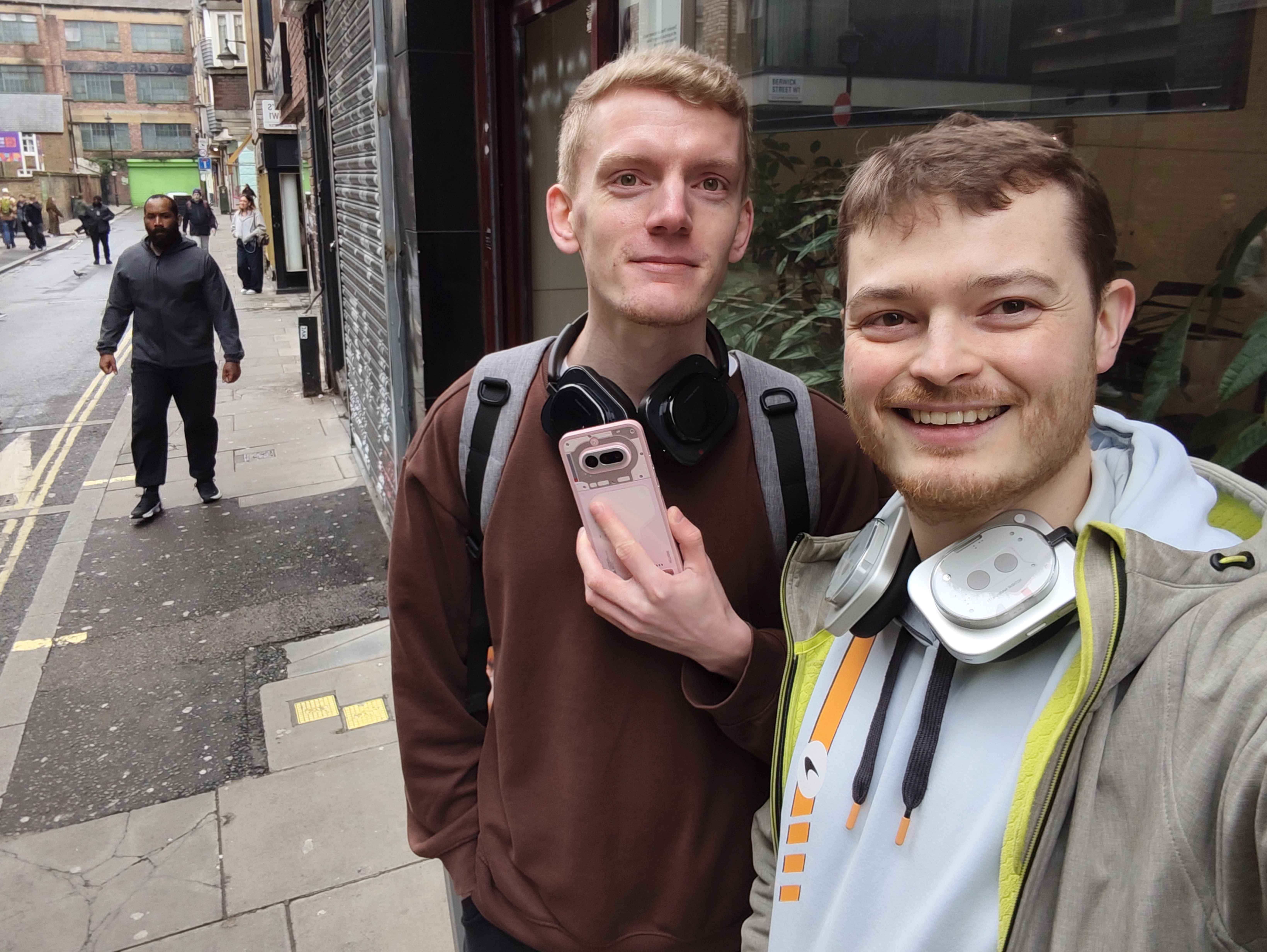
Finally, the tuning between both the Main and Telephoto lens needs some work, the colour temperatures are off, and with indoor lighting, the same scene captured by either lens looks different to the other, as you can see here. One image is warmer and the other is appearing more green, this has been fed back to the team and whilst there was a hotfix during my review period, there is still some work to be done here.

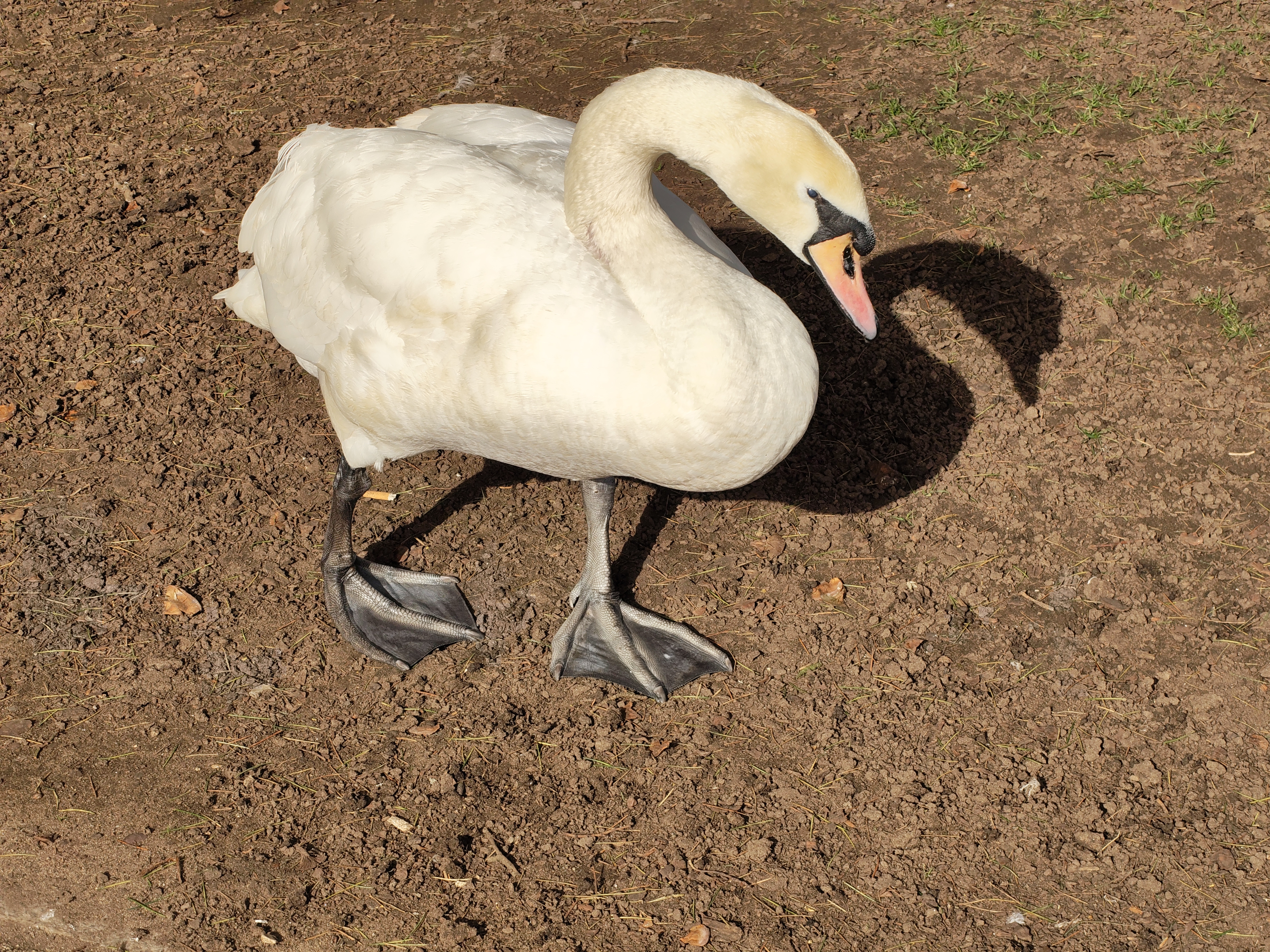
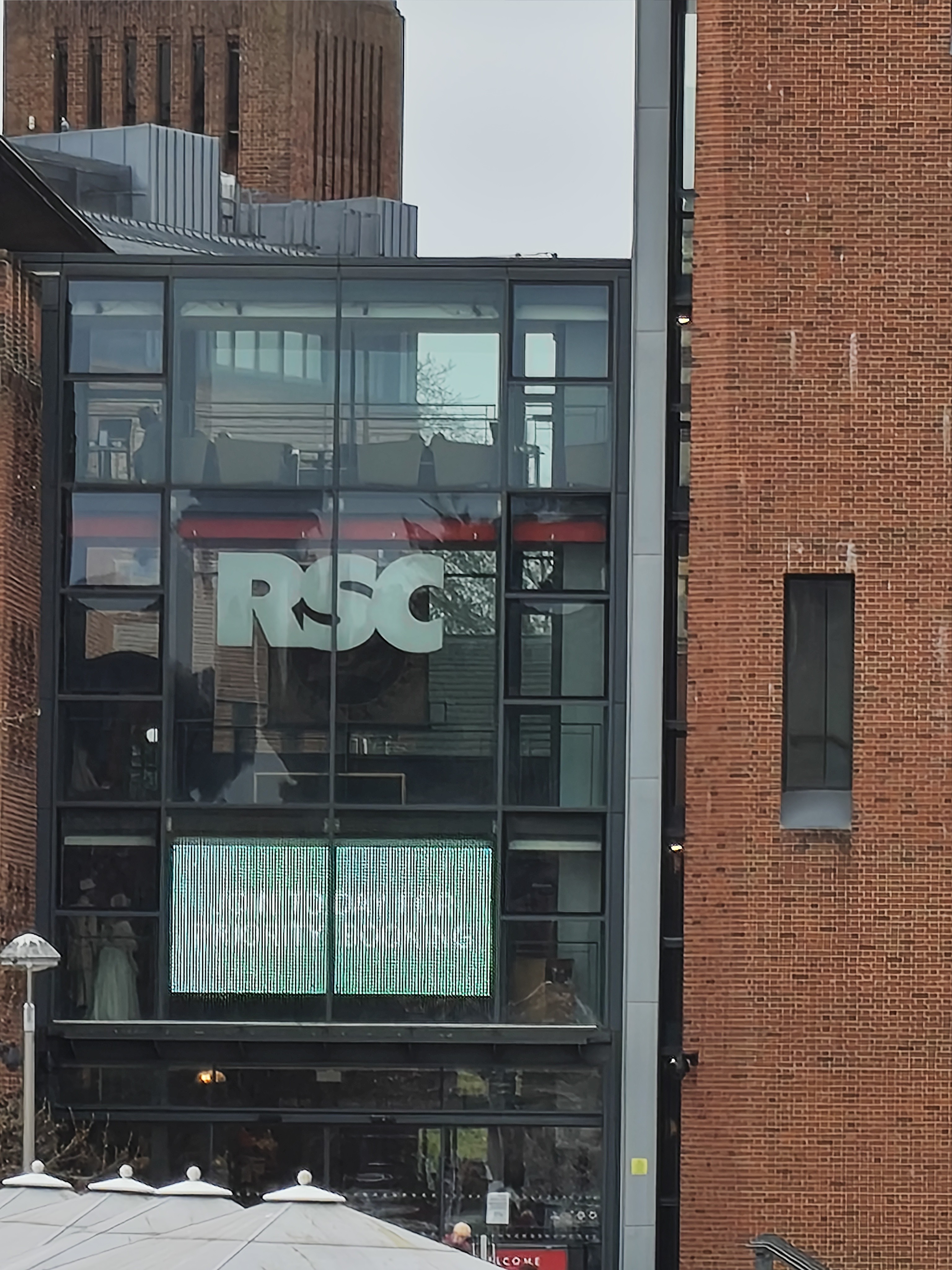
Please see some of my favourite camera samples with Phone (4a), the swans in Stratford-upon-Avon were glorious models.



Next up, some uses of the Phone (4a)'s zoom capabilities.
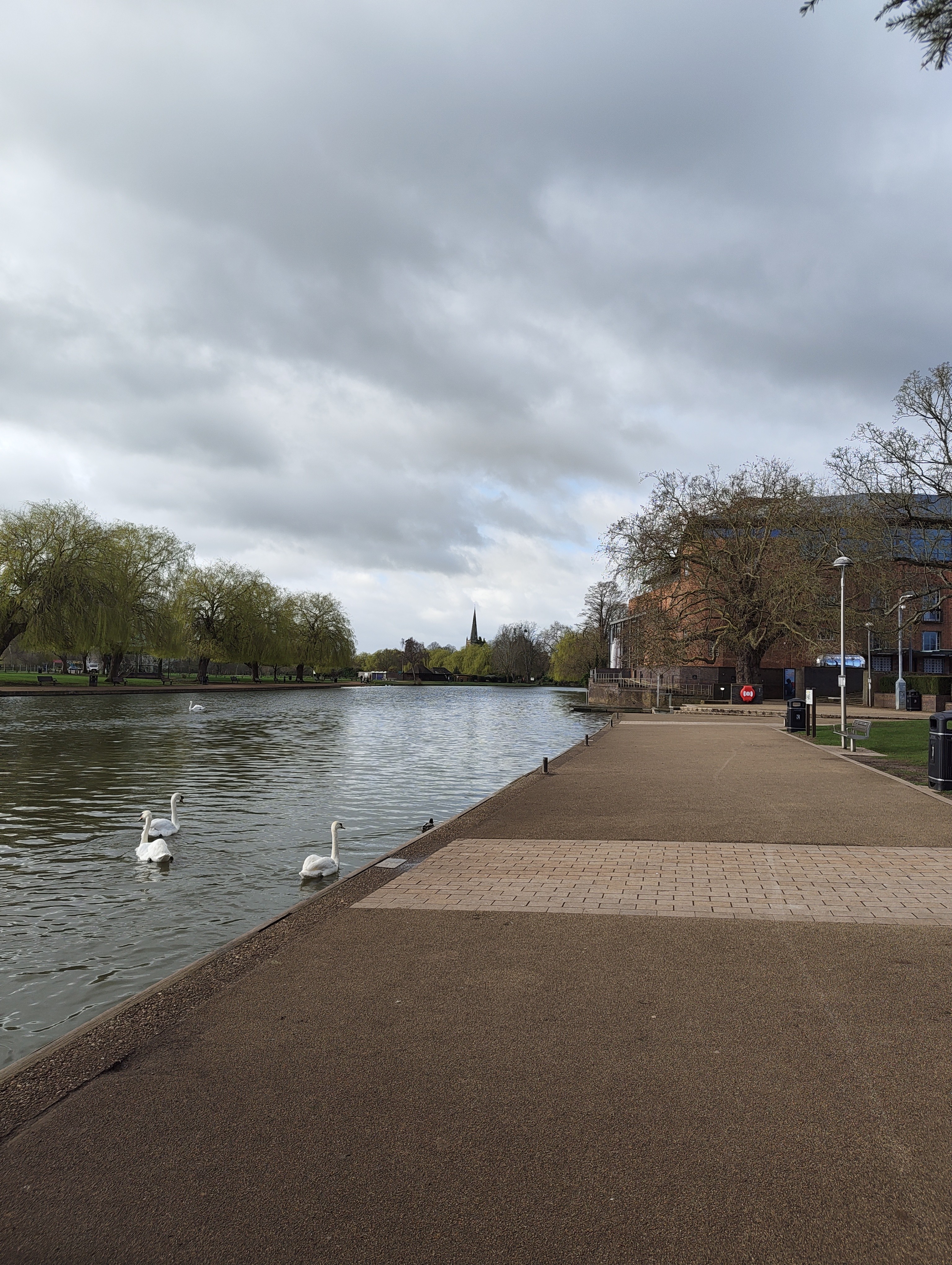
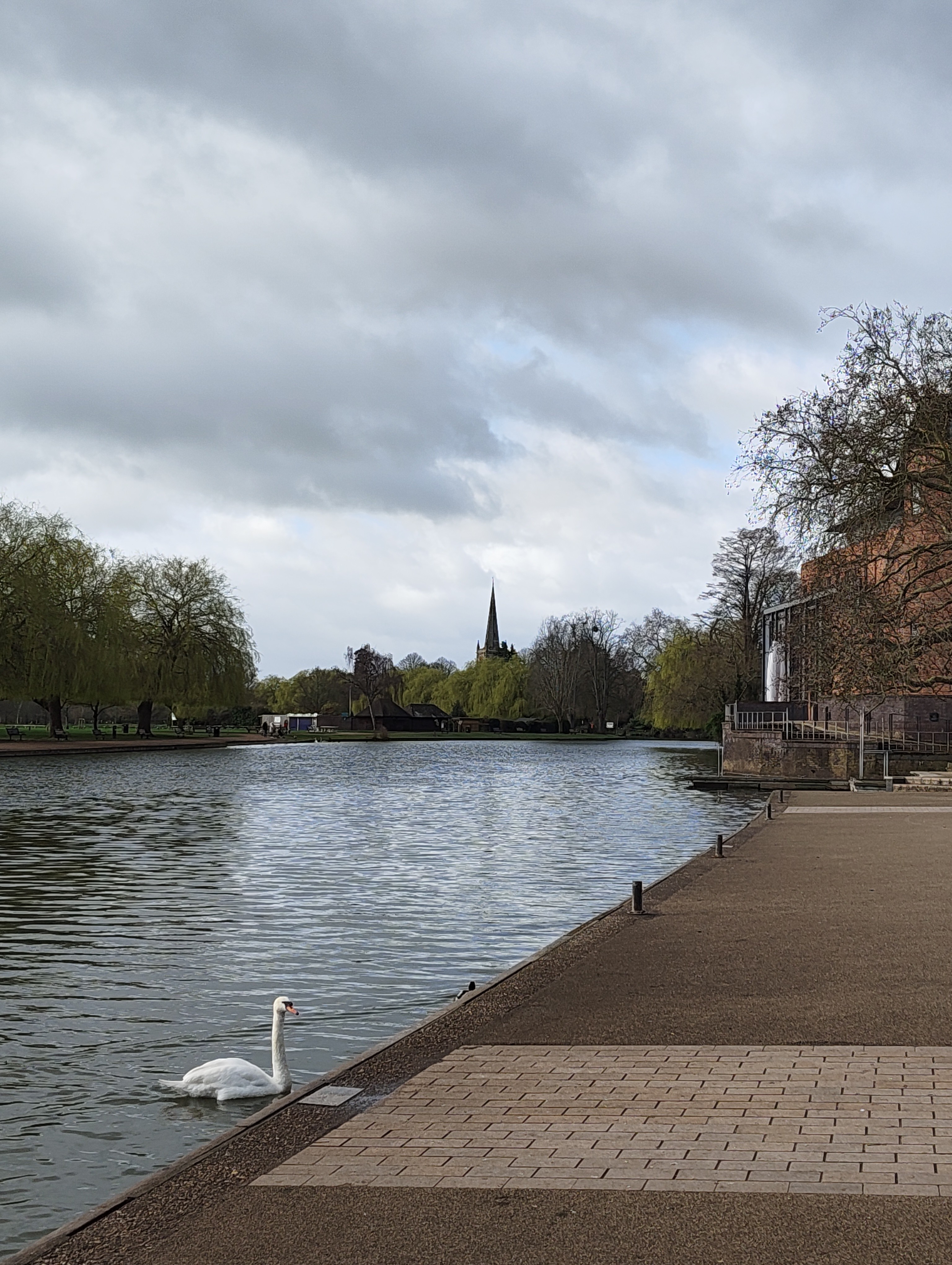
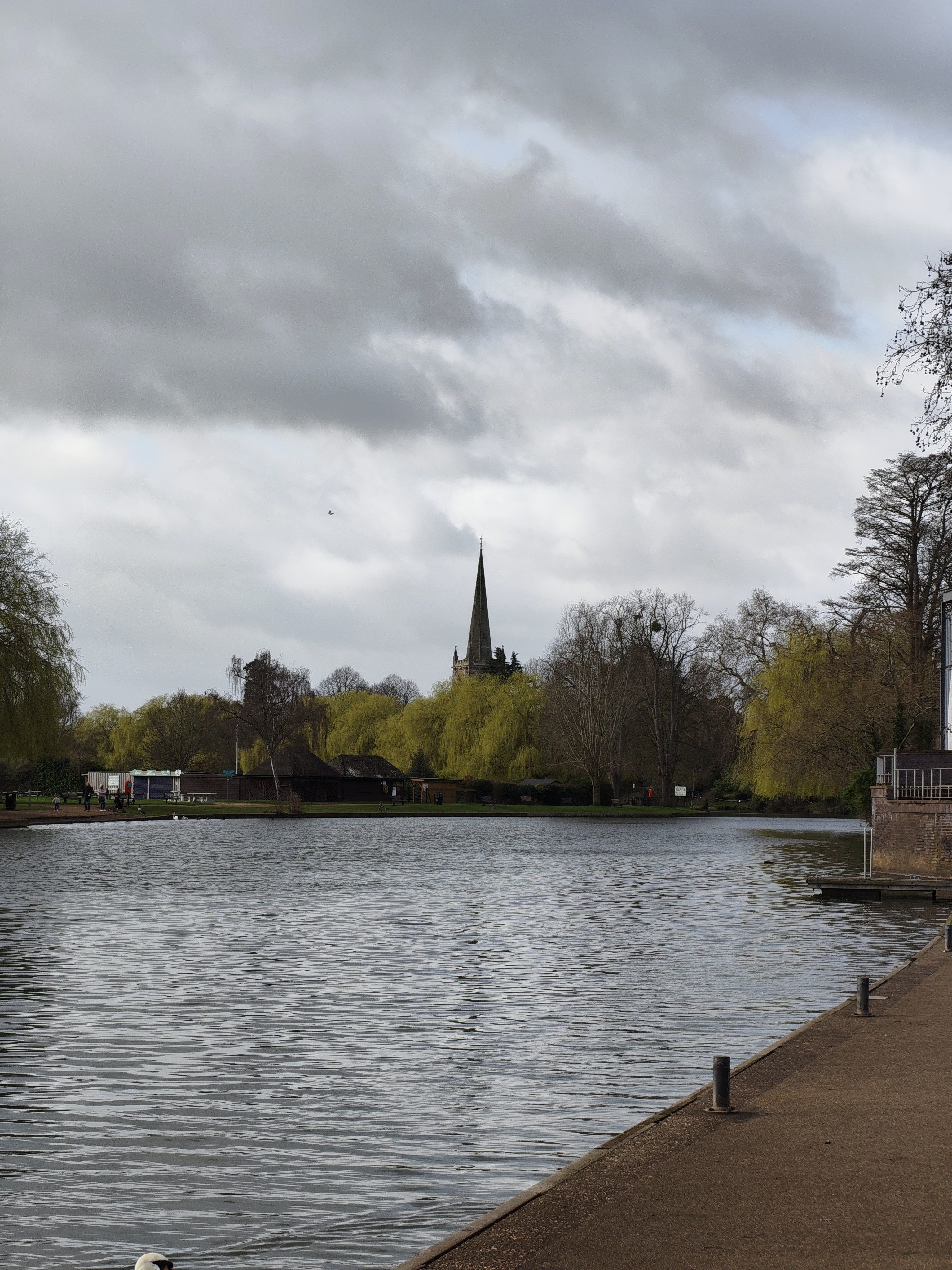
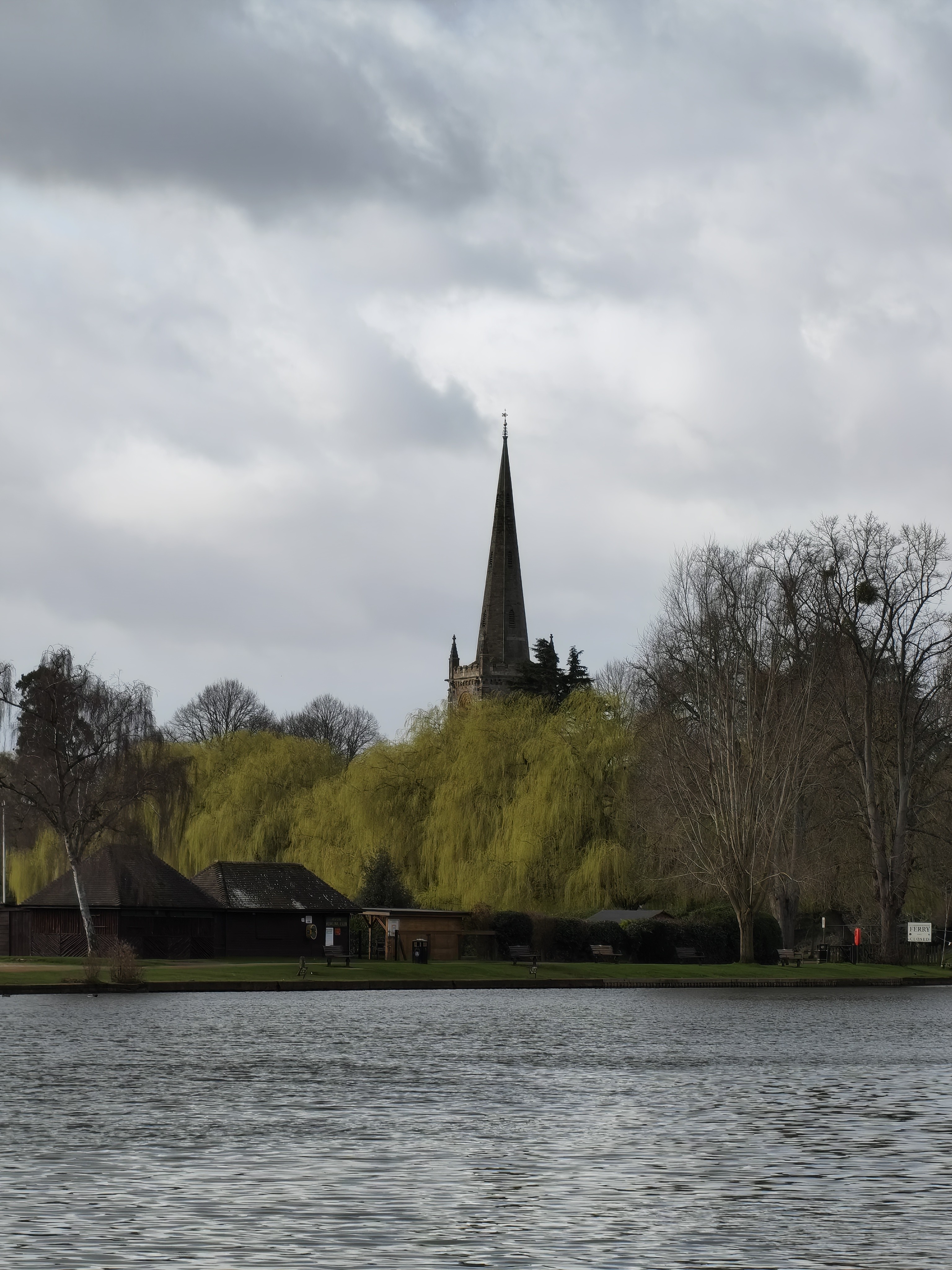
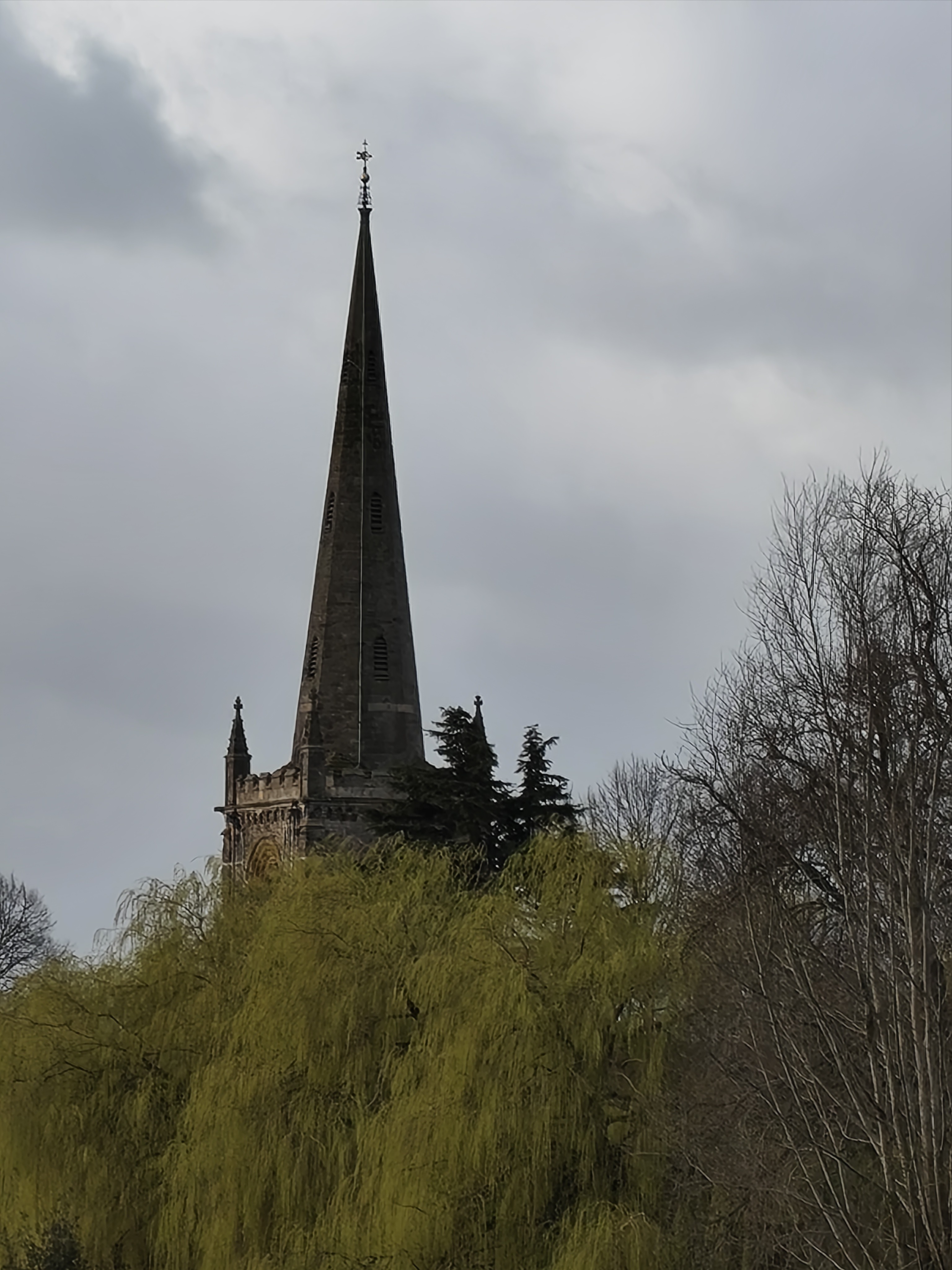
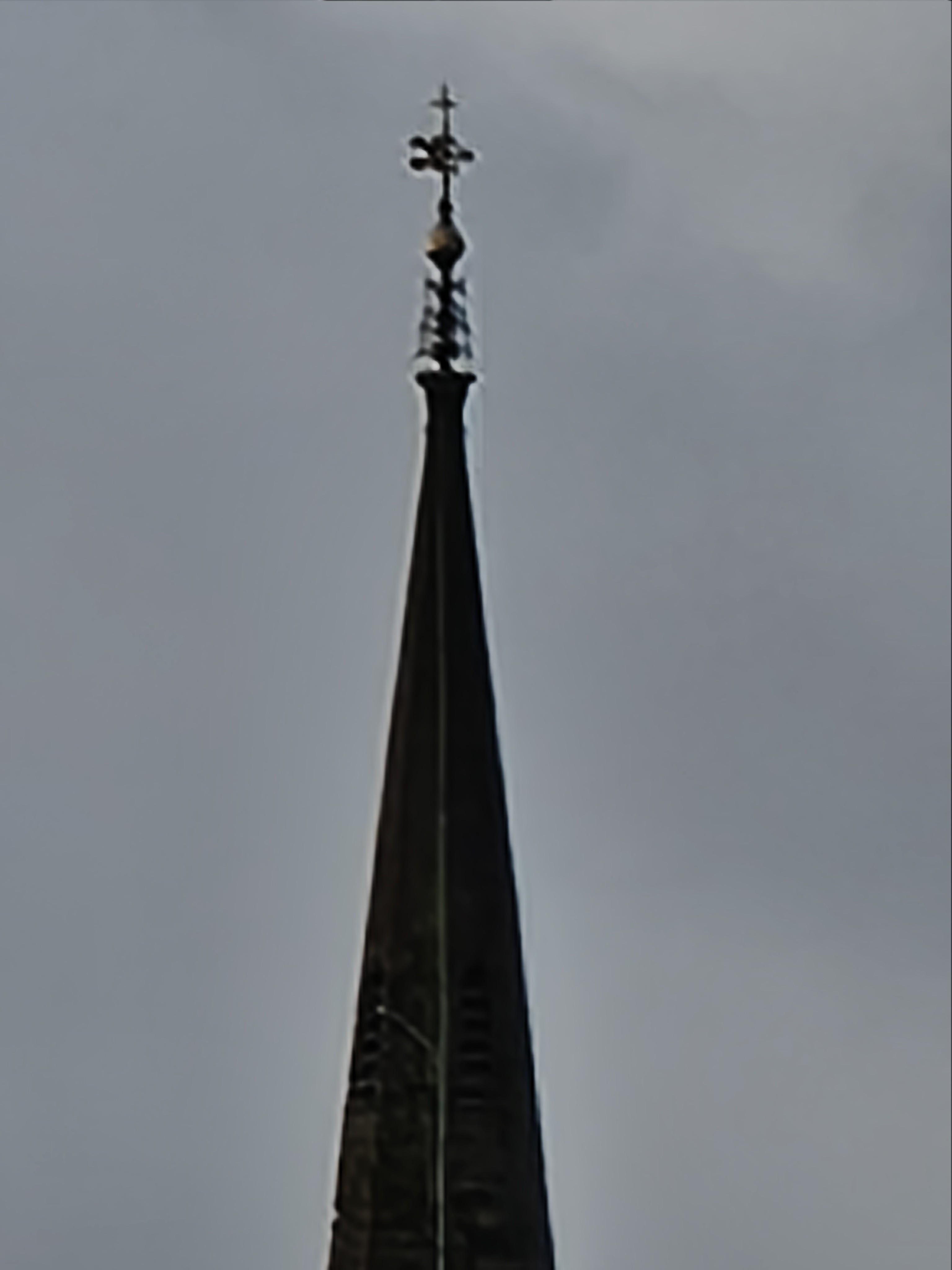
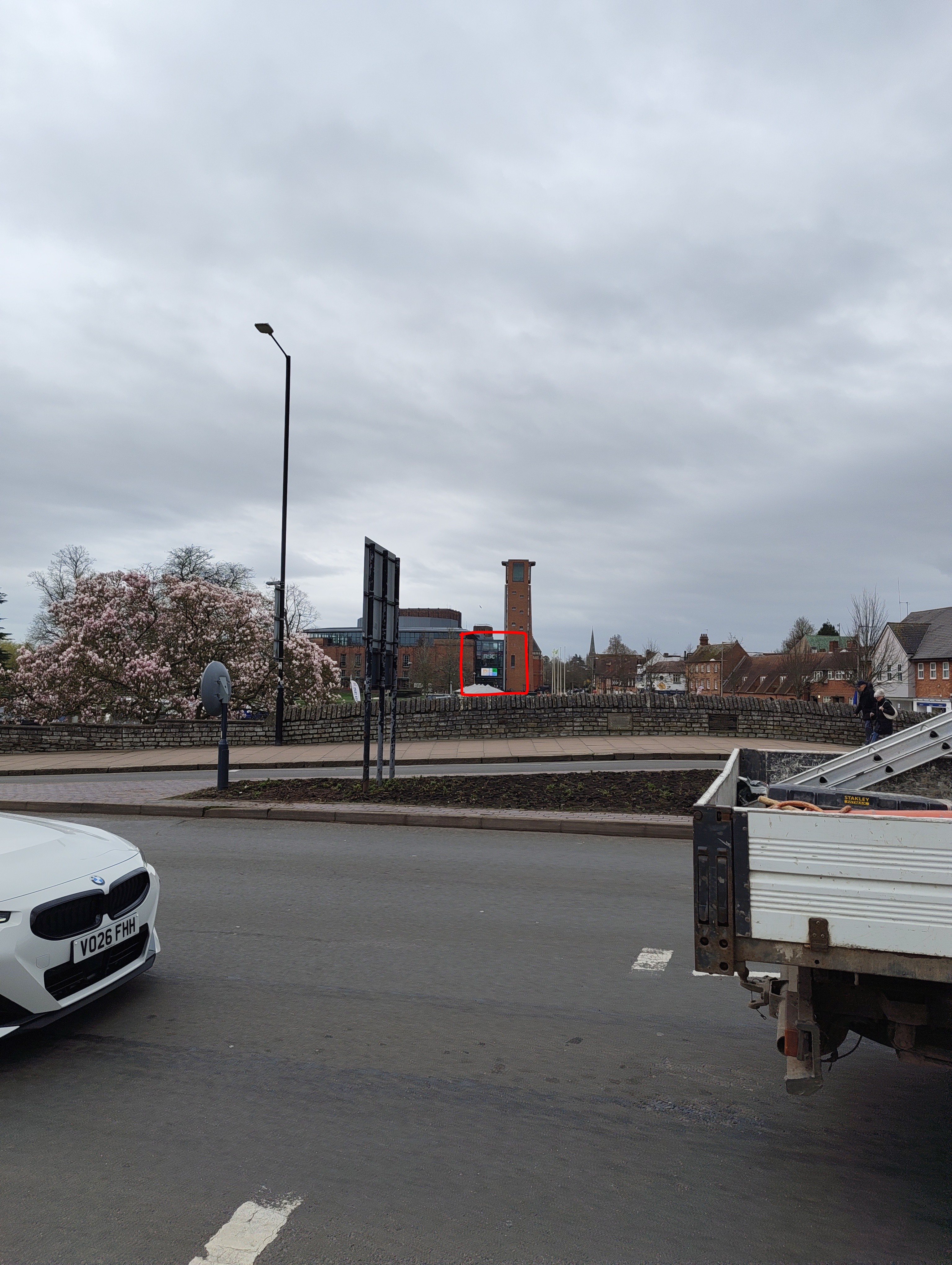
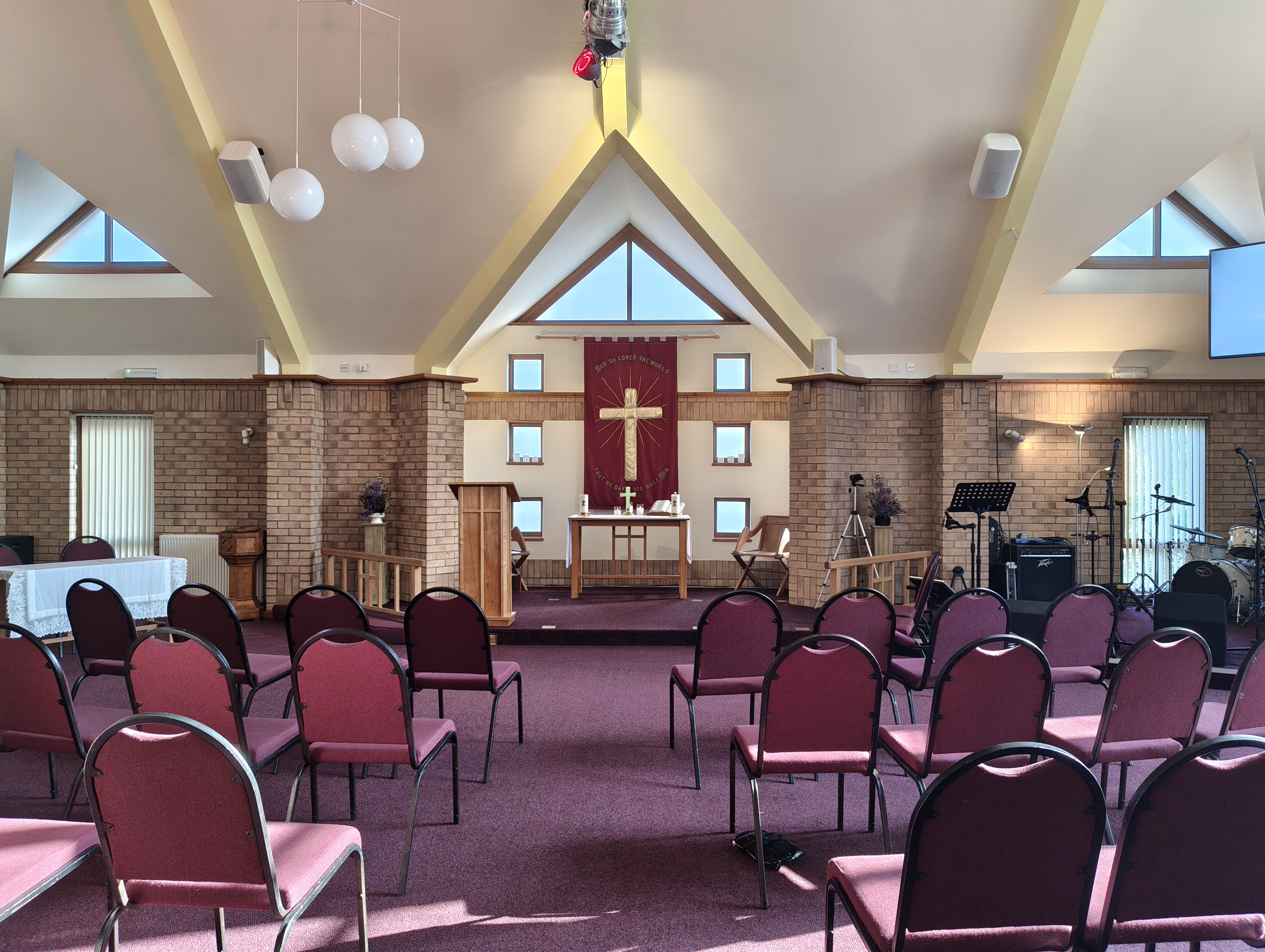
Finally, I used Phone (4a) and Phone (4a) Pro to record my recent church wedding ceremony in full, a memory that me and my wife shall cherish for a long time! Wonderful 1080p captures in HDR, thank you to Nothing for the perfect timing of this review programme.
Screen Experience - Sharp, Bright and Colourful 😍
On the front of the Phone (4a), we have the gorgeous 1.5K 6.78” flexible AMOLED display (440 Pixels Per Inch!). Once I had booted up the device and transferred over my data, my first thought was “wow! This screen is sharp, bright and these colours look great!” The reds of the Nothing Quick Settings Widgets really popped and I knew that content consumption on this device would look amazing! Not only does content look wonderful when indoors, it excels outdoors too, the increased 1600 nits of brightness helps with the visibility in direct sunlight (which is always hit and miss in the UK, but that is besides the point…).
The peak brightness for HDR content maxes out at 4500 nits, which is great for viewing your Ultra XDR pictures snapped on this device (told you I would mention it again). But the phone excels in darker spaces too, with Pulse Width Modulation dimming of 2160Hz, keeping the content easier on your eyes in dark spaces, I have been very impressed with the range this display offers.
It is an LTPS panel, meaning it has a variable refresh rate from 30Hz to 120Hz, which is great for power efficiency, but also feels buttery smooth in day to day use. But the panel is also 2500Hz in its touch response rate, which keeps input latency to a low for those fast paced, intensive gaming sessions.
The Phone (4a) has even bezels for its head, chin and both sides, however on each corner of the screen, the bezels increase in size ever so slightly to keep the radius of the corner of the phone symmetrical. The straight edges measure at 2.35mm whereas the corners max out at 2.469mm, a very tiny increase, but an increase nonetheless. This difference is not noticeable in day to day use at all, but I feel like I wanted to acknowledge this, after seeing discussions online about the bezels on the (4a).
Glyph Bar - Refinement, not a Revolution 💡
The next step of the Glyph Interface is the all new Glyph Bar. This 7 square bar, made from 63 mini-LEDs is your way out of the digital world, to reduce those distractions and focus on the present. The Glyph Bar reaches a peak brightness of 3500 nits, and trust me, this thing gets bright! Unfortunately, there is no ambient light sensor on board for auto-brightness, so the Bar has to be manually adjusted if you don’t wish to sear your retinas whilst in the dark! Despite all of this, the improvements to light leakage and the yellowing seen on other Glyphs has been fantastic! Each square has 3-levels of brightness and there is no leak into the next square, and the dimming curves are clean and without any flicker or yellowing. Bravo!
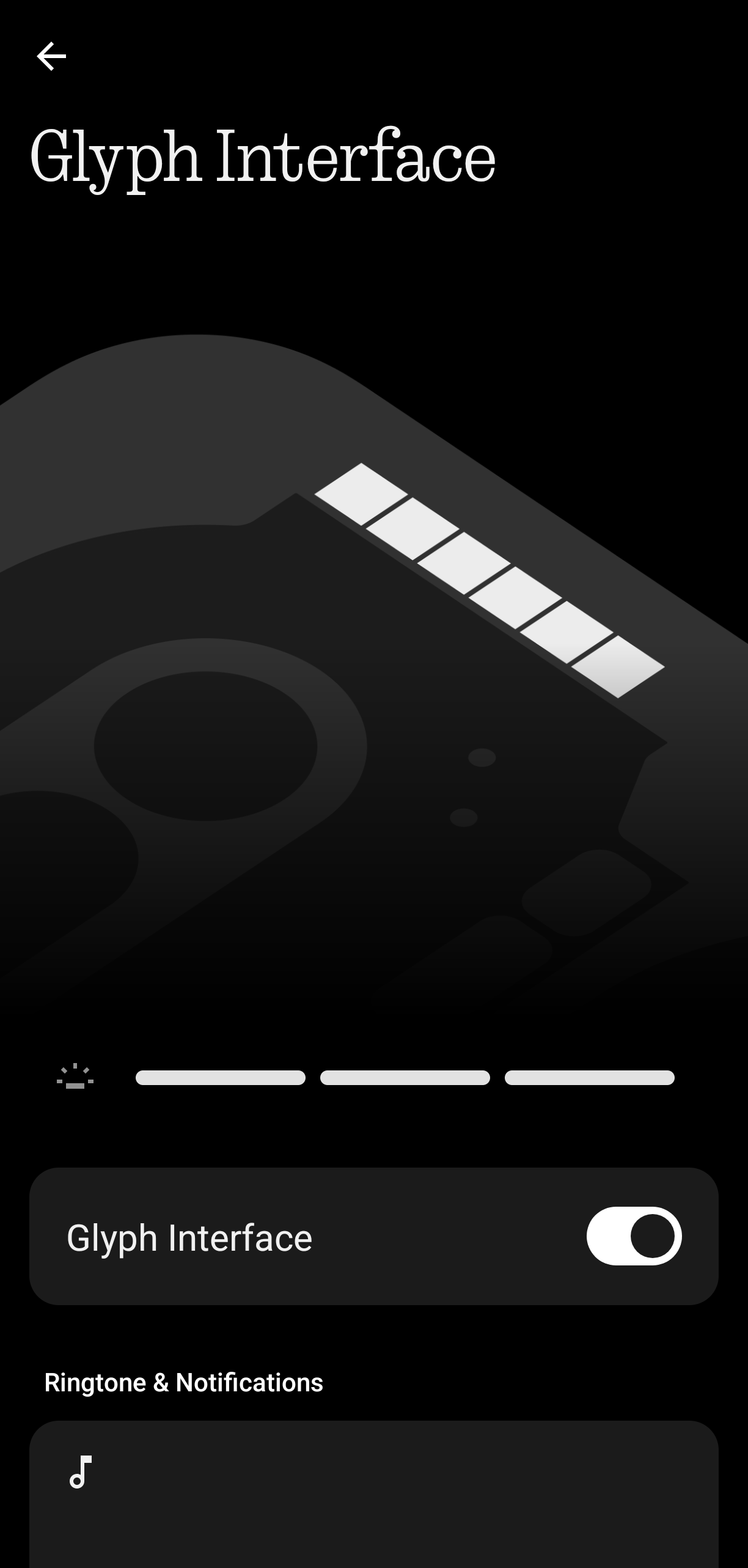
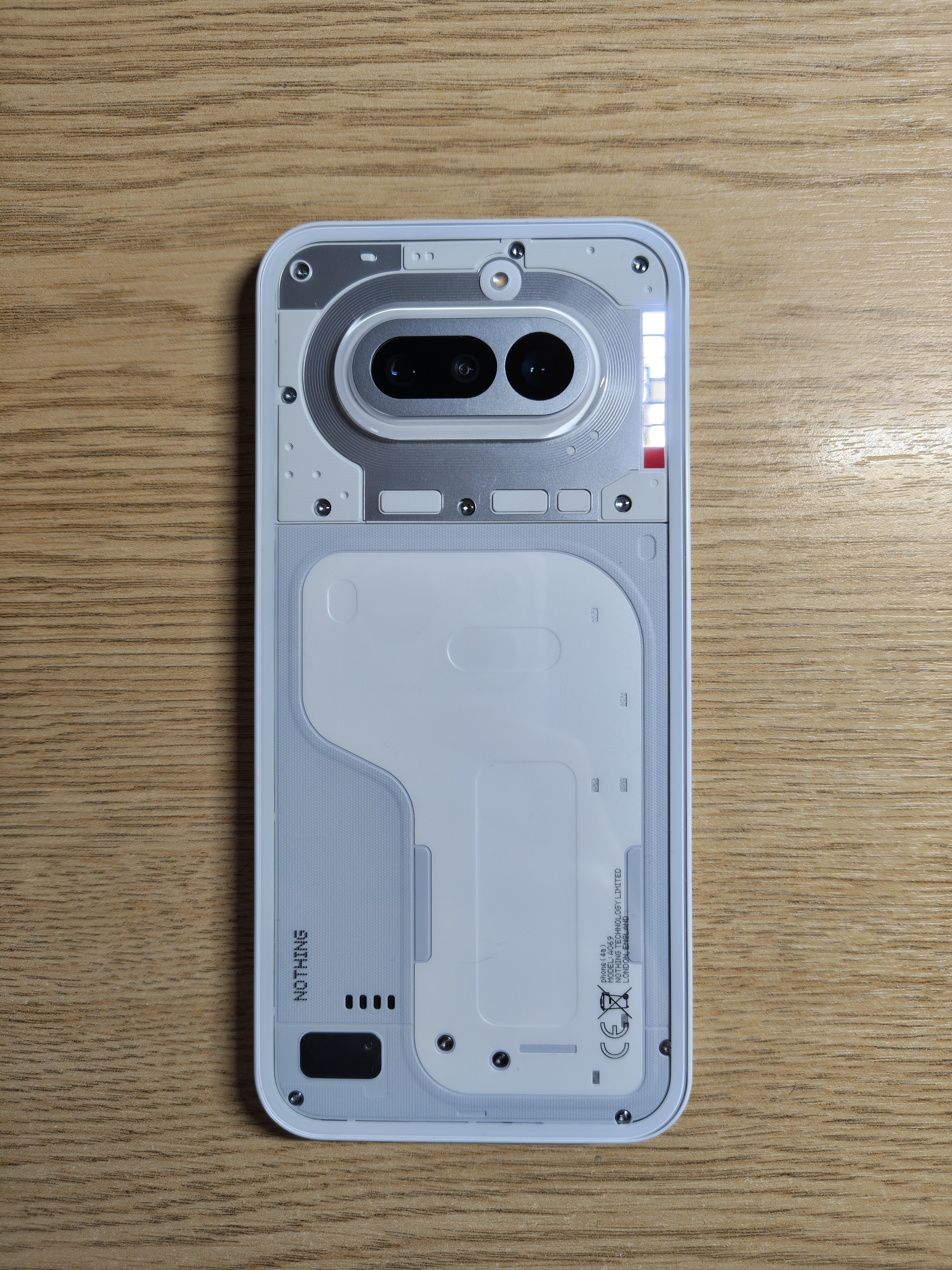
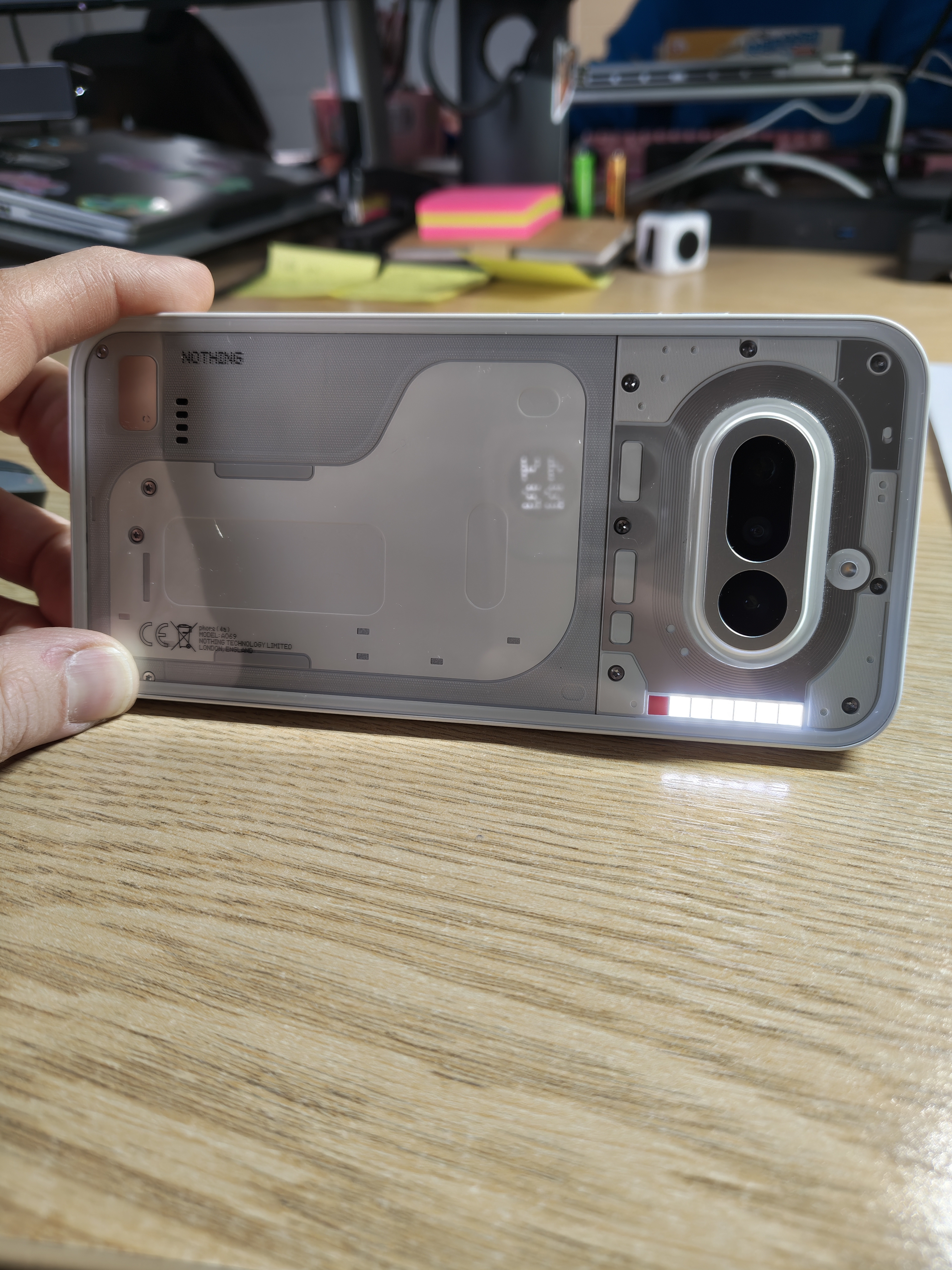
Everything you know and love about the Glyph Interface is back, Flip to Glyph is great for reducing distracting noises/vibrations. Glyph Timer looks charming with its cascading fall of “sand”, and gives a clear indicator of time remaining. Live Progress integrates well with the Glyph Bar also, again showcasing how long is left until your Uber arrives, or your next calendar event is, for example.
At the bottom of the bar, the 7th and final square is the iconic Red Recording Light, which has been fantastic for letting others know that you are recording video, or recording meeting notes via the Recorder app/Essential Space. This is toggled on by default, but can be turned off. Why would you ever want to do that?!
The only downside I encountered was that with the Glyph being reduced down to one single bar, on one side of the phone and the notifications flashing by so fast, sometimes I miss a flash if the phone is positioned in a certain way, away from my peripheral vision. I suppose that this helps with the distraction element, but it did result in a missed phone call/message once or twice.
But back to the light side, if you will, the Glyph Bar is excellent when it is all lit up for Essential Notifications. I always know when my wife has messaged me, as the bar illuminates through anything, meaning I always know when it is time to pick up my phone. It helps keep the distractions to a minimum and the time spent looking at the screen lower. Which is a perfect thing to achieve in such a digital all encompassing world!
Software - NothingOS 4.1 ⚙
Everything you love about NothingOS is available here, as expected it is snappy, smooth and continuously feels better with each update. In total I received two OS updates whilst reviewing this device and I had no issues with any of the builds in terms of bugs. Just a slight hiccup with the security certification of the device, pre-general release, meaning that NFC for Contactless Payments was not functional for about 5 days. This was reported to the team and fixed promptly.
Phone (4a) is supported for 3 Years of Major Software Updates and a whopping 6 Years of Security Updates, meaning it is feature supported until March 2029 and Security supported until March 2032! This Phone, if you purchase, shall certainly last you a long time, and for such a cheap price, it really feels like value for your money!
One more thing to note is that the transfer process and onboarding from one Android device to another is super smooth and seamless, the only thing is that it takes up to a few hours to copy across, especially if you have lots of apps, like I do!
In terms of bloatware, I did not experience any. I suspect that this is due to me copying over Facebook and Instagram when setting up the device. It doesn’t mean that the (4a) Series doesn’t have bloatware, it is merely to say I didn’t encounter it, due to my set-up process.
Essential Space - Second Memory, Indeed! 🧠
I hadn’t used the Essential Space before using Phone (4a), but I can safely say, I am convinced by Nothing’s use of AI. As mentioned previously, life has been busy, so I used “Flip to Record” in order to record two important wedding calls. Using Essential to summarise and pull actions and lists for my to-do’s, it was super useful and saved me a lot of time, in attempting to note-take in any other way.
The movement of the Essential Key didn’t affect me, as I haven’t used it before. But I enjoy the different texture of the key, being rounded and more chromed looking, it certainly stands out as a special key, compared to the other three keys on the opposite rail.
With Essential Space 2.0, the UI has improved and this was something I experienced during my review, going from 1.0 to 2.0. The break-down in pages allows for quick navigation between tasks and your library of captures, plus using collections was great for organising my various screenshots.
I shall miss the use of Essential Space when I go back to my Phone (2a) Plus - Community Edition. It has been very useful to capture my various thoughts and feelings across the weeks. But I look forward to the future Cloud-Based webpage to be released, so that I can still access my notes once this review period ends.
Final Verdict - Bang for the Buck ❓
Well done if you have read this entire review. It was certainly much bigger than I anticipated, but this Phone (4a) has so much going for it, almost 3000 words…
TLDR;
The Phone (4a) is easily the best design Nothing has released, the hardware along with amazing software integration makes this device feel snappy and breezes through most tasks. It may struggle with graphic intensive games, but that is not my use case. The price cannot be beaten either, starting at £349 for the base model, but only peaking at £399 is great value for money for a phone that can last for 6 years, making it at most £66.50 per year, which to be fair is Nothing! 😉
I highly recommend this device if you are coming from Phone (1), Phone (2), Phone (2a) Series and Phone (3a) Lite, the upgrades shall feel significant. This Phone (4a) is up there for the best of the best for a mid-range device. The Nothing Team has cooked again and I am super appreciative for the opportunity given to review this device.
Whilst the device is now out to purchase, if anyone has any questions, I am around here and on Socials as SpeedySeale for any/all questions.
