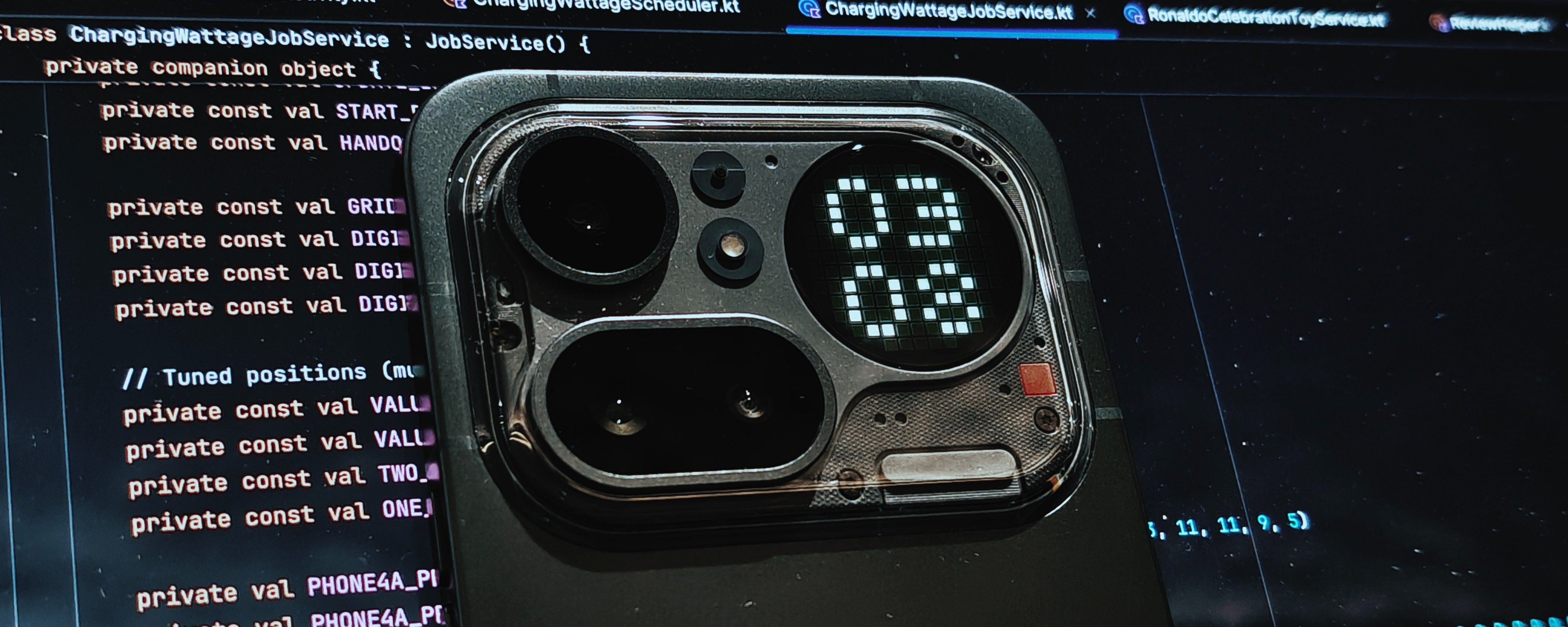
I have been using the new Nothing Phone (4a) Pro for a month now as my primary device. This is my full review, although, not a spec dump. Just what it’s actually like to use this phone every day. From design to Glyph Matrix, performance to general UX - here’s my honest take.
⚠️ Context
I’m a UX Designer who loves tech and all things cool. I also build @essential apps and Glyph features for the @changename Community. So this is less about benchmarks, more about how the phone actually feels and behaves in daily use.
—
📦 What’s in the box
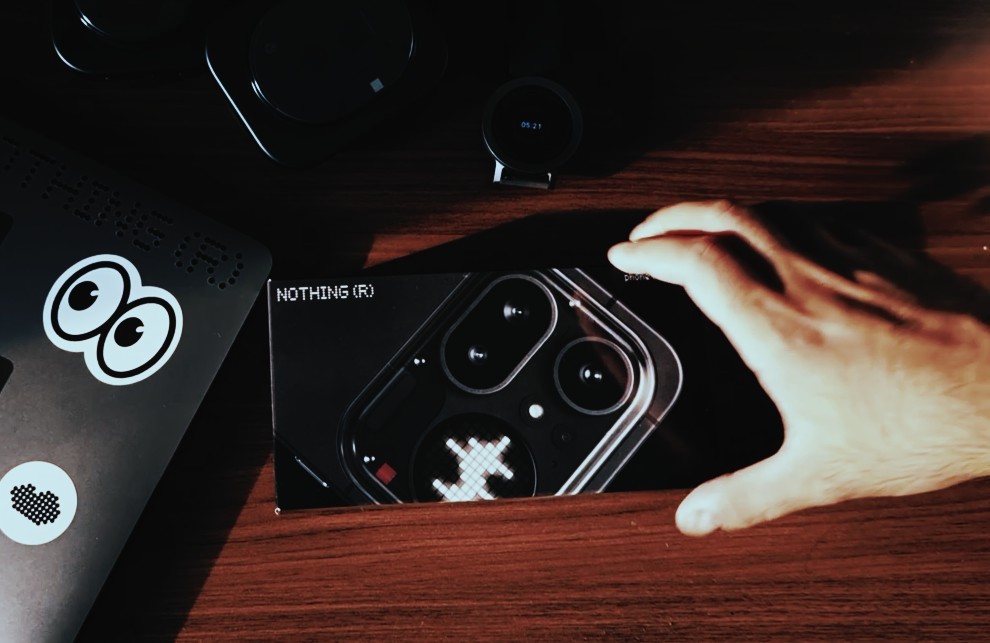
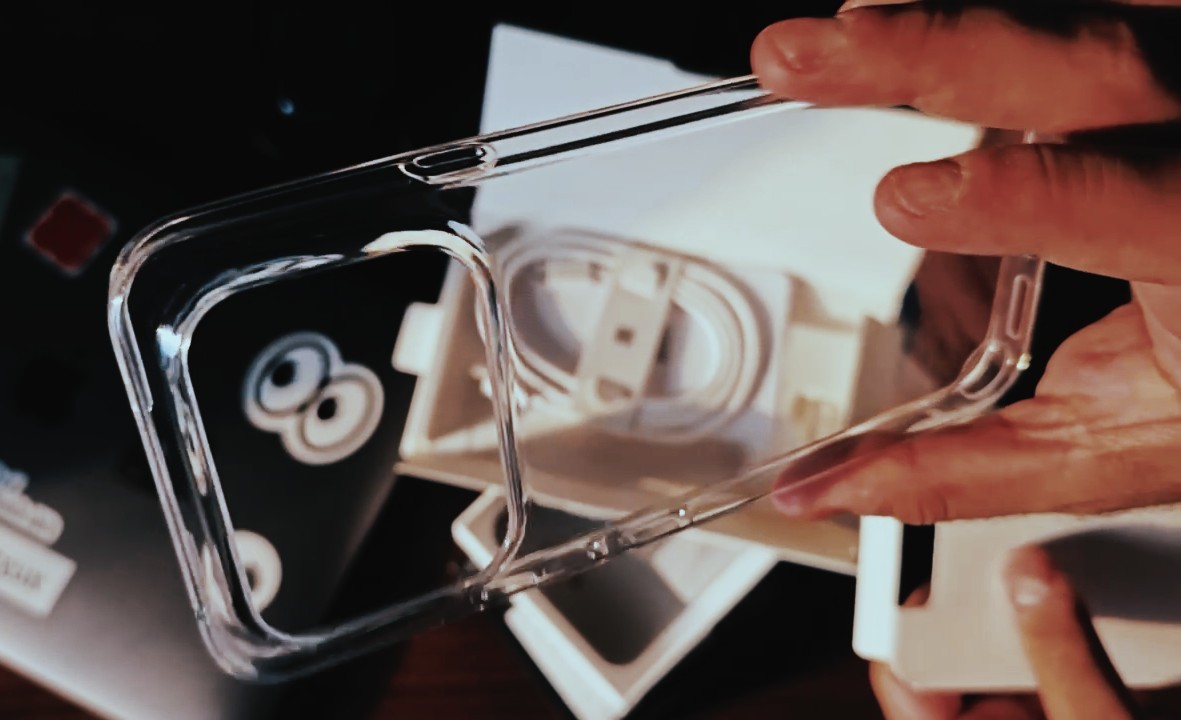
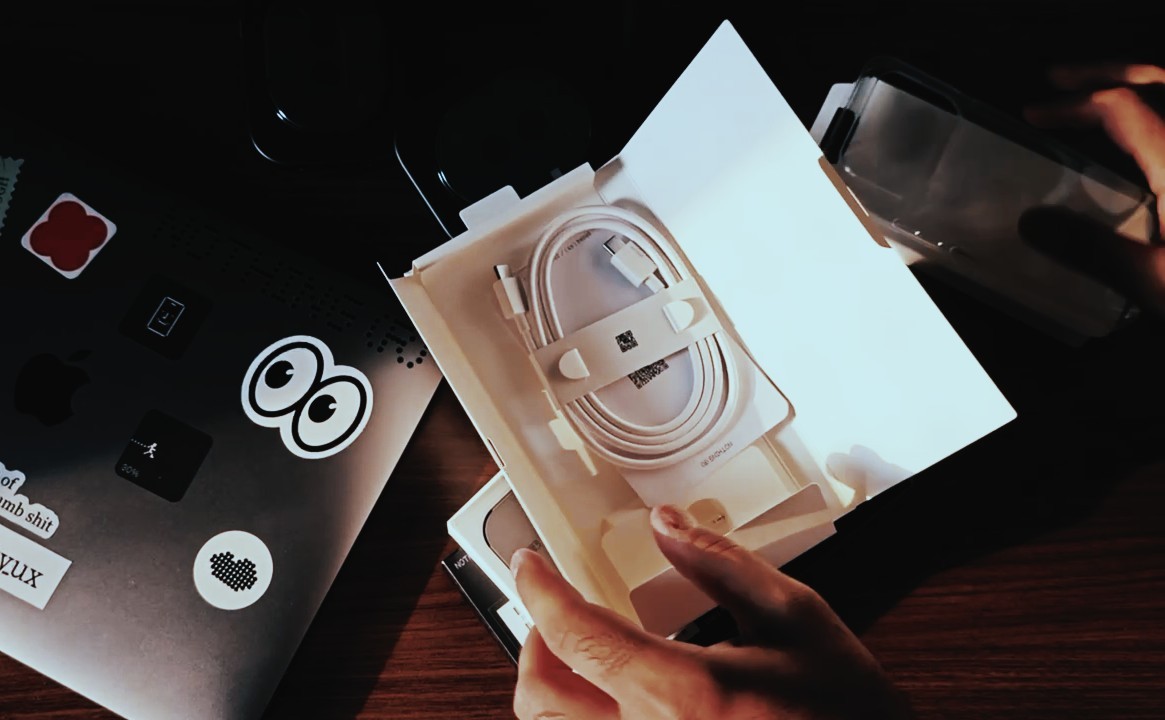
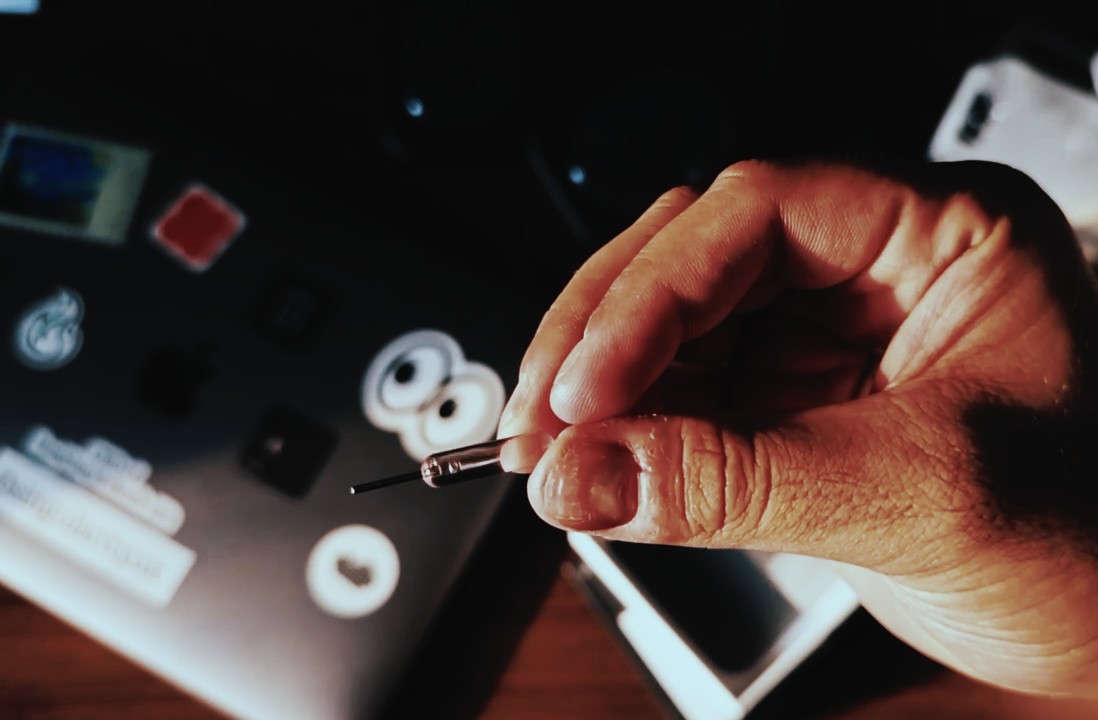
Full unboxing video here
—
🤌 Design
First thing you notice- this feels way more premium than the (4a), almost as premium as Phone (3).
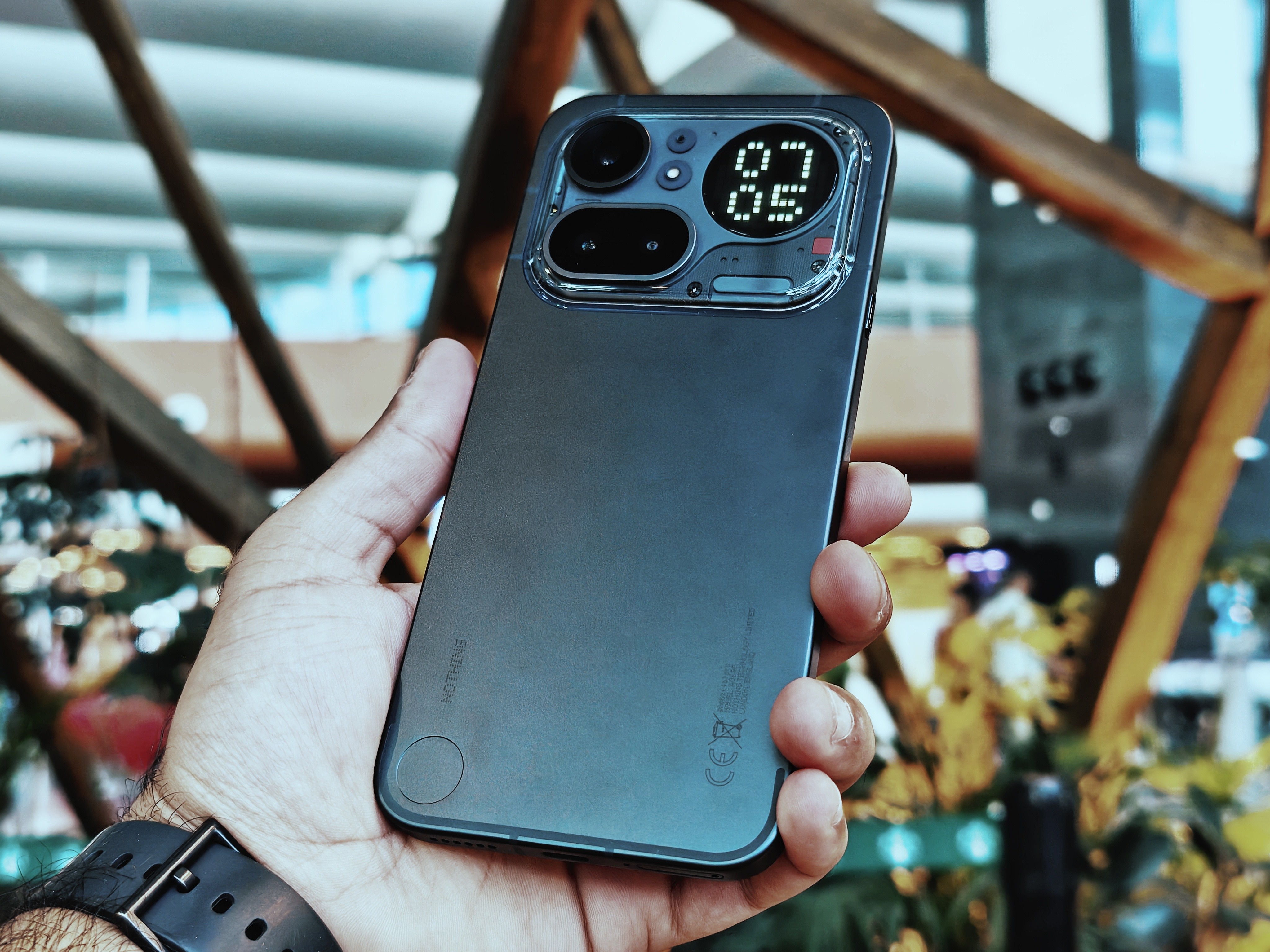
Full aluminium build this time
Slightly slimmer, better weight
Not fully transparent back, but still has a transparent camera plateau.
Love that cold metal feel when you pick it up after a while.
One thing though- the camera plateau is plastic, and it will get scratched if you’re not careful.
—
📱 Display
6.83” AMOLED, 144Hz, 1.5K
Thinner bezels (93.4% screen to body ratio) compared to Phone (4a)
Bright enough outdoors (5000 nits peak, 1600 nits outdoor, 800 nits typical)
Great colours, smooth.
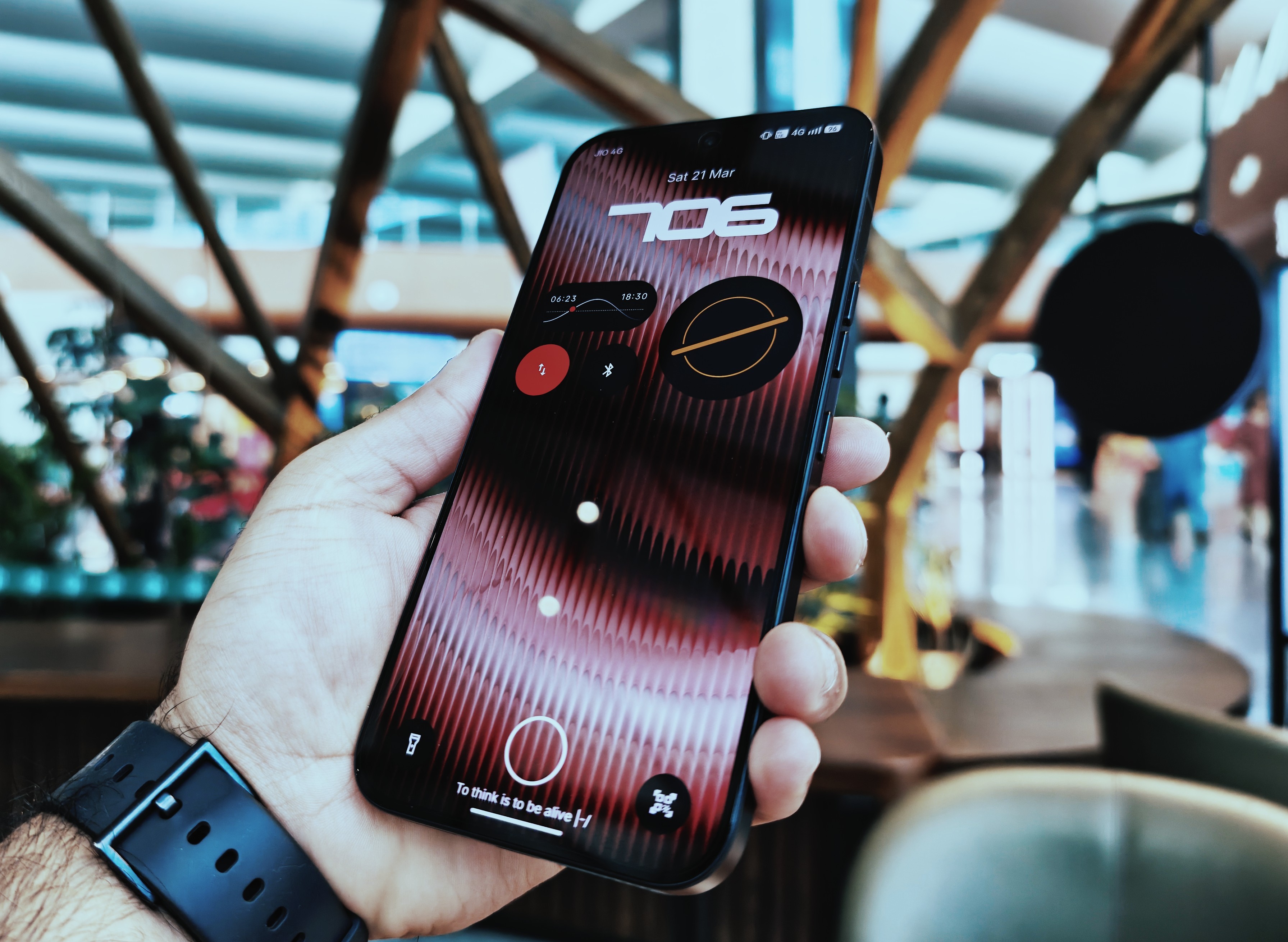
It’s just a solid display. Nothing to complain about here.
—
👾 Glyph Matrix
I love talking about the Glyph Matrix as a Community Glyph Developer. Instead of the usual Glyph lights or a Glyph Bar, you now get a flagship-grade Glyph Matrix— a dot-matrix style display, like the one in Phone (3)— inside the camera plateau.
Looks cleaner with fewer (137 pixels) but larger LEDs compared to Phone (3) (489 pixels)
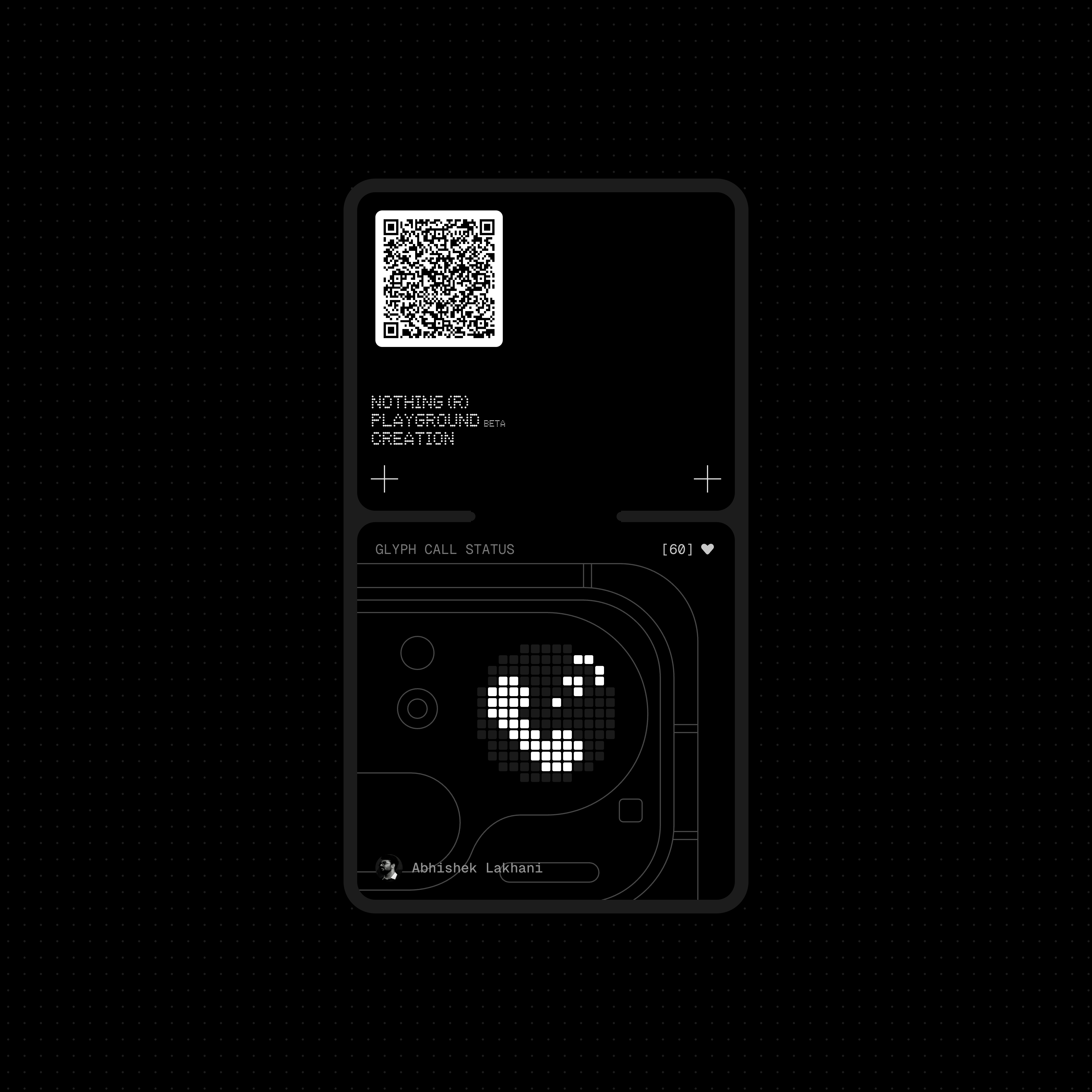
Love using Glyph Timer, Glyph Progress (with Android 16’s Live Notifications) and Call Status feature which I developed (was showcased in the official Nothing keynote!) within my Glyph Toybox app
What I don’t quite like:
Only AOD Glyph Toys available to use (like Digital Clock, Battery, Solar Path, Moon Phase, and other Community made AOD toys)
No dedicated Glyph Button to control the Matrix like Phone (3) had.
Not very easy to discover or set up (it’s under Flip to Glyph menu in settings)
Brightness control of Glyph Matrix is not automatic
—
⚡ Performance & Software
Snapdragon 7 Gen 4 + UFS 3.1 + LPDDR5X
Day-to-day use? No complaints.
Smooth animations
Apps stay in memory
New Lockscreen customizations with depth effect for Clock
Nothing OS 4.1 is still one of the cleanest Android experiences out there. Minimal, fast, and actually thought through.
—
🔘 Essential Key
⚠️ Essential Key is now on the left and higher up. Power + volume buttons on the right.

Still haven’t gotten used to this new placement. It has reduced my Essential Space usage a lot. On the right side, below the power button [on Phone (3)] it was more reachable and had me using it all the time throughout the day. Please shift it back, Nothing? 🥺
—
🔋 Battery
Very reliable. No complaints.
—
📸 Cameras
Triple camera setup- looks very different this time, still very “Nothing”.
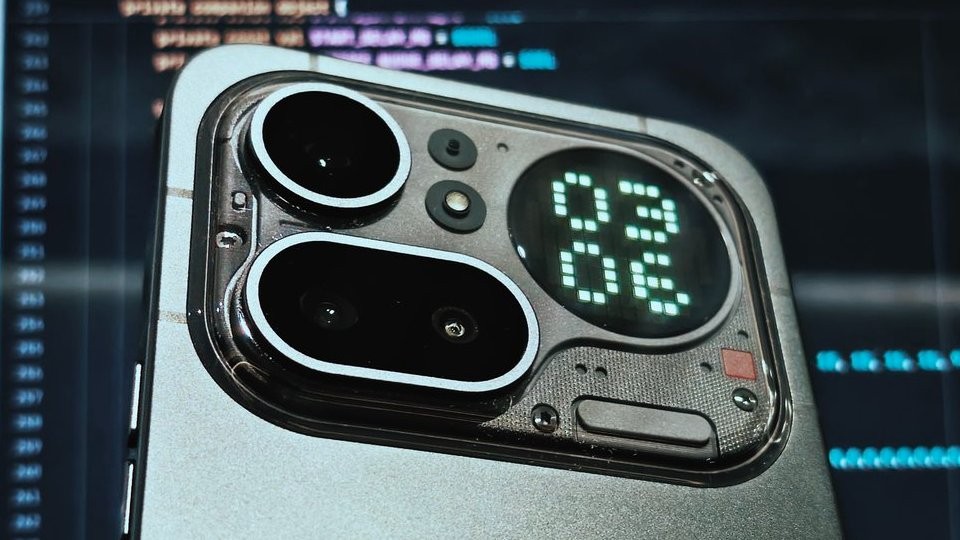
Camera setup on Phone (4a) Pro
Main: 50MP Sony LYT 700C with OIS+EIS
Periscope: 50MP Samsung (3.5x) with OIS+EIS
Ultrawide: 8MP Sony IMX355
Front: 32MP Samsung
I’ll do a proper camera thread soon with photos, but here’s how it’s been so far:

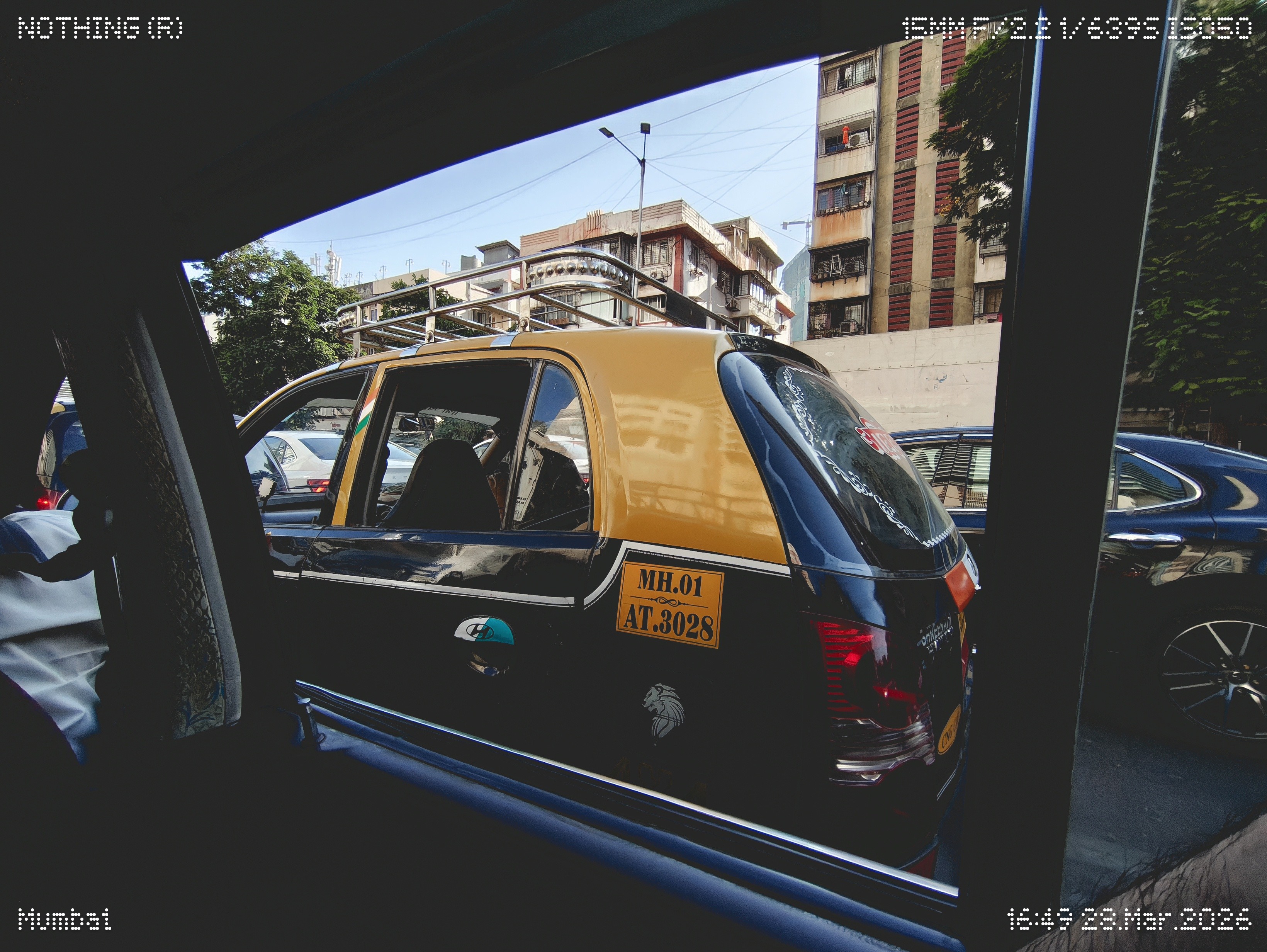


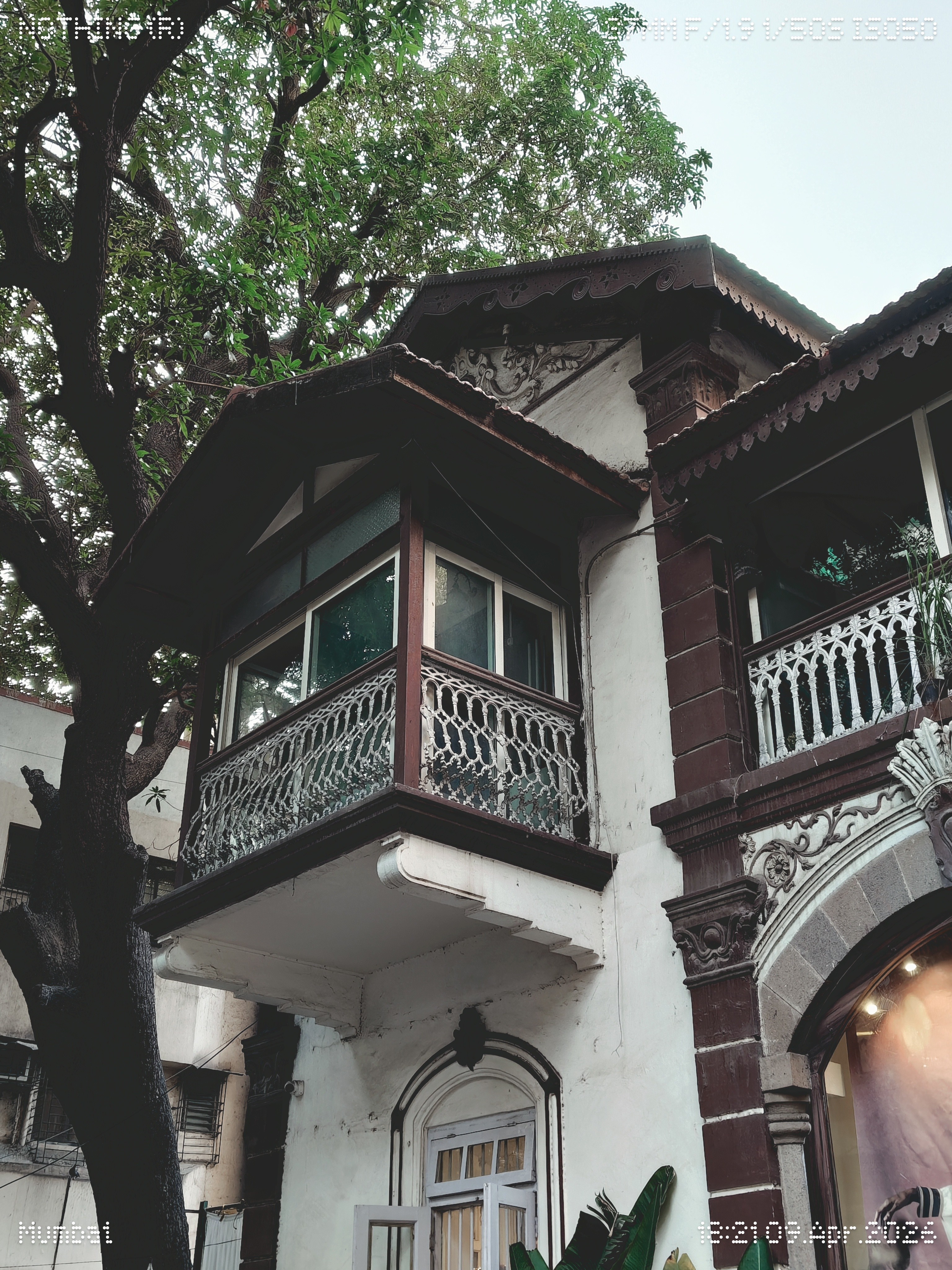


Main camera:
Periscope:
Ultrawide:
Zoom:
Goes up to 140x, but realistically usable till ~70x
AI Super Res kicks in after 20x (can be turned off)
The presets + real-time tuning in the viewfinder are honestly very fun to use- as you can see in my samples- how much I love presets. Makes photos feel more “ready” without extra editing.
Video:
Overall:
Cameras are great. Not perfect.
Strong main + tele, weaker ultrawide, and some processing quirks.
But for most people — this setup works well.
—
🎧 Extras
Speakers are loud, not very bassy
Haptics are great without a case on
No major connectivity issues
🤔 Trade-offs
Glyph Matrix feels underused, unless Community Developers build more fun and useful Glyph Toys/Tools.
Plastic around camera will scratch if used without a case
Some features are a bit hidden (UX could be better here)
—
✅ Verdict
The (4a) Pro feels like a more polished, more premium version of the (4a). Better build, better display, slightly better overall experience. If you care about design, software, and the whole Nothing ecosystem- this is the one to go for.
Once again, thanks to @Deepanshu_Saini_ for the opportunity to test and review the Phone (4a) Pro as part of the Community Review Program. ❤️
