AnikMRIDHA Now I get what you were asking. Here’s how to do it-
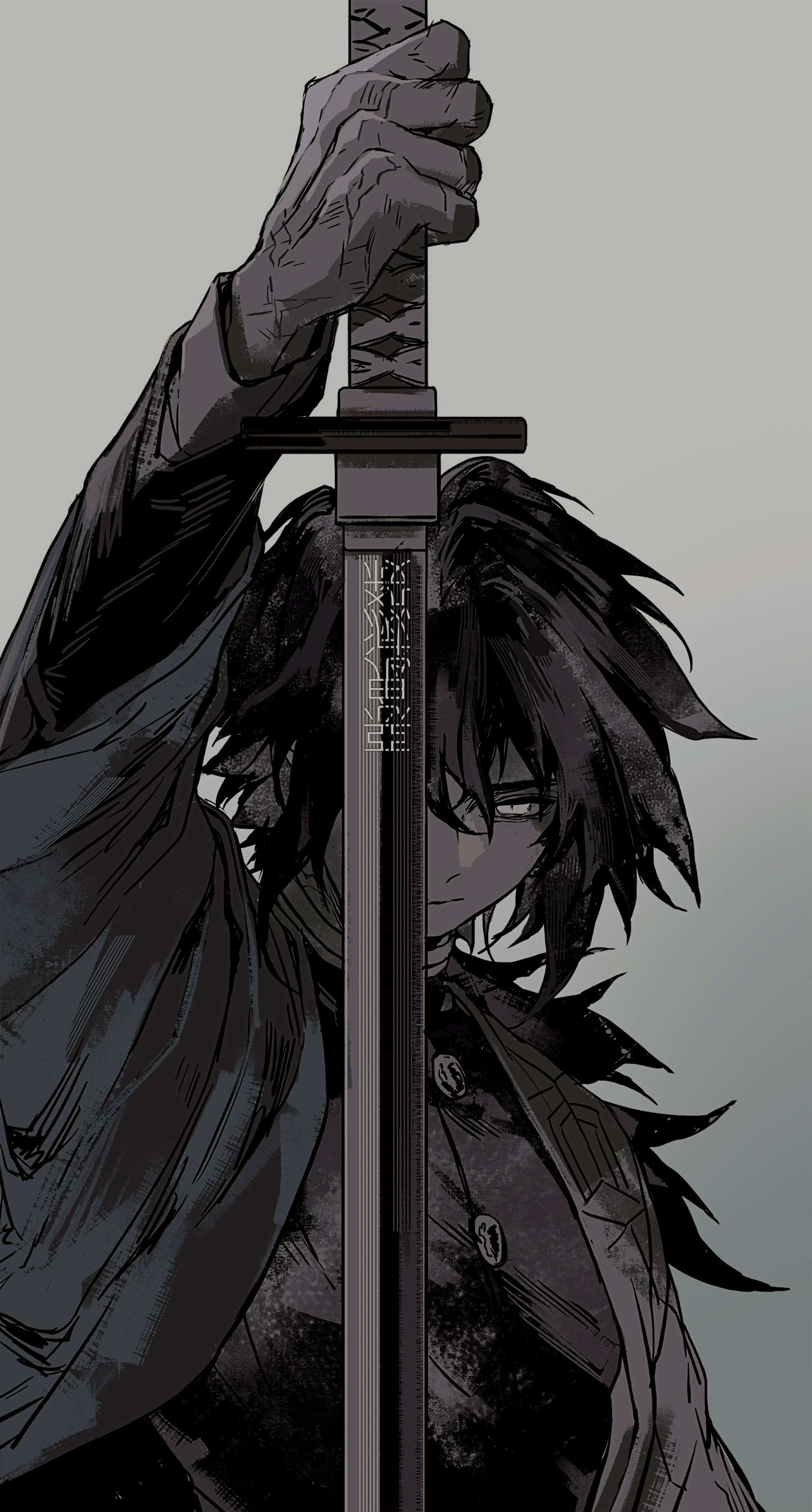
Just long press on the home screen and select customisation (or open it from settings), then when the window opens, select the lighter image for the lock screen and the darker image for the home screen. It’ll take a few tries to get the perfect alignment to make the transition seamless enough to look like an animation [tip- I suggest you set one image (lock screen one) and move the other (home screen one) to match the first’s position exactly]
I’ve also attached a screen recording of the same so that you don’t have any confusions.