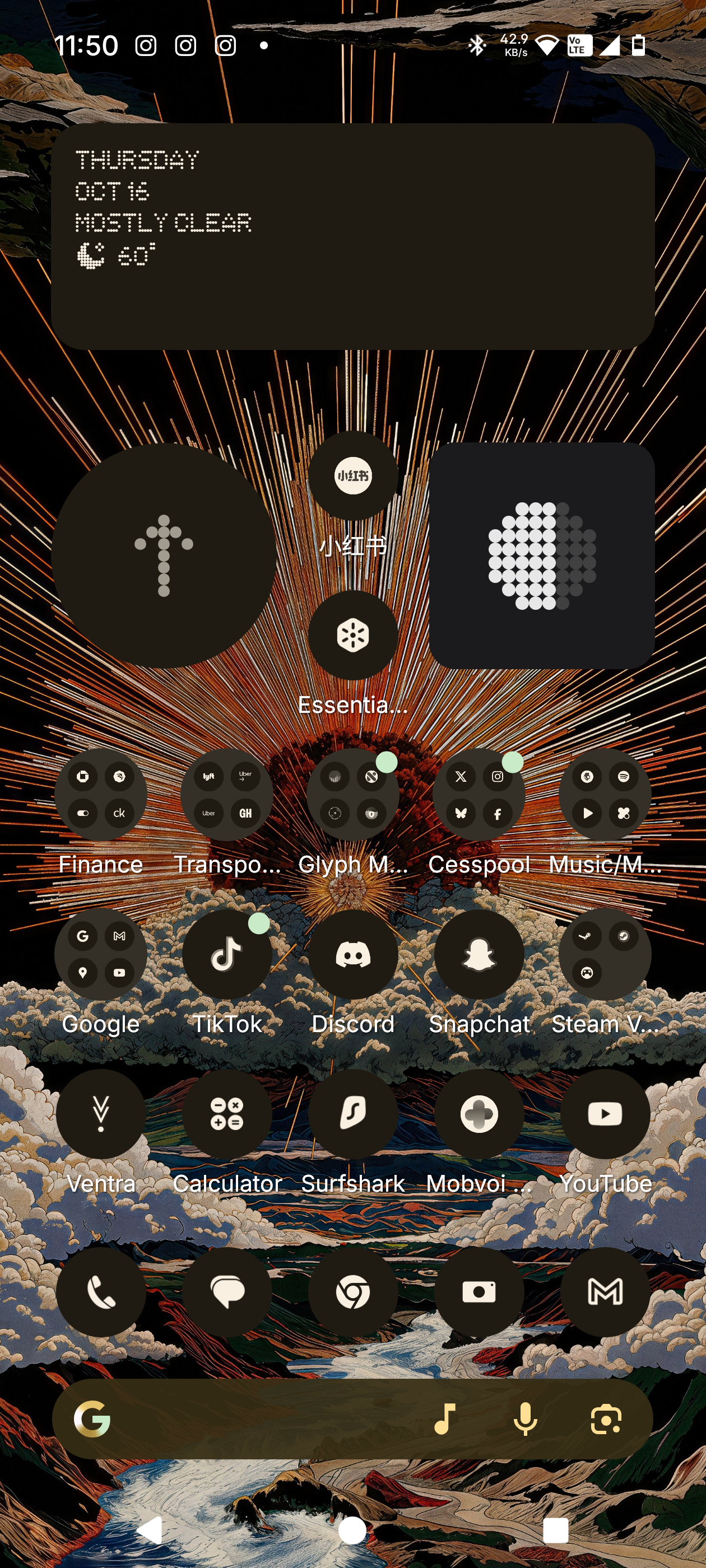
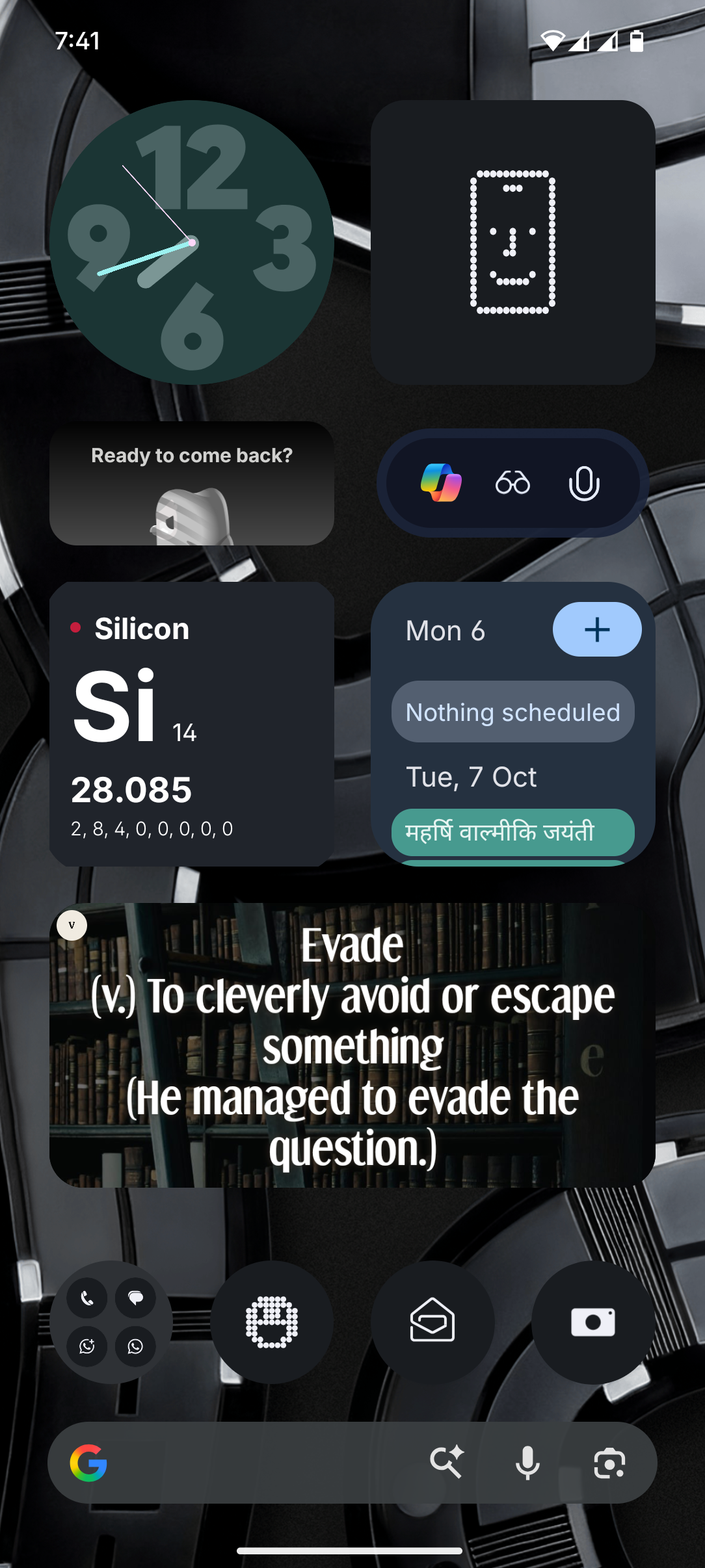
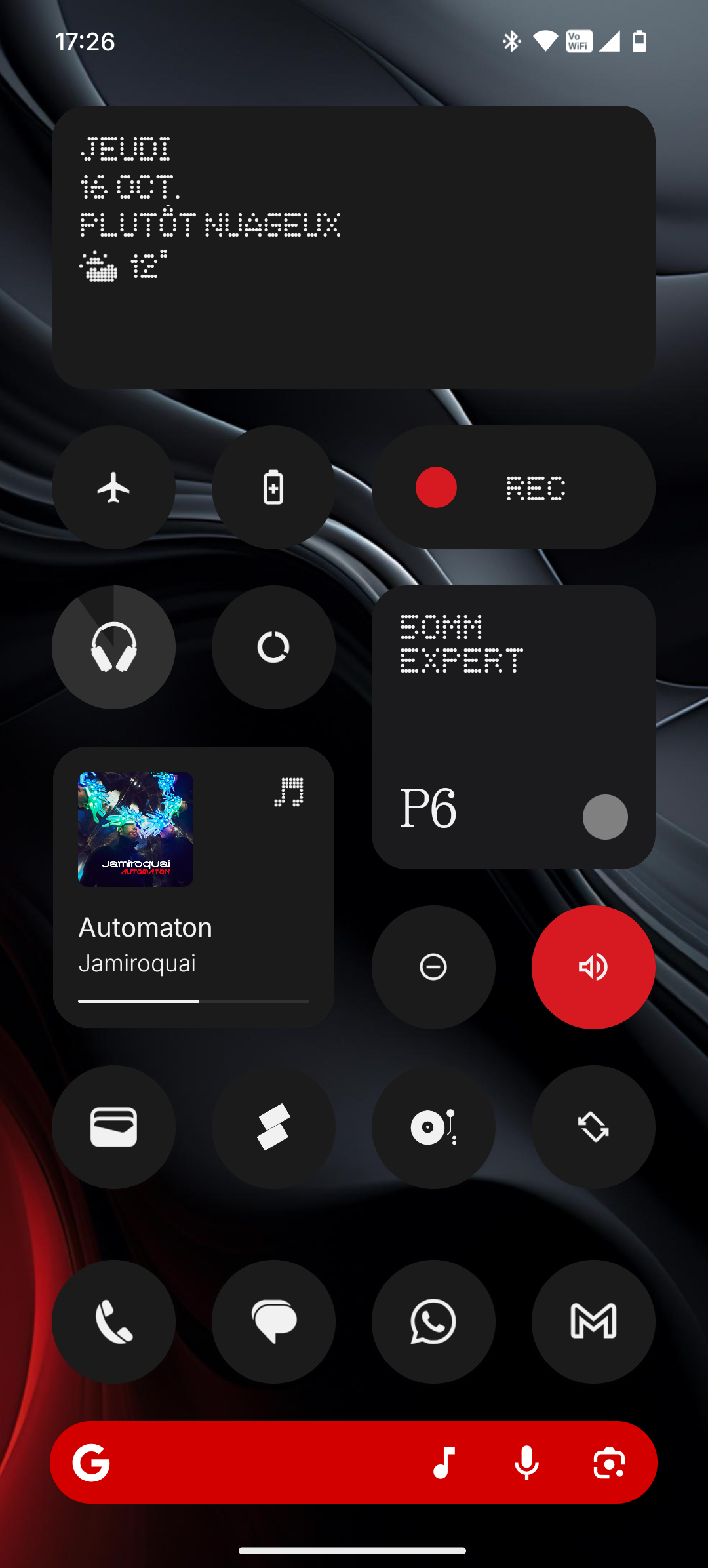
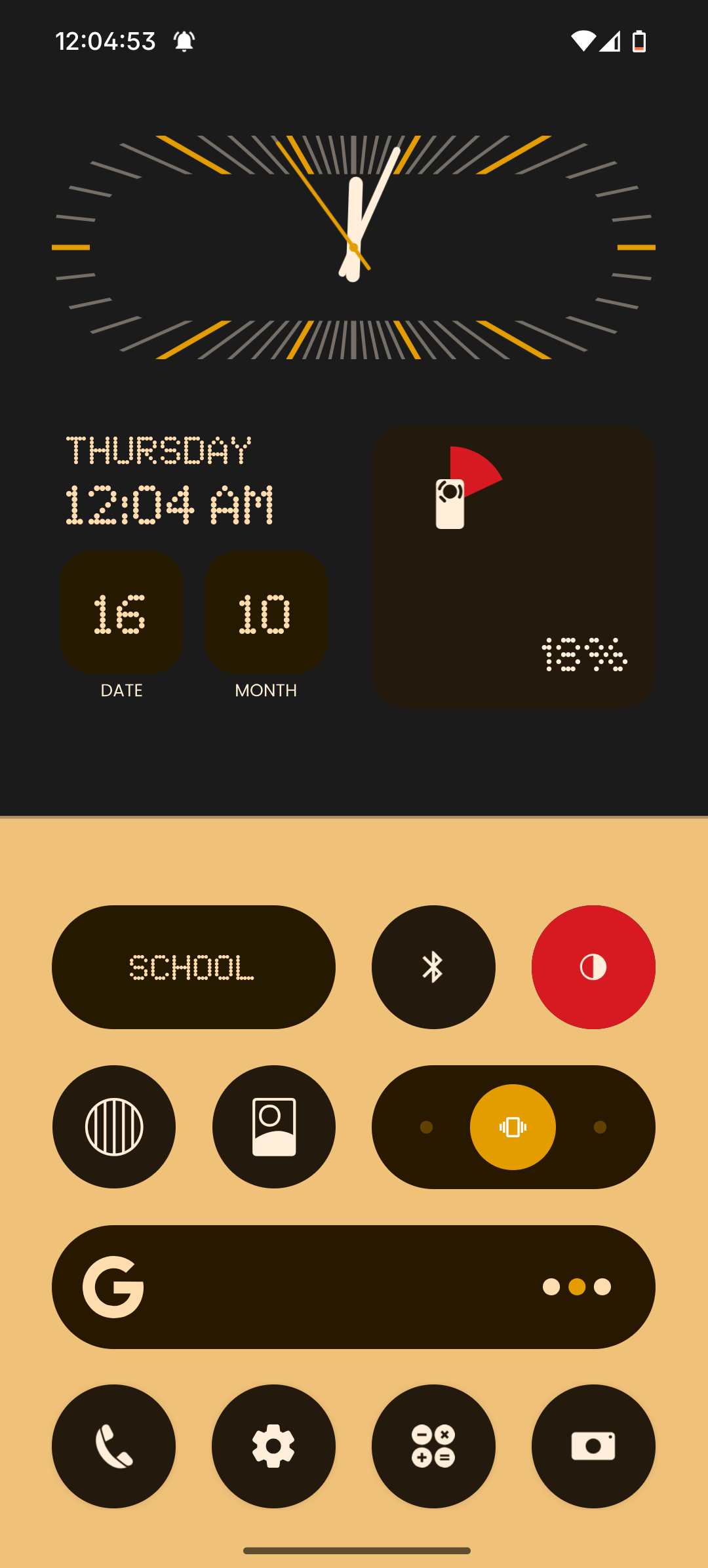
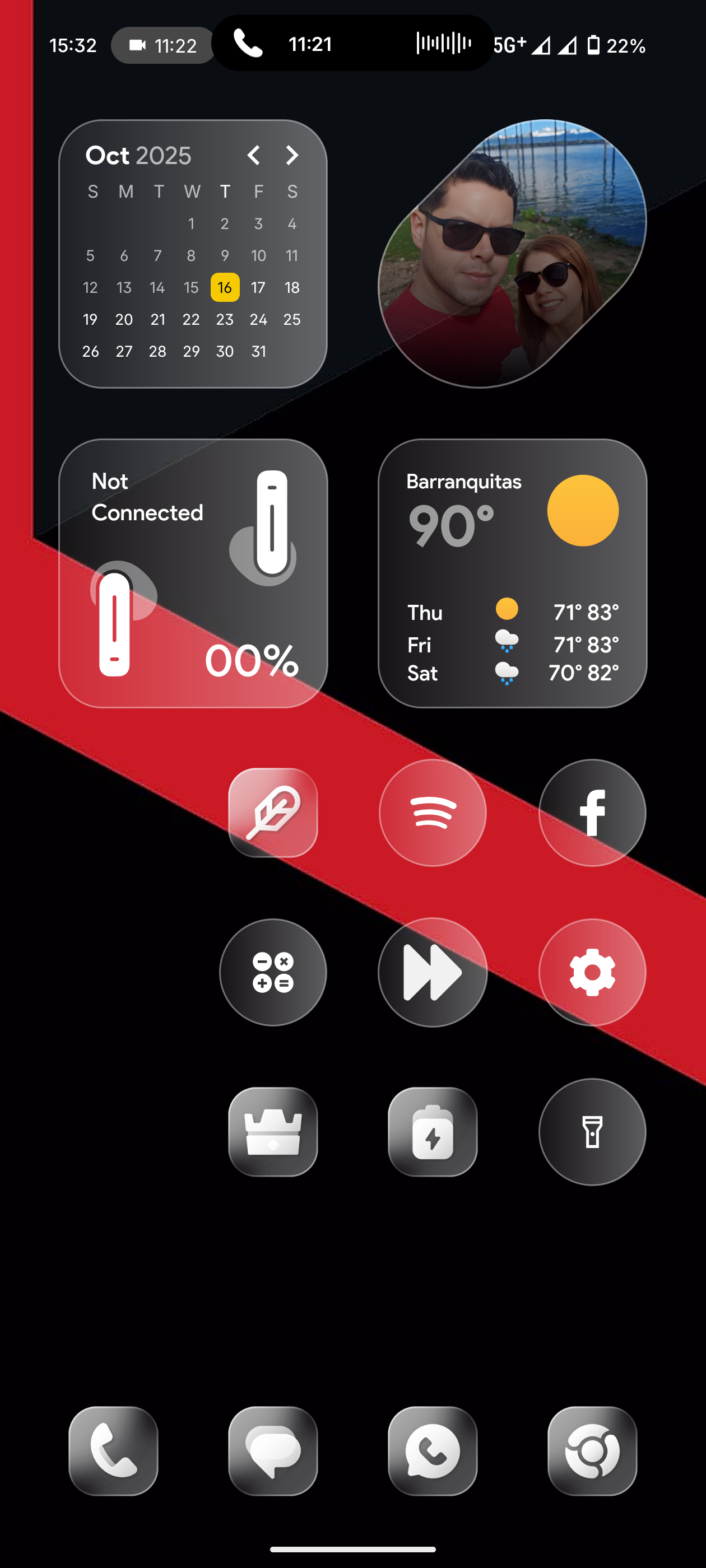
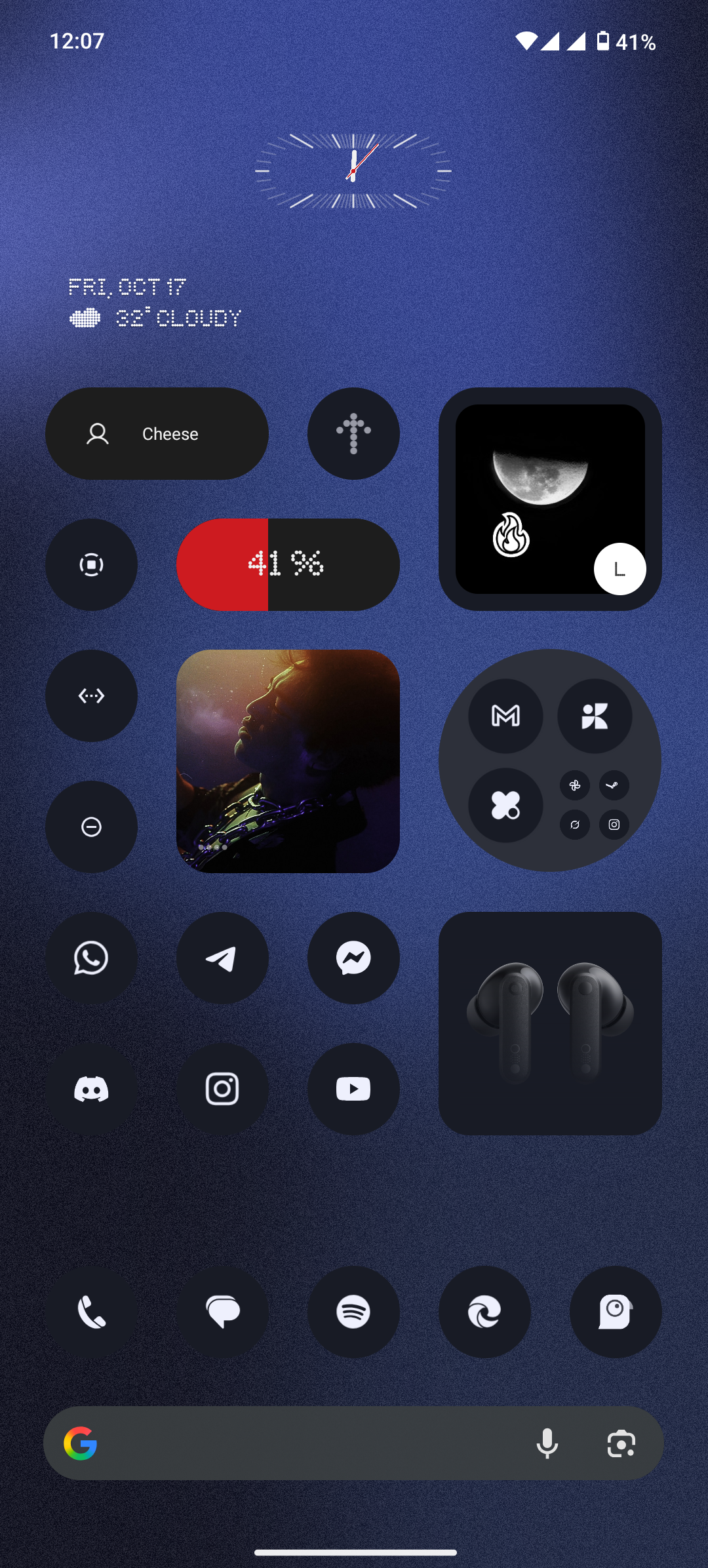
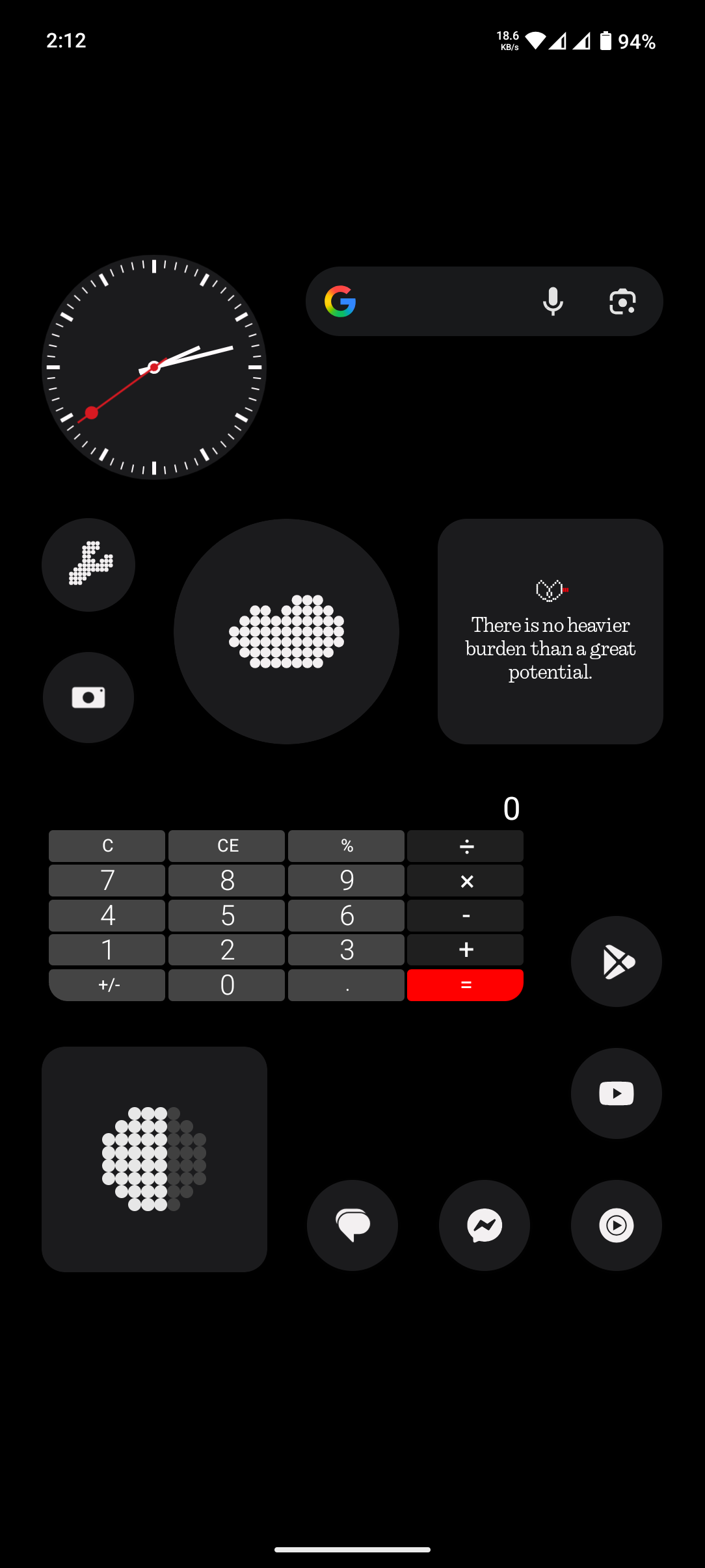
karangholap Anonymous903 I used Glass Widgets application which is available on play store, check that once they provide 300+ widgets.
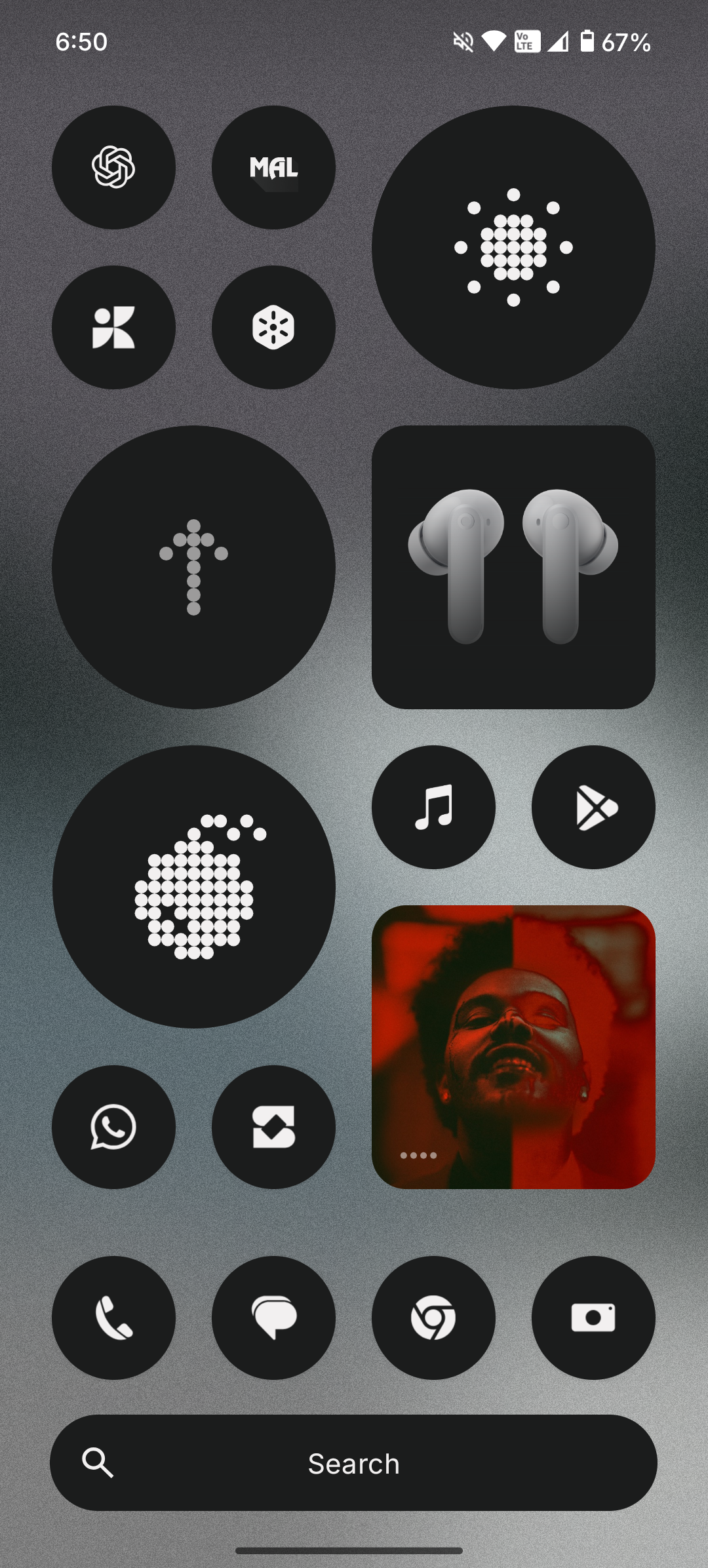
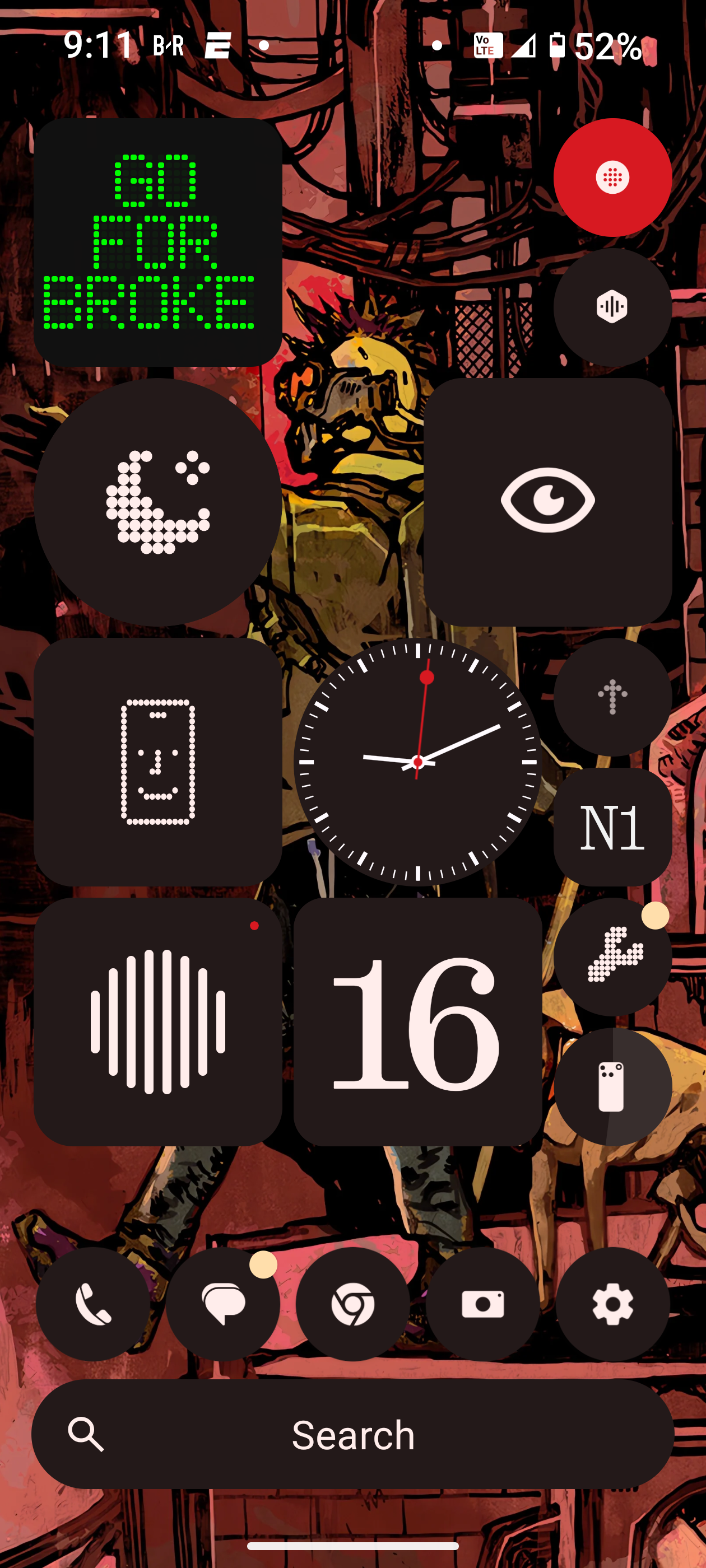
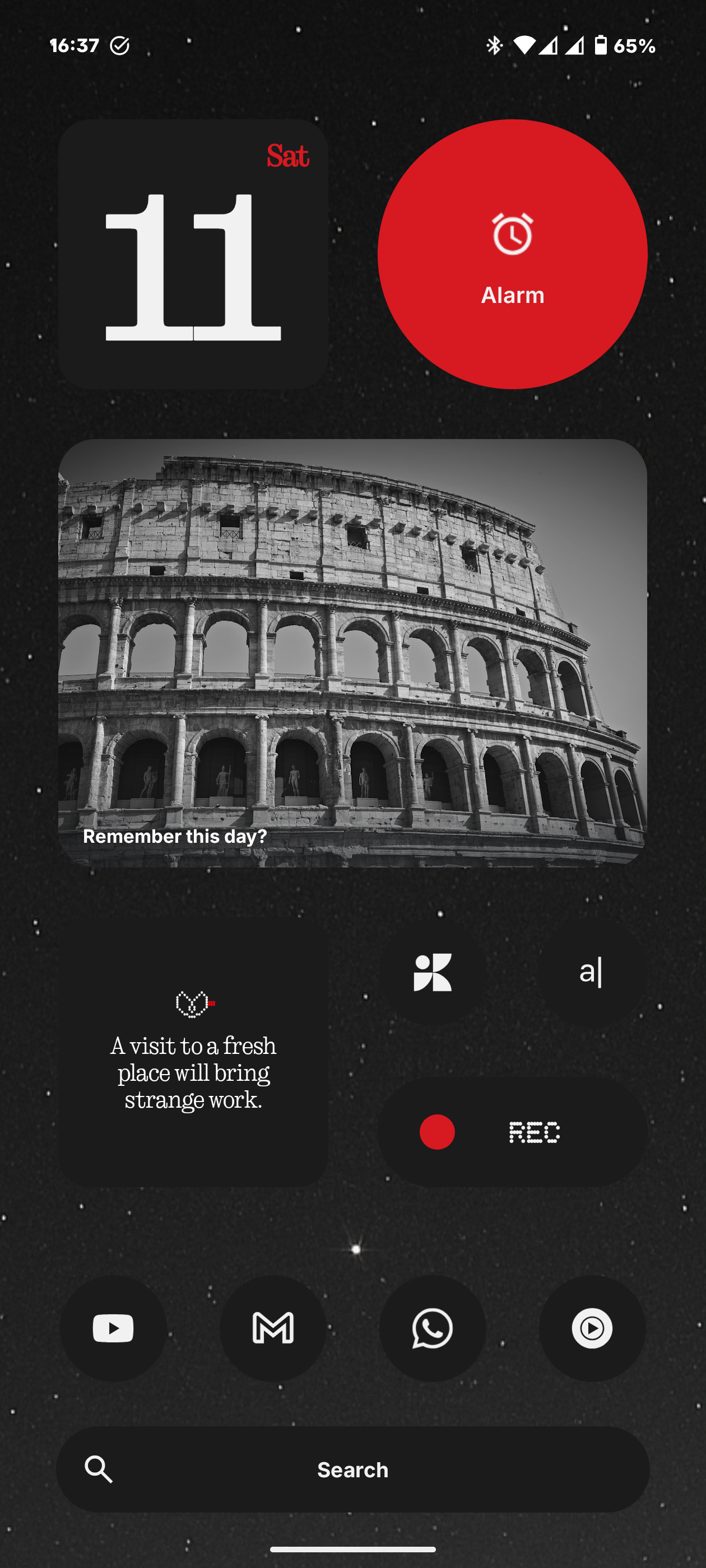
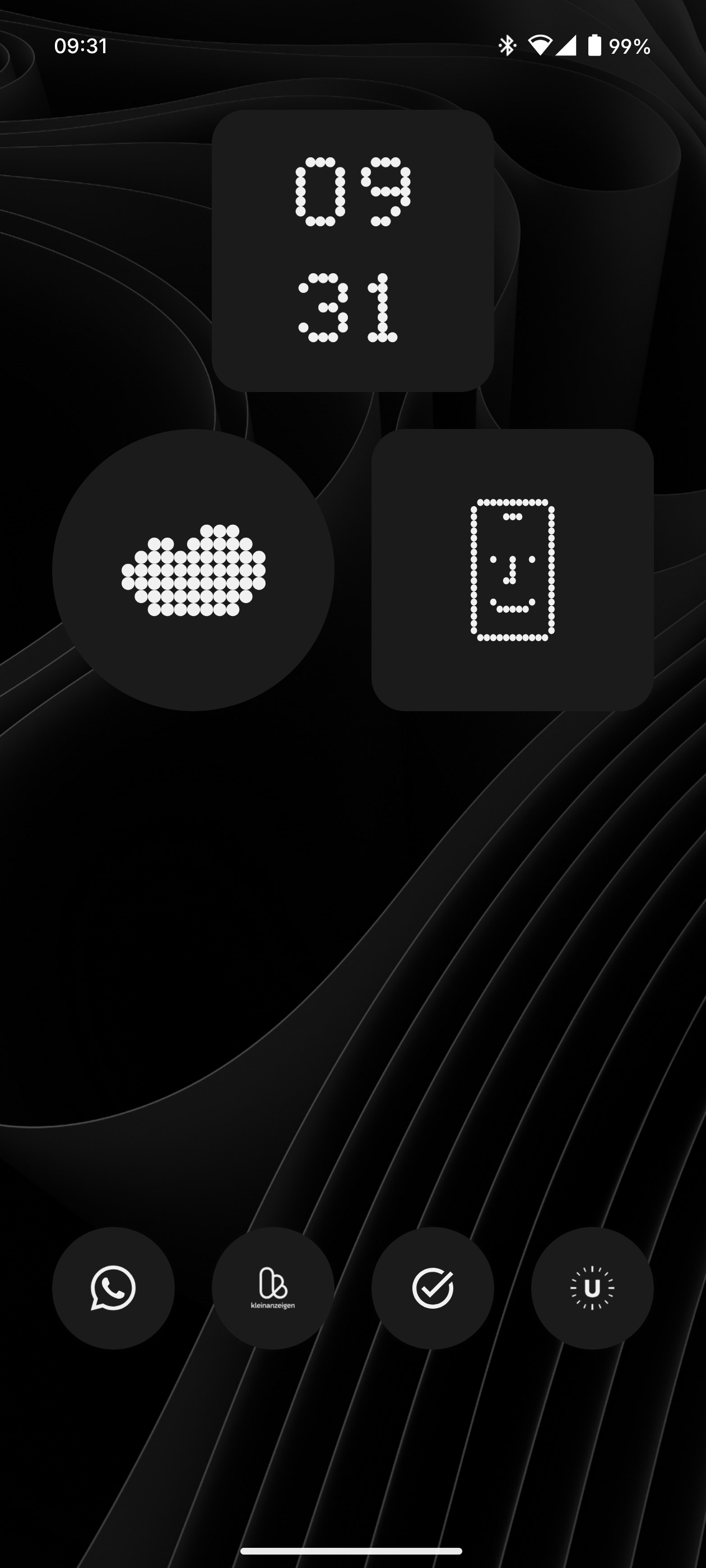
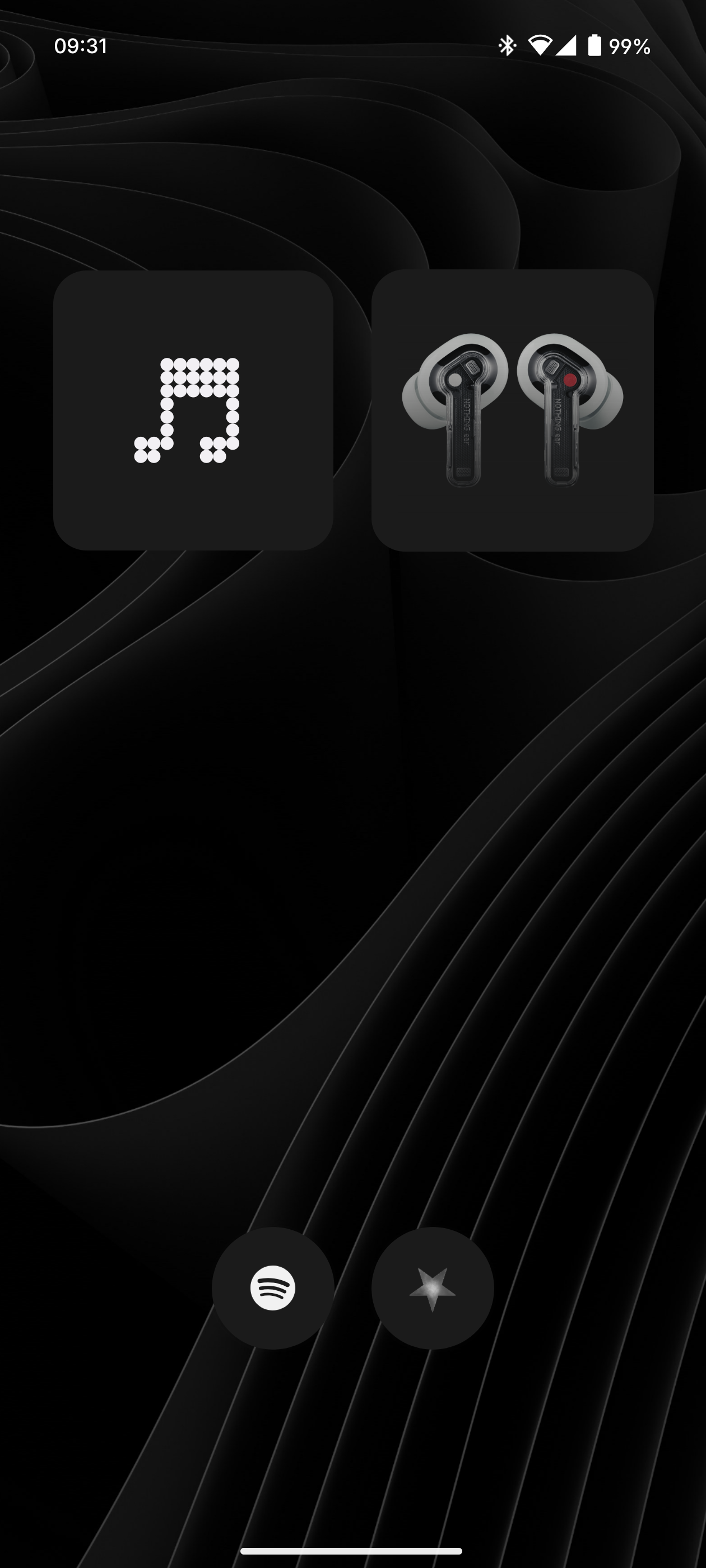
Cedrik This is my Homescreen Setup: This is my Homescreen i.e. the one that opens when I open my phone. It just has a simple overview over screentime, weather and the current time and the four apps that I currently use most although these change from time to time. It’s very simple since I hate it when home screens get to cluttered. When I swipe to the left I have music apps wiht the music widget. I don’t have YouTube on there since I otherwise use it way too much. For all the other apps I have I just search for them in the smart app drawer which is btw in my mind one of the best features of Nothing OS it looks so much cleaner then apples one and in my experience also categorizes the apps a lot better and we don’t even have to mention the way Samsung does it. What I also do often is search in the search bar in the smart App Drawer which is again one of my favourite features that Nothing has.