CMF1_hacker Here’s a random example with an image:
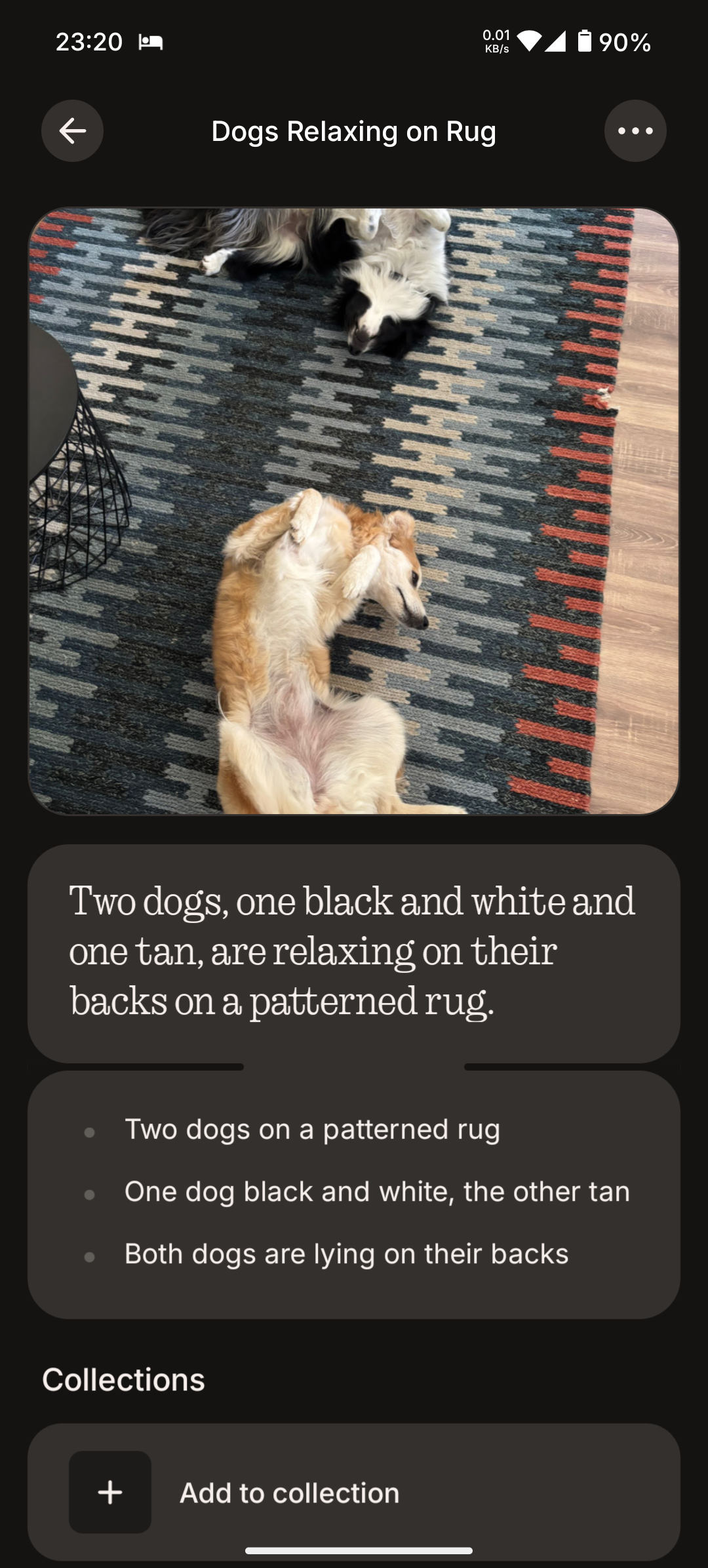
So then I share that to Google Lens which can read/OCR text from the image and I can copy/paste that text and send it from PC to a friend with more similar photos/vids from that same “set”. Say I want to replace “Two dogs” with “Lily and Morris”, their names - sure I can add that to a note along while using the ES button but if I forget then, well, it’s a hassle to do hold phone in my hand and stop doing everything else just to edit the note and add names later.
With Essential Space being open on PC where I’m working I can just quickly edit it and voila, solved effortlessly.
So, back to this example - when Google Lens OCRs the note then I edit it and copy/paste that text to Google Keep or wherever, then I copy/paste it from there and edit the note/memory in the Essential Space in my phone… It’s just way too many steps, lol, for something that can be done just by being able to access it via web.
Sure, Nothing probably wants to limit that to be as close to Nothing phones as possible but that’s also easily done by simply verifying that our account is active and paired with a Nothing phone that we use. So if we note something with ES on our phone we can resume that note on our PC then keep editing/working around it later on our phone… Too many possibilities and all of them are good and simple. I mean, it’s already processed in cloud, not on-device, so it’s not like we are limited strictly to our phone.
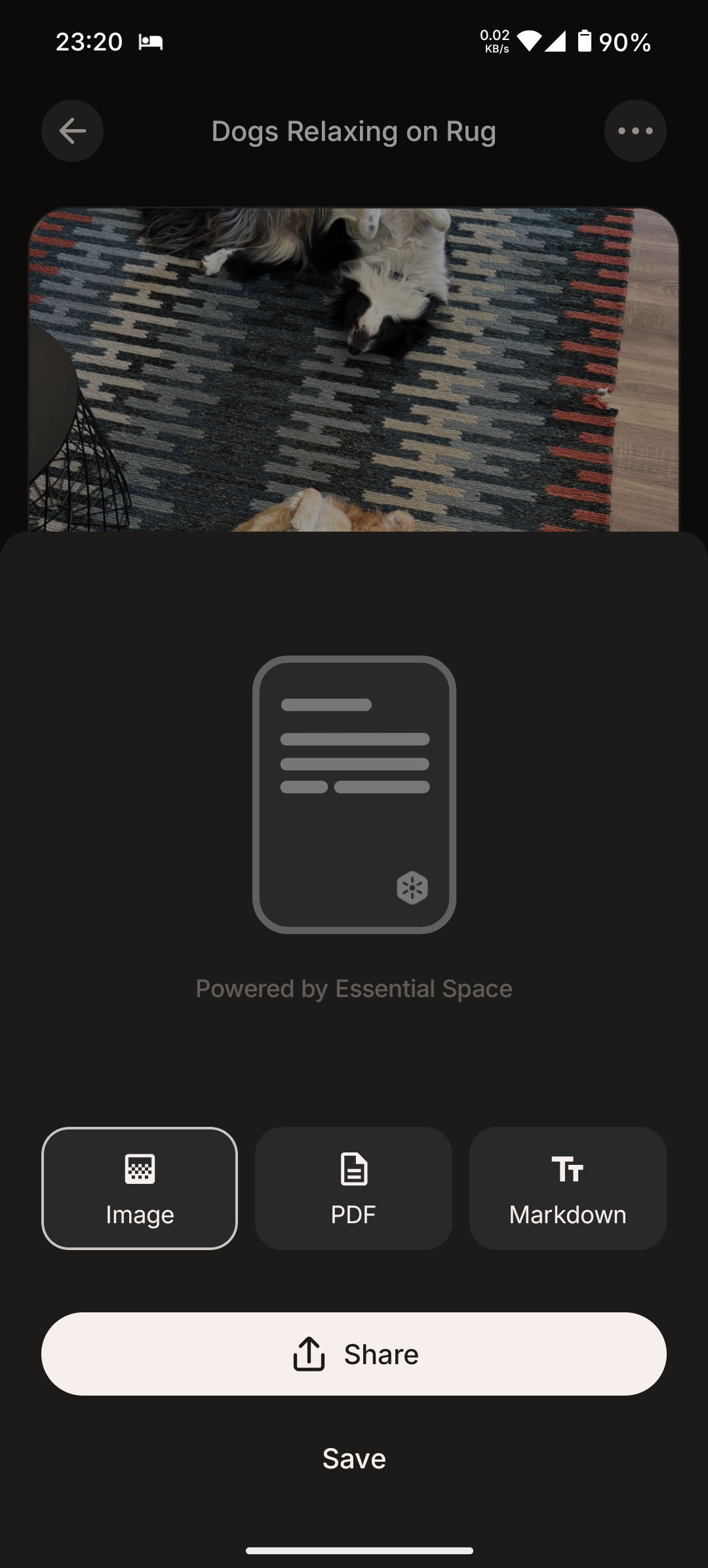
Summaries can be exported in text-based format, btw - PDF then read (OCR) that text from PDF with any decent PDF viewer like Sumatra or whatever; it’s doable but tedious, so it’s just faster, easier and more convenient to use Gemini (or whatever you prefer) to do the same work with far less steps than with Essential Space 🙃 Essential Space is awesome, I really love it, but stuff like this is just too restrictive currently.
