It’s July 2022 and I’m washing vessels while watching a review of the Nothing Phone 1 in YouTube. (No, I don’t work at a restaurant but do household jobs by myself 😅). Anyways, the name ‘Nothing’ seemed funny at first to me, but it did what it was probably supposed to do, i.e., set an impression!? Let’s give it to this brand, a name like that for a phone is something you’d probably remember at first glance. The Nothing Phone!
Was I planning to get my hands on this Nothing Phone 1?
Well, probably not! While getting a newly launched phone from a new brand was exciting, I wasn’t sure if I should invest in this brand. (Also, I was broke at the time and had nothing in my hands…. get it? nothing!! other than vessels, maybe! 🥲).
To be honest, I was afraid and didn’t know how far this brand would go. I didn’t see my future with it.
I know I know! it wasn’t like I was buying equity in Nothing or anything like that. I always felt the need to have faith in the brand, before I spent my money on their gadgets.
But hold on, why am I sharing this story now?!! - the reason is simple. The Nothing Phone 3a Pro!!
Under the review program by the Nothing India Community team, I got the chance to use the Nothing Phone 3a Pro for 28 days. This experience takes me on a flashback journey of why I chose not to go for Nothing.
***Do I Regret it? ***
Let’s find out!
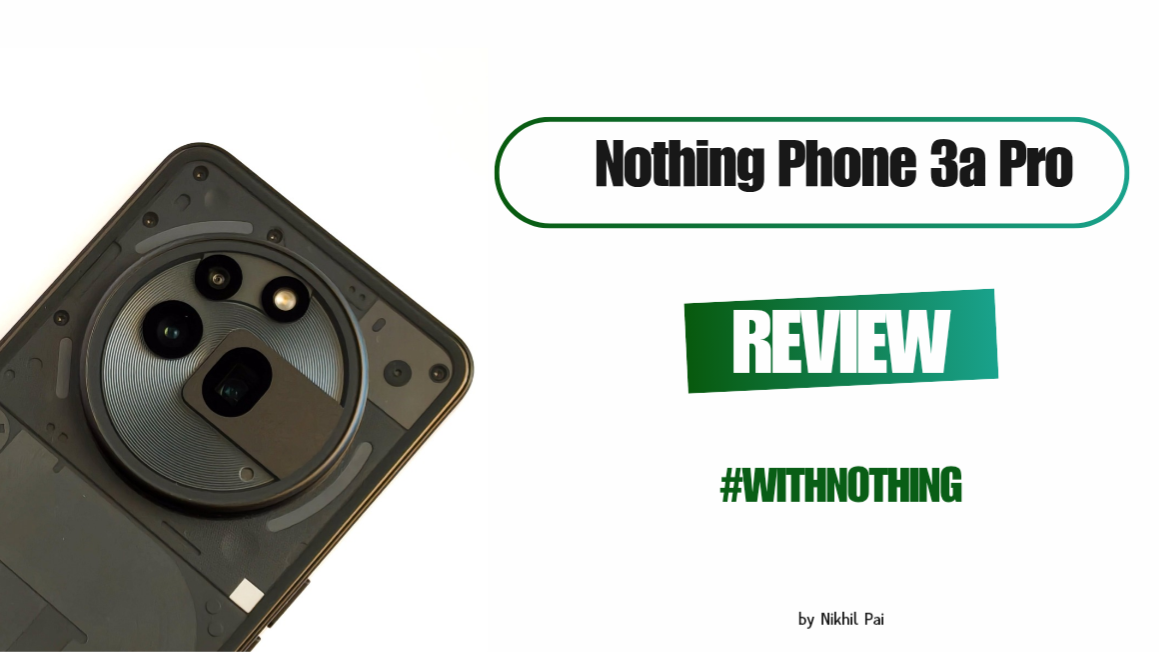
With this review, I want to share everything I have tried, tested and known about the Nothing Phone 3a Pro. Although I mostly used it for photography, I did manage to get a hang of this device’s capabilities.
Before I start my review, here are some pointers to note, more like a disclaimer:
- This device was provided by the Nothing India Community Review Program. However, they have had no input on my impressions or views - everything shared here is entirely based on my experience.
- Any bugs or issues I have pointed out have not been shared with the brand as feedback, as I felt those were minor issues.
- Instead of writing the specs and features of this device (which are available all over the internet) in this review, I will share my honest experience with the device, mainly with its camera.
What’s the most appealing thing about this device as I pull it out of the box?
Its the out-of-the-box design! 😂 I mean, Nothing’s designs are more amazing than any other phones out there. Especially the 3a Pro, simply feels premium.

This is my first Nothing phone and I’m really sad that it’s not a keeper device, meaning I have to return it after the review. But, it certainly raised my expectations for the upcoming Nothing Phone 3. I feel it truly takes courage for the brand not to stick to an identical design for their phones. They’re always willing to flex their muscles when it comes to design, which is an amazing sign. You go Nothing!!!
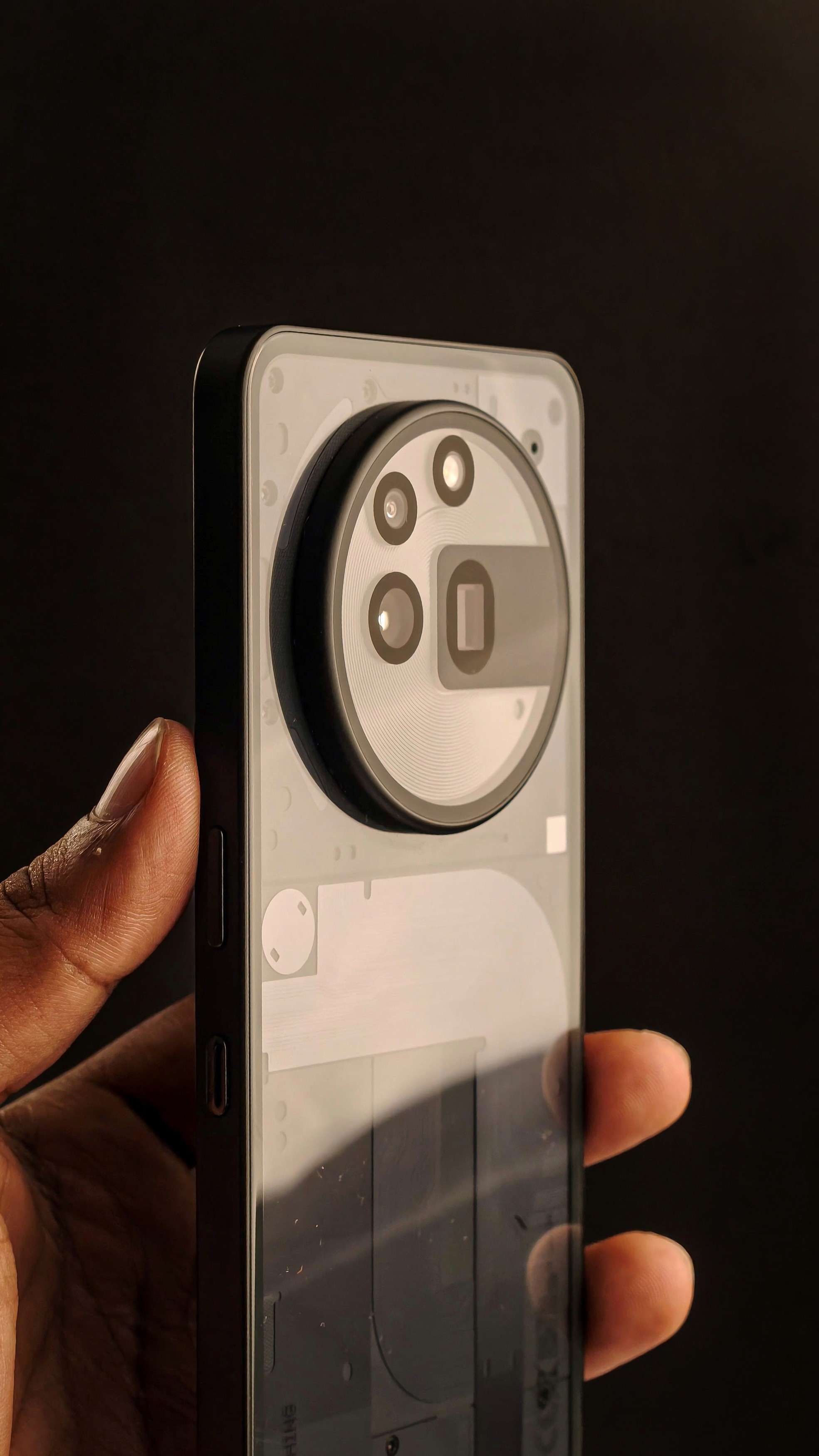
The Panda Glass back panel especially seems to be amazing. Despite using it without a back cover for days, I don’t see a single scratch on it. So, if you’re a normal user who’s not extra careful or doesn’t like to use a back cover, this device will still stay scratch-less on the back!
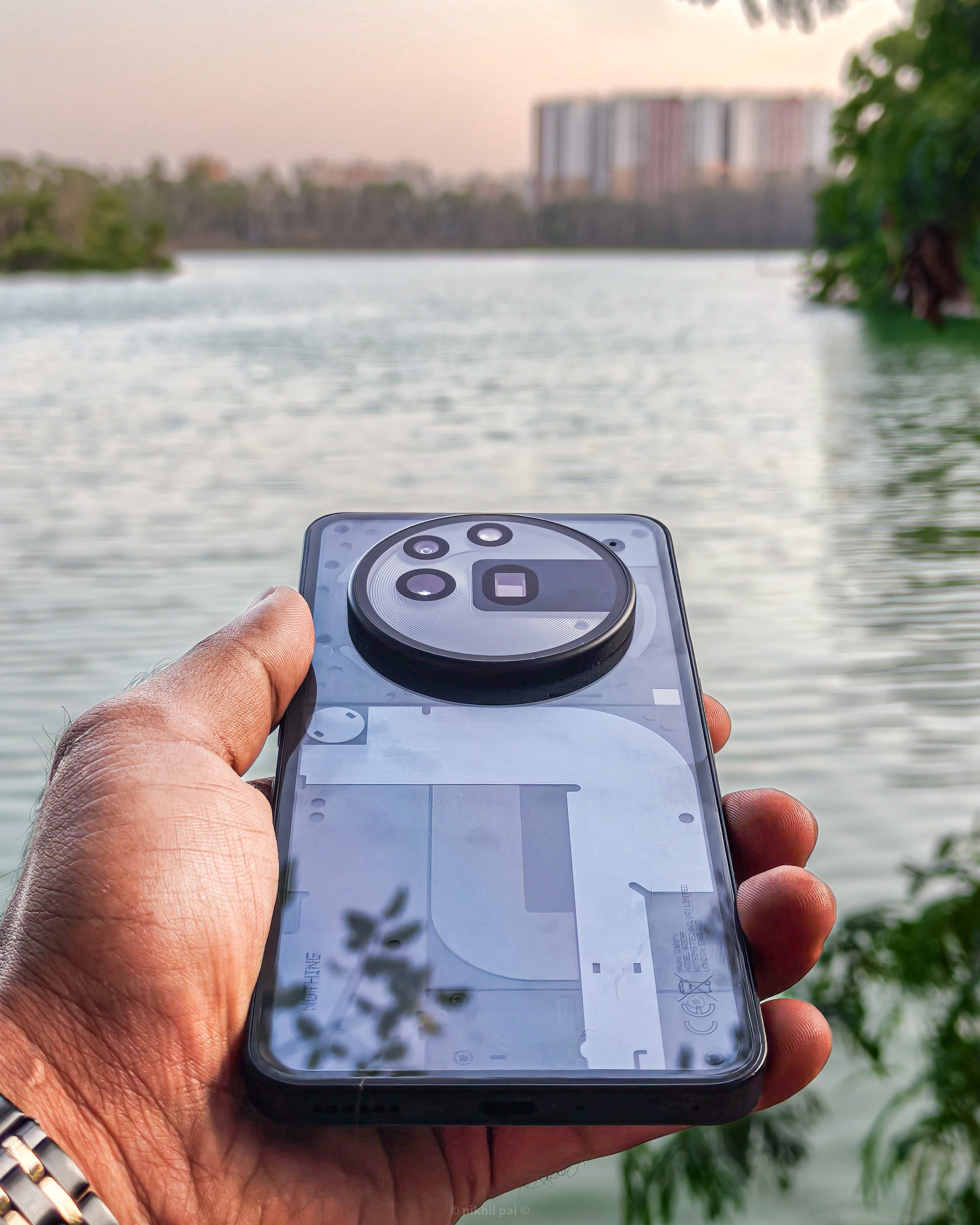
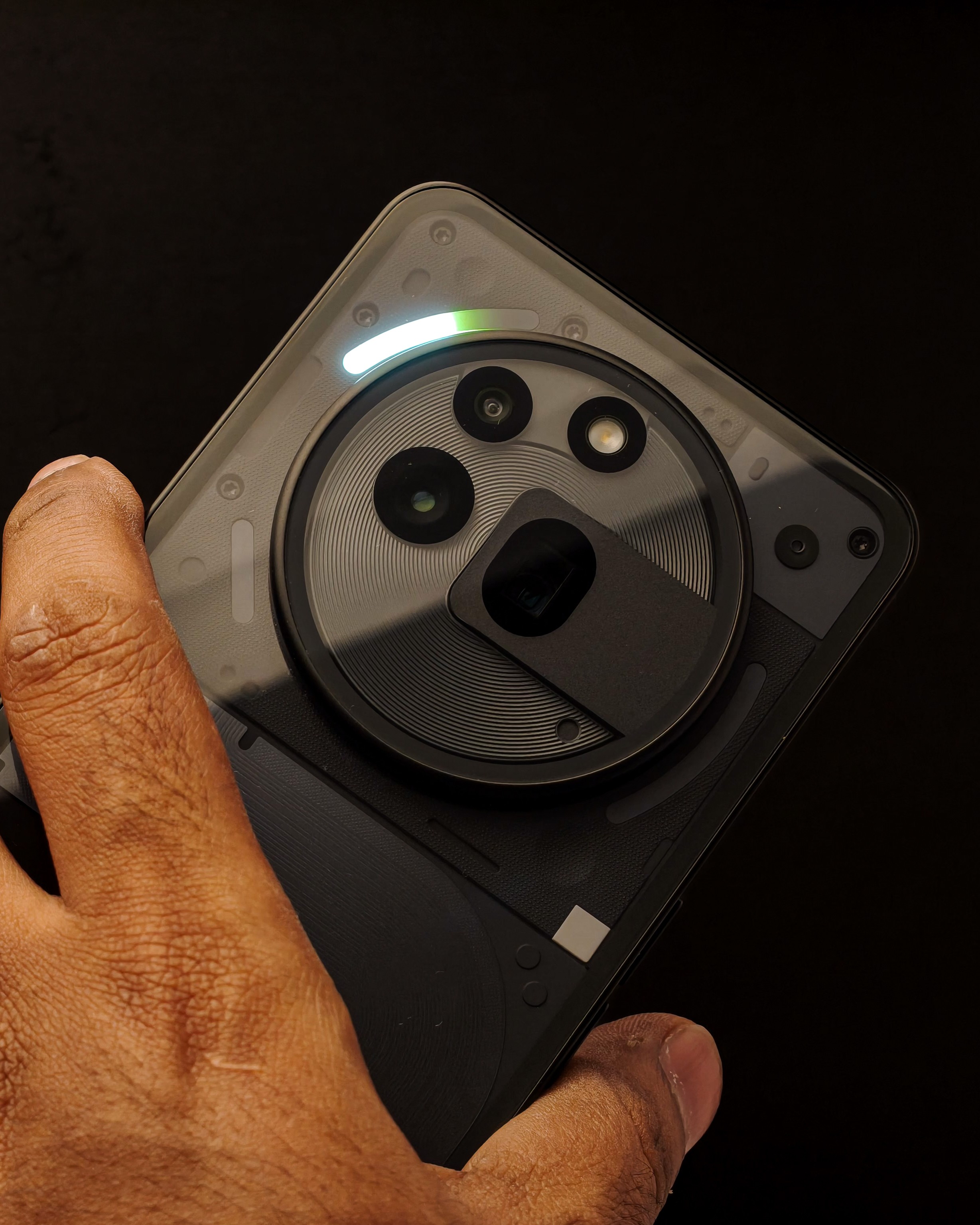
It also has the iconic Glyph Interface. While this was my first experience with a Nothing phone, I happened to use the OPPO F27 5G, which also provides a halo light on the back panel that illuminates for notifications, games, music, etc. However, I liked the concept of Nothing even more.
Nothing’s Glyph Interface added more value to me. For instance, see the image below where I’m trying to increase the volume of the device and not looking at the screen to understand the volume level. The Glyph interface gives me this info. Isn’t that cool?!
Alright, it’s got looks and good hardware! But what else does Nothing have?
Many things! Haha, I should stop with that joke already!
Let’s start with Camera:
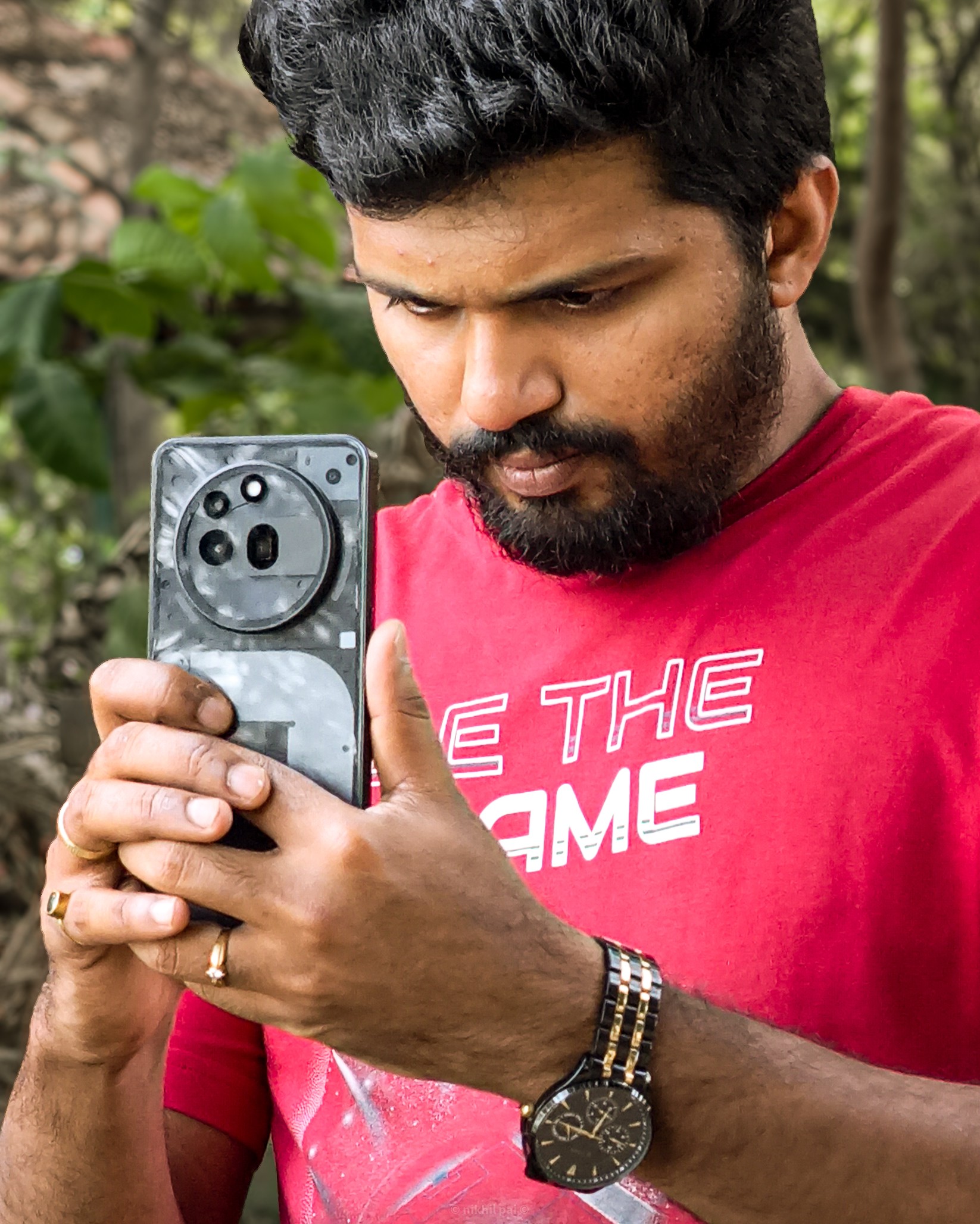
Being a photographer, my focus is always on how the camera of a device performs. If that works to my satisfaction, I really don’t mind anything else.
The 3a Pro, not just exceeds expectations with the stunning camera system, but goes the extra mile by providing me with a periscope lens. Not only does it make capturing portraits easy, but it also helps capture macro shots with the same lens at 3X optical zoom and 6X digital zoom. Isn’t that amazing for this price range of 30,000 INR?
Enough with the words, let the pictures do some talking now. Below are some of the portraits and macro photographs I shot with the Nothing Phone 3a Pro. Just take a look and tell me, do you feel this device is just a mid-ranger?

















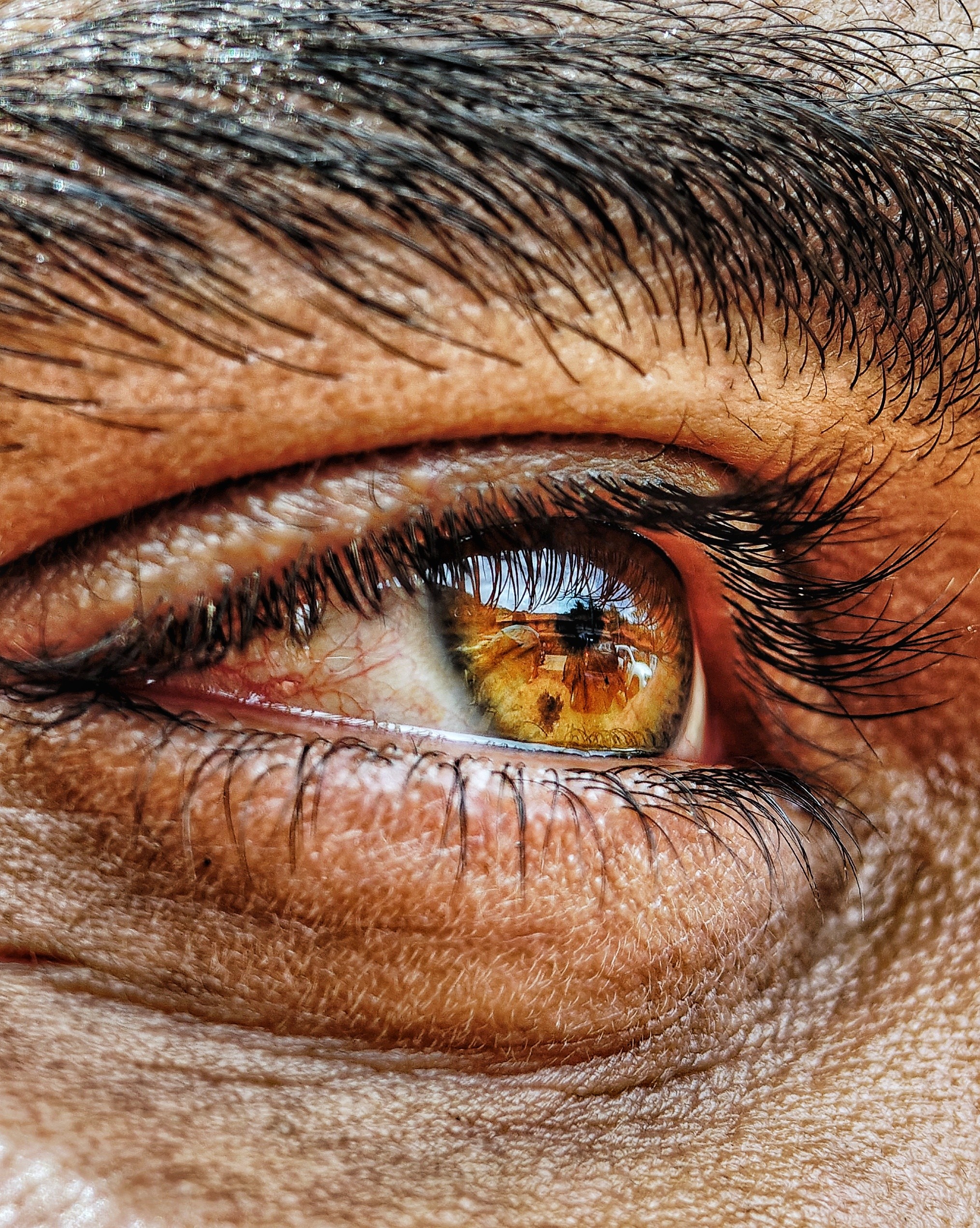
(I have provided some additional unedited sample shots at the end of this article).
Is the camera perfect then?
Well, no. Nothing is perfect in this imperfect world! Oh, that time, I meant nothing, not the brand Nothing.
I observed some minor flaws in the camera system. But I felt these are few things that could be fixed with software updates.
- A noticeable lag when I clicked the shutter. This could prove fatal if I were capturing macros of objects that were moving at high speed, like the picture below of a butterfly. Due to the lag, I couldn’t really focus while it only stayed still for a fraction of a second.

- I also observed certain inconsistent background blur in portrait mode. As shown below, this image could have used better edge detection. But again, giving the camera some extra time to focus on the subject and stabilizing my hands helped me get the same frame with better edge detection. That’s why I called it inconsistent rather than flawed.

- While shooting at night using the Primary lens, I observed a glare in the image generated by the light. However, this glare was not available when switched to periscope lens at 3X zoom. See below:
With Primary lens:

With Periscope lens:

- When I switched to video, I noticed that it’s not stabilized. Especially when shooting at 3X.
I feel these are some areas that Nothing will focus in the future. But for now, these issues do exist.
How’s Nothing OS?
To be honest, I’m not much of a Software person. However, I can say this about Nothing OS. It’s certainly different from what’s available in the market. While some brands are trying to copy iOS when it comes to their user interface, Nothing is doing a lot differently. Similar to their design language, with the OS as well, they’ve tried to single out their phones from the rest of the big brands.
In my personal experience, having only used phones that have similar user interface to that of an iPhone and the iPhone itself, I found navigation a bit difficult at the beginning. For instance, I could not find where the screen recording option was, even though it was just there right in the middle of my screen.
It even provides a lot of customization options such as choosing your wallpaper, creating your own wallpaper, expanding and customizing your widget area, and enlarging the size of the widgets.
Got it! What gives this device the power it needs?
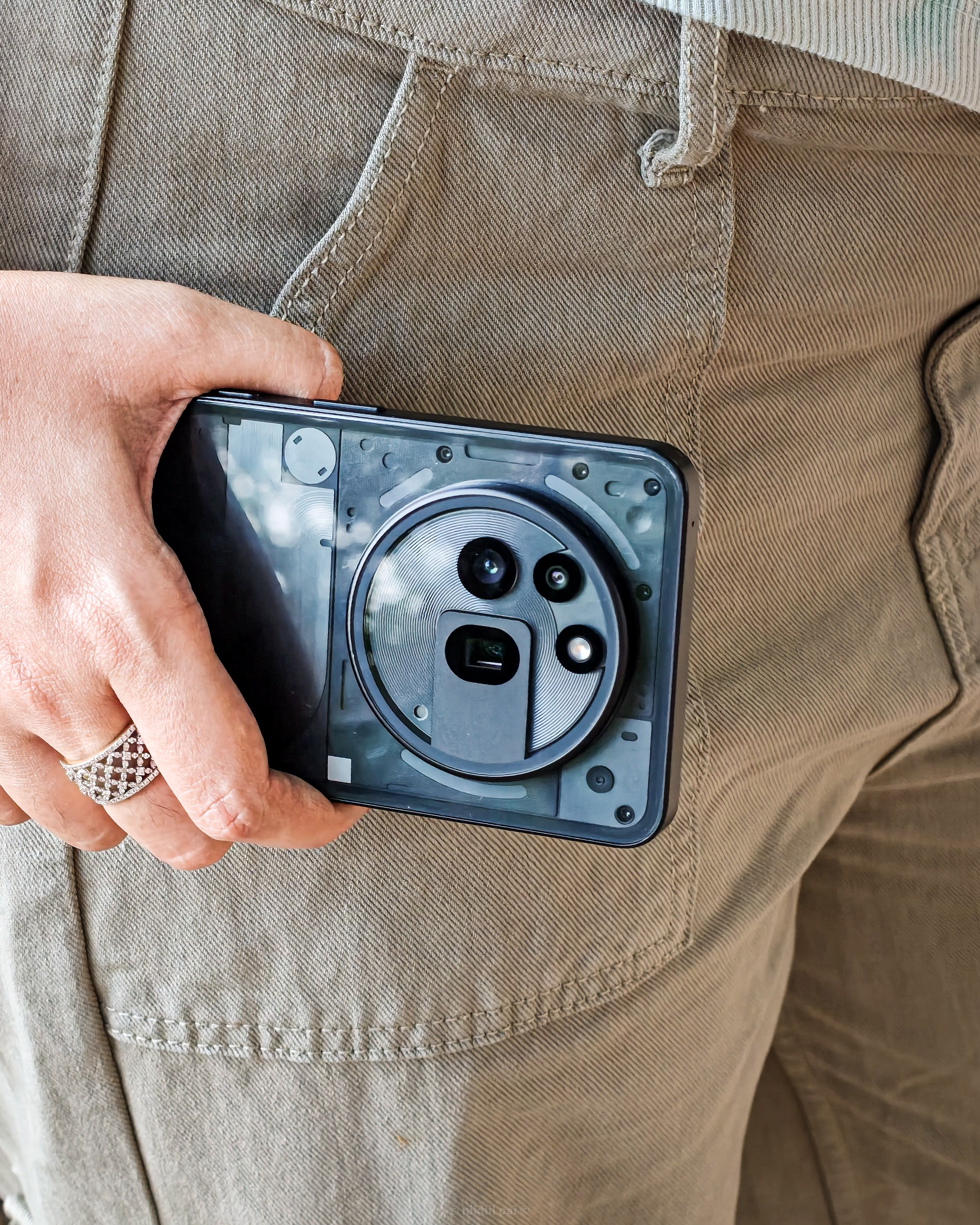
This device is powered by the Qualcomm Snapdragon 7s Gen 3 processor. While this chipset does a great job with normal day-to-day tasks, I felt a bit of lag usually after using the device for a prolonged period of time. It’s definitely not a buzzkill, but it does happen at times while gaming.
Does it have AI?
Well, No for the most part. Like other phones, which provide AI Image editors, Object removers, Summarizers, etc. Nothing has not provided any of this. However, there’s one interesting feature. I’m not sure how much a normal phone user would really use this. But this is called the AI button, placed near the power button. This is basically an essential space that you can use to store any of your memories or something you want to be reminded about, etc. A single click takes a screenshot of the screen, and you can add notes to it before storing it. A long press provides you the option to record your voice along with the screenshot.
While this is interesting, I hardly used it. Maybe for users who always like to note things down on the go, this feature would be useful. However, more often than not, I ended up clicking this button instead of the power button. So, I feel Nothing should change the placement of this button.
What’s that one thing that Nothing really excels at with this device?
Speakers! Yes, Nothing has provided stereo speakers with this device. The volume and the quality of the speaker is just too good. Even at the lowest volume level, the sound is clearly audible and of high quality. This truly stood out for me, performing even better than my iPhone and other flagship devices.
Should you consider yourself getting the Nothing Phone 3a Pro?
Yes! If you’re looking for a capable camera system at an affordable cost, you should! If you’re looking for a unique design and OS, you should! If you’re looking for a flagship experience at the price of a Mid-ranger, you definitely should!
Let’s look at some Pros and Cons of the device, and I’ll let you decide!
Pros:
- A great camera system with periscope lens.
- A separate mode provided for macro photography.
- Unique and sturdy design that feels premium right out of the box.
- Amazing speaker quality, the best in this and possibly higher segments.
- Good battery life with a 5000 mAh battery.
Cons:
- This device doesn’t come with a power adapter, sadly.
- Minor flaws in the camera system, such as shutter delays and inconsistent edge detection.
- Misses out on some essential AI features like object remover, summarization, etc.
Well, thats my review and opinion of the Nothing Phone 3a Pro. I do regret not having used a Nothing Phone before this. But, past is past. The 3a Pro certainly made me feel that Nothing as a brand is capable of great things. The design, hardware quality, creativity with the OS, and now the addition of an optical zoom periscope lens tell me that they are growing at an exponential rate.
I’m glad to be a reviewer of this device and happy to be a small part of their growth story!
So, are you ready to answer one final question?!
“What can YOU do with NOTHING?”
“EVERYTHING” #WithNothing
Thanks for reading this article!
Cheers!
Nikhil
PS: Here are some sample shots from the device.












@Deepanshu_Saini_
