Been using this phone for about a month. Here’s a detailed review based on my daily experience. 👇#PhoneReview
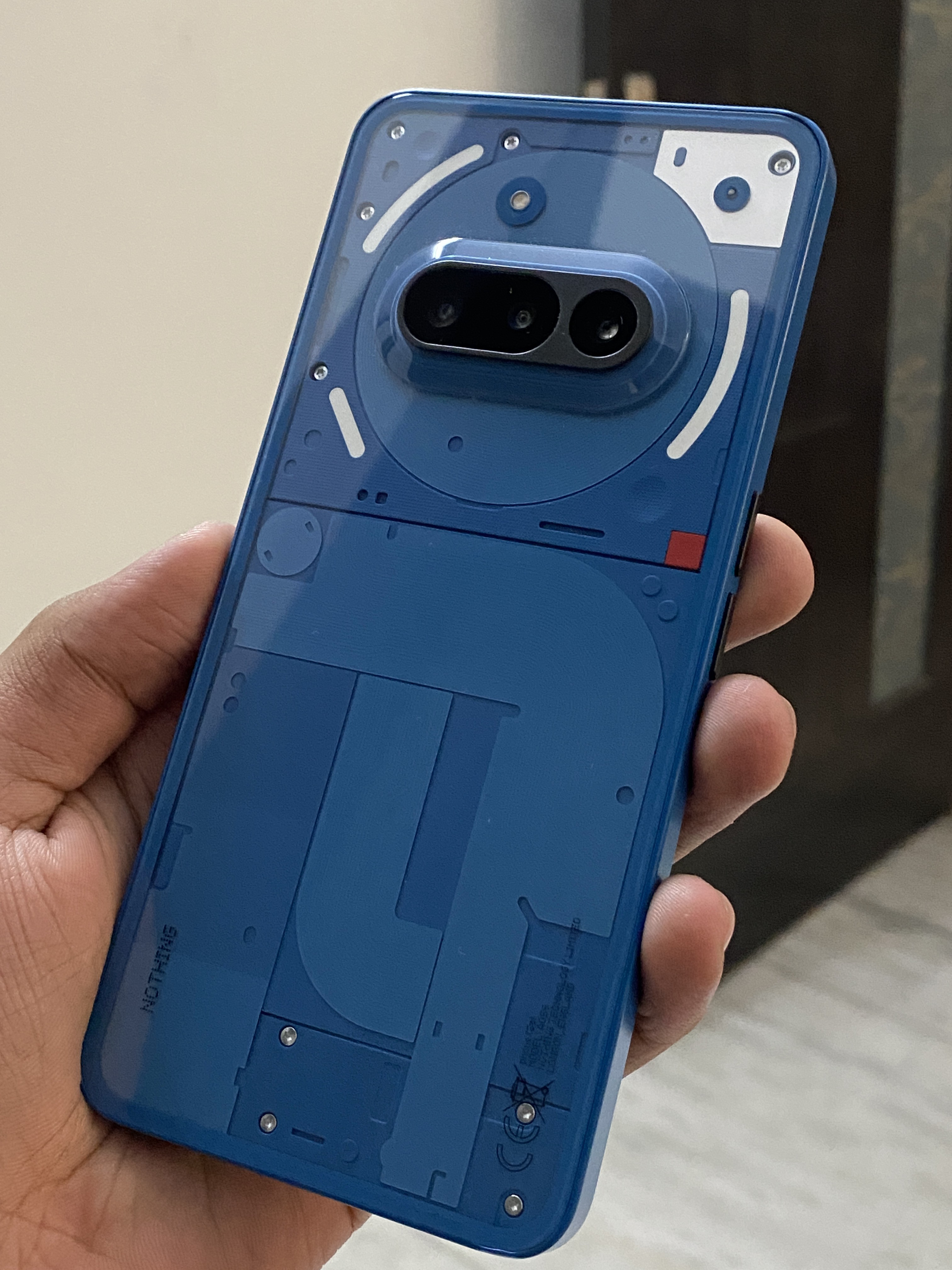
Is the Nothing Phone (3a) really worth ₹26,999?
Here’s a deep dive from a daily user perspective.
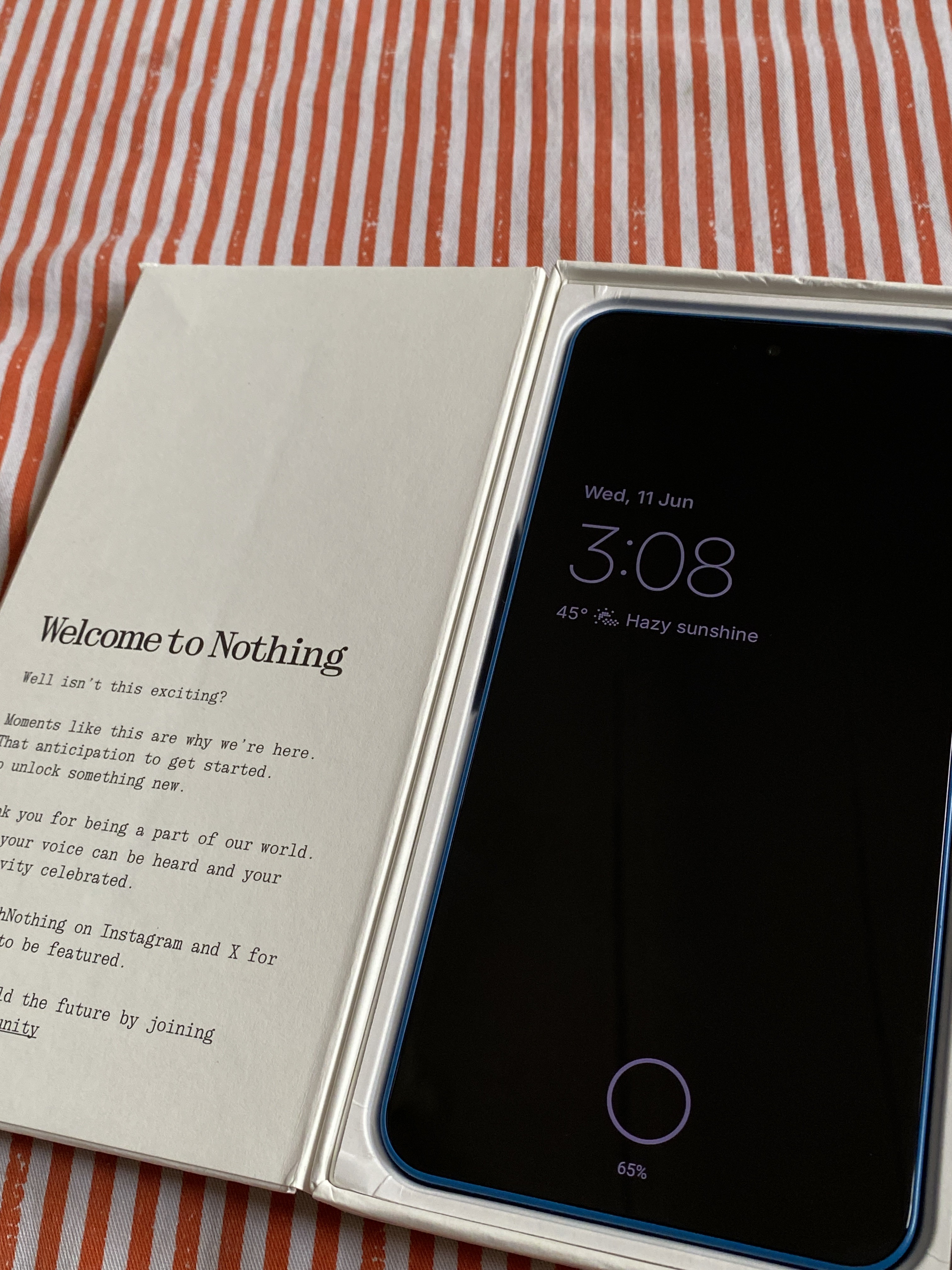
📦Unboxing
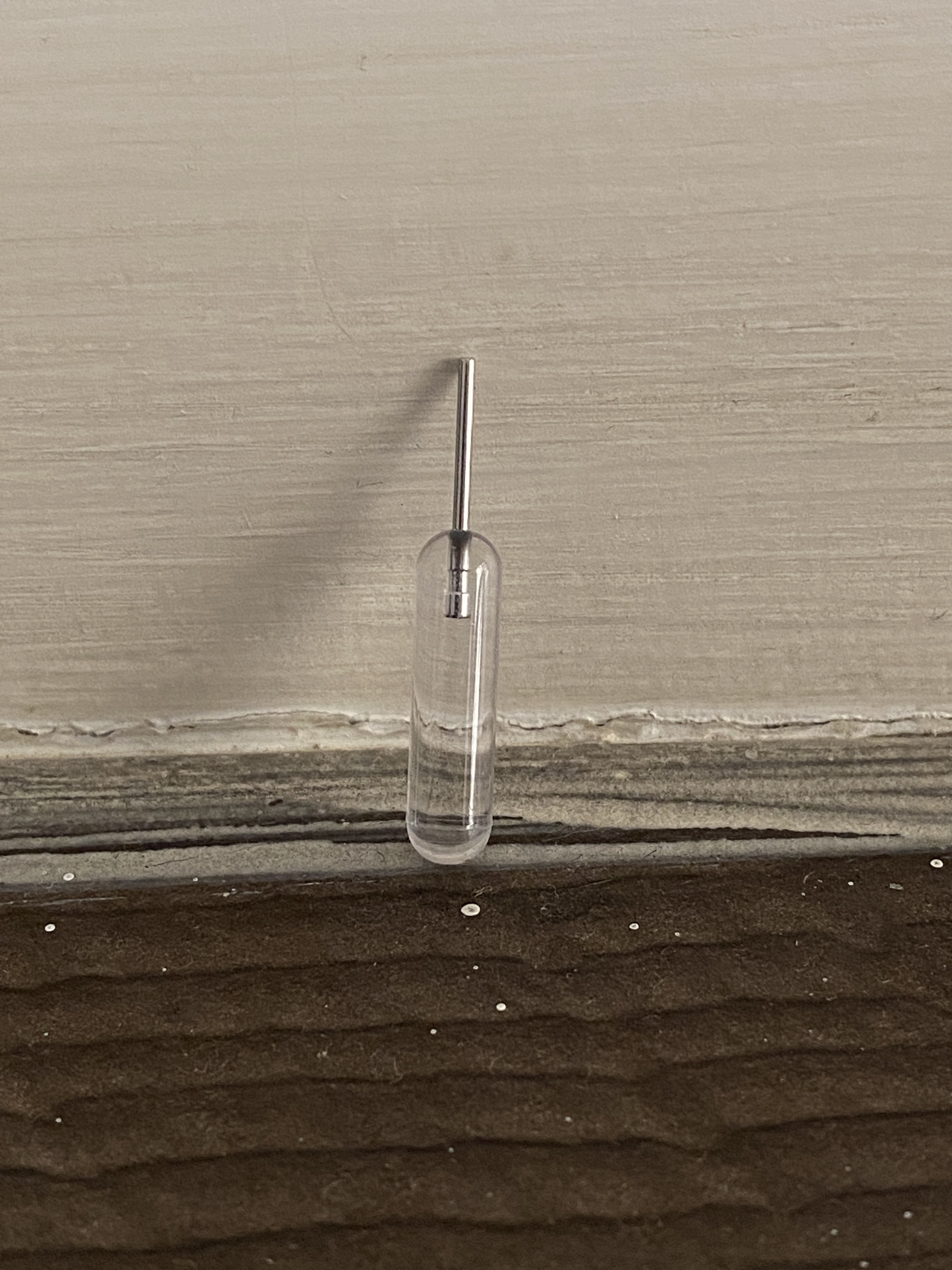
You get the usual stuff the phone, a USB-C cable, and a SIM ejector tool.
I really miss the times when we used to get a charger and sometimes even a case in the box.
⚒️Hardware Build
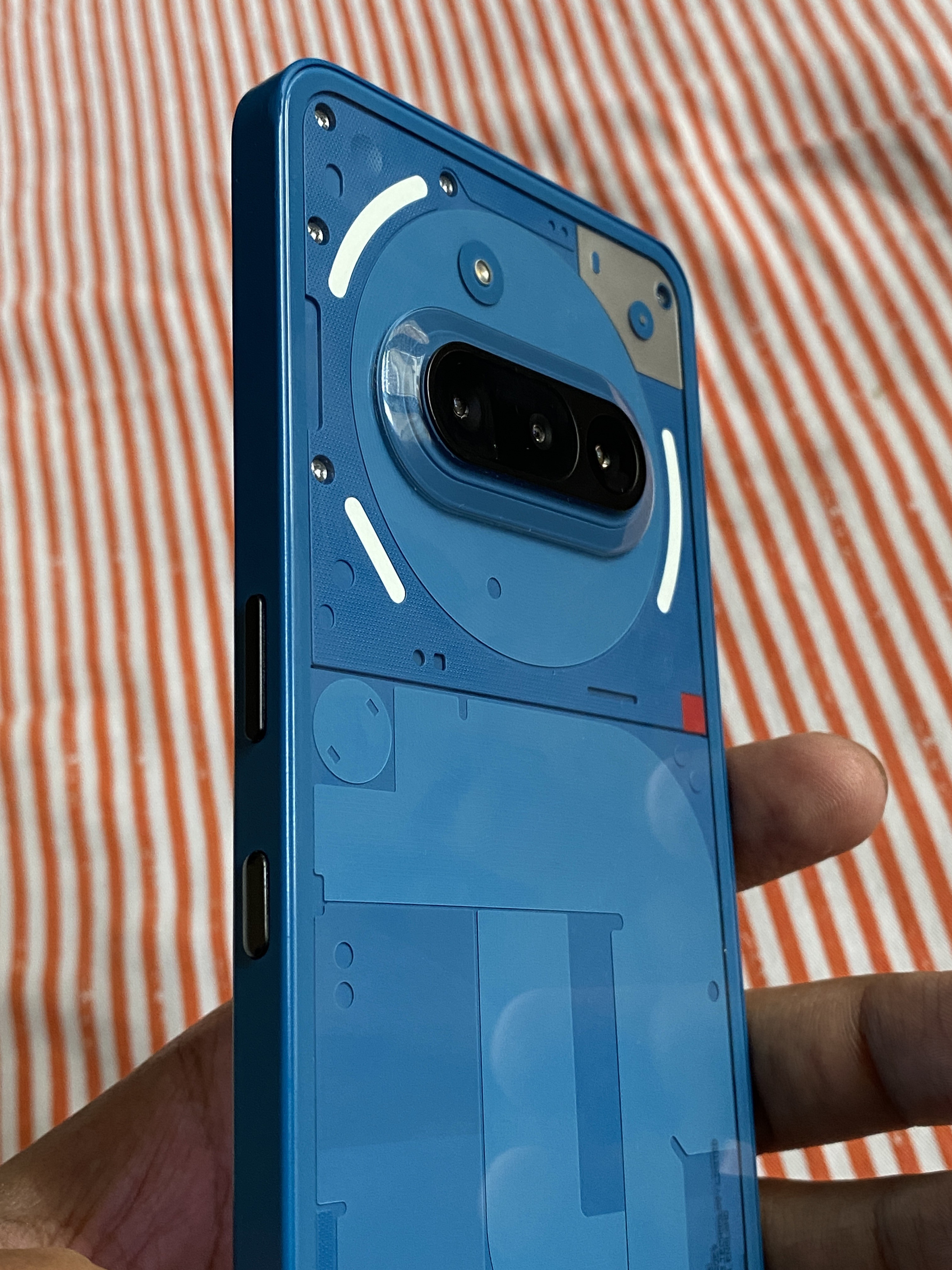
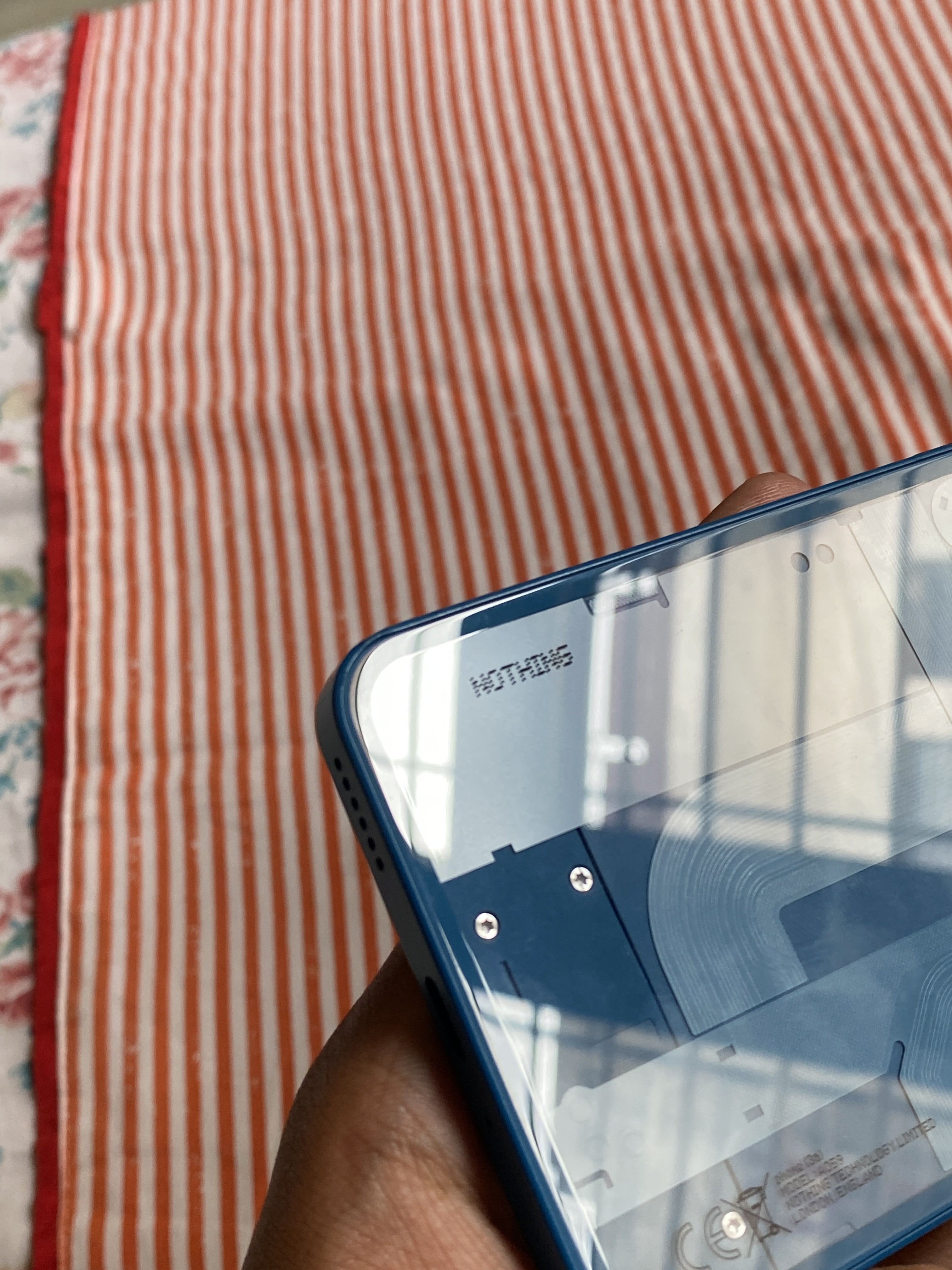
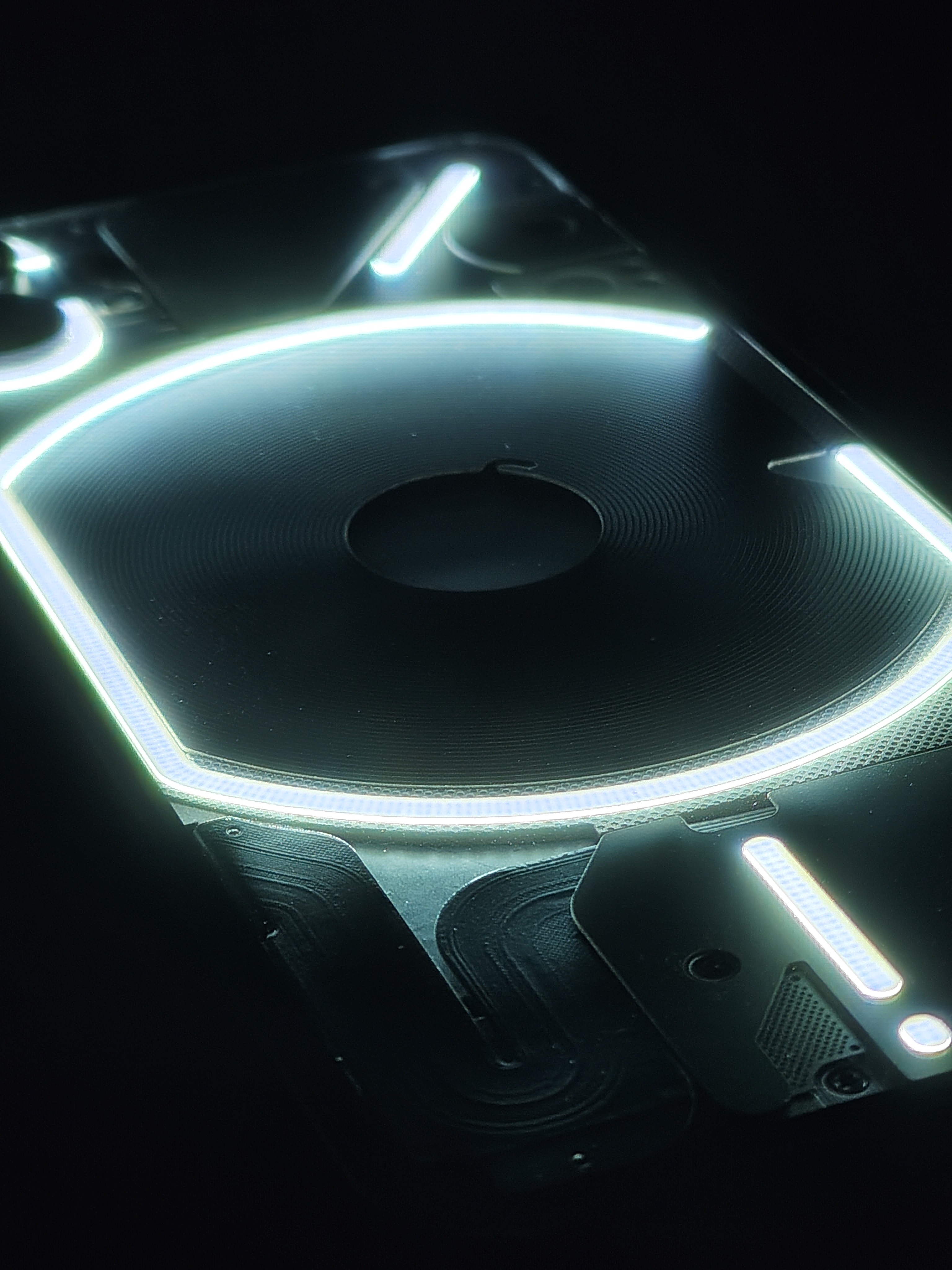
For a phone in this price range, the Nothing Phone (3a) truly gives a flagship feel.
Everyone who holds it in their hand tells me it feels premium and it genuinely does.
The glass back adds a touch of class, and the blue colour with a slim profile looks elegant.
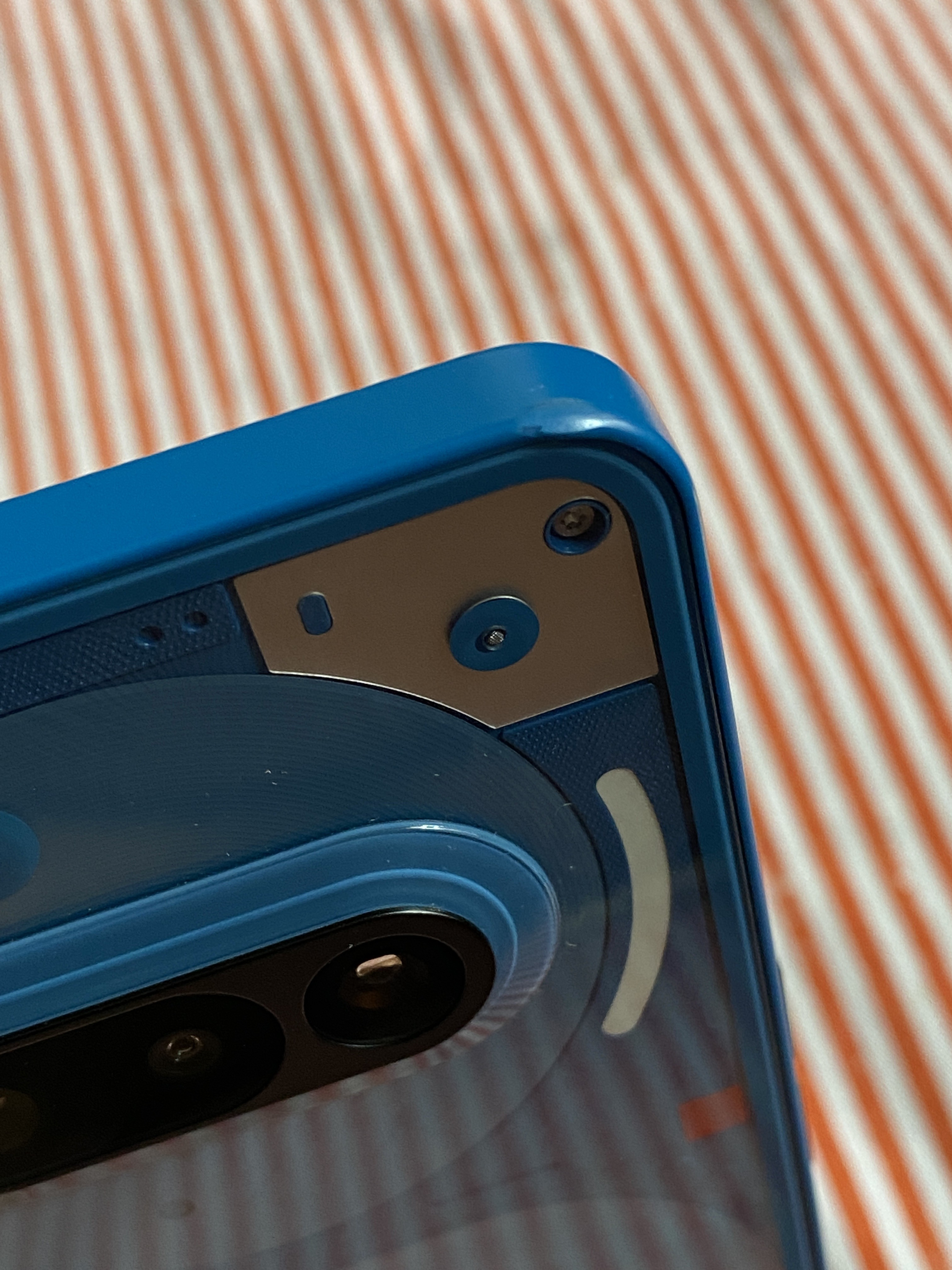
The phone is a bit large though, sometimes I struggle to reach the top of the screen with one hand. One-hand usage is difficult, the plastic frame makes it prone to chipping, and very minor scratches even after rough usage.
Big thumbs-up to Nothing for including NFC, it’s a useful hardware feature.
I hope they also introduce eSIM support in future models.
📱Display
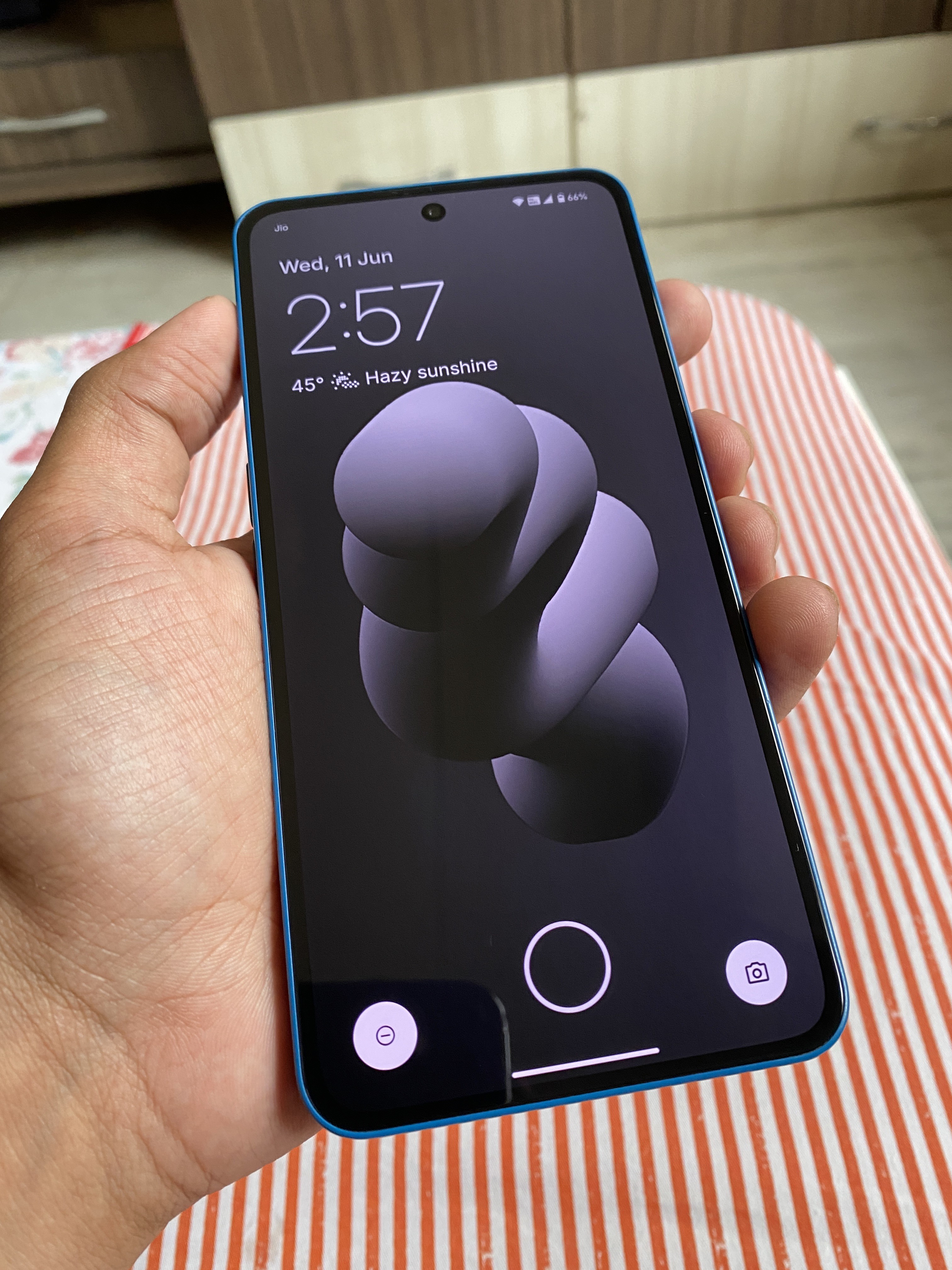
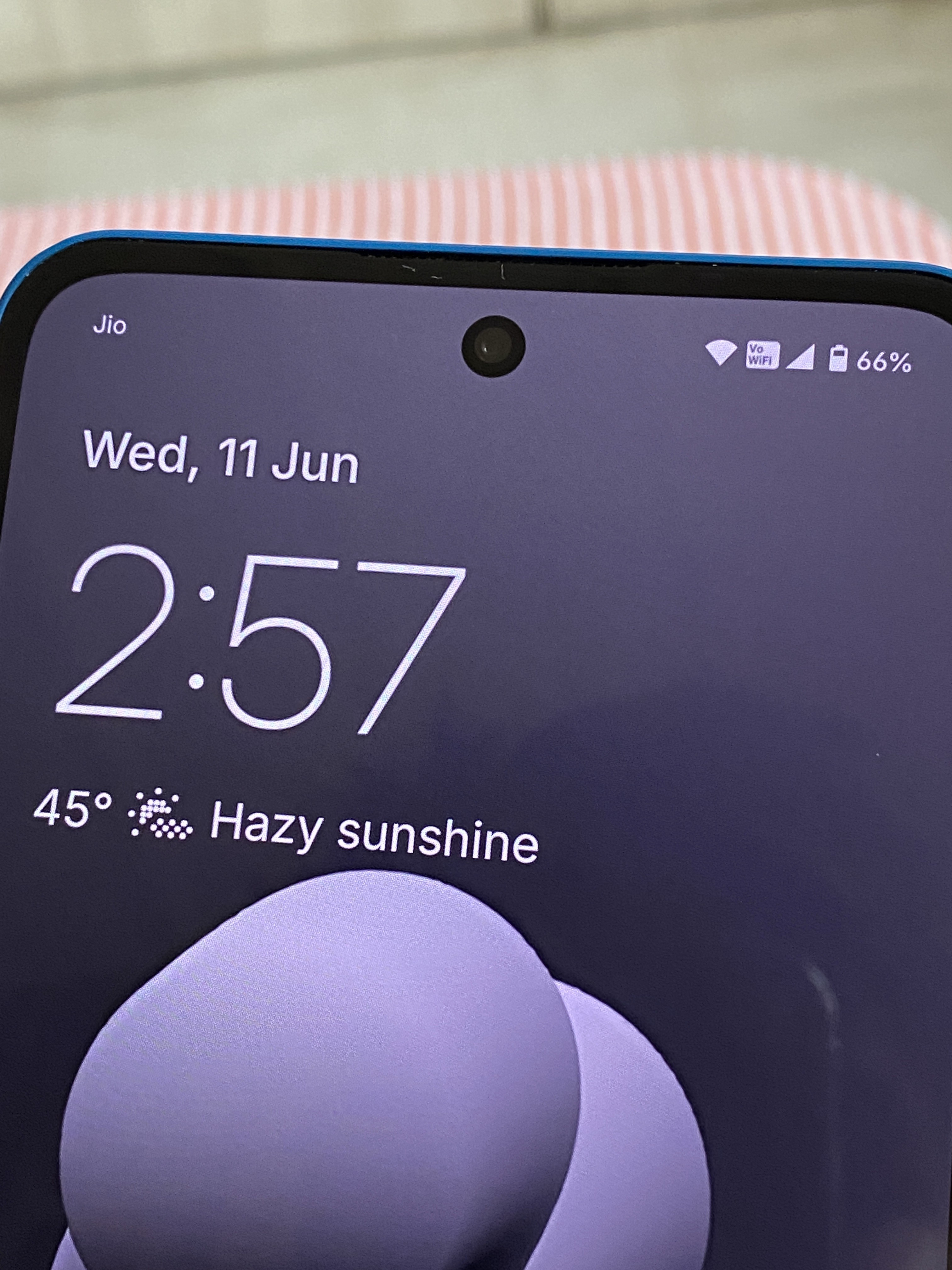
The display is a strong point, a 6.77” flexible AMOLED LTPS panel with 120Hz refresh rate.
It gets bright with 1300 nits HBM, and outdoor visibility is excellent, I’ve never had an issue using it outside.
It also supports HDR10+ and has a PWM frequency of 2160Hz, which helps reduce flicker and eye strain. I genuinely feel the difference during long usage sessions. 👍
Very minor scratches on display without even using a screen guard.
⚙️Performance
The Snapdragon 7s Gen 3 paired with UFS 2.2 might not sound impressive on paper, but it handles everyday tasks smoothly.
I usually multitask like watching YouTube in PiP mode while scrolling X (Twitter) and I’ve never noticed any lag or stutter.
Nothing has done a great job with system optimisation performance and stability are top-notch.
No slowdowns in regular use, app launches, or scrolling.
However, camera processing does take a while, especially after clicking multiple pictures and it worsens slightly if done repeatedly.
🎮Gaming
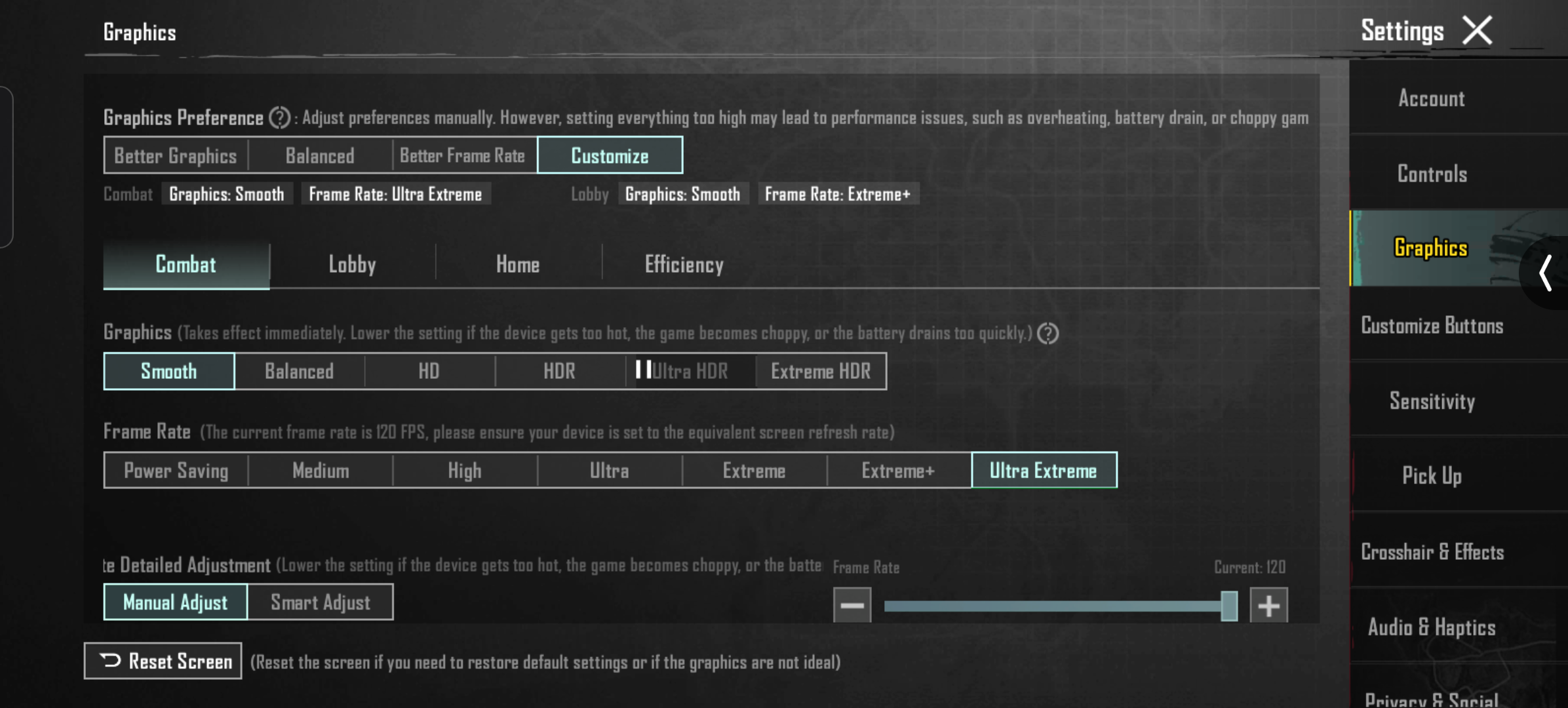
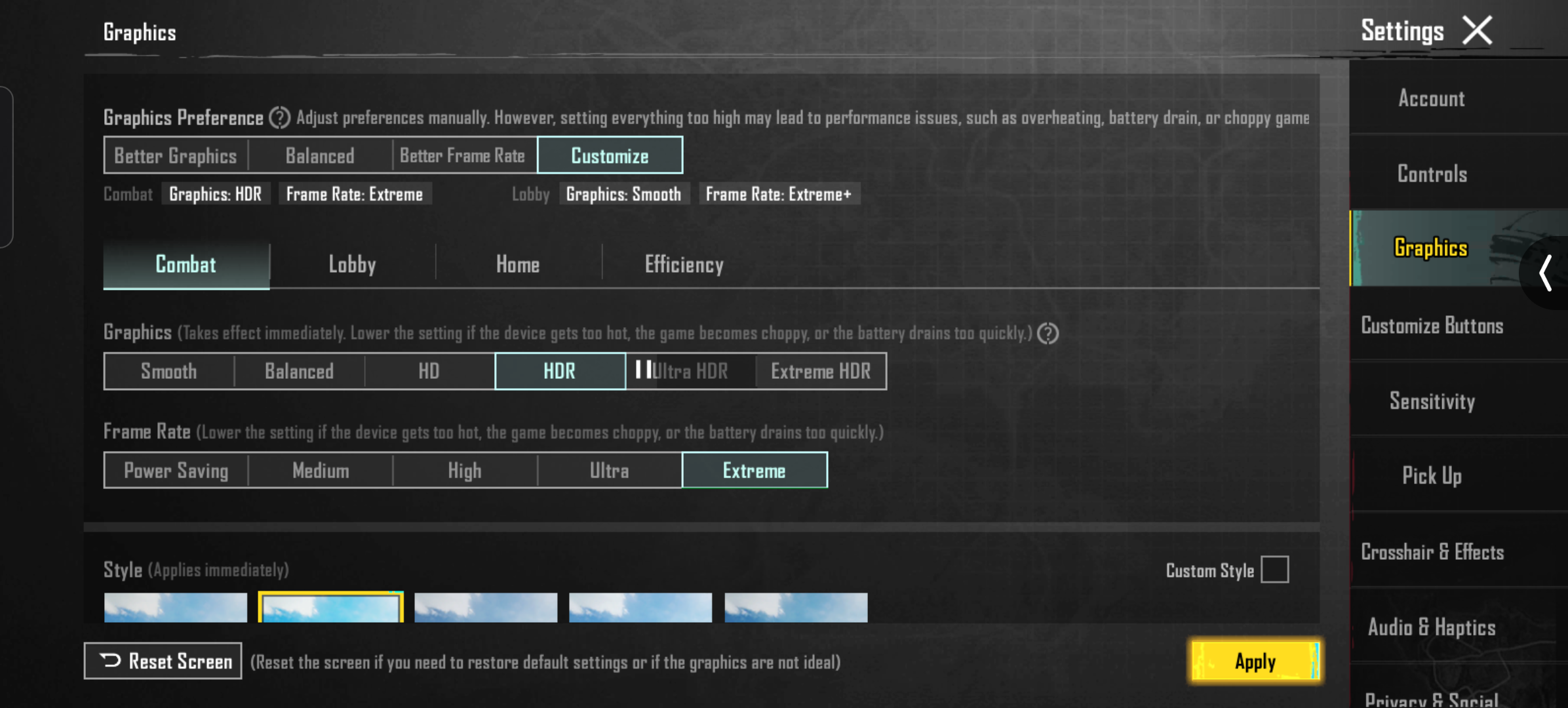
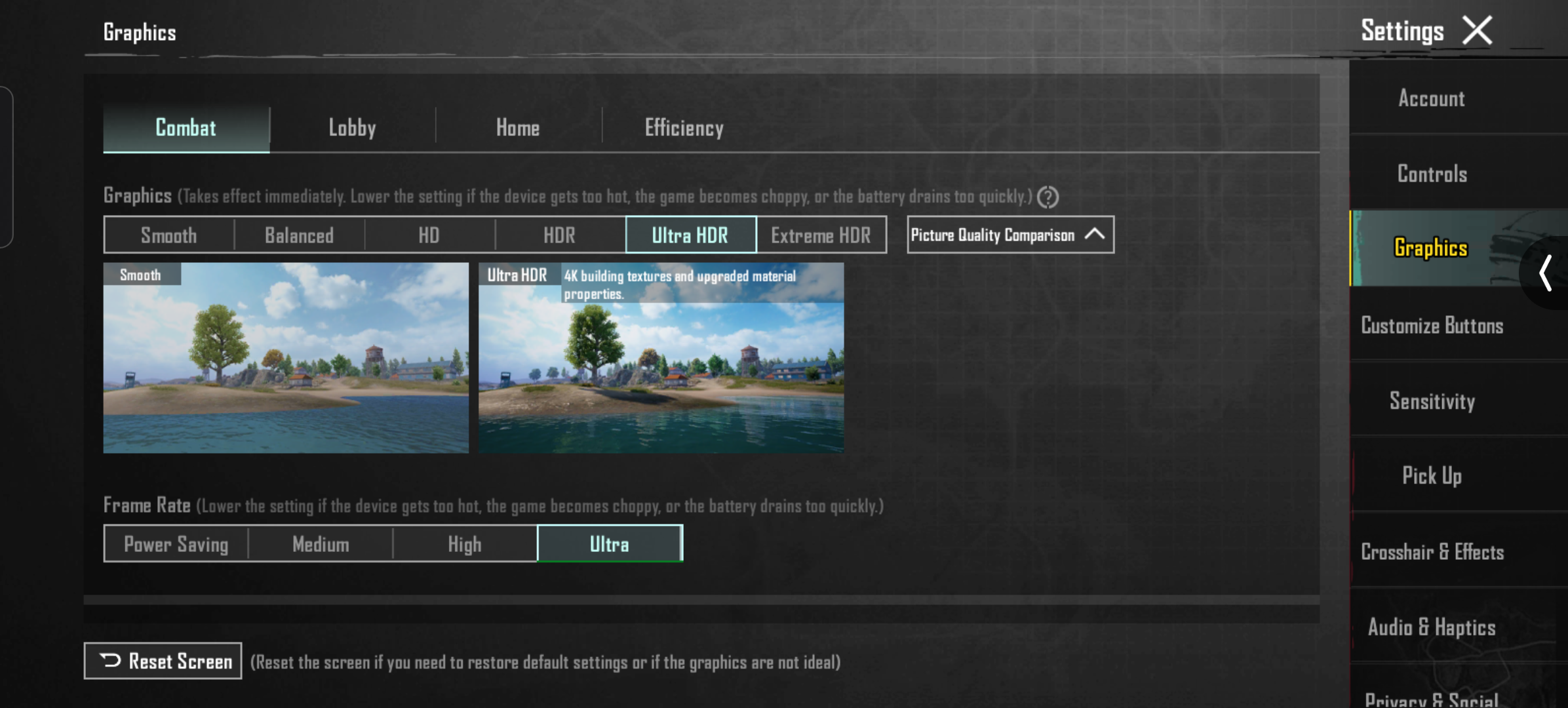
I’m not a hardcore gamer, but I play around 2 hours of BGMI daily.
It falls in the “does the job” category BGMI supports 120 FPS, but in reality, it runs mostly between 90–110 FPS.
For casual gamers like me, it’s more than enough. No major lag or frame drops that could affect gameplay.
🔈Speaker
The stereo speakers are surprisingly loud and don’t crack or distort at max volume.
The bass could’ve been better, but considering the price, the overall sound quality is good for everyday use.
📞Earpiece and Mic
The earpiece works well, but the mic performance is inconsistent.
Often, people on the other end say my voice is unclear and it gets worse when I’m on speakerphone.
It doesn’t happen all the time, but I’d say it occurs in around 50% of calls.
📷Camera
📱App Experience
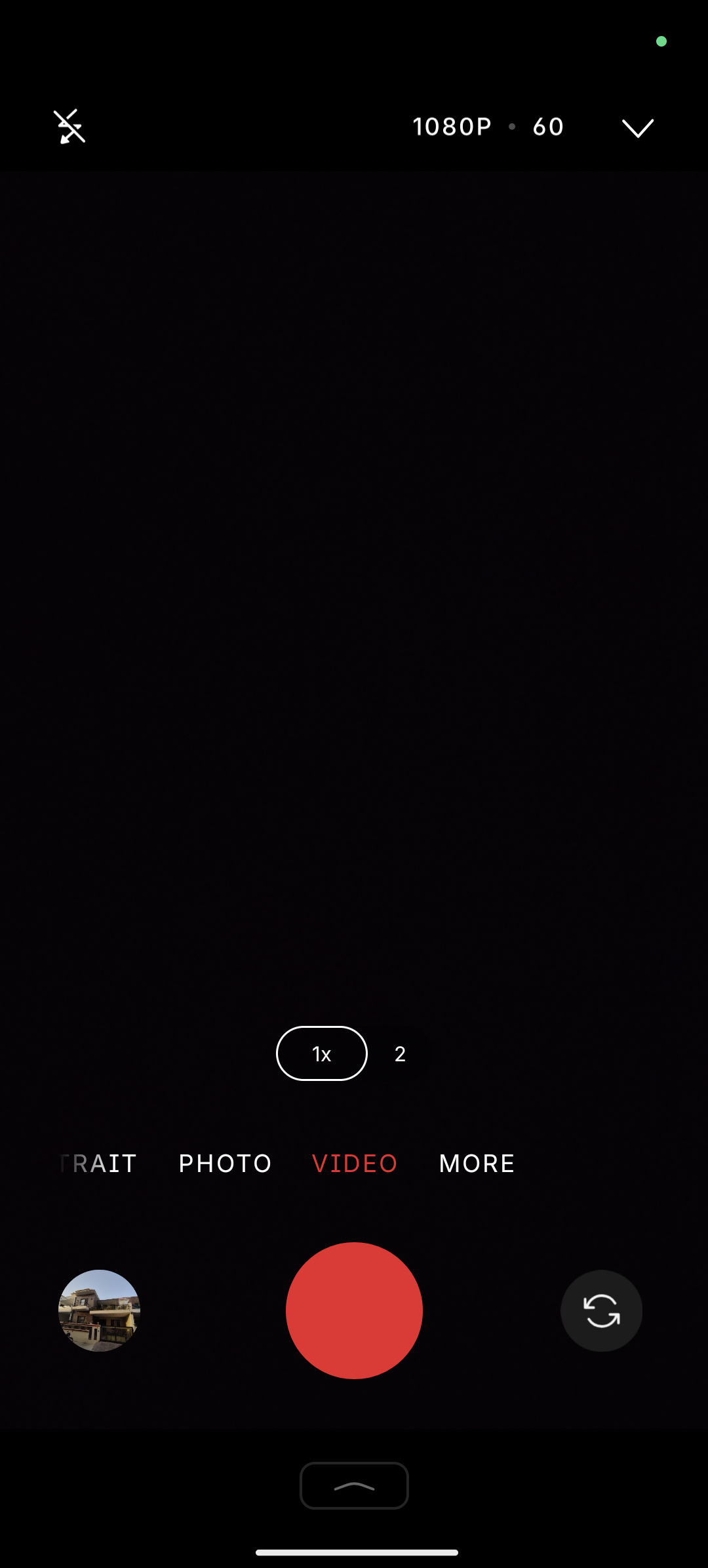
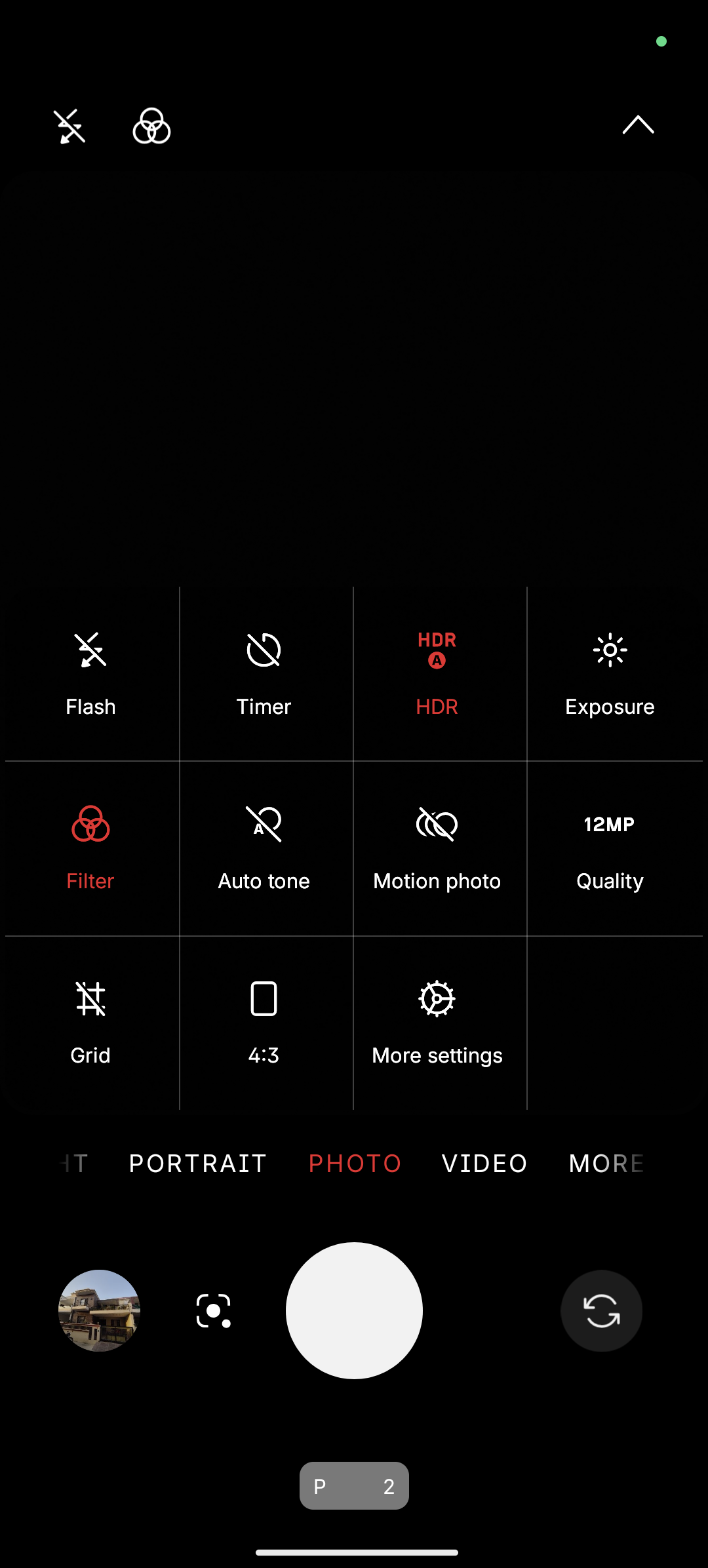
The camera app design is clean and usable with one hand.
However, switching between camera modes (via swipes) only moves one step at a time.
It would be better if we could quickly jump to any mode through multiple swipes that would make the experience faster and more fluid.
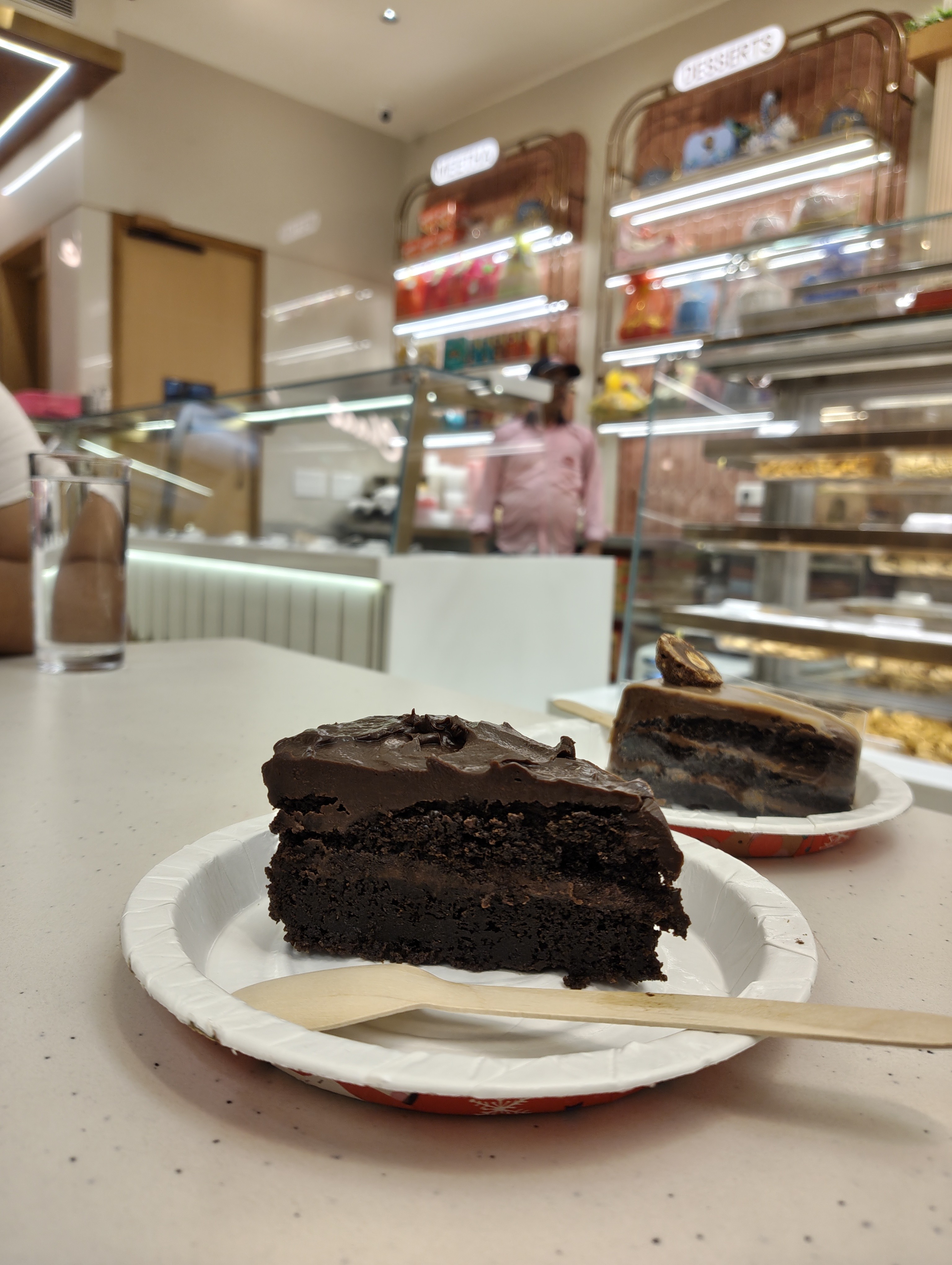
📷Main Camera
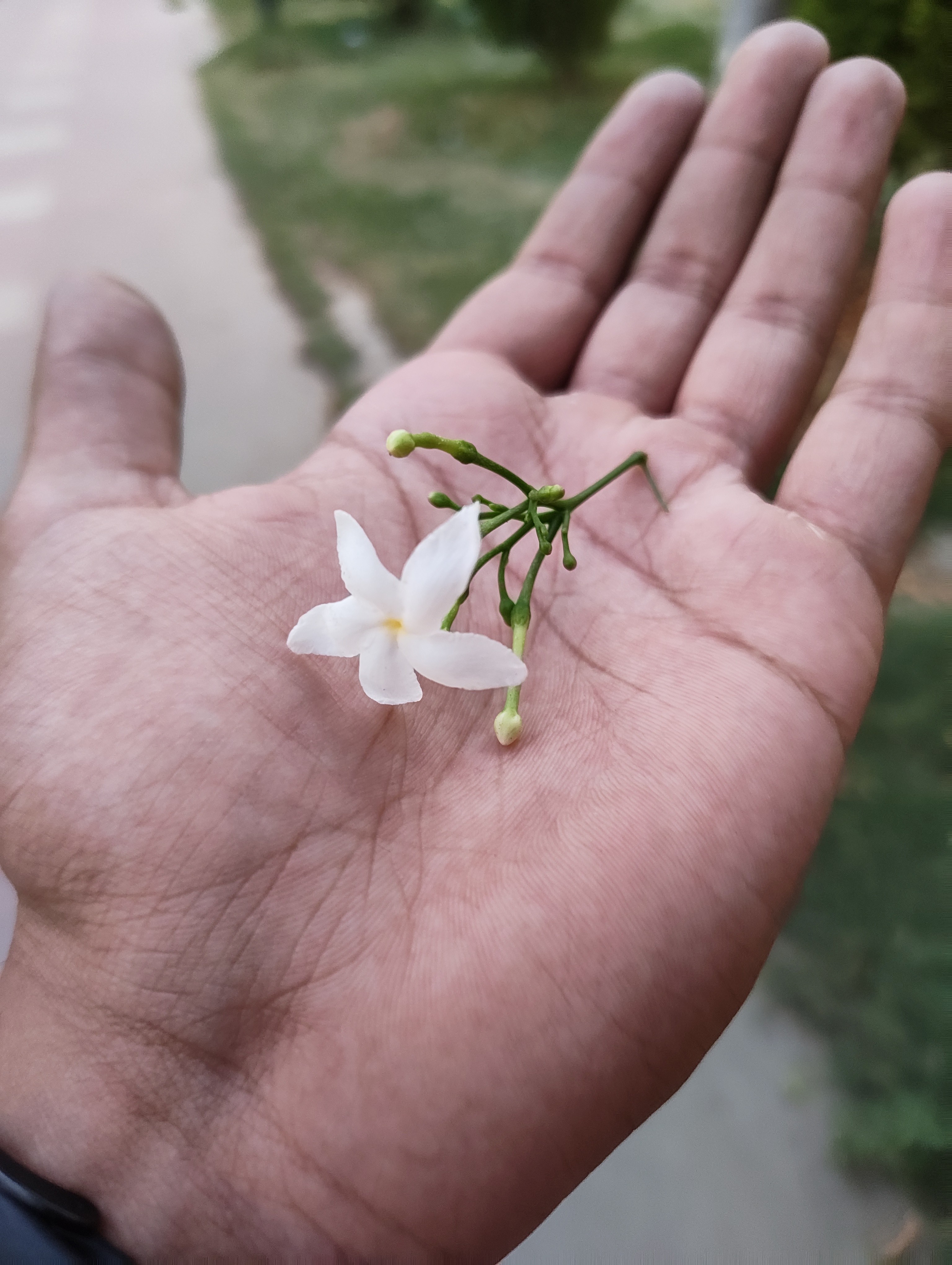
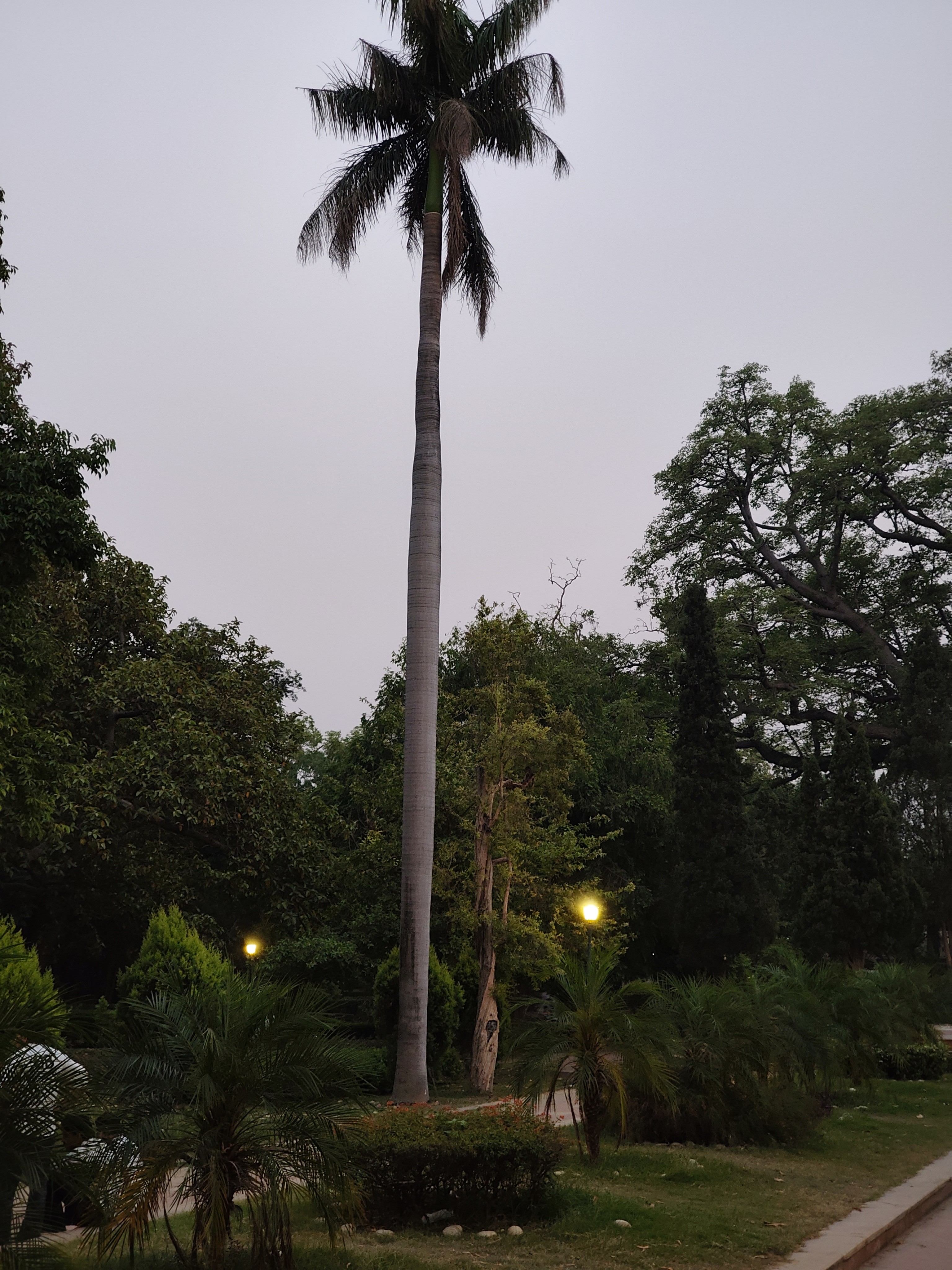
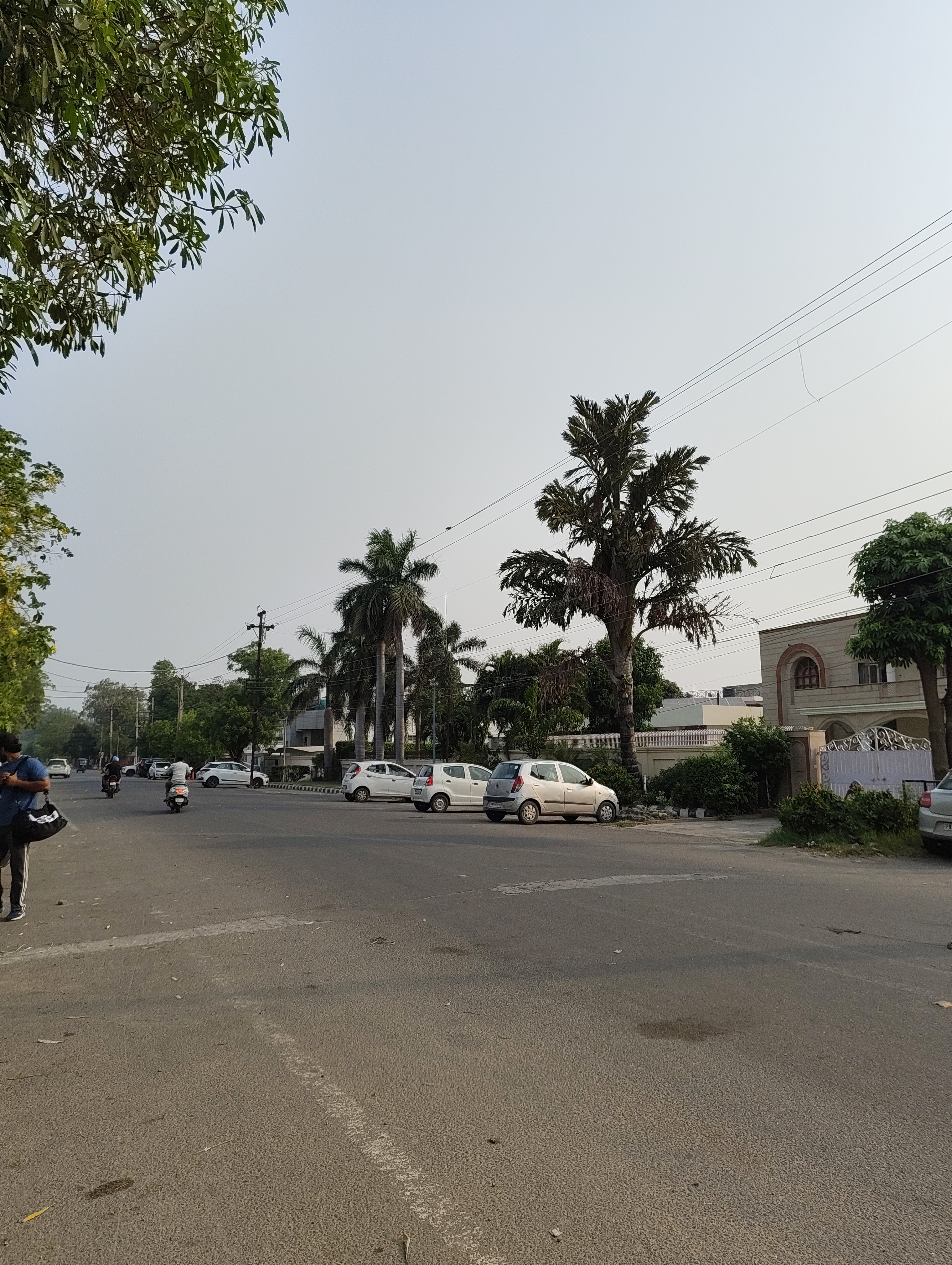
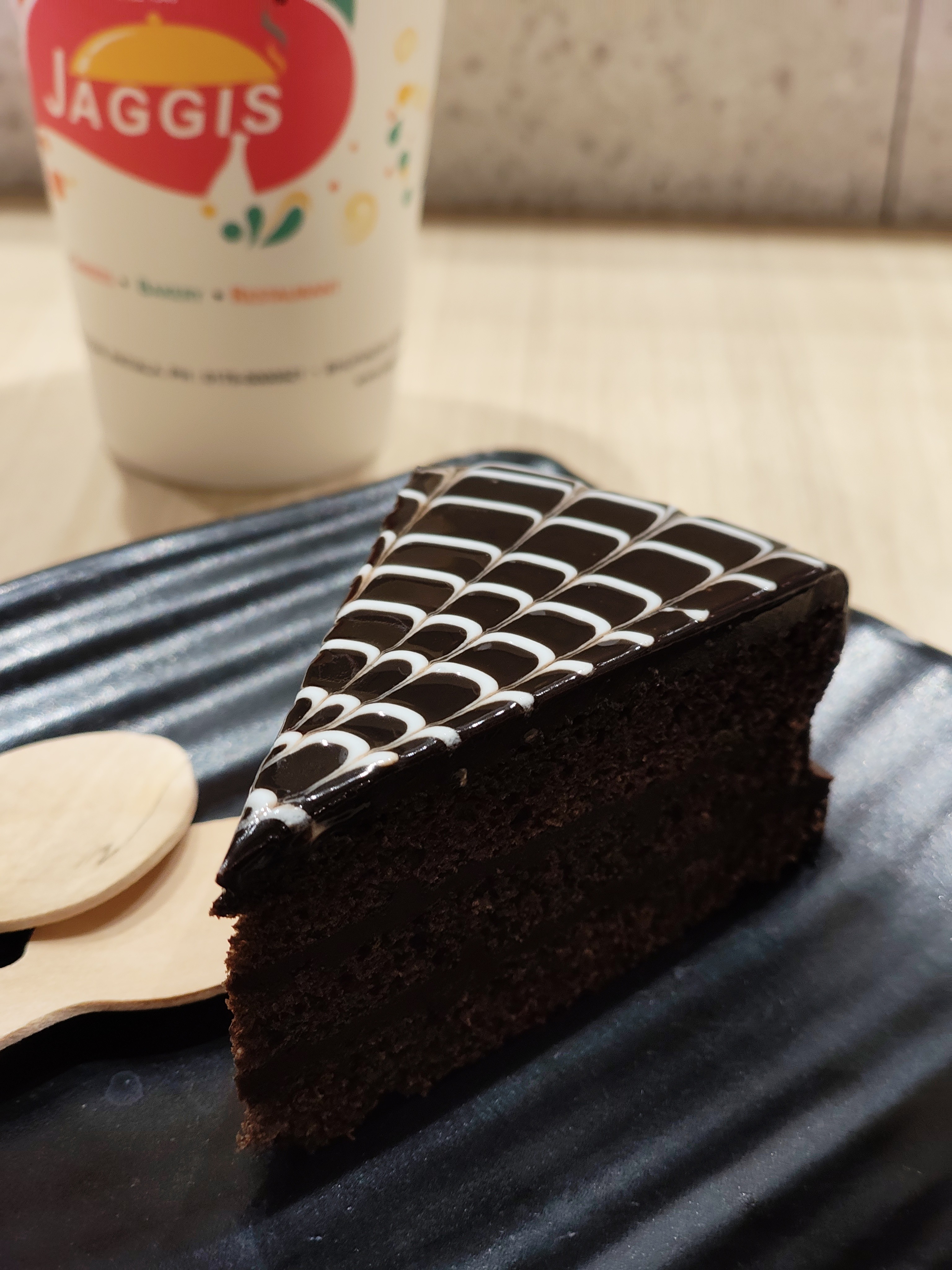
Colour consistency and image quality from the primary camera are good.
I usually don’t need to take multiple shots the results are sharp and ready for social media.
However, the photos often appear a bit too bright, so I manually reduce exposure to around -0.7 for the best output.
The camera is tuned for social media which isn’t a bad thing, especially for users like me aiming for good Instagram shots.


👤Portrait
I’m not a big fan of the portrait mode I often need to take several shots to get one usable result.
Edge detection, especially around hair, is inconsistent.
Nothing still has some work to do here.
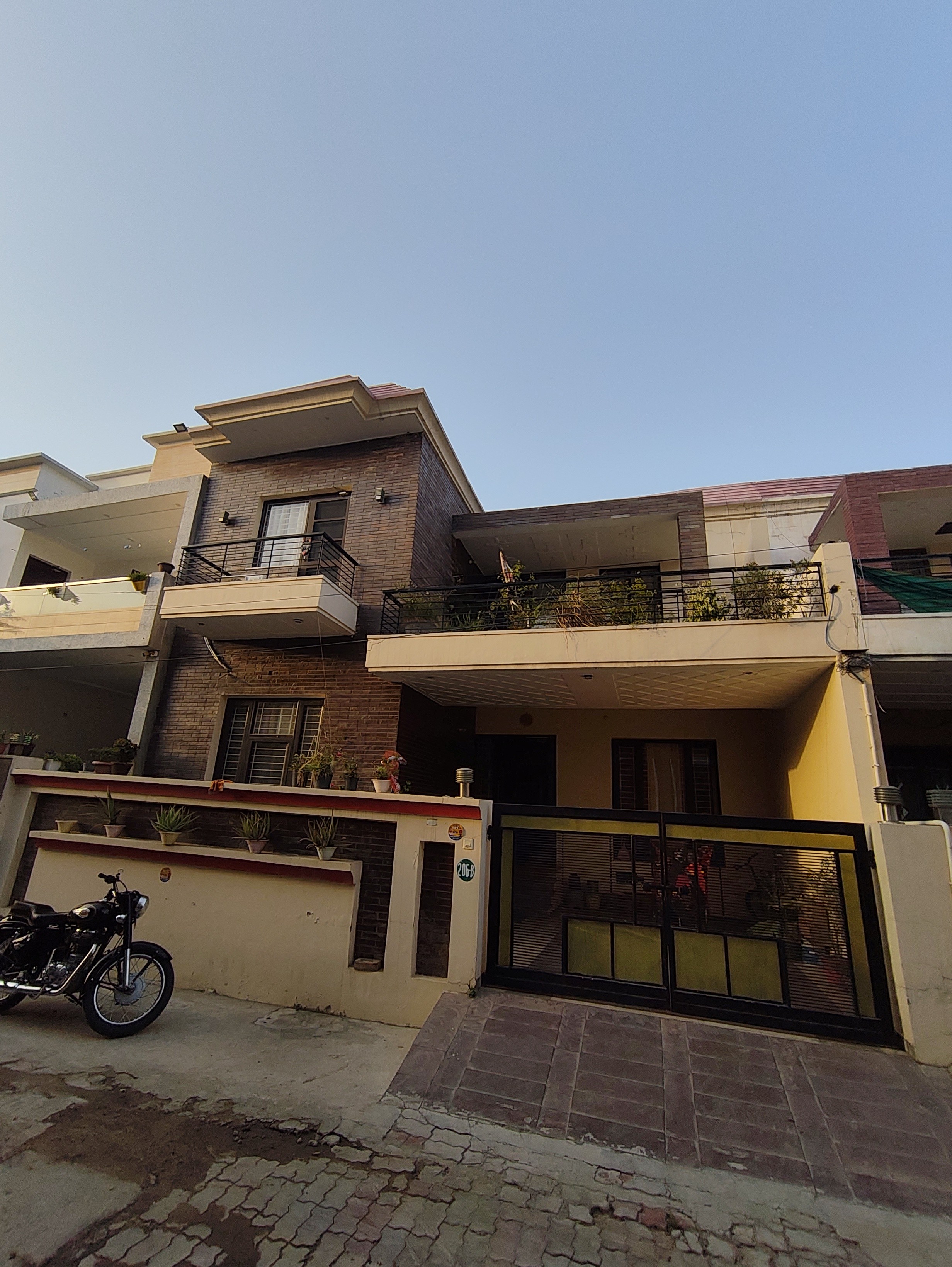
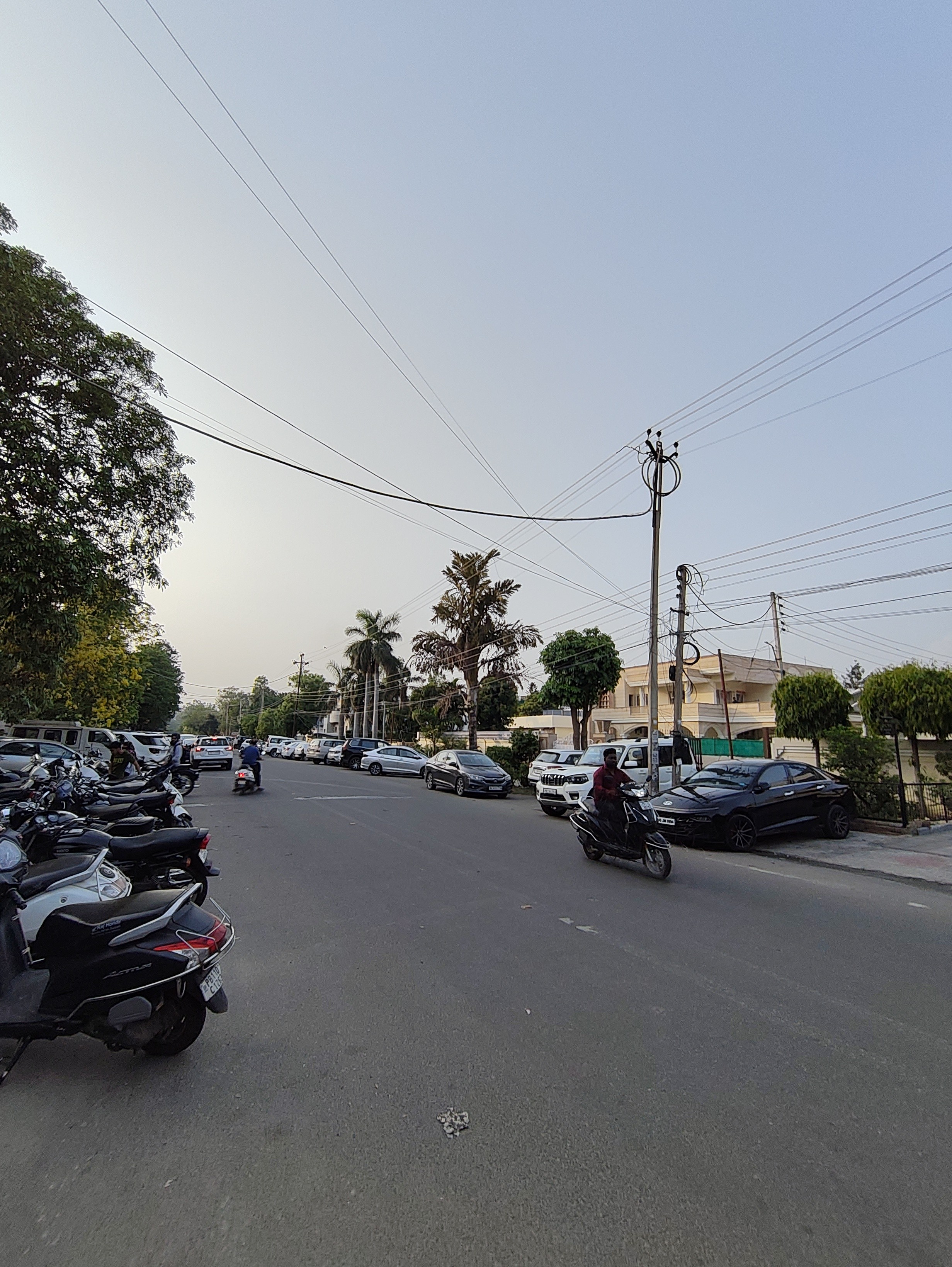
🌄Wide-Angle
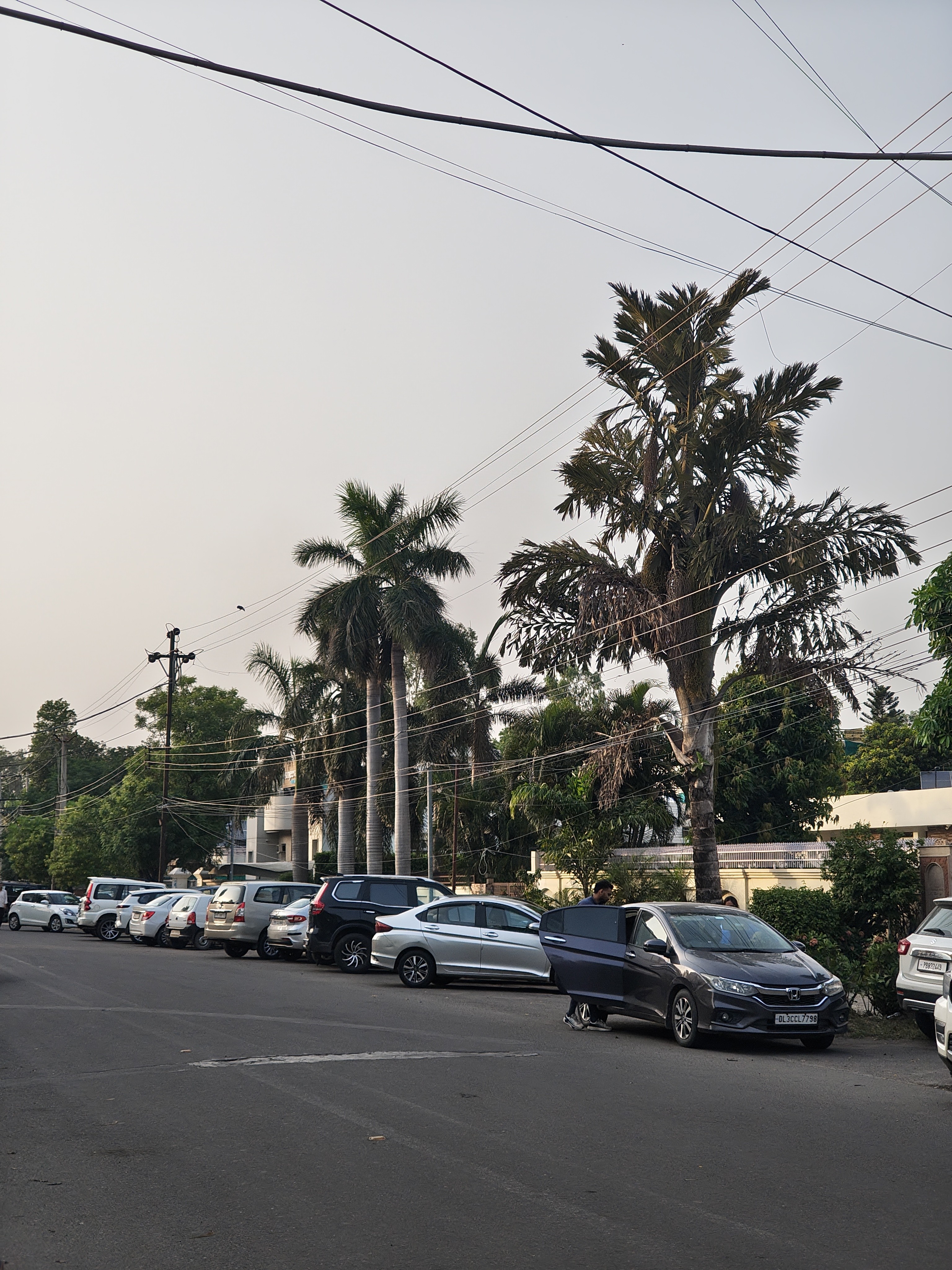
The 8MP wide-angle camera is also not very impressive, photos are often noisy or unclear.
It also doesn’t feel “wide” enough, with only a 120° field of view.
The good part? Colour consistency between the main and wide-angle sensors is well managed.

🔍Telephoto
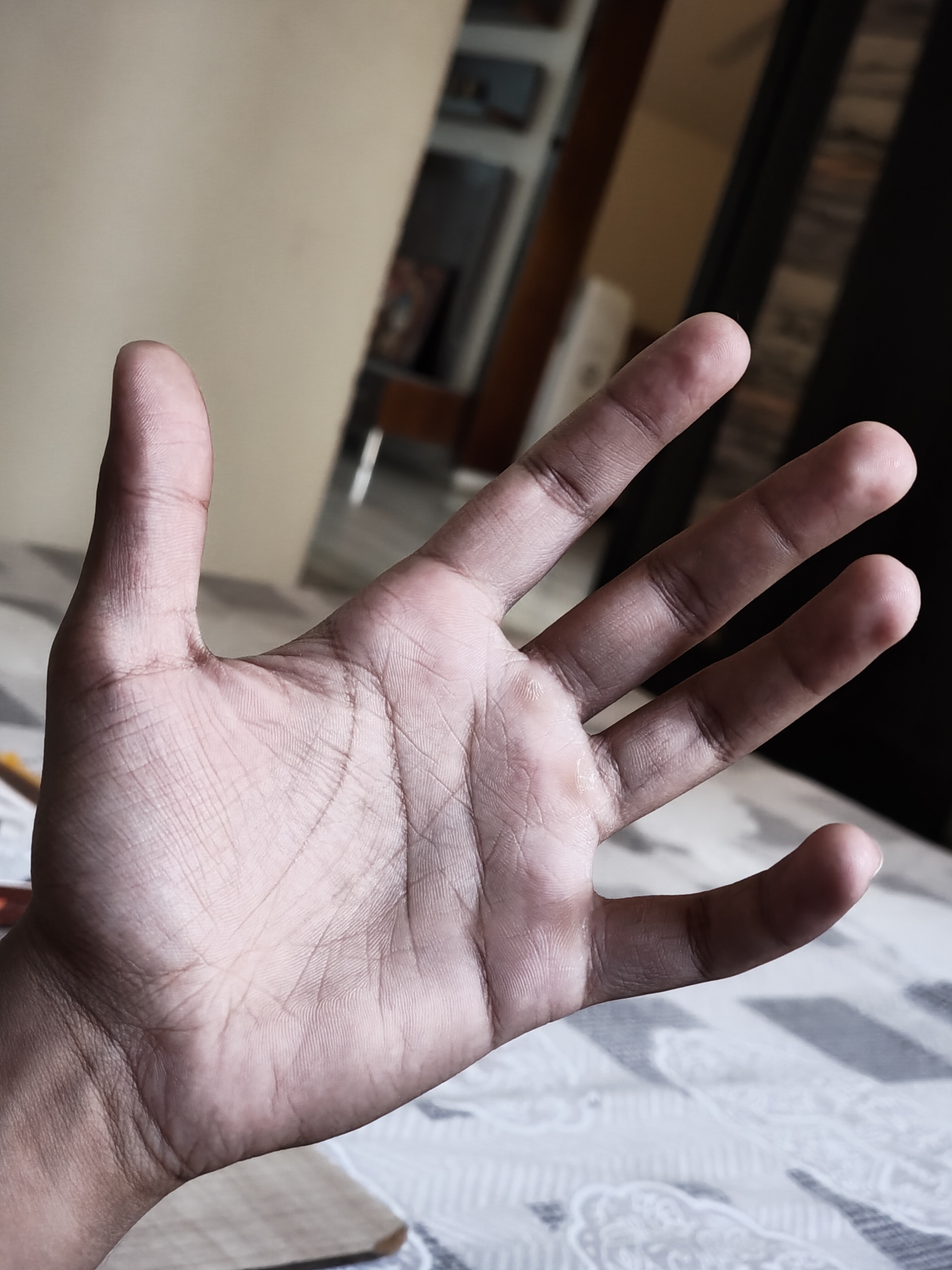
The 50MP Samsung JN5 sensor used for telephoto sounds good on paper.
But in practice, the output is inconsistent.
Photos often appear too warm, with underexposed shadows and overly sharpened details.
Sometimes it clicks great shots, but other times, it just doesn’t deliver acceptable results.

🤳Front Camera
The 32MP selfie camera is great, it delivers clear photos, accurate colours, and minimal noise.
There is wide field of view which helps with group selfies. I’d rate it 8/10.
🌃 Night photography
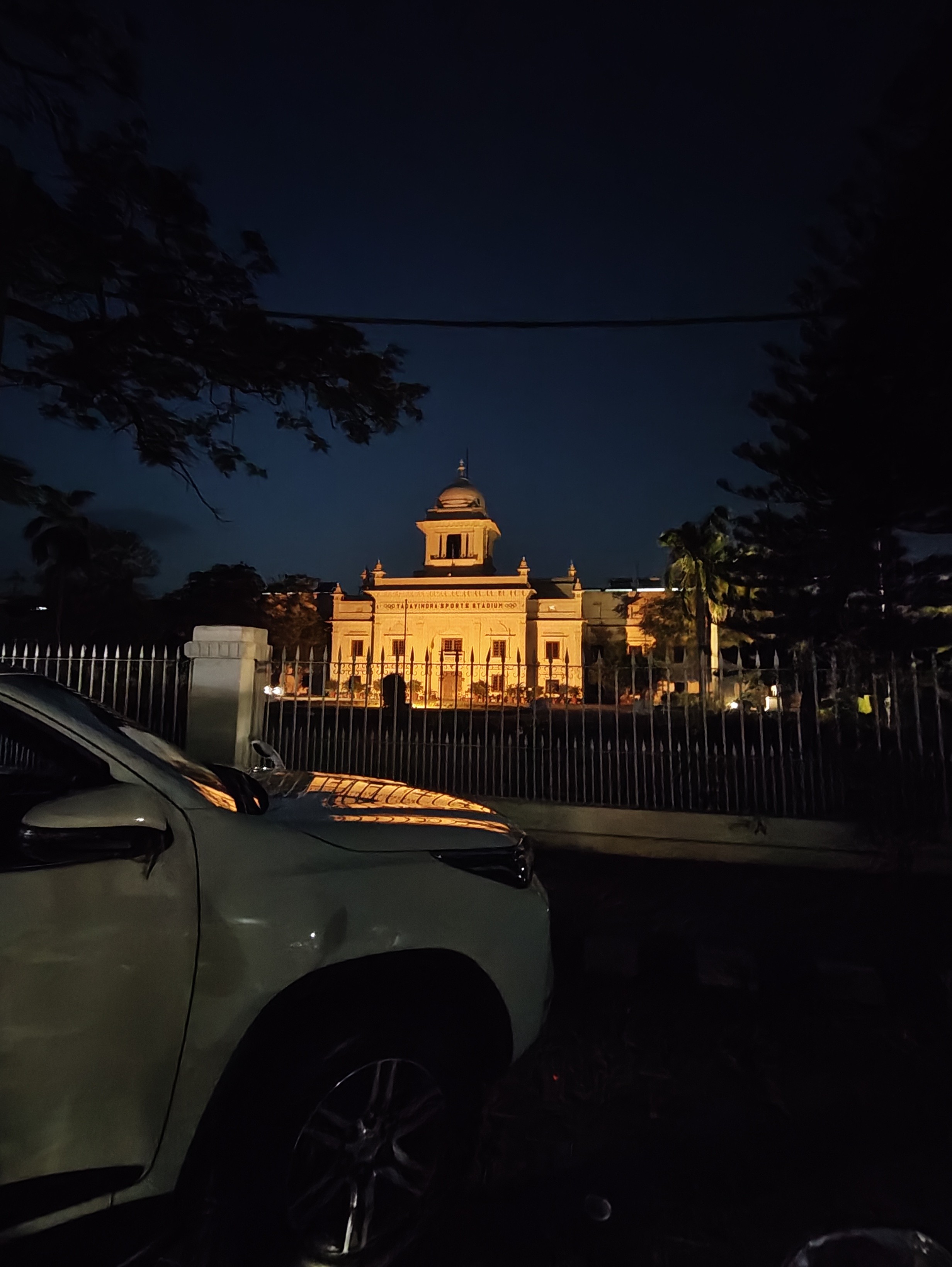
Night photography also yields mixed results. The primary camera captures great shots, but the telephoto and wide-angle lenses produce decent yet inconsistent photos that need improvement.




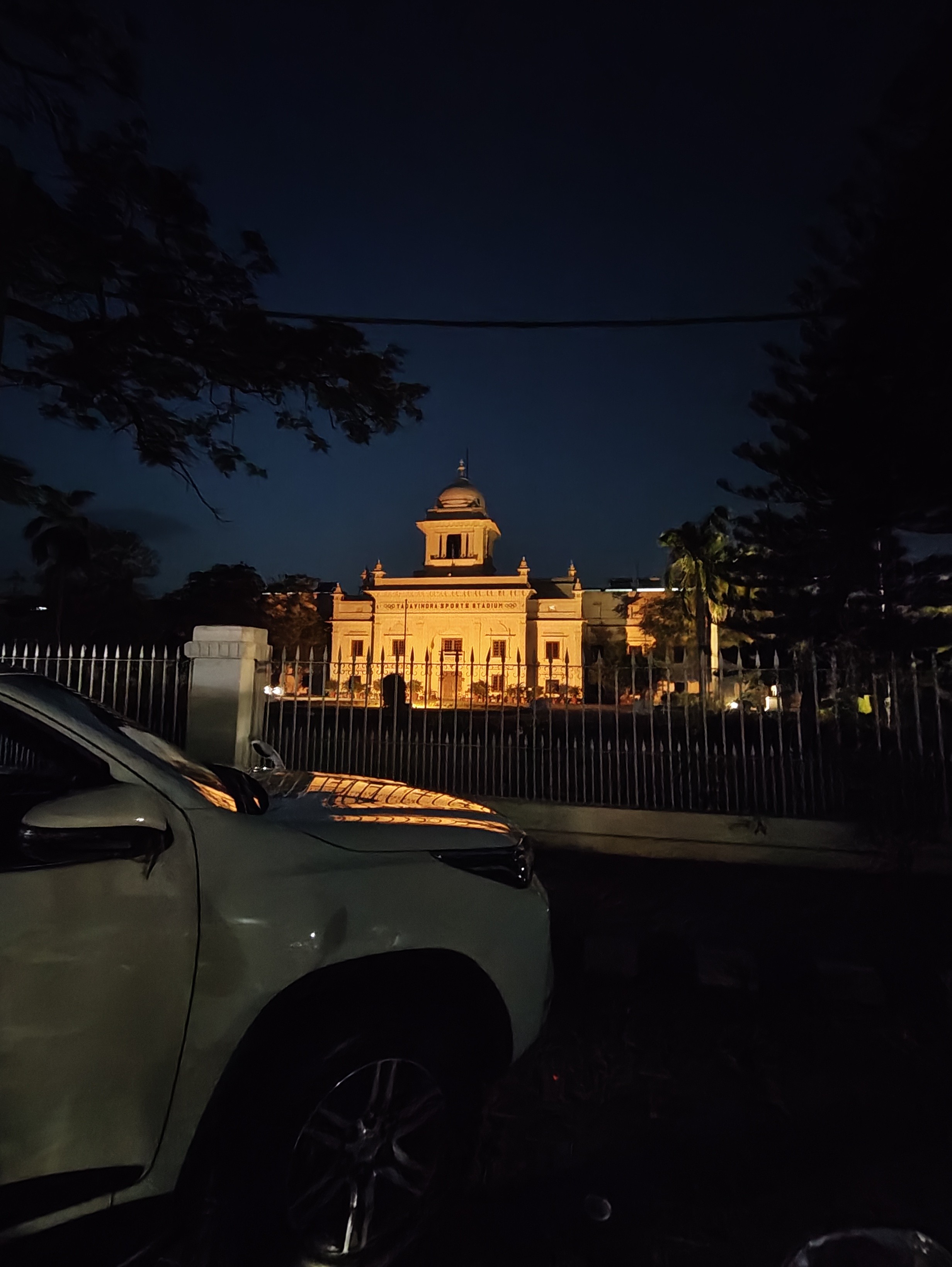


🎨LUTs (Look-Up Tables)
Nothing has introduced LUTs by which you can give your own touch to the pictures.
The phone comes with built-in LUTs (presets). My favourite is the “B&W” LUT l, it gives a retro vibe without looking like a typical filter.
You can also create your own LUTs with custom filters and share them with other Nothing users using a QR code, a very cool feature.
Just click “Create LUT,” select your preferred lens and filters, and you’re good to go.
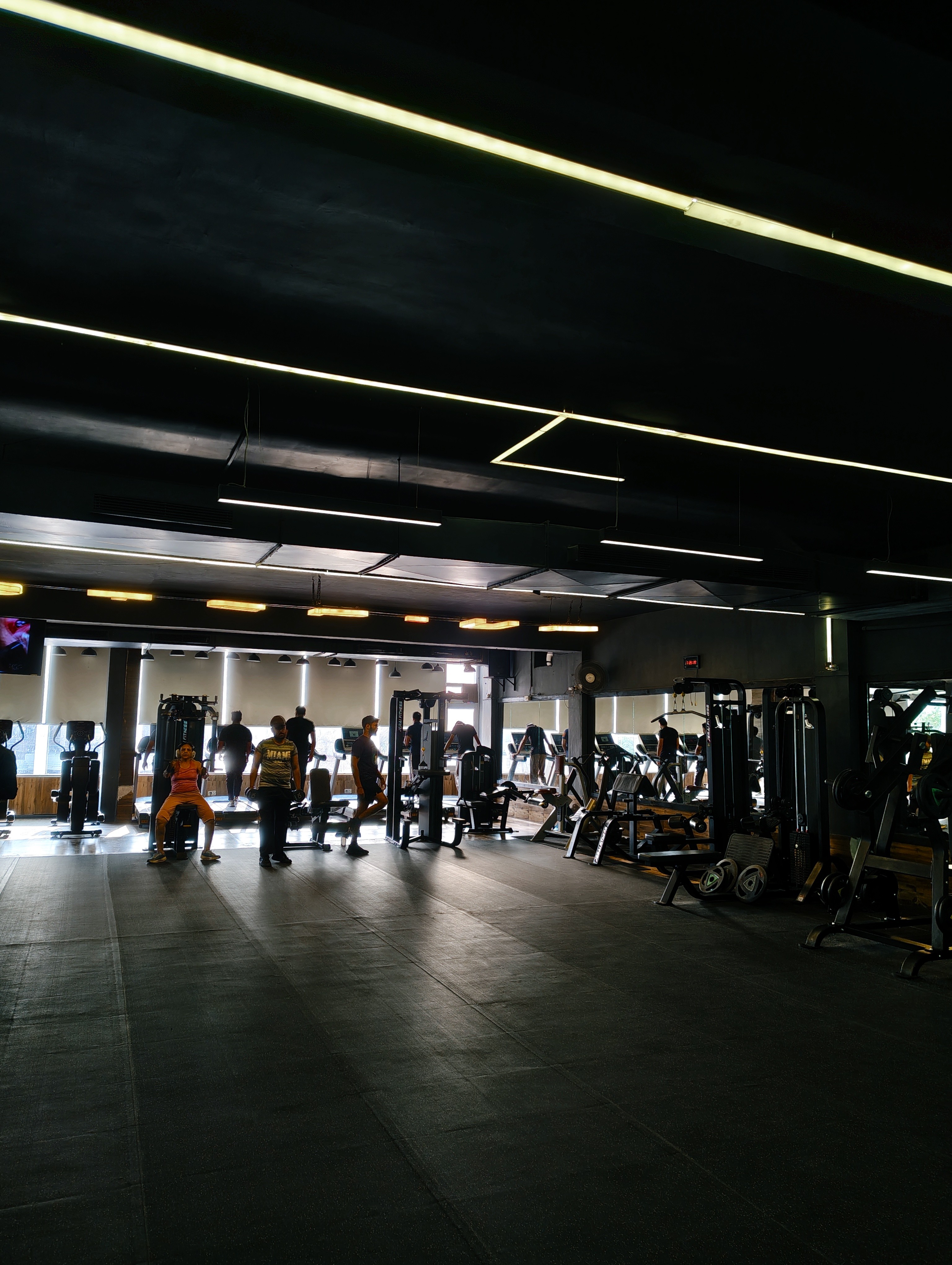

🎥Video
Video quality is good, especially with OIS helping reduce shakes and delivering smooth footage.
However, lens switching during video is not seamless, colours shift is noticeable, and switching is only allowed at 1080p 60fps.
At 4K 30fps, you can only switch between the main and telephoto cameras.
📱Nothing OS
One of the biggest strengths is the OS.
It’s clean, bloatware-free, and has its own identity thanks to the monochrome theme.
I love the animations, but sometimes they feel like 60fps — this can be improved further.
Haptics are tight where implemented, but there are many places where haptics don’t work at all, like in the brightness slider or volume slider.
Customisation
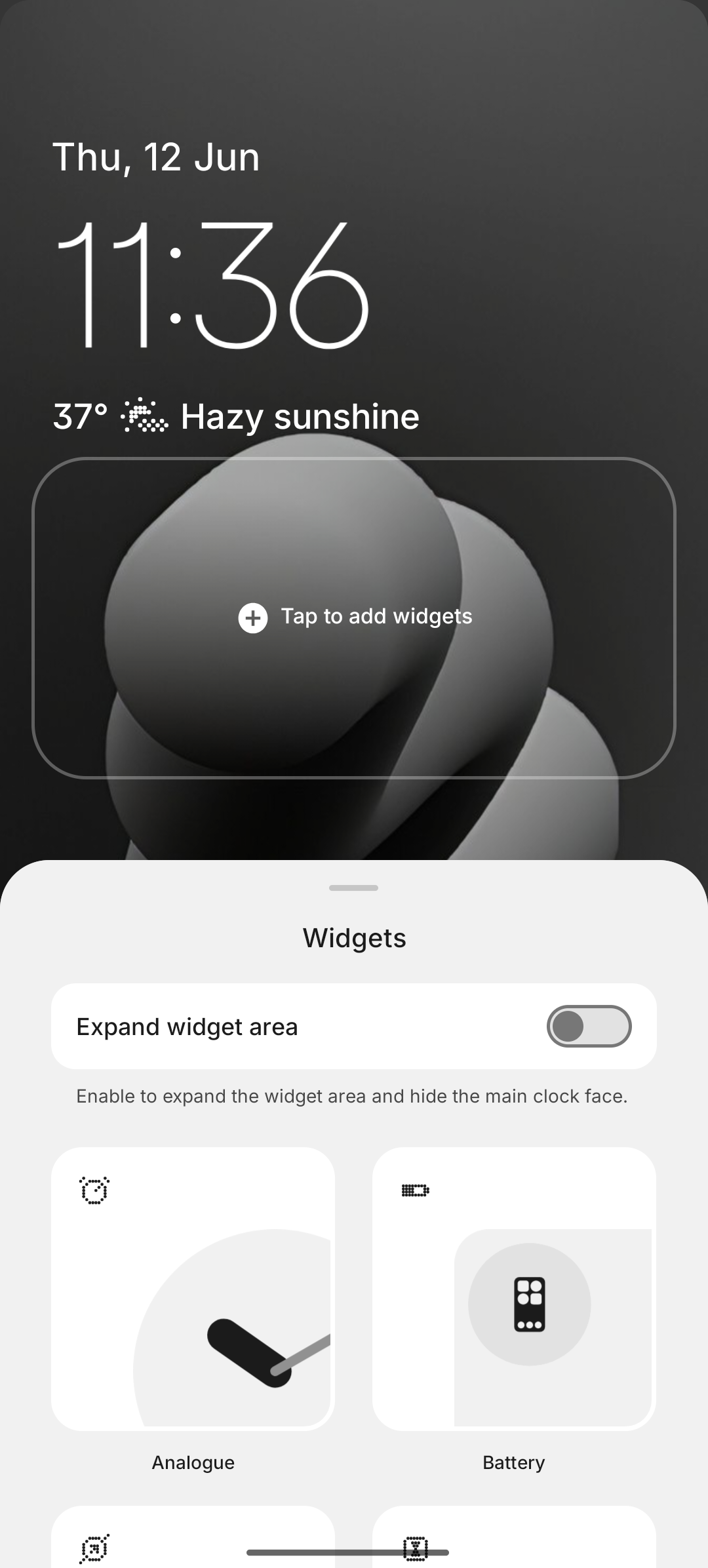
Lockscreen: You can change clock faces based on your wallpaper and add widgets for style and utility.
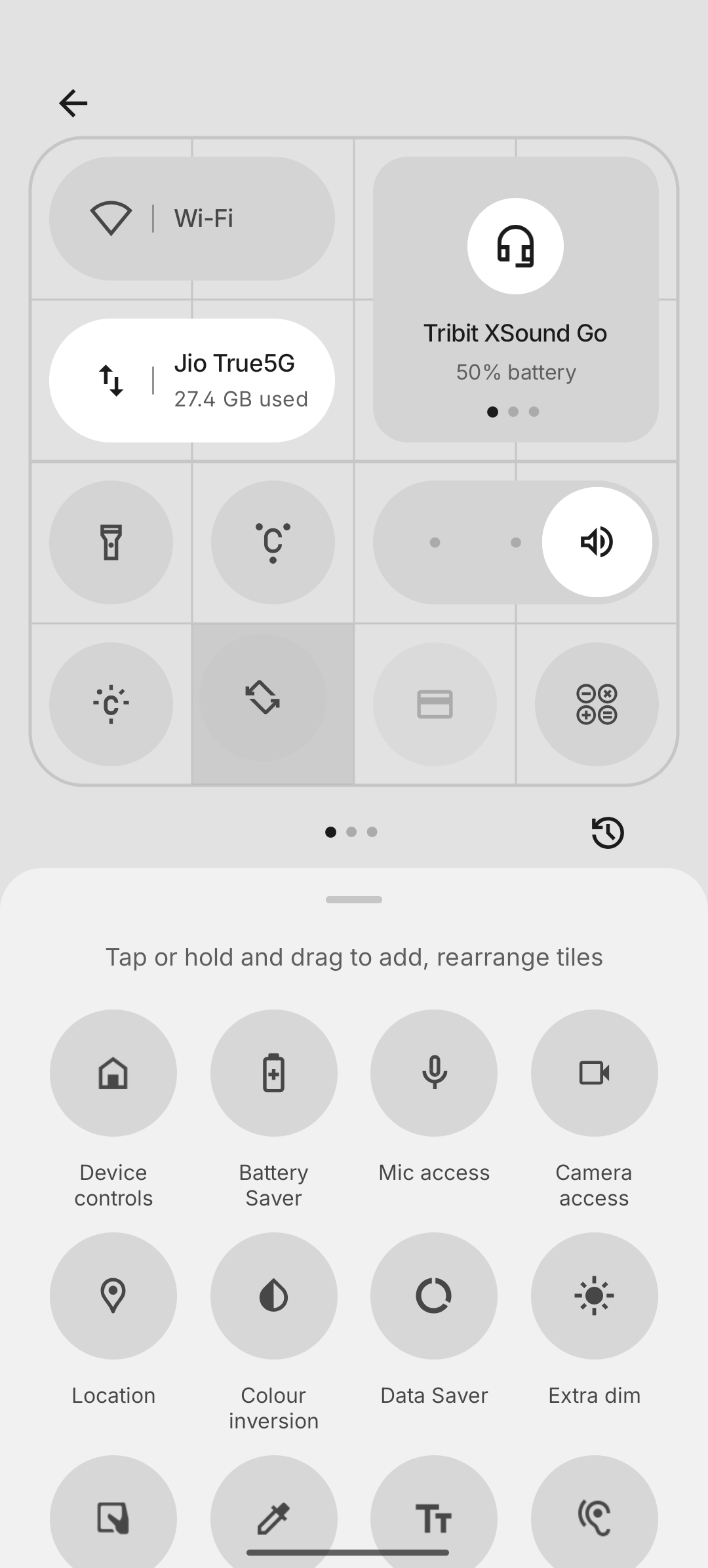
Quick Settings Panel: I love how Nothing allows resizing tiles, makes it more personal and functional.
Essential Space
Essential Space is a smart reminder app introduced in the Nothing 3rd series. It integrates AI to make capturing and setting reminders fast and intuitive.
Single Press: Pressing the dedicated Essential Key once captures a screenshot of whatever is on your screen. You can then type a note or use voice input to create a reminder based on that screenshot.
Long Press: Holding the Essential Key activates voice recording. The app transcribes your voice using AI, understands the content, and auto-creates a relevant reminder.
Double Press: Double-clicking the Essential Key opens the Essential Space app, where you can view, manage, or delete all your saved reminders.
Camera Integration: You can even create reminders directly from the camera. After taking a photo, you can add a voice or typed note to convert the image into a reminder.
This feature makes daily task tracking super simple and and reduces stress on remembering important activities or events.
Suggestions for Nothing
Please introduce a Wallet app, it would be helpful to store all important documents in one place. For eg, licence, debit card, credit card, movie pass, plane tickets and many more.
Also, consider redesigning the System Update section, currently, it’s too plain. Maybe something visual but still mature.
🐞Bugs
The FPS meter sometimes gets stuck in the middle of the screen during gaming and needs to be manually moved.
Once, the camera app completely froze, and I had to clear it from recent apps to make it work again.
Private Space feels laggy, especially when using the camera inside it. Also, apps should be cloned into Private Space instead of being moved entirely.
🔋Battery and Charging
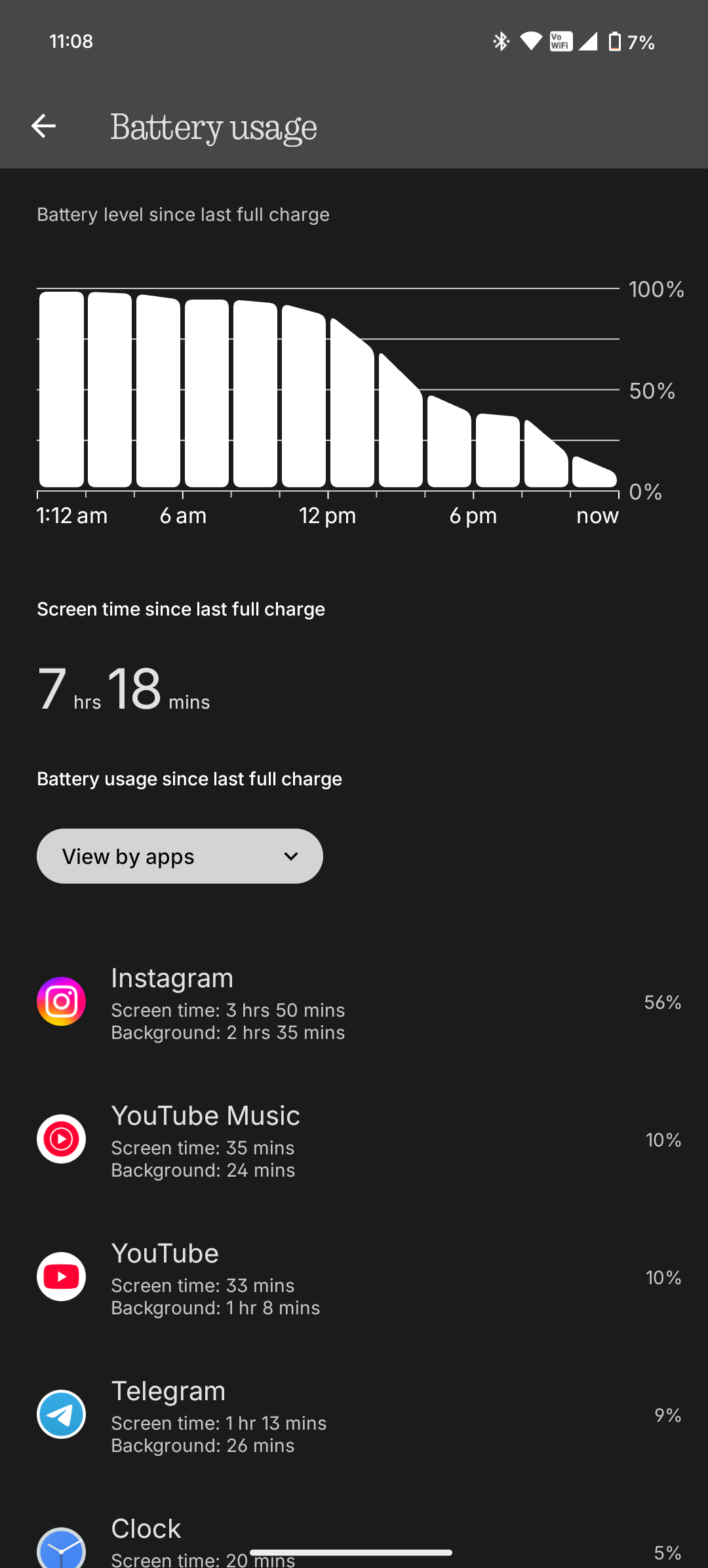
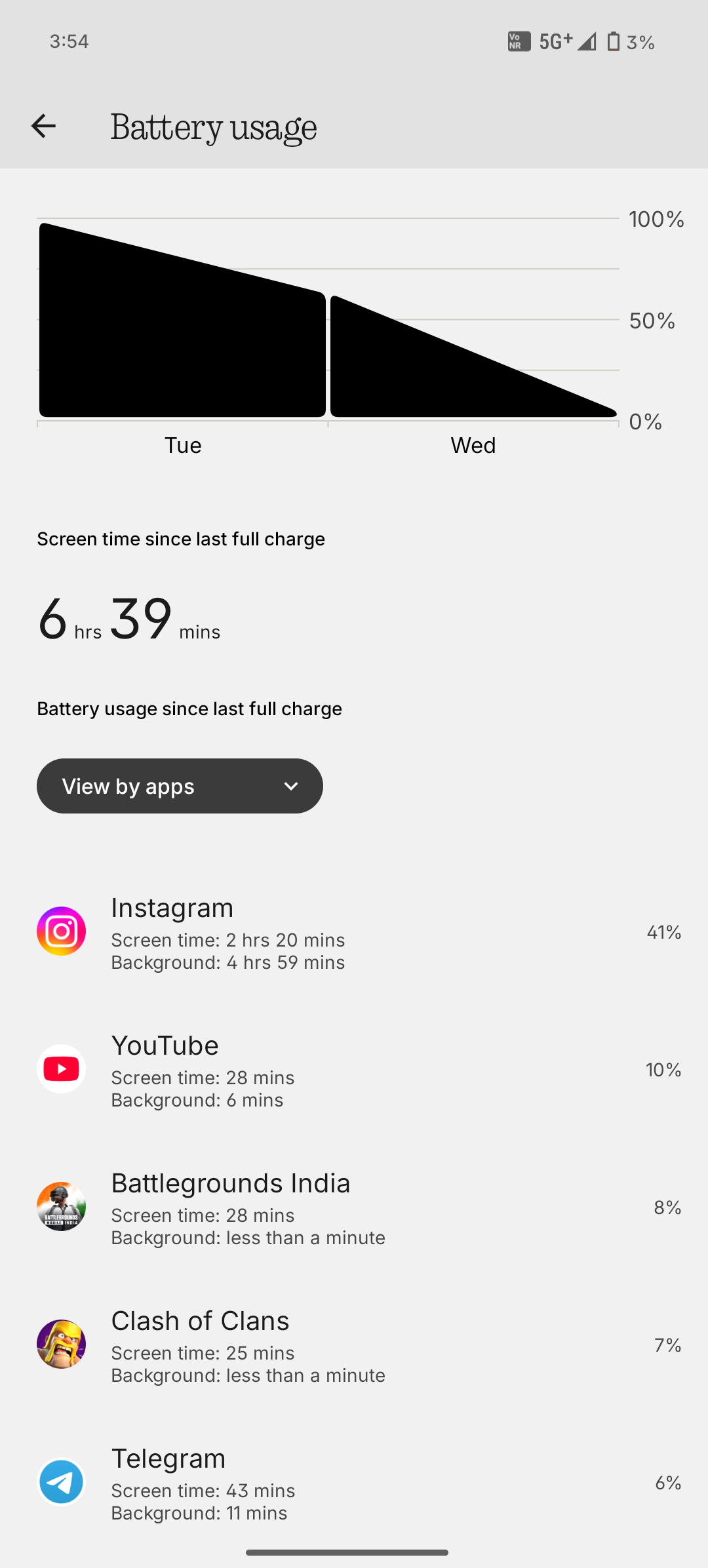
Battery life has been excellent, I consistently get 7–8 hours of screen-on time.
I easily get two days of backup with moderate usage.
Charging takes around 1 hour, which is reasonable.
My usage includes Instagram, Telegram, and BGMI with a mix of Wi-Fi and mobile data, auto brightness on, and high refresh rate enabled.
✅Verdict
The Nothing Phone (3a) is a true all-rounder with great display, battery, performance, and solid hardware.
Camera results are mixed, but software updates can improve it further.
If you’re looking for a phone that’s good at everything, this is a solid pick.
My time with it was genuinely enjoyable, and I’ll surely miss it.
Thanks to @Nothing and @technerd for giving me the chance to use this amazing device. Loved it!#LoveNothing
