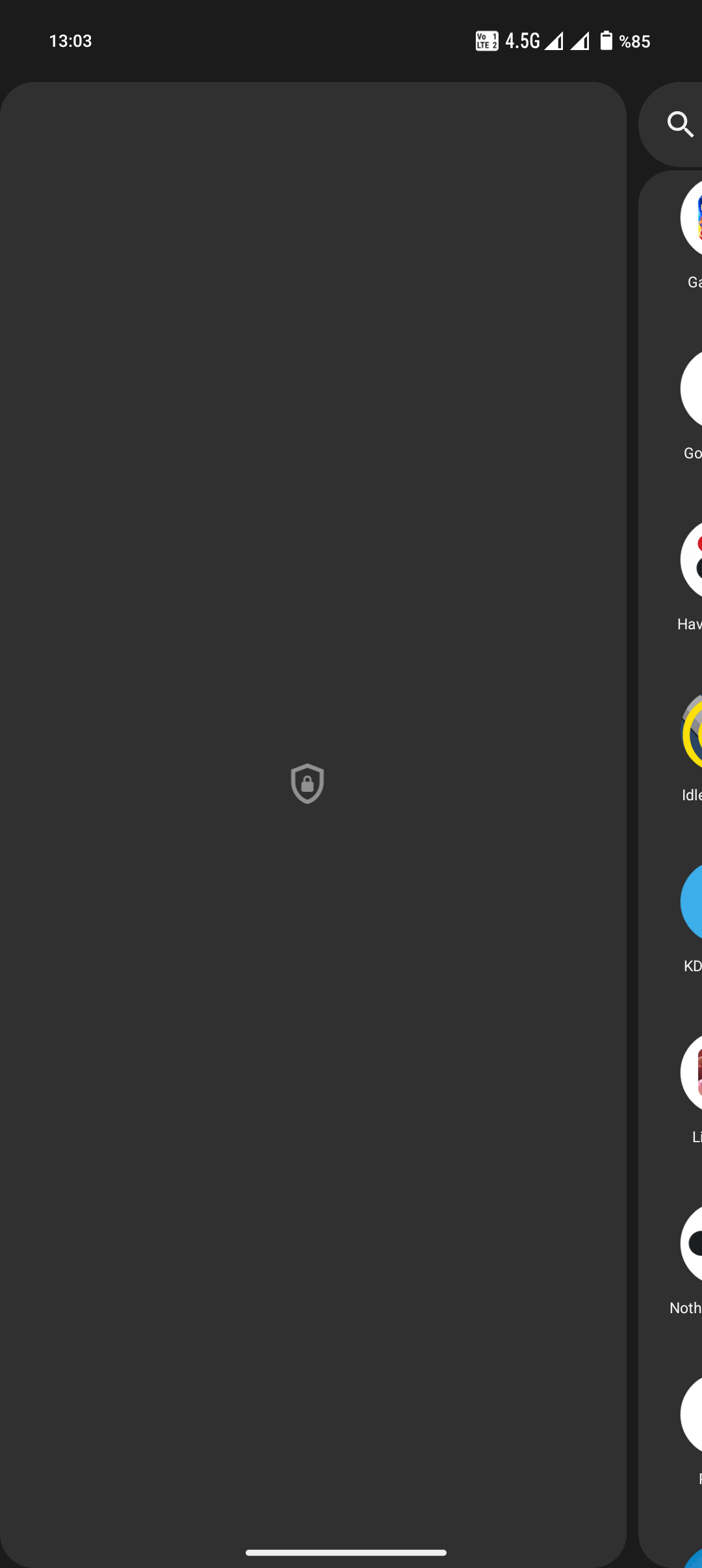
There is this screen when you swipe up for app drawer and swipe right. I set this because i did not wanted to see apps like “Google Tv, Clock” and stuff which i actually don’t use very often. Because i have a widget for those. I think i was able to get into that space with fingerprint. But now it requires password, an actual password. It opens up the keyboard with letters and numbers. I don’t recall me setting a password for it. I tried my main lock pin. It doesn’t work. I searched for it on internet. They say to reset or delete this so called “private space”. I should;
1. Go to Settings
2. Tap Security & privacy
3. Tap Private Space
then tap the three dots?? There is no three dots or an option for “I forgot my password”
Any Help?
Nothing phone 2
Pong-V3.0-250506-1805
