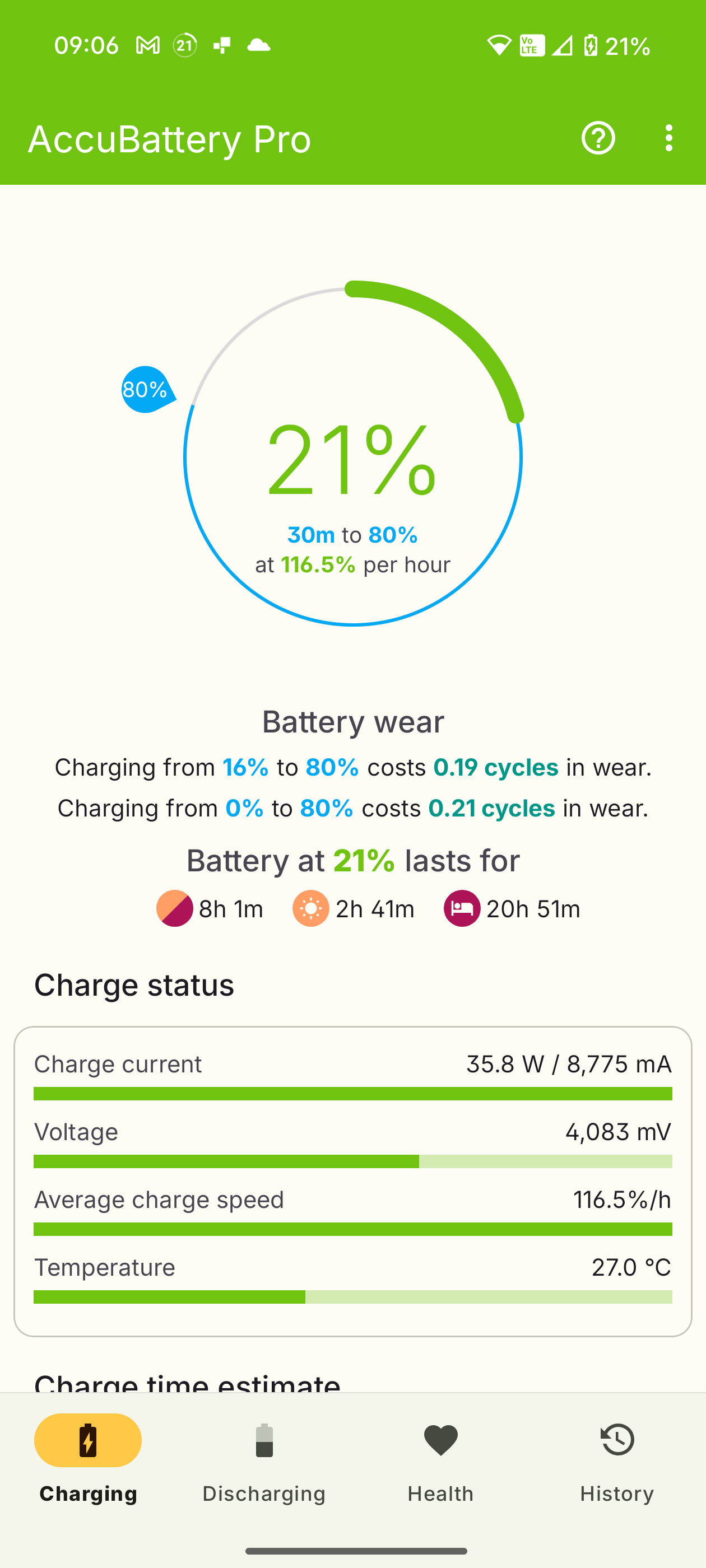
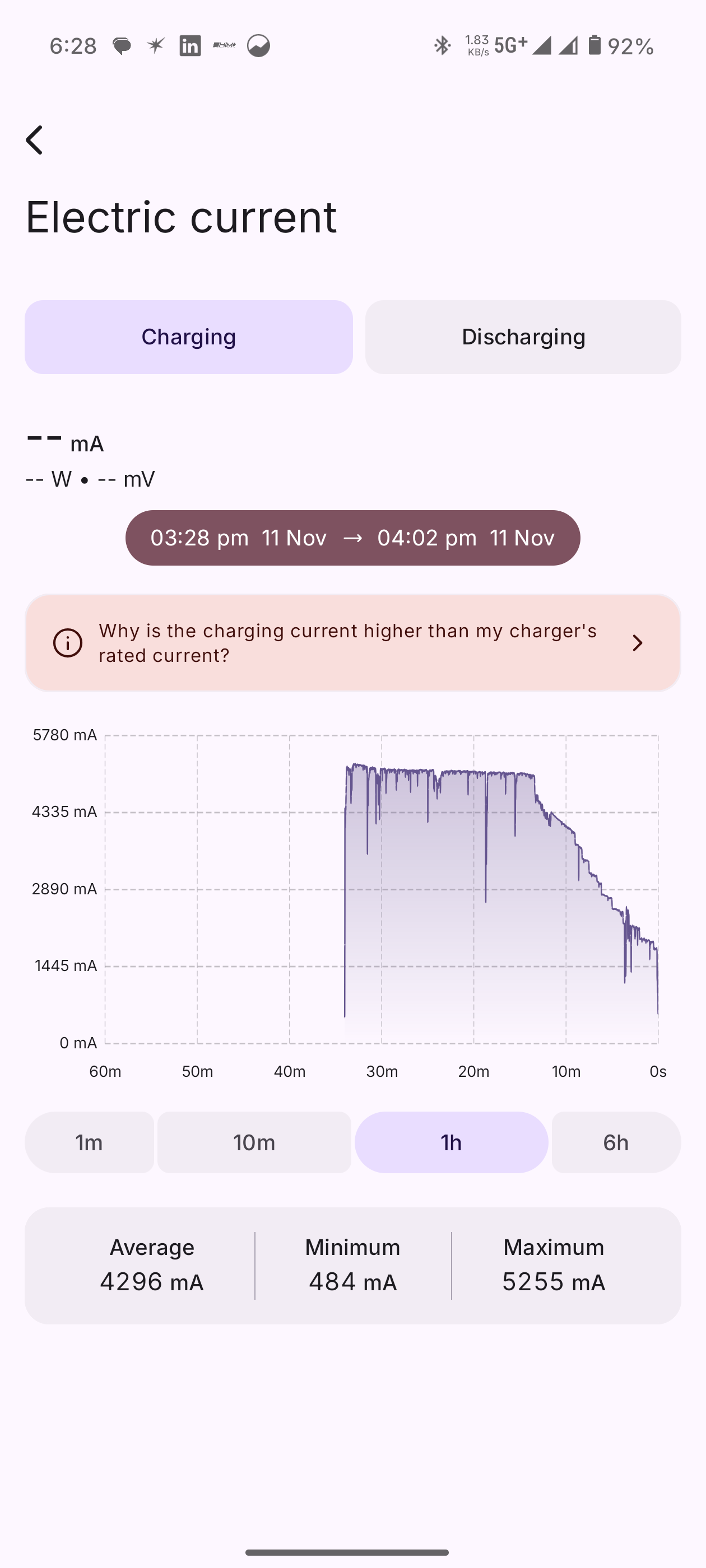
Before You Start
Find Your Device Type: Go to Settings > About Phone to check your device model. This tells you if it’s a Qualcomm device (like Nothing Phone 1) or an MTK device (like Phone 2a).
Watch the Video: If you’re unsure, check the video guide here: Watch here.
Steps:
Dial *#*#569#*#* and select Charging.
Enable Screenshot, Record Screen, and Bug Report.
Choose NOT REBOOT.
Reproduce the charging issue.
When it happens, press Volume Down + Power for a screenshot.
Dial *#*#569#*#* again or tap the notification.
Tap Stop Capture and wait for Log Saved.
Press OK.
In the Log Tool, tap the top-right corner, select Log List, long-press the log file, and choose Copy.
Open File Manager, go to Internal Storage > NtShareLog, upload to Google Drive, and share the link with support.
Log Files You’ll Get:
charging_log_Xxxx-XXX.ZIP (charging data)
bugreport2025-xxxx.ZIP (device overview)
Note: If the log doesn’t save, restart the Log Tool and try again.