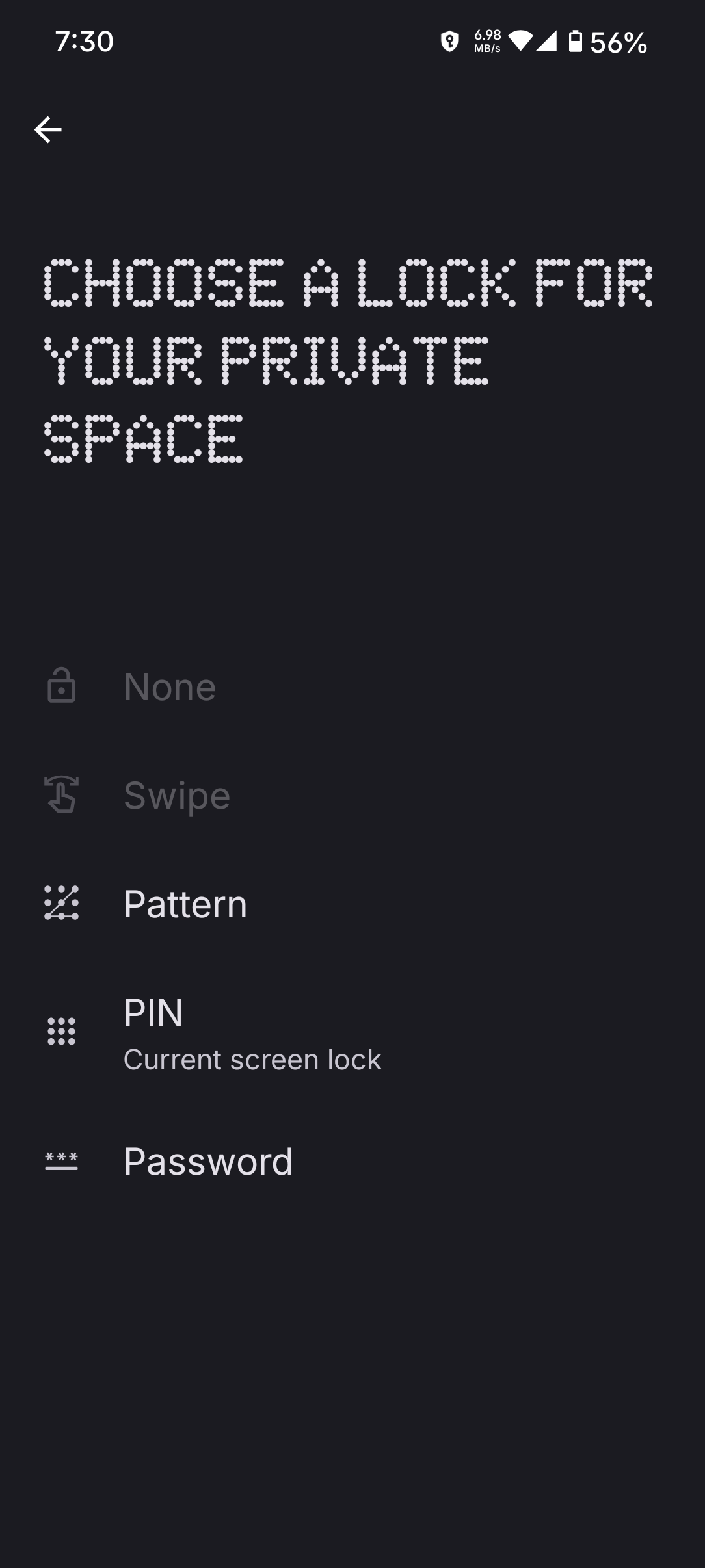
DJ here is the official Android doc
https://source.android.com/docs/security/features/private-space
please note the first sentence:
Private Space enables users to create a secure, isolated environment on their device to keep sensitive apps away from prying eyes. Apps in the private space show up in a separate container in the launcher, and are hidden from the recents view, notifications, settings, and from other apps when the private space is locked.
The sandboxed space is a separate Android profile When the end user adds or installs an app inside private space, the app is installed in this new Android profile. The system treats this as a fresh app install, and no app data is copied over to the private space. When the space is locked, the private profile user is stopped, and when the space is unlocked, the user is started.
Apps in the private space are installed as separate copies of the apps in the main space. User content (user-generated or downloaded) and user accounts are separated between the private space and the main space. You can use the system Sharesheet and the Photo Picker to give apps access to content across spaces only when the private space is unlocked.
Is your private space unlocked?