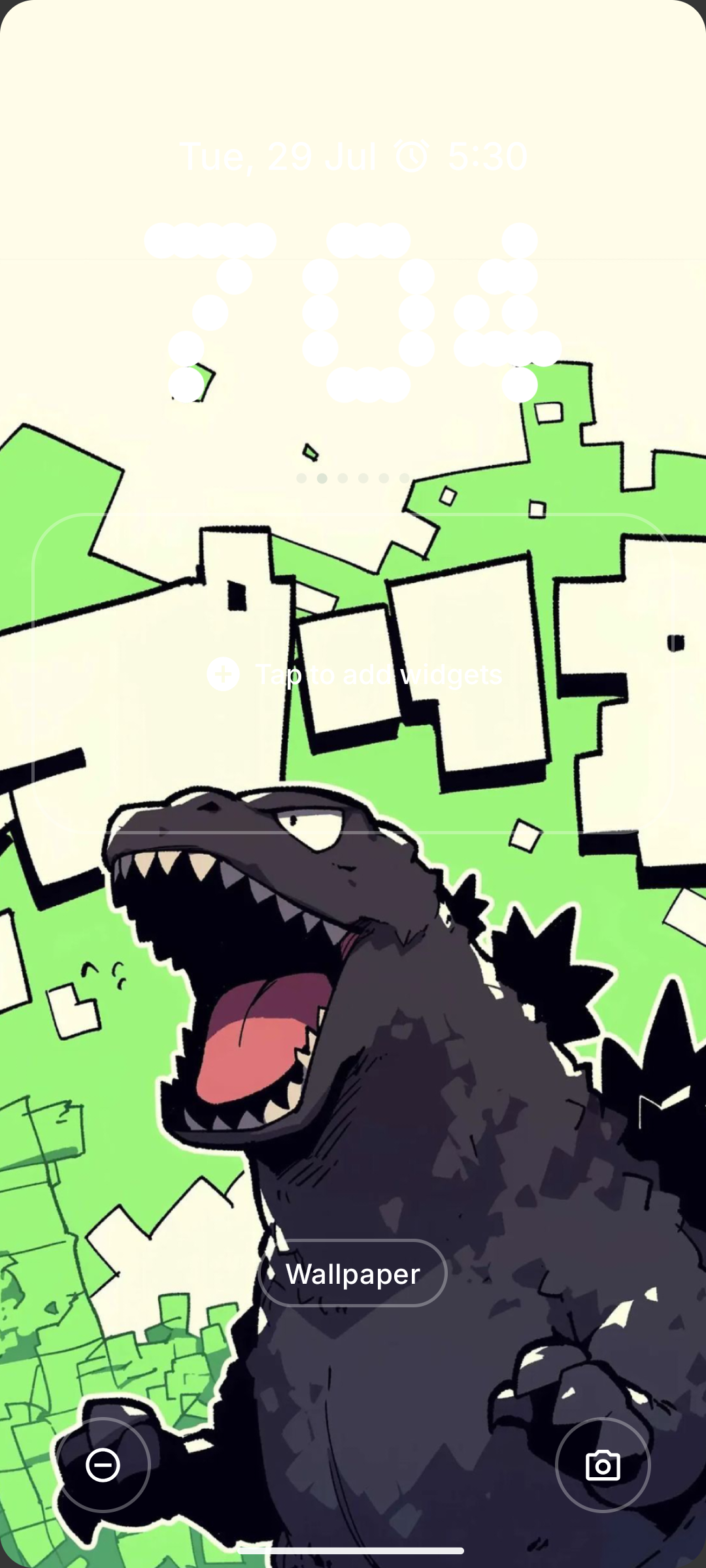
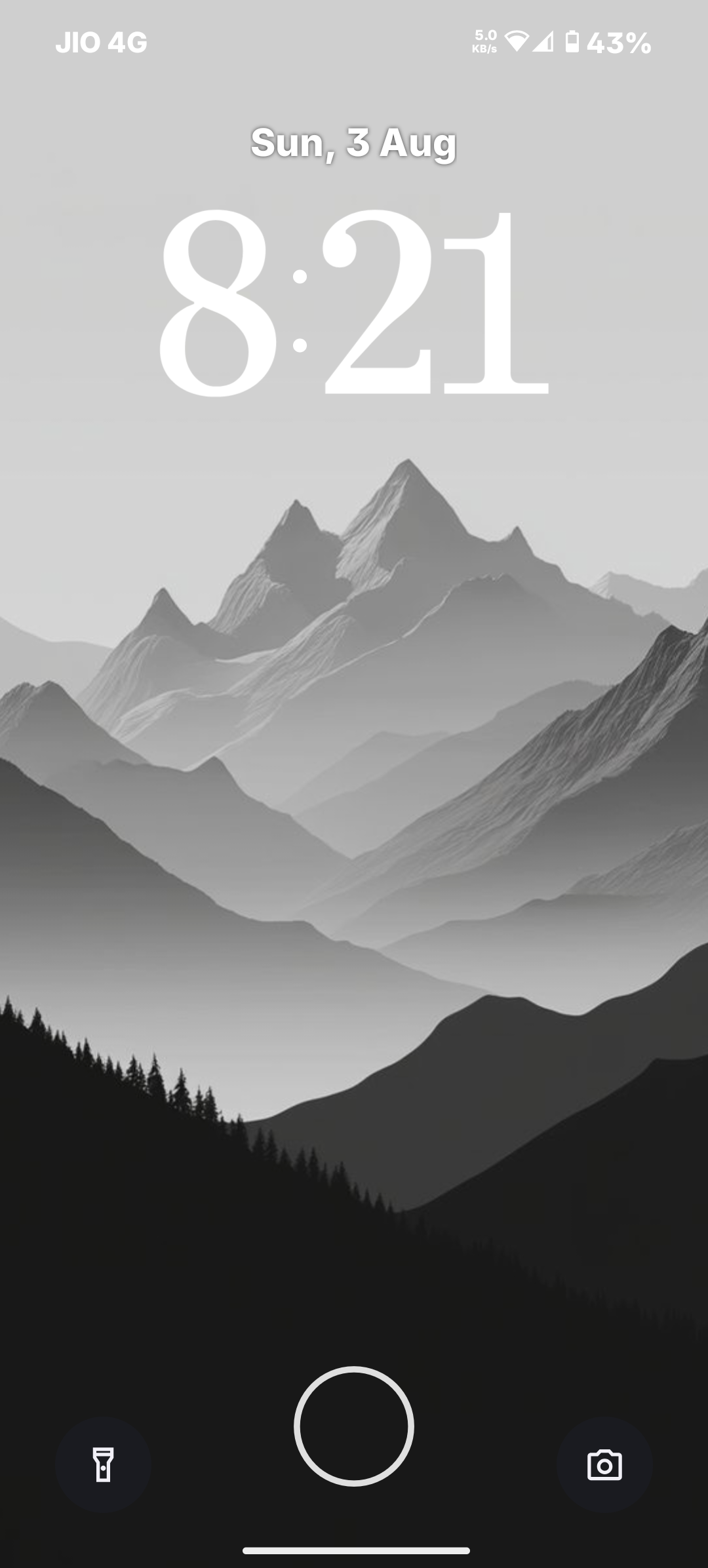
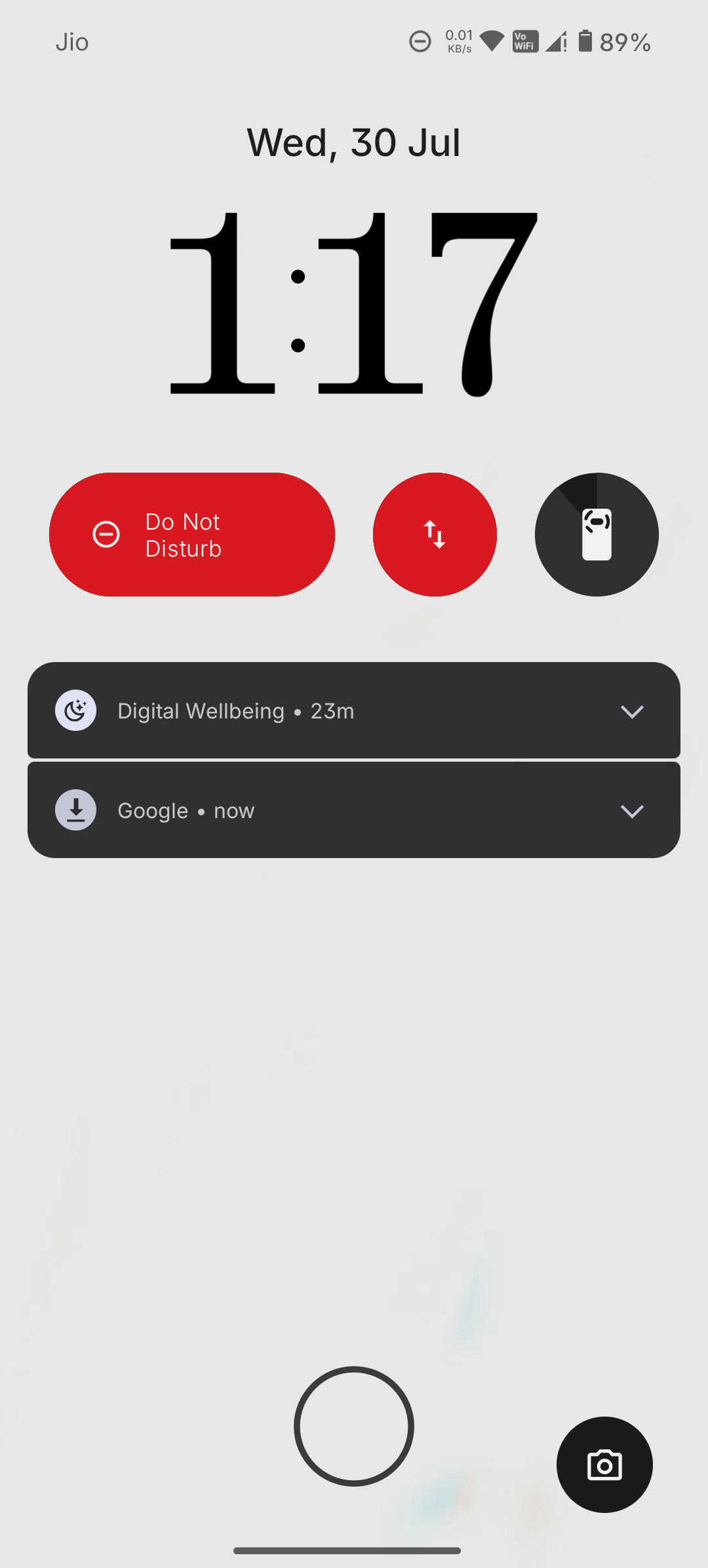
Anuzzi So there should be options to change the lock screen clock fonts and colors. Even scale if possible. Like, wth is this 😭
Harry_275 Anuzzi I saw a workaround trick that worked for many, but I believe it was for phone 1 or phone 2, I don’t even remember where I read that (probably reddit or the community itself), but yeah we cant use light background as wallpaper at the end 😞
Anuzzi Harry_275 what was the workaround? Was it to keep the background color to pure white so that the clock changes to black? Cuz I don’t want to keep my background white af
Harry_275 Anuzzi They somehow did it using the Google photos, I don’t remember anything about how they did that! Another method is to use a ‘White af’ picture as yo wallpaper 🙂
Keith Yep, I’ve had to edit some backgrounds and add a gradient just to get my clock to show up properly 😞 Clock should definitely be able to change either manually or be aware of the primary color behind it
ArkodeepSen Forget useful features. Lets check out this pixelated small screen on your next phone…just buy it.
SiyonSavalajkar Yes u all r right… and also i got to know now tht we th nothing is 4.0 they are coming with full pitch dark mode themes. Which I asked them some days ago, when I told them in name of dark theme why are you all offering gray scaled screen. Dark mode screen means it should be pitch black screen where everything should be darkened. And it also helped to save battery, so they are coming with it. I hopefully say that whatever ur concern is bro about fonts and color options fr lock screen or lock screen clock they will come up with it soon .