To use community-made Glyph Toys, you first need to download an app that has them built-in, like Dot Hub.
Once you have downloaded and opened the app, you will need to check if there are any necessary permissions or settings.
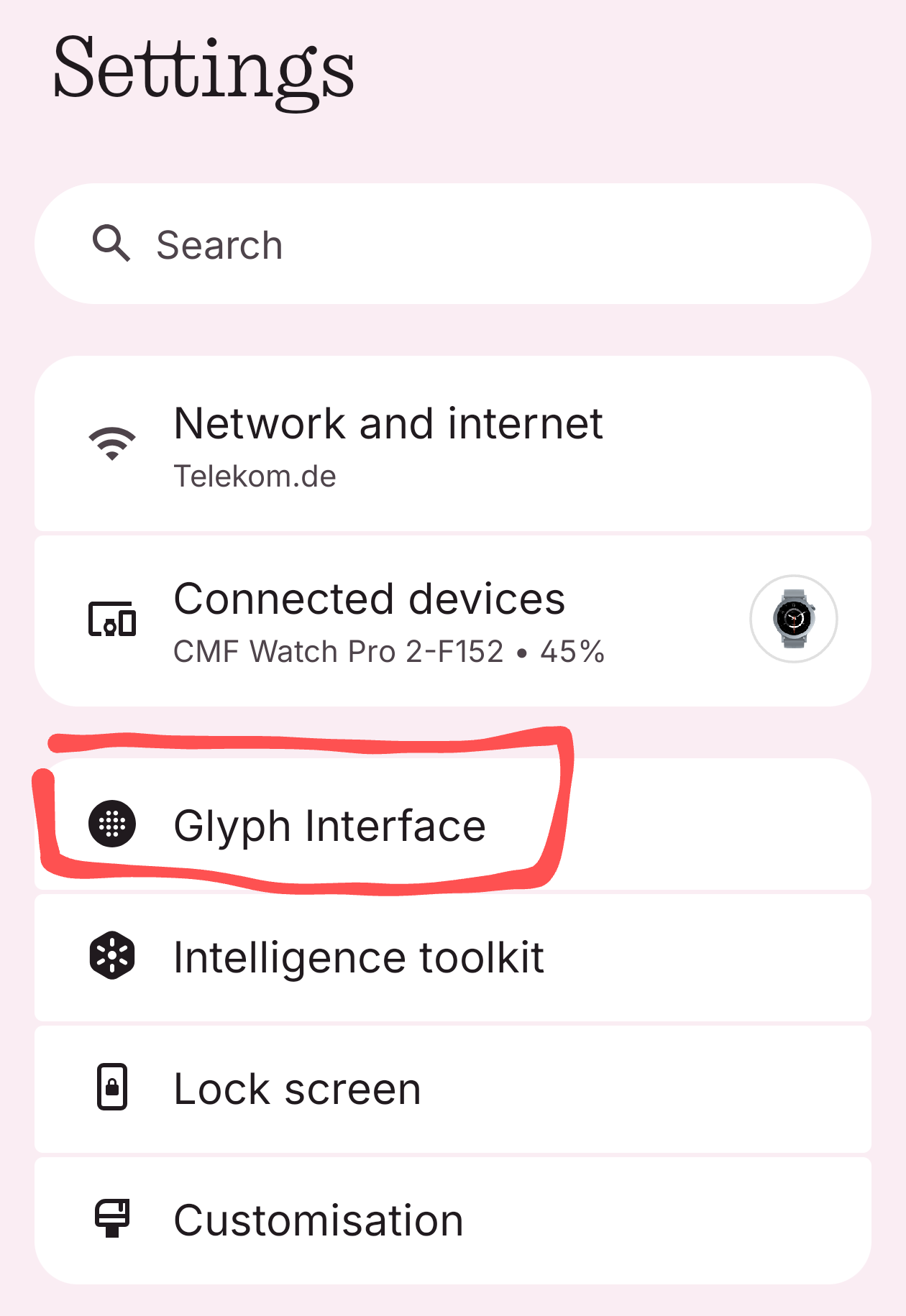
Next, open your phone’s Settings.
Then, go to the Glyph Interface section.
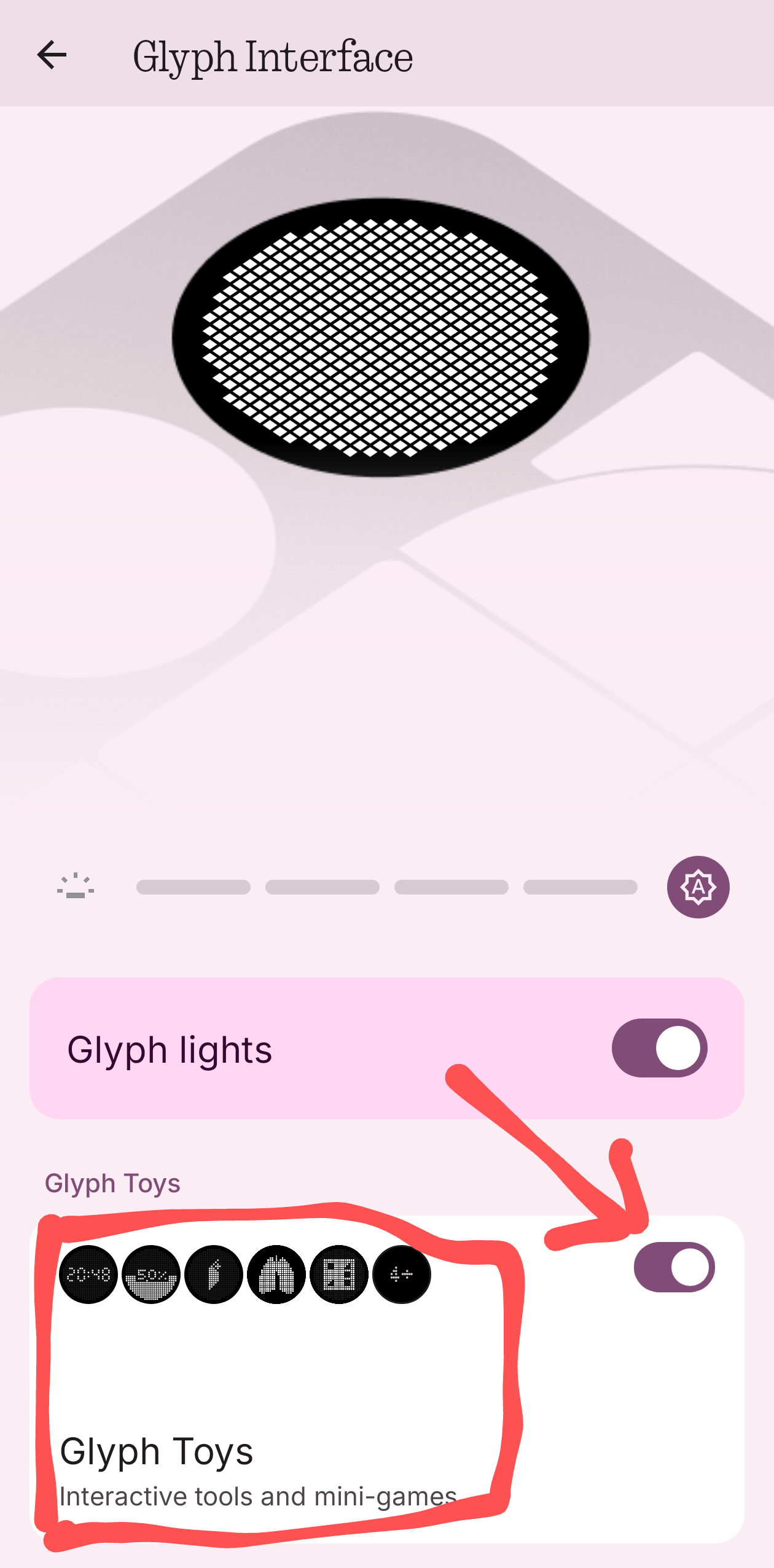
From there, make sure that Glyph Toys are enabled, and then open them.
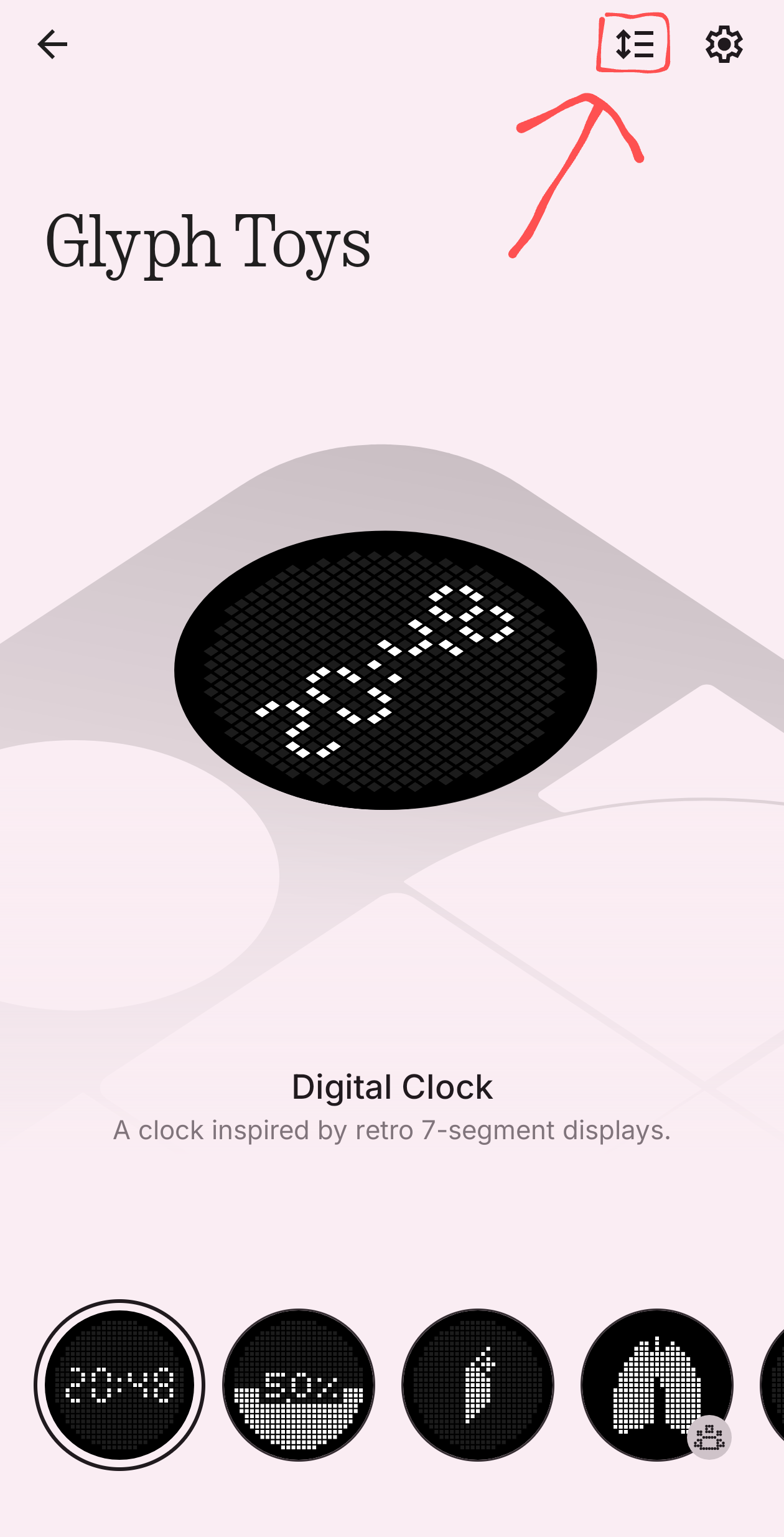
In the upper-left corner, press the icon to add or remove Glyph Toys.
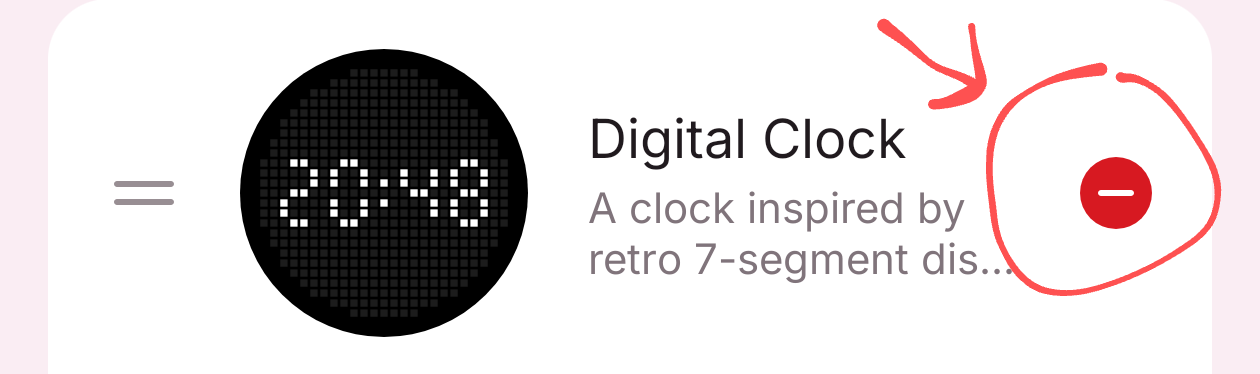
To remove selected Glyph Toys, press the minus button or drag them to the disabled Glyph toys section.
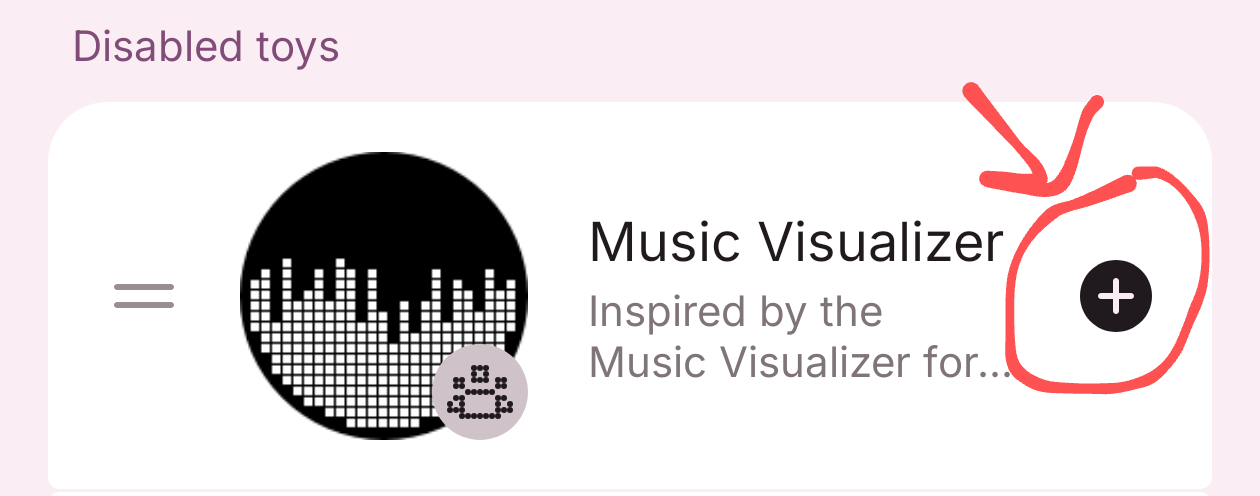
To add them, tap the plus button or drag them to the active Glyph toys section.
You should now be able to use them.
