Self Resolve
I solved it myself.
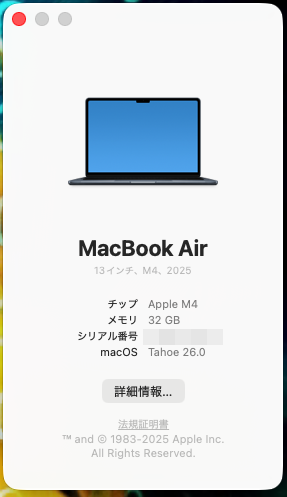
The problem was that the sound output setting on my M4 Mac Book Air was set to multiple output devices instead of Ear(3).
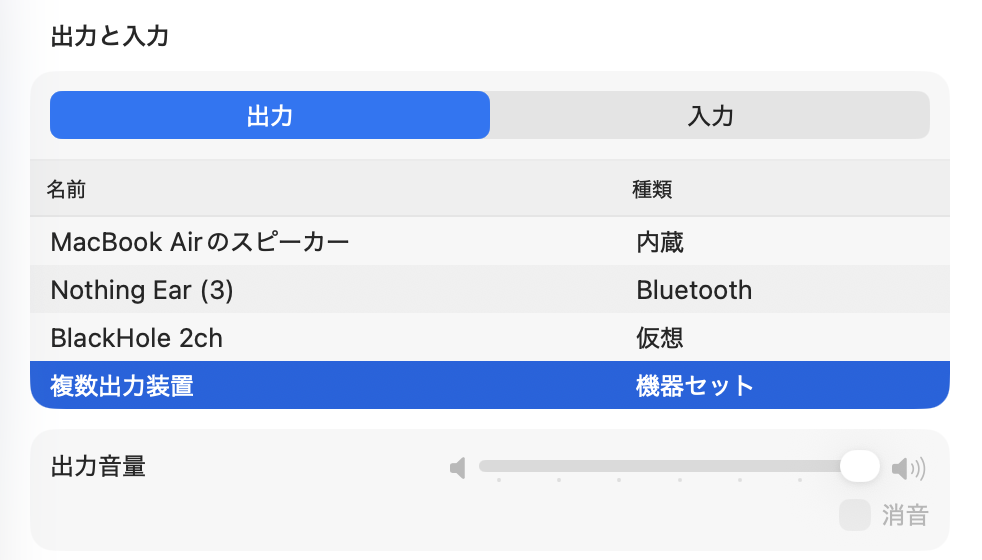
However, the mystery remains that Ear was OK but Ear(3) was not.
—
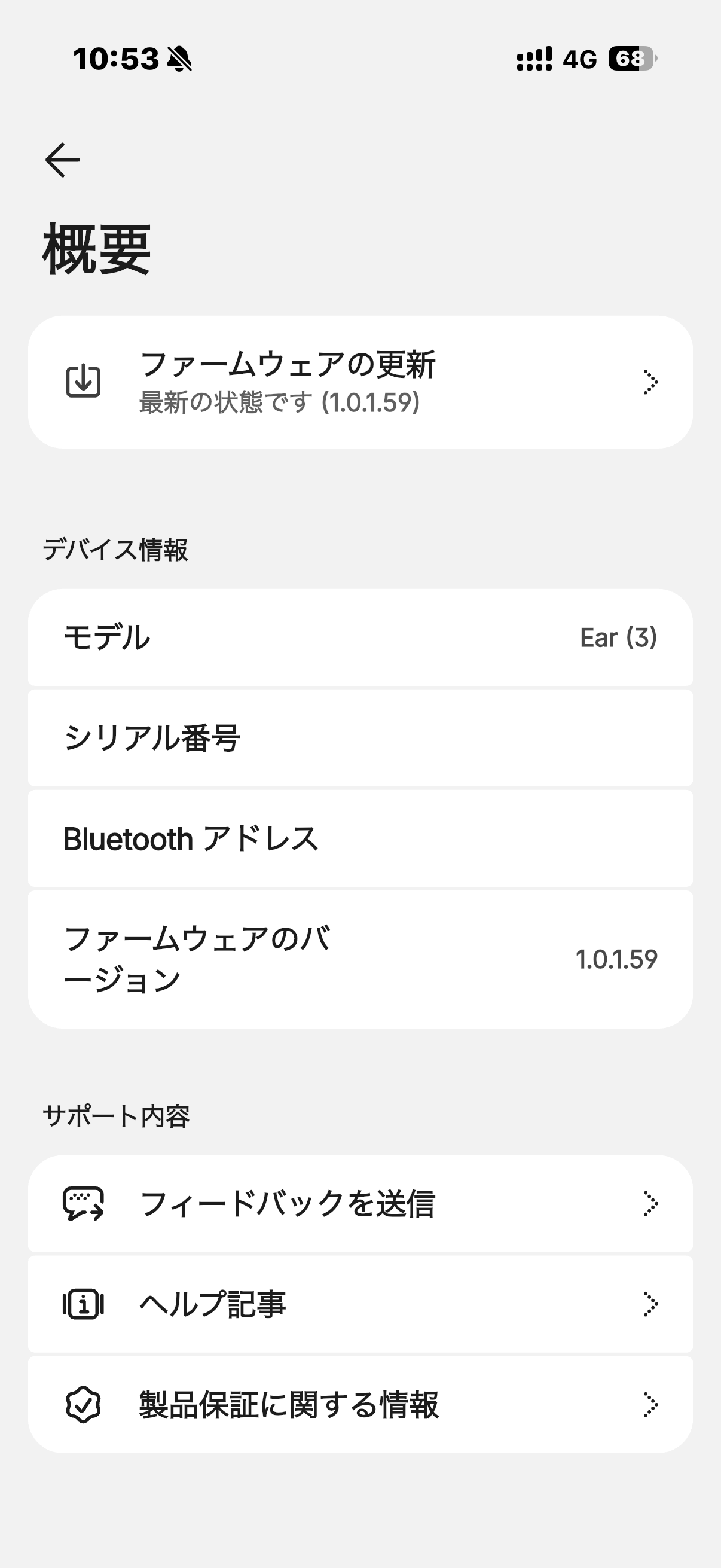
I paired the Ear(3) with my M4 Mac Book Air and was able to connect, but I’m experiencing an issue where I can’t hear any sound from the Ear(3).
Has anyone else experienced the same problem?
By the way, Headphone(1) and Ear can be connected to and hear sound from the M4 Mac Book Air without any problems.
I tried the following:
M4 Mac side steps
1. Unpairing
2. Disconnecting
3. Restarting macOS
4. Pairing
5. Connecting
I tried the above steps twice, but it didn’t work